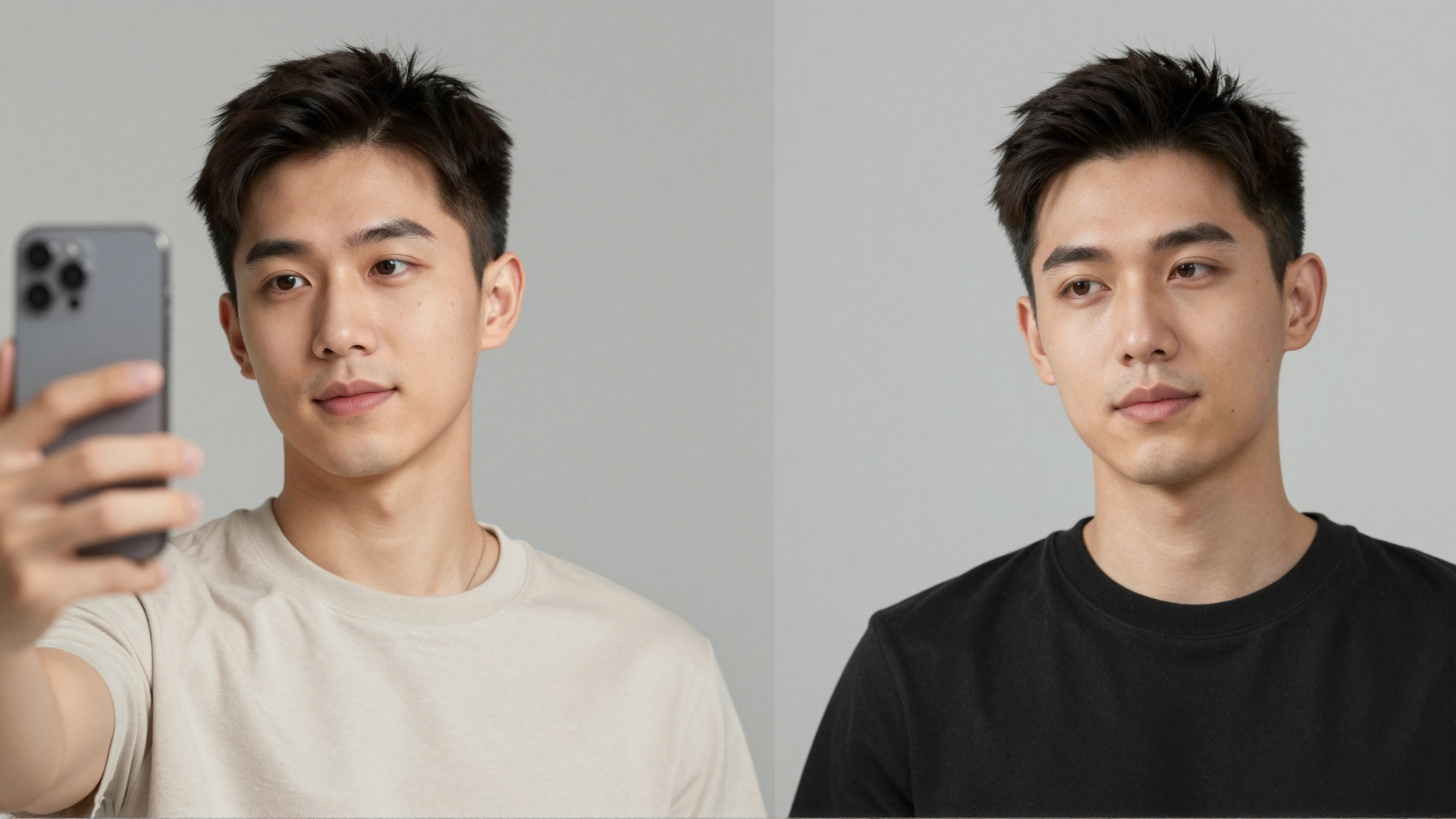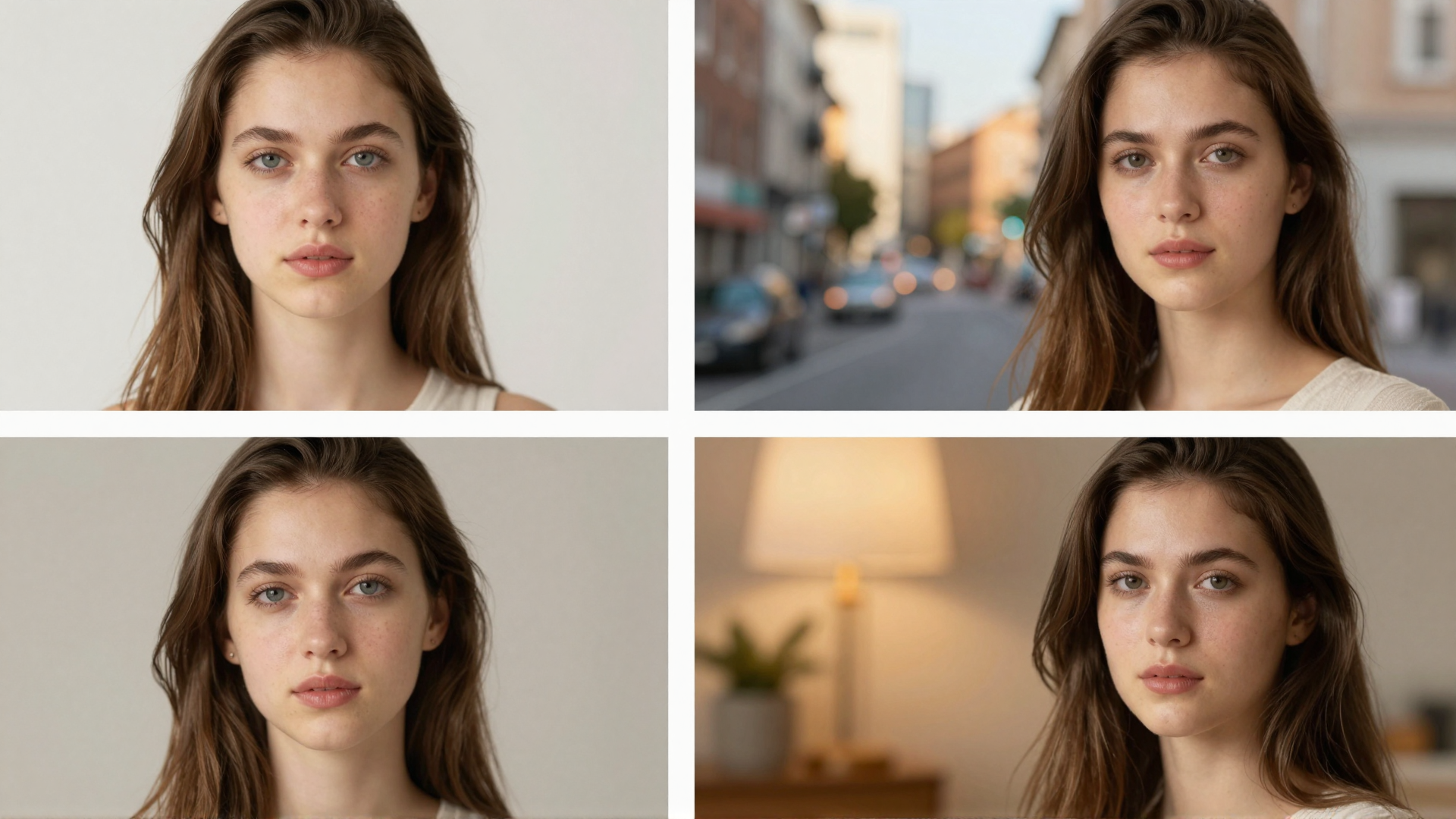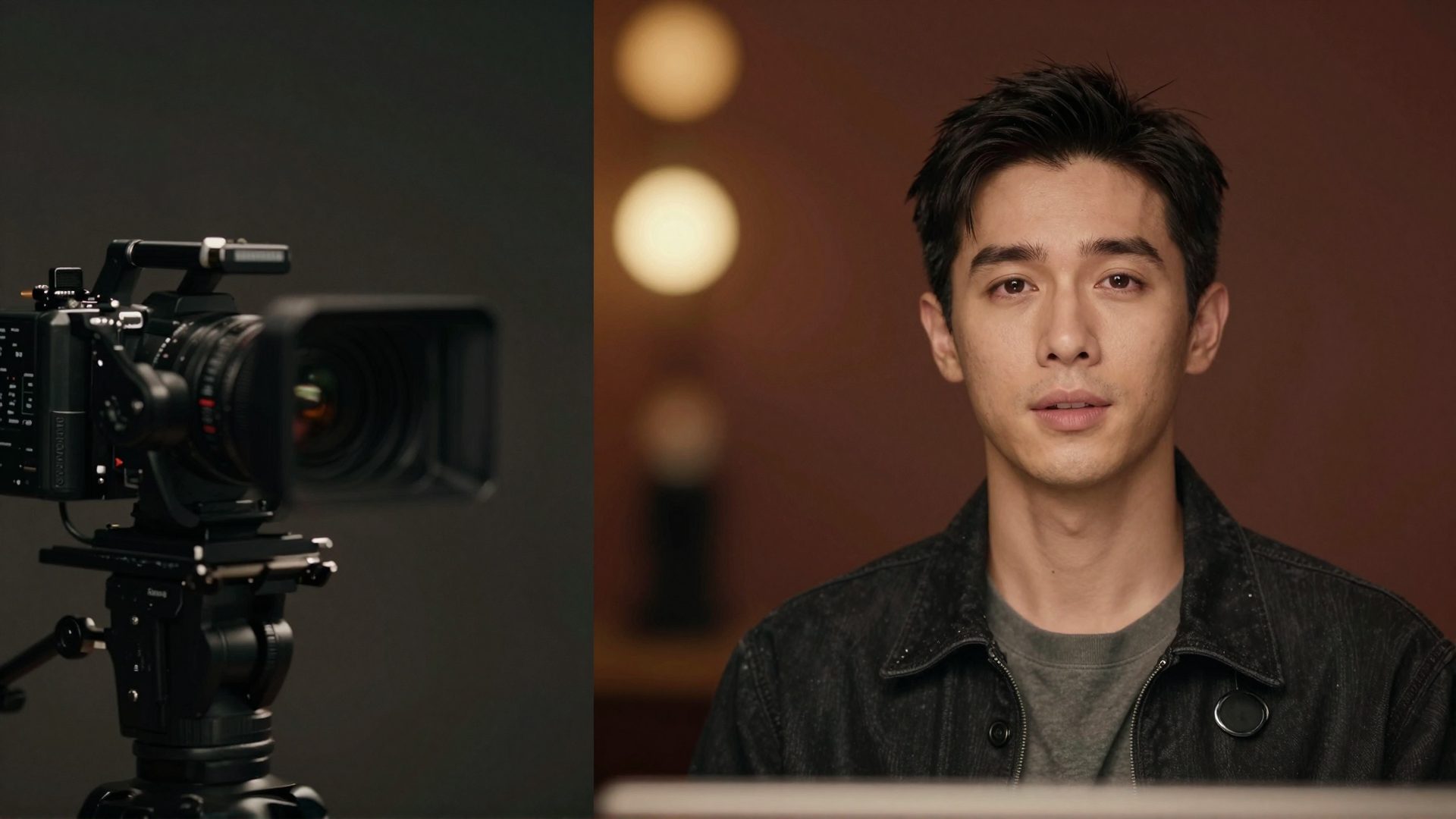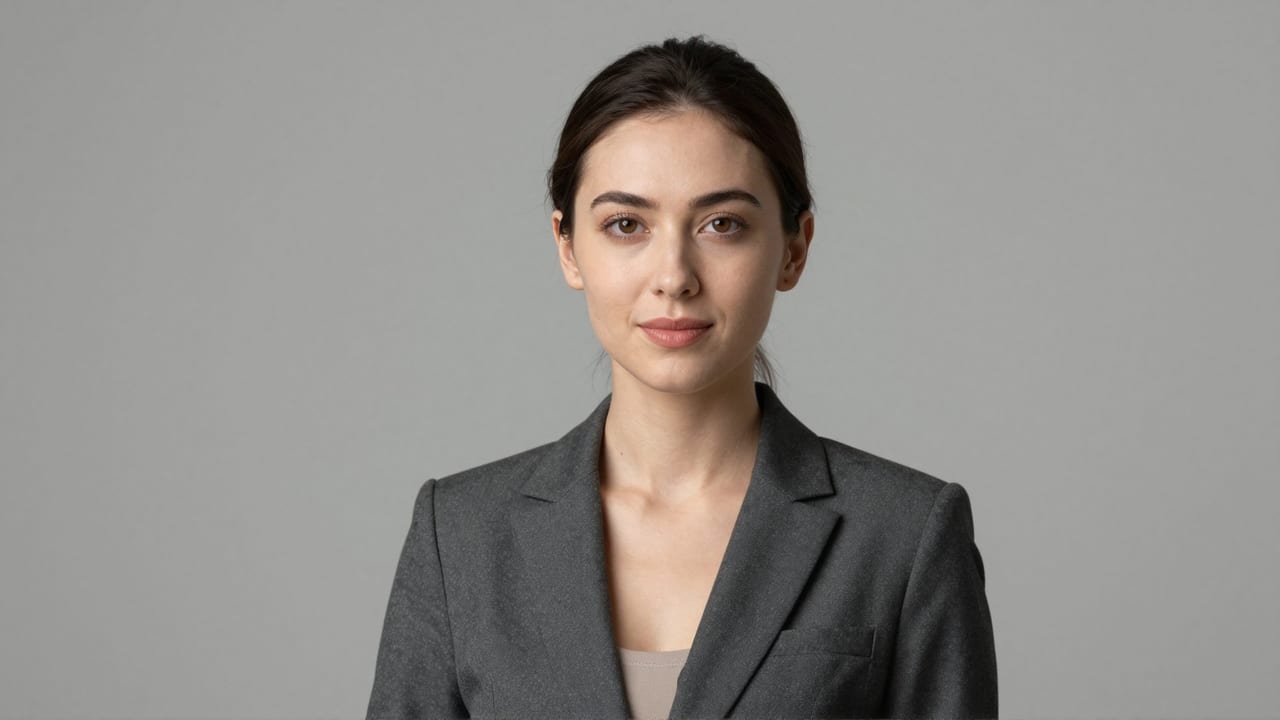
If you searched for a HeadshotPro alternative, you probably already understand what HeadshotPro does well: you upload a batch of selfies, wait a couple of hours, and get back a pack of business headshots with curated corporate backdrops and outfits. It is one of the more established AI headshot services, aimed heavily at teams and companies that need everyone on the "About" page looking consistent. For that job, it is a reasonable choice.
But "reasonable for teams" is not the same as "right for you." Maybe you need one good LinkedIn photo, not a 240-image pack. Maybe you dislike paying a per-person fee before you have seen a single result. Maybe you want headshots and the ability to upscale, restore, or edit other images without signing up for a second tool. This article compares HeadshotPro with the Imagera AI Headshot Generator honestly: where HeadshotPro genuinely wins, where Imagera fits better, how the pricing math actually works, and what AI headshots can and cannot do in 2026.
Quick answer: Imagera is a strong HeadshotPro alternative that turns 1 uploaded selfie into studio-quality AI headshots, priced in flexible credits with no forced bundle.
How many photos do you need to upload to Imagera for professional AI headshots?
You can generate a polished headshot from just 1 photo, though uploading 3-5 angles improves likeness. Imagera renders results at up to 4K resolution, offering 100+ background and wardrobe styles. Unlike bundle-locked tools requiring 10-20 training shots, Imagera's 2026 pipeline needs a single clear selfie to start, and you pay per batch in credits.
Is Imagera a better HeadshotPro alternative for one-off headshots in 2026?
For a single professional headshot, Imagera avoids large upfront packages: you spend credits only on the batches you generate, at 4K quality with 100+ styles and quick edits. A sharp, professional headshot is often the first thing people notice on a LinkedIn profile or resume, so a fast, low-commitment option that skips the big photo-training package is a practical fit for occasional users.
Why People Look for a HeadshotPro Alternative
1. Pack pricing doesn't fit one-off needs. HeadshotPro is built around packs. As of 2026 its individual tiers run roughly $29 for around 40 headshots, $39 for around 120, and $49 for around 240, with dedicated per-person team pricing on top. That is efficient if you need volume, but if you only want a single strong portrait for a new job or a profile refresh, you are buying a whole pack to use a fraction of it.
2. You upload a lot of photos and then wait. Reviewers consistently report that HeadshotPro asks for a sizable batch of selfies (commonly cited in the 15-25 range) and that generation takes roughly one to three hours. That is fine for a planned rollout, less fine when you want a result the same afternoon or don't have a dozen usable photos of yourself on hand.
3. It only does headshots. HeadshotPro is a focused product, which is a strength for teams but a limitation for individuals. Once your headshots are generated, editing options are limited, and the tool won't help you upscale an old photo, clean up a product shot, or remove a background elsewhere. Many people looking for an alternative want their headshot tool to be part of a broader kit.
Imagera vs HeadshotPro: Feature Comparison
| Feature | HeadshotPro | Imagera |
|---|---|---|
| Pricing model | One-time pack fee, priced per person | Pay-per-use credits |
| Entry price (as of 2026) | ~$29 pack | Credit packs from 350 credits ($39.99); plans from $19.99/month |
| Subscription required | No (pack purchase) | No; credits don't expire |
| Output per purchase | Pack of ~40-240 headshots by tier | Generate on demand, no fixed pack |
| Watermark on output | No | No |
| Selfie input | Multiple selfies (reviews report ~15-25) | A few selfies |
| Turnaround | ~1-3 hours reported | Runs in-browser, on demand |
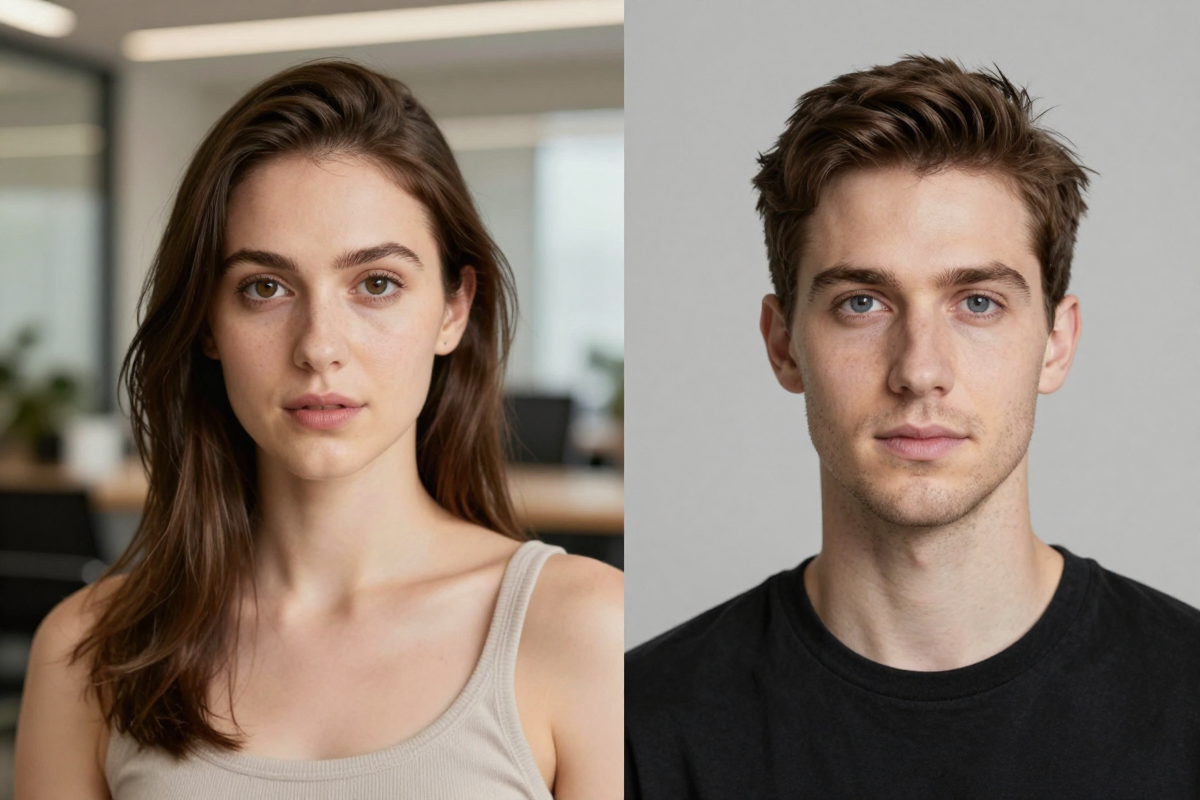
| Style/role range | 120+ curated corporate presets | Role variants: LinkedIn, corporate, actor, doctor, lawyer, real estate |
| Team/B2B onboarding | Dedicated team plans and discounts | Individual-focused; no team console |
| Install / hardware | Web app | Browser, any device, no install or GPU |
| Wider toolset | Headshots only | Full bundle: upscale, restore, product, background, edit, video |
Where HeadshotPro Wins
Being honest matters here, because HeadshotPro is genuinely strong in several areas:
- Purpose-built for teams. Dedicated per-person pricing, volume discounts, and a workflow designed for onboarding a whole company make it a cleaner fit for HR or marketing rolling out consistent staff photos.
- Curated corporate look. Its 120+ presets are tuned for business contexts, so the backdrops and outfits feel deliberately "office professional" without much fiddling.
- High volume per purchase. A single pack can return well over a hundred images, giving you many angles, outfits, and backgrounds to choose from in one go.
- Brand consistency at scale. Because everyone runs through the same style presets, a team ends up with a coherent, uniform set of headshots — valuable for an "About Us" grid.
- Established track record. HeadshotPro publicly cites millions of headshots generated for a large customer base and a high Trustpilot rating, plus clear data-deletion timelines (input photos removed after about 7 days, outputs after about 30) and full commercial rights to your images.
If your actual need is "40 people, one consistent brand look, done next week," HeadshotPro is built for exactly that.
Where Imagera Wins
- Pay-per-use, no pack tax. Credit packs start at 350 credits and are spent per use. There is no per-person pack fee to unlock a result, so a one-off headshot doesn't cost the same as outfitting a department.
- Credits don't expire, no subscription. You are not on a recurring plan, and unused credits stay available for your next headshot or any other tool.
- No watermark on output. Finished images are clean and yours to use.
- Role variants beyond generic corporate. Beyond standard business looks, Imagera offers headshot styles aimed at specific roles — LinkedIn, corporate, actor, doctor, lawyer, and real-estate profiles.
- Fewer inputs to start. The Imagera AI Headshot Generator is built to turn a few selfies into a studio-style headshot, rather than requiring a large batch.
- Part of a full finishing suite. The same credits work across upscaling, restoration, product photos, background edits, humanizing AI images, general editing, and video — so your headshot tool isn't a single-purpose island.
- Browser-based on any device. No install, no download, no GPU. It runs in a normal browser on a phone or laptop.
Pricing Compared
The two products price around different assumptions, so compare them by what you actually need.
HeadshotPro's model is pack-first. As of 2026, individual tiers sit at roughly $29 / $39 / $49 for progressively larger packs (about 40, 120, and 240 headshots), with more backdrops and outfits at higher tiers, and separate per-person pricing (commonly around the $39 mark with volume discounts) for teams. The break-even logic favors HeadshotPro when the number of headshots you'll genuinely use is high, or when you're buying for many people at once. You pay once and get a large library.
Imagera's model is pay-per-use. Credit packs start at 350 credits, and pack credits don't expire. That favors you when you want one or a handful of polished headshots rather than a bulk library — you're not pre-paying for 200 images to use two. It also spreads value across other tasks: leftover credits can go toward upscaling a portrait, cleaning up a product photo, or editing another image later, instead of sitting idle in a headshot-only pack. The honest trade-off: if you specifically need a very large batch of business headshots for a whole team in one sitting, a dedicated pack service can be more cost-efficient per image.
How the Imagera AI Headshot Generator Works (Step by Step)
- Go to the Imagera AI Headshot Generator in your browser — no app install, download, or GPU required, on phone or laptop.
- Choose a role variant that matches your goal: LinkedIn, corporate, actor, doctor, lawyer, or real-estate headshot styles.
- Upload a few clear selfies. Well-lit, front-facing photos with your face unobstructed give the model the most to work with.
- Confirm your style, background, and framing preferences for the look you want.
- Generate the headshot. Imagera runs in the browser and returns a studio-style result.
- Review the output, regenerate or adjust the style if you want a different angle or background, and download the finished image with no watermark.
Because it is pay-per-use, you only spend credits on the generations you run, and unused credits remain for your next headshot or any other Imagera tool.
Common Use Cases
LinkedIn and job-hunting profiles
A single strong, current portrait often matters more than a 200-image pack. The LinkedIn headshot variant targets the clean, approachable, professional look recruiters expect, without committing you to a subscription or a bulk purchase.
Corporate and company profiles
For consistent business portraits, the corporate headshot style produces office-appropriate backgrounds and framing. For a small handful of people, generating individually on pay-per-use credits can be simpler than provisioning a full team plan.
Role-specific headshots
Doctors, lawyers, actors, and real-estate agents each have visual conventions their audiences expect. Imagera's role variants aim at those contexts specifically, rather than applying one generic "corporate" template to everyone.
One tool for headshots plus everything after
Because Imagera is a bundle, the same account and credits handle the follow-on work: upscaling the final image for print, restoring an older reference photo, or editing the background — no second subscription needed.
What AI Headshots Can and Cannot Do (Honest Limitations)
AI headshots — from any tool, including both products here — are genuinely useful but not magic, and it's worth being clear about the limits.
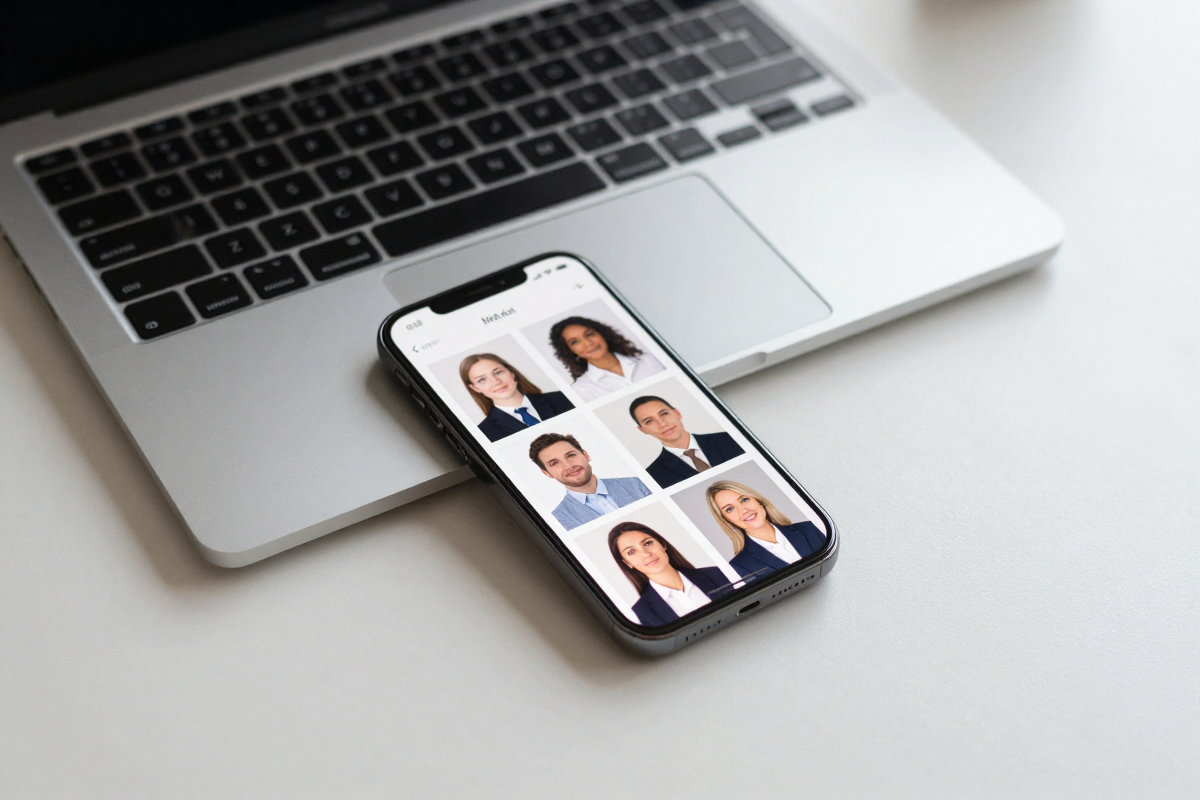
What they do well: produce clean, studio-style lighting and backgrounds from ordinary selfies; give you multiple looks quickly; and replace a basic photo shoot for profile-picture purposes at a fraction of the cost. For LinkedIn, team pages, and directories, results are often more than good enough.
Where they struggle: likeness accuracy is the recurring honest caveat across the category. Reviewers of AI headshot tools — HeadshotPro included — note that some generated images simply don't look enough like the person, and that fine details (eyes, hands, subtle facial structure) can come out slightly off. Expect to review a set and pick the ones that read as "you," rather than assuming every output is perfect. Input quality drives output quality: blurry, heavily filtered, or poorly lit selfies produce weaker headshots.
They also can't replace a real photographer for high-stakes editorial, brand campaigns, or situations that need a specific pose, expression, or wardrobe on a real person. And no AI tool can guarantee an image that is indistinguishable from a studio shoot to a trained eye. If realism is your main concern, it's worth reading a grounded breakdown of whether AI headshots look real before you decide.
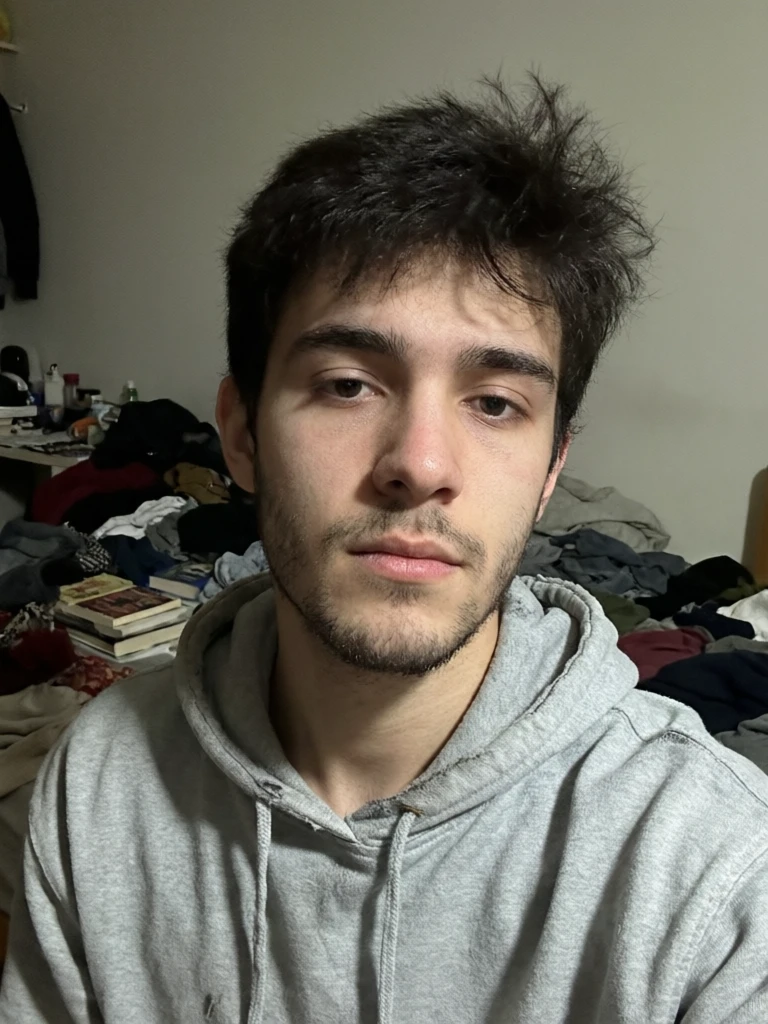
See it in action — real Imagera output
These are real, unedited results from the Imagera ai headshot — the exact tool this guide covers.

Bottom Line
HeadshotPro and Imagera solve overlapping problems from different angles. HeadshotPro is a focused, established B2B headshot service: if you need a large, brand-consistent batch of corporate portraits for a team, its pack pricing, curated presets, and team onboarding are built for that job and do it well. There's no need to pretend otherwise.
Imagera fits the individual or small-team case better. Pay-per-use credit packs that start at 350 credits and don't expire, no watermark, a few selfies instead of a large batch, role-specific styles, and a full editing suite behind the same account make it a flexible pick when you want a polished headshot on demand rather than a bulk library. If that's you, start with the Imagera AI Headshot Generator and generate exactly the headshot you need.
Related: LinkedIn Headshot Generator · Corporate Headshot Generator · Do AI Headshots Look Real?