Aragon AI Alternative: Imagera Headshots Compared (2026)
If you have been shopping for an Aragon AI alternative, you are probably weighing one specific trade-off: Aragon AI produces genuinely polished professional headshots from a batch of selfies, but it asks you to commit to a one-time pack of $35 to $75 (as of 2026) whether you need 20 usable shots or two. That pack model is efficient when you want a large one-time batch, and it can feel like overpaying when you only need a couple of clean headshots for a LinkedIn refresh or a conference bio.
This article compares Aragon AI with Imagera's AI Headshot Generator, a browser-based tool that turns a few selfies into a professional studio headshot using pay-per-use credits instead of a fixed pack fee. We cover why people search for an Aragon alternative, a feature-by-feature table, an honest look at where each tool wins, a pricing breakdown with break-even reasoning, a step-by-step walkthrough, real use cases, and the limitations of AI headshots in general. The goal is a balanced comparison you can actually decide with — not a sales pitch.
Quick answer: Imagera is a strong Aragon AI alternative for AI headshots, generating polished, studio-quality portraits from a handful of selfies with 4K resolution and credit-based pricing that avoids locked photo-pack bundles.
How does Imagera compare to Aragon AI for professional headshots?
Imagera trains on as few as 6 to 10 selfies and returns dozens of headshot variations at up to 4K resolution. Unlike fixed Aragon-style packs, Imagera uses flexible credits (multiples of 5), so you pay only for the shots you generate across 100+ background, wardrobe, and lighting combinations in 2026.
Which option gives more control over headshot styles and backgrounds?
Imagera lets you guide a headshot with a source portrait and a prompt describing clothing, lighting, and background. Review the model's supported settings and the credit quote, then generate a small test before making more variations. This gives you room to refine the portrait one change at a time instead of assuming every output will be a keeper.
Why People Look for an Aragon AI Alternative
Aragon AI is a well-reviewed product with thousands of Trustpilot ratings, so most people leaving it are not fleeing a bad experience. They are usually reacting to one of three specific frictions.
1. The pack fee is a big minimum commitment. Aragon's entry point sits around $35 and climbs to roughly $75 for the premium tier (as of 2026). If you need one big set of headshots in many outfits and backgrounds, that math works out to a low per-photo cost. If you only need a handful of images — or you want to test the waters before spending — paying a full pack up front is a hurdle. There is no small "just try one" tier.
2. Likeness can drift. Multiple 2026 reviews note that while Aragon's output is polished and professionally retouched, it sometimes changes features users did not ask it to change — eyebrows, body proportions, and in some cases the overall sense of identity. When the result is beautiful but does not quite look like you, a costly retake or a different tool becomes the fix.
3. Refund friction and single-purpose scope. Aragon's refund policy allows requests within 14 days, but only if no credits have been used, and downloading a photo counts as using the product. Some users on the higher tier have reported being denied refunds after downloading a shot they found unusable. Separately, Aragon does one thing — headshots. If you also need upscaling, background swaps, product photos, or restoration, you are managing multiple subscriptions and tools.
None of these make Aragon a poor product. They are simply reasons a different pricing model or a broader toolset can fit better.
Imagera vs Aragon AI: Feature Comparison
The table below reflects published Aragon details as of 2026 and Imagera's current tool. Numbers that vary by review are hedged qualitatively.
| Feature | Aragon AI | Imagera |
|---|---|---|
| Delivery | Web app, upload batch, wait for generation | Browser-based, no install, no GPU, any device |
| Input | ~6 selfies recommended (up to ~14) | A few selfies |
| Output volume | Dozens per pack (roughly 20-100 by tier) | Pay-per-use per generation, scale as needed |
| Style library | 80+ photo packs / many outfits and backgrounds | Role variants available (studio/professional looks) |
| Turnaround | ~30 min to 2 hours by tier | Runs in-browser per generation |
| Pricing model | One-time packs, roughly $35-$75 (2026) | Pay-per-use credit packs from 350 credits |
| Subscription | No subscription (one-time) | No subscription |
| Credit expiry | Pack credits tied to a session | Credits do not expire |
| Watermark | No watermark on paid output | No watermark on output |
| Post-generation editing | Background/clothing/hair/pose editors, AI retouch | Regenerate and refine; edit tools in the bundle |
| Refund | 14 days, only if no downloads/credits used | Pay-per-use, spend only what you use |
| Beyond headshots | Headshots only | Bundle: upscaling, restore, product photos, background, humanize, edit, video |
Where Aragon AI Wins
Being balanced means naming the things Aragon does better. There are several concrete ones.
- Style volume. With 80+ photo packs and adaptive text-to-image styling, Aragon gives you a wider spread of looks — corporate, creative, seasonal — in a single session than most competitors.
- Mature likeness pipeline. Aragon is built around ingesting many selfies (up to ~14) and is generally praised for realistic, professionally retouched results. The larger the input set, the more consistent the identity capture tends to be.
- Fast batch turnaround. Premium tiers deliver in roughly 10 to 30 minutes, which is genuinely useful for a same-day bio or last-minute website update.
- Post-generation control. Aragon's Background Changer, Clothing Changer, Hair Editor, and Pose Editor let you adjust a finished shot without regenerating from scratch — a level of after-the-fact editing many headshot tools do not offer.
- Low per-photo cost at volume. If you genuinely want 100 headshots in one go, the premium pack's cost-per-image is competitive.
If your single need is "give me a big library of professional headshots in many styles this afternoon," Aragon is a strong, purpose-built fit.
Where Imagera Wins
- No fixed pack fee. Imagera is pay-per-use. You are not forced to buy 100 headshots to get a few. Credit packs start at 350 credits, and no plan is required.
- Credits do not expire. Unused credits stay in your account. There is no "use it or lose it" pressure tied to a one-time session.
- No subscription, no watermark. Like Aragon, there is no recurring charge, and paid output carries no watermark.
- Runs in the browser on any device. No app install, no GPU, no download — useful on a work laptop or a phone.
- It is a bundle, not a single tool. The same account also handles upscaling, photo restoration, product photos, background removal/replacement, humanizing AI images, general editing, and video. If your headshot need sits alongside other image tasks, you are not juggling separate tools.
- Role variants for the headshot itself. Imagera's AI Headshot Generator offers role-oriented studio looks so the output fits the context you need it for.
Pricing Compared
Here is the honest version, because pricing is where the two models genuinely diverge.
Aragon uses one-time packs. As of 2026, tiers run roughly from about $35 (fewer headshots, ~2-hour turnaround) up to about $75 (around 100 headshots, faster turnaround). Tier names and exact counts vary across sources, so treat these as directional. The key point: you pay per session, and the value is best when you use most of the batch.
Imagera uses pay-per-use credit packs that start at 350 credits and do not expire. You spend credits per generation rather than buying a fixed batch up front.
Break-even reasoning. If you want a large one-time library — say 80-100 professional headshots across many outfits and backgrounds in a single sitting — Aragon's premium pack will likely deliver a lower cost per finished image. That is its sweet spot. If instead you need a handful of headshots now and might come back in three months for a couple more, Imagera avoids paying a full pack fee twice; the non-expiring credits carry over, and you only spend on what you actually generate. Occasional users and people who also need other image work tend to come out ahead on Imagera's model; high-volume, one-and-done users often do better on Aragon's pack.
How the Imagera AI Headshot Generator Works (Step by Step)
- Open the tool at Studio Headshot Maker in any browser — desktop or mobile. There is nothing to install and no GPU required.
- Upload a few clear selfies. Front-facing shots with even lighting, a neutral expression, and no heavy filters give the model the most to work with.
- Choose a role variant or professional look that matches where the headshot will be used — corporate, business-casual, or a cleaner studio style.
- Generate. The tool runs in the browser and returns a studio-style professional headshot from your selfies.
- Review the result, then refine or regenerate if you want a different look. Because Imagera is pay-per-use, you only spend credits on the generations you actually run.
- Download the finished image. There is no watermark on the output, and any credits you did not use stay in your account for next time.
Because Imagera is a bundle, you can then take that headshot into other tools — for example, upscale it for a print bio or swap the background — without leaving the same account.
Common Use Cases
LinkedIn and professional profiles
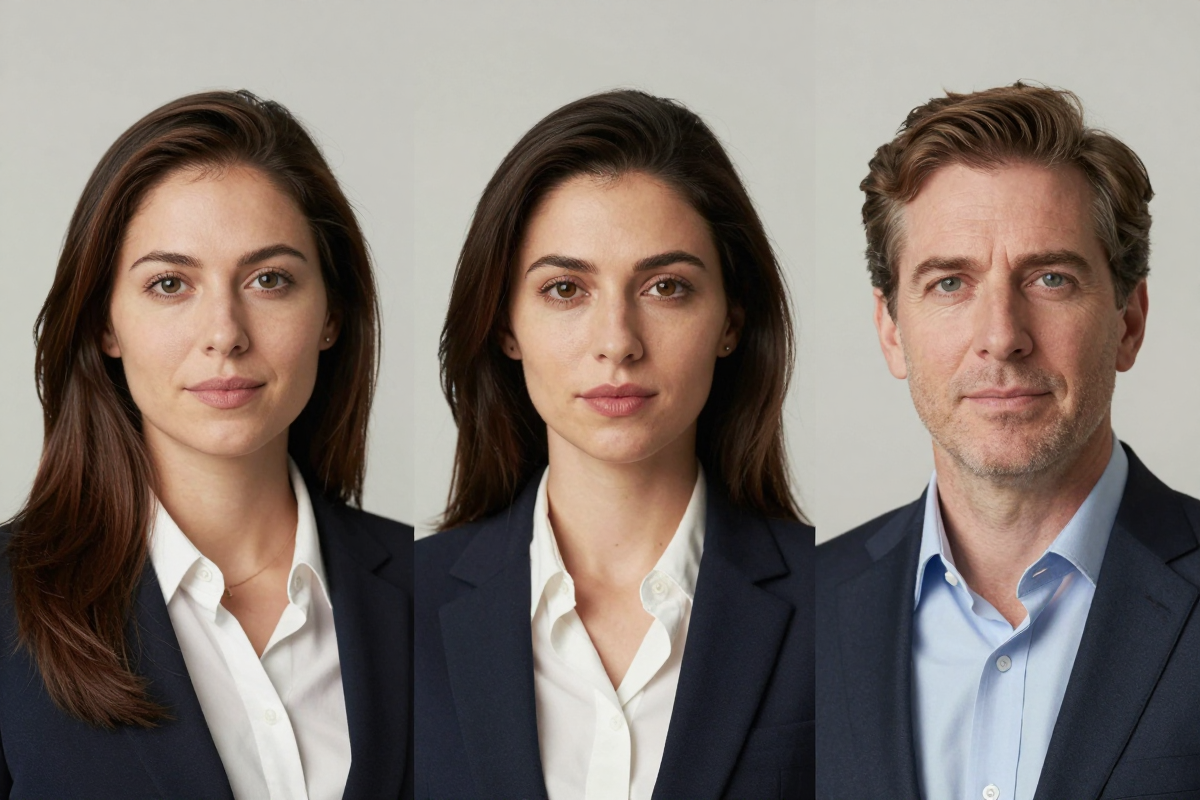
A clean, consistent headshot is the most common request. If your target is a profile photo, the LinkedIn headshot workflow is tuned for that framing and context. Before you publish, it is worth reading whether AI headshots are allowed on LinkedIn so your profile stays within platform norms.
Conference bios and speaker pages
Event organizers often need a professional photo on short notice. Generating a couple of studio-style shots in the browser — rather than committing to a full pack — fits a one-off deadline well.
Team and about pages
Small teams that want a consistent visual style across an about page can generate matching studio looks per person. Pay-per-use credits make it easy to add one more team member later without re-buying a batch.
Occasional refreshes
If you update your professional photo once a year, non-expiring credits mean you are not re-purchasing a full session each time. You draw from the same balance whenever you need a refresh.
What AI Headshots Can and Cannot Do (Honest Limitations)
AI headshot tools, Imagera and Aragon alike, are powerful but not magic. Being clear about the limits saves disappointment.
What they do well: produce polished, well-lit, professional-looking portraits from ordinary selfies; standardize lighting and framing; and offer studio looks without booking a photographer. For most professional profile uses, the output is convincing — the question of whether AI headshots look real is largely settled for standard corporate framing.
Where they struggle: likeness can drift, especially from few or low-quality inputs. Fine details — the exact shape of glasses, jewelry, unusual hairstyles, distinctive facial features — are the first things to get "smoothed" or altered. This is the same complaint reviewers raise about Aragon changing eyebrows or proportions, and no current AI tool is immune. Give the model several clear, varied, well-lit selfies and you reduce the risk; feed it three blurry photos and the result may look great but resemble someone else.
What they cannot do: guarantee a photo that is legally accepted where a real, unedited photograph is required (some official IDs and credentials), or perfectly reproduce a specific person you are not (they work from your own uploads). Treat AI headshots as a professional-presentation tool, not a document-grade photo substitute, and verify platform rules before use.
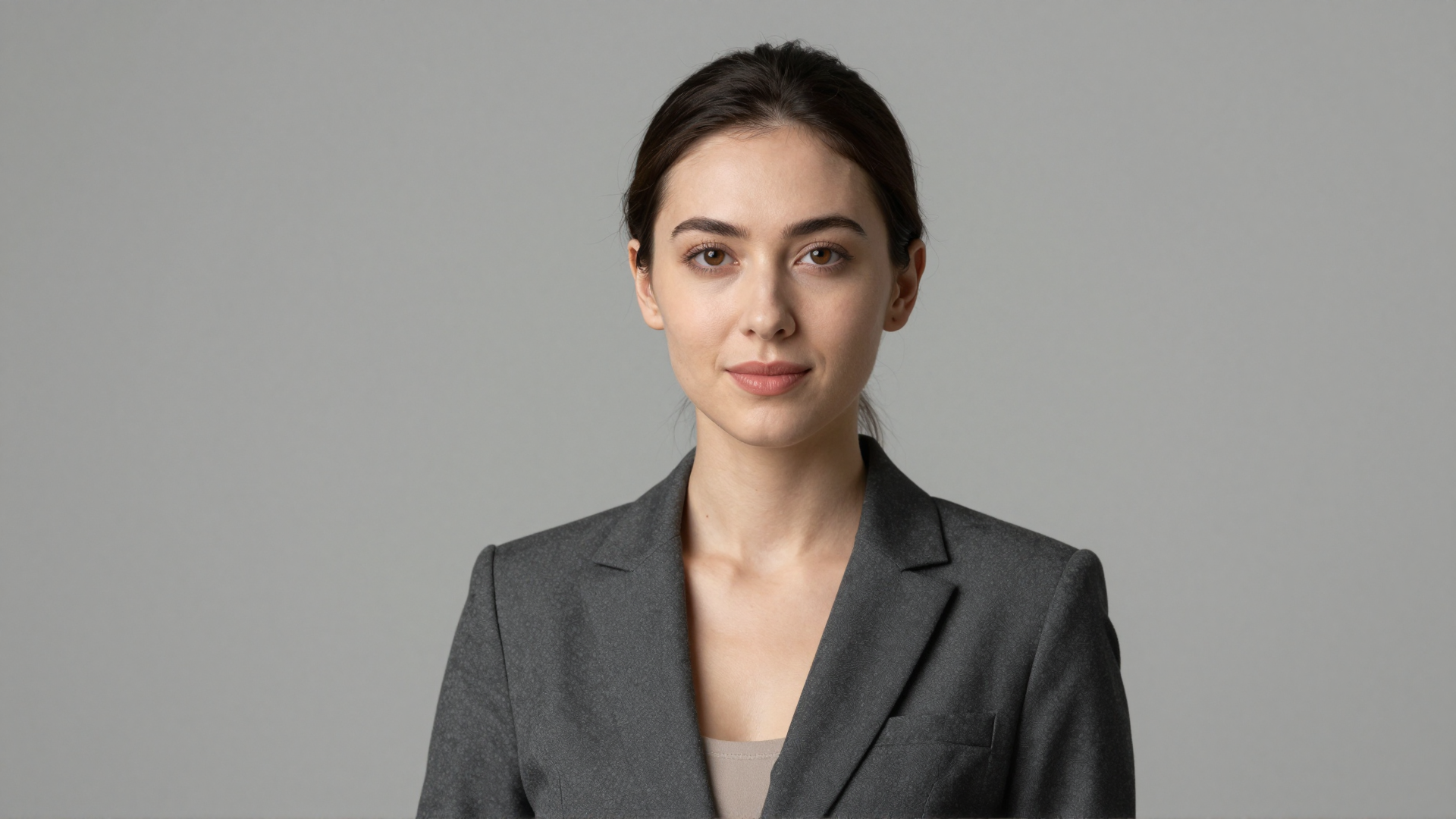
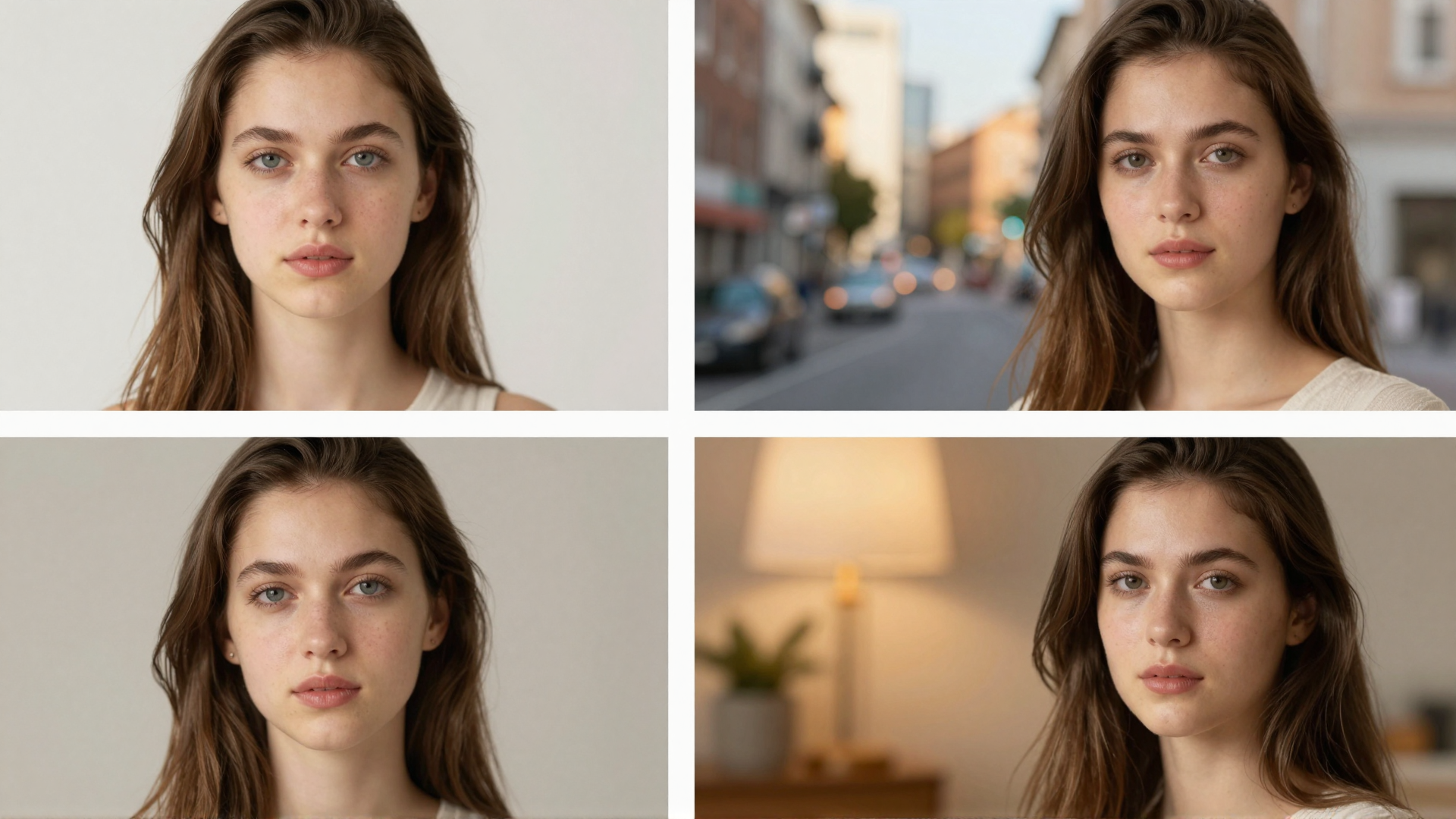
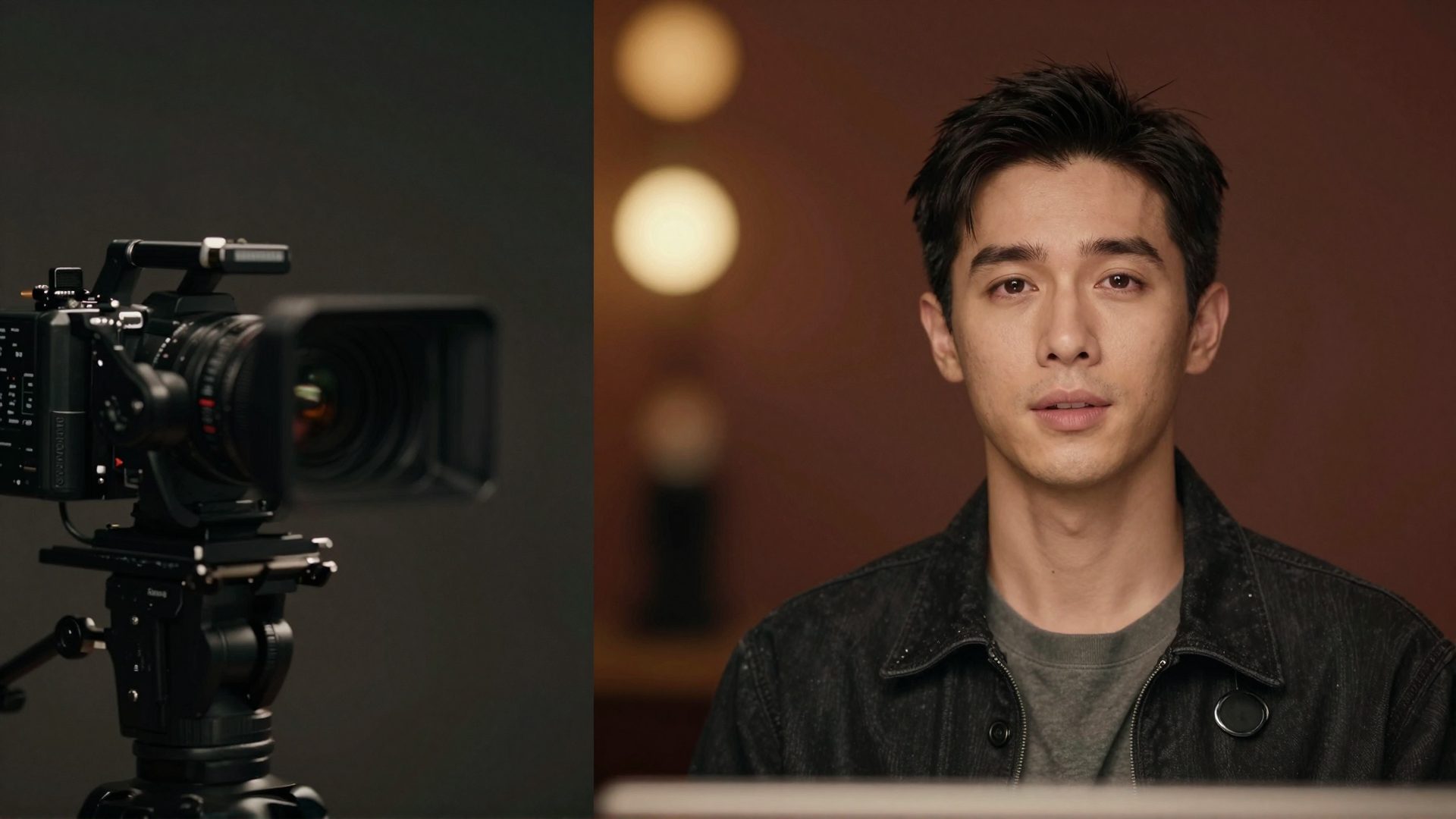
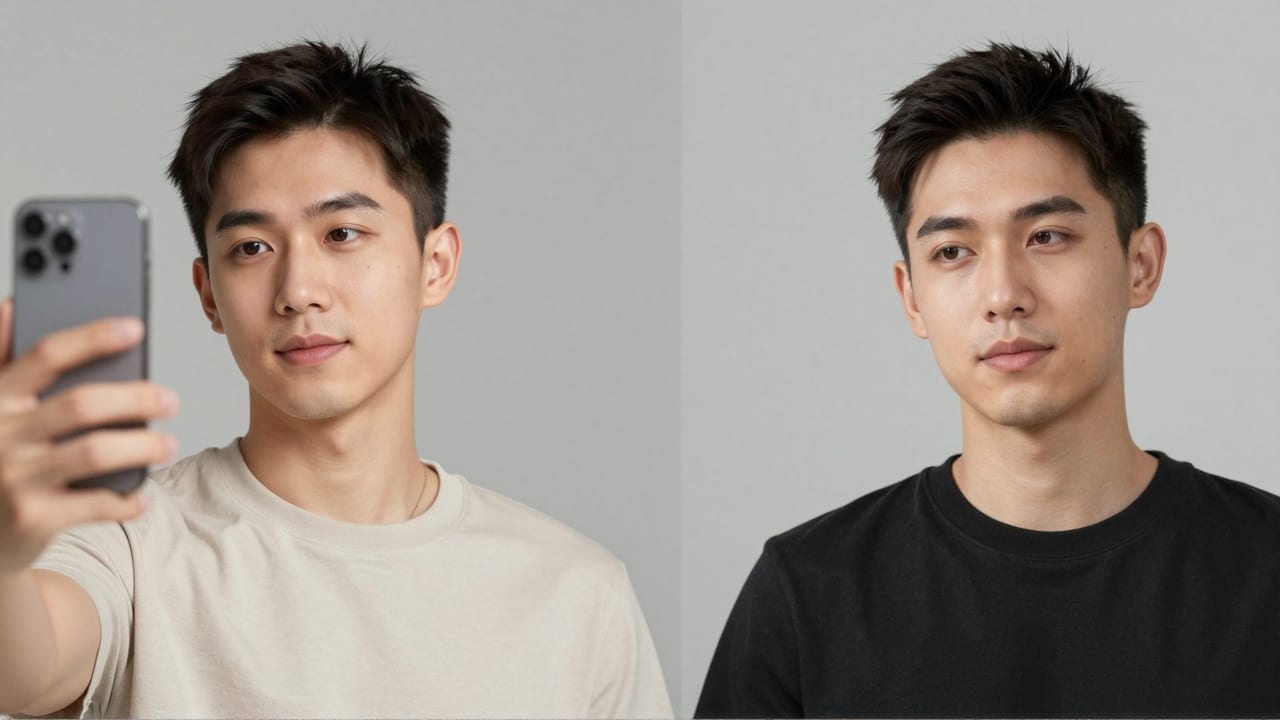
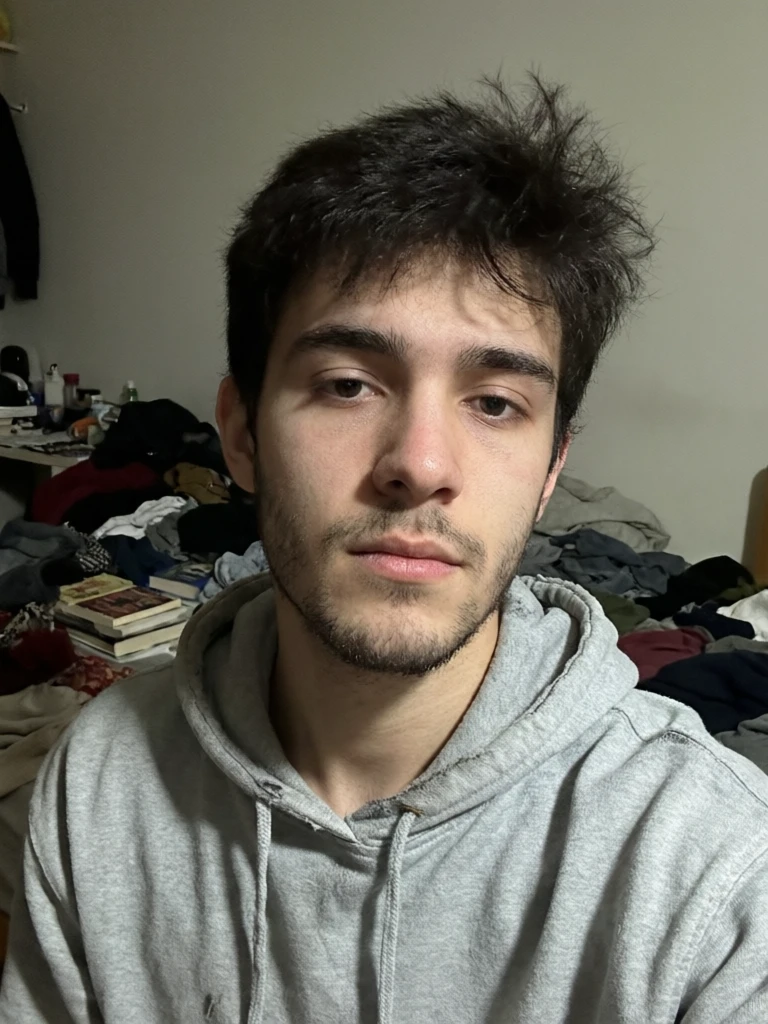
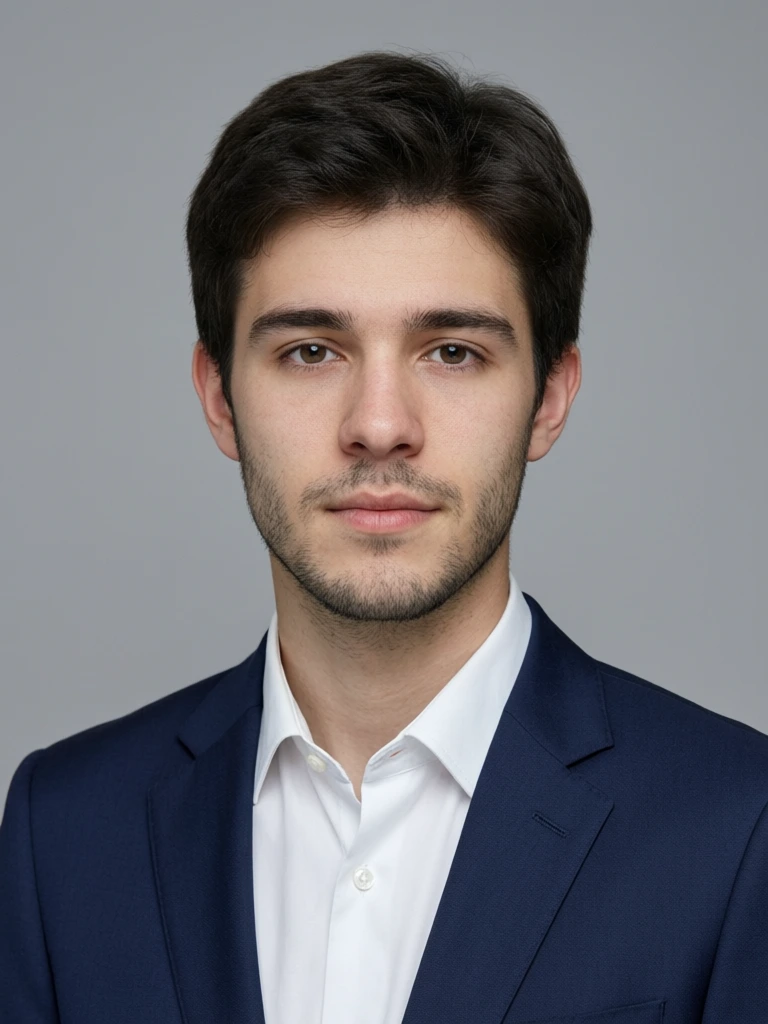
See it in action — real Imagera output
These are real, unedited results from the Imagera ai headshot — the exact tool this guide covers.
Bottom Line
Aragon AI is a mature, well-reviewed headshot generator with a large style library, a strong likeness pipeline built around many selfies, fast batch turnaround, and useful post-generation editing. If your need is a big one-time set of professional headshots in many styles, its pack pricing is efficient and its output is polished. Those are real strengths, and for that specific job it is hard to beat.
Imagera fits a different shape of need: pay-per-use credit packs that start at 350 credits and do not expire, no watermark, and a browser-based workflow that also bundles upscaling, restoration, product photos, and more. For occasional headshots, cautious first-time users, or anyone whose photo work extends beyond a single portrait session, that flexibility often wins. Try the Imagera AI Headshot Generator with a few selfies and see the result before committing to anything larger.
Related: AI LinkedIn Headshot · Are AI headshots allowed on LinkedIn? · Do AI headshots look real?