If you have been searching for a Deepswap alternative, you are probably running into one of two walls: a monthly subscription you have to keep paying whether you use it or not, or the fact that you only need clean still images and do not want to buy into a full video deepfake pipeline. Deepswap is a capable, well-established face-swap product that spans photos, videos, and GIFs, and for many creators it does the job. But "capable" and "the right fit for your workflow" are not the same thing, and the recurring-billing model is the single most common reason people go looking elsewhere.
This article compares Deepswap with Imagera Head Swap, a browser-based, image-focused head-swap tool that runs on pay-per-use credits with no subscription and no watermark on the output. We will be honest about where Deepswap is the stronger choice — it genuinely is, in several areas — and where Imagera fits better. Everything here is framed around legitimate creative and content work: character consistency across a shoot, fun personal edits, and portrait cleanup. Neither tool should be used for deception or for swapping a face onto anyone without their consent.
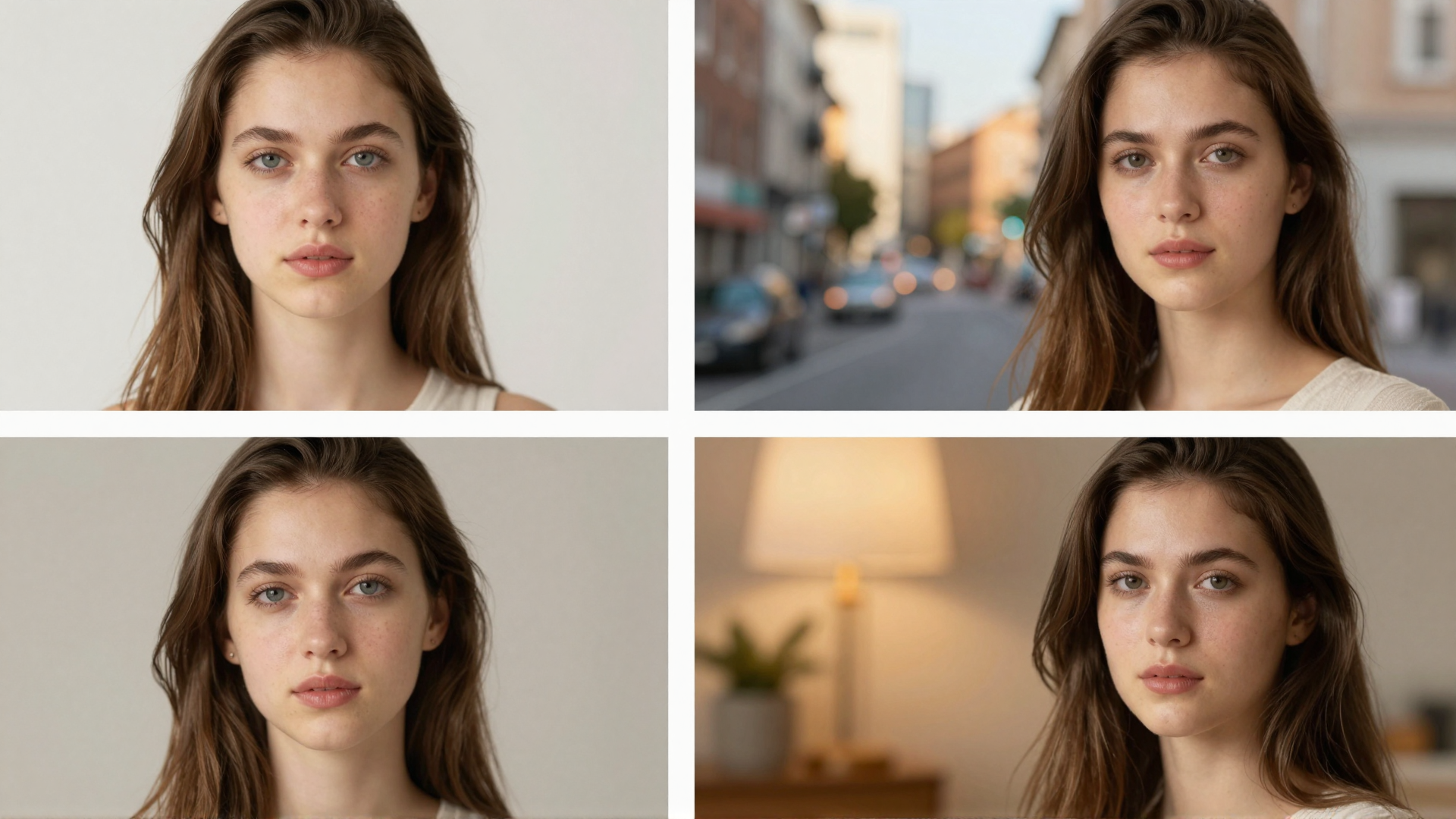
Real Imagera output: a natural, blended face swap.
Quick answer: Imagera offers a photo head-swap workflow with source-image inputs and a credit quote before generation. Use clear, compatible portraits and review face shape, lighting, skin tone, and edges before exporting the result.
How does Imagera Head Swap compare to Deepswap for photo quality?
Imagera renders head swaps at up to 4K resolution. Every result is watermark-free, credits are multiples of 5, and the 2026 pipeline preserves skin texture and lighting across a wide range of face angles without the artifacting common in older swap tools.
Is Imagera a safer, more transparent choice than Deepswap in 2026?
Imagera brands all output as its own, discloses AI generation in its Terms, and prices in credits (quoted before each swap) rather than locked monthly tiers, so you pay only for what you generate. Transparent AI-content labeling and consent-based usage help reduce legal and platform-removal risk, which is why Imagera keeps outputs identifiable and reserves face-swapping for images you own or have permission to use.
Why People Look for a Deepswap Alternative
Three honest reasons come up repeatedly when people evaluate switching.
1. The subscription model. Deepswap is sold as a recurring plan. As of 2026, reported pricing lands around $9.99 for a monthly plan and roughly $49.99 for an annual plan, with a higher Pro tier near $19.99 per month; exact numbers and included credits vary by source and change over time. The friction is not the headline price — it is that you are billed on a cycle. If you only need a handful of swaps this month and nothing next month, you are still paying, and unused credits generally reset rather than banking indefinitely.
2. Cancellation and billing complaints. Across public reviews as of 2026, a recurring theme is difficulty canceling: users report the unsubscribe path is buried in account settings rather than the main billing dashboard, and some describe being charged after they believed they had canceled. Refund requests routed through a form reportedly go unanswered for some users. These are user reports, not universal outcomes, but they show up often enough to drive people toward pay-per-use alternatives where there is nothing to cancel.
3. Not everyone needs video. A large part of Deepswap's value is video and GIF face-swapping. If your actual job is stills — a headshot, a product model, a character kept consistent across a set of images — you may be paying for a video-grade pipeline you never touch. An image-only tool can be a cleaner match.
Imagera vs Deepswap: Feature Comparison
| Factor | Imagera Head Swap | Deepswap (as of 2026) |
|---|---|---|
| Primary media | Still images (head/face swap) | Photos, video, and GIFs |
| Access | Browser-based, no install, any device | Browser-based, no install |
| Pricing model | Pay-per-use credits, entry pack starts at 350 credits | Subscription (monthly / annual), reported ~$9.99–$19.99/mo |
| Credit expiry | Credits do not expire | Monthly allowance typically resets each cycle |
| Subscription required | No | Yes |
| Watermark on output | None | Removed on paid plans; free output is watermarked |
| Video face-swap | Not supported (image-focused) | Supported, including multi-face and longer clips |
| Batch / multi-face | Image-focused, single-scene | Multiple faces per video supported |
| Lighting / skin-tone match | Yes, realistic blending | Model-driven blending, high reported similarity |
| Part of a wider suite | Yes — editing, upscaling, restore, headshots, video, more | Focused primarily on face-swap |
Where Deepswap Wins
Being balanced matters here. Deepswap is more mature than Imagera in several concrete ways, and for some use cases it is the better tool.
- Video and GIF face-swapping. This is the big one. Imagera Head Swap is image-focused and does not do video. If you need to swap a face into a moving clip or an animated GIF, Deepswap does that natively and Imagera does not.
- Multi-face and longer content. Deepswap supports swapping several faces within a single video and handles longer clips, which is useful for group scenes and multi-subject projects.
- Established track record. Deepswap has been around longer as a dedicated face-swap product, with a large user base and a self-developed model tuned specifically for swap similarity across difficult angles, occlusion, and lighting.
- 4K output on paid tiers. Reviews as of 2026 cite 4K HD downloads on paid plans, which matters for high-resolution video delivery.
- Speed on batch work. For creators doing high volume swapping, a monthly credit bucket plus fast processing can be efficient, and the workflow is purpose-built for repetition.
If your work is video-first, or you swap faces at high volume every single month, Deepswap's specialization is a real advantage. Imagera does not try to compete on video.
Where Imagera Wins
- No subscription. Imagera is pay-per-use. You buy credits and use them when you want. There is no recurring plan to remember or cancel.
- Credits do not expire. Buy a pack, use some now, come back in three months and the rest is still there. That suits irregular, project-based work far better than a monthly reset.
- No watermark on output. Imagera does not watermark results. With Deepswap, clean output is tied to a paid subscription; the entry experience is watermarked.
- No monthly commitment. An entry credit pack starts at 350 credits, so you can produce real work without committing to a monthly bill.
- Realistic still head-swaps. Imagera Head Swap replaces heads and faces in photos with blending that matches lighting and skin tone, which is the core need for portraits, headshots, and character stills.
- It is a bundle. Head Swap sits inside a wider suite — image editing, upscaling, restoration, background work, headshots, product photos, custom-model training, and video generation. One credit balance covers all of it, so you are not juggling separate subscriptions for each task.
Pricing Compared
The clearest difference is structural, not just numeric. Deepswap uses a subscription: as of 2026, roughly $9.99 per month for a base plan and around $19.99 per month for a Pro tier, with an annual option near $49.99 that lowers the effective monthly rate. Each plan includes a credit allowance that generally resets on the billing cycle, and clean, watermark-free output requires being on a paid plan. That model rewards steady, high-volume monthly use.
Imagera runs on pay-per-use credits with an entry pack starting at 350 credits. Credits do not expire, there is no subscription, and output carries no watermark regardless of how much you spend. For someone who needs a burst of swaps this week and nothing for a while, that is a materially different economic shape: you pay for what you use and keep the rest. For someone swapping faces into video every day, Deepswap's monthly bucket may still be the cheaper per-swap route. Neither is universally cheaper — it depends on your cadence. Match the billing model to how often you actually work.
How Imagera Head Swap Works (Step by Step)
- Go to the Imagera Head Swap tool in your browser. There is nothing to install and no GPU required — it runs on any device.
- Upload the base photo (the image whose head or face you want to replace) and the reference face you want to bring in.
- Confirm the target so the tool knows which head or face in the base image to swap.
- Run the swap. Imagera blends the new head into the scene, matching lighting and skin tone so the result reads as one coherent photo rather than a paste-in.
- Review the output. Because credits are pay-per-use, you only spend on the generations you run.
- Download the finished image with no watermark, then continue in the Head Swap tool or move it into other Imagera tools for editing, upscaling, or cleanup.
Common Use Cases
- Character consistency across a shoot. Keep the same face across a series of stills — for storytelling, a lookbook, or a personal project — so the character stays recognizable frame to frame.
- Portrait and headshot fixes. Swap in a better expression or a stronger reference face onto an otherwise good photo, then refine it. For end-to-end professional portraits, pair this with Imagera's headshot workflow and upscaling.
- Fun personal and social edits. Put a friend's face into a themed scene or a costume shot for entertainment, with consent. This is the lighthearted, creative lane both tools are built for.
- Creative concepts and mockups. Combine Head Swap with the image generator to build a scene, then place a consistent face into it — useful for concept boards and personal branding visuals.
What AI Head Swap Can and Cannot Do (Honest Limits)
AI head-swapping has real limits, and it is worth being straight about them.
What it does well: It replaces a head or face in a still photo and blends it into the surrounding lighting and skin tone convincingly, especially when the reference face is well-lit and roughly matches the angle of the base image. Good source material produces natural results.
What it struggles with: Extreme angle mismatches between the reference face and the base pose, heavy occlusion (hair, hands, glasses partly covering the face), unusual or colored lighting, and very low-resolution inputs all reduce quality. Fine details like earrings, hairlines, and teeth can need a second pass or manual cleanup. And to be explicit: Imagera Head Swap is image-only. It does not produce video swaps — if you need moving footage, that is where Deepswap's video pipeline is the right tool.
What it should never do: Neither tool should be used to impersonate someone, create misleading content, or swap a face onto a person without their consent. Imagera Head Swap is for legitimate creative use — your own images, consenting subjects, and clearly creative or entertainment contexts. Treat that as a hard line, not a suggestion.
See it in action — real Imagera output
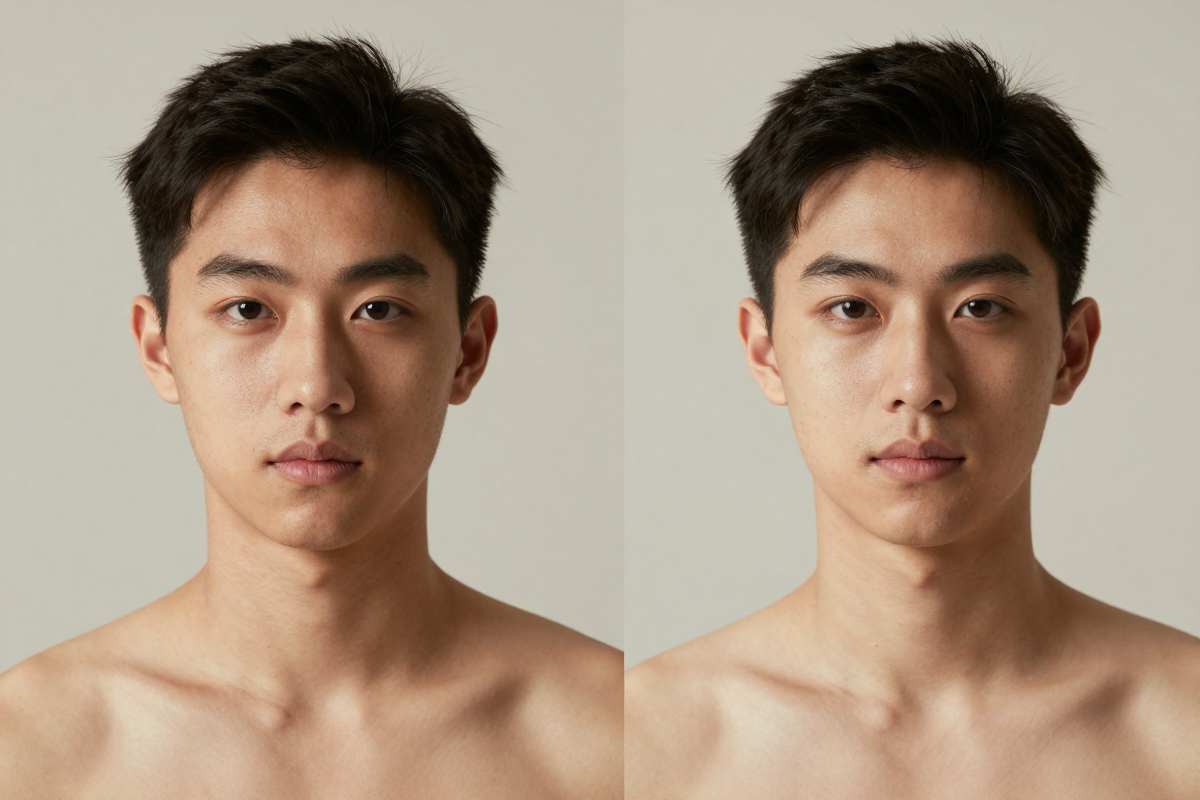
These are real, unedited results from the Imagera edit image — the exact tool this guide covers.

Bottom Line
Deepswap is the more specialized, more mature product for video and GIF face-swapping, with a large user base and a model tuned for swap fidelity across hard scenes. If moving footage or high monthly volume is your workflow, it earns its place. Where it loses people is the subscription: a recurring bill, resetting credits, watermarked entry output, and — per common user reports as of 2026 — friction around canceling.
Imagera Head Swap is the alternative when you want still head-swaps with realistic lighting and skin-tone blending, no subscription, credits that do not expire, and no watermark, all inside a broader editing suite. It will not do video, and it does not pretend to. If that matches your work, start with the Imagera Head Swap tool and pay only for what you use.
Related: Edit Image · Personal Influencer model training · Image Generator