If you are searching for a PhotoRoom alternative, you have probably run into one of two walls: the monthly subscription that keeps charging whether you edit ten photos or none, or the watermark and commercial-use limits stamped on lower-tier exports. PhotoRoom is a capable, mobile-first product photo editor with a large template library and marketplace integrations, and for high-volume sellers it earns its keep. But it is not the only way to turn a plain product shot into a marketplace-ready image, and its pricing model does not fit everyone.
This article compares PhotoRoom with Imagera AI Product Photography — a browser-based tool that places products into lifestyle scenes and consistent catalog backgrounds on a pay-per-use basis. We will look at what each does well, where PhotoRoom genuinely wins, where Imagera has the edge, how the pricing math actually shakes out, and the honest limits of AI product photography in general. All competitor pricing and feature claims below come from public sources as of 2026 and are hedged where the numbers move around.
Quick answer: Imagera is a strong PhotoRoom alternative for product photography, generating studio-grade backgrounds, clean cutouts, and lifestyle scenes for e-commerce listings from a single phone photo, with 4K exports and pricing in credits.
How is Imagera a better PhotoRoom alternative for product photos?
Imagera turns 1 plain product shot into 10+ on-brand scenes, exporting up to 4K (and 8K on supported studios) so listings stay crisp when buyers zoom. Background swaps and cutouts run in the browser, and 2026 model updates hold edges on reflective and transparent items. You pay in credits per image, not a flat monthly seat, so a 20-SKU catalog scales predictably.
Can Imagera batch-edit an entire product catalog?
Yes. You can process 100+ SKUs in a session, generating 3-5 background variations per item for A/B testing thumbnails across Amazon, Shopify, and Etsy. Each render costs a fixed credit amount, so a 50-product shoot is easy to budget up front with no per-seat fees. Consistent 4K output keeps every listing looking sharp and on-brand, which makes the credits worth spending.
Why People Look for a PhotoRoom Alternative
Subscription fatigue and billing friction. PhotoRoom runs on recurring monthly or annual plans. Beyond the base cost, a recurring theme in 2026 reviews is billing friction: users report being charged after a free trial they meant to cancel, difficulty cancelling, and — for some long-time subscribers — features they were paying for being moved into a higher-priced tier without warning. On Trustpilot, PhotoRoom sits around 3.5 out of 5, with support described in negative reviews as slow or bot-driven. None of that reflects the editing quality, but it is a real reason people go looking.
Watermarks and commercial-use limits on the entry tier. PhotoRoom's no-cost plan caps you at roughly 250 exports a month and stamps a PhotoRoom watermark on the output, and those images are not licensed for commercial use. For anyone listing products to sell, that means a paid plan is effectively mandatory. If your volume is low or seasonal, paying every month for a handful of edits feels wasteful.
You want scene generation, not just an app workflow. PhotoRoom shines at tap-driven, template-based editing on a phone. But if what you actually want is to describe a scene — "my bottle on a sunlit marble counter" — and get a lit, scaled product shot back, you may prefer a prompt-driven, browser-based flow you can open on any device without installing anything.
Imagera vs PhotoRoom: Feature Comparison
| Feature | PhotoRoom | Imagera |
|---|---|---|
| Primary platform | iOS, Android, web, API | Browser (any device, no install) |
| Pricing model | Monthly/annual subscription | Pay-per-use credit packs from 350 credits |
| Credits/plan expiry | Plan resets monthly | Credits don't expire |
| Watermark on output | On entry tier; removed on paid plans | None |
| Background removal | Yes | Yes |
| AI lifestyle backgrounds | Yes (AI Backgrounds, staging) | Yes (prompt-driven scenes) |
| Batch editing | Yes, large batches on paid tiers | Per-image, browser-based |
| Templates library | Large, mobile-first | Prompt-driven, fewer preset templates |
| Marketplace/Shopify integration | Yes (higher tiers) | Not a native integration |
| Scope | Product photo editing focus | Bundle: product photos, upscale, restore, edit, video |
Where PhotoRoom Wins
Balance matters here, so let's be specific about what PhotoRoom does better:
- Polished mobile apps. PhotoRoom's iOS and Android apps are mature and designed for editing on the go. If you photograph and list products from your phone, that native experience is hard to beat.
- Large template library and one-tap workflows. For sellers who want a consistent look fast, PhotoRoom's templates and instant cutout-plus-background flow are genuinely quick.
- Batch at scale. Paid tiers process large batches — hundreds to thousands of images per cycle — which matters if you push big catalogs regularly.
- Marketplace and e-commerce integrations. Shopify listing integration and API access let PhotoRoom slot into a real store workflow, including automated, high-volume image production.
- API for developers. PhotoRoom exposes a background-removal and editing API (billed separately) that teams can build pipelines around — something Imagera does not position itself for.
If your business is high-volume, app-centric, and needs catalog automation wired into a storefront, PhotoRoom is a reasonable default and these strengths are real.
Where Imagera Wins
- No subscription. Imagera is pay-per-use. You buy credits, spend them when you have work, and skip the recurring bill during slow months. There is nothing to cancel and no trial that quietly converts.
- Credits don't expire. Buy once and use them across weeks or months. Seasonal sellers and occasional users aren't penalized for uneven usage.
- No watermark on output. Images you generate are yours to use — no stamp on the entry level, no "upgrade to remove the mark" step.
- Browser-based, any device. No app install, no GPU, no download. Open it on a laptop, tablet, or phone browser and work.
- Prompt-driven any-scene product shots. Describe the setting you want and place your product into a lifestyle scene or a consistent catalog background, rather than picking from fixed templates.
- Part of a bundle. Imagera Product Photography sits alongside upscaling, photo restoration, background removal, image editing, humanizing, and video tools. When a product shot also needs a resolution bump or a quick edit, it is all in one place instead of spread across separate subscriptions.
Pricing Compared
PhotoRoom's structure, as of 2026, is a no-cost plan (about 250 watermarked exports a month, no commercial license) plus paid tiers: Pro in the roughly $8–13/month range depending on annual versus monthly billing, Max around $27–35/month, and Ultra starting near $99/month for high-volume catalogs, scaling up through ×1/×2/×5/×10 export tiers. The API is billed separately — a Pro subscription does not include API calls, and background-removal API access starts around $20/month for a basic volume. Annual billing knocks roughly 40% off the monthly rate.
Imagera takes a different shape: pay-per-use credits with an entry pack starting at 350 credits, credits that don't expire, no forced monthly subscription, and no watermark on output. The break-even reasoning is straightforward. If you edit product photos every day and need automated batch export into a store, a PhotoRoom monthly plan can be efficient per image at volume. If you produce photos in bursts — a new product line, a seasonal refresh, a marketplace relist — paying a recurring fee for months you barely use is the expensive path, and pay-per-use is where Imagera pulls ahead. The honest rule of thumb: high, steady volume favors a subscription; irregular or low volume favors credits that sit on the shelf until you need them.
How Imagera AI Product Photography Works (Step by Step)
You can start at the tool page: Imagera AI Product Photography. The flow is built to take a plain white-background or simple product shot and turn it into something marketplace-ready.
- Open Imagera AI Product Photography in any browser — no install or sign-in app required.
- Upload your product photo. A clean, well-lit shot on a plain background gives the model the most to work with.
- Choose your direction: place the product into a lifestyle scene, or generate a consistent catalog background for a uniform storefront look.
- Describe the scene you want — the surface, lighting mood, and setting — so the generated background is lit and scaled to sit believably with the product.
- Generate. Credits are spent per use, so you only pay for the images you actually produce.
- Review the result, refine your prompt if the lighting or angle isn't matching, and regenerate as needed.
- Download the finished image with no watermark. If it needs a resolution bump or a quick fix, hand it to Imagera's upscaling or image editing tools without leaving the suite.
Common Use Cases
Marketplace listings
Turn a phone shot on a plain background into a listing image that fits Amazon, Etsy, or your own store. A consistent catalog background across a product line makes a storefront look intentional rather than assembled from random photos.
Lifestyle and social scenes
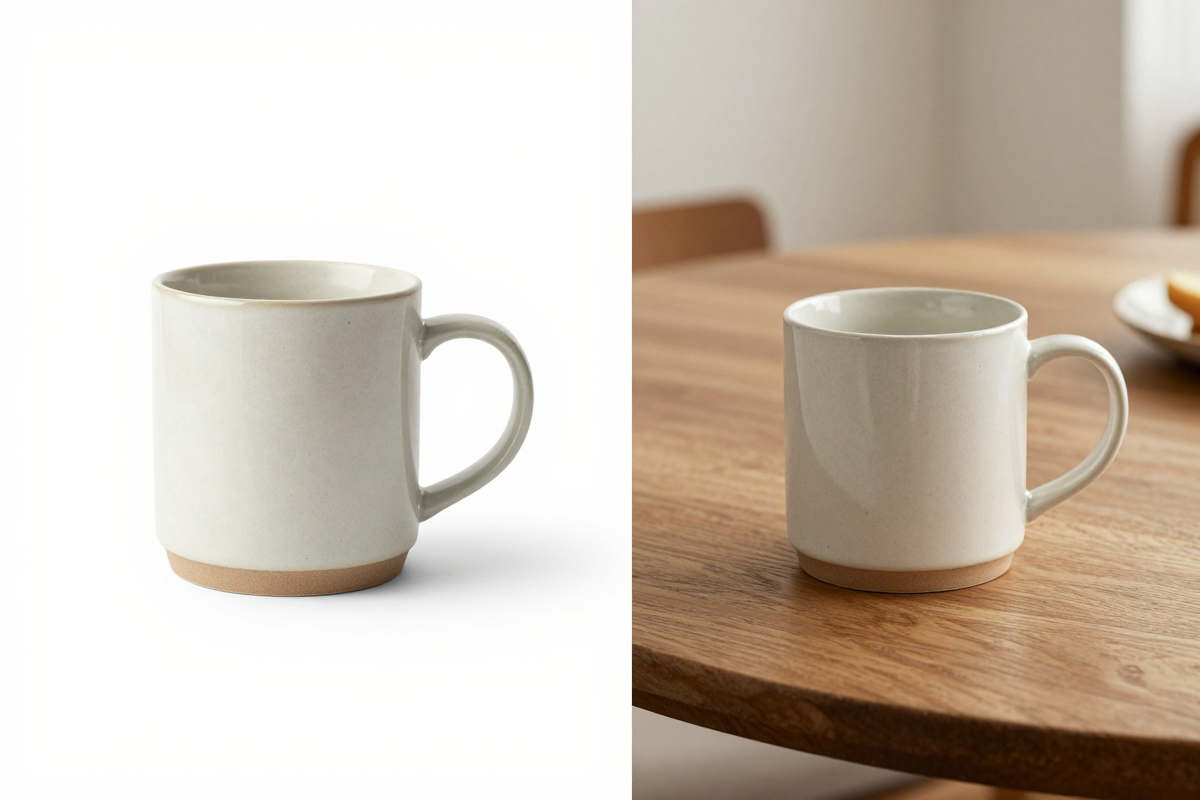
Place a candle on a styled shelf, a skincare bottle on a bathroom counter, or a mug on a breakfast table. Prompt-driven scenes give you seasonal or campaign-specific settings without booking a shoot for each one.
Small-batch and seasonal sellers
If you launch a handful of SKUs at a time, pay-per-use credits mean you spend only during launch weeks. There's no subscription ticking during the quiet stretch between drops.
Background cleanup before staging
Start with a clean cutout using the background remover, then stage the isolated product into a new scene. Separating removal from staging gives you more control over the final composition.
What AI Product Photography Can and Cannot Do
Being honest about limits is part of choosing the right tool. Here is what to expect.
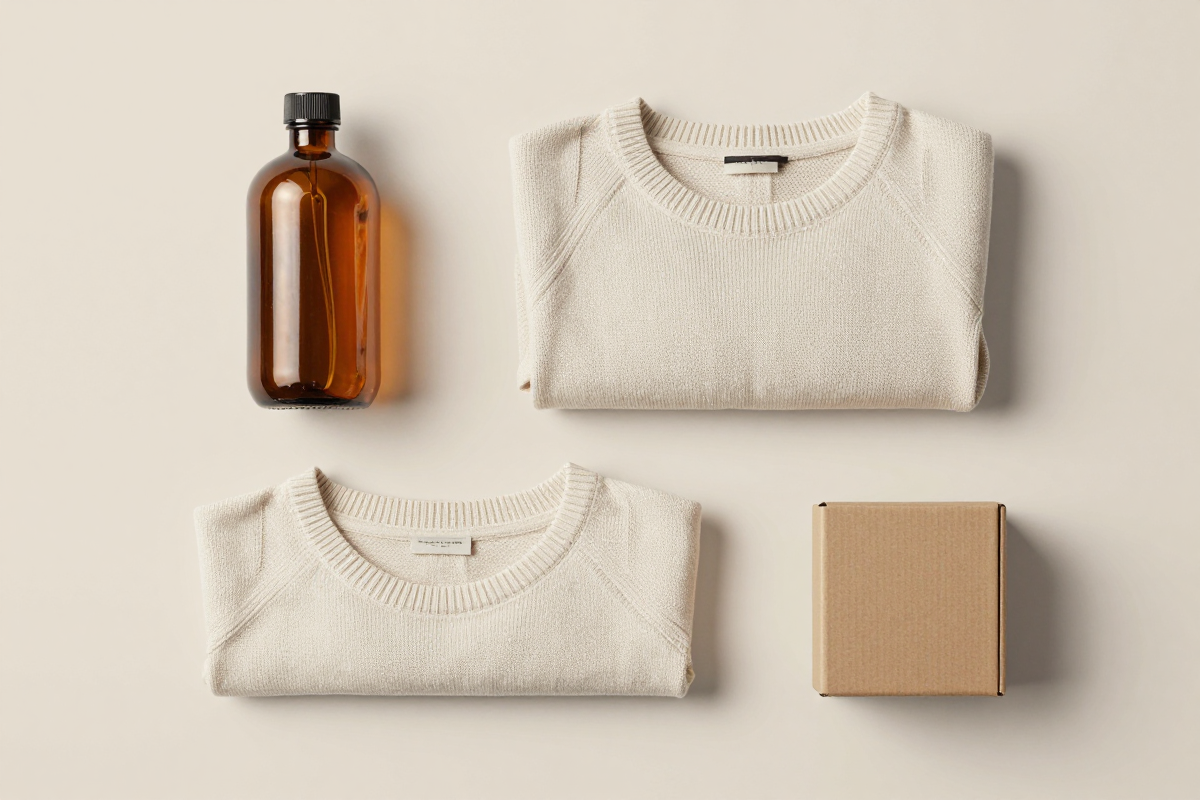
What it does well: generating plausible lifestyle backgrounds, producing consistent catalog looks across a line, saving the cost and turnaround of a full photo shoot for every SKU, and iterating on scenes quickly. For most standard products — bottles, boxes, apparel laid flat, homeware — the results are usable for listings.
Where it struggles: AI backgrounds are not perfect every time. Independent reviews of AI product tools, PhotoRoom included, note that a meaningful share of generated scenes look obviously synthetic and need a reprompt or a discard. Reflective surfaces, transparent glass, fine jewelry detail, complex product edges (hair, mesh, fringe), and exact brand-color fidelity are the usual failure points. Text and logos on packaging can distort. And no AI scene generator can guarantee a shot is legally acceptable for a given marketplace's image rules — you still need to review output against the platform's standards.
The practical takeaway: AI product photography replaces a lot of routine studio work and dramatically cuts cost per image, but it does not replace a human eye on the final result, or a real photographer for hero shots where absolute fidelity matters.
See it in action — real Imagera output
These are real, unedited results from the Imagera ai background studio — the exact tool this guide covers.


Try the AI Background Studio →
Bottom Line
PhotoRoom and Imagera solve overlapping problems from opposite directions. PhotoRoom is a mature, mobile-first product photo studio with deep templates, large-batch export, and store integrations — a sound choice if you edit product images daily, work primarily in apps, and want catalog automation wired into a storefront. Its trade-offs are a recurring subscription, watermarks and commercial limits on the entry tier, and a billing-and-support reputation that has drawn consistent criticism in 2026.
Imagera is the better fit when you want product scenes without a monthly commitment: browser-based on any device, pay-per-use credits that don't expire, no watermark, prompt-driven scene generation, and a broader bundle that covers upscaling, restoration, editing, and background removal alongside product photography. If that describes your workflow, start with Imagera AI Product Photography and buy only the credits you need.
Related: Imagera AI Product Photography · Edit Image