 You can complete this on Imagera without installing software: upload a real source file, describe the change, confirm credits up front, generate, and review before you publish. How to: Remove Metadata From a Passport or ID Photo Privately — this guide covers the steps, quality checks, and when to open related tools.
Quick answer: To remove metadata from a passport or ID photo privately, strip its EXIF data (GPS coordinates, device model, timestamps) before sharing. Imagera cleans metadata during processing, so exported photos carry zero hidden location or camera tags.
How much hidden data does a passport or ID photo actually contain?
A single smartphone ID photo can embed dozens of EXIF fields, including GPS coordinates, the exact capture time, and your device's serial identifiers. Many phones save location by default, so it is easy to share more than you intend. Imagera strips every hidden tag in under a minute, and re-exports at up to 4K resolution so your ID stays sharp while the metadata is erased.
Does removing metadata reduce my passport photo's image quality?
No. Stripping EXIF data touches only the invisible metadata layer, not the pixels, so a 4K or 8K scan keeps all of its visual detail. Imagera processes the file in a couple of quick steps and returns the same resolution, minus the tags. GPS-tagged images remain one of the most common ways personal location details leak when photos are shared online, which is why clearing them before sharing an ID is worth the extra step.
Remove Metadata From a Passport or ID Photo — Without Uploading It
Your passport or ID photo contains more than your face. Embedded inside the image file is a layer of invisible data — GPS coordinates pinpointing exactly where the photo was taken, the make and model of the device used, a precise timestamp, and sometimes serial numbers. When you upload that file to an online tool, all of that data travels with it. Imagera's free EXIF remover strips every metadata tag entirely inside your browser. The photo never leaves your device, nothing is stored on any server, and no account is required.
That matters most with identity documents. A passport scan, a driver's license photo, or a biometric selfie carries a combination of data — your face, your document number, your home location — that security experts describe as the complete kit for identity fraud. Handling it with a tool that never receives the file is not overcaution; it is the only approach that offers an architectural guarantee rather than a policy promise.
Is It Safe to Upload a Passport or ID Photo to an Online Tool?
Uploading a passport or ID photo to most online tools carries real risk. The tool receives your full document image, stores it on a remote server (retention times range from two hours to 30 days depending on the service), and that stored file can be exposed through misconfiguration, breach, or misuse — none of which you can control after the upload.

Two 2026 incidents illustrate what "stored on a server" actually means in practice.
In May 2026, TechCrunch reported that a UK Visa Portal exposed roughly 100,000 applicants' passport scans and selfies through a misconfigured, publicly accessible cloud storage bucket. No hacking was required — the files were reachable via predictable URLs. Critically, many of the leaked photos still contained embedded EXIF location data, meaning the exposure included the precise real-world location where each image was taken.
Separately, security researcher Sammy Azdoufal discovered nearly 985,000 passport and photo ID documents exposed across unprotected public URLs — accessible to anyone with a link, with no password or authentication required, for months before the company responded.
These are not hypothetical threats. They are the predictable outcome when services store identity documents on servers that can be misconfigured. If the tool never receives your file, there is nothing to misconfigure.
What do reputable tools actually do with the file?
Even well-intentioned cloud tools create a window of exposure. Retention policies in the passport-photo tool category vary widely:
- Some services auto-delete within 2 hours
- Others retain files for 7 days with "on request" deletion
- General-purpose tools (not document-specific) have been documented storing uploads for up to 30 days on AWS S3
Every retention window is a period during which your document exists on infrastructure you do not control. An in-browser tool eliminates that window entirely because no upload ever occurs.
Could Uploading My ID Photo Lead to Identity Theft?
Yes — and the risk is higher than most people realize, because a passport or ID photo combines multiple data points that are individually useful to fraudsters but collectively dangerous.
According to Kaspersky's security research, an ID photo paired with a selfie gives a bad actor everything needed to open financial accounts, apply for credit, or commit document fraud. Document fraud represented 24% of all identity fraud cases in 2023 (Javelin Research), and the 2026 Javelin Identity Fraud Study found combined losses of $38 billion affecting 36 million victims in the US alone.
The EXIF layer adds a second threat on top of the document content itself. ISACA's 2025 cybersecurity analysis of EXIF data identifies geolocation metadata as one of the most overlooked attack vectors: someone who can extract GPS coordinates from a photo gains precise knowledge of where you live, where you work, and what time you were at each location. Combined with your document number and face image, that profile is rich enough for targeted phishing, social engineering, or physical threats.
The National Network to End Domestic Violence has documented cases in which abusers tracked victims through GPS coordinates embedded in photos shared online — a category of risk that applies directly to anyone uploading an ID photo that was taken at home.
How Do I Remove Metadata From a Scanned ID Without Uploading It?
Use a browser-based EXIF remover that processes the file locally. Here is the exact process using Imagera's free EXIF remover:
Step-by-Step: Strip Metadata From an ID Photo In-Browser
- Open the tool — Go to Imagera's free EXIF remover in any modern browser (Chrome, Firefox, Safari, Edge). No account needed.
- Load your ID photo — Click "Choose file" or drag and drop your passport scan, driver's license photo, or ID card image. The file is read directly by your browser; it does not travel over the network.
- Review what will be stripped — The tool shows you the metadata fields present in your file: GPS coordinates, device model, timestamp, camera settings, and any other embedded tags.
- Click "Remove EXIF" — All metadata tags are deleted from the image in your browser's memory.
- Download the clean file — Click download. The cleaned image saves to your device. The original with its metadata is untouched unless you overwrite it.
- Verify (optional) — Upload the downloaded file to a free metadata viewer to confirm all tags read as empty.
The entire operation happens inside the browser tab. If you disconnect from the internet after the page loads, the tool continues to work — which is the clearest possible proof that your file is not being sent anywhere.
How Do I Compress an ID Photo for a Form Without It Leaving My Device?
Government and institutional forms frequently impose file-size limits — commonly 100 KB, 200 KB, or 500 KB — on uploaded ID photos. Compressing the file before submission is a routine step, but using a cloud compressor to do it means uploading a document scan to yet another third-party server.

Imagera's free image compressor handles compression entirely inside your browser using the same no-upload architecture. You can target a specific file size — 100 KB, 50 KB, or any other limit — without the file ever leaving your device.
Common ID photo size requirements
| Use case | Typical file-size limit | Typical format |
|---|---|---|
| US passport renewal (online) | 240 KB max | JPEG |
| Schengen visa application | 500 KB max | JPEG |
| Indian e-Visa | 300 KB max | JPEG |
| UK visa application | 2.5 MB max | JPEG |
| University enrollment portal | 100–200 KB | JPEG or PNG |
| Government job application form | 50–100 KB | JPEG |
For most of these cases, the workflow is: strip EXIF first (removes metadata weight and location data), then compress to the target size. Both steps run in your browser; your document is never uploaded.
You can read more about targeting a specific kilobyte size in our guide on compressing an image to 100KB without a server upload.
Do Online Tools Keep a Copy of My Passport Photo?
Most cloud-based tools do retain a copy for some period, because their server-side processing pipeline requires it. The copy exists in cloud storage until an automated deletion job runs — or until a misconfiguration exposes it, as the 2026 breaches showed.
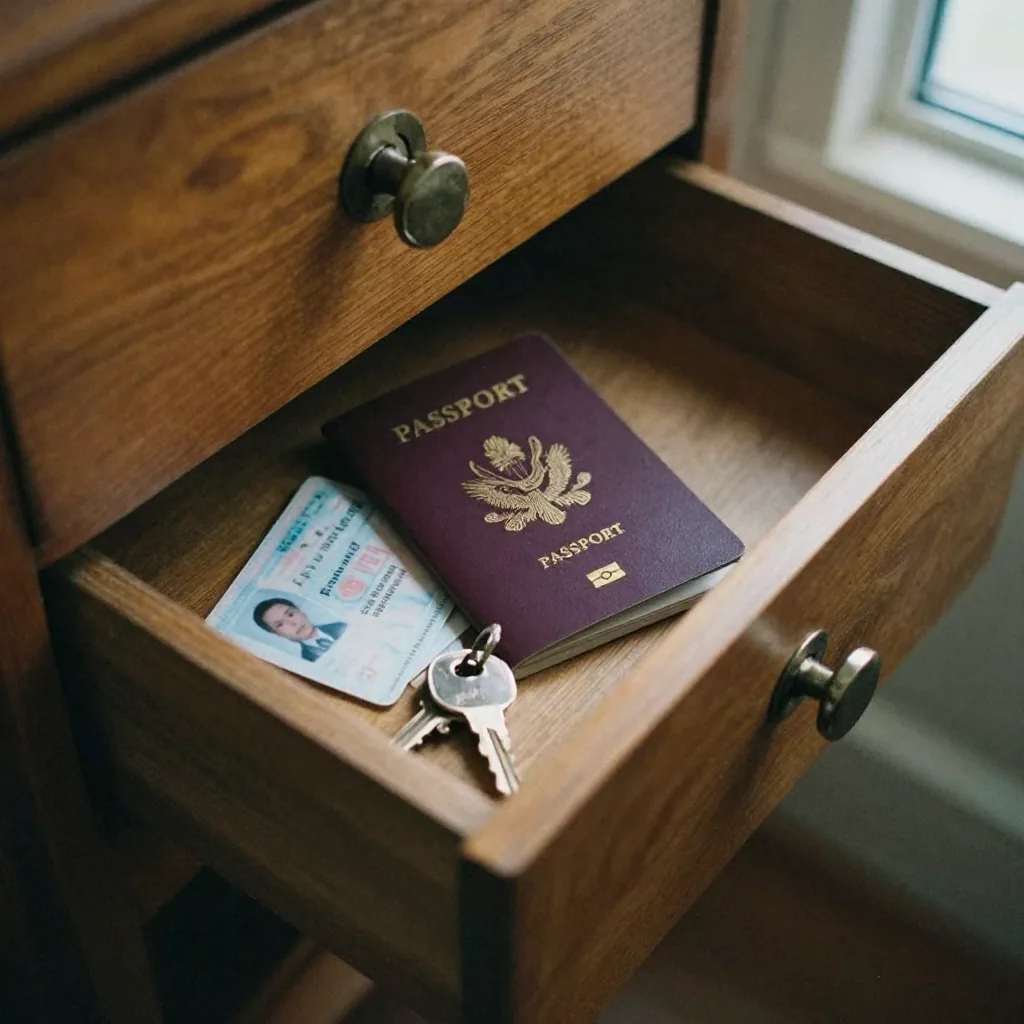
Here is a direct comparison of what happens with each approach:
| Most cloud image tools | Imagera free tools | |
|---|---|---|
| Uploads your photo to a server? | Yes | No |
| Stores a copy after processing? | Yes (2 hours to 30 days) | Nothing to store |
| Requires an account or sign-up? | Often | Never |
| Can be exposed in a data breach? | Yes | No (no data held) |
| Shares data with CDN or analytics partners? | Typically | No data transmitted |
| Grants the tool a license over your image? | Per their Terms of Service | No upload, no license |
| Works offline after page loads? | No | Yes |
| File-size upload cap? | Usually 5–10 MB | None (local processing) |
The key distinction is architectural, not policy-based. A cloud tool can promise to delete your file quickly — and many do. But the deletion is a promise made after the upload has already occurred. An in-browser tool never receives the file, so there is nothing to delete, store, or potentially expose.
This is especially relevant for passport photos. As Orca Security's PII research documents, image files containing government-issued ID scans are among the highest-value targets for data theft precisely because they combine biometric data, document numbers, and often geolocation in a single file.
What Metadata Is Inside a Passport or ID Photo?
A JPEG or PNG taken with a smartphone typically embeds the following in its EXIF or IPTC metadata:
- GPS coordinates — latitude and longitude accurate to within a few meters, indicating where the photo was taken (often your home)
- Timestamp — the exact date and time the photo was captured
- Device make and model — e.g., "Apple iPhone 15 Pro"
- Device serial number — in some camera models
- Software version — the iOS or Android version at capture time
- Altitude — elevation above sea level
- Orientation data — how the phone was held
- Color space and image dimensions — technical rendering data
None of these fields are visible in the photo itself, but all of them are readable by any tool that receives the file. ISACA notes that GPS coordinates in photos "can expose the locations of public figures" and that employee photos can "disclose office locations through embedded metadata" — the same logic applies to a passport photo taken at your kitchen table. For a deeper look at what each EXIF field reveals, see our guide on removing EXIF and GPS location from a photo before posting online.
Related tools on Imagera
The Bottom Line
Removing metadata from a passport or ID photo before submitting it to any form or tool is not technical overcaution — it is a straightforward privacy step that takes under 30 seconds. The GPS coordinates, device data, and timestamp embedded in your ID photo add nothing of value to the recipient, but they add meaningful information to anyone who intercepts or gains unauthorized access to the file.
The only approach that offers a genuine architectural guarantee — not a policy promise — is one where the tool never receives your file in the first place. Both steps of a safe ID photo workflow run entirely in your browser:
- Strip the metadata with Imagera's free EXIF remover
- Compress to your target file size with Imagera's free image compressor
No upload. No sign-up. No copy on any server.
For a broader look at which image operations can be done privately in the browser, see our guide to the best private no-upload image tools in 2026.
Sources:
- TechCrunch: UK Visa Portal exposed thousands of applicants' passports and selfies (May 2026)
- Nearly a million passports and driver's licenses exposed on the public internet (2026)
- ISACA: What to Know About EXIF Data — A More Subtle Cybersecurity Risk (2025)
- Kaspersky: Is It Safe to Take a Selfie With Your Passport?
- Orca Security: Protecting PII in Image Files
- Javelin Strategy: 2026 Identity Fraud Study (via LifeLock/Norton)
Start here (product links)
Use these product pages:
- Image Compressor — compress in your browser
- Print-Ready 16K Upscaler — paid upscale after compress
- Pricing — pay-first credits
- Passport Photo Maker — paid ID/passport studio
- EXIF & Metadata Remover — free EXIF strip
Free vs paid (honest)
Imagera's browser tools run on your device, with no upload.
Cloud AI studios (upscale 16K, talking avatar, LoRA train, etc.) are pay-first: buy credits from pricing (packs from 350 credits). Do not expect free unlimited commercial cloud generation.