
AI Video Detector 2026 — Check Videos for AI & Deepfake Signals is a practical Imagera workflow: start from a real source clip, run a forensic scan, read the verdict, and document what you found before you act on it. This guide covers what the tool checks, how the workflow runs, who uses it, and when to reach for related detection tools.
Quick start: Open the AI Video Detector, upload an MP4, WebM, or MOV up to 5 minutes, and read the verdict — AI probability, confidence score, suspected source generator, and a per-method breakdown — in seconds.
Quick answer: An AI video detector scans a clip for synthetic and deepfake signals, then returns a likelihood score in under a minute. On Imagera you can check a video, then re-check the same footage as image frames and audio for a three-way read before you publish.
1.How accurate is an AI video detector for catching deepfakes in 2026?
Treat any score as a screening aid, not proof. In 2026, blended AI/real footage, 4K re-encodes, and repeated compression passes all lower confidence, so run three checks (video, extracted frames, audio) rather than one. Imagera flags common artifacts in about a minute, but a single high or low percentage should never stand alone as a verdict.
2.Can an AI video detector prove a clip is fake in court?
No. A detector produces a probability, not legal evidence, so pair it with source files, upload timestamps, and chain-of-custody notes across all three signal types. Imagera returns results in under a minute and lets you cross-check multiple media layers. Detection tools are best treated as one input among several, never as a lone final verdict.
3.Tool map
- AI Video Detector
- AI Video Detection
- Deepfake Detection
- AI Image Detection
- AI Audio Detection
- Zero Detection
A real clip produced with Imagera — no filming required.
4.What the AI Video Detector does
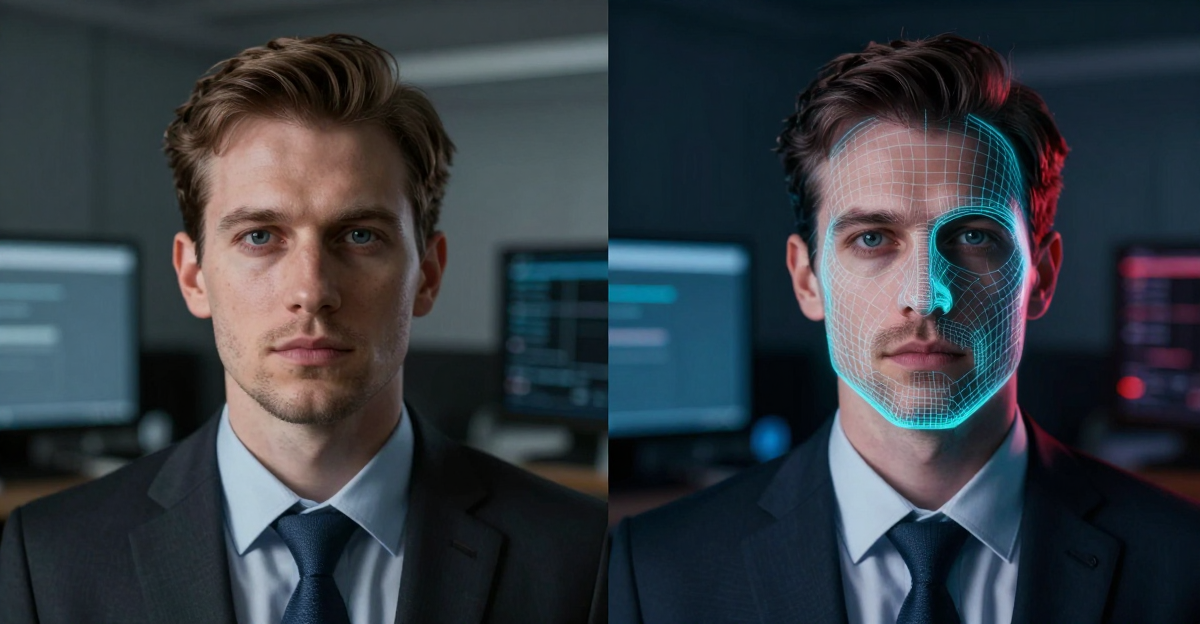
The Imagera AI Video Detector is a browser-based authenticity check that tells you whether a video clip was generated or manipulated by AI. It covers two distinct cases in one scan: fully synthetic footage produced by text-to-video and image-to-video generators, and partially altered real footage — deepfake face swaps, face re-enactment, and lip-sync dubbing. Instead of a bare yes/no, each scan returns an AI probability from 0–100%, a calibrated confidence score, the suspected source generator behind the clip, and a forensic breakdown showing which signals triggered and why.
Detection runs six independent forensic methods and fuses them into a single verdict: temporal consistency analysis, frame-level frequency forensics, a lip-sync and audio cross-check, optical-flow physics validation, generator fingerprinting, and multi-signal fusion. No single method is treated as definitive — the ensemble exists precisely because heavy compression or editing can weaken any one check. This is an authenticity and transparency tool: it surfaces AI and deepfake signals so a human can make an informed call, not a courtroom verdict on its own.
Two numbers frame what the tool is tuned to do. On unedited AI-generated clips it reports 96.8% accuracy; on deepfake and face-swap footage it reports 99.1%. Those figures describe best-case performance on clean source material — the confidence score in each report is what tells you how far real-world conditions have moved a specific clip away from that ideal.
5.How the six forensic methods work
Because the tool fuses six independent checks, it helps to understand what each one looks at. They are deliberately diverse: a manipulation that fools one method usually leaves evidence for another.
- Temporal consistency analysis. Real cameras capture a physically continuous world; generators synthesize each clip from learned statistics. This method tracks facial landmarks, blinking cadence, motion vectors, and frame-rate uniformity across the whole timeline, surfacing frame-to-frame inconsistencies the eye cannot catch at normal speed.
- Frame-level frequency forensics. Every generator leaves a spectral fingerprint inside individual frames. Fourier and wavelet analysis on sampled frames compares their frequency distribution against authentic camera sensor noise — synthetic frames lack the physical sensor signature real footage carries.
- Lip-sync and audio cross-check. For talking-head video the audio is evidence too. The detector aligns phonemes against lip motion frame by frame and inspects the audio for synthetic voice signatures, which is how it catches dubbed deepfakes whose video and audio were generated separately.
- Optical-flow physics validation. Motion in real video obeys physics — momentum, parallax, consistent occlusion. Optical-flow analysis measures whether objects, hair, fabric, and reflections move plausibly between frames; generated video produces statistically detectable motion-field anomalies.
- Generator fingerprinting. Each generation architecture leaves identifiable statistical signatures. Trained on outputs from many video and face-swap tools, the classifiers flag synthetic video and also name the likely source model behind it.
- Multi-signal fusion. Temporal, spectral, audio, motion, and fingerprint signals are fused into a single calibrated confidence score. The ensemble catches manipulations that defeat any individual check.
6.How it works
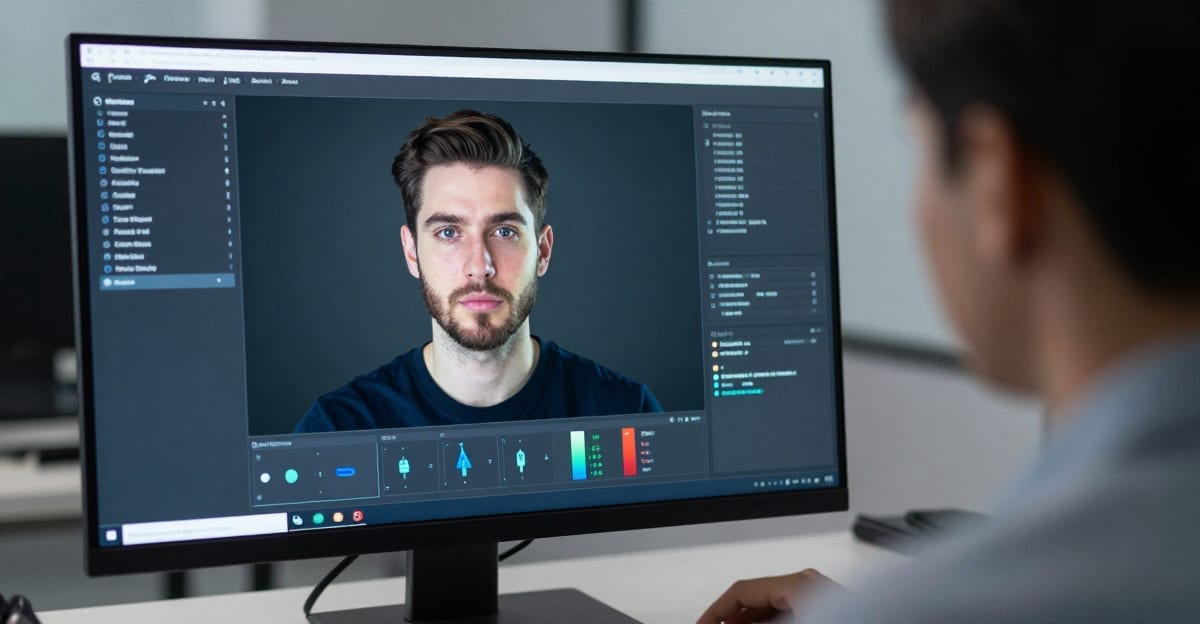
- Upload your video. Drag and drop an MP4, WebM, or MOV up to 5 minutes. For longer material, scan the most critical segment — talking-head sections carry the densest evidence for deepfake analysis.
- Let the forensic scan run. Six methods analyze the clip in parallel on GPU infrastructure, checking blinking cadence, motion vectors, frequency signatures, lip-sync alignment, motion physics, and generator fingerprints across the timeline.
- Read the verdict report. Within tens of seconds you get an AI probability, a confidence score, a plain-language label such as "Likely AI-Generated," the suspected source model, and a per-method breakdown.
- Review uncertain clips manually. Use the confidence score to decide how much weight to give the result. Low-confidence or borderline clips warrant a second look and, where it matters, an independent verification method.
- Document and export. Save the report as your evidence trail, and never rely on a single automated score for high-stakes decisions.
7.Step-by-step walkthrough
If this is your first scan, here is the full path from suspicious clip to documented decision.
- Pick the best available copy of the clip. Prefer the original file over a re-downloaded social version. Re-encoding weakens frame-level frequency signals, so the cleaner the source, the more of the six methods contribute strongly to the verdict.
- Trim to the segment that matters. If a video runs longer than 5 minutes, or is mostly filler, isolate the part where a face is speaking on camera. That is where lip-sync, blinking, and facial-boundary evidence concentrate.
- Open the tool and upload. Go to the AI Video Detector, then drag and drop your MP4, WebM, or MOV. The interface accepts a single clip per scan.
- Choose the right scan for the question. A full video scan checks for any AI generation; a deepfake/face-swap scan focuses on manipulated real footage. If your concern is "is this person's face real," the deepfake path is the direct answer.
- Wait for the parallel analysis. The six methods run together, typically in tens of seconds. There is nothing to configure — the calibration is fixed so results are comparable across clips.
- Read the verdict from the top down. Start with the plain-language label and the AI probability, then check the confidence score, then the suspected source model, then the per-method breakdown to see which signals drove the call.
- Decide and document. Save the report. If confidence is high and the stakes are moderate, you may act on it directly. If confidence is low or the stakes are high, add an independent check and a human review before you act.
8.Reading the verdict report
Every scan returns the same structured output, and each field answers a different question:

- Binary verdict — the headline call: AI-generated or authentic.
- AI probability (0–100%) — how strongly the fused signals lean synthetic.
- Confidence score — how reliable that probability is for this specific clip, given its length, resolution, and compression.
- Human-readable label — a phrase such as "Likely AI-Generated" so non-technical reviewers can act without decoding a percentage.
- Suspected source model — the likely generator or face-swap tool behind the clip, useful for triage and pattern-spotting.
- Per-method breakdown — which of the six methods triggered and why, which is what makes the report defensible as documented evidence.
The pairing that matters most is probability plus confidence. A high AI probability with high confidence is a clear signal; a high probability with low confidence means "look closer," not "case closed."
9.Spotting AI and deepfakes with your own eyes
Before you scan, it is worth knowing the visual tells — both to sharpen your instincts and to understand why manual inspection alone is no longer enough. These are the signals a human reviewer can look for at 0.5× playback speed:
- Unnatural blinking. Deepfake subjects often blink too rarely, too regularly, or with both eyes slightly out of sync. Real humans blink every few seconds with irregular timing.
- Flickering face boundaries. Face-swap pipelines blend a generated face onto a source head frame by frame. Watch the jawline, hairline, and ears for soft shimmer, color seams, or edges that wobble when the head turns.
- Hands, teeth, and jewelry morphing. Generative video still struggles with high-detail regions. Fingers merge or change count between frames, teeth blur into a single band, and earrings or glasses subtly change shape.
- Physics that almost works. Hair, cloth, liquids, and reflections obey learned statistics, not physics. Look for hair that moves a beat late, drinks that never ripple, and mirrors showing the wrong reflection.
- Lighting mismatch on the face. In re-enacted or swapped footage the face is lit by the generator, not the scene. Compare shadow direction on the nose and chin with shadows in the background.
- Audio–lip desynchronization. Cloned or dubbed audio rarely lands perfectly on the lips. Watch plosive sounds — p, b, m — and check that the lips actually close.
- Warping backgrounds and text. Backgrounds drift: door frames bend as the camera pans, signage and captions show garbled characters, and brick or tile patterns swim between frames.
The honest caveat: these tells catch older fakes. The current generation of video models produces footage that passes most visual checks. When the answer actually matters — hiring, claims, publication, evidence — run a forensic scan instead of trusting your eyes.
10.Common use cases
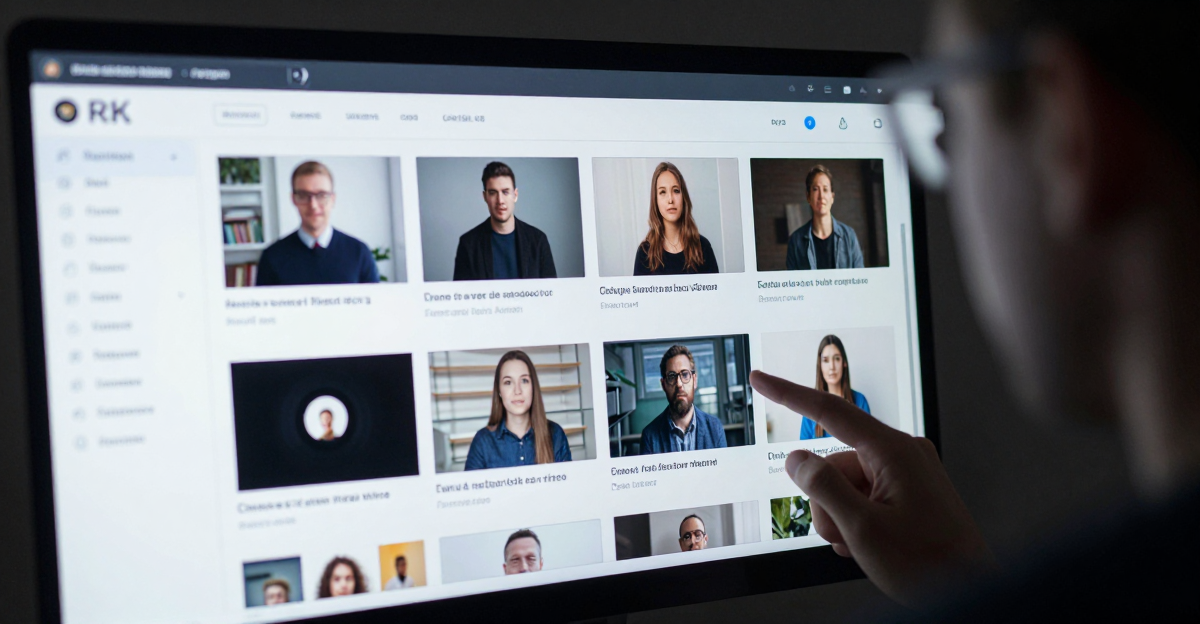
- Newsrooms and fact-checkers verifying user-submitted and viral footage before it enters the news cycle.
- HR and remote-hiring teams screening recorded interviews and identity clips for face swaps and re-enactment.
- Finance, insurance, and fraud units checking claims footage, KYC videos, and executive-call recordings before money moves.
- Legal and eDiscovery workflows authenticating video exhibits with a methodology breakdown for human review.
- Trust and safety teams screening user-generated video at scale for synthetic or non-consensual content.
- Government and election-integrity analysts verifying political footage and constituent-submitted video against synthetic-media campaigns.
- Compliance teams operationalizing disclosure duties under transparency rules like the EU AI Act's Article 50.
11.Who it's for
The detector is built for anyone who has to defend a decision that depends on a video being real. That splits into a few clear profiles.
- The publisher. A journalist or editor deciding whether a clip is safe to run. The cost of a false story is high, so a documented, per-method report matters more than a bare label.
- The gatekeeper. A recruiter or KYC reviewer who cannot let a manipulated identity clip through. Here deepfake and face-swap detection is the priority, and the 99.1% figure on that path is the relevant one.
- The investigator. A fraud analyst, insurer, or legal professional who needs an evidence trail. They lean on the source-model identification and the per-method breakdown to support — never replace — human judgment.
- The moderator at scale. A trust-and-safety team screening large volumes of user video, triaging by starting with the most critical segment of each clip rather than full-length uploads.
12.Example scenarios
- Viral eyewitness clip. A newsroom receives a dramatic street video from an unknown account. A scan returns high AI probability with high confidence and names a likely video generator. The editor holds the story and requests corroboration before publishing.
- Remote interview. A hiring team notices a candidate's face looks slightly "off" on video. A deepfake/face-swap scan flags face re-enactment with a lip-sync mismatch. The team escalates to a live identity check rather than extending an offer.
- Insurance claim. A claims unit reviews damage footage that looks plausible but arrives from a suspicious source. The scan returns low confidence, so the analyst does not act on the automated result alone — they add a second verification method and keep the report on file.
- Executive-call recording. A finance team receives a recorded video message authorizing a payment. A scan surfaces synthetic-voice signatures on the audio track alongside subtle facial anomalies. The payment is paused pending out-of-band confirmation.
13.Comparison
Most video-capable detectors are enterprise-contract only, so a self-serve, pay-per-scan option with source-model identification is the differentiator here. The table below reflects publicly available vendor information; accuracy figures represent best-case performance on unedited synthetic content, and real-world results vary with compression and editing. Competitor pricing is shown as published (contract or plan based); Imagera's cost is expressed in credits per scan.
| Tool | AI Video | Deepfake | Source-Model ID | Self-Serve | Stated Accuracy | Pricing |
|---|---|---|---|---|---|---|
| Imagera AI Video Detector | Yes | Yes | Yes | Yes | 96.8% video / 99.1% deepfake | From 15 credits per scan |
| Sensity AI | Yes | Yes | No | No | ~95% (vendor-stated) | Enterprise contract |
| Reality Defender | Yes | Yes | No | No | Not published | Enterprise contract |
| Hive AI | Yes | Yes | No | No | Not published | Enterprise API |
| Deepware Scanner | No | Yes | No | Yes | Not published | Limited scans |
| Attestiv | Yes | Yes | No | Yes | Not published | Monthly plans |
The practical takeaway: if you need occasional, documented, self-serve checks — not an enterprise procurement cycle — pay-per-scan with a named suspected source model is the fit.
14.Tips for best results
- Prefer originals over heavily re-compressed social downloads; re-encoding degrades some frame-level signals.
- Isolate the segment that matters — talking-head footage gives the detector the richest lip-sync and facial evidence.
- Always read the confidence score alongside the verdict; it tells you how much to trust the result.
- Scan the audio path deliberately for talking-head clips — dubbed deepfakes often show up first in lip-sync and voice signatures.
- For borderline cases, pair a video scan with AI image detection on key frames or AI audio detection on the soundtrack.
15.Common mistakes to avoid
- Trusting your eyes alone. Manual tells — unnatural blinking, flickering face edges, morphing hands, physics that almost works — catch older fakes, but current video models pass most visual checks. When the answer matters, run a forensic scan.
- Ignoring the confidence score. A verdict without its confidence context is half the information. Treat low-confidence results as "investigate further," not as conclusions.
- Scanning a degraded copy. Uploading a heavily compressed re-download and then dismissing a weak result confuses "hard to read" with "authentic." Use the best available source.
- Uploading full-length footage for triage. For long clips, scan the most critical segment first; it is faster and concentrates the evidence.
- Treating one modality as the whole answer. A clip is video, audio, and frames. When a soundtrack or key frame deserves its own check, run the matching detector.
- Making an accusation on a single automated score. No AI detector should be the sole basis for a high-stakes decision. Combine it with an independent method and human review.
16.Pricing
Pay per scan, no subscription — deepfake/face-swap scans cost 15 credits and full video scans cost 20 credits. Credits never expire; starter packs begin at $19.99 for 200 credits. See pricing.
17.Start here (product links)
- AI Video Detector
- AI Video Detection
- Deepfake Detection
- AI Image Detection
- AI Audio Detection
- Zero Detection
- Pricing
18.Bottom line
Imagera AI Video Detector and the detect suite help operators screen clips for AI and deepfake signals with a documented, per-method report. Use it alongside image and audio detection for cross-modality verification. It's not a courtroom guarantee — it's a transparency and authenticity screening tool that puts a human, better-informed, in charge of the final call.
CTAs: AI Video Detector · AI Video Detection · Deepfake Detection · Pricing