 AI video dubbing software translates the spoken words in a video and replaces the original audio with a new voice track in another language — automatically, from your browser, without re-shooting or hiring voice actors. You upload the video, pick a target language and voice, and export a version your audience can understand in their own language.
This guide explains how the process actually works, where it beats subtitles, the honest limits of AI lip-sync in 2026, and a step-by-step workflow for localizing a video without a recording studio.
Last updated July 2026.
Quick answer: AI video dubbing software in Imagera transcribes the speech in your video, translates it into a target language, and generates a natural-sounding voice track that replaces the original audio — no re-shoot, subtitles, or voice actors required.
1.How does AI video dubbing software work online in 2026?
Imagera runs a 4-stage pipeline entirely in your browser: (1) transcribe the source speech, (2) translate it into 1 of 100+ target languages, (3) synthesize a matching AI voice, and (4) mux the new track back over the video. A typical 60-second clip finishes in under 5 minutes, and you spend credits per video rather than paying per-word or per-minute rates.
2.Is AI dubbing better than subtitles for reaching new markets?
For localizing content you already sell into, dubbing often beats subtitles because viewers hear the message instead of splitting attention between watching and reading. Imagera lets you dub 1 source video into 10+ languages from a single upload. Treat AI lip-sync as a strong upgrade over subtitles, not a flawless studio dub — accuracy still varies by language.
3.What AI video dubbing software actually does
"Dubbing" traditionally means casting a voice actor, writing a translated script, and re-recording every line in a booth so it matches the on-screen speaker. AI video dubbing software collapses that entire pipeline into a few automated steps.
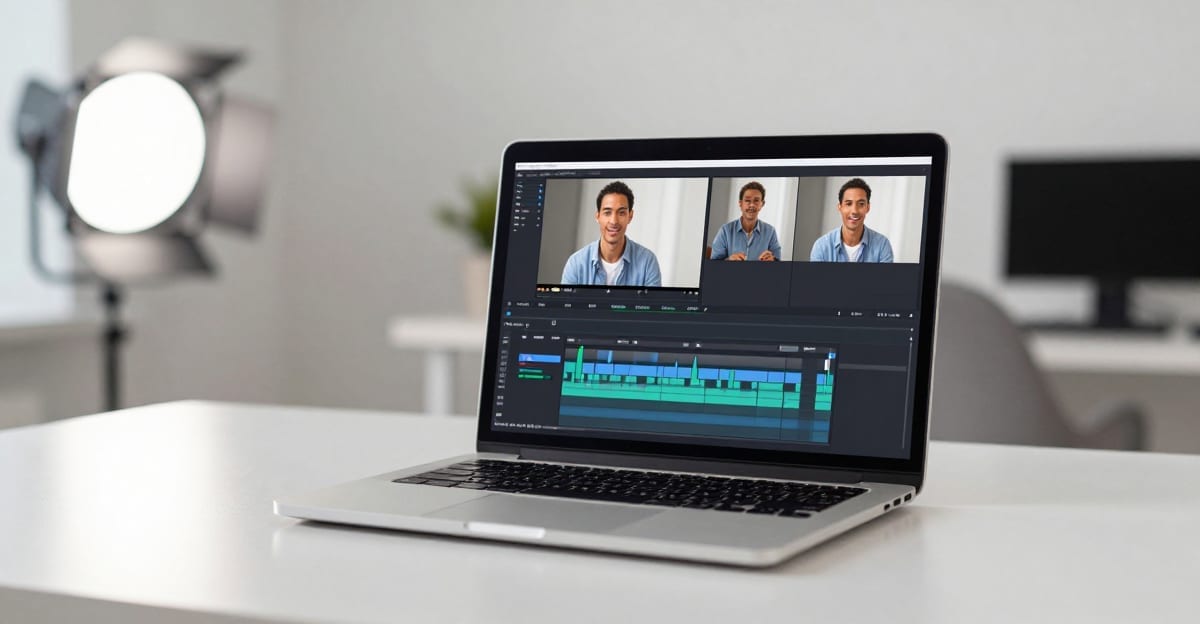
A real clip produced with Imagera — no filming required.
Under the hood, most tools run four stages:
- Transcription — the software listens to your original audio and writes out what's said, with timing.
- Translation — that transcript is translated into the target language.
- Voice generation — a synthetic voice reads the translated script in a natural, human-like tone.
- Alignment — the new track is timed to the original clip so speech lands roughly where the speaker's mouth moves.
The output is a finished video with the original audio swapped for the translated voiceover. Imagera's dubbing replaces the audio track — it generates a new voice in your target language and times it to your footage (a voice dub). Reshaping the speaker's mouth to match the new language's phonemes (visual lip-sync) is a separate capability; some tools attempt it, others simply lay the new voice over the existing footage. Both approaches are valid — they trade off differently, which we'll cover below.
4.Dubbing vs. subtitles vs. voice actors: an honest comparison
Dubbing is not the only way to reach a non-native audience. Here's how the three main options compare on the factors that actually matter for a small team.

| Factor | AI dubbing | Subtitles | Human voice actors |
|---|---|---|---|
| Cost per language | Low (per-video credits) | Very low / free | High (talent + booth + engineer) |
| Turnaround | Minutes | Minutes to hours | Days to weeks |
| Viewer experience | Watch hands-free, native audio | Must read while watching | Highest quality when done well |
| Scales to many languages | Yes — one upload, many exports | Yes | No — linear cost per language |
| Emotional nuance | Good, improving | N/A | Best (a real performance) |
| Lip-sync accuracy | Approximate to good | N/A | Perfect if re-shot; usually not |
| Accessibility for silent autoplay | Weak (needs sound on) | Strong | Weak |
The practical read: subtitles are the cheapest accessibility layer and win for silent, autoplay-heavy feeds. Human voice actors still win when a single flagship video needs a flawless performance. AI dubbing sits in the high-value middle — it lets a small team ship native-language audio across many markets, fast, at a fraction of studio cost. Many teams use subtitles and an AI dub of the same video.
5.Where AI video dubbing pays off
Dubbing earns its cost when the same footage has value in more than one language. The clearest wins:
- Marketing and ad videos. Localize a single campaign video into every market you sell in — same footage, a native-sounding voiceover for each language. This is often the highest-ROI use because ad performance is language-sensitive.
- Online courses and training. Dub lessons and onboarding videos so learners in other countries follow along in their own language instead of struggling through a second-language read.
- YouTube and short-form creators. Publish dubbed versions to reach audiences that subtitles alone underserve — hands-free viewing keeps watch time up.
- Corporate and product demos. Roll out internal comms, product walkthroughs, and webinars to international teams and customers at once.
- Explainers and documentaries. Give long-form content a translated voice track that preserves the pacing of the original.
- Ecommerce and UGC. Turn one product or creator video into localized sales content for Shopify, Amazon, and TikTok Shop markets.
If a video will only ever run in one language, dubbing adds nothing — ship it as-is. The value is entirely in reuse across markets.
6.The honest limits of AI lip-sync in 2026
This is where most tool marketing overpromises, so let's be direct.
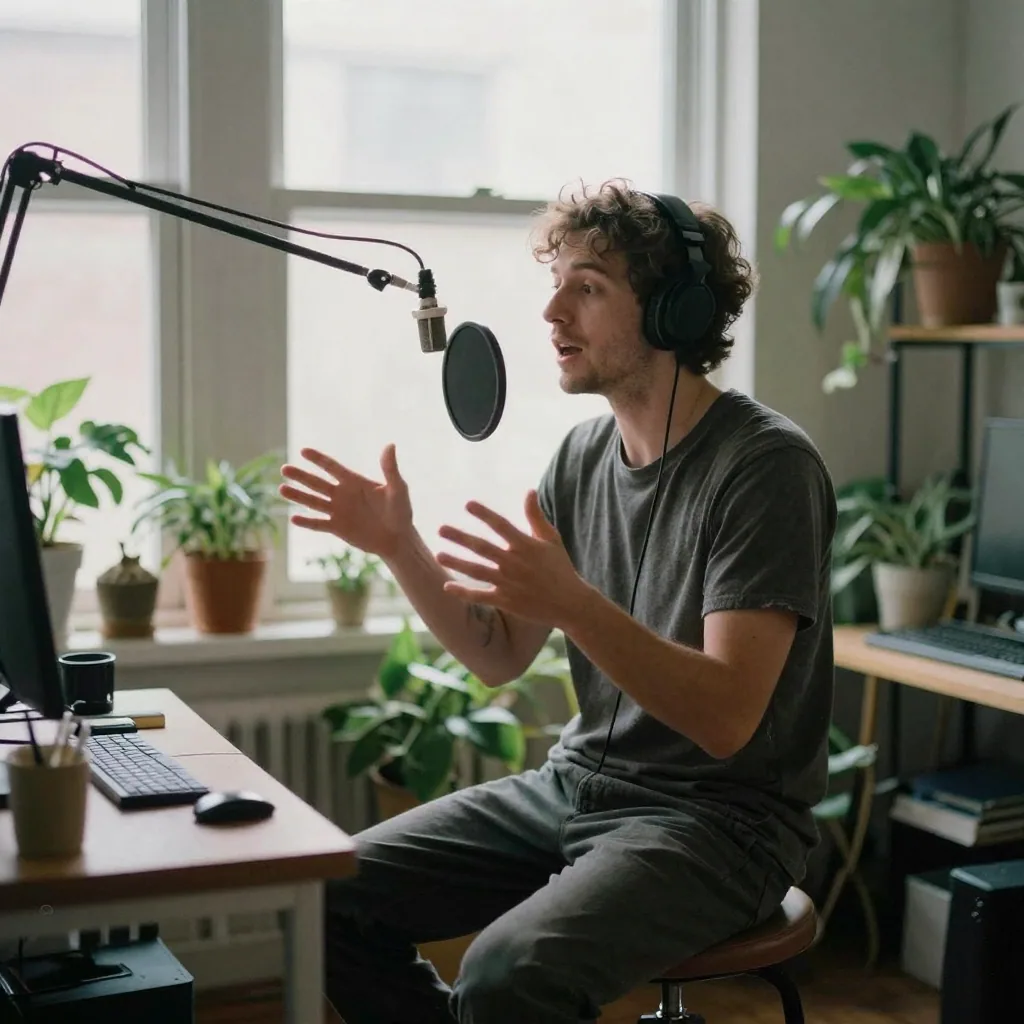
Lip-sync is approximate, not perfect. When the software keeps your original footage and lays a translated voice over it, the speaker's mouth will not match the new language's phonemes. For talking-head, voiceover-style, and B-roll-heavy videos, viewers barely notice. For extreme close-ups of a single speaker, the mismatch is visible.
Timing drifts across languages. Translations rarely have the same syllable count as the source. A line that's five seconds in English might be seven in German. Good tools stretch or compress the delivery to fit, but on dense, fast dialogue you'll sometimes hear a slightly rushed or padded read.
Names, jargon, and puns are risky. Machine translation handles everyday speech well but stumbles on brand names, technical terms, idioms, and wordplay. Always review the translated script before publishing to a market that matters.
Emotional performance is good, not theatrical. AI voices in 2026 sound natural and are comfortable to watch end-to-end. They are not a substitute for a trained actor delivering a dramatic monologue.
The right expectation: AI dubbing is a large, reliable upgrade over subtitles for informational and commercial video — not a frame-perfect Hollywood redub. Set that expectation and you'll be happy with the output; expect the latter and you'll be disappointed.
7.How to dub a video into another language: step by step
You don't need any recording gear. The workflow with Imagera's AI Video Dubbing tool is three steps:
- Upload your video. Add the file you want to localize. Imagera reads the original audio and prepares it for translation and voicing.
- Pick the target language and voice. Choose the language you want to reach and a voice style that fits your brand. Imagera translates the speech and generates a natural dubbed track timed to your footage.
- Preview and export. Watch the result, and if the translation reads well, download the dubbed video — ready to publish anywhere.
To produce versions for several markets, repeat step 2 with a different language on the same source upload. One video becomes many localized exports.
7.1A pre-publish checklist
Before you push a dubbed video live in a market that matters:
- Read the translated script. Fix brand names, product terms, and anything that reads awkwardly in the target language. A native speaker's five-minute review prevents the most embarrassing errors.
- Listen end-to-end with sound on. Check that no line feels rushed or padded at scene changes.
- Confirm the voice matches the tone. A playful ad and a compliance training video want different voices.
- Keep subtitles too. Burned-in or platform captions serve silent autoplay and accessibility that dubbing alone doesn't.
8.What to look for in AI video dubbing software
If you're comparing tools, weigh these instead of headline claims:
| What to check | Why it matters |
|---|---|
| Language coverage | Confirm your actual target markets are supported, not just the popular ones |
| Voice naturalness | Listen to a real sample in your target language, not the demo language |
| Editable translation | You want to correct the script before export, not accept a black-box translation |
| Timing handling | How it deals with length mismatches (stretch/compress) affects how natural fast speech sounds |
| Pricing model | Per-video credits let you pay only for what you dub; per-seat subscriptions punish light use |
| Ownership | Confirm you own and can commercially publish the output |
| No re-shoot required | The whole point is starting from footage you already have |
Imagera runs dubbing on credits, so you only pay for the videos you actually localize — you can top up as you go and produce multiple language versions from a single source video. The output is yours to publish across your channels, campaigns, courses, and marketing.
9.Which video types dub cleanly, and which fight the tool?
Talking-head, voiceover, and B-roll-heavy videos dub cleanly because viewers aren't locked onto a single speaker's lips. Fast, dense dialogue and extreme single-speaker close-ups fight the tool: translations rarely match syllable count, and mouth movement is most visible when the face fills the frame. Choosing the right source footage matters more than any tool setting.
Here's how common formats sort out in practice, and what to do about the harder ones:
| Video type | Dubs cleanly? | Why | Practical tip |
|---|---|---|---|
| Explainer with voiceover + B-roll | Yes | Speaker rarely on screen; lip mismatch invisible | Ideal first candidate for a new market |
| Talking-head course lesson | Mostly | Medium shots forgive small mismatches | Keep cuts to B-roll during dense passages |
| Product demo / screencast | Yes | On-screen product, not a face | Localize the voice, keep captions for UI labels |
| Ad with a single close-up spokesperson | Harder | Mouth fills frame; mismatch shows | Cut to product shots on long lines, or reserve for human actors |
| Fast, joke-dense creator clip | Harder | Puns and timing rarely translate | Review the script line by line before publishing |
| Interview / podcast video | Mostly | Multiple speakers, medium shots | Confirm speaker labels stay correct after translation |
The read: pick voiceover and B-roll-forward footage first, and save your close-up flagship pieces for either careful review or a human redub. Restructuring an edit to hide the hardest lines behind cutaways is often faster than fighting a tool to perfect lip-sync it was never built to guarantee.
10.How much cheaper is AI dubbing than hiring voice actors?
AI dubbing typically costs a small per-video credit charge, versus talent fees, booth time, and an engineer per language for human dubbing — often the difference between a few credits and hundreds of dollars per language. The gap widens with every market you add, because AI dubbing charges per export while human dubbing charges per session. For teams shipping into five or ten languages, that scaling difference is the whole argument.
The honest caveat: cost isn't the only axis. A flagship brand film that needs a genuine performance still justifies a human actor. But for the everyday volume of marketing clips, course lessons, and product demos that make up most localization work, the per-video credit model on a tool like Imagera lets a small team reach many markets without a studio line item for each one. You top up credits, dub what you need, and skip the per-seat subscriptions that punish light use.