You can complete this on Imagera without installing software: upload a real source file, describe the change, confirm credits up front, generate, and review before you publish. CinePage Cinematic Page Builder 2026 — AI Storyboard Pages Online — this guide covers the steps, quality checks, and when to open related tools.
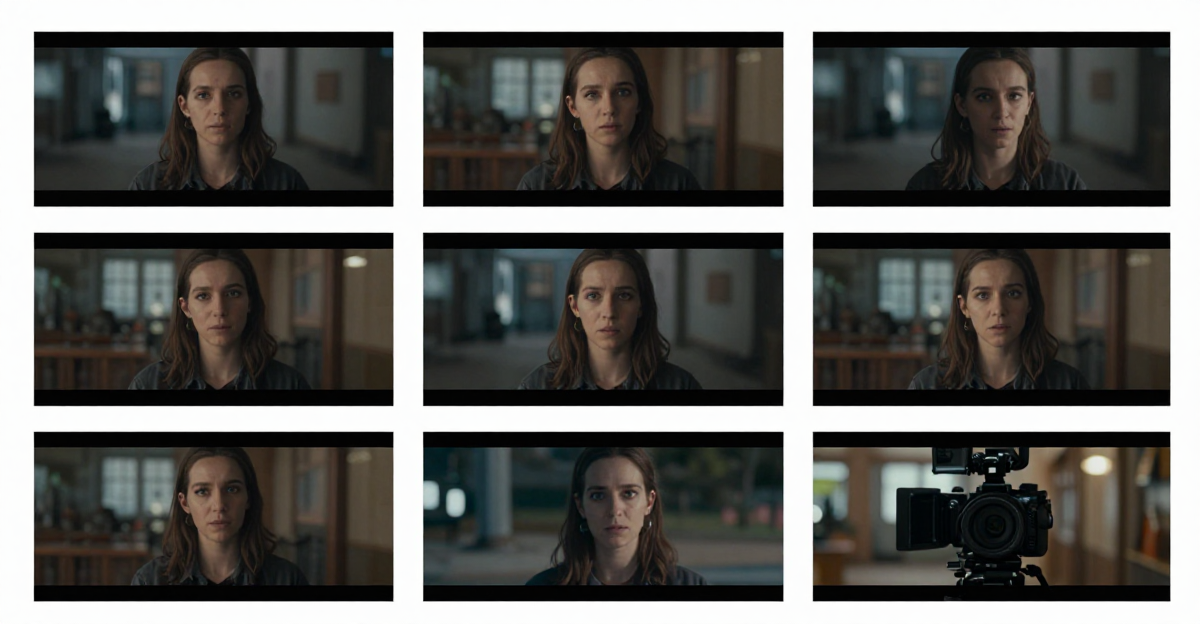
Real Imagera output: still photos given cinematic camera motion.
Quick answer: CinePage is Imagera's AI cinematic page builder that turns a brief or a few reference images into ready-to-share storyboard pages online in under 60 seconds, no design software required.
1.How does CinePage build a cinematic storyboard page online?
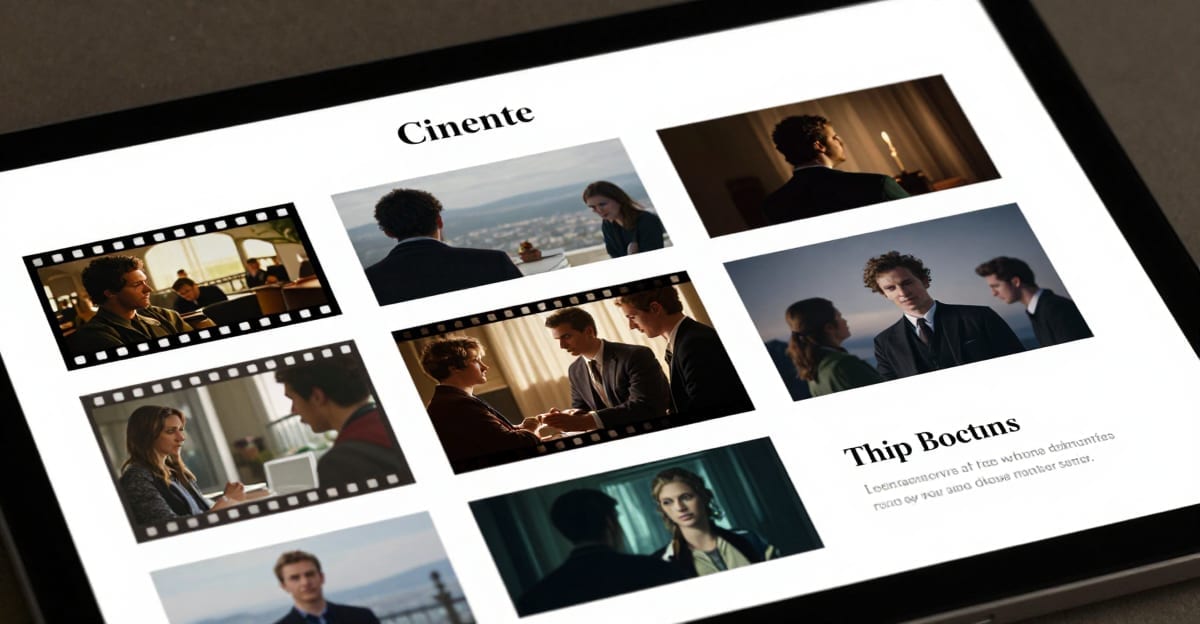
You describe a scene or upload 1-3 reference images, and CinePage lays out a cinematic page with framed shots, captions, and pacing in under 60 seconds. It exports crisp 4K panels, supports 100+ layout and mood presets, and lets you regenerate any frame instantly, so a full 6-shot sequence is publish-ready in one sitting in 2026.
2.Why use an AI page builder instead of manual storyboard tools?
Manual storyboarding usually means juggling several disconnected apps for writing, framing, and layout. CinePage keeps all of it in one flow, so building a 10-panel board takes minutes instead of an afternoon. It renders up to 8K stills and reuses your presets across every page for a consistent look, letting you spend your time on the story rather than on repetitive layout work.
3.Quick verdict
Use CinePage to describe a page in plain English, drop in your own photos, and get a live scroll-animated landing page you can export as clean HTML. Pair it with AI Smart Director or video tools for more motion. Pay-first from $19.99.
4.Workflow
- Outline beats.
- Build pages in CinePage.
- Generate video for key frames.
- Enhance finals.
- Export for client review.
5.What CinePage does
CinePage is Imagera's cinematic web page builder. You describe the page you want in a sentence or two, pick a vibe, and upload photos of your own subject — then Imagera plans the layout, writes the copy, locks a color palette and font pairing, and assembles a scroll-driven landing page. The hero can carry a scroll-scrub video that advances with the scrollbar, a 3D-textured title word rendered as a real object in the scene, and on-brand images generated from your uploads rather than stock. The output is real, semantic HTML with clean meta and JSON-LD — not a locked template.
Once the first page renders, CinePage becomes a conversational editor. You refine by chatting ("warmer palette", "punchier headline", "tighten the spacing"), with undo/redo, versioned saves, and export to a single self-contained HTML file or a ZIP you can host anywhere.
The difference between CinePage and a drag-and-drop site builder is where the effort lands. In a template tool you assemble the page yourself — you pick a layout, swap placeholder copy, tune spacing, and hope the animation library behaves. In CinePage the first draft arrives fully composed: a directed hero, a coherent palette, real conversion copy, and a scroll engine already wired. Your job shifts from building to editing, and every edit is a plain-English sentence rather than a settings panel. That is why the page can look professionally directed instead of assembled from a kit.
5.1What you get on the page
- A scroll-scrub hero. The optional hero video plays forward as the visitor scrolls — the start of the clip at the top of the page, the end of the clip at the bottom of the hero — so the motion feels tied to the reader's hand, not a background loop. On phones the same hero falls back to a clean poster image, so nothing autoplays where it shouldn't.
- A 3D-textured title word. Your headline word can be rendered as a real object in the scene — ice, chrome, liquid-glass, or gold to suit the genre — with rim light and reflections, rather than flat overlaid text.
- On-brand imagery, not stock. Section images are generated image-to-image from the photos you upload, so a person, product, or property in the page is your subject, not a lookalike from a stock library.
- A cohesive design system. Imagera locks a base/surface/accent/text palette and a real Google Font pairing so the whole page reads as one designed piece.
- Exportable, hostable HTML. The page ships as semantic markup with clean meta and JSON-LD, and exports as one self-contained file you own outright.
6.How it works
- Describe + drop in photos. Write the page in plain English, pick a vibe (Luxury, Tech, Editorial, Bold, or Minimal), choose a format, and upload up to a dozen of your own images.
- Review the plan. In Step-by-step mode, Imagera returns an editable spec — sections, hero beats, palette, fonts, and any drafted section images. Rename sections, toggle the video hero on or off, and confirm the credit cost before anything is charged.
- Build. Imagera generates the page: an optional scroll-scrub hero video of your subject, a 3D-sculpted title, and on-brand section imagery, all assembled on a lag-free scroll engine.
- Refine by chatting. Preview live, then request edits in plain language. Each edit is applied in place with undo/redo.
- Export. Save the version you like and export a self-contained HTML file or ZIP — host it on Cloudflare Pages, Vercel, Netlify, or your own server. No lock-in.
Quick mode runs the whole plan-to-build path in one action; Step-by-step lets you review and edit the plan before you pay for the build.
6.1What "vibe" and "format" actually control
Vibe and format are two independent dials, and understanding the split gives you far more control over the result.
- Vibe sets the aesthetic — color, motion, and tone. There are five: Luxury (near-black, gold accents, slow cinematic motion), Tech (deep navy/charcoal, electric accents, crisp grid, snappy reveals), Editorial (high-contrast serif typography, asymmetric layout, generous breathing room), Bold (saturated gradients, oversized type, punchy scroll animation), and Minimal (white base, single accent, subtle fade-ups, maximum whitespace).
- Format sets the structure — how the content is laid out. Auto lets Imagera infer the skeleton from your brief. Landing builds a conversion page: hero, value props, social proof, closing call-to-action. Portfolio foregrounds your uploaded images as the work, in galleries and case-study blocks. Deck structures a scroll-based pitch — problem, solution, how-it-works, traction, ask. Showcase builds an immersive photo essay with large full-bleed image sections and minimal text.
A "Portfolio" at the Minimal vibe and a "Deck" at the Bold vibe are completely different pages even from the same brief — because you changed structure and aesthetic separately. Start with the pairing closest to your intent, then refine the details by chatting.
7.Step-by-step walkthrough
Here is the full path from a blank studio to an exported page, with the decisions that matter at each step.
- Open the studio and land on Home. CinePage studio opens on a create surface with your saved projects below, so returning to a page in progress is one tap.
- Write a specific one-liner. "A pre-order page for premium over-ear headphones — sleek, techy, product hero and a specs section" produces a far more coherent result than "a headphones page." Name your brand and product; the page is yours and the copy will use them.
- Pick vibe + format. Choose the aesthetic and the structure separately (see above). If you are unsure of the structure, leave format on Auto.
- Upload your real assets. Add up to twelve photos of the actual subject — the product, the person, the property, the artwork. These become the references for the on-brand section imagery and can seed the hero.
- Choose Quick or Step-by-step. Quick runs plan-to-build in one action. Step-by-step returns an editable plan first, so you can rename sections, toggle the video hero, and see the exact credit cost before you pay.
- Review and confirm the plan (Step-by-step). The plan shows sections, hero beats, palette, fonts, and any drafted section images. Toggle the video hero on only if you want motion; an image or gradient hero costs no extra credits. Confirm the cost.
- Build. Imagera generates the page. If you opted into a video hero, it renders a keyframe of your subject and then a forward-scrubbing hero clip; otherwise it assembles an image or gradient hero.
- Refine by chatting. The page becomes a live editor. Ask for "warmer palette", "punchier headline", or "tighten the spacing"; each change is applied in place with undo/redo. Every conversational edit is billed per change.
- Save a version. Saves are versioned, so you can experiment freely and roll back.
- Export. Download a single self-contained HTML file or a ZIP and host it anywhere. There is no builder lock-in.
8.Who it's for
- Founders and marketers who need a launch or pre-order page that looks directed, without hiring a motion designer or fighting an animation library.
- Agencies and freelancers who want to hand a client a moving, on-brand page in minutes and then export clean HTML the client can host.
- Photographers, designers, and creators whose uploaded work should be the page — foregrounded in galleries rather than buried under a template.
- Real estate and hospitality teams who want a scroll-scrubbed walk-through instead of a static slideshow.
- Event and film promoters who want title-sequence energy with a 3D hero word and no post-production pipeline.
9.Common use cases
- Product launches — a cinematic reveal page that makes a new product feel like an event.
- Personal brand & portfolio — a scroll-film of your work that opens with your own face or signature shot.
- Agency & client pitches — hand a client a moving, on-brand page in minutes, then export the HTML.
- Real estate & hospitality — walk a property or resort with a scroll-scrubbed hero instead of a slideshow.
- Fashion & beauty lookbooks — editorial motion and imagery generated from your own photos.
- Event & film promos — title-sequence energy with a 3D hero word, no motion designer required.
10.Comparison
An honest look at where CinePage differs from the common alternatives. Competitor prices are third-party subscription list prices; the CinePage column is expressed in Imagera credits so it maps to what the studio actually charges per action.
| Approach | Scroll-scrub hero video | On-brand imagery from your photos | Export clean HTML | Cost model |
|---|---|---|---|---|
| CinePage on Imagera | Yes — forward-scrubs to the scrollbar | Yes — generated image-to-image from your uploads | Yes — self-contained HTML or ZIP | Credits per action (plan step, video hero by length) |
| Drag-and-drop site builders | Rarely; usually a looping background video only | No — stock libraries or manual upload | Often locked to the platform | Monthly subscription (commonly ~$16–$29/mo) |
| Hiring a designer + developer | Yes, if scoped | Yes, if shot for you | Yes | Project fee (often four figures) |
| Generic template + animation library | You wire it yourself | No | Yes, but you build it | Free-to-cheap, high time cost |
The trade-off is real and worth stating plainly: a subscription builder is cheaper per month if you publish constantly and never need directed motion, and a designer will always beat automation on a bespoke flagship page. CinePage's niche is the middle — a directed, moving, on-brand page you can produce and export the same afternoon, paying only for the pages you actually build.
11.Tips for best results
- Upload clean, well-lit photos of the actual subject — the section imagery is generated image-to-image from what you provide, so better inputs mean more on-brand results.
- Use Step-by-step mode when budget matters: you see and confirm the credit cost (including the video hero and any add-ons) before the build charges.
- Keep the opening brief specific about vibe and audience; a clear one-liner produces a more coherent palette and copy than a vague one.
- Add the video hero and 4K upscale only when you need them — an image or gradient hero costs no extra credits, and edits are billed per change.
- Match format to intent, not to habit: a photo-heavy story wants Showcase or Portfolio, a conversion page wants Landing, a pitch wants Deck. The wrong format fights your content.
- Save a version before a big experimental edit. Saves are versioned and undo/redo is one tap, so you can push the design hard and roll back if you overshoot.
12.Common mistakes to avoid
- Vague briefs. "Make a cool page" gives the planner nothing to anchor a palette or copy to. Name the brand, the audience, and the one action you want a visitor to take.
- Low-quality uploads. Blurry or badly-lit source photos propagate into every image-to-image section. Feed the builder your best shots.
- Turning on the video hero when you don't need it. An image or gradient hero is free of extra credits and often reads cleaner for a text-heavy page. Reserve the video hero for pages where motion is the point.
- Skipping the plan review. Quick mode is fast, but Step-by-step lets you rename sections, drop the video, and confirm the exact cost before you pay. Use it whenever budget or precision matters.
- Treating the export as read-only. The exported HTML is yours — you can host it, edit it, or hand it to a developer. It is not locked to Imagera.
13.Examples
- Headphone pre-order page. Brief: "Pre-order page for premium over-ear headphones — sleek, techy, product hero and a specs section." Vibe: Tech. Format: Landing. Upload three product shots. The build opens with a scroll-scrub hero of the headphones, drops into a specs split, and closes on a single pre-order call-to-action. One chat edit — "make the specs section darker" — tightens the mood.
- Wedding photographer portfolio. Brief: "Portfolio for a wedding photographer — elegant, warm, full-bleed galleries." Vibe: Editorial. Format: Portfolio. Upload a dozen of your best frames. The images carry the page as full-bleed galleries with editorial captions; a short about/contact section closes it. Export the HTML and host it on your own domain.
- Startup pitch page. Brief: "Launch page for an AI productivity app — bold gradients, big type, one CTA." Vibe: Bold. Format: Deck. The page reads like a scroll-based pitch — problem, solution, how-it-works, ask — each section one clear idea. Chat "warmer gradient on the hero" to adjust in place.
14.Pricing
See pricing. No free unlimited cinematic generation.
Credits map to actions, so you pay for what you build. The plan step is charged when you generate the spec. An image or gradient hero adds no extra credits; a video hero is charged by length (a longer hero costs more than a short one). Optional generated section images are billed per image, up to five per page, and an optional 4K hero upscale is priced per five-second block. Each conversational edit is billed per change. Credit packs start at $19.99.
15.Start here (product links)
16.Bottom line
CinePage is Imagera's cinematic page builder for structured visual storytelling before and alongside video generation. Describe a vibe, drop in your photos, review the plan, build, refine by chatting, and export clean HTML. Pay-first credits from $19.99.
CTAs: CinePage studio · AI Smart Director · Video Generator · Pricing
17.Tools and next steps
| Goal | Open |
|---|---|
| Image edits & pose | Imagera Image Editor · Identity Editor |
| Headshots | AI Headshot |
| Product / person reels | Product Reel Maker · Human Reel Maker |
| Talking photo | Avatar Generator · Talking Avatar |
| Pricing | Pricing |
How to ship: upload a master file → write a clear instruction → confirm credits → generate → review on phone → export winners only.