How to Turn Photos into Cinematic Reels in 2026 (Beyond an Image Generator)
If you have a folder of great AI-generated or real photos and you want them moving on a screen — not just displayed in a grid — you are one step past what most AI image tools are designed to handle.

Tools like Venice.ai do one part of this job very well. Their image generation is fast, high-volume, and genuinely good. On the Pro plan you get up to 1,000 images per day with access to models like Flux, Grok Imagine, and Nano Banana 2. If you need a private workspace for generating stills without your prompts being stored server-side, Venice is a serious option.
But the moment you want to publish those stills as a polished video reel — a real-estate walkthrough, a product launch video, a cinematic people or pet reel — you are asking image generation to do something it was not designed for. This guide walks through exactly what the "photo to reel" pipeline looks like in 2026, where the gaps are, and how purpose-built reel makers fill them.
Quick answer: In 2026 you turn photos into a cinematic reel by feeding one or more images to Imagera's Smart AI Director, which builds a planned 4-7 shot sequence — with varied camera angles, motion, and pacing — into one publishable vertical video, not a single zoomed clip.
1.How do I turn a single photo into a cinematic reel with AI in 2026?
Upload 1 photo, pick a style, and Imagera's Smart AI Director drafts a 4-7 shot sequence, each shot with its own camera move, then stitches them into one reel. Most reels render in under a minute and export at up to 4K. A multi-engine failover pipeline chains 4+ video engines, charging once and auto-refunding if all attempts fail.
2.Is one image-to-video clip enough for a publishable reel?
Rarely. A single AI clip is usually just 4-8 seconds with one camera move, while a scroll-stopping reel needs several varied shots with real visual rhythm. Multi-shot pacing gives viewers a reason to keep watching, where a static zoom quickly feels flat. Imagera builds that full sequence from your photos automatically, exporting at 4K.
3.What "Photo to Video" Actually Means in 2026
There are three meaningfully different things people mean when they say they want to turn photos into video:
A real clip produced with Imagera — no filming required.
-
A simple slideshow — photos stitched together with transitions. Any basic video editor does this. The result looks like a slideshow.
-
Single-clip image-to-video — one photo is animated by an AI model (a camera pan, a zoom, a subtle motion blur). Many AI platforms including Venice offer this in limited quantities. The result is one short clip, usually 4-8 seconds.
-
A multi-shot cinematic reel — a planned sequence of shots derived from your photos, each with its own camera angle, motion, framing, and pacing, edited into a single publishable video. The result looks like something you would post on Instagram, run as a product ad, or embed on a listing page.
Most of the conversation in 2026 is still conflating these three. When a creator says "I want to make reels from photos," they almost always mean option 3. That is where the gap is between general AI tools and purpose-built reel production.
4.Where Venice.ai Fits in This Picture
Venice.ai is genuinely strong at what it is built to do: private, uncensored, all-in-one AI work — text, code, character creation, and image generation — without server-side data retention. If your workflow is "generate images privately, then handle video elsewhere," Venice covers the first half well.
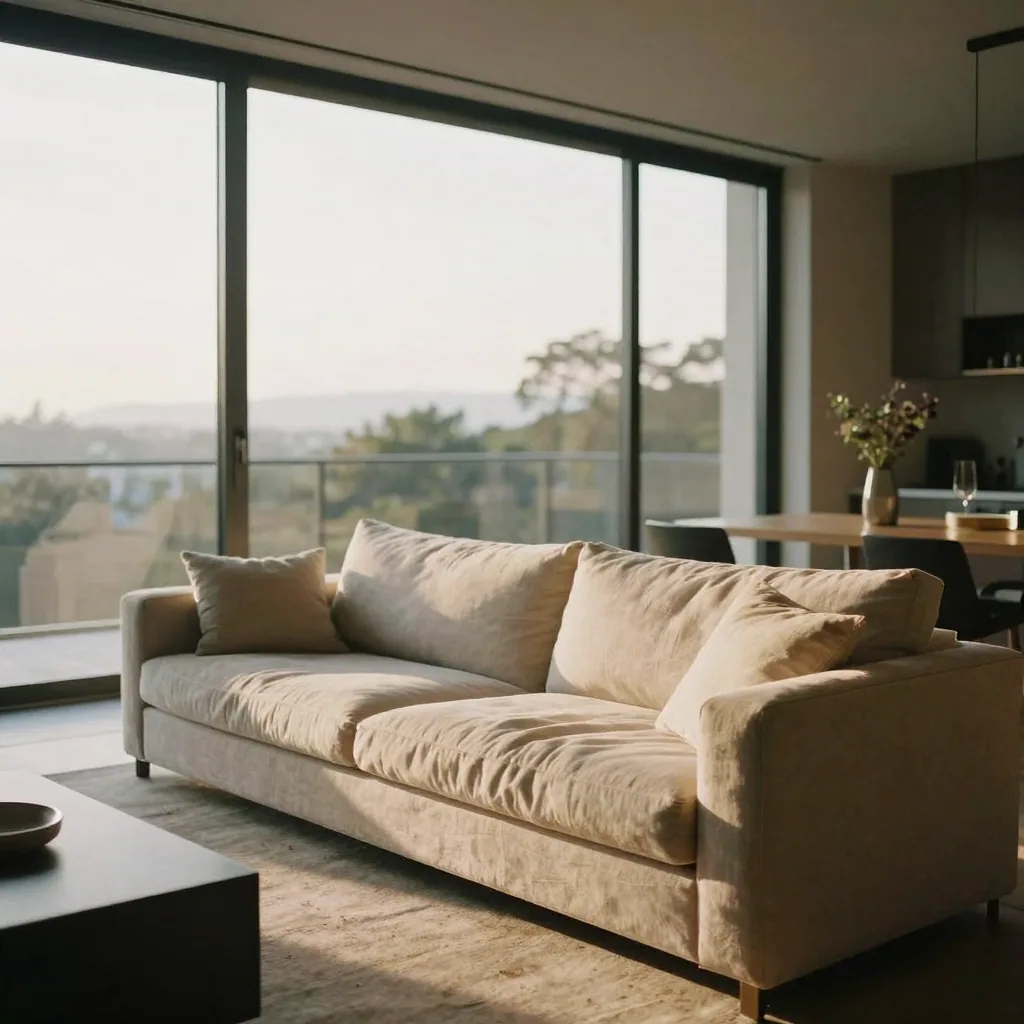
On the video side, Venice does offer image-to-video generation (using Grok Imagine, Seedance 2.0, and Kling 3.0 on Pro and above). That is a real feature. But the economics tell you something important about how central video is to Venice's product design:
| Feature | Venice Pro ($18/mo) | Venice Pro Plus ($68/mo) |
|---|---|---|
| Image generation | Up to 1,000/day | Up to 1,000/day |
| Video credits | 100/month | 7,500/month |
| Approx. clips at ~80 credits per 5-sec clip | ~1 clip/month | ~93 clips/month |
| Video workflow type | Single clip, credit-based | Single clip, credit-based |
| Multi-shot reel planning | Not available | Not available |
At the $18 Pro tier, 100 monthly video credits covers roughly one short clip before you need to buy more or upgrade. At $68/month you get meaningful volume, but the output format stays the same: individual short clips generated from a single image, not a planned multi-shot sequence.
That is not a knock on Venice — it is an accurate description of where their product focus sits. Venice is built around the private all-in-one workspace. Video is a feature within that, not the main act.
5.The Multi-Shot Reel: What It Is and Why It Matters
A single-clip zoom of a product photo looks like a single-clip zoom of a product photo. Viewers recognize it immediately. It does the job for some contexts, but it does not look like produced content.
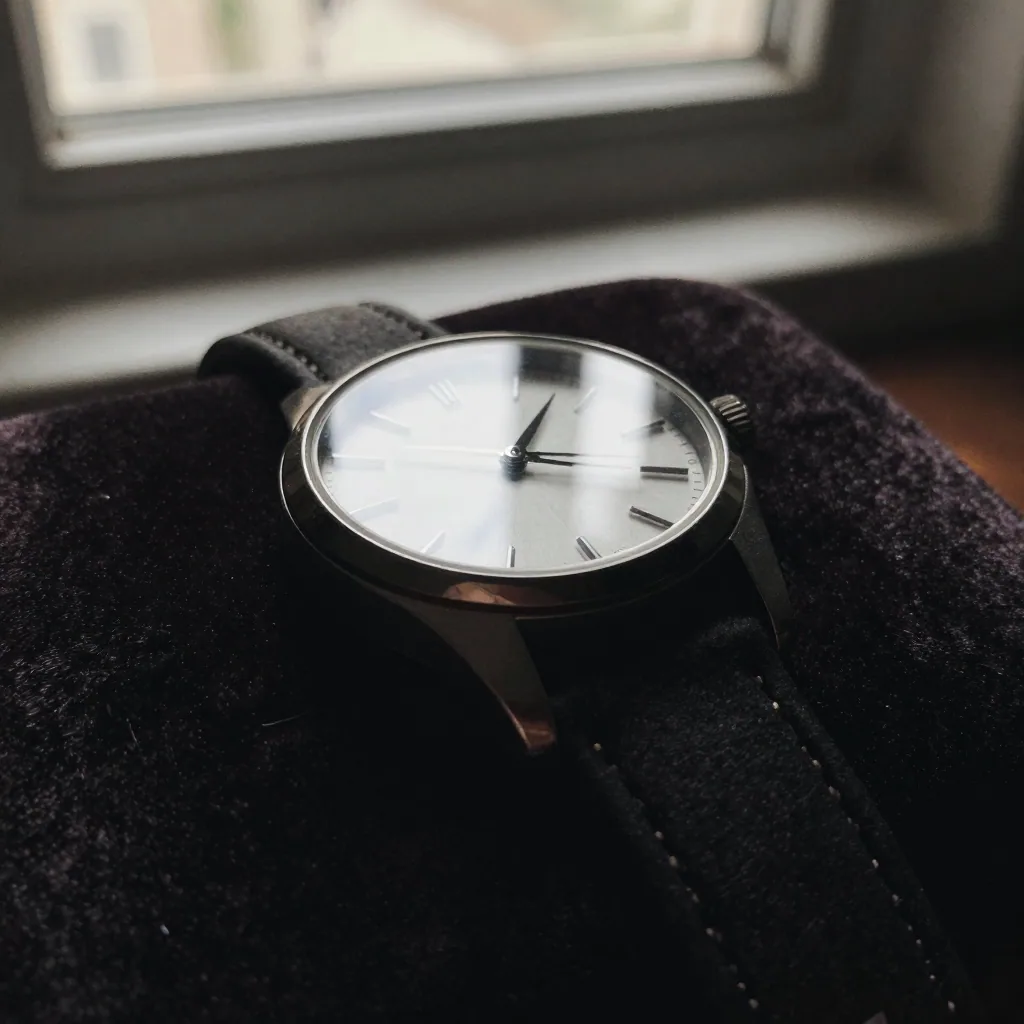
A multi-shot reel is different in structure. Think of how a real director approaches a subject:
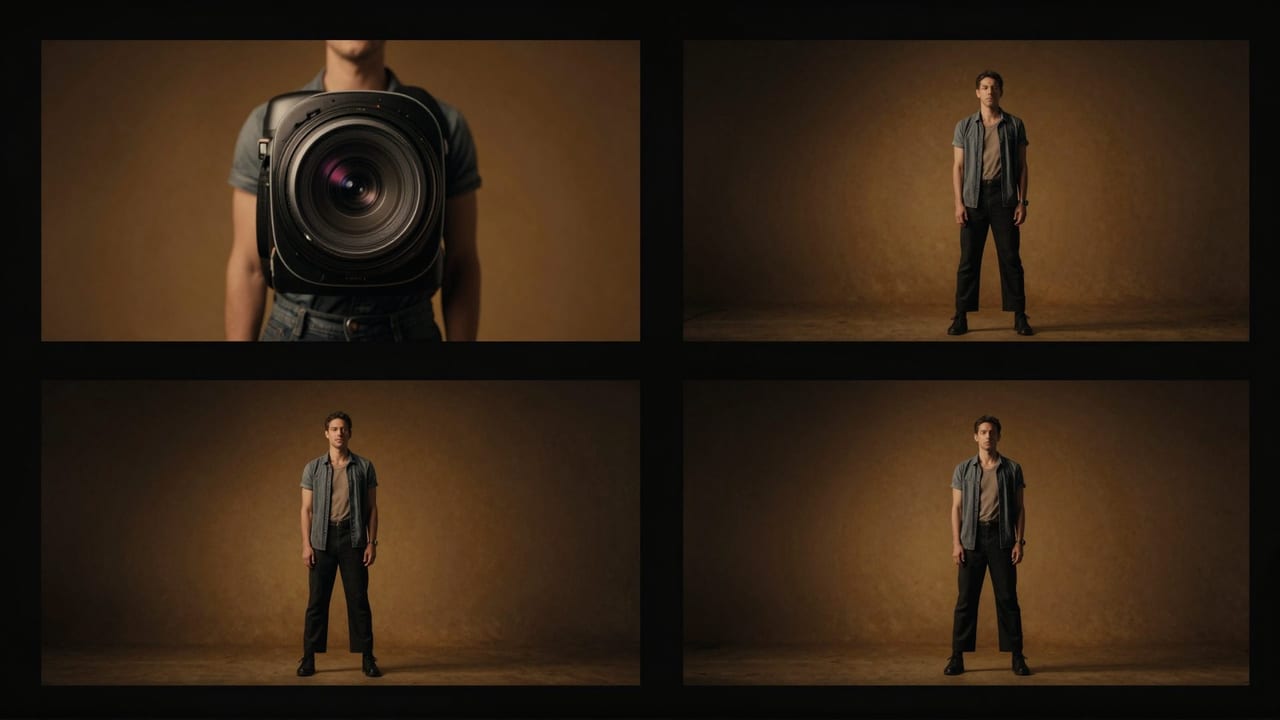
- Establishing shot — wide angle, sets the scene, introduces the subject
- Detail shot — tight close-up on a key feature, texture, or face
- Motion shot — camera or subject moves, creates energy
- Payoff shot — hero angle, the "money" frame that leaves an impression
When those four to seven shots are cut together with consistent pacing and a through-line, the result reads as intentional video production — the kind that performs in ads, social media feeds, and listing pages.
The difference between a static photo and that reel is not more compute time. It is a directing plan. That is the part most AI tools skip.
6.Step-by-Step: Turning Your Photos into a Cinematic Reel
Here is the practical workflow for 2026, using a purpose-built reel maker.

6.1Step 1: Gather and Select Your Photos
Quality in, quality out. You do not need a large set — a strong reel can be built from one hero image and one or two supporting shots. What matters:
- At least one clean, well-lit photo of the main subject
- Consistent lighting or style across photos (avoids jarring cuts)
- For products: one front-facing shot and one detail or texture shot
- For people: a natural expression shot works better than a forced pose
- For real estate: a strong exterior and one signature interior space
If you are working from AI-generated images (from Venice or any other tool), export them at full resolution before importing to your reel maker.
6.2Step 2: Choose the Right Reel Maker for Your Subject
Different subjects call for different shot logic. A product reel emphasizes angle variety and detail. A real-estate reel moves through space. A people reel centers on natural motion and expression. Using the wrong template produces awkward results.
Imagera offers dedicated reel makers matched to subject type:
- Product Reel Maker — for e-commerce, launches, and brand content. Emphasizes texture, detail, and reveal.
- Car Reel Maker — exterior angle variety, interior detail, motion shots.
- Real Estate Reel Maker — spatial progression, exterior to interior, ambient lighting emphasis.
- Human Reel Maker — natural motion, expression, and environment for portraits and personal branding.
- Universal Reel Maker — for subjects that do not fit a specific category: pets, art, food, objects, abstract subjects.
Choosing the right maker means the Director's shot plan starts with logic that fits your subject rather than applying a generic motion template.
6.3Step 3: Describe the Subject and Set the Vibe
This is the part most people underestimate. A brief, specific description produces a noticeably better result than a vague one.
Good descriptions answer three things:
- What is it? (a matte black ceramic travel mug with brushed silver lid / a Victorian terrace house exterior in morning light)
- What do you want to emphasize? (the texture of the glaze and the grip / the bay window and the garden path)
- What mood or pacing do you want? (clean, confident, minimal / warm, inviting, slow reveal)
You do not need to describe shots. The Director plans those. Your job is to give it enough subject context that each shot has something to work with.
6.4Step 4: The Smart AI Director Plans the Shot Sequence
This is where a purpose-built reel maker differs from a single-clip image-to-video tool.
Imagera's Smart AI Director reads your subject description and your photos, then generates a 4-7 shot plan before any video rendering begins. Each shot in the plan has:
- A specified camera angle and framing
- A defined motion type (push in, pull back, orbit, static with subject motion, etc.)
- A position in the sequence (establish, develop, payoff)
That plan is executed across the video generation pipeline. Because each shot is rendered intentionally rather than by applying a single motion to a single image, the cuts between shots make sense. The sequence has rhythm.
The rendering runs on a multi-engine pipeline (Seedance → Veo 3.1 → HappyHorse → Kling) with automatic failover. If one engine is blocked or fails on a given render, the job moves to the next automatically. You are charged once and receive an auto-refund if all engines fail — which is uncommon but covered.
6.5Step 5: Review and Publish
The delivered reel is a single composed video file ready for direct use. Common destinations:
- Instagram Reels and Stories
- TikTok
- Product listing pages and e-commerce galleries
- LinkedIn posts for personal branding or company announcements
- Real estate listing portals
- Paid ad creatives (Meta, Google)
No additional editing is required for most use cases, though the file is a standard video format if you want to cut it further in any editing tool.
7.Comparison: Image Generator vs. Purpose-Built Reel Maker
| What You Need | Best Tool Type | Example |
|---|---|---|
| High-volume private image generation | All-in-one AI assistant | Venice.ai Pro |
| Single animated clip from one photo | Image-to-video feature | Venice.ai (credit-based) |
| Multi-shot cinematic reel from photos | Purpose-built reel maker | Imagera reel makers |
| Professional AI headshot | Headshot-specific tool | Imagera AI Headshot |
| Upscaled, print-ready image | Enhancement tool | Smart Detail Enhancer |
| Scalable video generation pipeline | Dedicated video studio | Imagera Video Generator |

The honest framing: these are different jobs. If you want privacy-first image generation with uncensored model access and a chat workspace, Venice is worth the $18. If you want to turn photos into reels you can actually publish, you need a tool built specifically for that output.
8.Who This Workflow Is For
Product brands and e-commerce sellers who want to turn still product photos into scroll-stopping video without a video production budget. A well-made product reel increases on-page time and can outperform static images in ads.
Real estate agents and photographers who have a portfolio of property photos and want to deliver listing videos without hiring a videographer. The Real Estate Reel Maker handles the spatial storytelling logic automatically.
Creators and personal brands who generate AI images of themselves, characters, or subjects and want to post video content rather than stills. The Human Reel Maker is built for portrait subjects.
Marketers running social campaigns who need a steady supply of short video assets. A credits-based model means you pay per reel rather than committing to a monthly subscription before you know your production volume.
9.What to Expect (Honest Assessment)
AI reel generation in 2026 is capable and improving, but it is worth knowing what you are working with:
- Quality is subject-dependent. Clear, well-lit source photos produce significantly better reels than blurry or cluttered ones.
- Multi-shot does not mean film-grade. The output is strong for social media and online publishing. It is not a substitute for a live-action production crew.
- Descriptions matter. Vague prompts produce generic shot choices. Specific descriptions produce targeted, useful sequences.
- Review before publishing. Auto-refunds handle generation failures, but you should always watch the full reel before using it in paid placements.
10.Deeper guide (practical production)
11.Related tools on Imagera
12.Getting Started
If you have photos you want turned into publishable reels, the fastest way to see what the workflow produces is to pick the reel maker that matches your subject and run one.
Start with your clearest photo and a one-sentence description of what you want to emphasize. The Universal Reel Maker works for any subject if you are not sure which category fits. For products specifically, the Product Reel Maker applies shot logic designed around showcase and reveal.
If you also need the underlying images — AI-generated headshots, upscaled product photos, or enhanced stills — those are available in the same platform at imagera.ai/image/image-generator and imagera.ai/image/smart-detail-enhancer, so the full pipeline from image to reel stays in one place.
The gap between "I have great photos" and "I have a reel I can publish" is smaller in 2026 than it has ever been. You just need the right tool for the second half of that job.