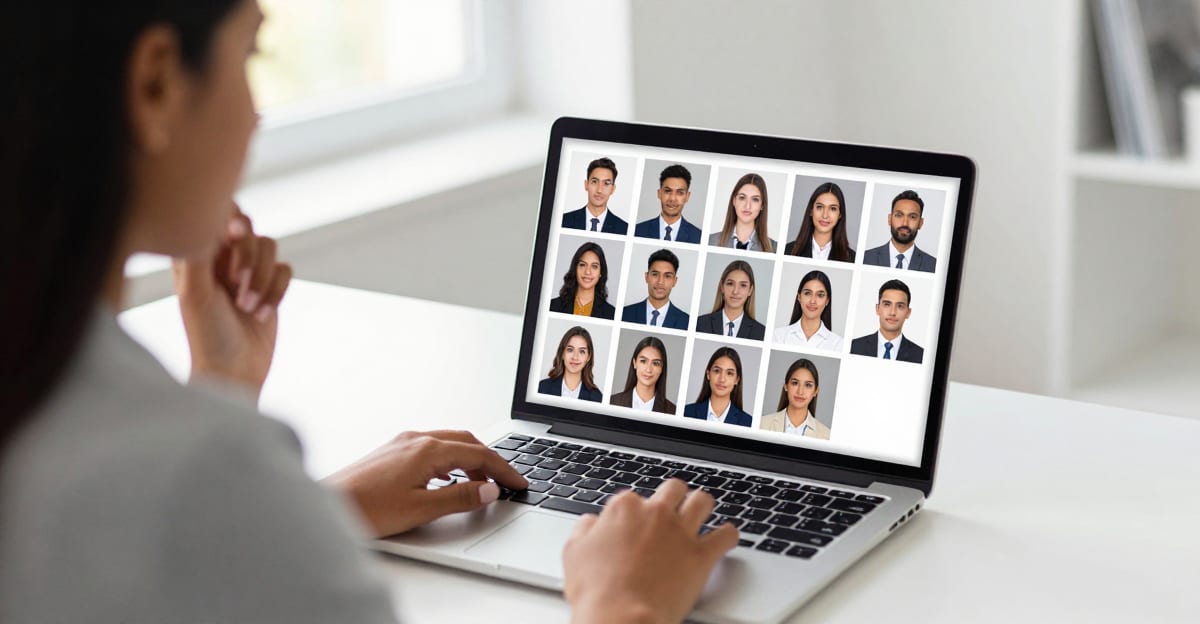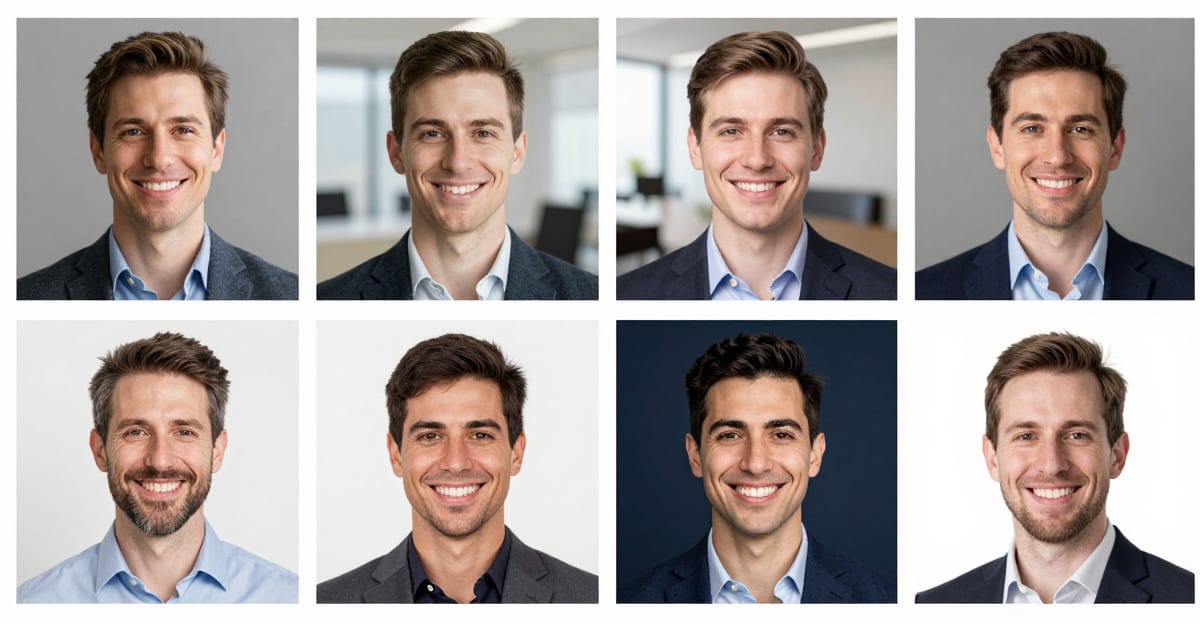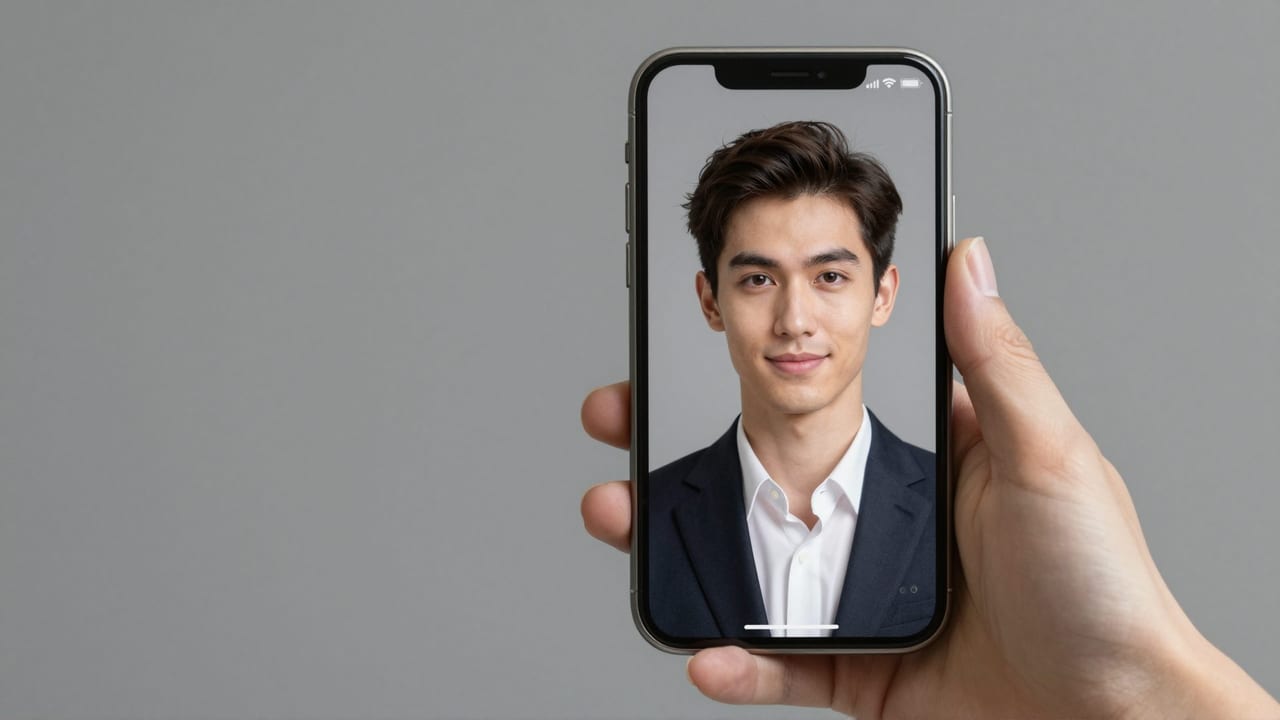
TL;DR: Modern AI headshots can look genuinely real. In a 2024 study of 1,087 recruiters, hiring professionals correctly flagged AI-generated photos only 39.5% of the time, despite 80% believing they could. Realism now hinges less on the technology and more on the selfies you supply — and on avoiding the old-generator artifacts that still give cheap results away.
Do AI headshots actually look real in 2026?
Often, yes. The honest answer is that a well-made AI headshot now clears the only bar that matters in practice: it reads as a real, professional photograph to the people looking at it. Quality still varies enormously between tools, but the ceiling has moved decisively upward.
The clearest evidence comes from recruitment. In a June 2024 survey by communications firm Ringover, 1,087 recruiters correctly spotted AI headshots just 39.5% of the time — worse than a coin flip — even though 80% were confident they could. Academic research points the same way. A 2026 study from UNSW Sydney and the Australian National University found that people rely on "outdated visual cues" and are overconfident at telling AI faces from real ones, with even trained "super-recognizers" performing only slightly better than chance. Earlier work in Psychological Science documented AI "hyperrealism", where synthetic faces were sometimes judged more human than real ones — and the most confident judges made the most mistakes.
So if you are worried that every viewer will instantly know, the data says otherwise. The real question is not whether AI headshots can look real, but which ones do.
When do AI headshots look real — and when do they fall apart?
They look real when the source selfies are sharp, recent and varied, and the output preserves natural skin texture. They fall apart when a generator over-smooths skin into a wax sheen, invents impossible anatomy, or stretches your likeness to fit a generic template. The difference between a rushed result and a considered one is visible at a glance.
This is not just an aesthetic point. Ringover's recruiters preferred premium AI headshots (42%) far more than authentic photos (23.5%) in blind comparison — but a low-effort AI image scored poorly. Realism is a quality outcome, not an automatic one. A considered AI headshot keeps the texture and asymmetry that make a face read as human; a cheap one sands all of that away and trips the viewer's instinct that "something is off."
What are the tell-tale signs of a fake-looking AI headshot?
The giveaways cluster in a handful of places: skin, ears, teeth, hands and backgrounds. Northwestern researcher Matthew Groh, whose work underpins Kellogg Insight's guide to spotting AI photos, groups them into anatomical, stylistic and physics-based errors. Knowing them helps you reject a bad result before it reaches your profile.
| Signal | Reads real when… | Looks AI-generated when… |
|---|---|---|
| Skin | Pores, fine lines, natural light scatter | Waxy, oversaturated "wax-figure" sheen |
| Ears & jewelry | Symmetric; earrings attach to the lobe | Cartilage warps; earrings float disconnected |
| Teeth | Individual, slightly uneven | Fused into one block or unnaturally uniform |
| Hands | Correct count and proportion, or out of frame | Extra, merged or missing fingers |
| Background | Believable depth of field | Warped lines, melting textures, mismatched lighting |
One important caveat: these tells are fading fast. As detection researchers note, the newest systems have largely solved hands and ears, so "look for distorted teeth" is no longer reliable advice. Over-smoothing and lighting mismatches remain the most stubborn signs of a budget result — which is exactly why tool choice and input quality matter so much.
Why does preserving your identity matter more than inventing a face?
A realistic headshot has to be you, not a plausible stranger. There is a meaningful difference between systems that invent an attractive generic face from a text prompt and those that perform identity-preserving generation — learning your actual bone structure, features and proportions from your photos and re-lighting them into a studio setting.
When a tool invents a face, the output can look flawless yet feel uncanny, because it averages toward symmetry — one reason hyperrealistic AI faces sometimes appear "too perfect." Identity-preserving generation keeps the small irregularities that make you recognizable: the set of your eyes, a slightly crooked smile, your real jawline. That is the difference between a colleague thinking "nice photo" and thinking "that doesn't quite look like them." It is the core promise of a proper AI headshot, and it is entirely dependent on the next step.
How should you pick and upload selfies for the truest result?
Garbage in, garbage out. The single biggest lever on realism is the photos you provide — not the tool's settings. Aim for a varied set of recent, sharp, well-lit selfies, and the output will look like you on a good day rather than a stranger wearing your features.
Practical guidance, drawn from photographers' selfie requirements for AI headshots:
- Upload a varied set of photos, not several near-identical ones — mix front-on, three-quarter angles, neutral and smiling.
- Use soft, even light, ideally natural daylight from a window; avoid harsh overhead bulbs that pool shadows under the eyes.
- Stick to one light source so the system reads your true skin tone.
- Shoot with the rear camera for higher resolution (aim for a clear, in-focus face filling the frame).
- Keep photos recent — within the last year — and skip hats, sunglasses and heavy beauty filters that hide or distort your real features.
These same inputs power a polished LinkedIn headshot, where a believable, on-brand portrait does more for trust than a flawless-but-fake one ever could.
Where should you not use an AI headshot — and should you disclose it?
Use AI headshots for professional and social profiles; do not use them where a literal, unedited photo is legally required. Ringover found that 88% of recruiters believe AI headshot use should be disclosed, and 66% said they would be put off if they discovered undisclosed AI use. Transparency protects the goodwill a great photo earns you.
Official documents are a firm boundary. Passports, visas, driving licences and most government IDs require an unaltered photograph and prohibit AI generation outright — that is identity verification, not personal branding. Before using a generated portrait anywhere official, check our compliance guidance and the issuing authority's rules. For LinkedIn, résumés, team pages and speaker bios, a realistic AI headshot is widely accepted; for a passport, it is not.
The bottom line: AI headshots look real when you treat them as a craft — quality inputs, identity preserved, honest about where they belong.
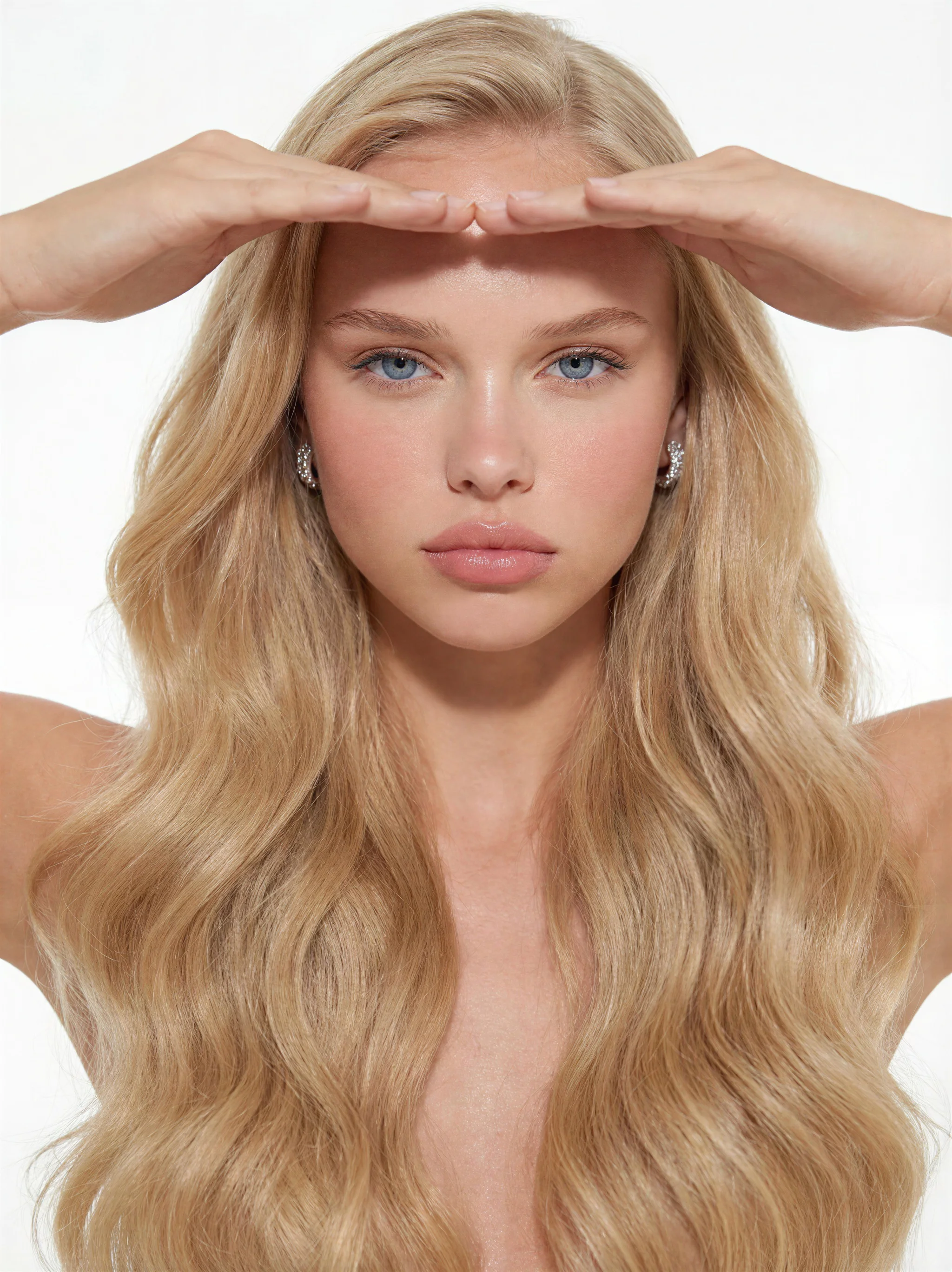
See it in action — real Imagera output
These are real, unedited results from the Imagera real camera noise — the exact tool this guide covers.

"Real" Depends on Where the Headshot Will Be Seen
Whether an AI headshot "looks real" isn't a single yes-or-no answer — it depends heavily on the size and medium it's viewed at. The scrutiny a photo receives at 400×400 pixels in a feed is nothing like the scrutiny it gets printed at business-card size or projected on a conference screen. Matching your output to the destination is the difference between a headshot that passes without a second thought and one that invites questions.
| Where it's used | Typical view size | What actually gets noticed | What to prioritize |
|---|---|---|---|
| LinkedIn / feed avatar | Small, ~400px, cropped circle | Pose, framing, expression — texture is invisible | Clean crop, eye contact, correct proportions |
| Website "About" / team page | Medium, side-by-side with colleagues | Lighting and background consistency across people | Matching key light, backdrop, and color |
| Print (badge, card, brochure) | Small but high-resolution | Skin texture, hair edges, over-sharpening | Real pores, soft edges, no HDR crunch |
| Video-call thumbnail / speaker slide | Large on screen | Hands, ears, glasses reflections, hairlines | Full-face review at 100% zoom |
The practical takeaway: a headshot that looks flawless as a feed thumbnail can fall apart when someone prints it on a lanyard. Before you commit, view the image at the exact size it will be used — not the flattering full-screen preview.
Edge cases where AI headshots get caught out
Most single-portrait weaknesses are now subtle, but a few scenarios still expose them reliably:
- Team pages. Individual headshots may each look convincing, but line ten of them up and mismatched lighting direction or slightly different backgrounds read as "these weren't shot together." Generate a whole team against one consistent lighting and backdrop brief so the set looks like a single session.
- Accessories and asymmetry. Glasses (especially reflections and where arms meet the ears), earrings, patterned collars, and lanyards are where geometry drifts. Zoom to 100% on these before you approve.
- Full-body or hands-in-frame crops. Fingers, watch faces, and clothing seams are still harder than a head-and-shoulders crop. Keep AI headshots tight when you can.
When a real photo is still the right call
Honesty matters more than realism. For contexts where identity is being verified — passport and visa applications, government ID, some regulated professional licenses, and platforms that require an unedited photo — use a genuine camera photo. In Imagera, a headshot session runs on credits, so it's low-friction to generate several variations and keep the ones that hold up at full size — but knowing when not to use one is part of using the tool well.