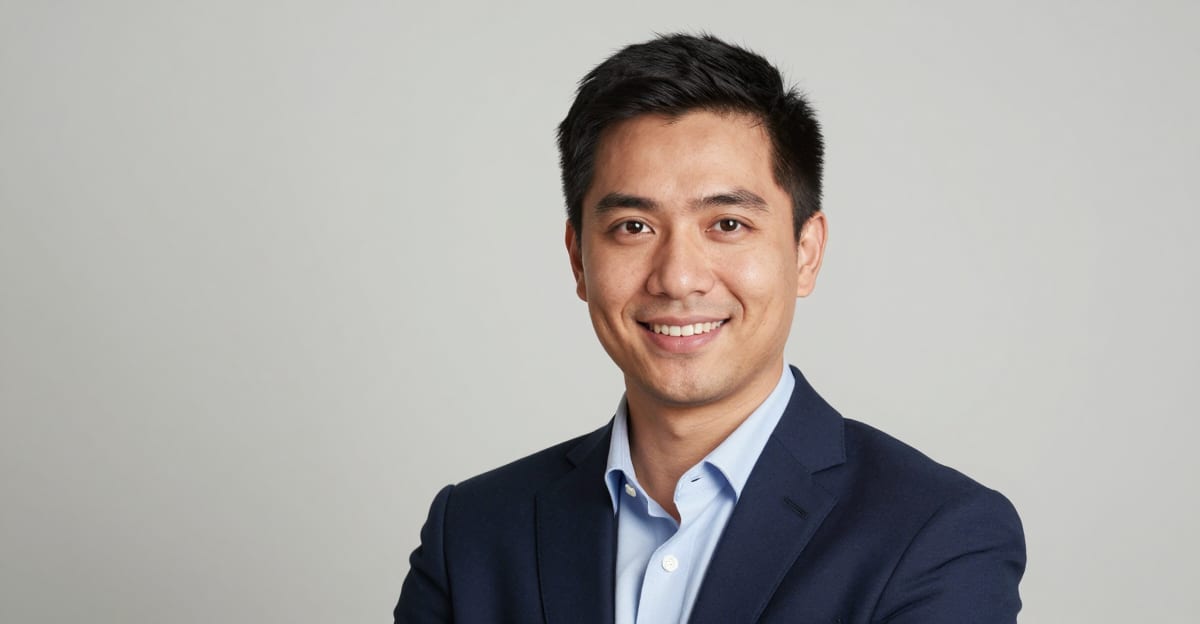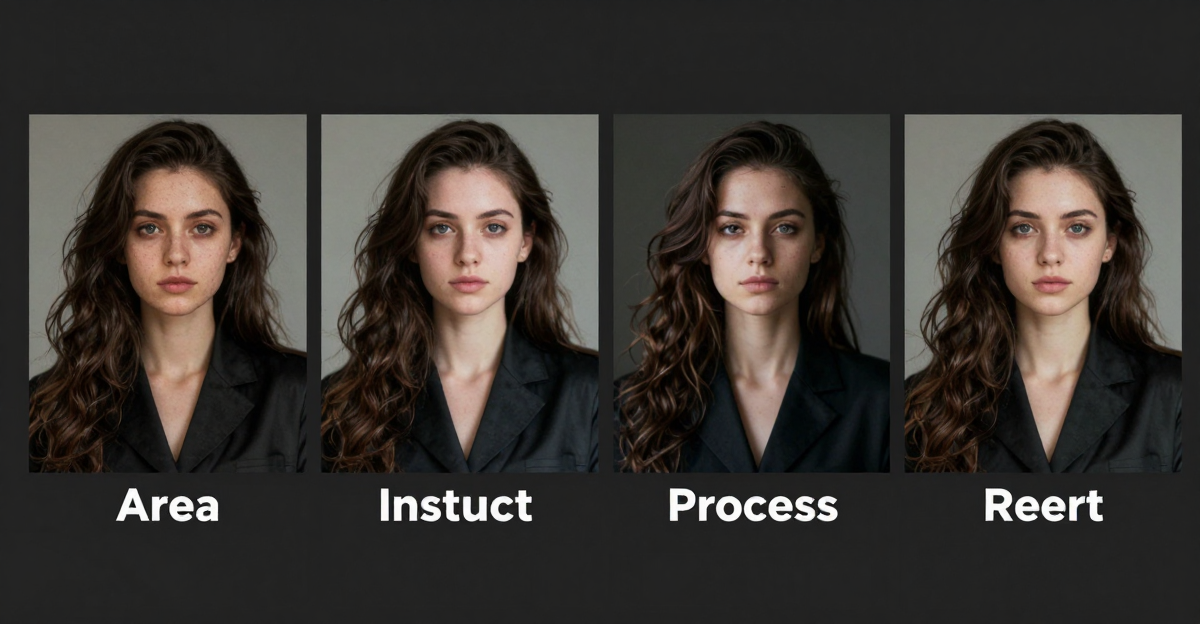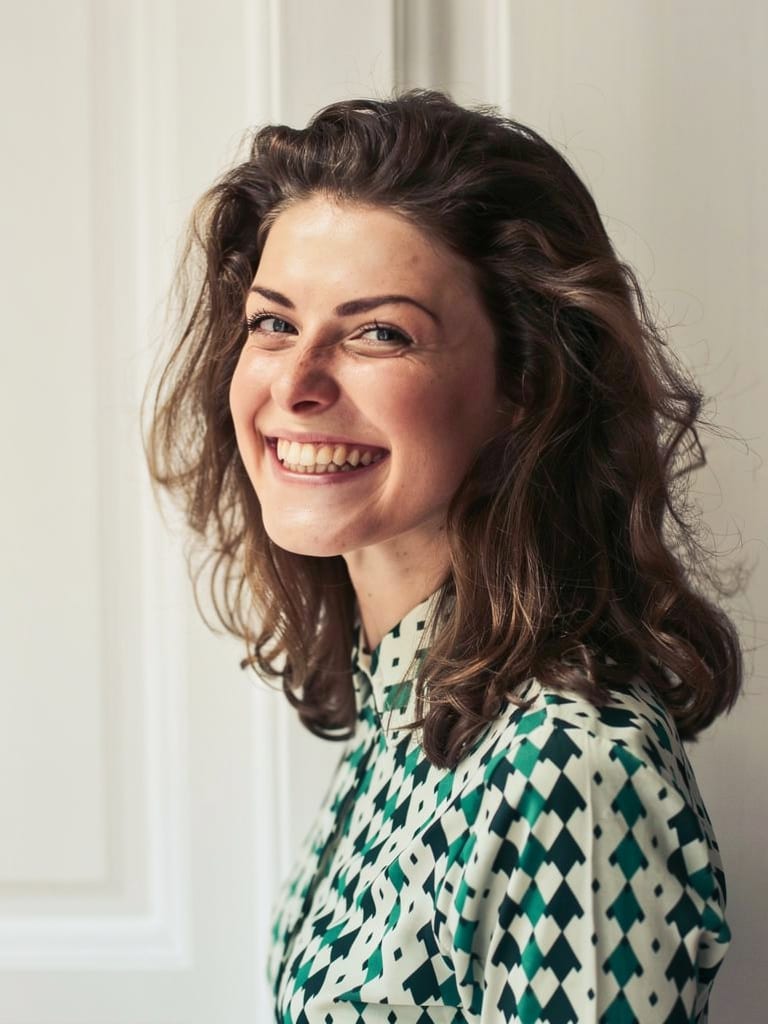
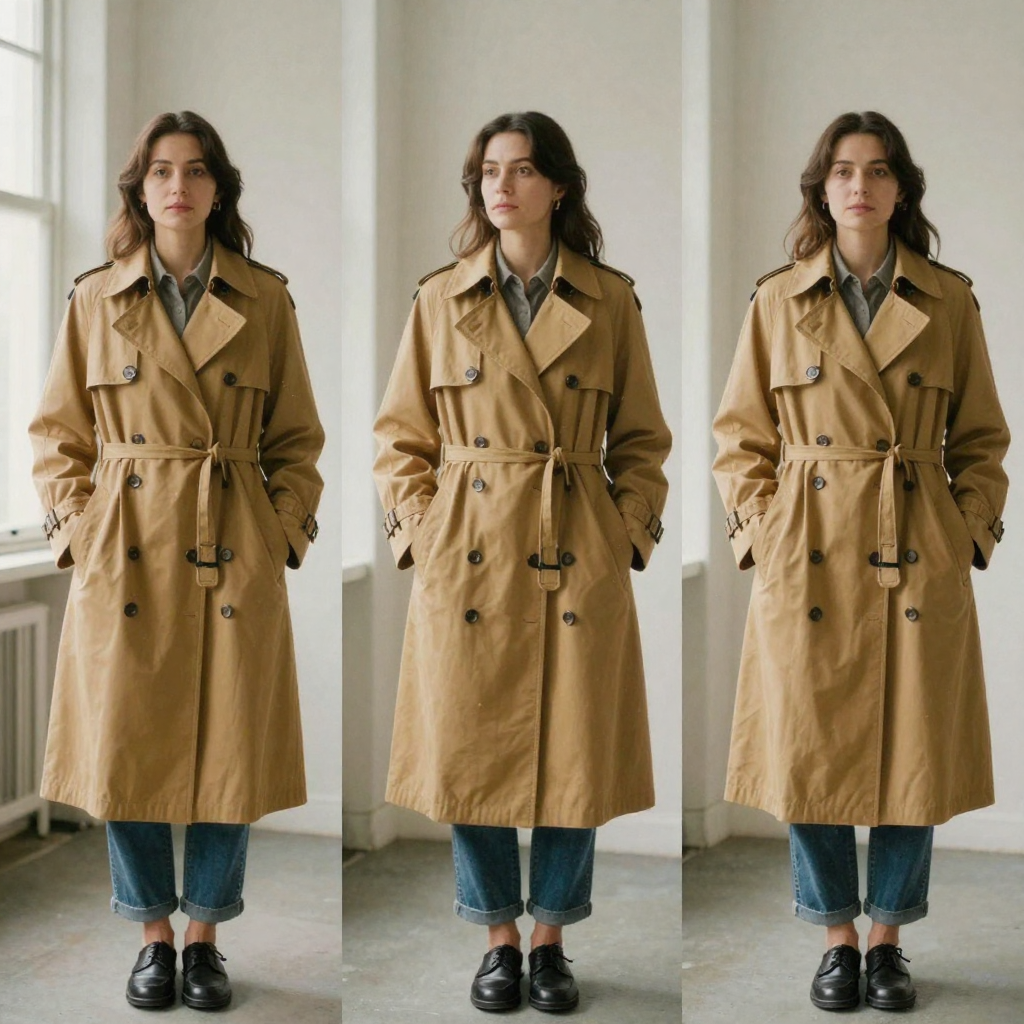
Quick answer: Imagera Identity Editor changes a subject's pose, position, or camera angle while keeping the same recognizable face — you upload 1 clear photo, describe the new pose in plain English, and identity stays locked across every variation.
1.How does Imagera Identity Editor keep the face the same while changing pose?
It treats likeness as the locked constraint: from 1 upload you can generate 3, 5, or more pose variations, and the identity-preservation goal holds across each one. Add prompt anchors like "same face" and "same person" to reduce drift, then verify eyes, jaw, and hair on the first test before batching the rest in 2026.
2.Which photos and settings give the best identity-preserved results?
Use 1 clear subject with sharp eyes, and choose Normal for quality or Ultra Fast for speed — both draw from the same credit wallet, so there are 2 routes at 0 extra setup. A chest-up frame supports 3+ turns; tight headshots can't invent a body. Preview every edit before publishing to catch likeness slips on client and social work.
3.Quick verdict
| Need | Open |
|---|---|
| Same face, new pose | Imagera Identity Editor |
| Step-by-step tutorial | How to change pose without changing face |
| Fast cleanup (background, clutter) | Imagera Fast Edit |
| Complex multi-image brief | Imagera Smart Edit |
| Full editor hub | Imagera Image Editor |
| Pricing | Pricing |
If generic AI “fixes” quietly invent a new face, you need identity-preserved editing. Imagera Identity Editor is built for that job: change pose or angle, keep who they are. It is not free unlimited cloud — you buy credits and pay when you generate. Packs start at $19.99.
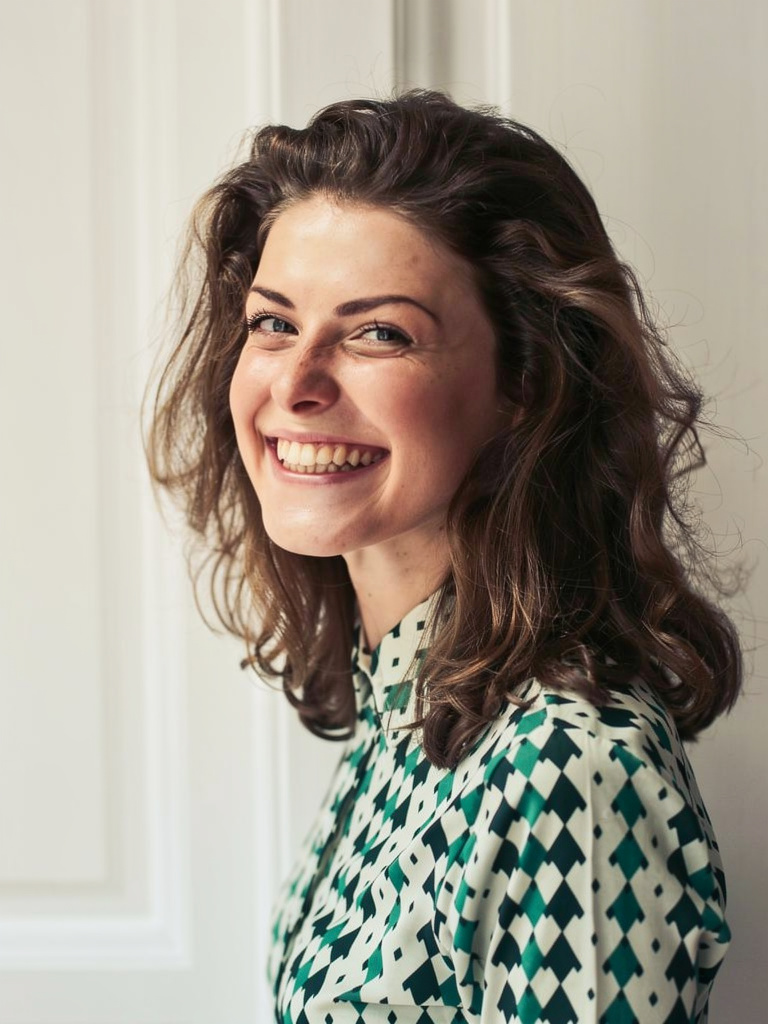
Imagera Identity Editor: Change Pose, Keep the Face is a practical Imagera workflow: start from a real source file, describe what should change, generate with credits shown up front, and review before you publish. This guide covers the steps, quality checks, and when to use related tools.
4.The problem: pose wrong, face right
Creators and teams still book reshoots for problems that are not “bad photography.” The face is already perfect. The failure is framing, stance, or energy:
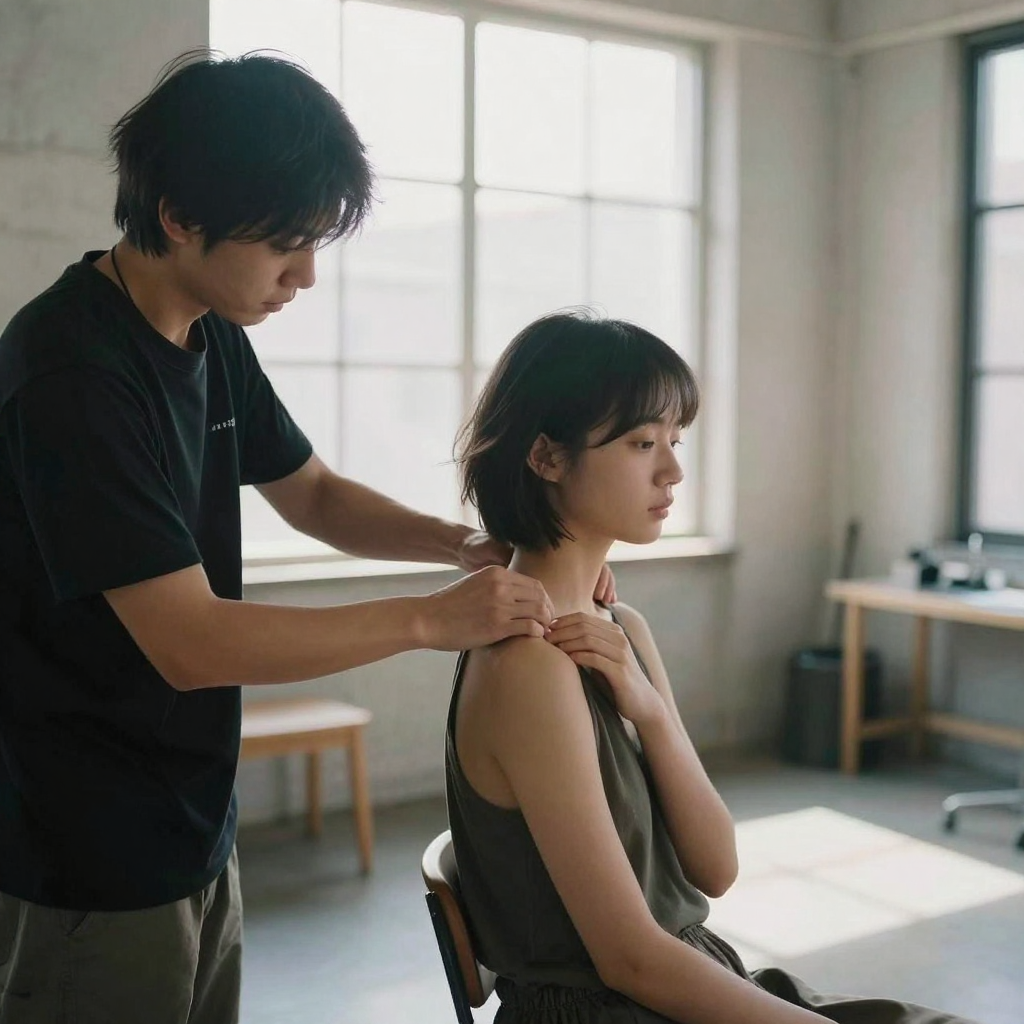
- Shoulders locked; LinkedIn wants confident openness
- Product hero needs a second angle of the same model
- Influencer calendar needs three poses from one shoot day
- Client feedback: “love the face, turn them slightly toward camera”
Most AI photo tools optimize for “pretty.” Pretty often means face drift — softer jaw, different eyes, a stranger who is almost them. Brands, personal brands, and agencies cannot ship almost. Imagera sells the opposite for people content: identity preserved by design.
That is not a minor feature toggle. It is the reason Identity Editor sits as the Best engine in the Imagera Image Editor studio.
5.What Imagera Identity Editor is
Imagera Identity Editor is Imagera’s flagship in-house photo editor for people shots. In plain terms:
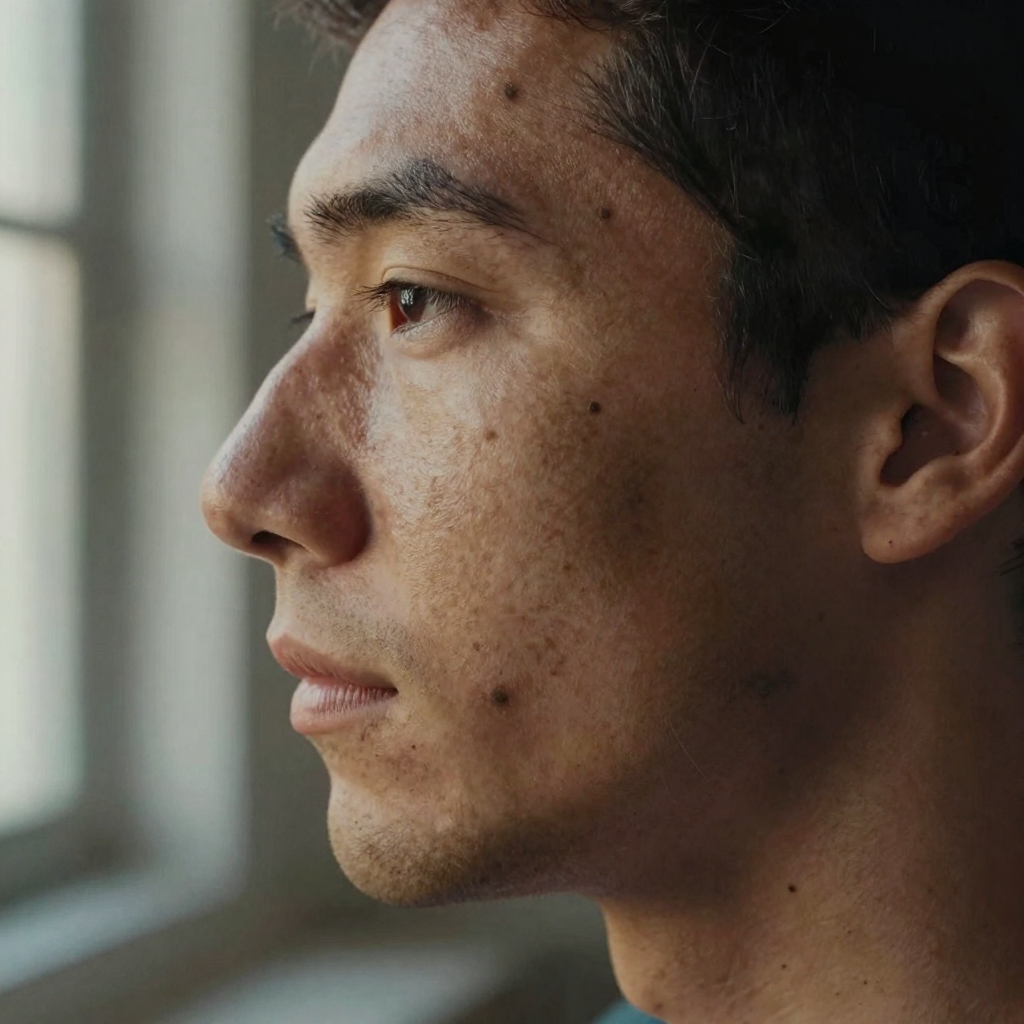
- You upload a clear photo of the person
- You describe the change in plain English
- You generate with Identity Editor selected
- You review likeness first — then pose, hands, clothing, and light
- You download for ads, social, catalog, or client delivery
The product promise is simple enough to put on a landing page: same face, new pose. The studio deep link pre-selects the engine so you are not hunting through a model list:
Studio: /image/popular-ai-image-editor/studio?model=kie-flux-2-pro-edit
No Photoshop layers. No selection masks. No “learn the tool for a week.” Type the brief you would send a retoucher.
6.Live samples (identity-preserved edits)
These are real studio outputs from the Identity Editor sample set — the same engine you open in product:
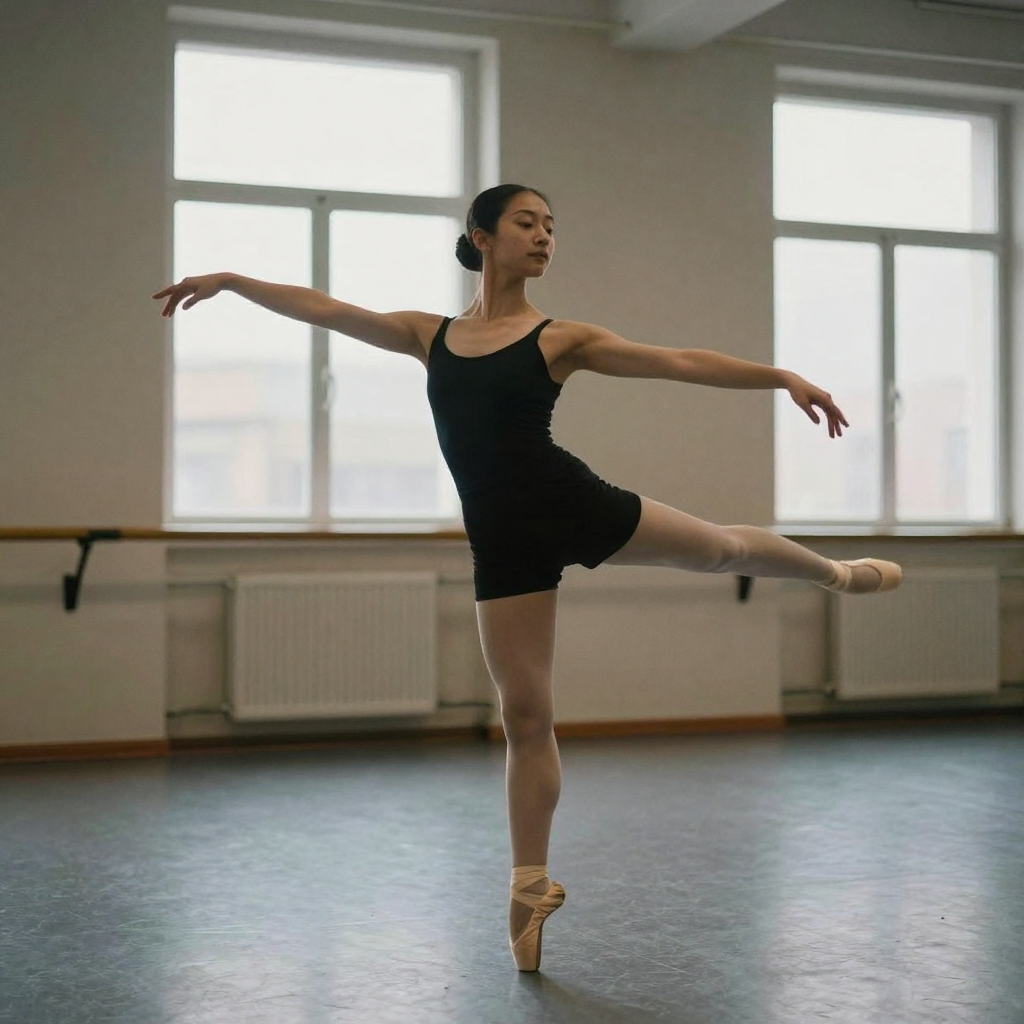
| Sample | What to notice |
|---|---|
| Pose / framing shift while the person stays recognizable |
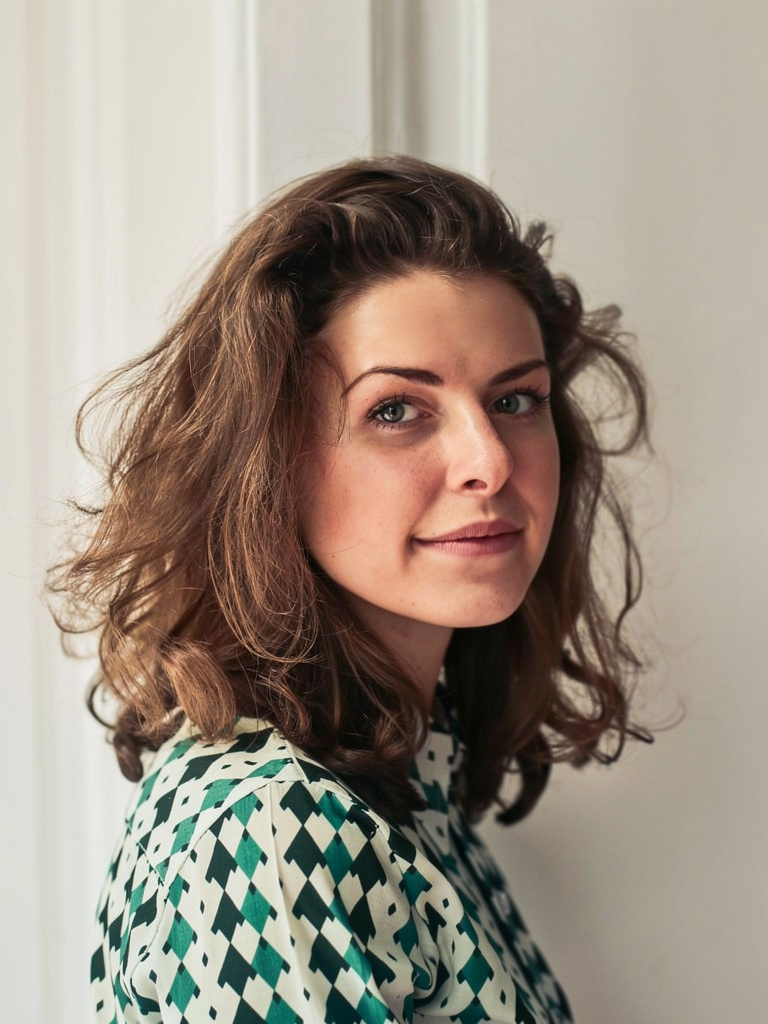 | Second angle energy without inventing a new face |
Use samples as proof of intent, not as a guarantee that your worst selfie will match portfolio lighting. Input quality still matters.
7.Identity preserved — what that means (and what it does not)
7.1What it means
- The product is optimized so likeness stays locked while pose, stance, and framing move
- You can ask for a three-quarter turn, over-the-shoulder look, or more open shoulders without treating the face as disposable pixels
- Brands pick this path when “who is that?” would kill the post
7.2What it does not mean
- Magic from a 40×40 avatar crop or a heavily compressed meme
- A 180° impossible pose that invents a full body from a tight headshot
- A license to skip review — professionals always preview before publish
Extreme edits, bad light, and sloppy prompts still create drift risk. That honesty is part of shipping trusted results, not a reason to avoid the tool.
8.Dual speed: Normal + Ultra Fast
Identity Editor runs in the same dual-route studio pattern as other Imagera popular AI engines:
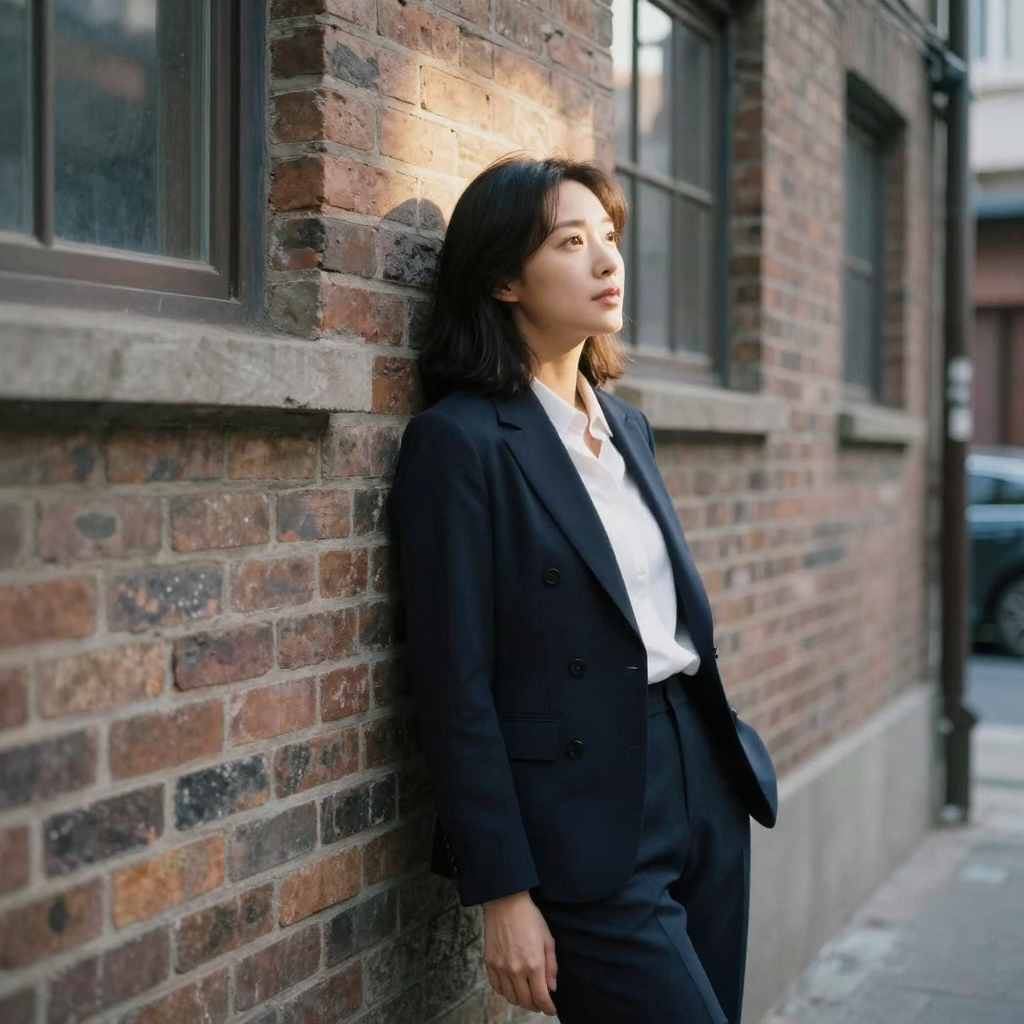
| Mode | When to use it |
|---|---|
| Normal | Standard quality path for most client and brand work |
| Ultra Fast | Priority path when the meeting is in ten minutes |
You still use the same credit wallet. In-studio cost is shown before you run — never assume a fixed credit number from an old screenshot. On supported engines, same-family backup routing can apply if the primary path fails, so you are not left with a silent dead job and a lost afternoon.
9.Prompt patterns that protect identity
Structure every instruction in three beats:
- Pose change — what moves
- Identity lock — what must not change
- Light / background — optional constraints
9.1Strong prompts
- “Turn slightly toward camera, relaxed shoulders, same face, soft office light.”
- “Three-quarter body angle, confident stance, keep identity, clean gray background.”
- “Look over left shoulder, same person, natural outdoor light, keep original clothing.”
- “More open posture, chin level, same face and hair, subtle smile, keep background.”
9.2Weak prompts (invite face drift)
- “Make them more attractive and confident.”
- “Improve the photo.”
- “Cinematic beauty, perfect skin, new vibe.”
- “Transform into a model.”
Beauty language and vague upgrades are how tools invent a new person. Name the geometry of the body and camera, then lock the face.
For a full step-by-step workflow with review checklist, use the tutorial: How to change pose in a photo without changing the face. For general text-prompt craft beyond pose, see Edit images with AI text prompts.
10.Identity Editor vs Fast Edit vs Smart Edit
All three are Imagera-branded products in one hub — pick by failure mode, not by hype.
| Situation | Engine | Why |
|---|---|---|
| Person must stay recognizable | Identity Editor | Flagship for likeness-critical pose and position |
| Deadline: background, clutter, color | Fast Edit | Speed and volume for non-identity-critical cleanup |
| Multi-image campaign instructions | Smart Edit | Complex briefs when “close enough” loses the client |
Practical split: run pose on Identity Editor first. If the face is locked and only the backdrop is wrong, finish on Fast Edit instead of rewriting a pose prompt that already worked. If the brief is multi-reference (product + model + mood board), start on Smart Edit.
Hub overview: Imagera Image Editor.
11.Who should use something else
| Need | Better path |
|---|---|
| Only free, no-upload browser utilities | /free tools (different product class) |
| Replace one face with another face | Face / head swap workflows — not Identity Editor |
| Train a reusable character for hundreds of scenes | Personal Influencer + LoRA training |
| Pure text-to-image exploration | Popular AI Image Generator |
| Print-ready enlargement of a finished still | Image upscaler |
12.Workflow that converts credits into shippable assets
- Open Imagera Identity Editor (or the studio deep link).
- Upload one clear subject photo — face sharp, light decent, body in frame if stance matters.
- Write pose + identity lock + light constraints.
- Pick Normal or Ultra Fast. Confirm credits shown in the studio.
- Generate one test before a batch.
- Review eyes, jaw, hairline, hands, clothing seams.
- Optional cleanup on Fast Edit if only background needs work.
- Upscale winners only in Upscale Any Image.
- Track credits per published asset, not per experiment.
13.Pricing honesty
Cloud generation is pay-first:
- Credit packs from $19.99
- Pro from $19.99/mo (public floor in Imagera pricing SSOT)
- In-studio cost is shown before you generate — trust the live meter
- Commercial rights on paid plans
Identity Editor is not a free unlimited playground. Free on-device utilities under /free do not replace identity-preserved cloud edits. If a marketing page and checkout disagree, trust live checkout and the in-studio credit display.
See Pricing.
14.Common failure modes (and the fix)
| Failure | Likely cause | Fix |
|---|---|---|
| Softly different face | Vague beauty prompt | Rewrite with pose geometry + “same face / keep identity” |
| Body broken, face OK | Extreme pose from tight crop | Use a fuller body source or smaller pose delta |
| Hands / clothing artifacts | Hard occlusion or complex fabric | Regenerate; crop; or clean non-face issues on Fast Edit |
| Group faces shift | Multi-person input | Crop to one person when likeness is critical |
| “Looks AI” | Over-smoothed light / beauty language | Lock original light; avoid “perfect skin / glam transform” |
15.Compliance and likeness
You own publish decisions: rights to the source photo, model releases, synthetic media disclosure, and ad-network policies. Imagera provides tools; Identity Editor does not grant you the right to edit someone else’s likeness without permission. Treat identity-preserving edits with the same care you would treat a reshoot.
16.How many poses can you get from one photo shoot?
From a single clean source photo you can generate multiple pose variations — three-quarter turns, open shoulders, over-the-shoulder looks — as long as each pose delta is realistic for the framing in your source. A tight headshot won’t invent a full standing body, but a chest-up or half-body source supports several distinct angles from one upload. Run one test, confirm identity holds, then batch the rest.
The practical ceiling is set by how much body is in your source frame and how far each request pushes from the original stance. Small, believable deltas — a slight turn, a chin adjustment, more open posture — succeed almost every time. Large jumps — spinning a seated subject into a running pose, or building legs from a cropped shoulders-up shot — invite the body-broken failure mode described earlier. For a content calendar that needs a week of posts from one shoot day, this is the highest-leverage pattern: one good source, many small identity-locked pose deltas.
| Source photo in frame | Realistic pose deltas | Poses to avoid |
|---|---|---|
| Tight headshot (shoulders up) | Slight turn, chin level, open shoulders | Full-body stance, new limbs |
| Chest-up portrait | Three-quarter turn, over-shoulder look, subtle lean | Seated-to-standing, running |
| Half or full body | Multiple stances, weight shifts, arm repositions | Impossible 180° body invention |
17.Does Identity Editor work on group photos?
It works best on a single clear subject. On group shots, faces other than your focus subject can shift because the engine spreads attention across every face in frame. When likeness on one person is critical, crop to that person first, run the identity-locked edit, then composite back if needed. That keeps the preserved face sharp instead of trading it for a “close enough” group result.
If you genuinely need to reposition several people in one frame, treat it as several jobs rather than one: isolate each subject, edit each with its own identity lock, and reassemble on Fast Edit for background and blending cleanup. It’s more steps, but it protects the recognizability that made you choose Identity Editor in the first place. A single-pass group edit almost always sacrifices at least one face.
18.Bottom line
Same face. New pose. That is the product.
If you are tired of AI that “improves” photos by inventing a stranger, open Imagera Identity Editor, run one identity-locked pose test, and ship the angle you actually needed — without another studio day.
CTAs: Open Identity Editor · Image Editor hub · Pose tutorial · Pricing