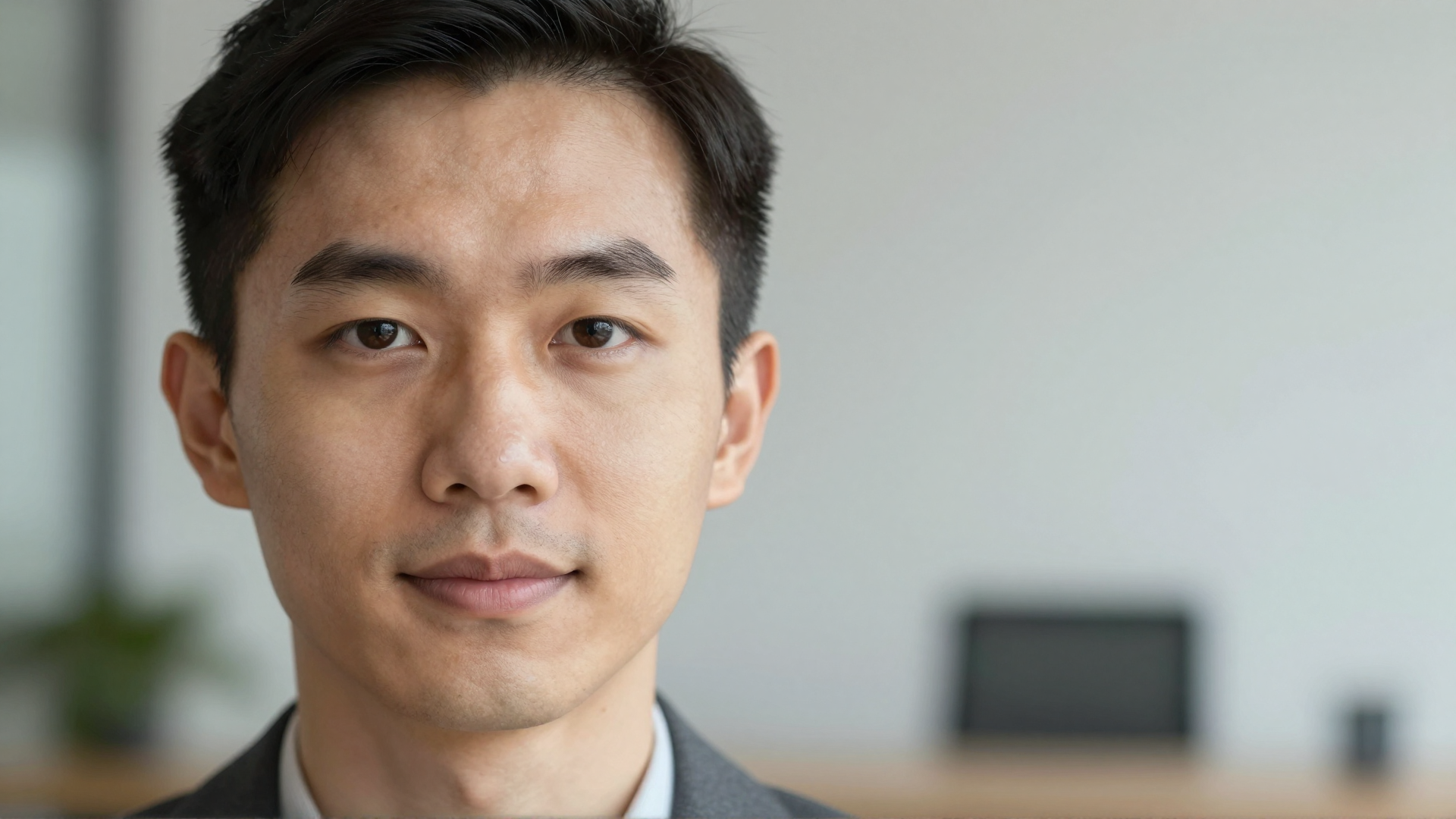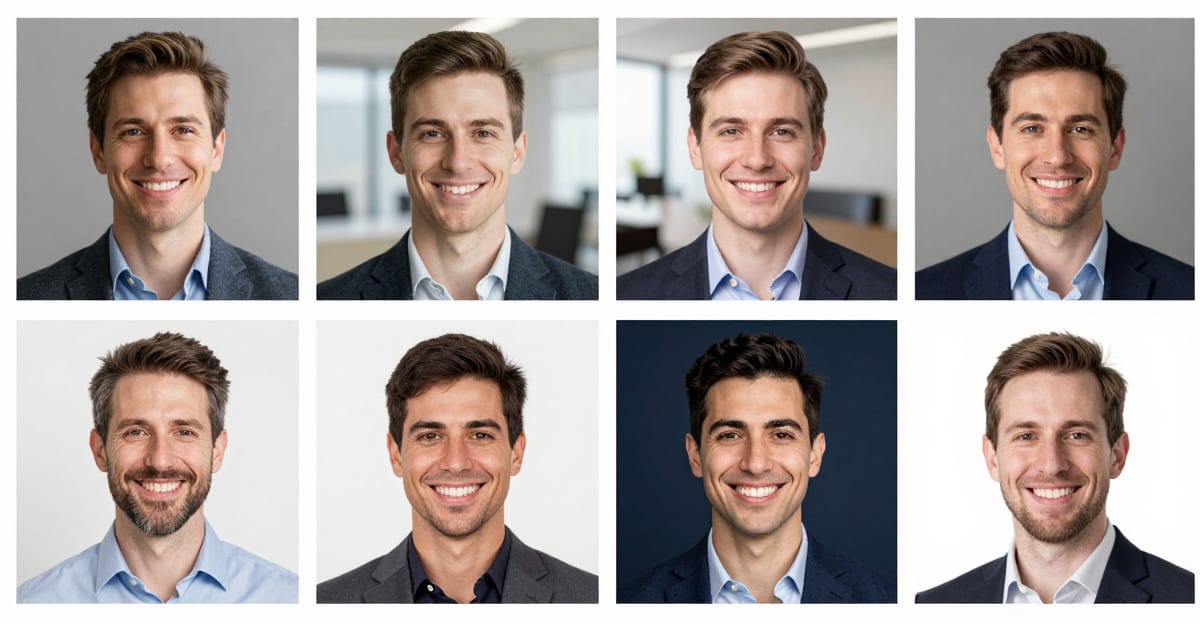
 Companies get consistent, on-brand team headshots without a photographer by having each employee submit a few selfies, then rendering everyone with the same style and resolution settings in an AI headshot tool. Every person ends up matching — remote or in-office — same-day and for a fraction of a photographer's per-head rate, instead of coordinating a $150–$450-per-session photo day.
This guide covers when to use AI headshots vs. a traditional shoot, how to keep 5 or 500 people visually consistent, and the exact workflow to roll it out across a team.
Last updated July 2026.
Quick answer: You can produce consistent, on-brand team headshots for an entire company without a photo day: each employee submits 3-6 selfies, and Imagera renders every person against the same background, lighting, and style — same-day, at a fraction of a photographer's per-head rate.
1.How do companies get matching headshots for a whole remote team without a photo day?
Each of your 10, 50, or 100+ employees uploads 3-6 selfies from their phone, then Imagera generates every headshot against one identical background and lighting profile at up to 4K resolution. There is no travel and no scheduling — a distributed team spread across many cities can be fully matched in a single day rather than across weeks of booking multiple photographers.
2.How much faster and cheaper is an AI team-headshot workflow versus booking a photographer in 2026?
A traditional session means paying a per-person rate plus a photographer's day rate, and organizing a shoot for a full team can take weeks of coordination. Imagera returns polished, retouched-looking results in minutes per employee for a small number of credits each. Consistent, professional headshots help every profile look its best, and generating them on demand means new hires can be matched to the same look the day they start.
3.The problem with the "photo day"
The classic approach is to book a photographer, rent a corner of the office, and cycle everyone through in an afternoon. It produces good results — for the people who happen to be in that building on that day.
That model breaks down fast for modern teams:
- Remote and hybrid staff may be spread across cities or countries. A single photo day can't reach them without travel budgets.
- New hires join every month. The photographer already left, so the new person's headshot looks nothing like everyone else's.
- Cost scales linearly. Per-person pricing means a 50-person company pays roughly 50× a small team.
- Rescheduling — sick days, meetings, PTO — leaves gaps that never get filled.
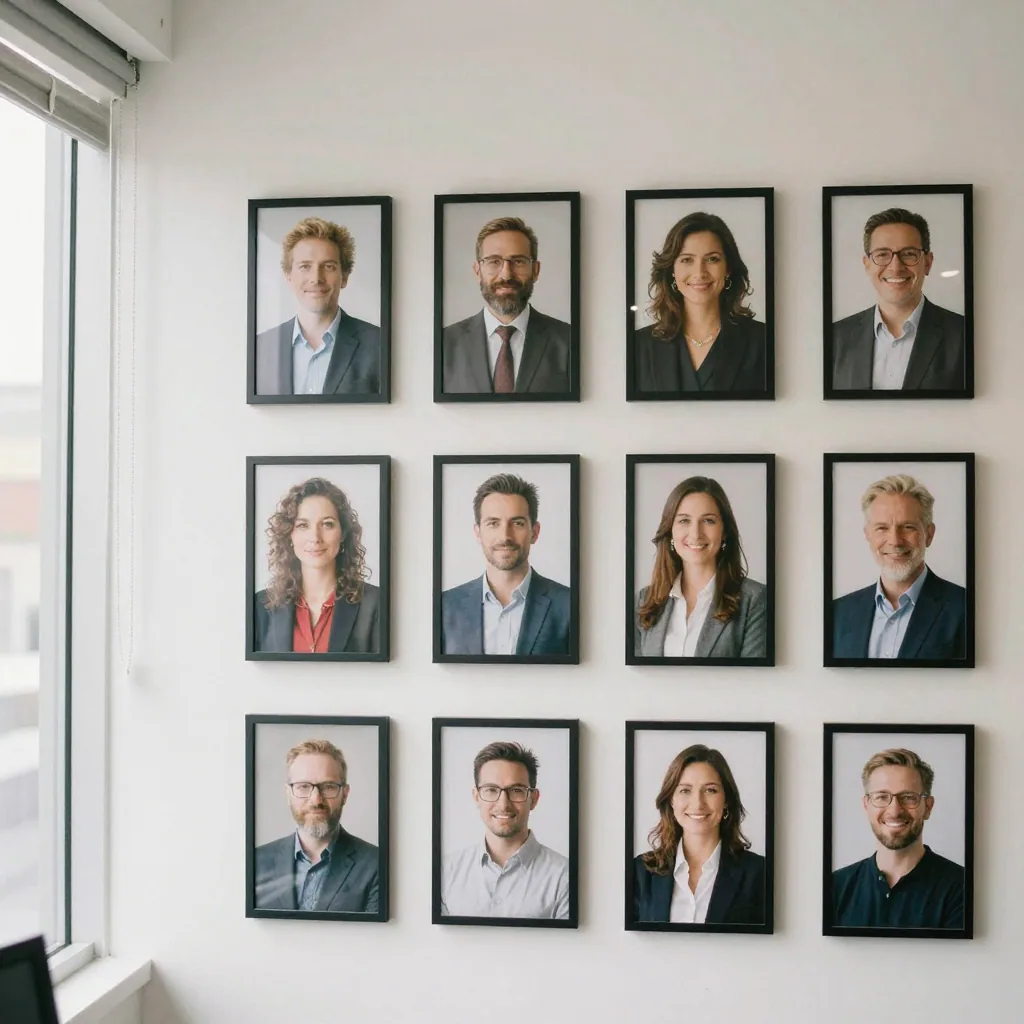
The result most companies actually live with: a team page that's a patchwork of a professional shoot from two years ago, cropped LinkedIn selfies, and a few placeholder silhouettes. It looks exactly as inconsistent as it is.
4.Three ways to get team headshots (compared)
There's no single "right" answer — it depends on team size, distribution, and how much visual polish the brand needs. Here's an honest comparison.
| Approach | Cost per person | Consistency | Works remote? | Turnaround | Best for |
|---|---|---|---|---|---|
| On-site photographer | ~$150–$450/session + day rate | High (same day, same setup) | No | 1–3 weeks | Small, co-located teams; premium brands |
| Everyone-DIY selfies | ~$0 | Low (mismatched everything) | Yes | Instant | Startups that don't care about brand yet |
| AI team headshots | Fraction of photographer rate | High (same style + settings) | Yes | Same-day | Remote/hybrid, growing teams, frequent new hires |
The cost figures above are commonly listed ranges, not a controlled study — photographer rates vary widely by city and package, and AI per-image cost depends on the plan you choose (and teams typically regenerate a few frames, each a fresh charge). The point isn't the exact dollar; it's the shape of the trade-off. A photographer buys you a real physical shoot but poor coverage of a distributed team. AI buys you coverage and consistency at the cost of it being a rendered image, not a camera capture.
When a photographer still wins: executive team portraits for a homepage hero, a brand that leans heavily on authenticity, or leadership who want a genuine studio session. Use AI for the other 95% of the org chart.
5.What "on-brand and consistent" actually means
Consistency isn't one variable — it's five. To make a team look like a team, these have to match across every person:
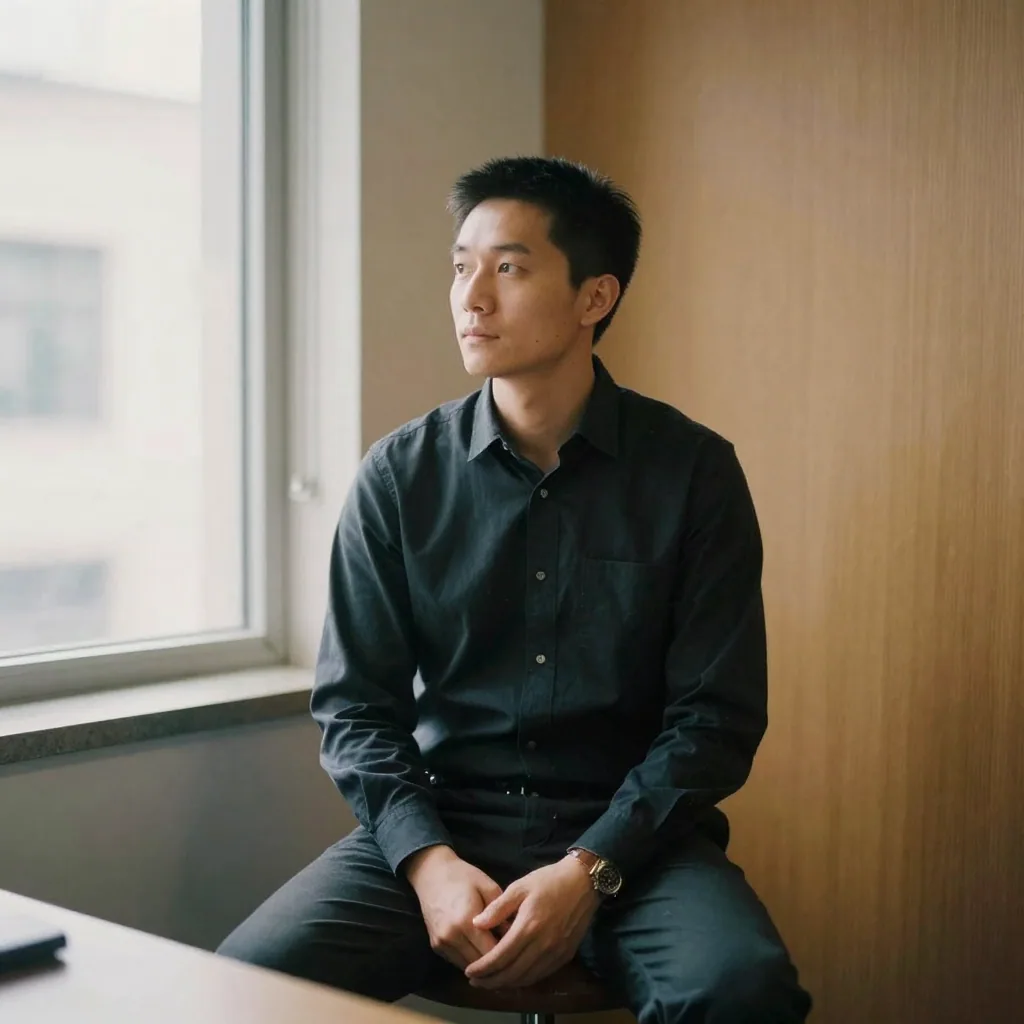
- Background. Same color and same style. A solid neutral gray or a soft office blur — not one person on white, another in their kitchen.
- Lighting. Same direction and softness. Mixed harsh-flash and window-light headshots read as random even at thumbnail size.
- Framing / crop. Same headroom and shoulder line. Consistent crop is the single biggest "these belong together" signal.
- Attire tone. You can't fully control what people wear, but you can set a guideline (business casual, no busy patterns) so the set feels cohesive.
- Color grade. Warm vs. cool, contrast, saturation — subtle, but it's what makes a grid feel designed rather than assembled.
The advantage of running everyone through the same style is that items 1, 2, and 5 come along automatically. Everyone uses the same style and resolution settings, so a new hire's photo in month nine matches the batch you generated in month one.
6.The rollout workflow (5 to 500 people)
Here's a repeatable process that scales.
6.11. Pick your house style once
Decide which style preset fits your brand — corporate, business casual, or LinkedIn each comes with its own appropriate professional background — and pick a resolution. Standardize on that same style and resolution as the company default so every future hire matches. A corporate or business-casual style is the safest choice for most B2B brands.
6.22. Write a one-paragraph selfie brief
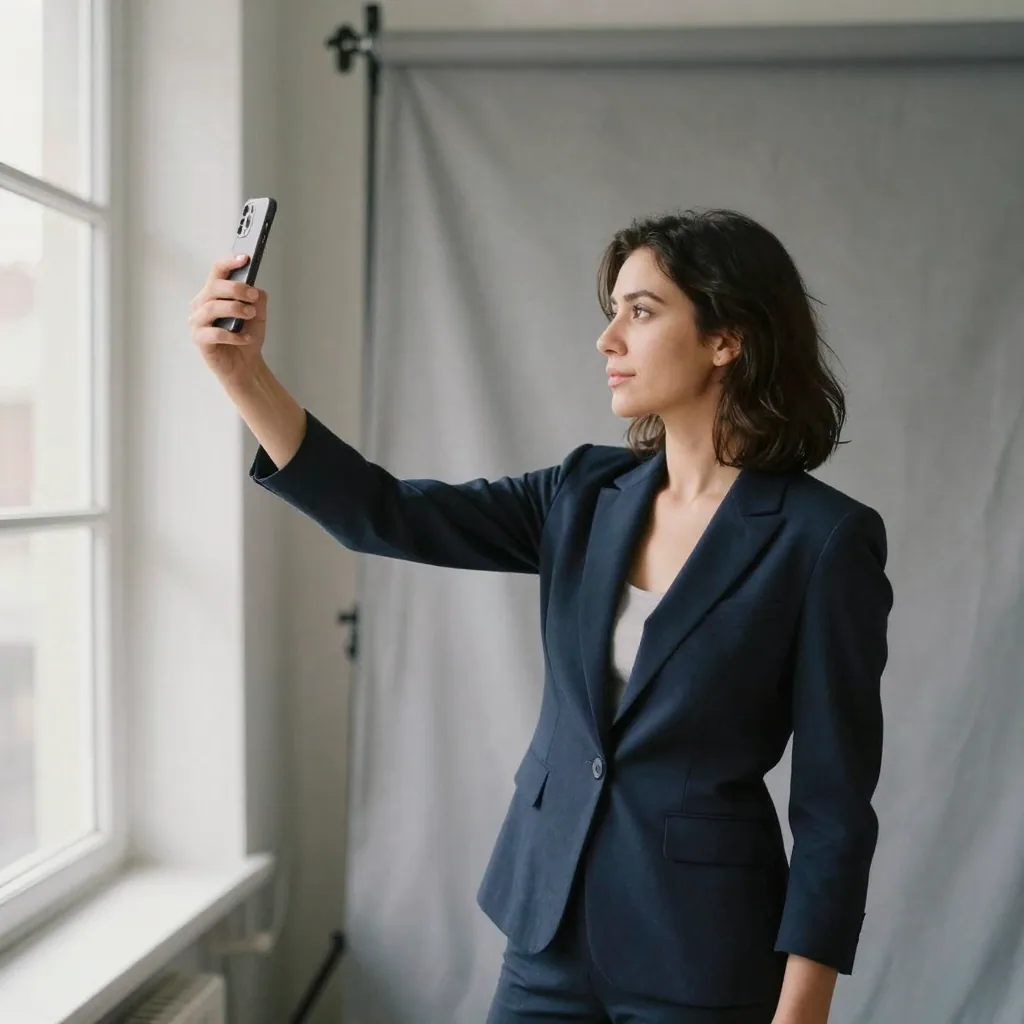
Send employees a short brief so their source photos are usable. The output quality depends on the input, so this step matters:
- Face the nearest window or a bright, even light (no harsh overhead only).
- Neutral expression or a natural smile; look at the camera.
- Any everyday background is fine — the tool generates a fresh studio portrait, so your original setting won't show.
- Provide up to 4 selfies with slightly different angles.
- No sunglasses, no hats, no heavy filters.
6.33. Generate with the same style
Run each person's selfies through Imagera's AI Headshot studio using your chosen style and resolution. Because everyone uses the same style and settings, the outputs are highly consistent — a grid check (next step) catches any outliers. Review each result and pick the best frame per person — the tool generates a fresh studio headshot that preserves each employee's real likeness rather than inventing a generic face.
6.44. Do a grid check
Drop all the finished headshots into a single grid (a slide, a Figma board, or your team page mockup). Look at them together, at thumbnail size. Any photo that jumps out — wrong crop, off color, weird lighting — gets regenerated. This 10-minute step is what separates a polished set from a nearly-consistent one.
6.55. Ship and standardize
Update LinkedIn, the About page, email signatures, and Slack. Then add the selfie brief and your chosen style + resolution to your onboarding checklist so every new hire is headshot-ready in week one — no more mismatched additions.
7.Honest trade-offs to set expectations
Set expectations with your team before you roll this out:
- It's a rendered image, not a photo of that exact moment. Modern AI headshots preserve likeness well, but some people are sensitive about not-a-real-camera portraits. Offer a photographer option for anyone who prefers it, especially leadership.
- Garbage in, garbage out. A dark, blurry selfie produces a weaker result. The one-paragraph brief above solves most of this.
- Glasses, distinctive hair, and unusual lighting can occasionally need a couple of regenerations to get right. Budget a few extra minutes for edge cases.
- Review every image. Never batch-publish unseen. A human pass on a grid catches the rare odd frame before it's public.
Used with those guardrails, AI team headshots solve the actual business problem — a cohesive, current team page and matching LinkedIn profiles — without the logistics of a photo day.
8.Which house style should you pick for company headshots?
For most B2B brands, a corporate or business-casual style on a solid neutral background is the safest default — it reads as professional, ages well, and flatters the widest range of people. Reserve bolder looks (colored or office-blur backgrounds) for creative or consumer brands where personality is part of the pitch. Pick one style, lock it, and make it the company standard so every future hire matches.
The right choice depends on your industry and where the photos will live. Here's how the common house styles map to brand types:
| House style | Background | Best for | Reads as |
|---|---|---|---|
| Corporate | Solid neutral gray / white | Finance, legal, enterprise B2B | Formal, trustworthy |
| Business casual | Soft neutral or gentle office blur | Most SaaS, consulting, mid-market | Approachable, professional |
| LinkedIn / modern | Soft studio or subtle color | Startups, growth teams | Current, human |
| Creative / brand-color | Brand-tinted or textured | Agencies, consumer, design | Distinctive, on-brand |
Whichever you pick, the key is that everyone uses the same one. A grid where each person is professionally rendered but in a different style still looks inconsistent — cohesion comes from the shared choice, not from any single style being "better." Standardize it in your brand guidelines alongside logo and color so the decision is made once, not re-litigated per hire.
9.How do you handle new hires so their headshot always matches?
Bake the headshot step into onboarding. Add the one-paragraph selfie brief and your locked house style + resolution to the new-hire checklist, so every joiner submits usable selfies in week one and gets rendered with the exact settings the rest of the team used. Because the style and resolution are fixed, a hire in month nine matches the batch you generated in month one — no drift, no odd-one-out.
The failure mode this prevents is the slow decay of a team page. Without a standard, each new person's photo is whatever they happened to have — a cropped vacation shot, a two-year-old badge photo, a different background and crop every time — and within a year the page is a patchwork again. A standardized workflow closes that gap: the same AI Headshot studio settings applied to every joiner mean the page stays cohesive as the company grows. Assign one owner (usually People Ops or Brand) to run new hires through the workflow and do the thumbnail-size grid check, so consistency is someone's explicit job rather than an afterthought. For a departing-and-replacing role, regenerate the replacement with the identical settings and swap it in — the grid never breaks.