If you generate AI portraits or run a virtual influencer account, you already know the "plastic skin" problem: faces come out of the model looking waxy, over-smoothed, and poreless. Enhancor built its whole product around fixing exactly that, and it does the job well for a lot of creators. But if you are searching for an Enhancor alternative, it is usually for one of a few reasons — the monthly subscription, the single-purpose scope, or the way credits reset at the end of each billing cycle.
This article compares Enhancor with Imagera Skin Detailer, a browser-based skin-realism tool that is part of a broader image-finishing suite. We researched Enhancor's current 2026 pricing, features, and known complaints, and we map out honestly where each product is stronger. The goal is not to declare a winner — it is to help you pick the tool that fits how you actually work.
Quick answer: Imagera's Skin Realism Suite is a full Enhancor alternative, restoring pores, texture, and lifelike detail on faces and bodies at up to 4K in under 60 seconds per image.
1.How does Imagera's Skin Realism Suite compare as an Enhancor alternative in 2026?
Imagera rebuilds skin texture, pores, and fine detail while upscaling portraits up to 4K, and 8K on supported pipelines. Most images finish in under 60 seconds, far quicker than manual retouching. It runs in-browser with 100+ preset styles, no plugins, and skin realism starts from 5 credits per image.
2.Which use cases does Imagera's Skin Realism Suite handle best?
It covers AI portraits, headshots, e-commerce models, and full-body shots, fixing plastic-looking skin, banding, and over-smoothing in 1 pass. Layering texture recovery with careful upscaling preserves realism better than sharpening alone, which is why Imagera pairs pore-level detailing with 4K enhancement rather than a single filter, keeping the original composition fully intact.
3.Why People Look for an Enhancor Alternative
Enhancor is a capable, purpose-built tool, but three recurring frustrations push creators to look elsewhere.
1. It is subscription-based, and credits reset monthly. Enhancor runs on a monthly subscription with a credit allowance attached to each tier (as of 2026, entry pricing sits in the single-digit dollars per month, with Creator, Professional, and Enterprise tiers scaling up from there). The problem several users flag on review sites is that unused credits disappear when the billing cycle rolls over. If you enhance images in bursts — a batch this week, nothing next month — you are paying for capacity you never touch, and you cannot bank it for later.
2. It does one thing. Enhancor is laser-focused on skin texture. That focus is a strength for its core job, but reviewers repeatedly note its "limited scope" — it improves skin and little else. A finished AI portrait usually needs more than pores: it needs upscaling to a usable resolution, background cleanup, sometimes a full "de-AI" pass to kill the tell-tale generative look. With a single-purpose tool you end up stitching together three or four subscriptions.
3. Reliability and support complaints. Enhancor's Trustpilot page carries genuinely mixed feedback. Positive reviewers praise the realism of the texture it adds; negative reviewers report the tool occasionally returning the original image unchanged, slowness, and slow support responses. Any single product will have detractors, but the pattern is worth knowing before you commit to a recurring plan.
None of this makes Enhancor a bad tool. It makes it a specialized tool with a pricing model that does not suit everyone. That is the gap an alternative fills.
4.Imagera vs Enhancor: Feature Comparison
| Feature | Enhancor (as of 2026) | Imagera |
|---|---|---|
| Primary purpose | AI skin-texture realism | Skin realism + full image/video finishing |
| Pricing model | Monthly subscription with credit tiers | Pay-per-use credits, no subscription |
| Entry cost | Roughly single-digit dollars/month (as of 2026) | Starts at $19.99, one-time pack |
| Do credits expire? | Reported to reset each billing cycle | Credits do not expire |
| Watermark on output | Not advertised on paid tiers | No watermark |
| Platform | Web app | Browser-based, any device, no install |
| Scope | Single-purpose (skin) | Bundle: skin, upscale, humanize, edit, video |
| Pore / texture restoration | Yes (Skin Lab, Texture Control) | Yes (Skin Detailer) |
| Upscaling | Crisp Upscale, up to 2K–4K on higher tiers | Image Upscaler + Extreme Detailer |
| De-AI / realism pass | Focused on skin only | AI Image Humanizer for whole-image realism |
| Selective area editing | Yes (face, eyes, nose, mouth) | Region-aware detailing and masking |
| Video enhancement | Not the core product | Included in the same account |
A note on the numbers: Enhancor's exact per-tier pricing and credit counts vary between the listings we found, so treat any single figure as approximate and subject to change. The structural difference — subscription with resetting credits versus one-time, non-expiring credits — is the part that stays true regardless of the current price sheet.
5.Where Enhancor Wins
Being honest about a competitor is the only way this comparison is useful. Enhancor does several things genuinely well:
- Purpose-built for the AI-influencer niche. Enhancor was designed from the ground up for synthetic portraits. Its "Photoskin" approach hallucinates biologically plausible pores, micro-texture, and hair strands specifically for AI-generated faces, and that focus shows in the results.
- Tuned presets and modes. Features like Standard and Heavy smoothness-fix modes, Skin Texture Control, and Auto Crop Face Detection are opinionated defaults built around one job. For creators who only ever fix skin, that simplicity is an advantage — there is less to configure.
- Selective area editing. The ability to target the face, eyes, nose, or mouth independently gives fine-grained control over where texture is added, which matters when only part of a render looks plastic.
- High-resolution output on upper tiers. Professional and Enterprise plans push output toward 4K, which is useful for large prints or close-crop hero shots.
If skin realism is the only thing you will ever do, and you do it at high volume every month, a dedicated subscription can be a rational choice.
6.Where Imagera Wins
Imagera's advantage is not that it beats Enhancor at any single trick — it is the combination of comparable skin work with everything else the same image needs, on a payment model that does not lock you in.
- No subscription, and credits that don't expire. Imagera is pay-per-use. You buy a credit pack (starting at $19.99), and those credits sit in your account until you use them. Batch your work whenever it suits you; nothing resets at month-end.
- A real bundle, not a single tool. The same account includes Skin Detailer for pore-level texture, Extreme Detailer for detail-preserving upscaling, and the AI Image Humanizer for a whole-image realism pass — plus background editing and video enhancement. One login covers the finishing pipeline Enhancor only starts.
- No watermark on output. What you export is clean and usable commercially, with nothing stamped across it.
- Browser-based on any device. No app install, no GPU, no download. It runs in the browser on a laptop, tablet, or phone, which matters if you switch between devices.
- Whole-image de-AI, not just skin. The Humanizer targets the broader "generated" look — lighting, texture consistency, that uncanny smoothness across the whole frame — rather than only the skin patch.
7.Pricing Compared
The two products use fundamentally different models, so the comparison is about structure, not just headline numbers.
Enhancor charges a recurring monthly fee tied to a credit allowance, with tiers scaling from an entry plan up through Creator, Professional, and Enterprise (as of 2026). Annual billing reportedly cuts around 30%. The catch that reviewers highlight: the credits are a monthly allocation, and unused ones do not appear to carry over. So your effective cost depends heavily on using your full allowance every single month. If you skip a month, you paid for nothing.
Imagera charges once, per pack, starting at $19.99, with no recurring commitment. Credits are pay-per-use and do not expire. There is no monthly minimum to hit and nothing to cancel. For creators with uneven workloads — a big batch before a launch, then quiet weeks — this removes the "use-it-or-lose-it" pressure entirely.
The break-even reasoning is simple. If you reliably max out a subscription every month, a dedicated tool's per-image cost can be competitive. If your usage is bursty, occasional, or spread across several tasks (skin and upscaling and editing), the pay-per-use bundle usually wins because you are not paying for idle capacity or juggling multiple subscriptions. Imagera has no permanent no-cost tier — it is a premium, paid product — but the entry cost is low and there is no ongoing bill.
8.How Imagera Skin Detailer Works (Step by Step)
Here is the full flow, starting from the tool page:
- Go to Imagera Skin Detailer in your browser. There is nothing to install.
- Upload the AI-generated portrait (or real photo) that looks too smooth or waxy.
- Choose the strength of the skin-realism pass. A lighter setting preserves the original look while adding subtle pores; a stronger setting rebuilds texture on heavily smoothed faces.
- If only part of the image needs work, use masking to target the face or skin regions and leave the rest untouched.
- Run the pass. Imagera adds pore-level texture and micro-detail so the skin reads as photographed rather than rendered.
- Review the result. If the portrait is low-resolution, send it through Extreme Detailer to upscale while keeping the new texture crisp.
- For a broader realism cleanup — not just skin — run the AI Image Humanizer to reduce the overall generated look.
- Export the finished image. No watermark, and the credits you spent came from a pack that doesn't expire.
9.Common Use Cases
9.1AI Influencers and Virtual Models
This is Enhancor's home turf and Imagera handles it too. Consistent virtual personas live or die on believable skin. Run each render through Skin Detailer to add pores, then Extreme Detailer to bring it to posting resolution — all in one account, so you are not exporting between subscriptions.
9.2Portrait and Headshot Cleanup
AI headshot generators tend to over-smooth. A skin-realism pass restores the fine texture that makes a face look photographed, which is what separates a usable professional headshot from an obvious AI render.
9.3Product and Character Art
Beyond faces, the AI Image Humanizer helps whole scenes read as real — useful for character art, editorial mockups, or lifestyle imagery where the entire frame, not just the skin, carries the "AI" tell.
9.4Upscaling Old or Low-Res Renders
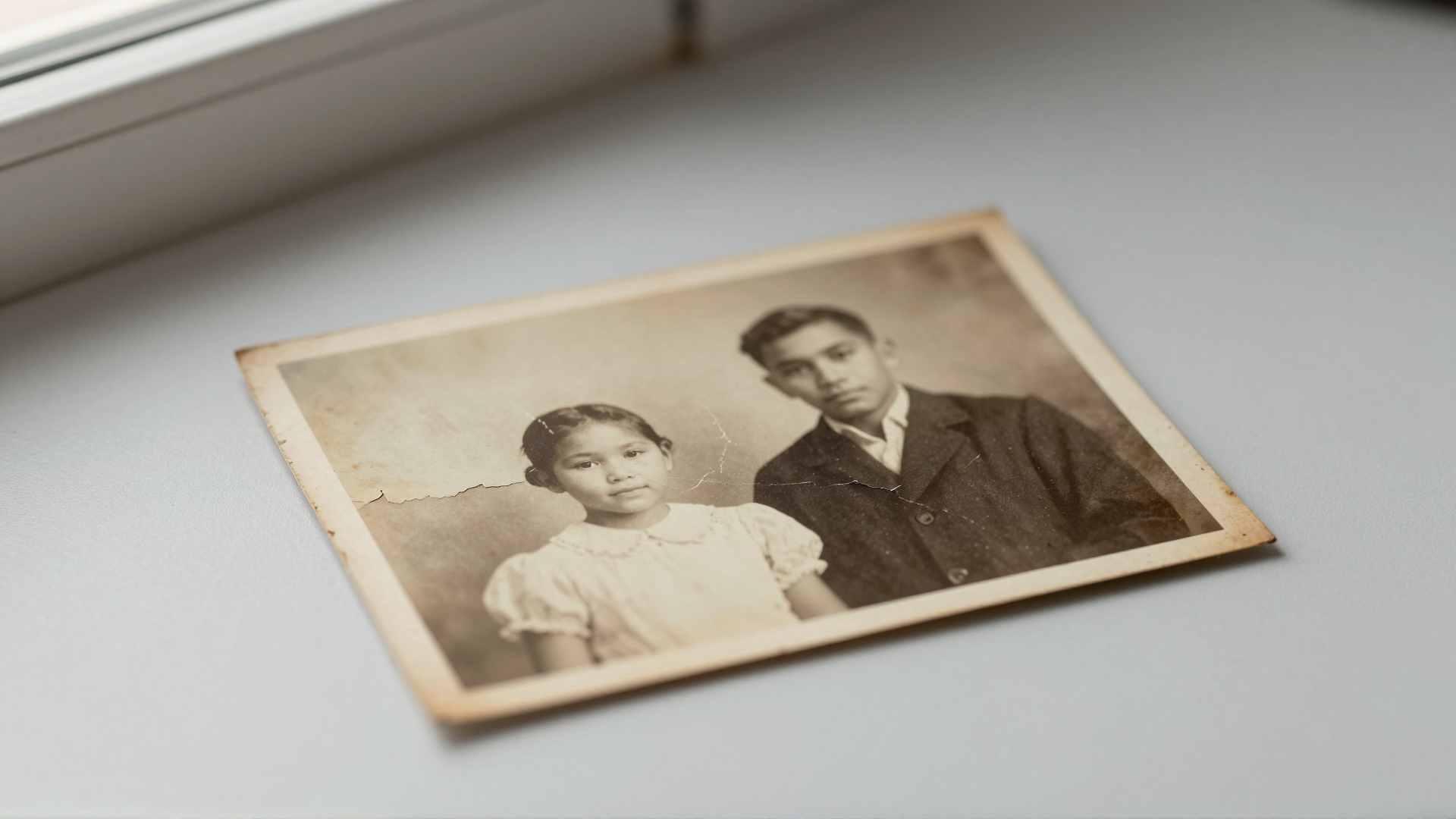
If you have a library of earlier low-resolution generations, Extreme Detailer upscales them while preserving detail, and Skin Detailer restores texture that upscaling alone can flatten.

10.What AI Skin Enhancement Can and Cannot Do
It is worth being clear-eyed about the technology, whichever tool you use.
What it can do well: reintroduce realistic pores and micro-texture on over-smoothed skin; break up the uniform, waxy surface that generative models produce; upscale portraits while keeping (or rebuilding) fine detail; and make synthetic faces convincingly photographic in most viewing contexts.
What it cannot do: it cannot invent correct anatomy or fix a fundamentally broken generation. If the source has warped hands, mismatched eyes, or melted jewelry, a skin pass will not repair that. It cannot guarantee a result that survives extreme zoom or forensic inspection — added texture is plausible, not a literal photograph. It will not turn a poorly lit, low-quality render into a studio shot, and results on non-AI photographs can be hit or miss, since these tools are tuned for the specific artifacts of generated skin. Both Enhancor and Imagera share these limits; they are properties of the technology, not of any one vendor. For choosing base models that already produce more realistic skin before you enhance, see our guide to the best LoRA models for realistic AI images.
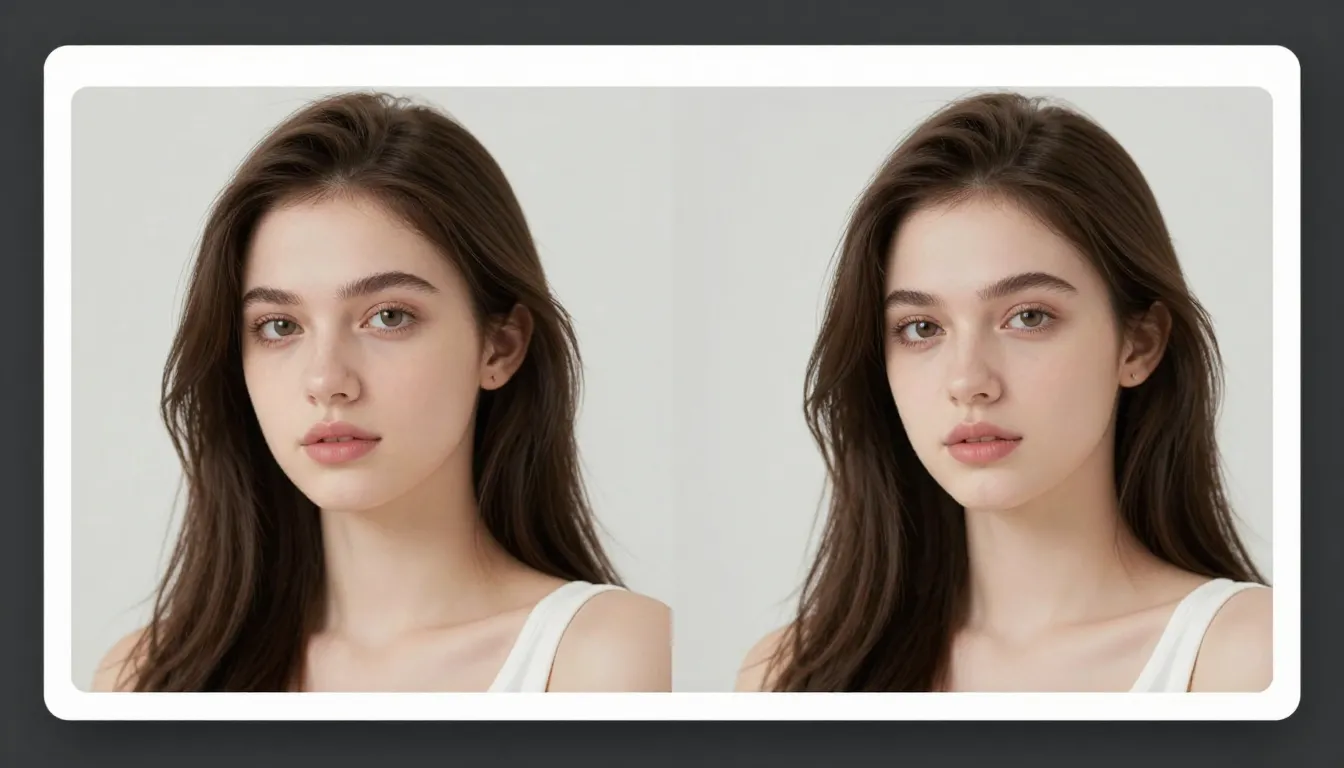
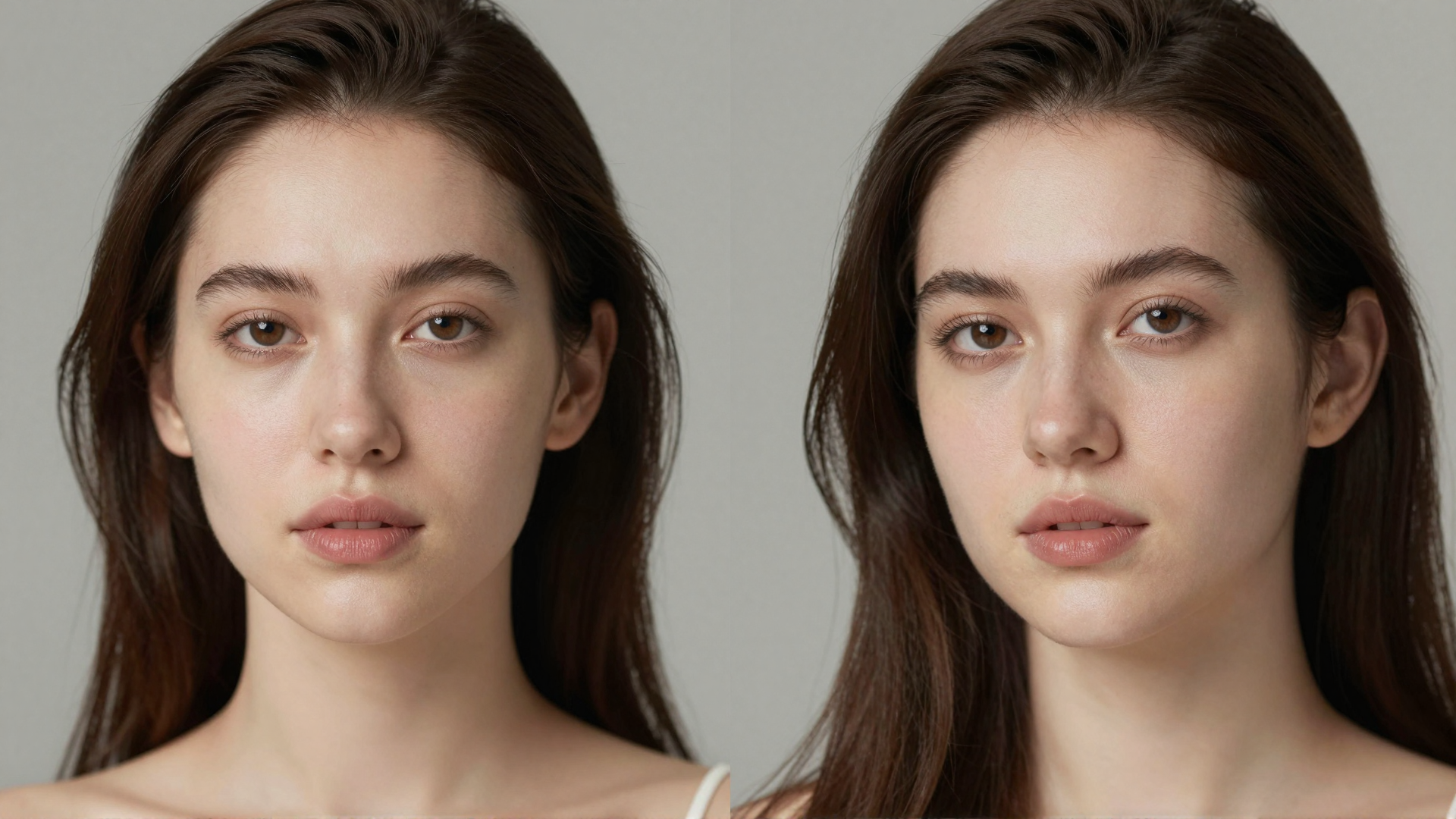
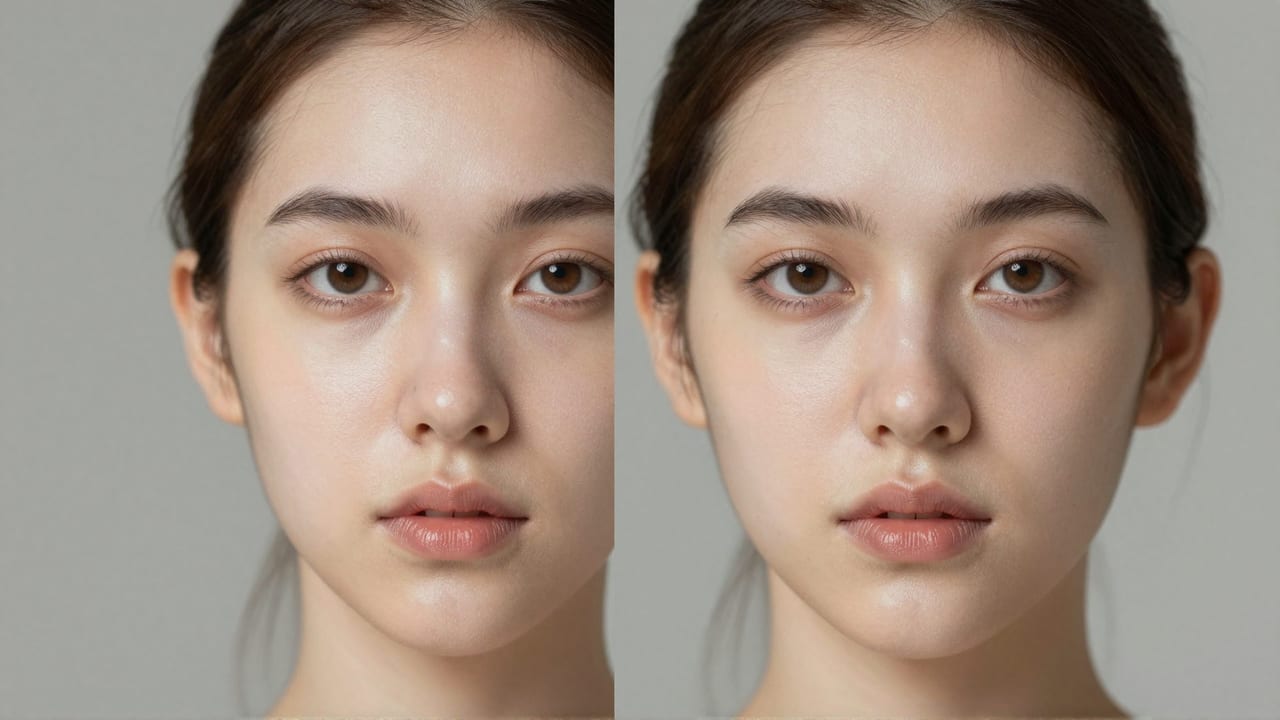
11.See it in action — real Imagera output
These are real, unedited results from the Imagera skin detailer — the exact tool this guide covers.


12.Bottom Line
Enhancor is a strong, focused product. If your entire workflow is skin realism, you run high volume every month, and you are comfortable with a subscription whose credits reset, it does its one job well and its presets are tuned for exactly that niche. There is no shame in using a specialist tool for specialist work.
Imagera makes more sense when your finished images need more than skin work, or when a recurring subscription with expiring credits does not fit how you actually operate. You get pore-level skin realism, upscaling, whole-image humanizing, editing, and video enhancement in one browser-based account, paid per use, with no watermark and credits that stay put. For most creators shipping complete AI portraits — not just fixing skin — that breadth and flexibility is the deciding factor.
Ready to compare on your own images? Open Imagera Skin Detailer and run a portrait through it.
Related: Extreme Detailer · AI Image Humanizer · Best LoRA models for realistic AI images (2026)