AI Image Enhancer Fix Plastic AI Skin & Add Realistic Detail
Fix plastic AI skin. Add realistic details. Make AI images photorealistic.
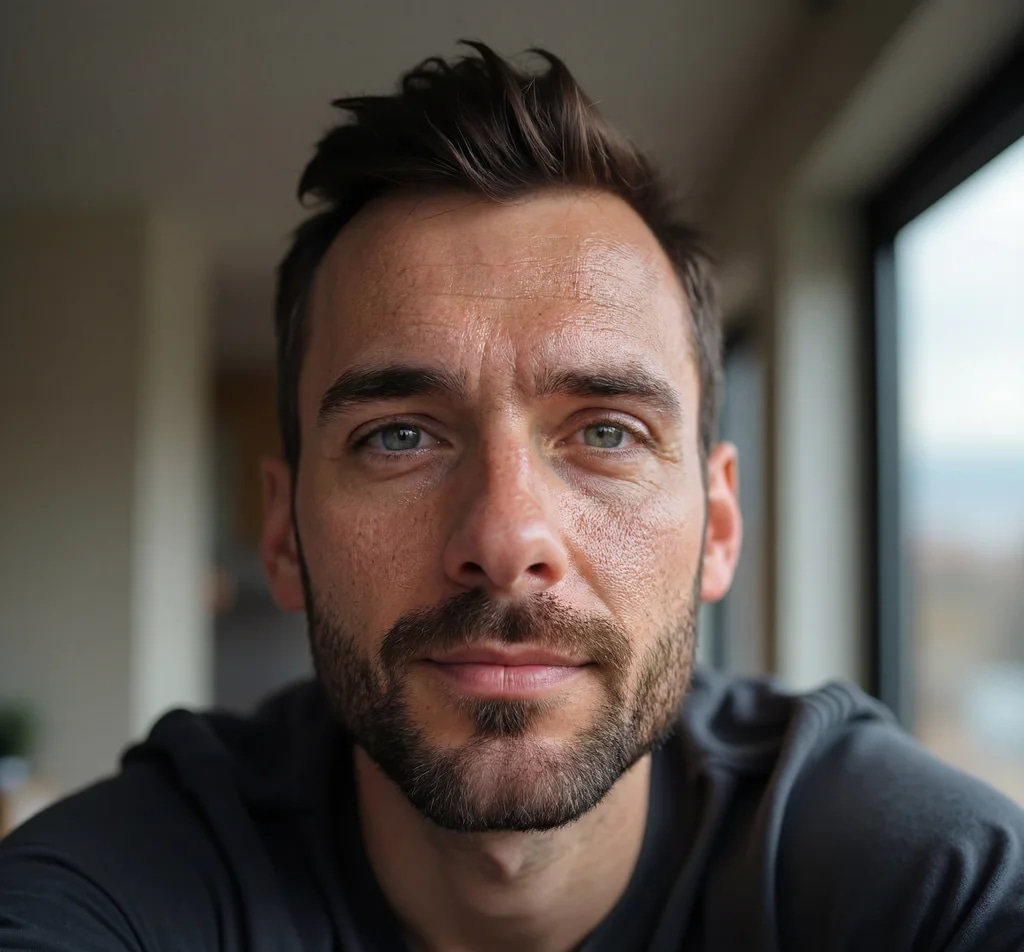
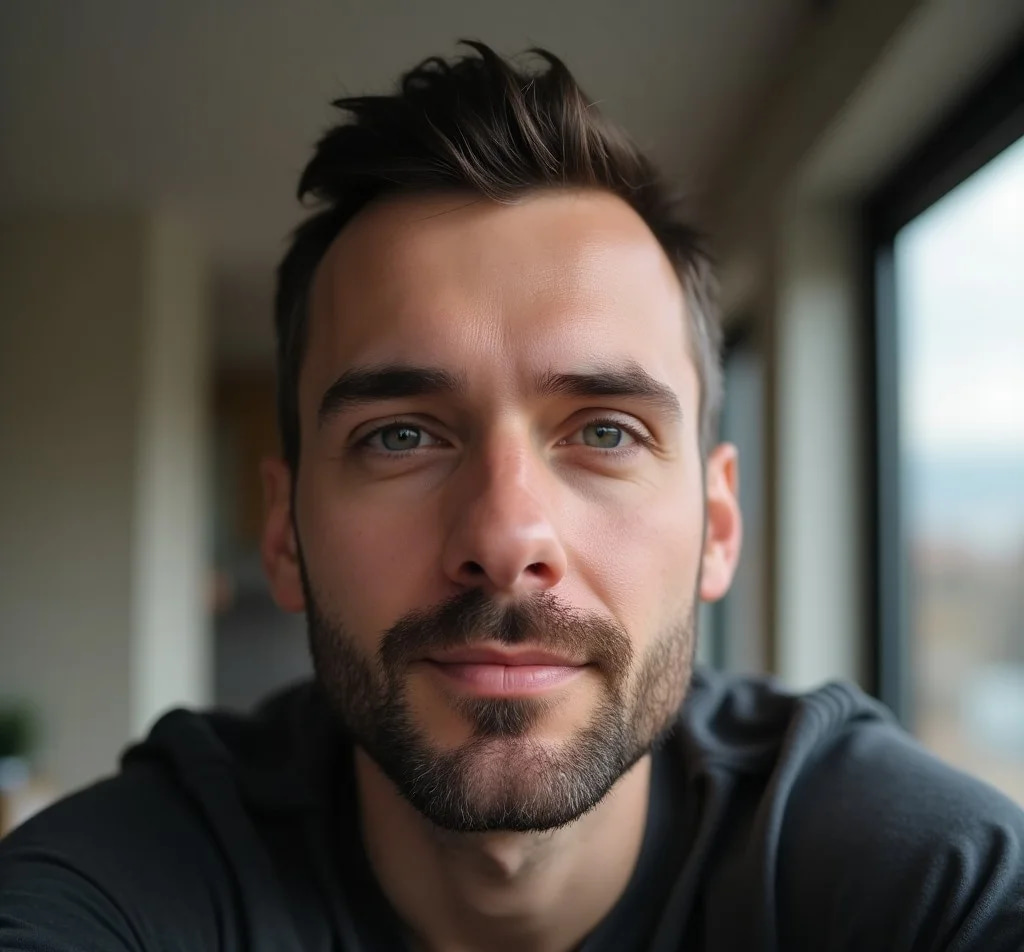 BeforeAfter
How do I fix plastic-looking AI skin in images?
An AI image enhancer rebuilds the micro-detail generators skip. Imagera’s detailer adds pore structure, fine hair, fabric weave and natural skin variation to an image you already have, so the plastic, over-smoothed look reads as a photograph instead. Ten detail levels set how far it goes, from a subtle pass to heavy texture, and your composition, colour and style stay as you made them.
- Credits
- From 10 per image · 20 at 3 MP
- Formats
- PNG, JPG, WEBP in · JPEG out, up to 100MB
- Detail levels
- 1–10, subtle to extreme
Updated September 4, 2026
Cite this page: https://imagera.ai/image/extreme-detailer
What the detail pass puts back
AI Skin Texture Enhancement
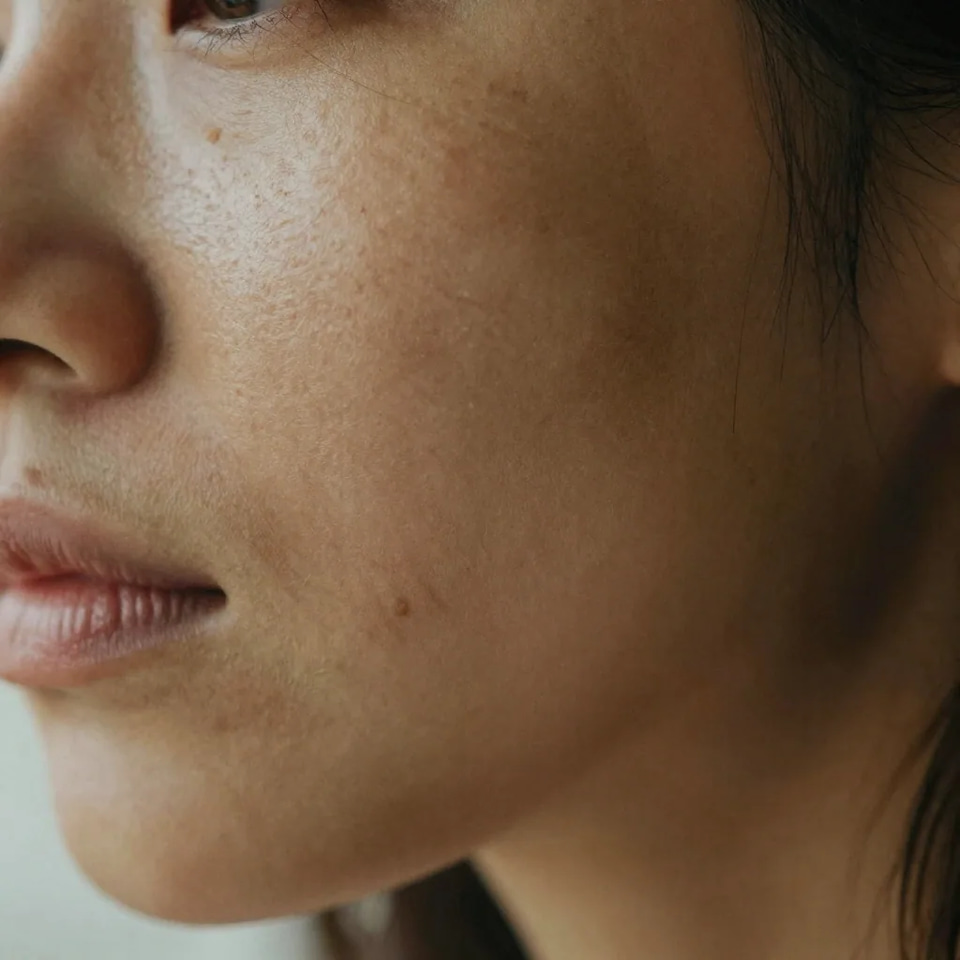
Remove plastic AI-generated skin and restore natural pore structure. Our neural network adds realistic skin details that make AI images look genuinely photographic.
Know more →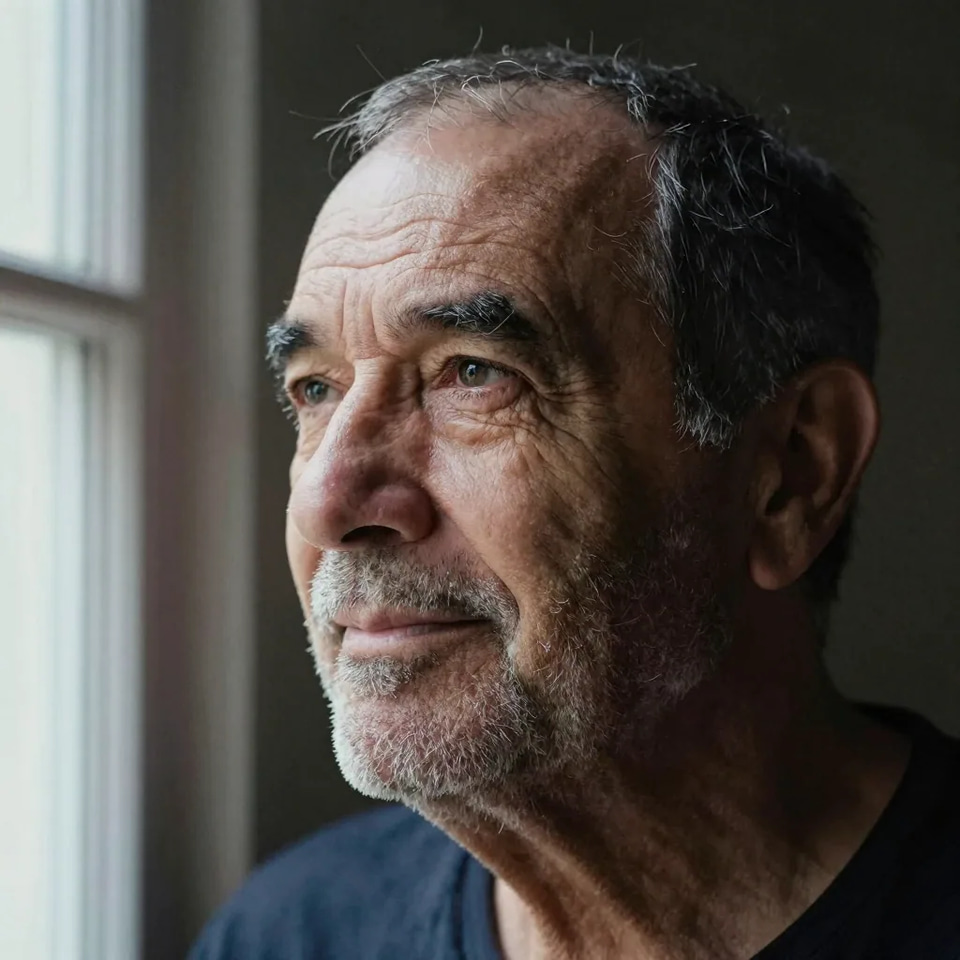
Natural Skin Detail Recovery
Specialized algorithms analyze facial features and add authentic micro-details like pores, fine lines, and natural skin variations. Perfect for portraits and headshots.
Know more →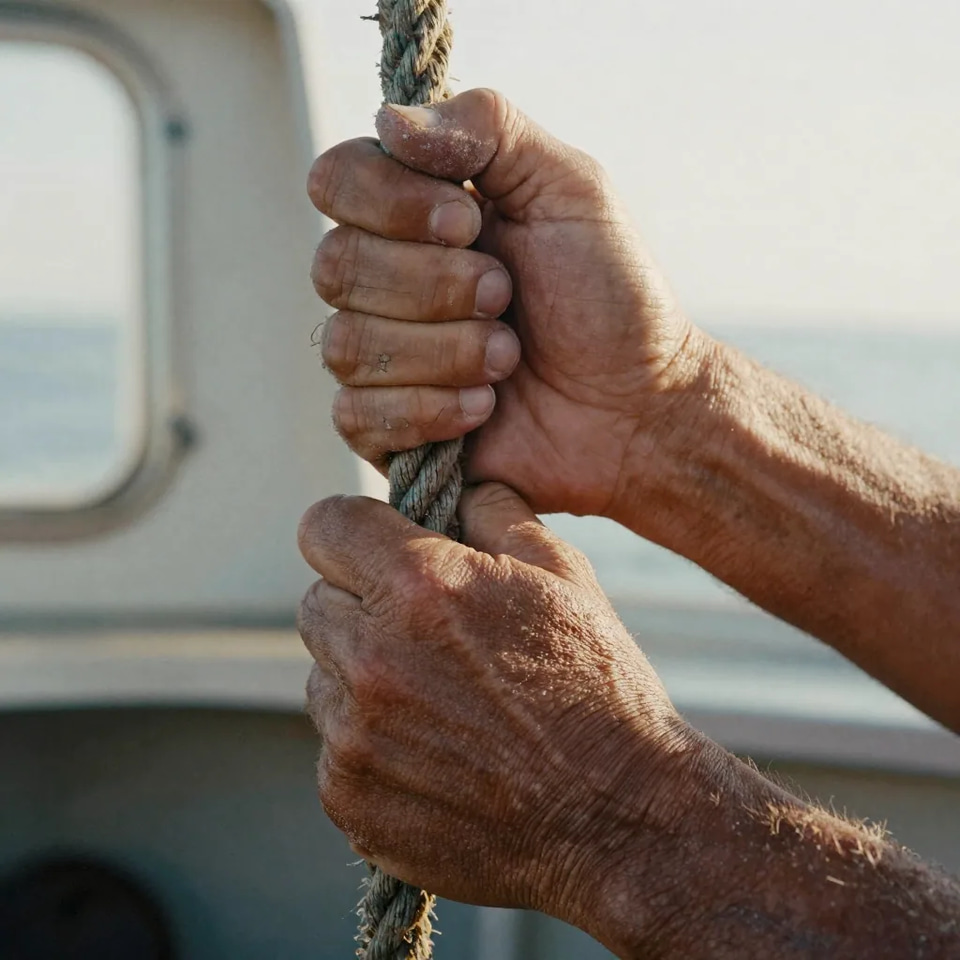
AI Artifact Removal
Eliminate tell-tale signs of AI generation including smoothed textures, repetitive patterns, and unnatural gradients. Make your AI art look professionally photographed.
Know more →Key features of the AI image enhancer
Choose how far it goes, keep the style you generated, and pay per image.
Precise Control with 10 Detail Levels
Not all images need the same treatment. Our 10-level slider lets you choose exactly how much detail to add. From subtle enhancement (1-3) to moderate (4-6) to extreme detailing (7-10). Maps to denoise values 0.05-0.5 for precise control. Output images with stunning 4K quality details. The neural network enhances textures, sharpens edges, and adds photorealistic details throughout the entire image.
Try it now →Works with Any AI Generator
Whatever AI art tool you used, Extreme Detailer enhances the results. Universal compatibility means one tool for all your AI art post-processing needs. Format-agnostic neural network architecture. Works with images from any AI generator. Also enhances traditional photographs and digital art. Designed for AI artists, photographers, and content creators. Simple drag-and-drop interface with real-time preview. No technical knowledge required.
Try it now →No Subscription—Pay Per Image
Desktop detail apps often force yearly subscriptions. We stay pay-per-use: from 10 credits per image. No monthly fees, no billing surprises, no software to install. Browser-based, pay only when you enhance. Powered by enterprise-grade GPU infrastructure. Most images process in under 30 seconds. Batch processing available for professional workflows.
Try it now →How to add realistic details to AI images
Three steps in the browser. Most images come back in well under a minute.
Upload your AI image
Drop in the image you want to fix — PNG, JPG or WebP, up to 100MB. It works on output from any AI image generator, and on ordinary photographs and digital art as well.
Pick a detail level
Set how hard the pass works, from 1 to 10: subtle (1-3) for a light touch-up, moderate (4-6) for balanced enhancement, high (7-8) for significant detail, or extreme (9-10) when the skin still reads plastic. Custom detailing lets you type exactly what to change instead.
Enhance and download
Most images finish in 15-30 seconds. You get a high-quality JPEG back with full commercial rights and no watermark — from 10 credits per image, charged per run rather than per month.
Who reaches for the detailer
AI Art Creators
Turn AI-generated outputs into gallery-ready art. Add realistic textures that make AI art indistinguishable from traditional digital art.
Try it now →Content Creators
Create authentic-looking AI content for social media. Platforms reward genuine-looking media—make your images read as real photos and keep engagement high.
Try it now →Professional Photographers
Enhance AI composites and retouching workflows. Add finishing touches that manual Photoshop retouching takes hours to achieve.
Try it now →Discover more AI features
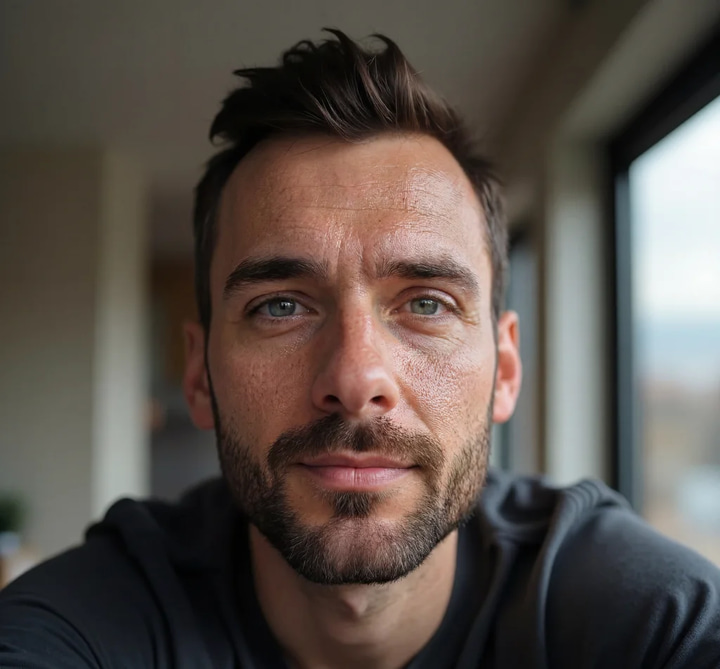
Skin Detailer
Add freckles, pores, scars, tattoos. Remove blemishes. Fix plastic AI skin instantly.
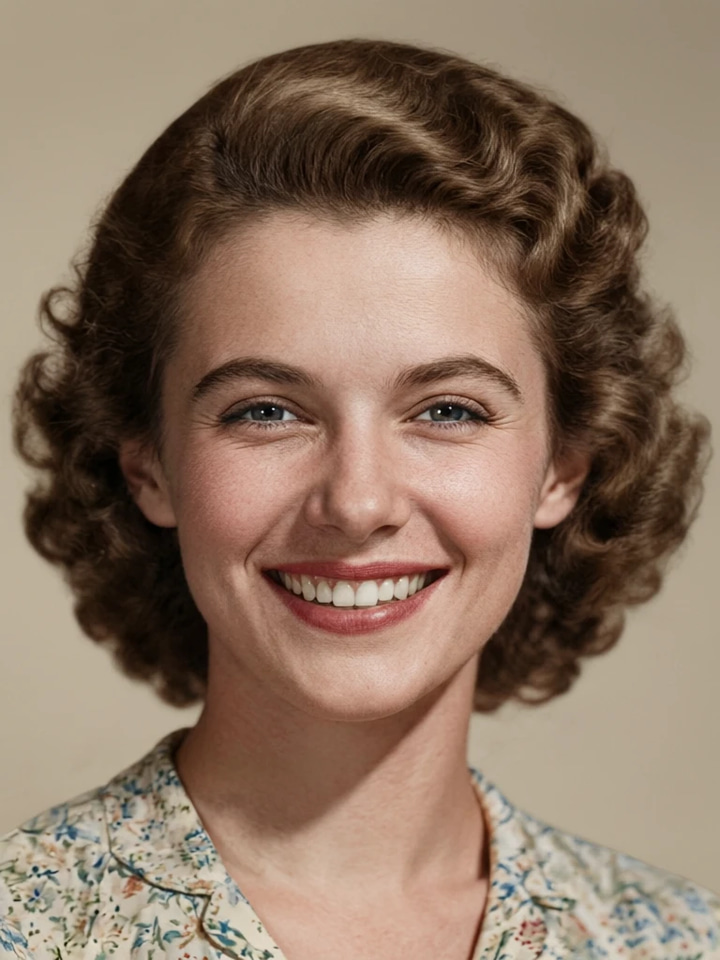
HD Photo Restorer
Repair scratches, fading & blur. Print-ready in minutes.
Print-Ready 16K Upscaler
Too small to print? Enlarge a photo to 4K, 8K or 16K (15,360 px on the long edge).
Pro LoRA Generator
For advanced users — bring your own LoRA for a consistent style or character.
GlowCam — Live Beauty Filter
Look camera-ready on every call, live
Common questions
What is the Extreme Detailer?
The Extreme Detailer is an AI-powered image enhancement tool that adds fine details to images, removes the plastic AI-look from skin, and enhances overall image quality. It's specifically designed to make AI-generated images look more photorealistic.
How does it remove the AI plastic skin look?
Our neural network analyzes skin textures and adds realistic pore structure, fine lines, and natural micro-details. It removes the overly smooth, plastic appearance common in AI-generated portraits while maintaining the artistic style of your image.
What AI generators does it work with?
The Extreme Detailer works with images from all major AI generators as well as traditional photographs and digital art.
What do the detail levels mean?
Detail levels control the intensity of enhancement: 1-3 (Subtle) for light touch-ups, 4-6 (Moderate) for balanced enhancement, 7-8 (High) for significant detail addition, and 9-10 (Extreme) for maximum detail generation.
How much does it cost?
Square images (1:1): 10 credits. Landscape or Portrait: 15 credits. Orientation is automatically detected from your image dimensions. No hidden fees or surprises.
How long does processing take?
Most images process in 15-30 seconds. Complex images with high detail levels may take up to 60 seconds. Processing time depends on image resolution and selected detail level.
What image formats are supported?
Upload images in PNG, JPG, JPEG, or WebP format. Maximum file size is 100MB. Output is delivered as high-quality JPEG with 95% quality settings.
Will it change my image style?
No. The Extreme Detailer enhances details while preserving your artistic style. It adds realistic textures and removes artifacts without changing the overall look, composition, or color palette of your image.
Can I use it for commercial projects?
Yes, 100%. All enhanced images come with full commercial usage rights. You retain complete ownership of your content.
What resolution images can I process?
Process images up to 100MB in size. The tool works best with images at least 512px on the shortest side. Very small images may not show significant improvement.
How do I fix plastic skin on AI Caricature portraits?
Viral AI caricatures often have waxy plastic skin. Extreme Detailer fixes this instantly — upload your caricature, select level 5-7, and get realistic pores and natural skin texture. Perfect before printing as wall art or selling on Etsy.
Can I make Ghibli-style portraits look more detailed?
Yes! Studio Ghibli-style AI portraits have a beautiful aesthetic, but often lack fine detail for large prints. Extreme Detailer at level 4-6 adds subtle texture while preserving the dreamy Ghibli look. Over 700 million Ghibli images created—use ours to make yours print-worthy!
How do I fix the AI Action Figure Box faces?
The viral AI Action Figure Box trend creates amazing collectible packaging, but faces on the "toy" often look plastic and fake. Use Extreme Detailer at level 6-8 to add realistic skin texture to your action figure face. Then upscale with Super Resolution for poster-quality prints!
Will it work on Italian Brainrot meme images?
Absolutely! Brainrot characters like Tralalero Tralala and Bombardiro Crocodilo can be enhanced too. Extreme Detailer adds hyper-realistic texture to these surrealist creatures—making the absurd look photographed. Use level 7-10 for maximum uncanny detail. Great for framed Brainrot art!
Should I use Extreme Detailer before or after Dancing Photo generation?
BEFORE! The Sway Dance (Dancing Photo) trend works best with high-quality source images. Use Extreme Detailer to fix plastic skin on your portrait first, then generate the dance video. Better source photos = smoother, more realistic dance animations.
Learn more
Guides on making AI images read as photographs, plus the rest of the image suite.
Use caseAI Image Upscaler — 4K, 8K & 16K
Enlarge and sharpen your result to 16K after finishing — neural upscaling, no quality loss
 Guide
GuideReal Camera Mode Guide
Give AI-generated images authentic camera characteristics
How to Make AI Images Look Real
Use extreme detail enhancement as part of the photorealistic AI pipeline
Best LoRA Models for Realism
Pair detail enhancement with the right LoRA models for photorealism
AI Image Prompts Guide
Generate AI images optimized for detail enhancement
Stable Diffusion Alternative
Enhance Stable Diffusion-style images without local GPU setup
Topaz Alternative Online
Compare Imagera extreme detailer vs Topaz for AI detail enhancement
Browse All Articles
In-depth articles about AI image quality and photorealism techniques
Key takeaways
What is the Extreme Detailer?
The Extreme Detailer is an AI-powered image enhancement tool that adds fine details to images, removes the plastic AI-look from skin, and enhances overall image quality. It's specifically designed to make AI-generated images look more photorealistic.
How does it remove the AI plastic skin look?
Our neural network analyzes skin textures and adds realistic pore structure, fine lines, and natural micro-details. It removes the overly smooth, plastic appearance common in AI-generated portraits while maintaining the artistic style of your image.
What AI generators does it work with?
The Extreme Detailer works with images from all major AI generators as well as traditional photographs and digital art.
Imagera vs desktop photo enhancers
| What matters | Imagera | Desktop enhancement apps |
|---|---|---|
| Where it runs | In the browser, nothing to install | Desktop app, installed and updated per machine |
| What it is built for | AI-image problems: plastic skin, missing pores, smoothed hair | General photo sharpening and denoise |
| Detail control | 10 levels | Sliders |
| Processing speed | <30 seconds | 2-5 minutes |
| How you pay | Per image, from 10 credits | Ongoing subscription |
Make it look photographed
Open the studio with the detailer already selected. Credits show on the button before you run.
Start detailing →