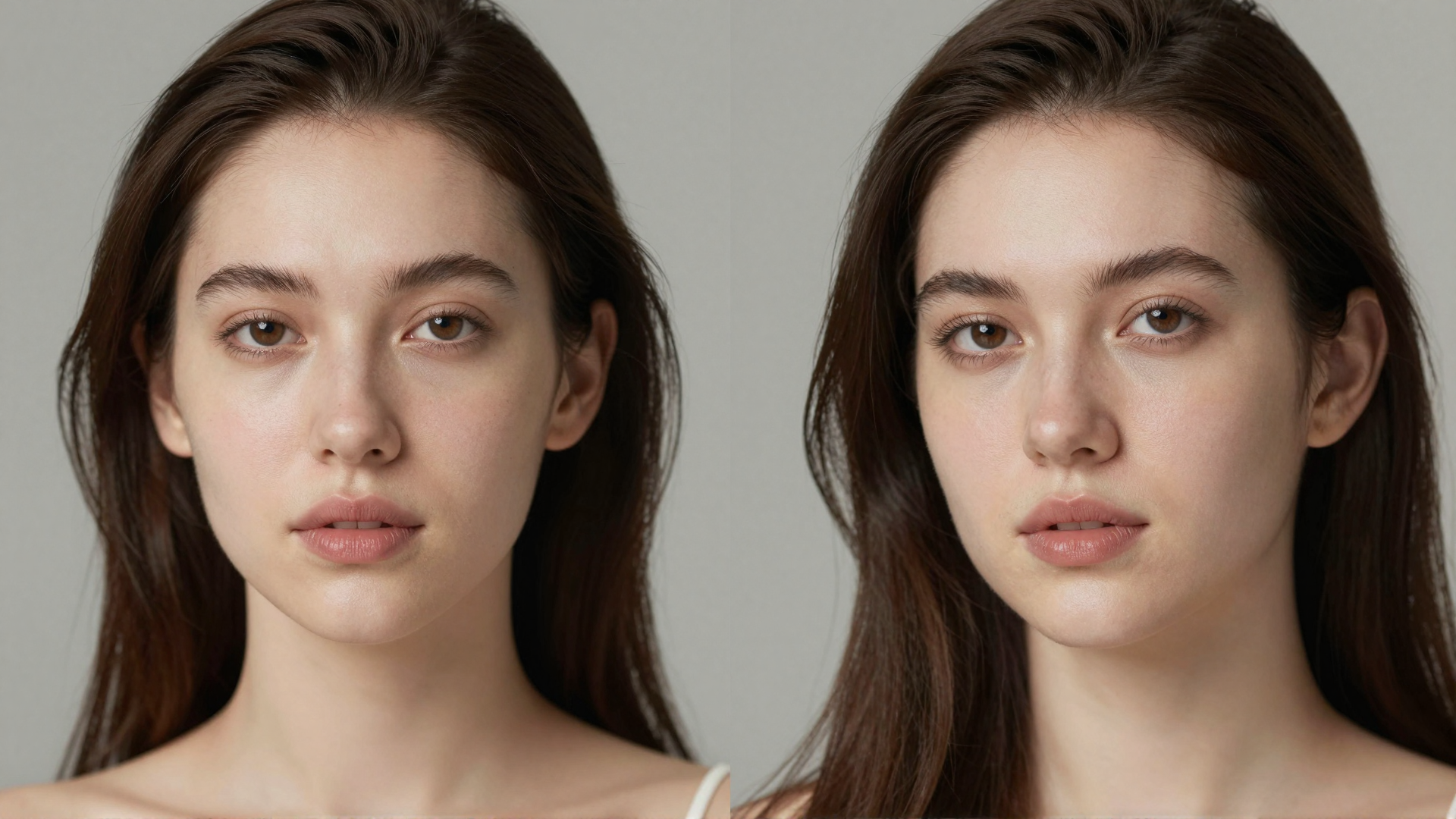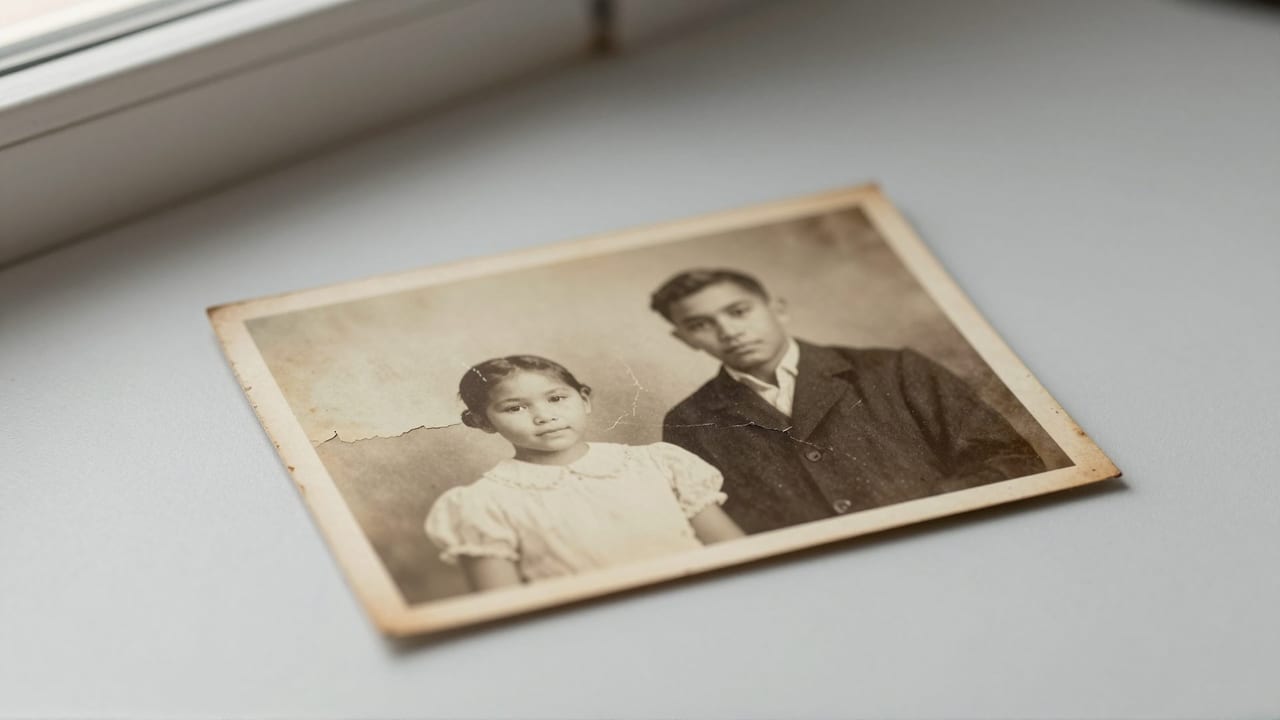
If you are searching for a VanceAI alternative, you are probably weighing one of a few things: a subscription you do not want, credits that expire before you use them, or a watermark on results until you pay. VanceAI is a capable AI photo toolkit with more than 20 tools, a desktop app, and batch processing, and its Photo Restorer does genuinely useful work on scratched and faded prints. But the pricing model and the toolkit-first approach are not right for everyone, especially people who only need to fix a shoebox of family photos a few times a year.
This guide compares VanceAI with Imagera, a browser-based image and video finishing suite, with a specific focus on old photo restoration. We researched VanceAI's current 2026 pricing, its restoration features, and recurring user complaints, and we map them honestly against Imagera Restore Old Photos. You will find a feature table, a real section on where VanceAI wins, a matching section on where Imagera wins, a break-even look at pricing, and a step-by-step walkthrough of the Imagera restoration tool. No hype, just what each product actually does as of 2026.
Quick answer: Imagera restores old photos through an AI enhancement pipeline that repairs scratches, sharpens blur, and upscales faded prints to 4K, giving you a full-featured VanceAI alternative in one browser tab.
How does Imagera restore an old photo compared to a VanceAI alternative workflow?
Upload one scanned print and Imagera runs three steps in a single pass: it removes scratches and dust, recovers faded detail, then upscales up to 8K. You can process archival photos without installing software, keeping every edit inside one browser session.
Is Imagera a good VanceAI alternative for damaged family portraits?
Yes. Imagera handles the most common repairs, scratches, blur, low resolution, and faded color, and can multiply the original resolution while preserving facial detail. For the best results, scan heirlooms at a high DPI before restoration, since Imagera's pipeline is tuned for detailed, high-resolution inputs. Check the current credit quote for your image and selected restoration settings before generating.
Why People Look for a VanceAI Alternative
Credits and subscriptions that do not match occasional use. VanceAI's monthly subscription starts around $9.90 for roughly 100 credits, with cheaper per-month rates on annual plans. Subscription credits roll over up to five months while you stay subscribed, and pay-as-you-go packs are valid for about a year. The common frustration in independent reviews is that credits drain quickly on high-resolution or batch work, subscriptions auto-renew, and one user reported unused credits expiring at year-end without a warning. If you restore photos in short bursts, a recurring plan can feel like paying for time you do not use.
Watermarks on trial output. As of 2026, VanceAI's free trial results carry a watermark, and getting a clean, watermark-free file costs credits. That is standard for the category, but it surprises people who expect to preview a full-quality result before committing.
A desktop app and toolkit you may not need. VanceAI leans on breadth: more than 20 tools plus an optional desktop application. Several reviewers note the desktop app required separate payment rather than sharing web credits, and that processing could be slow. If all you want is to repair a handful of damaged portraits, navigating a large multi-tool workspace and a separate app is more overhead than the job requires.

Imagera vs VanceAI: Feature Comparison
| Feature | VanceAI | Imagera |
|---|---|---|
| Access | Web workspace plus optional desktop app | Browser-based, any device, no install |
| Core restoration | Scratch, tear, crease, fade, sepia repair; face detail recovery | Repair scratches, fading, blur; sharpen faces; upscale to print-ready |
| Pricing model | Subscription or pay-as-you-go credits | Pay-per-use credits, no subscription |
| Entry price (as of 2026) | ~$4.95 pay-as-you-go (100 credits) or ~$9.90/mo | Credit packs from 350 credits ($39.99); plans from $19.99/month |
| Credit expiry | PAYG valid ~1 year; some users report year-end expiry | Credits do not expire |
| Watermark | Trial output watermarked; clean file costs credits | No watermark on output |
| Batch processing | Yes, supported | Not a batch-focused workflow |
| Tool breadth | 20+ tools (upscale, denoise, colorize, background, more) | Bundle: restore, upscale, headshots, product, background, edit, video |
| Colorize black-and-white | Yes, dedicated mode | Focused on faithful repair and sharpening |
| Best for | Frequent, high-volume, multi-tool users | Occasional restoration without a subscription |
Where VanceAI Wins
- Batch processing at scale. VanceAI is built to run many images through the same tool in one pass, which matters if you are restoring or upscaling dozens or hundreds of files at once.
- Breadth of tools in one account. More than 20 tools cover upscaling, denoising, sharpening, colorizing, background removal, and more. If your work spans many task types, having them under one login is convenient.
- A dedicated colorize mode. VanceAI includes a specific black-and-white colorization workflow, which is useful when your originals are monochrome and you want believable color added.
- Desktop app option. For users who prefer a local application over a browser tab, VanceAI offers a desktop client, and some workflows favor that.
- Rollover for steady subscribers. If you subscribe every month, unused credits roll over up to five months, which softens the sting of a light month.
- Established brand and track record. VanceAI has been in market for years with a large user base and public reviews, which some buyers value for reassurance.
Where Imagera Wins
- Pay-per-use credits that do not expire. You buy credits, they stay usable, and there is no monthly commitment. That removes the year-end expiry and auto-renew concerns raised in VanceAI reviews.
- Pay per use. Credit packs start at 350 credits, so you can restore a set of photos and stop without canceling anything.
- No watermark on output. Restored files come out clean; there is no watermarked preview you have to pay to remove.
- Fully browser-based on any device. No install, no GPU, no desktop download. It runs on a phone, tablet, or laptop the same way.
- A focused restoration path. Imagera Restore Old Photos is a purpose-built flow for repairing scratches, fading, and blur, sharpening faces, and upscaling to print-ready, rather than one tab inside a broad workspace.
- A finishing bundle when you need more. Restoration sits alongside upscaling, headshots, product photos, background work, humanizing, editing, and video in the same account, so a restored photo can move straight into another finishing step.
Pricing Compared
The two pricing models are built differently. As of 2026, VanceAI pay-as-you-go starts around $4.95 for roughly 100 credits valid for about a year, and its monthly subscription starts near $9.90 with cheaper annual per-month rates and up to five months of rollover. Imagera's entry credit pack is 350 credits for $39.99, and pack credits do not expire; monthly plans start at $19.99.
The real difference is the shape of the commitment, not the entry price. VanceAI rewards steady, high-volume use: if you process large batches every month, the subscription's per-credit cost and rollover can make it cheaper over time. Imagera rewards irregular use: if you restore a batch of family photos this month and nothing for the next six months, non-expiring credits and no subscription mean you never pay for idle time or lose credits to an expiry date. A simple break-even test: if you reliably use most of a monthly credit allotment across many tools, VanceAI's subscription math favors you. If your usage is lumpy or restoration-only, Imagera's pay-once-use-later model avoids the two most common VanceAI complaints, credit expiry and hard-to-cancel auto-renewal.
How Imagera Restore Old Photos Works (Step by Step)
- Go to Imagera Restore Old Photos in your browser. There is nothing to install and no GPU required, so it opens the same on any device.
- Upload the scanned or photographed old photo you want to repair. A clear, well-lit scan gives the AI more real detail to work from.
- Imagera analyzes the image and repairs common damage, targeting scratches, fading, and blur while working to preserve the original likeness rather than reinventing the face.
- Faces are sharpened so eyes, skin texture, and hair read clearly instead of coming out smoothed over.
- Upscale the result toward print-ready resolution if you plan to frame or print the photo at a larger size.
- Review the restored image and download it. There is no watermark on the output, and you pay per use from non-expiring credits.
Because it runs in the browser, you can move from a phone snapshot of a print to a finished, downloadable file without moving to another device. If you also need larger enlargements or heavier detail recovery, the Imagera image upscaler picks up where restoration leaves off.
Common Use Cases
Family Photo Archives
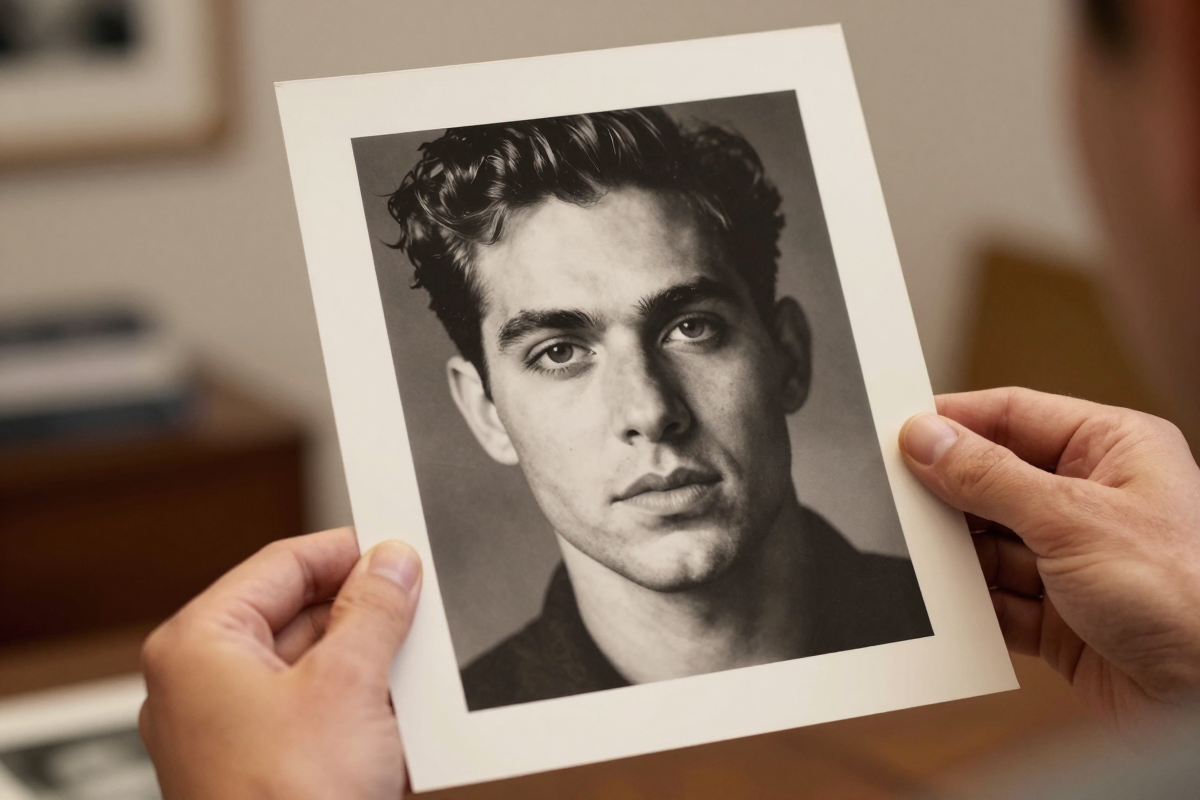
The most common job is a box of aging prints: faded color, surface scratches, and soft focus from old cameras. Restoration repairs the damage and sharpens faces so relatives are recognizable again, and upscaling makes the result suitable for reprints or a shared album.
Portraits for Memorial and Tribute Boards
When a single older portrait needs to be enlarged for a service or a framed tribute, faithful face sharpening matters more than heavy stylization. A focused restore-then-upscale pass keeps the likeness intact while lifting resolution.
Damaged or Water-Stained Prints
Photos with creases, tears, and stains benefit from targeted repair of the damaged regions. Results vary with how much original detail survives, but visible scratches and fading usually improve substantially in a single pass.
Scanned Documents and Heirloom Snapshots
Small, low-resolution scans of old snapshots can be repaired and enlarged for digital preservation. Pairing restoration with an upscaler is the practical route when the source is tiny, and it mirrors what people look for when comparing tools in a Topaz Gigapixel alternative roundup.
What AI Photo Restoration Can and Cannot Do
AI restoration is strong at reversing wear that follows predictable patterns: scratches, dust, fading, sepia shift, and mild-to-moderate blur. It is good at sharpening faces and reconstructing plausible detail where a little information still exists in the pixels. For most family photos, that is enough to move from "damaged and dim" to "clean and shareable" in minutes.
What it cannot do is invent truth. Where a face is entirely missing, torn away, or reduced to a smear, the AI produces a plausible reconstruction, not a factual one, and fine features may not match the real person exactly. Extremely low-resolution or heavily degraded sources limit how much detail can be recovered, and aggressive upscaling can introduce artifacts. Colorization, whether in VanceAI's dedicated mode or any tool, is an educated guess at original hues, not a record of them. Treat AI restoration as a fast, high-quality repair for the common cases, and set expectations accordingly for the worst-damaged images. Honest framing here protects you from disappointment on the handful of photos that are simply too far gone.
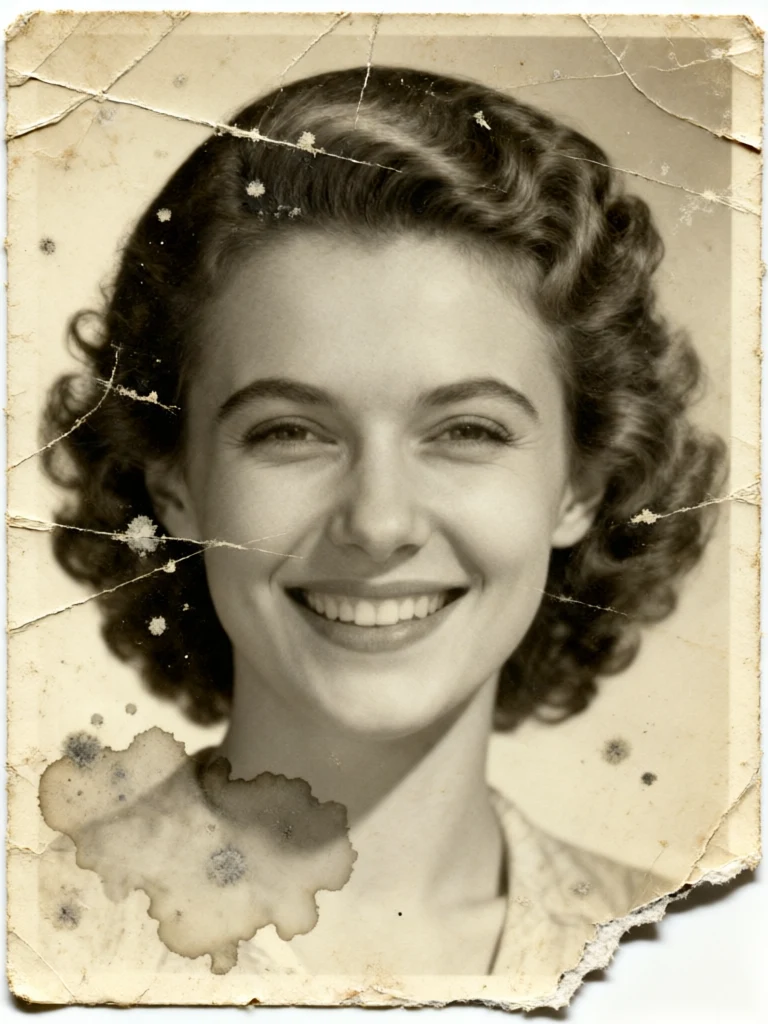
See it in action — real Imagera output
These are real, unedited results from the Imagera restore old photos — the exact tool this guide covers.

Bottom Line
VanceAI and Imagera solve overlapping problems from different directions. VanceAI is a broad toolkit built for people who process many images across many tasks and are comfortable with a subscription or annual credit pack, with a desktop app and batch processing to match. Its Photo Restorer is genuinely capable, and for high-volume, steady users the economics can work in its favor. The trade-offs are the ones that show up repeatedly in reviews: watermarked trials, credits that can expire, and a recurring plan you have to manage.
Imagera takes the opposite stance for restoration. It is browser-based and pay-per-use, with credit packs from 350 credits that do not expire and no watermark, wrapped around a focused restore-scratches-fading-blur-and-sharpen-faces flow that upscales to print-ready. If your restoration needs are occasional or lumpy, that model avoids paying for idle time. Ready to repair your own photos? Start with Imagera Restore Old Photos and add upscaling only if you need larger prints.
Related: Imagera Image Upscaler · Topaz Gigapixel Alternative for AI Image Upscaling (2026)