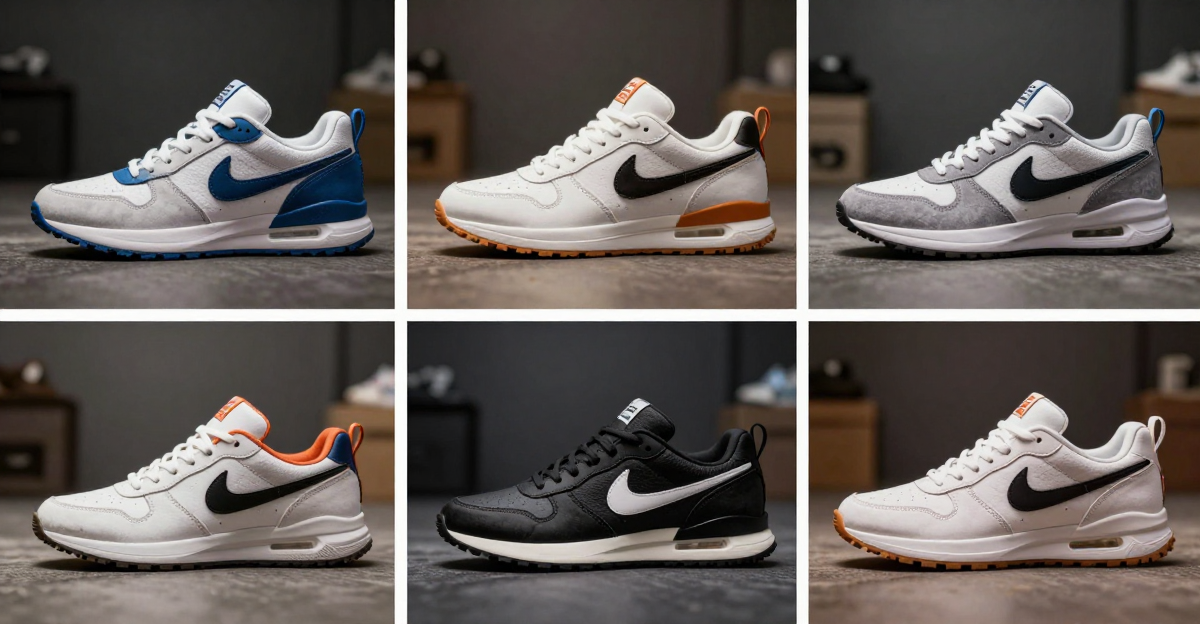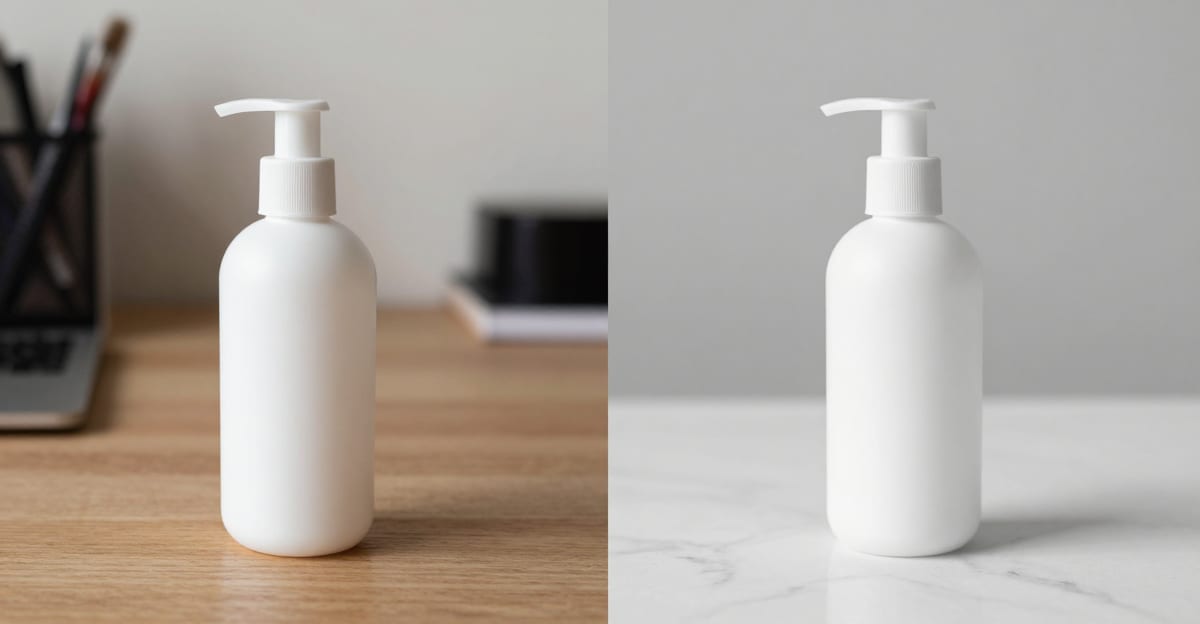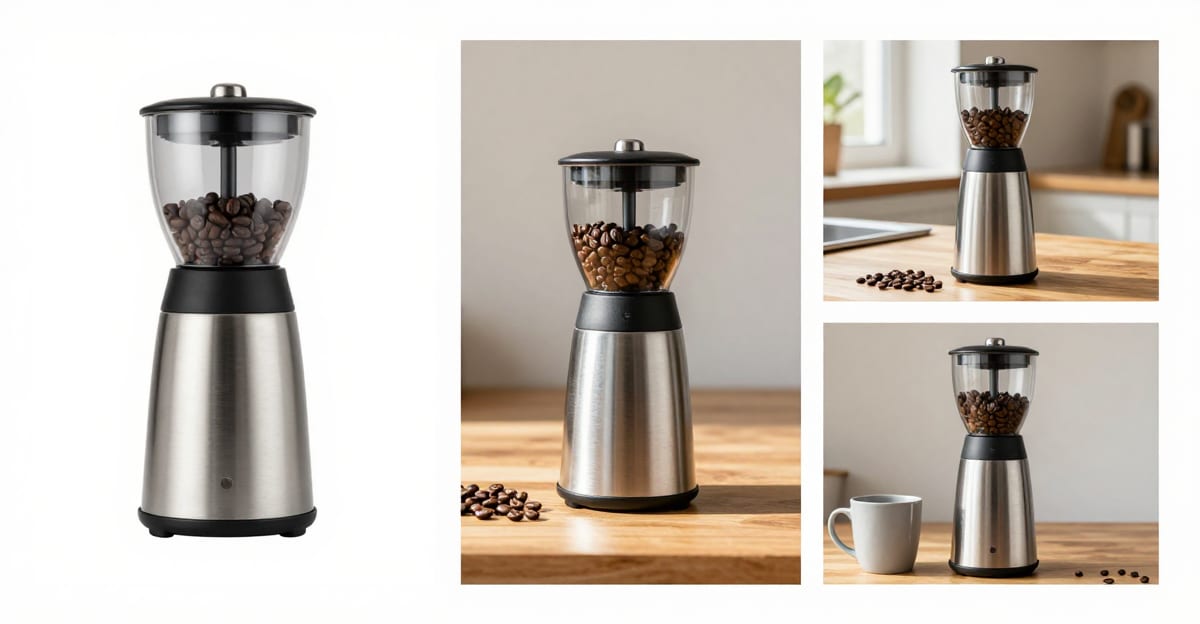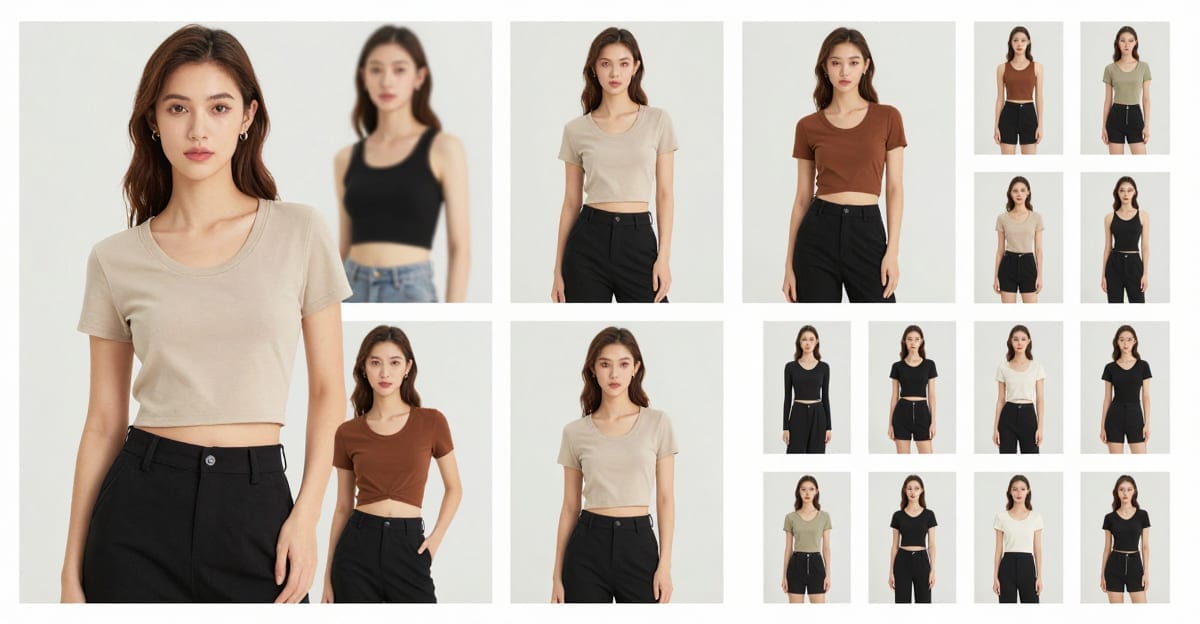
AI Angle Changer & Look Book 2026 — Fashion Photos From One Shoot is a practical Imagera workflow: start from a real source file, describe what should change, generate with credits shown up front, and review before you publish. This guide covers the steps, quality checks, real use cases, and when to reach for related tools so one photo session can carry an entire catalog or content calendar.
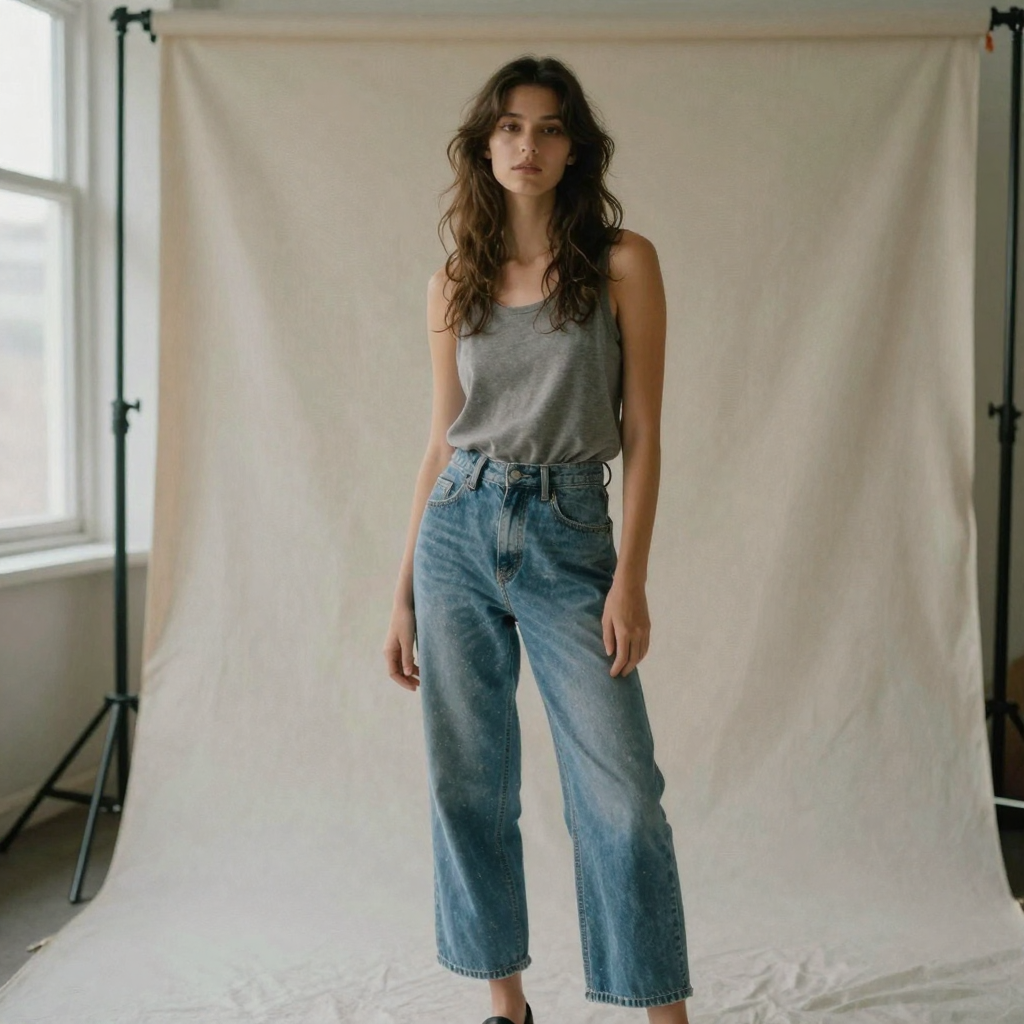
Quick answer: Imagera's AI Angle Changer synthesizes new camera angles from a single fashion or product photo, while the Look Book studio spins that same shot into multiple outfit and styling variations — turning 1 upload into a full catalog set without a reshoot.
1.How many angles and looks can you generate from one fashion photo?
From 1 source image, Imagera can render 6-12 fresh camera angles (front, 3/4, side, back, top-down) and 10+ styling variations in a single Look Book batch. Most sets export at 2K-4K resolution in under a minute per frame, so a 20-image catalog that once needed a full studio shoot can ship the same day.
2.Which input photos give the cleanest multi-angle and look book results?
Sharp, well-lit shots with clear subject separation win: aim for at least 2048px on the long edge, 1 unobstructed subject, and even lighting to keep the generated angles accurate and consistent. Shoppers browse listings faster when they can see a garment from several sides, which is why Imagera batches 6+ views per garment from one clean upload — letting you build a complete, camera-ready product gallery from a single frame.
3.Quick verdict
| Goal | Tool |
|---|---|
| New camera angles from one still | AI Angle Changer |
| Outfit / look varia |
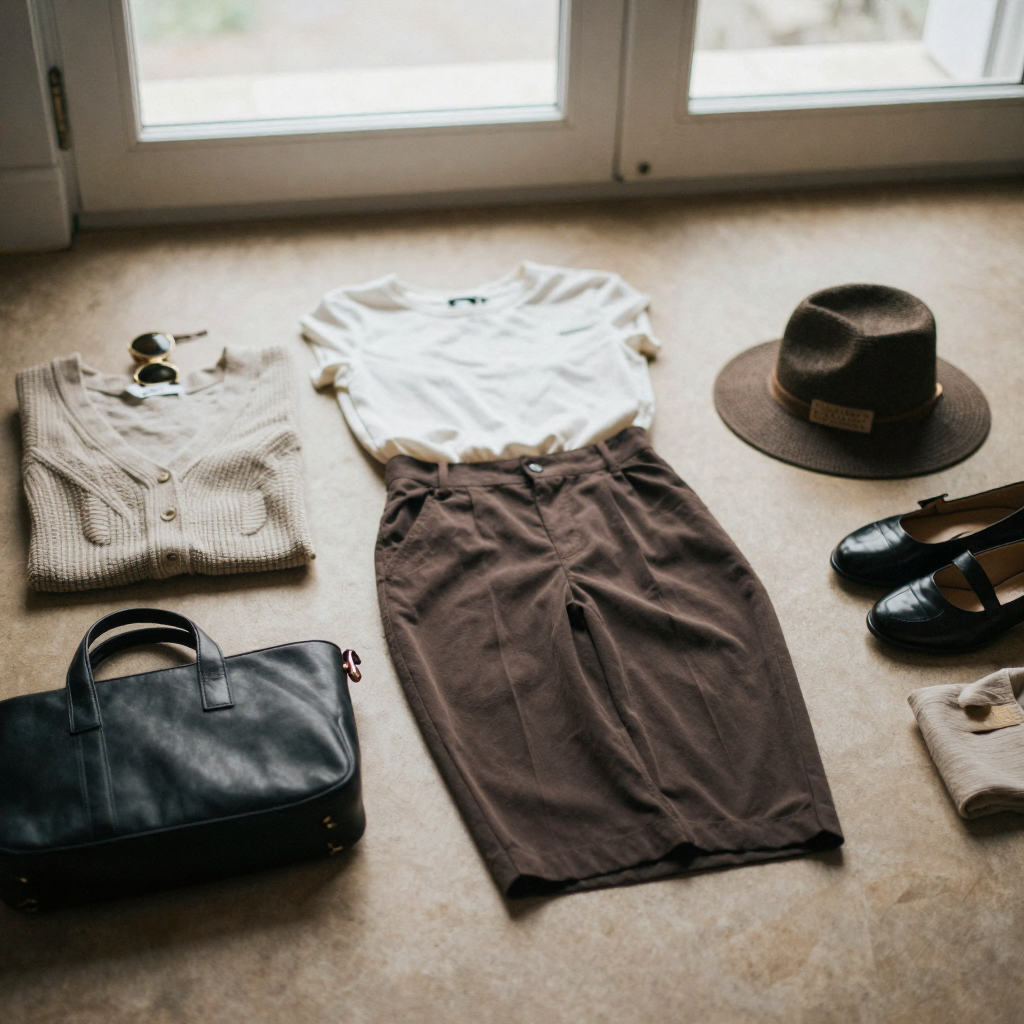
tions | AI Look Book | | Packshots / backgrounds | Product Photography · Background Studio |
Pay-first. Credits from $19.99.
4.What AI Angle Changer does
AI Angle Changer rotates a portrait to show angles you never shot. From a single front-facing photo it produces a left or right profile view, three-quarter angles, or a tilted head position. Rather than copy-pasting pixels, Imagera reconstructs the unseen side of the face — jawline, ear shape, nose profile, and hair — while keeping the details that make the person recognizable: freckles, skin texture, makeup, and hairstyling. Outputs are AI reconstructions for catalogs, comp cards, and creative sets, not literal second photographs.
The tool is prompt-driven, so you decide exactly how far to rotate and how the head should sit. A prompt like "rotate the image 90 degrees to show left side profile view" gives you a clean profile. A more detailed brief — "rotate this person 90 degrees to show right side profile view, then tilt the head downward at a 30-degree angle; maintain all facial features including freckles, eyes, natural makeup, and hair styling" — combines a rotation and a tilt in one pass while telling the model which identity cues to protect. The more specific your instruction about degree of rotation and which features to keep, the more predictable the result.
AI Look Book is the companion for wardrobe. Upload one fashion or activewear photo and generate colorway variations — recolor the outfit, swap design details, change the background tone, update shoe colors — in a single prompt. The model's pose, proportions, face, and positioning stay locked across every variation, so the whole spread stays consistent. You can move from a pink activewear set on a soft pink backdrop to a black athletic version on cool gray-blue, then to emerald green on warm cream, without the person shifting, the pose changing, or the framing drifting.
5.How it works
- Upload a clear, well-lit source photo (PNG, JPG, JPEG, or WebP).
- Describe the change in plain English — for example, "rotate 90 degrees to show a left side profile" for Angle Changer, or "change the outfit from pink to black and the background to cool gray-blue" for Look Book.
- Generate. Standard mode runs at 15 credits per edit for best quality; Lightning mode runs at 10 credits for faster iterations while you explore.
- Review the output for accuracy before you use it — check the reconstructed side, features, and colors.
- Export the finals, and upscale only the versions you keep.
Both tools run in the browser on desktop, tablet, or phone — nothing to download.
6.What happens under the hood
Both Angle Changer and Look Book are prompt-guided image edits that work from a single reference photo. Instead of pasting new pixels over your image, Imagera reads the whole frame — the person's face and body, the lighting, the outfit, and the background — and regenerates the parts you asked to change while holding everything else steady. That is why Angle Changer can produce a plausible profile that still looks like the same person, and why Look Book can repaint a garment across colorways without warping the pose.
Because the edit is generative, results are interpretations rather than exact reproductions. Two runs of the same prompt can differ slightly. That variability is useful when you are exploring a look, and it is the reason you review every keeper before it goes near a live product page or a client deck.
7.Step-by-step: multi-angle set with Angle Changer
- Choose a sharp, front-facing source portrait with even lighting and clear separation between the subject and the background.
- Open AI Angle Changer and upload the file.
- Start simple. Ask for one rotation first — for example, "rotate the image 90 degrees to show left side profile view" — and generate in Lightning mode (10 credits) to check that the reconstruction reads correctly.
- Once the direction looks right, layer in detail. Name the exact rotation, whether you want a three-quarter or full profile, and any head tilt, plus the features you want preserved (freckles, makeup, hair styling).
- Re-run the keeper in standard mode (15 credits) for the highest-quality version.
- Repeat for each angle you need — left profile, right profile, three-quarter, tilted — so you end up with a coordinated set from a single sitting.
- Review each output, then upscale only the finals you plan to use.
8.Step-by-step: colorway spread with Look Book
- Export one clean hero image of the outfit on the model, well lit and in focus.
- Open AI Look Book and upload it.
- Write a cohesive prompt that changes the outfit, background, and any accessories together — for example, "change the activewear outfit from pink to black with modern athletic design, and transform the background from soft pink to cool gray-blue tone."
- Generate. Explore several directions in Lightning mode, then lock the winners in standard mode.
- Keep the pose and framing consistent across the run — because the model's pose and face are preserved, the whole spread reads as one shoot.
- Add or update details in the same prompt when you need them: "update the sneakers to black with gold accents," "add white mesh panel inserts along the thigh sides."
- Human-check colors against your brand palette, then export.
9.Common use cases
- PDP angle galleries. Turn one hero product-on-model still into left, right, and three-quarter views so a product page shows the item from multiple perspectives without a second booking.
- Comp cards for casting. Build a coordinated multi-angle sheet from a single sitting so a talent or casting team has profile and three-quarter views ready.
- Activewear and apparel colorways. Generate a full colorway range — black, emerald, burgundy — from one shoot instead of scheduling a separate session for each variant.
- Seasonal refreshes. Recolor an existing look into new-season tones and swap the background mood without reshooting the model.
- Social content calendars. Produce new outfit and angle variations to keep a feed fresh across the month from assets you already own.
- Concept and moodboards. Explore directions quickly in Lightning mode before committing budget to a live shoot.
10.Who it's for
- Portrait and fashion photographers who need multi-angle sets from one sitting.
- Casting and talent agencies building comp cards without a second booking.
- E-commerce and DTC brands creating PDP angle views and colorway spreads.
- Activewear and apparel teams who want every colorway from a single shoot.
- Social and content teams producing new looks for a calendar without a reshoot.
11.Ecommerce workflow
- Shoot or export a clean hero still.
- Generate angle variants for PDP galleries.
- Build look variations for social without re-shoot.
- Human-check logos, hands, and fabric physics.
- Upscale finals only.
12.Angle Changer vs. Look Book: which to use
Both tools work from one photo and both charge the same credits, but they solve different problems. Reach for Angle Changer when the person, pose, and outfit are fine and you only need a new camera perspective. Reach for Look Book when the perspective is fine and you need to change what the person is wearing or the mood of the scene.
| Job | AI Angle Changer | AI Look Book |
|---|---|---|
| Changes the camera perspective | Yes | No |
| Changes outfit color / details | No | Yes |
| Changes background tone | No | Yes |
| Updates shoe / accessory colors | No | Yes |
| Keeps face and identity cues | Yes | Yes |
| Standard cost per edit | 15 credits | 15 credits |
| Lightning cost per edit | 10 credits | 10 credits |
Many teams use them together: generate the outfit colorways in Look Book first, then send the winning look through Angle Changer to build a multi-angle PDP gallery for that variant.
13.How it compares to a reshoot
The honest comparison is not "AI vs. photographer" — it is "one shoot plus AI variations vs. multiple shoots." A traditional approach books studio time, a model, and a photographer for every angle and every colorway. That produces literal photographs but multiplies cost and calendar time with each variant.
| Approach | What you get | Trade-off |
|---|---|---|
| Extra studio sessions | Literal second photographs | Highest cost and longest timeline per variant |
| Angle Changer + Look Book | AI-reconstructed angles and colorways from one shoot | Outputs are interpretations; review each before publishing; credits from $19.99 |
Use the reshoot when you need a true, verifiable photograph of a specific product state. Use Imagera when you need many coordinated variations quickly and can review each one before it ships.
14.Tips for best results
- Start from sharp, well-lit photos with clear subject separation — the AI needs a good facial reference to reconstruct other angles.
- Be specific: name the rotation degree, which side to profile, or exact hex/color language for outfits.
- Explore in Lightning mode (10 credits), then re-run the keeper in standard mode (15 credits).
- Keep each Look Book prompt cohesive — change outfit, shoes, and background together.
- Protect identity explicitly in Angle Changer prompts by naming the features to keep (freckles, makeup, hair styling), especially on stronger rotations.
- Change one big thing at a time when a result surprises you, so you can see which instruction drove the change.
15.Common mistakes to avoid
- Feeding low-quality inputs. Blurry, low-light, or heavily occluded source photos give the model a weak reference and reduce the quality of every reconstruction and recolor.
- Vague prompts. "Different angle" or "new color" leaves too much to interpretation. Name the exact rotation, side, tilt, hex, or design detail.
- Publishing without review. Because outputs are generative, artifacts can appear in hands, logos, or fabric edges. Always human-check before a result reaches a live listing.
- Upscaling everything. Explore cheaply, then upscale only the finals you keep to avoid wasting credits.
- Ignoring rights. Use source model photos you have the rights to before generating variations from them.
16.Examples
- Activewear colorway range. Start from one pink activewear image on a soft pink backdrop. One Look Book prompt produces the black-on-gray-blue version, a second gives emerald on warm cream with black-and-gold sneakers, a third gives deep burgundy on sage green with white-and-rose-gold sneakers — a coordinated spread from a single source.
- PDP angle gallery. Take a front-facing model-on-product hero and use Angle Changer to add a left profile, a right profile, and a tilted three-quarter view, giving the product page multiple perspectives without a second booking.
- Comp card in an afternoon. From one clean sitting, generate profile and three-quarter reconstructions so a casting team has a coordinated angle sheet ready to send.
17.Quality control checklist
- Logo legibility
- Fabric texture stability
- Limb artifacts
- Color consistency with brand hex
- Rights to source model photos
18.Pricing & batching
Explore on small sets. Scale only winning SKUs. See pricing.
19.Start here (product links)
20.Bottom line
Imagera AI Angle Changer and Look Book turn one fashion/product still into multi-angle and multi-look assets. Pay-first from $19.99. Built for ecommerce and content calendars, not free toy demos.
CTAs: AI Angle Changer · AI Look Book · Product Photography · Pricing