Edit Text in Image with AI Same Font. No Watermark.
Change words in any image — same font, same lighting.
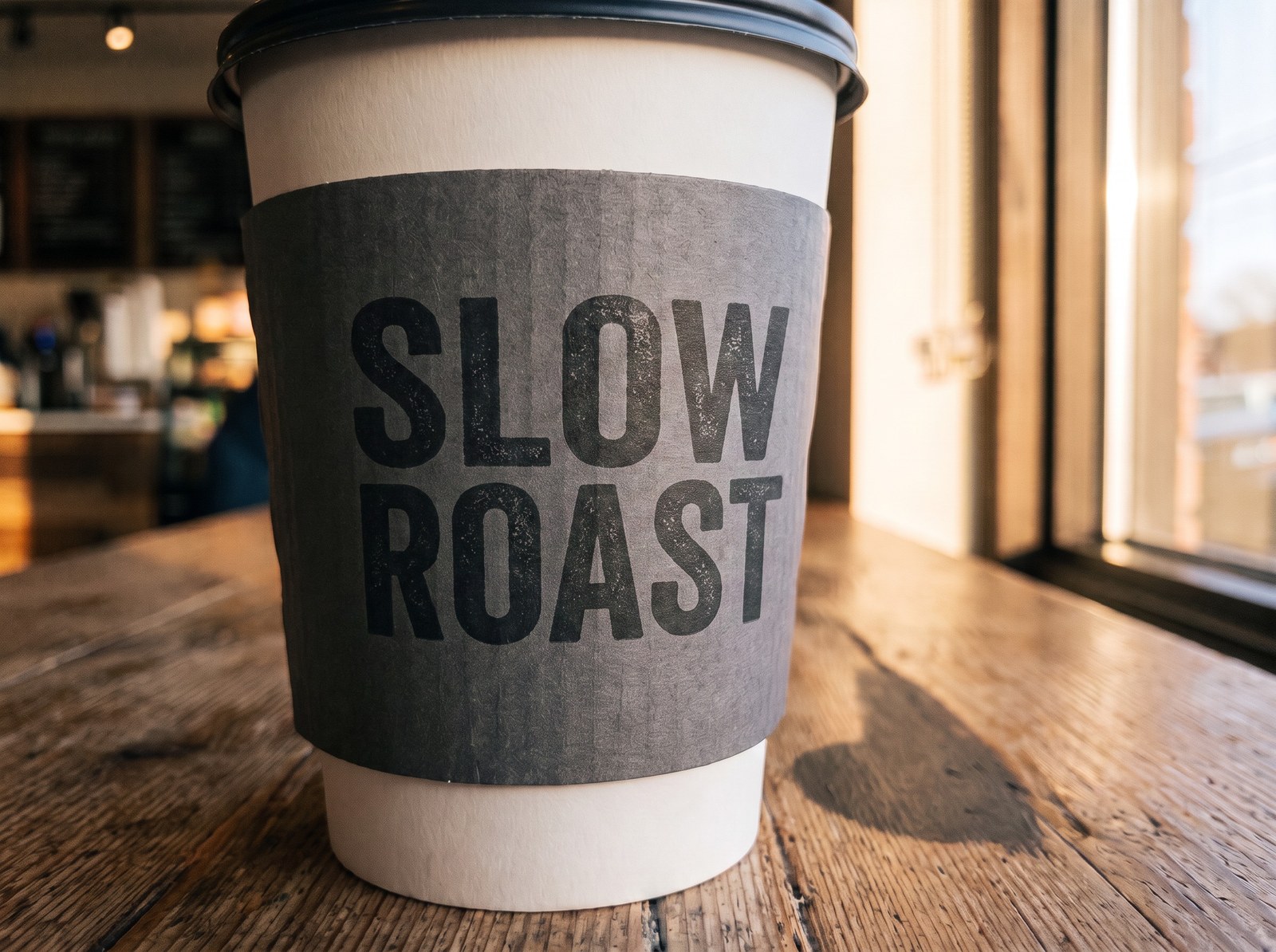
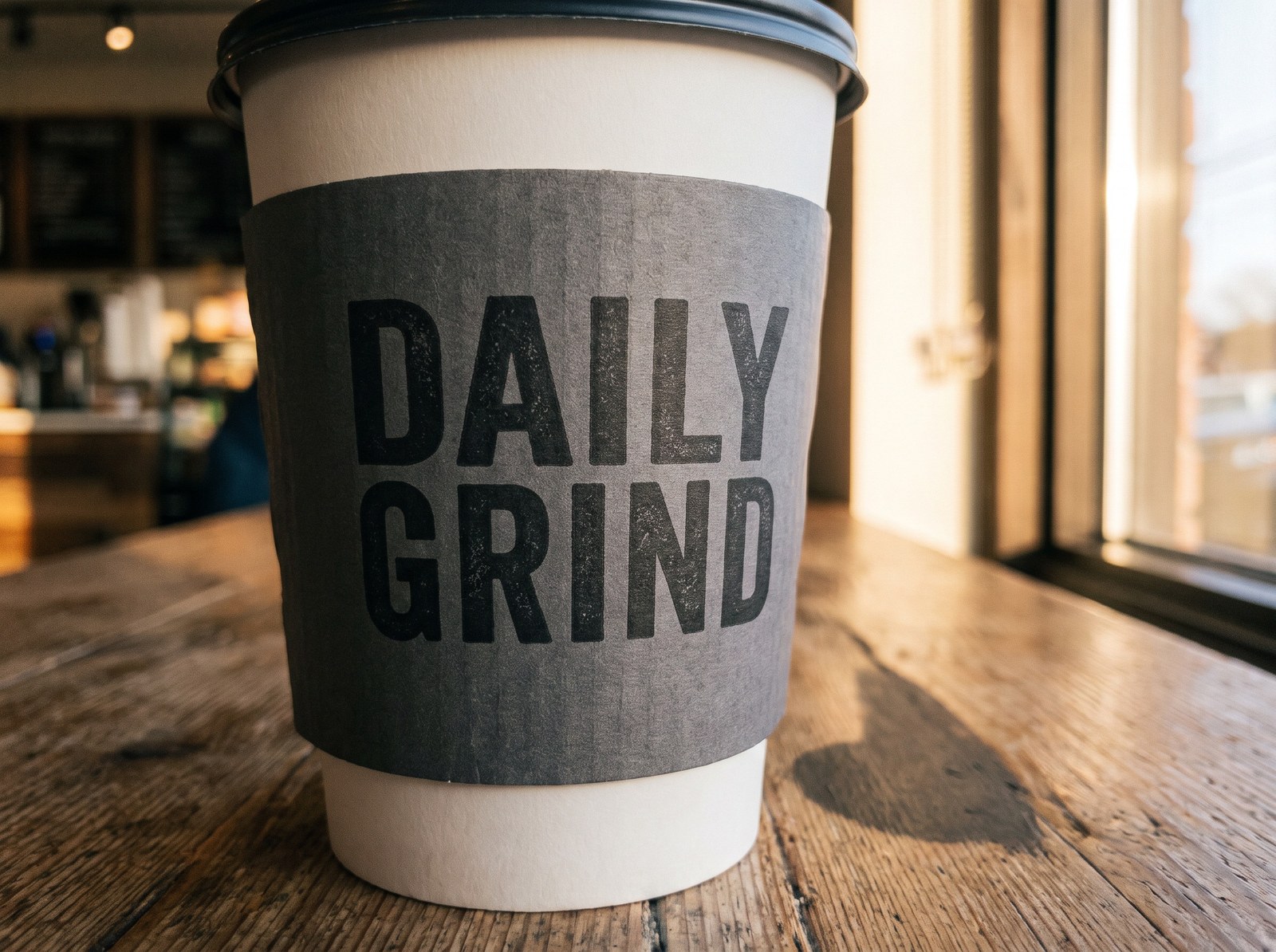 BeforeAfter
How do I edit text in an image with the same font?
Upload the image, then describe the change in one sentence — “replace DAILY GRIND with SLOW ROAST, same font”. Imagera reads the lettering already in the picture and redraws your wording in that style, following the colour, surface and light of the original, so you never have to identify or own the font. The frame is re-rendered as a whole rather than patched through a mask, so the design comes back with the new wording — set the output shape explicitly in the studio rather than leaving it on Auto if the framing matters. No layers, no source design, no watermark on what you download, and from 20 credits per edit (25 on the higher-quality engine), shown before you generate.
- Credits
- From 20 per edit (25 on the higher-quality engine) — shown before you run
- Font file
- Not required — matched from the image itself
- Output
- No watermark, full commercial rights
- Formats
- JPG, PNG or WebP in, up to 50MB — JPG or PNG out, your pick in the studio
Updated August 25, 2026
Cite this page: https://imagera.ai/image/edit-text-in-image
What the edit actually does
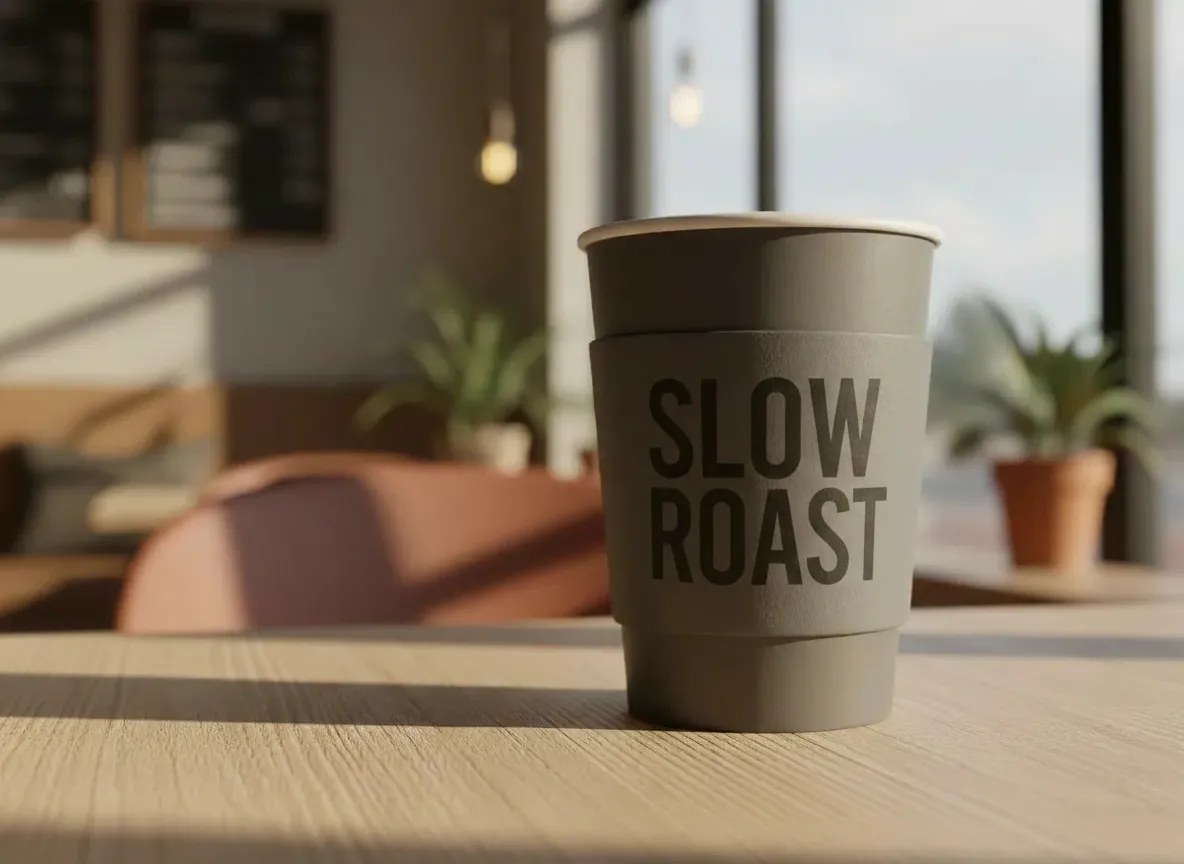
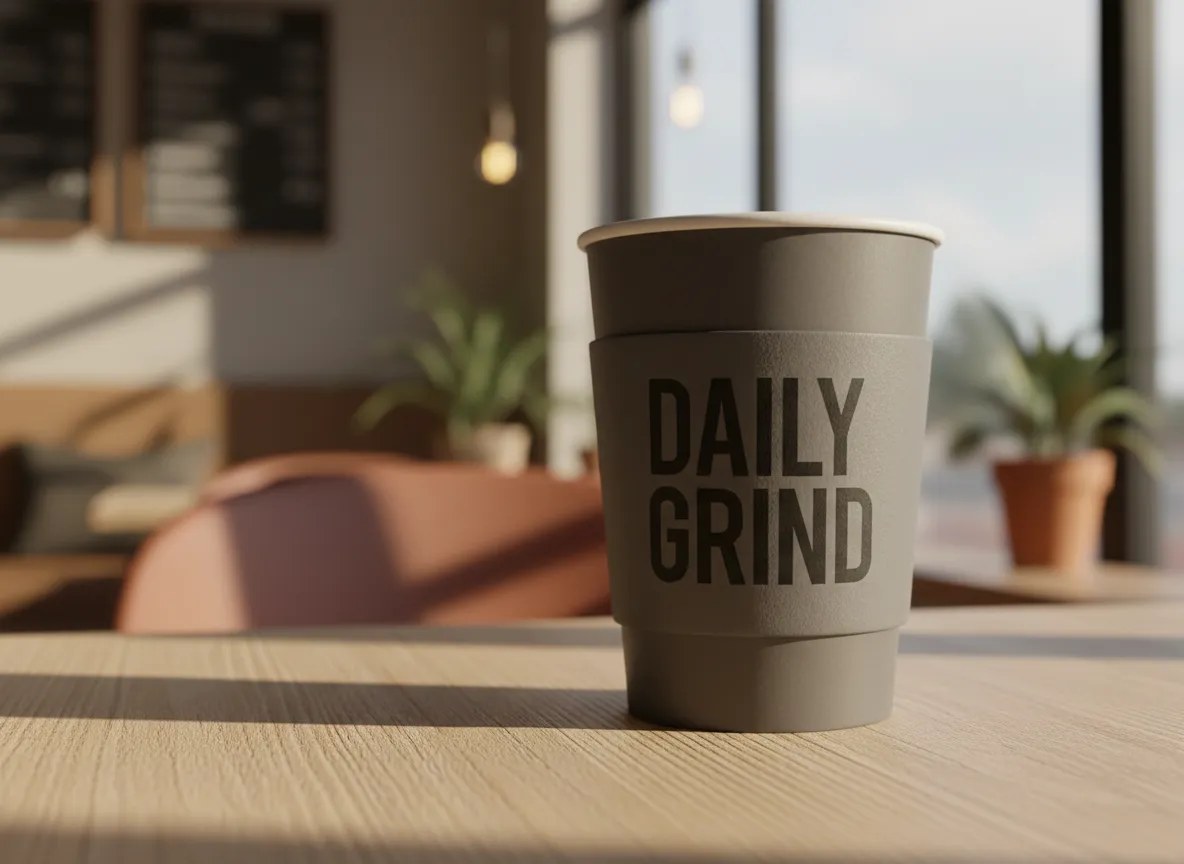
Same-Font Matching — No Font Hunting
You don’t need to identify the typeface, find a download, or own a license. The AI studies the letters already in your image — stroke weight, spacing, slant, color, even texture — and renders the replacement text to match. Custom and hand-styled lettering is reproduced visually, so missing font files stop being a blocker.
Know more →No Watermark on Output — Ever
Every download is the full-size result with zero watermarks, badges, or corner logos — on every plan, including Starter. Send results straight to a client, print vendor, or ad platform without paying an "unlock" fee first.
Know more →Exact Cost Shown Before You Click
A text edit starts at 20 credits on the default engine, or 25 on the higher-quality one, and the studio displays the exact number for your choice before you generate. No metered surprises, no subscription required to download your work, no credit math after the fact.
Know more →Why this beats retyping the text by hand
No font to identify, nothing to clone-stamp, and no source file to hunt down.
The Design Around the Text Comes Back With It
You change the wording; the layout, colours, background, shadows and lighting come back the way you sent them. It is a full re-render of the frame rather than a masked patch, so fine grain and small background details can shift a little — look at the result before it goes to a client or a printer.
Try it now →Works on Photos, Posters, Screenshots & Packaging
Text on an angled storefront sign, a curved bottle label, a fabric print, or a flat poster — the AI accounts for perspective and surface so replacement text sits naturally in the scene instead of floating on top of it.
Try it now →Plain English, Zero Design Skills
No layer masks, no clone-stamping the old text away, no rebuilding the design from scratch. Describe the change in one sentence and download the result in seconds — from a phone, tablet, or laptop browser.
Try it now →How to Edit Text in an Image with the Same Font
Four steps, about two minutes, no design skills. The font matching is automatic.
Upload the image
Drop in the poster, photo, screenshot, label, or graphic that contains the text. JPG, PNG, and WebP up to 50MB are supported.
Say what the text should become
Type it in plain English — "replace ‘Grand Opening’ with ‘Now Open Daily’, keep the exact same font, size, and position." No font names, no layers, no selections.
AI matches the original lettering
The engine reads the letterforms, weight, spacing, color, perspective, and lighting of the existing text, then renders your new wording so it blends into the design.
Download a clean file
High-quality output with no watermark and no forced branding, as JPG or PNG — your pick in the studio. The cost for the engine you picked — from 20 credits, 25 on the higher-quality one — is shown on the button before you click generate, so there are never surprise charges.
What People Fix with It
Fix Typos in Finished Graphics
The designer is gone, the source file is lost, and there’s a typo in the deliverable. Replace the misspelled word in the flattened image — same font, same position. Example prompt: "Change ‘Recieve’ to ‘Receive’, keep everything else identical."
Try it now →Update Dates, Prices & Names on Posters
Reuse last season’s poster, flyer, or invitation. Swap the date, venue, price, or headline name without rebuilding the layout. Example prompt: "Replace ‘June 14’ with ‘August 22’ in the same gold serif lettering."
Try it now →Localize Marketing Creatives
Translate the headline on an ad creative or social banner into another language while the font styling, layout and product imagery carry across; the frame is re-rendered as a whole, so fine detail can shift slightly. Example prompt: "Replace the English headline with ‘Oferta de Verano’ in the same style."
Try it now →Product Packaging & Label Mockups
Change flavor names, claims, or weights on packaging photos for catalogs and pitches — the text follows the curve of the bottle or box. Example prompt: "Change ‘Vanilla’ to ‘Salted Caramel’ on the front label."
Try it now →Signage & Real-Estate Photos
Update storefront signs, banners, and open-house boards inside real photos — perspective and lighting are matched so the edit reads as original. Example prompt: "Replace the phone number on the sign with 555-0142, same font and angle."
Try it now →Social Posts, Thumbnails & Memes
Swap the punchline, caption, or hook text in an existing image without hunting for the original template or font. Example prompt: "Change the top caption to ‘Monday, again’ in the same bold white text."
Try it now →Discover more AI features
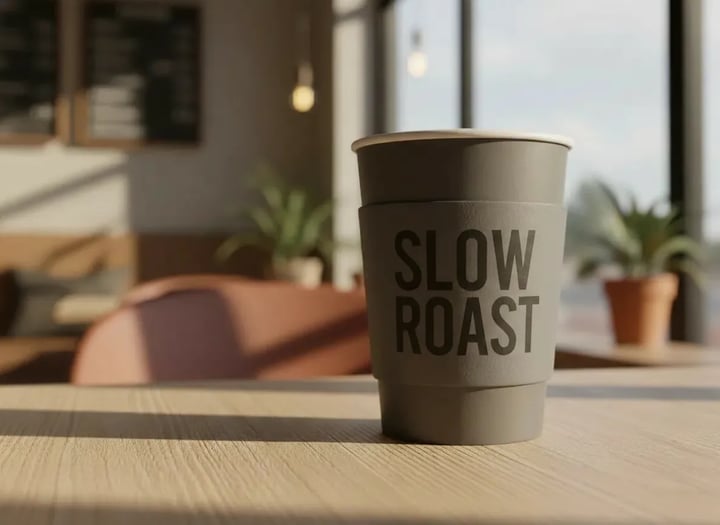
Photo Text Changer
Change words in any image — same font, same lighting.
Luxury Background Changer
Replace any photo background with AI-generated luxury scenes.
Magic Style Transfer
Transform photos into Ghibli anime, oil paintings, watercolor, and more.
Edit Image
Edit images with Imagera Edit. Inpaint, modify, and transform any part of your image.
Frequently Asked Questions
How do I edit text in an image with the same font online?
Upload your image to Imagera, then describe the change in plain English — for example, "replace ‘Summer Sale’ with ‘Winter Sale’ and keep the exact same font, size, and position." The AI analyzes the existing lettering and renders your new text to match its font style, weight, spacing, color, and lighting. An edit costs from 20 credits on the default engine, 25 on the higher-quality one, and the price for your choice is shown before you generate. The whole flow runs in your browser — no software to install.
How does the AI match my font if I don’t know what it is?
You never need to identify the font. The AI works visually: it reads the letterforms already in your image — stroke weight, serif shape, spacing, slant, color, and texture — and draws the replacement text in that same style. This also works for custom brand fonts and hand-styled lettering that don’t exist as installable font files, which is exactly where tools that ask you to "pick a font" fall short.
Does the output have a watermark?
No. Every image you download from Imagera is the full-size result with no watermark, no badge, and no corner logo — on every plan, including Starter. Many online text editors watermark your result and charge to remove it; Imagera never does. Your edited image is ready for clients, print, or ad platforms the moment it downloads.
How much does it cost to edit text in an image?
From 20 credits per edit on the default engine (25 on the higher-quality one), and the studio shows the exact cost before you click generate — no surprise charges. Ten text edits is 200 credits, fifty is 1000. Pay-as-you-go credit packs start at $19.99 and never expire; monthly plans bundle credits at a better rate, and add-on packs top you up if you need more in a given month.
Can I fix a typo in a finished graphic when I don’t have the source file?
Yes — this is one of the most common uses. When the original PSD or Figma file is gone and all you have is a flattened JPG or PNG, describe the correction ("change ‘Recieve’ to ‘Receive’") and the AI rewrites just that word in the matching font while carrying the rest of the design — layout, colours, background and lighting — straight through. The frame is re-rendered as a whole rather than patched, so compare the two before you send it on.
Can I change dates, prices, or names on a poster or invitation?
Yes. Swap the date on an event poster, update a price on a promo banner, or change the name on an invitation — the replacement text inherits the original font, size, color, and placement. It’s the fastest way to reuse seasonal designs without rebuilding them.
Does it work on screenshots, signs, and packaging photos?
Yes. Flat graphics like screenshots and posters are the easiest case. Photos of real-world text — storefront signs, banners, bottle labels, box packaging — also work because the AI accounts for perspective, surface curvature, and lighting so the new text sits naturally in the scene.
Which languages can the new text be in?
You can replace text with wording in most major languages, which makes the tool popular for localizing ad creatives and social banners. Latin scripts give the most consistent font matching; for non-Latin scripts (such as Arabic, Hindi, or Japanese) the AI matches the visual weight and style of the original design. Always proofread the rendered text before publishing.
Will the rest of my image change?
Only where you asked, in practice — but be precise about what that means. The engine re-renders the whole frame in one pass rather than masking out a region, and it is directed at the lettering you describe: background, faces, logos and layout come back as they were. What can move is fine detail — photo grain, small background texture — and the framing: left on the default Auto shape, the result comes back at the nearest of five standard shapes, so set the output shape explicitly if the crop matters. Compare before and after before final use.
What image formats are supported?
Upload JPG, PNG, or WebP files up to 50MB. Results download as high-quality JPG by default, with PNG selectable in the studio — no watermark either way. All processing happens on Imagera’s cloud GPUs, so it works the same on a phone, tablet, Chromebook, or desktop.
How is this different from editing text in Photoshop?
In Photoshop you must clone-stamp out the old text, identify and install the matching font (and license it), retype the wording, then manually match perspective, color, and lighting — a skilled 30–60 minute job. Imagera does the same edit from one sentence in seconds, charges per edit rather than per month, and never needs the font file.
What if the lettering is very stylized or hand-drawn?
The AI reproduces lettering visually, so decorative and hand-styled text usually comes out convincingly. Extremely intricate calligraphy or very small dense text can occasionally need a second attempt with a more specific prompt (mention the style: "bold brush script", "thin neon tube letters"). You see the result before deciding whether to run it again.
Can I use the edited images commercially?
Yes. All outputs come with full commercial rights — use them in marketing, e-commerce listings, client deliverables, print, and ads. One note: edit images you own or have rights to use, and don’t use text editing to misrepresent documents or other people’s work.
Can I also change the text color or switch to a different font?
Yes. While this page focuses on keeping the same font, the same engine handles restyling: ask for a new color, weight, or an entirely different font style. For dedicated color and typography restyling, see the AI Text Editor tool at imagera.ai/image/text-edit — both tools run in the same studio.
Learn more
Guides and tutorials on editing text, signs and captions inside images that are already finished.
Edit Images with AI Text Prompts
Guide to editing text in images, changing signs, and modifying captions with AI
AI Image Prompts Guide
Write clear prompts for text modifications in images
Photography Studio Overview
Explore all 7 AI photo editing tools
AI Image Editor Online
Edit text in photos with AI — change signs, labels, and captions online
Stable Diffusion Alternative
Edit text in AI images without local tools — compare Imagera vs Stable Diffusion
Browse All Guides
Step-by-step tutorials for text editing and image manipulation
Key takeaways
What does the Imagera "Edit Text in Image" tool do?
Replaces, corrects, or rewrites text inside an existing image while the AI matches the original font, weight, spacing, color, perspective, and lighting. Works on posters, photos, screenshots, signs, and packaging. From 20 credits per edit, cost shown before you generate.
Do I need to know or own the original font?
No. The AI matches lettering visually from the image itself — no font identification, no font files, no licensing. This includes custom brand fonts and hand-styled lettering that can’t be installed at all.
Is there a watermark on the output?
No. Downloads are the full-size result with no watermark on every plan, including Starter. Full commercial rights are included on all outputs.
What does it cost?
From 20 credits per text edit on the default engine, 25 on the higher-quality one, displayed in the studio before you click generate — at the default rate that is 200 credits for ten edits and 1000 credits for fifty. Buy credits as a pack from $19.99 or on a monthly plan for the best rate per credit.
How does it compare to Photoshop for this job?
Photoshop requires clone-stamping the old text, finding and licensing the matching font, and manually rebuilding perspective and lighting — skilled work that takes 30–60 minutes. Imagera does it from one plain-English sentence in seconds, in the browser.
Does the rest of the image stay intact?
The design does — layout, colours, background, faces and logos come back as you sent them. But the frame is re-rendered as a whole, not patched through a mask, so fine grain and small background detail can shift, and the default Auto shape returns the nearest of five standard ones. Set the output shape explicitly instead of leaving it on Auto if the framing matters, and compare before and after before final use.
Editing text in images: Imagera vs Adobe Photoshop vs Caption/Overlay Apps
| Capability | Imagera | Adobe Photoshop | Caption/Overlay Apps |
|---|---|---|---|
| Font matching | Automatic — AI matches the existing lettering | Manual — identify, install & license the font | None — overlays a new font on top |
| Edits text already inside the image | Yes — replaces it in place | Manual clone-stamp, then retype | No — stickers/captions only |
| Watermark on output | Never, on any plan | No watermark | Often watermarked until you pay |
| Cost | From 20 credits per edit — shown upfront | Paid monthly subscription | Varies, usually subscription |
| Need the original font file | Not required | Required | No (uses its own fonts) |
| Perspective & lighting match | Automatic | Manual transform & blending | No |
| Skill required | None — one plain-English sentence | High | Low |
| Platform | Browser — phone, tablet, desktop | Desktop install | Mobile app |
Good to know
AI text editing. Font matching is visual — intricate hand-lettering may take a second pass. The whole frame is re-rendered in one pass, so fine background detail can shift slightly, and on the default Auto shape the result comes back at the nearest standard aspect ratio. From 20 credits per edit on the default engine, 25 on the higher-quality one — the studio shows the exact number for your choice before you generate.
Edit the text, keep the design
Open the studio with your image ready to drop in. From 20 credits per edit, 25 on the higher-quality engine — the cost for your choice shows on the button before you run.
Edit the text →