Imagera AI - AI content creation platform for generating images, cloning voices, creating avatars, and enhancing videos. Privacy Policy | Terms

IMAGERAAI
Full AI Music Production Studio

AI Music Factory
12 Tools. One Studio.

Generate songs, extend tracks, create covers, add vocals, separate stems, make music videos, and more. The complete AI music production suite with the latest music engines.

12Production Tools
5Music Engine Versions
ZEROSubscription Required
  • 16K output
  • 500+ AI models
  • No watermark
  • Commercial license
  • Pay-per-use
What is Music Factory?
Quick Answer:

Imagera Music Factory is a full music workflow — generate songs, extend tracks, add vocals, and work with stems — not just a one-click short loop.

What is Music Factory?

Music Factory Music Factory is Imagera’s full AI music studio for generating, extending, and finishing tracks in the browser.

Imagera Music Factory is a full music workflow — generate songs, extend tracks, add vocals, and work with stems — not just a one-click short loop.

See it in action

Before/after demo proof — then open the studio on your own file.

Sample audio

12 AI Music Production Tools

Everything you need to create, transform, and analyze music — all in one studio

Pay-Per-Use Pricing

No subscriptions. Pay only for the features you use.

30
credits
Generate / Extend / Cover / Add Vocals
Per generation
30
credits
Replace Section / Timestamped Lyrics
Per generation
50
credits
Separate Vocals
Per separation
100
credits
Music Video
Per video
Most Music Factory tools run at 30 credits per generation — credits are consumed only when you start a job.

How the Music Factory Works

From idea to finished production in three steps

  1. Choose Your Tool

    Select from 12 production tools: generate new songs, extend existing tracks, create covers, add vocals, separate stems, make music videos, and more.

    3 categories, 12 features

  2. Provide Input

    Enter text prompts and lyrics, upload audio files, or select from your previously generated tracks. Choose your music engine and style preferences.

    Text, audio, or previous tracks

  3. Generate & Download

    Hit generate and receive professional results. Download audio files, music videos, separated stems, or timestamped lyrics ready for any purpose.

    Full commercial rights

Built by the Imagera AI team

Built by the Imagera AI Team

AI researchers, engineers & content specialists

Imagera is a unified AI creation platform for images, video, voice and avatars. Outputs ship at up to 16K resolution with no watermark and a commercial license included — choose from 500+ AI models in a single workspace.

16K output500+ AI modelsCommercial license included

What is AI Music Factory?

AI Music Factory Imagera AI Music Factory is a 12-tool AI music production suite. Generate songs, extend tracks, create covers, add vocals, separate stems, make music videos, extract timestamped lyrics, and build voice personas. All from one studio with pay-per-use pricing from 30 credits per generation.

Compare with standalone tools: Music Factory bundles 12 features that would otherwise require separate apps.

How the 12 Tools Fit Together

A practical walkthrough of what each stage does and how to move a song from a text prompt to a finished, licensed master — all inside one library.

Which tool should I start with in the Music Factory?

Start with Generate Music if you are building a song from an idea: describe the genre, mood, vocal, and instruments and the AI returns two full-song variants for 30 credits. Start with Upload & Extend or Add Vocals instead if you already have your own audio — a beat, a loop, or an instrumental — that you want to continue or sing over.

The three “Create” tools all give you a fresh track to work from. Generate Music writes from a text prompt; Upload & Extend continues an audio file you supply; Upload & Cover reinterprets any song you upload as a new AI version. From there, the “Transform” tools reshape what you have — extending, covering, adding vocals or a full instrumental band, replacing a single section, or turning a track into a music video. The “Analyze” tools pull things out of a finished track: separated stems, a reusable voice persona, or synced LRC lyrics. Because every tool reads from and writes back to the same library, you rarely need to leave the studio between stages.

What does a full song-making workflow look like end to end?

A common path is: generate a core track, add or fix the vocal, extend it to full length, polish any weak section, and then pull out lyrics or stems for delivery. Each step is its own 30-credit generation (stems 50, video 100), and each builds on the version before it, so your corrections stack rather than resetting.

In practice that means you might generate an upbeat pop idea with Generate Music, decide the chorus needs a stronger hook and rewrite just that window with Replace Section, then continue the arrangement past its natural end with Extend Track so it fits a 90-second video edit. If you started from an instrumental instead, you would upload it to Add Vocals to have an AI singer perform your lyrics over it, then treat the result as a normal track you can extend or edit. For a lyric video, you finish by running the vocalled track through Timestamped Lyrics to get an LRC file with a timestamp on every line. None of these steps require exporting and re-importing between apps, which is what keeps the key and tempo consistent across the whole project.

New to AI music? The Music Factory studio guide walks through a full session, and the online song-creation guide covers prompt-writing in more depth.

How is Music Factory different from the standalone Music Generator?

The standalone Music Generator is a focused tool for creating songs from a text prompt. Music Factory includes everything the Music Generator does and adds eleven more tools around it — extending, covering, adding vocals and instrumentals, replacing sections, making videos, separating stems, extracting lyrics, and building voice personas — so the whole production lives in one place instead of across several apps.

CapabilityMusic GeneratorMusic Factory
Generate from text promptYesYes
Extend / continue a trackNoYes
Add vocals to an instrumentalNoYes
Replace one section of a songNoYes
Separate vocal / instrumental stemsNoYes (50 credits)
Generate a music videoNoYes (100 credits)
Timestamped LRC lyricsNoYes

Which music engine version should I use?

Music Factory offers five engine generations — V3.5, V4, V4.5, V4.5+, and V5. For most work the newest engine (V5) is the best default: it produces the clearest vocals and the most coherent arrangements. Older engines are still useful when you want a rougher, more vintage character, and a couple of features are restricted to the premium engines.

Specifically, Add Vocals and Add Instrumental run only on V4.5+ and V5, because performing a vocal over an uploaded instrumental — or building a full band under an uploaded vocal — is harder than generating a song from scratch and needs the premium models to keep the result in key and in time. Basic tools like Generate, Extend, Cover, and Replace Section work across all five engine versions, so you can match the engine to the character you are after or stay on the version a track was originally made with for the most consistent result.

Can I work with my own audio, not just AI-generated tracks?

Yes. Three tools accept files you upload rather than requiring a track that was generated in the studio. Upload & Extend continues an audio file you supply — a voice memo, a guitar loop, a half-finished demo — growing it into a longer piece from a point you choose. Upload & Cover reinterprets any song you upload as a new AI version with fresh vocals and arrangement. And Add Vocals takes an instrumental you upload and performs a sung topline over it.

The remaining tools work from tracks already in your library, because they need the underlying generation data — Extend Track, Create Cover, Replace Section, Music Video, Separate Vocals, and Timestamped Lyrics all read a track you generated earlier. In practice this means the fastest way to unlock the whole suite for your own material is to bring it in through an upload tool first: once your audio has produced a track in the library, you can then extend it, edit sections, or pull stems from it like anything else. One caveat worth repeating — uploading a copyrighted recording and transforming it does not grant you rights to that original source, even though the AI-generated output itself is licensed for commercial use.

Can I use Music Factory songs commercially, and who owns them?

Yes. Every output from Music Factory — generated songs, covers, vocalled tracks, extended tracks, and music videos — carries a full commercial license, so you can publish and monetise it on YouTube, TikTok, Spotify, in ads, games, podcasts, streams, or paid client work. Because the audio is original AI-generated content rather than lifted from an existing recording, there are no Content ID claims to clear.

The one thing to keep in mind is that the license covers the material the tool generates. If you use an upload-based tool — Upload & Extend, Upload & Cover, or Add Vocals — and the audio you upload contains someone else’s copyrighted recording, the AI output does not grant you rights to that original source. Credits are consumed at the moment you start each job, and there is no subscription: you pay per generation and keep whatever you make.

Frequently Asked Questions

Common questions about the AI Music Factory

What is the AI Music Factory?

The AI Music Factory is a complete AI music production studio with 12 tools for full production workflows. You can generate original songs, extend tracks, create covers, add vocals or instrumentals, replace sections, make music videos, separate vocal stems, extract timestamped lyrics, and create reusable voice personas — all from one interface.

How is Music Factory different from the Music Generator?

The Music Generator is a streamlined tool for creating original songs from text prompts. The Music Factory is a full production suite — it includes everything the Music Generator does plus 11 additional tools for remixing, extending, covering, stem separation, music video creation, and more. Think of it as the complete professional studio.

Which music engines are available?

Music Factory includes multiple music-engine generations from classic through the latest. Advanced features like Add Vocals and Add Instrumental use the newest engines for the best results.

Can I extend or remix my own uploaded audio?

Yes. The Upload & Extend and Upload & Cover features let you upload your own audio files. Upload & Extend continues your track with AI-generated audio, while Upload & Cover creates a new AI cover version of your uploaded song.

How does vocal separation work?

The Separate Vocals feature uses AI to split any audio track into separate vocal and instrumental stems. Upload any song or use a previously generated track — the AI isolates vocals from the instrumental, giving you clean separate files for remixing, sampling, or karaoke.

Can I add vocals to an instrumental track?

Yes. The Add Vocals feature accepts an instrumental audio file and generates AI-sung vocals to match the music. You provide lyrics and style direction, and the AI creates a complete vocal performance. Uses the newest music engines for best results.

What is the Replace Section feature?

Replace Section lets you select a specific time range in a previously generated track and regenerate just that section. Provide new lyrics or style direction, and the AI replaces only the selected portion while keeping the rest of the song intact.

How does the Music Video feature work?

The Music Video feature generates a visual music video from a generated track. Provide the task ID from a previously generated song, and the AI creates a matching video with visuals synchronized to the music. Costs 100 credits per video.

What are Timestamped Lyrics?

Timestamped Lyrics extracts time-synced lyrics in LRC format from any Music Factory track. Each line includes the exact timestamp, making it perfect for karaoke displays, subtitle generation, or lyric video creation. This is a synchronous feature that returns results instantly for 30 credits.

What is Generate Persona?

Generate Persona creates a reusable voice persona from an existing track. The AI analyzes the vocal characteristics and creates a persona profile that can be applied to future generations for consistent voice identity across multiple songs.

How much does the Music Factory cost?

Pricing is per generation and varies by feature. Generate, Extend, Cover, Upload & Extend, Upload & Cover, Add Vocals, Add Instrumental, Replace Section, and Timestamped Lyrics each cost 30 credits. Separate Vocals costs 50 credits. Music Video costs 100 credits. No subscription required — you pay only for what you generate, and credits are consumed at the moment you start a job.

Is the output safe for commercial use?

Yes. All AI-generated music from the Music Factory comes with full commercial rights. Use it on YouTube, TikTok, Spotify, podcasts, or any commercial project. Zero Content ID claims since all output is AI-generated original content.

See it in action

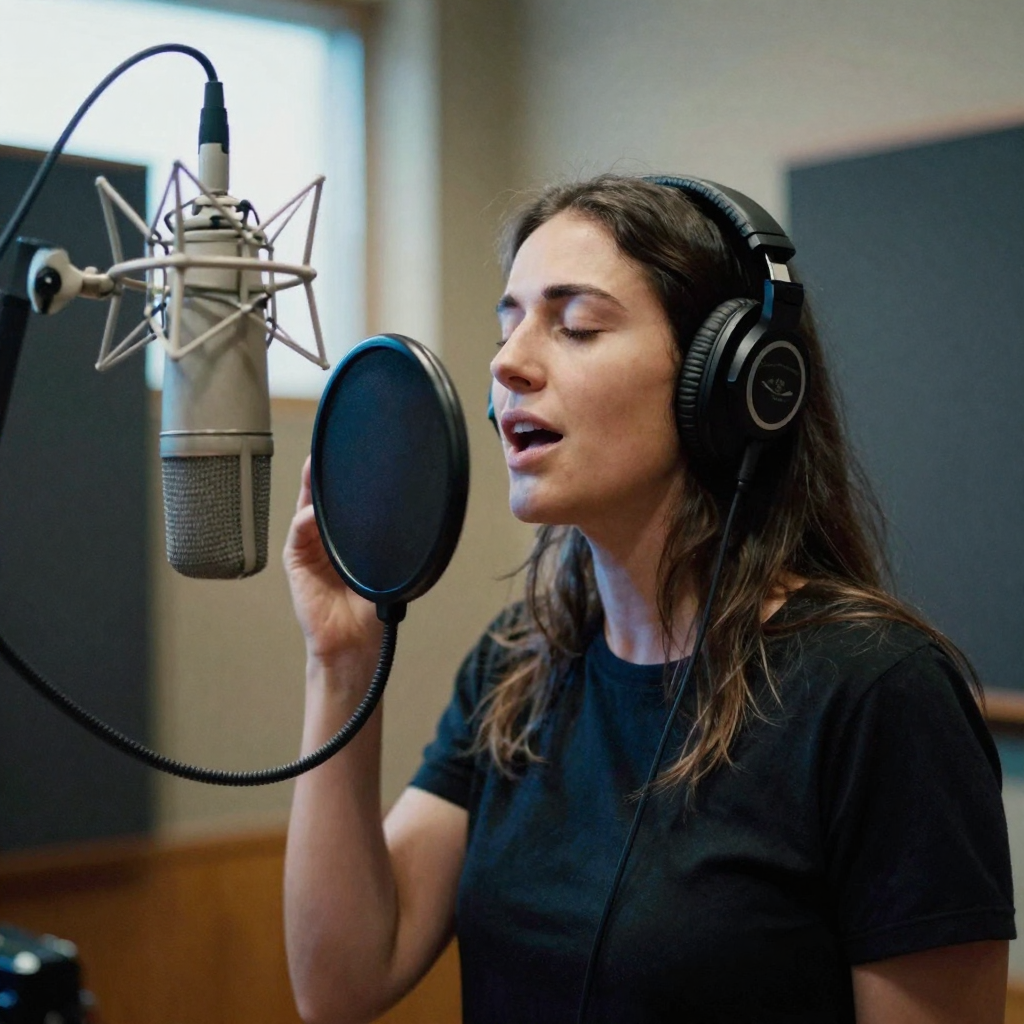
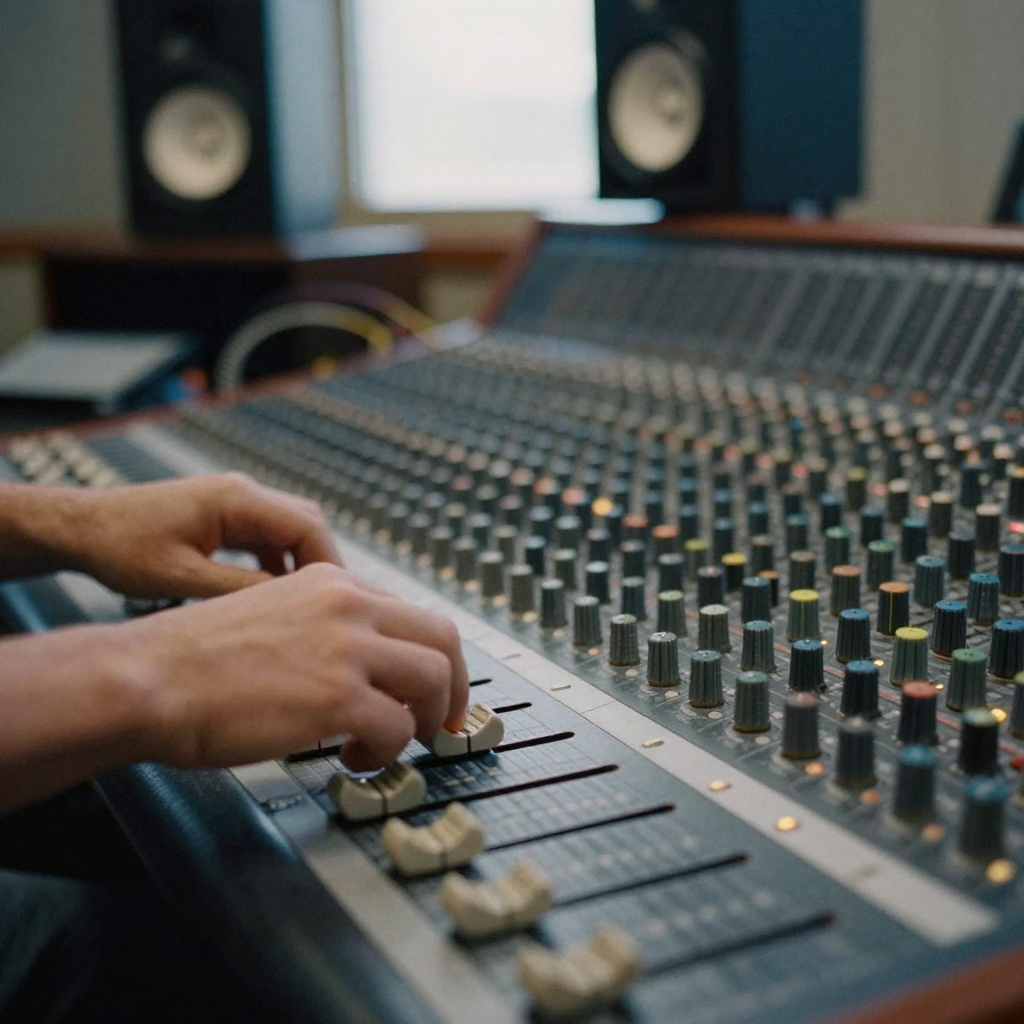
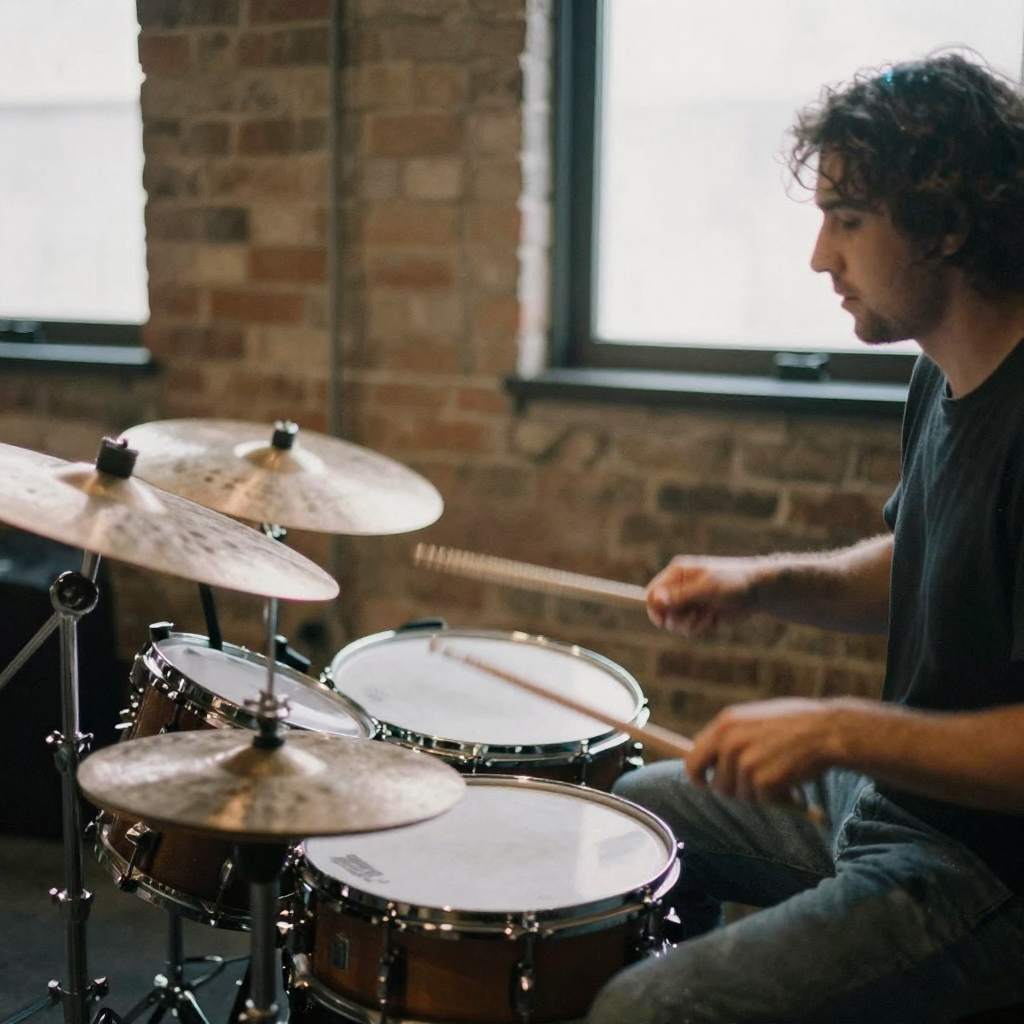
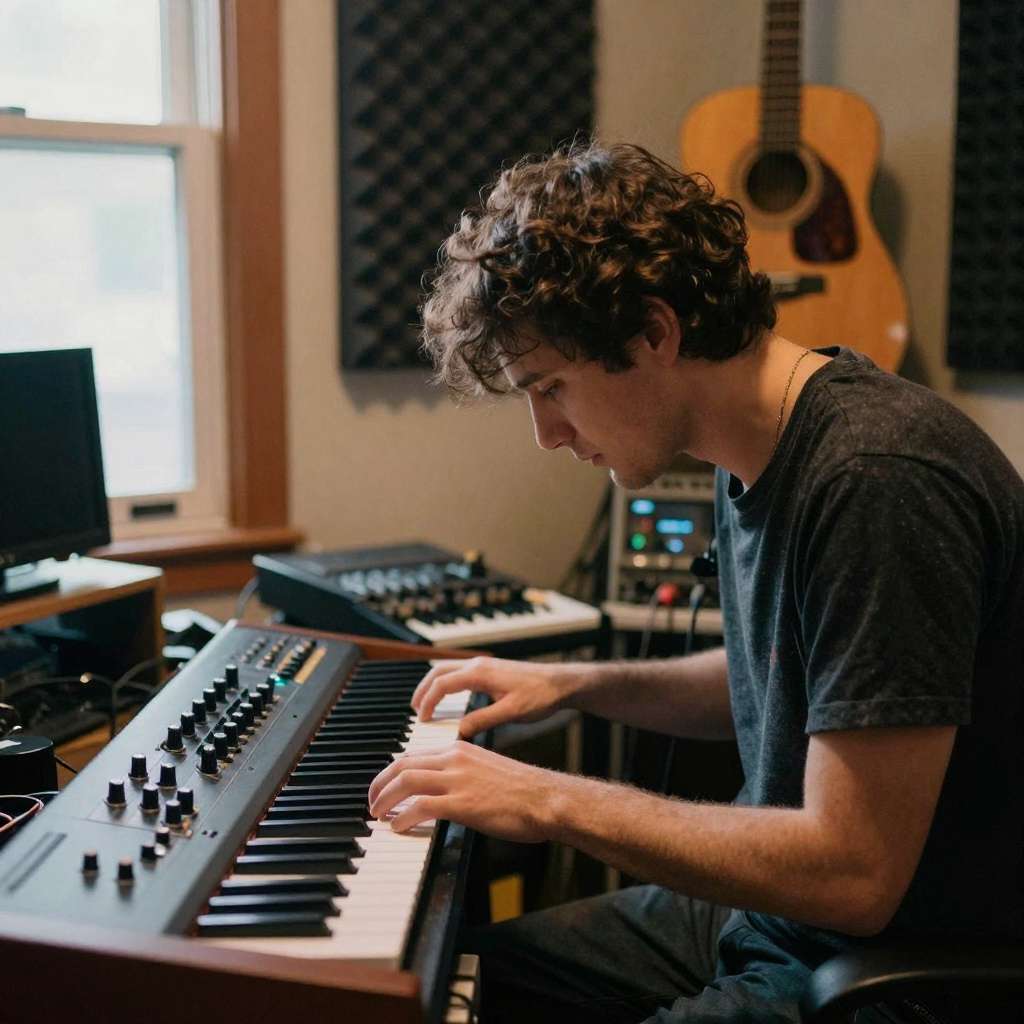
A musician in a warm home studio hunched over an analog synthesizer, fingers on the keys, foam panels and a hanging guitar behind him under warm lightA woman singing into a large condenser microphone in a padded vocal booth, headphones on, eyes closed, soft blue key light across her faceHands adjusting faders on a mixing console with rows of glowing knobs, a dim control room with studio monitors and coiled cables in soft focusA producer strumming an acoustic guitar on a stool beside a small keyboard, morning sun through a loft window, a worn rug and a plant on the floorA drummer mid-strike in a rehearsal space, sticks blurred over the snare, warm tungsten light and brick walls, cymbals catching a bright highlightA pair of studio headphones resting on a coiled cable atop a wooden desk beside a small mixing keyboard, late-evening desk lamp glowing warm

Ready to Build Your Music?

Generate, remix, extend, and produce with 12 AI music tools in one studio. No subscriptions. No limits. Just create.

Open Music Factory

What is Imagera AI Music Factory?

A 12-tool AI music production suite. Generate songs, extend tracks, create covers, add vocals/instrumentals, replace sections, make music videos, separate stems, extract lyrics, and build voice personas. Pay-per-use from 30 credits per generation. No subscription.

How does it compare to standalone AI music tools?

Music Factory bundles 12 features that would require separate apps. Generate / Add Vocals / Replace Section (30 credits), Stem Separation (50), Music Video (100). One interface, one credit balance. Single-purpose music apps often charge $8–$24/mo for fewer features.

Which music engines are available?

All versions: V3.5, V4, V4.5, V4.5+, and V5. Advanced features (Add Vocals, Add Instrumental) require V4.5+ or V5. Basic features (Generate, Extend, Cover) work with all model versions.

Is the output safe for commercial use?

100% royalty-free — no Content ID claims or copyright strikes. Safe for YouTube, TikTok, Spotify, podcasts, and all commercial platforms. Full commercial rights included with every generation.