TL;DR Seedance 2.5 produces a native 30-second 4K clip in a single pass with up to 50 multimodal references and unified audio-video generation, giving it clear edges in length and reference handling over most current models, yet Imagera’s video generator remains the faster route for iterative work because it shows credit costs upfront and supports immediate region edits without new platform sign-ups. Start a test generation here.
1.Seedance 2.5 vs Veo 3.1 and Imagera at a glance
| Feature | Seedance 2.5 | Google Veo 3.1 | Imagera Video Generator |
|---|---|---|---|
| Max single-pass length | 30 seconds 1 | 8–12 seconds | Up to 20 seconds per generation |
| Reference inputs | 50 multimodal 2 | ~10 | 5–8 per prompt |
| Native resolution | 4K with 10-bit color 3 | 4K | 1080p (4K export via upscale) |
| Audio handling | Unified joint generation | 48 kHz lip-sync | Separate audio track upload |
| Region-level edits | Yes | Limited | Yes |
| Pricing model | Not announced | Google Cloud credits | Pay-as-you-go credits shown on button |


2.How does Seedance 2.5 perform on prompt adherence and text rendering?
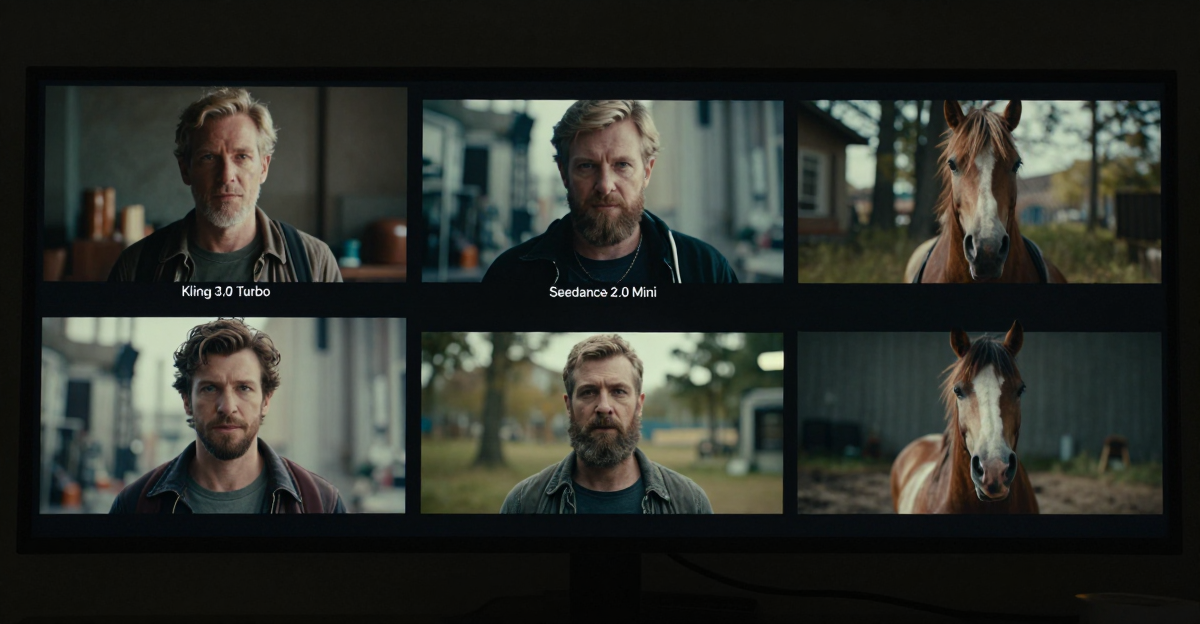
Seedance 2.5 claims roughly 20 percent better prompt adherence than its predecessor thanks to the Sparse Diffusion Transformer architecture. In practice this shows up as more reliable character consistency across the full 30-second duration and clearer on-screen text for titles or signage. The model also handles multilingual captions without extra post-processing.
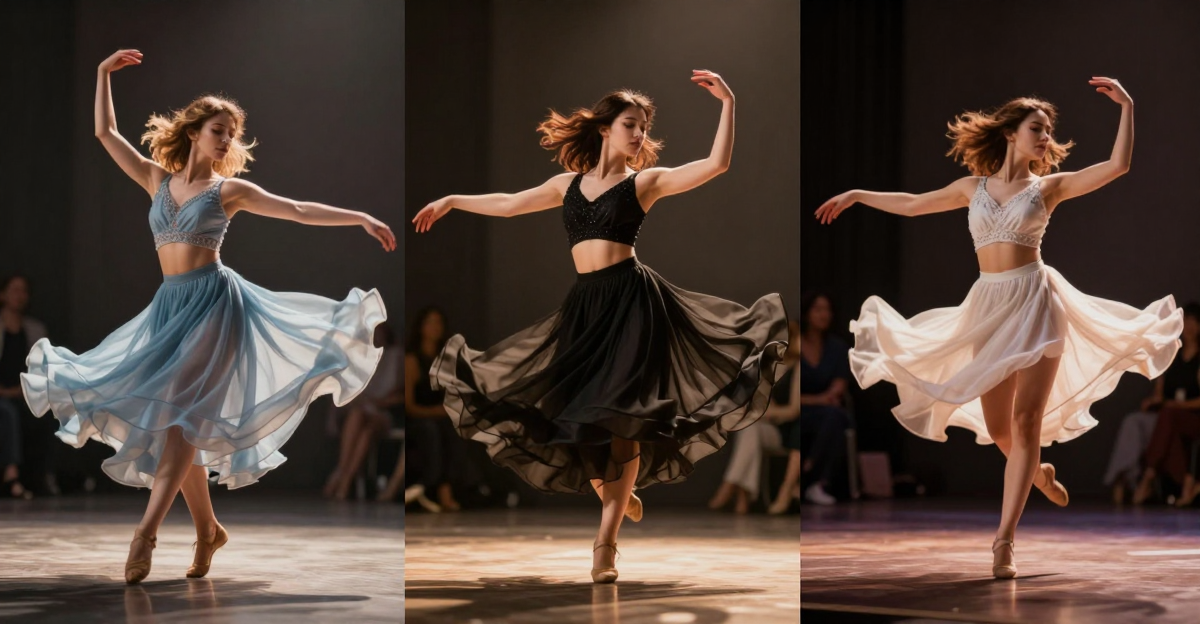
Early tests indicate stronger motion style retention when feeding 3D blockout models as references, which helps when pre-staging camera moves. However, users still report occasional drift in fine facial details after the 20-second mark. When a prompt specifies a slow dolly-in combined with specific fabric texture on clothing, the output holds the texture detail through the entire take more consistently than earlier versions. Text elements such as storefront signs or on-screen labels render legibly at 1080p and remain sharp when exported at 4K.
Real workflow example inside Imagera
Upload a 3D blockout and style reference image → type a detailed prompt that includes camera path and lighting notes → review credit cost displayed on the generate button → hit generate → scrub the result and apply one region-level color correction. The entire loop took four minutes on a recent test. Start the same workflow here. Teams running repeated tests often keep the same reference set loaded and swap only the camera direction text to compare subtle framing changes. For deeper prompt examples, see the guide on region editing inside Imagera.

3.Can Seedance 2.5 generate usable audio in the same pass?
Yes. The model processes audio and visuals inside the same latent space, producing native synchronization instead of separate tracks that require later alignment. Dialogue and on-screen action line up without manual offset adjustments in most cases. Sound effects triggered by visible actions, such as footsteps or object impacts, arrive at plausible timings.
This removes one post-production step compared with earlier pipelines, though the audio quality still trails dedicated dialogue models on complex overlapping speech. When two characters speak at once, the unified track sometimes blends the voices too evenly; a quick export into a separate audio editor usually fixes the balance without touching the video frames.

4.Does the 30-second single-pass length actually matter for marketing deliverables?
For short-form ads and social cutdowns the extra length reduces the need to stitch multiple generations, lowering visible seams. 1 Creators working on product explainers or brand stories can now block an entire scene in one request rather than managing continuity across three or four clips.
The practical limit remains render queue time. A 30-second 4K file still takes longer to generate than a 10-second file, so teams often generate at 1080p first for quick approvals before committing to 4K. One agency tested both approaches on a 25-second product demo and found the single-pass version required 35 percent fewer revision rounds because camera movement and lighting stayed consistent from start to finish.
5.How many reference images and assets can you realistically feed Seedance 2.5?
The model accepts up to 50 multimodal inputs including images, video clips, audio stems, 3D white models, and style references. 2 In testing this volume proved useful for maintaining brand color palettes and wardrobe consistency across a single long take. The system weights later references more heavily, so order still matters.
Imagera currently caps active references at eight per generation but lets you iterate quickly by swapping one asset at a time. Try swapping references in real time. Users who need more than eight references often generate short segments inside Imagera and then composite them in post, preserving the speed of credit previews while still hitting brand consistency goals.

6.Is Seedance 2.5 pricing competitive once it launches?
ByteDance has not released official pricing for Seedance 2.5. The prior version ran around $0.06 per second, which would place a 30-second 4K clip near $1.80 before any volume discounts. Imagera continues to display exact credit costs on the generate button so teams can forecast spend per project without surprise invoices. Check current credit rates.
7.Tips for Maximizing Reference Inputs in Long-Form Video Generation
Order your references deliberately. Place the strongest style reference last so the model gives it higher weight during the final frames. When using 3D blockouts, render them at the exact camera angles described in your prompt text; mismatched angles force the model to guess and often produce jitter. Keep audio stems short and trimmed to the exact moment they should trigger on screen. Test a 10-second slice first with your full reference stack before committing credits to the full 30-second pass. If a reference image contains text, upscale it to 4K before upload so the model can read the lettering clearly. Finally, label each reference file with its intended role (color, motion, prop) so teammates can reload the exact set later without guesswork. Explore region editing workflows to refine any frame after the first generation.

8.Common Mistakes to Avoid with Long Video Generations
Many teams lose time by overloading the reference stack without testing motion first. A frequent error is feeding conflicting lighting references from different times of day, which creates flickering that only appears after the 15-second mark. Another is skipping a low-resolution preview pass; several studios discovered that committing straight to 4K burned credits on clips that needed only minor prompt tweaks. Prompt length also matters. Overly long text descriptions can dilute the weight of visual references, leading to generic backgrounds. Finally, neglecting to lock character IDs across references often results in wardrobe changes mid-clip. Running a quick 8-second test inside Imagera’s video generator catches most of these issues before the longer render begins.

9.Which should you pick?
- Long single-shot brand films needing 30 seconds of unbroken motion and heavy reference control: Seedance 2.5 once public access opens.
- Fast campaign iterations, region edits, and immediate credit visibility: Imagera video generator.
- Talking-head dialogue with tight lip-sync requirements: Google Veo 3.1 on Google Cloud.
- Teams already inside the ByteDance ecosystem: Seedance 2.5 for native 4K output and 3D blockout support.
- Mixed-language caption work on a budget: Start in Imagera, then upscale finished clips.

10.Pricing compared
| Platform | Billing method | Example 30-second 4K cost | Notes |
|---|---|---|---|
| Seedance 2.5 | Not announced | Unknown | Predecessor was ~$0.06 per second |
| Google Veo 3.1 | Google Cloud credits | Varies by region | Billed per second plus storage |
| Imagera | Pay-as-you-go credits | Shown before generation | Full rate card |

11.Troubleshooting Common Generation Issues
| Issue | Likely Cause | Quick Fix in Imagera | Estimated Credit Impact |
|---|---|---|---|
| Facial drift after 20 seconds | Too many conflicting references | Reduce reference count to 5 and reorder strongest last | Minimal |
| Text on signs becomes blurry | Low-resolution reference images | Upscale references to 4K before upload | None |
| Audio sync off by 200 ms | Separate track upload without trim | Trim audio stem to exact action start time | None |
| Color shift between clips | Lighting notes missing from prompt | Add explicit “consistent daylight, 5600K” to prompt | Low |
| Region edit creates seam | Mask edge too soft | Tighten mask with 85 percent hardness setting | Low |