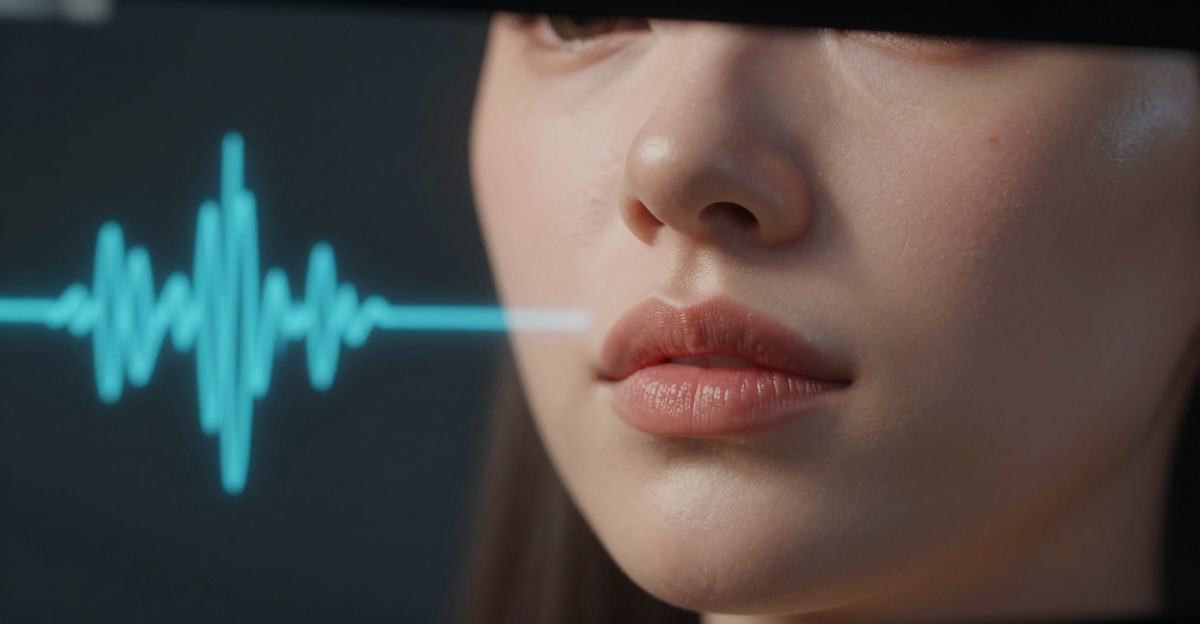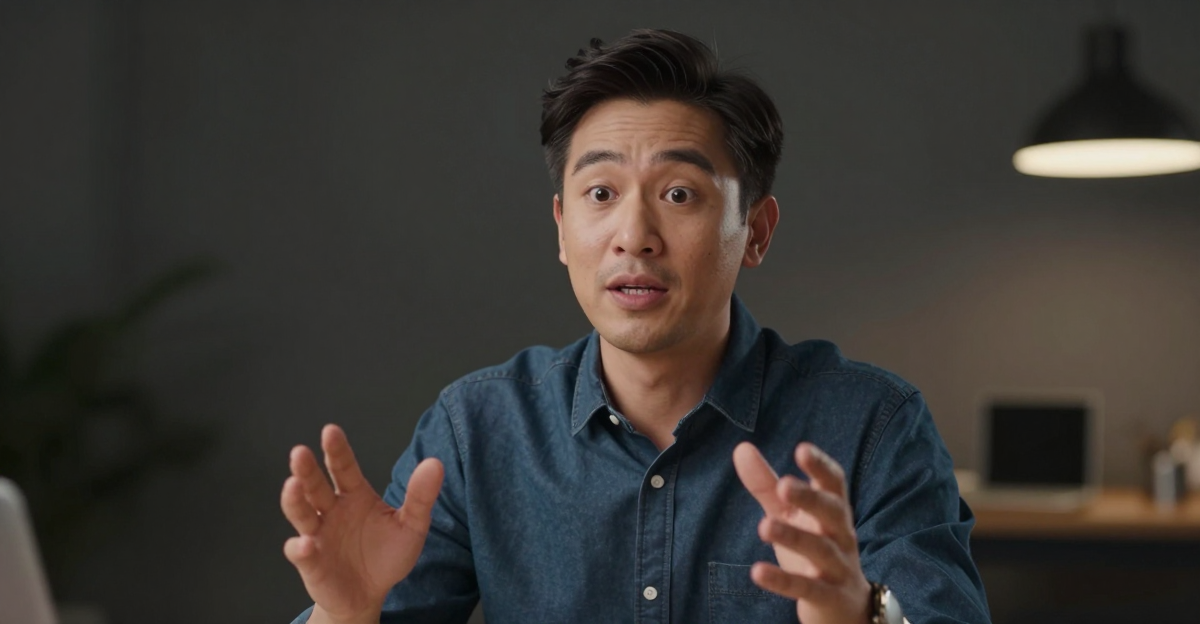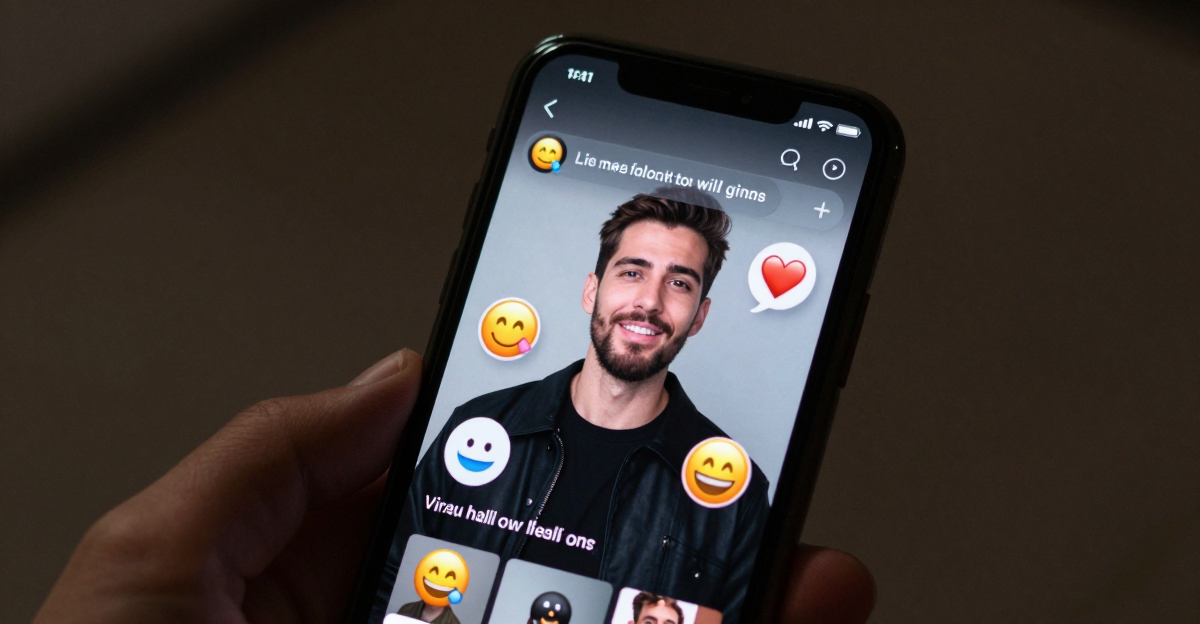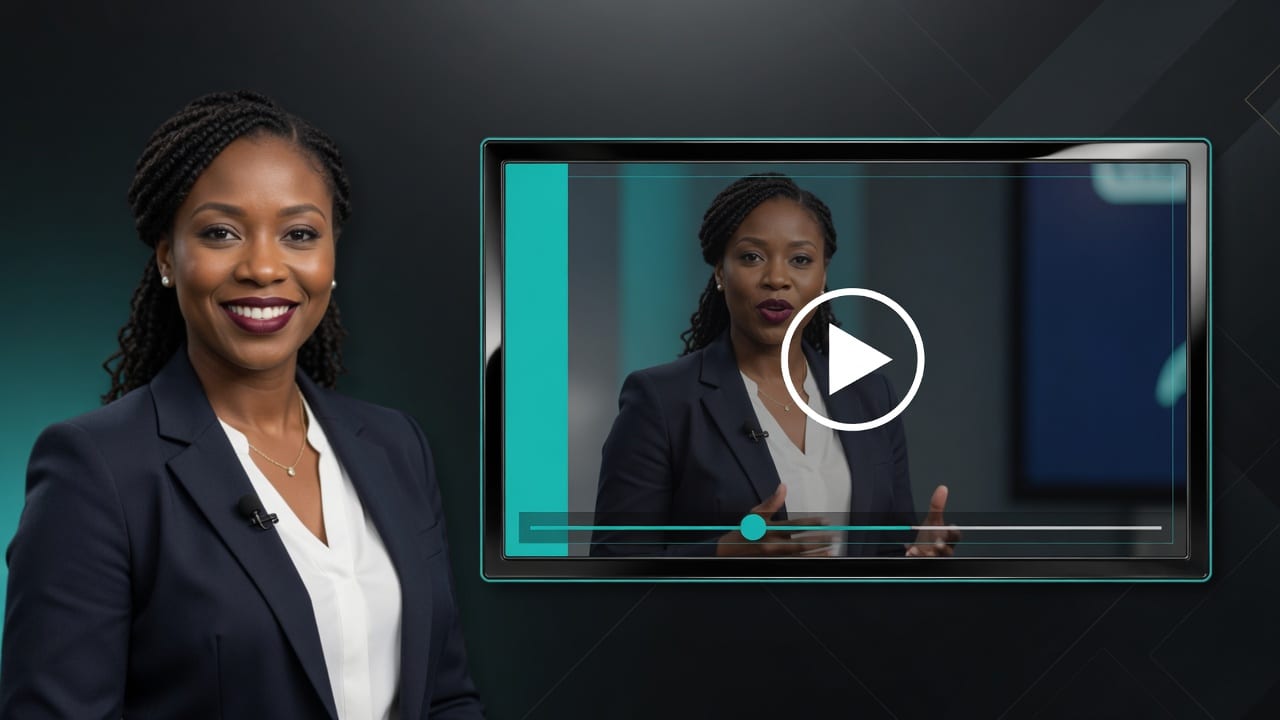
A talking avatar from a photo turns a still face into a lip-synced speaking video. You get a message out without booking a camera, coordinating lighting, or fighting performance anxiety — useful for sales intros, training clips, support FAQs, and social updates.
On Imagera, start with Avatar Generator or Make a Photo Talk. Credits from $19.99. Pay when you generate.
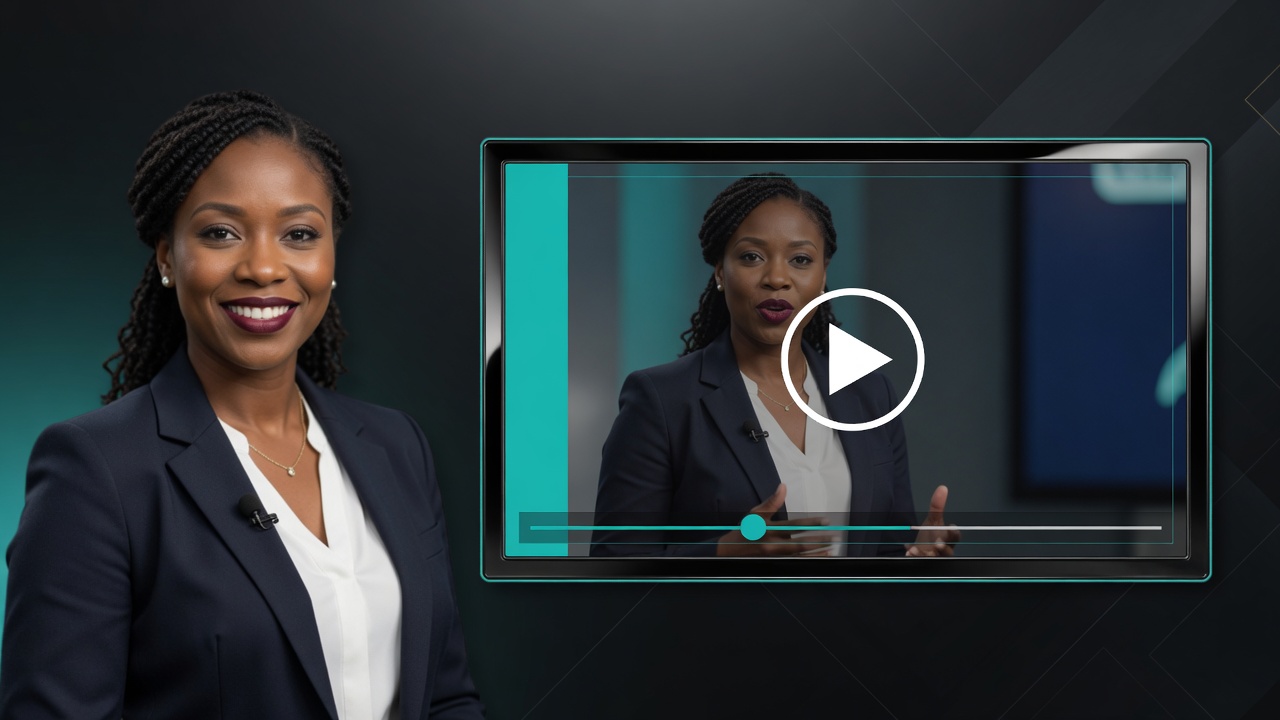
Quick answer: Imagera turns a single still photo into a talking avatar online in minutes, syncing lip movement to any uploaded voice or text-to-speech script, exporting up to 4K with no download or install.
1.How do you make a photo talk with an AI talking avatar in 2026?
Upload 1 clear portrait to Imagera, add a voice clip or type a script, and generate. The engine maps facial landmarks for lip-sync, then renders a talking avatar in under 60 seconds for short clips. In 2026 you can export up to 4K, choose from 100+ voice styles, and re-render unlimited takes, all in your browser with 0 software installed.
2.Which photos produce the best talking avatar results?
Front-facing portraits at 1080p or higher deliver noticeably sharper lip-sync than blurry or angled shots, and a single face that fills a good portion of the frame tracks cleanly. Even lighting and a neutral expression cut visible artifacts. Unobstructed mouths and eyes remain the top factor in realistic talking-avatar output, so a well-lit, straight-on shot is worth choosing over a stylized one.
3.Which tool to open
| Job | Open |
|---|---|
| Talking avatar from selfie or portrait | Avatar Generator |
| Make a photo talk (lip sync) | Talking Avatar |
| Better source headshot first | AI Headshot |
| Voice for the script | Popular AI Voice · Voice Studio |
| Pricing | Pricing |
4.What a talking avatar from a photo actually is
A talking avatar starts with one image of a person and produces a short video where that face speaks your words. The mouth shapes follow the audio, and — on the Imagera Avatar Generator — the animation goes beyond a frozen frame. Rather than moving only the lips on an otherwise static picture, the generator drives the whole upper body from the audio: the head tilts and nods, posture shifts, and facial expressions change with the tone of the speech. This is the difference between a talking-head cutout and something that reads as a person addressing the camera.
You do not need a multi-angle photo shoot or a "training" video of yourself to get started. One clear, well-lit portrait with a single person facing the camera is enough. The higher the quality of that single source image, the more convincing the result, which is why a quick pass through AI Headshot before you generate is often worth the credits.
Output is Full HD 1080p and can be exported as MP4, MOV, or WEBM, so the clip drops cleanly into a landing page, an email, a course platform, or a vertical social feed. Individual videos run up to four minutes, which covers the vast majority of business intros, FAQ answers, and micro-lessons. Voices are available across 50+ languages, so the same face can front content for different markets.
5.When talking photos make sense
| Team | Use case |
|---|---|
| Sales | Personalized intro videos at scale |
| Learning & development | Course explainers from SME photos |
| Support | FAQ talking cards |
| Founders | Social "from me" updates without filming |
| Agencies | Client avatar drafts for approval |
Skip when you need regulated live testimony, extreme emotional performance, or you lack rights to the likeness.
6.How it works (the real workflow)
The generator condenses what used to be a full production pipeline into four steps you can run in a browser:
- Choose or upload a face. Pick from the built-in avatar library or upload your own photo. For a personal brand or a named spokesperson, upload your own portrait; for a generic presenter, the library is faster.
- Add your script. Type or paste the text you want spoken. This is the single biggest lever on final quality — more on script craft below.
- Customize the delivery. Set the voice (including language), background, gestures, and animation style so the clip matches your brand rather than looking like a stock template.
- Generate and download. The system renders the lip-sync and body animation, then you export in MP4, MOV, or WEBM. A one-minute video typically takes around two minutes to generate, so you can iterate on script and voice without long waits.
Because everything is audio-driven, the mouth shapes, head motion, and expressions all key off the same voice track. That keeps the movement synchronized instead of feeling bolted on, and it means the quality of your audio directly shapes the quality of the animation.
7.How to make a photo talk (step by step)
- Source photo — sharp eyes, near-frontal, decent light.
- Optional polish: AI Headshot or Identity Editor.
- Open Avatar Generator or Talking Avatar.
- Add script or recorded / generated voice.
- Generate.
- Review lip timing, eye stability, jaw artifacts.
- Export and caption for social.
8.Source photo standards
- Face large enough in frame
- Eyes open and sharp
- Minimal occlusion (hair, hands, mic)
- Soft, even light
- One person only — avoid group shots
- Rights secured
A single high-resolution, well-lit portrait beats a stack of mediocre images every time. The generator is optimized for a single-subject, front-facing photo, so a clean headshot or selfie produces a more stable, realistic avatar than a busy scene with several faces or heavy shadow across the eyes.
9.Script writing that works
- One idea per video
- Short spoken sentences
- Avoid tongue-twisters
- CTA in the last few seconds
Structure: who you are → problem → solution → CTA.
Script quality dominates model quality for talking heads. A tight, speakable 20-second script on a good face will out-perform a rambling two-minute monologue on a great face. Read the script out loud before you generate — if you stumble on a line, the avatar will stumble on the same line.
10.Voice pairing
| Source | When |
|---|---|
| Your real mic | Highest trust |
| AI voice | Scale and multilingual drafts |
| Dubbing | Localization after English master |
Weak audio kills strong lips. Because the animation is driven by the audio track, clean, evenly leveled sound produces cleaner mouth tracking. Use Popular AI Voice or Voice Studio when you need scalable or multilingual voiceover, and record dry, close-mic audio in a low-reverb room when you use your own voice.
11.Who it's for
Talking avatars from photos fit any team that ships more messages than it can film. Concrete profiles:
- Founders and solo creators who want a consistent "from me" presence across LinkedIn, YouTube Shorts, and email without setting up a camera every time.
- Learning & development teams turning a subject-matter expert's single headshot into a series of course explainers, so the SME's time isn't spent on set.
- Support and success teams building a library of short FAQ talking cards that answer the same recurring questions with a friendly face instead of a wall of text.
- Sales teams personalizing outbound intros at scale — same face, swapped names and offers per segment.
- Agencies producing avatar drafts for client approval before committing to a real shoot, and localizing approved masters into new languages.
- Marketers spinning up spokesperson variations for A/B testing ad creative without booking talent for each version.
It is a poor fit when live human presence is legally or emotionally required: regulated testimony, high-stakes trust moments, or content where the emotional performance itself is the product.
12.Common use cases
- Corporate training and enablement — policy updates, onboarding welcomes, product enablement, and release-note narration, produced as short episodes rather than one long lecture.
- Course creation — a consistent presenter across an entire curriculum, with lessons that can be re-generated instantly when the content changes, no reshoot required.
- Marketing videos — spokesperson-led ads and landing-page explainers, including multiple variants for testing.
- Multilingual content — the same presenter fronting content in 50+ languages for regional audiences.
- Real estate — a consistent agent introducing each listing across a portfolio.
- Social media — steady LinkedIn, TikTok, and YouTube output without daily filming.
13.Comparison
Most talking-avatar tools charge a recurring subscription and animate lips on a static frame. Imagera differs on two axes: it animates the whole upper body from the audio, and it bills per generation instead of per month. Competitor prices below are their published subscription figures; the Imagera column is expressed in credits.
| Imagera | Typical subscription tools | |
|---|---|---|
| Pricing model | Credit-based, pay-per-use (30 credits ≈ per 10s clip) | $18–89/mo subscriptions |
| Animation | Full body: lips, expressions, head motion, gestures | Lip-sync on a mostly static frame |
| Source photo | One high-quality portrait | Often multiple photos or a training clip |
| Max length | Up to 4 minutes per video | Length caps common on lower tiers |
| Resolution | Full HD 1080p | Frequently 720p on entry tiers |
| Languages | 50+ | Varies |
| Commercial rights | Included on paid plans | Varies by tier |
The credit model is the practical distinction for occasional producers: if you make a handful of clips a month, per-generation credits avoid paying a fixed monthly fee that sits idle between projects. If you produce constantly, do the math on your expected volume in credits against a flat subscription and pick whichever is cheaper for your cadence.
14.On-camera alternatives and when to pick them
| Option | Pros | Cons |
|---|---|---|
| Real camera | Highest trust | Time, logistics |
| Talking photo | Fast, scalable | Less emotional range |
| Full avatar system | Persistent identity | Setup cost |
| Voice-only | Simple | No face presence |
Pick talking photos when speed and clarity beat cinematic emotion. Keep a real camera for the few moments where live presence is the point, and use talking photos for the recurring FAQs, updates, and micro-lessons that would otherwise never get filmed.
15.Tips for best results
- Start with the best single photo you can get. Front-facing, sharp eyes, soft even light, one person. If the source is weak, run it through AI Headshot first — the extra credits usually pay for themselves in fewer regenerations.
- Write for the ear, not the page. Short sentences, one idea per clip, concrete nouns over abstractions.
- Level your audio before you judge the lips. Normalize loudness so the animation has a clean signal to follow. Reverb-heavy rooms reduce sync quality.
- Keep clips short and run a series. Four short episodes on one face out-perform a single long lecture; viewers learn the face and you amortize source prep across the set.
- Match voice energy to topic. Calm and premium for serious subjects, upbeat for mass-market; an overly chipper voice on a serious message reads as off.
- Caption everything. Most social feeds autoplay muted, so burn or attach captions before publishing.
16.Common mistakes to avoid
- Dense, jargon-stacked scripts. Lip-sync models struggle with rapid tongue-twisters and long unbroken sentences. Cut roughly 30% of the words when a clip feels crowded.
- Group photos or heavy occlusion. Hair, hands, or a mic over the mouth confuses the animation. Use a clean single-subject portrait.
- Judging lip-sync before normalizing audio. Uneven levels look like a model problem but are usually an audio problem.
- Over-grading the face in post. Do not push a headshot-polished face into plastic-looking territory after the fact.
- Ignoring rights and disclosure. Only use faces and voices you have permission to use, and disclose synthetic media where platforms or laws require it.
17.Reviewing lip-sync like a producer
Watch once with sound, once muted.
With sound: do plosives and fricatives land? Muted: does the mouth still feel intentional? Both: do eyes die halfway through?
Reject dead-eye outputs even if lips are perfect. Viewers trust eyes first.
18.Examples
Short scenarios that map the tool to real jobs:
18.120-second sales intro
- 3s: name + role
- 8s: problem
- 6s: offer
- 3s: CTA
18.245-second training micro-lesson
- 5s: topic
- 30s: three bullets spoken slowly
- 10s: recap + next step
18.315-second social
- 2s: hook question
- 10s: one insight
- 3s: follow CTA
18.4Multi-clip campaign from one face
Build a series from a single portrait — Clip 1: problem, Clip 2: mechanism, Clip 3: proof, Clip 4: CTA. Same identity, different scripts. Viewers learn the face; you amortize source prep across the series.
19.Quality checklist
- Mouth tracking matches hard consonants
- Eyes not frozen or jittery
- Background stable
- Voice tone matches brand
- Length matches platform (short social vs training)
20.Failure modes
| Symptom | Fix |
|---|---|
| Mouth lag | Shorter script; clearer audio; regenerate |
| Dead eyes | Better source photo; shorter duration |
| Jitter | Cleaner face crop; less extreme expression |
| Uncanny feel | Soften performance; reduce exaggerated emotion |
21.Combining with other Imagera tools
- AI Headshot for professional source faces
- Identity Editor for open posture
- Talking avatar for speech
- Voice for VO
- Optional reel tools if you need B-roll around the talking head
22.Accessibility and captions
Talking videos still need captions:
- Mute autoplay environments
- Hard-of-hearing viewers
- Noisy open offices
Export captions when possible or burn them for social. Beyond captions: use high-contrast end cards, provide transcript links for training libraries, keep a clear speaking pace for non-native listeners, and never let meaning live in audio only.
23.Localization path
- English talking master
- Translate script with a native review
- New voiceover in the target language
- Re-generate the talking clip with the localized audio
- Review idioms and claims per market
Do not assume a direct script translation preserves mouth timing or legal meaning. With 50+ languages available, the same face can front localized versions, but a native reviewer should still check idioms and any regulated claims before you publish.
24.Rights, disclosure, and privacy
You need rights to the face and voice. Disclose synthetic media where platforms or laws require it. Never use it for impersonation fraud. Imagera is the tool; you own the publish decision.
On the privacy side, uploaded photos are processed securely and automatically deleted after the video is generated — they are not retained. Your images are not used to train the models, and processing is handled in line with GDPR and international privacy rules, with deletion available on request. For client work, that matters: prefer an auditable, credit-billed suite over random free tools when you are handling someone else's likeness, get written permission to process it, and limit access to the teammates who need it.
25.Enterprise and agency concerns
- Written permission to process each likeness
- Access limited to needed teammates
- No public demo of client faces without approval
- Review gates before publish
- Disclosure standards in regulated verticals
Treat talking avatars as production software, not a toy. Document a short "series bible" — face source master, voice settings, background style, intro/outro pattern, CTA patterns, disallowed topics — so any teammate can produce on-brand talking clips without reinventing the identity each time.
26.Studio day alternative plan
Instead of a half-day shoot for five messages:
- Capture or select one excellent face still (30–60 min including wardrobe)
- Write five scripts (60 min)
- Generate five talking clips (30–90 min including reviews)
- Caption and schedule (30 min)
For many teams that is less total time than a chaotic shoot for the same five messages, with far more control over each message.
27.When to upgrade from talking photo to real video
Upgrade when:
- Emotion is the product
- Trust is fragile and the audience expects live presence
- Live product demos require real hands and physics
- Legal counsel requires non-synthetic footage
Keep talking photos for FAQs and updates even when your hero content is real.
28.Pricing
Pay-first credits from $19.99. A talking avatar runs from 30 credits per 10-second clip; longer videos scale with length up to the four-minute maximum. Commercial rights are included on paid plans. Confirm the live meter in the studio before you generate. Pricing.
29.Related reading
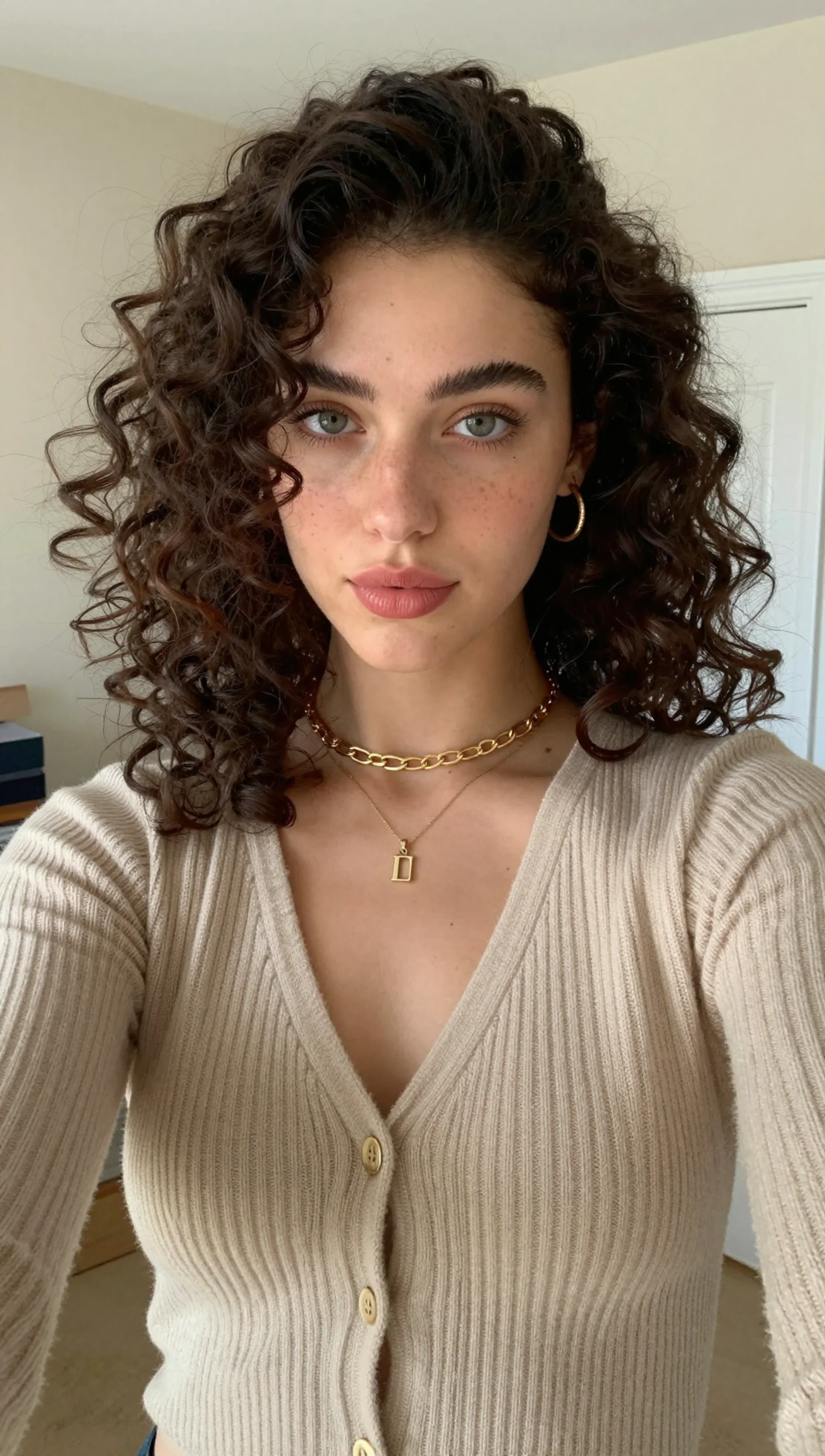
30.See it in action — real Imagera output
These are real, unedited results from the Imagera talking avatar — the exact tool this guide covers.
31.Bottom line
You ship messages faster when a photo can talk. Start with a sharp face, generate lip-sync with full-body animation, review like a client, publish.
Next steps: Avatar Generator · Talking Avatar · AI Headshot · Pricing