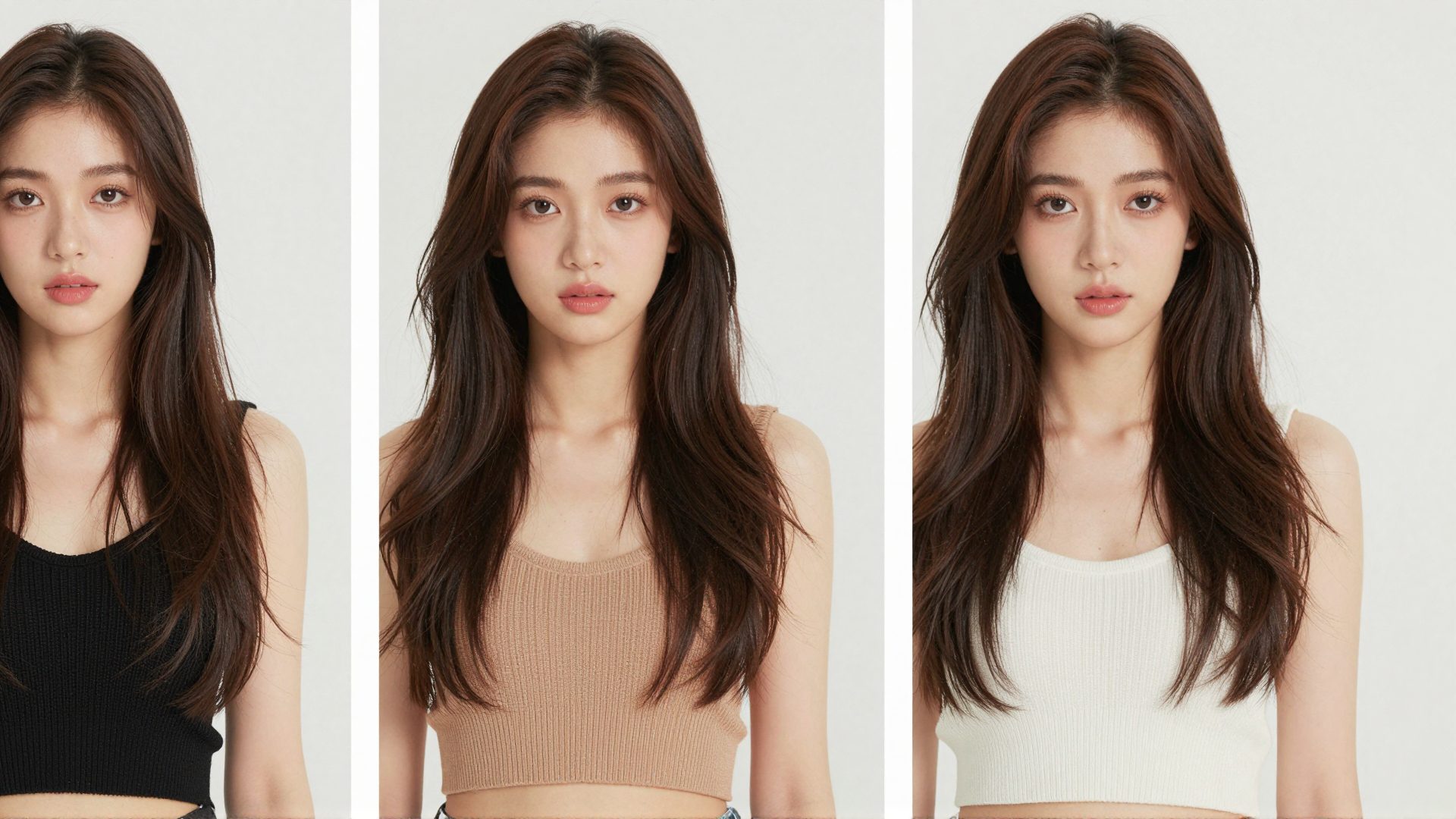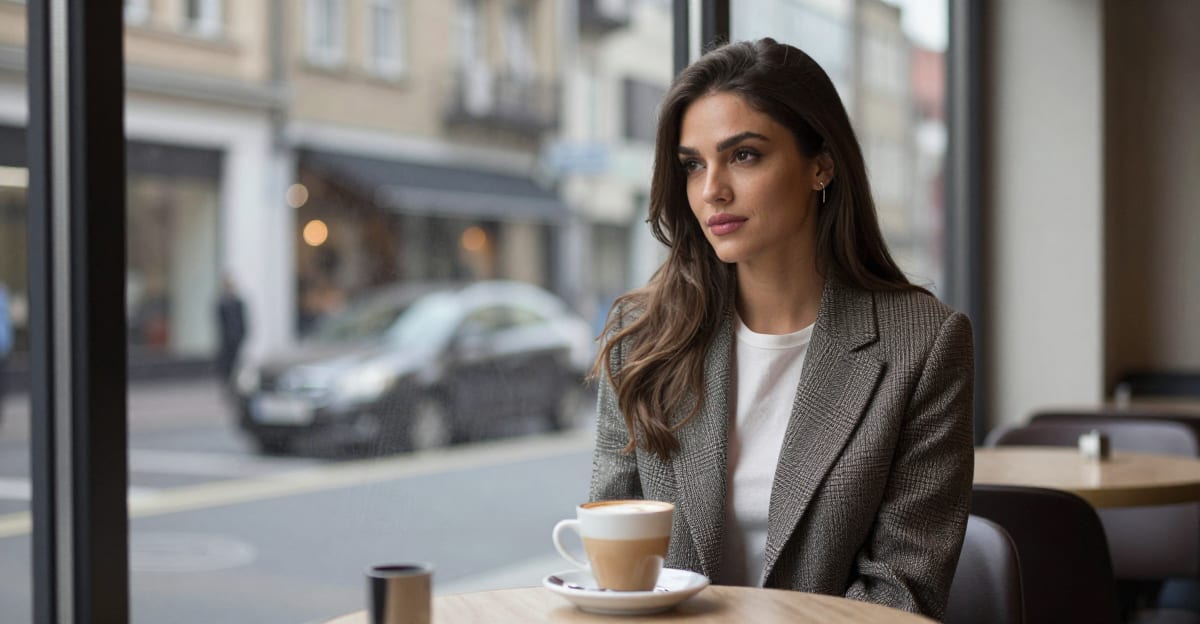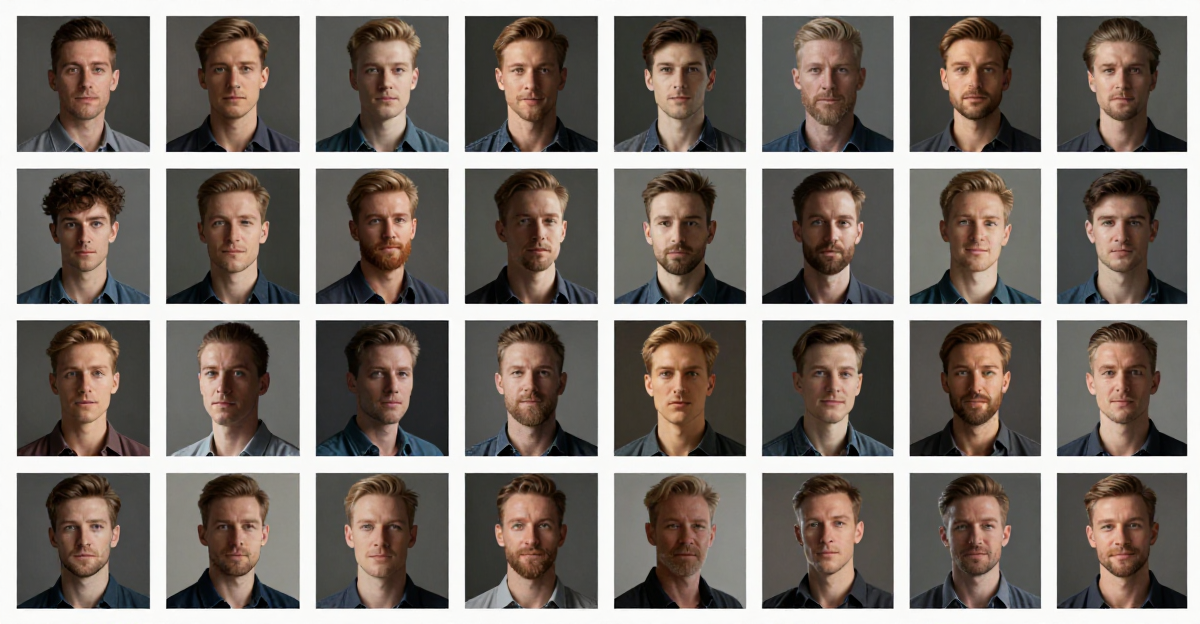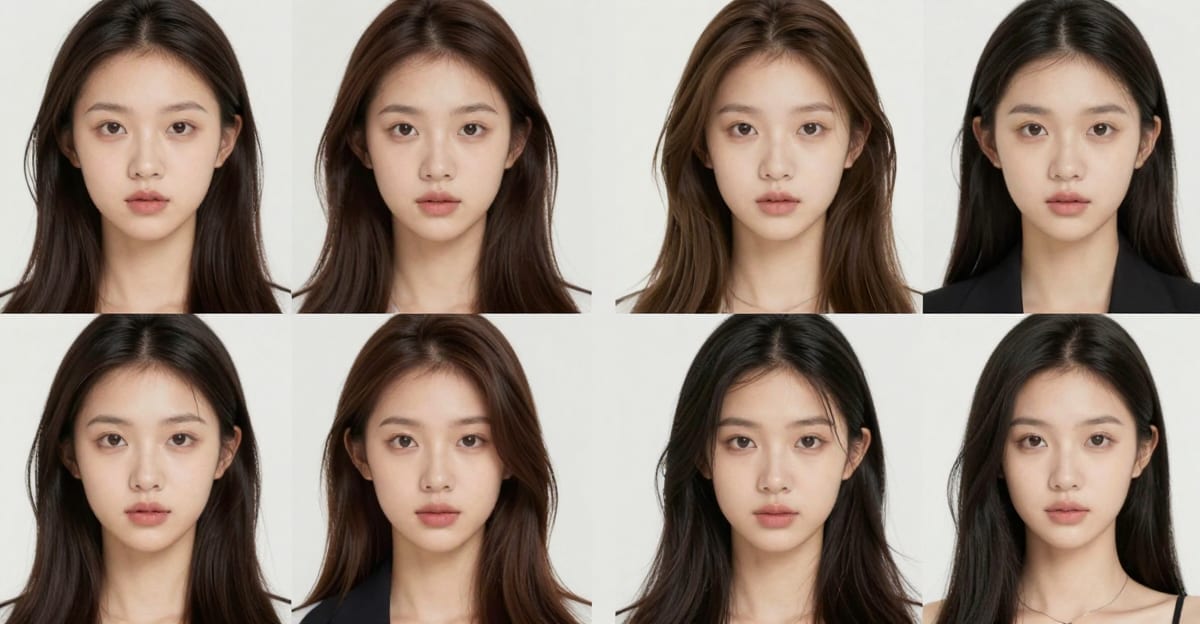
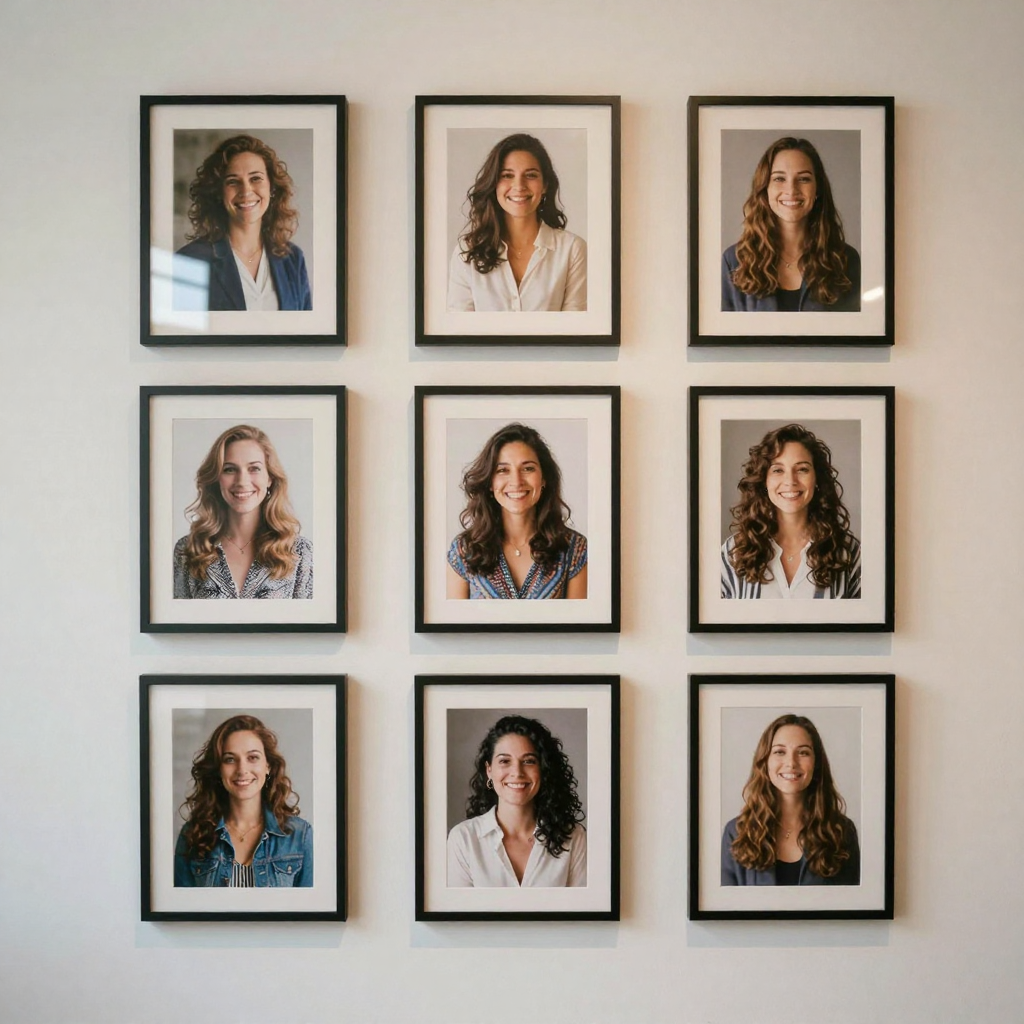
You can complete this on Imagera without installing software: upload a real source file, describe the change, confirm credits up front, generate, and review before you publish. How to Train a Personal Influencer LoRA & Fix Face Drift — this guide covers the steps, quality checks, and when to open related tools.
The single hardest problem in AI photography is not making a pretty image — it is making the same person twice. Most generators reinvent a face on every prompt, so a week of posts looks like a casting call instead of one recognizable creator or brand. Personal Influencer exists to solve exactly that: you teach Imagera a face once, then reuse that identity across every tool in the suite. This guide walks the full loop — train, generate, fix face drift, and manage the models you own — with the real credit costs and quality checks at each step.
Quick answer: A personal influencer LoRA is a small model trained on 15-30 photos of one face so Imagera can generate that consistent character in unlimited new scenes, then fix drifting eyes, teeth, and skin in a second pass.
1.How many photos does a personal influencer LoRA need to keep the face consistent?
Train your Imagera influencer LoRA on 15-30 varied photos covering 3-4 angles, 2 lighting setups, and neutral plus smiling expressions. Fewer than 10 images tends to cause noticeable identity drift, while 20+ clean shots hold the likeness reliably across new scenes. A typical training run finishes fast, then generates each new 4K portrait in seconds.
2.Why do influencer faces still look off, and can Imagera fix them?
Even a solid LoRA can warp eyes, teeth, or ears because the face occupies only a small part of the frame, leaving little detail to work with. Imagera's face-fix pass re-renders just the face region at up to 4K, correcting asymmetry and sharpening features without touching the rest of the shot. Targeted inpainting on a small region preserves surrounding detail far better than regenerating the entire image, so the background, outfit, and lighting stay exactly as generated.
3.What Personal Influencer does
Personal Influencer is Imagera's identity system for one job most image generators fail at: keeping the same face across hundreds of photos. Random tools invent a new face on every prompt, so your feed looks like a casting call instead of a person. Personal Influencer trains a reusable likeness once, then reuses that identity across every tool in the suite.
You train on 10–30 clear photos of a real face (your own or cleared talent), or design a fictional character in Character Studio. After a browser-based train that typically finishes in minutes — no GPU, no desktop install — you generate new outfits, scenes, and styles that still look like the same person. Ten tools share one identity: train, generate, style transfer, edit outfit/background, pose control, face enhance, face swap, Instant Character, Character Studio, and My Trained Models. Paid generations include full commercial rights for social, ads, and marketing.
The training engine is not limited to faces. Because it is a universal LoRA trainer, the same "upload 10–30 references → get a reusable model" mechanic works for a product, a logo, an art style, a character, a pet, a vehicle, or a specific pose. For this guide the subject is a face — a personal influencer — but the pricing, quality tiers, and workflow below apply to any subject you train.
4.How it works
- Collect the set. Gather 10–30 clear photos with varied angles, lighting, and expressions. Well-lit, filter-free shots train a stronger likeness. Skip sunglasses-on-every-frame and group photos where the face is tiny.
- Train the identity in the browser. Open Train Your Model. Imagera learns the face in a few minutes so later images stay on-identity.
- Generate stills. Use LoRA Generate Photos or /lora-generate to create new scenes, outfits, and styles from the trained identity.
- Fix near-misses. When an output is close but the face drifts, run Fix Face to push almost-right results back to clearly the same person.
- Review before you publish. Confirm credits up front, generate, and QA stills first. Animate winners (video / talking avatar) only after the stills pass.
- Manage your models. Rename, retrain, and organize identities you own in My Trained Models.
4.1What actually happens during training
When you start a train, Imagera preprocesses your uploads — cropping, aligning, and auto-captioning them — then builds a small model (a LoRA) that captures the recurring visual features of your subject: bone structure, eye shape, jawline, skin texture. That model becomes a private asset attached to your account. Uploaded source images are used only to train the model and are removed from Imagera's servers once training completes; the trained model itself stays private and is never shared or used to train anyone else's model. Once it is ready, every generation you run can call that model, which is why the face stays recognizable from post to post instead of drifting into a stranger.
5.Step-by-step: from photos to a consistent feed
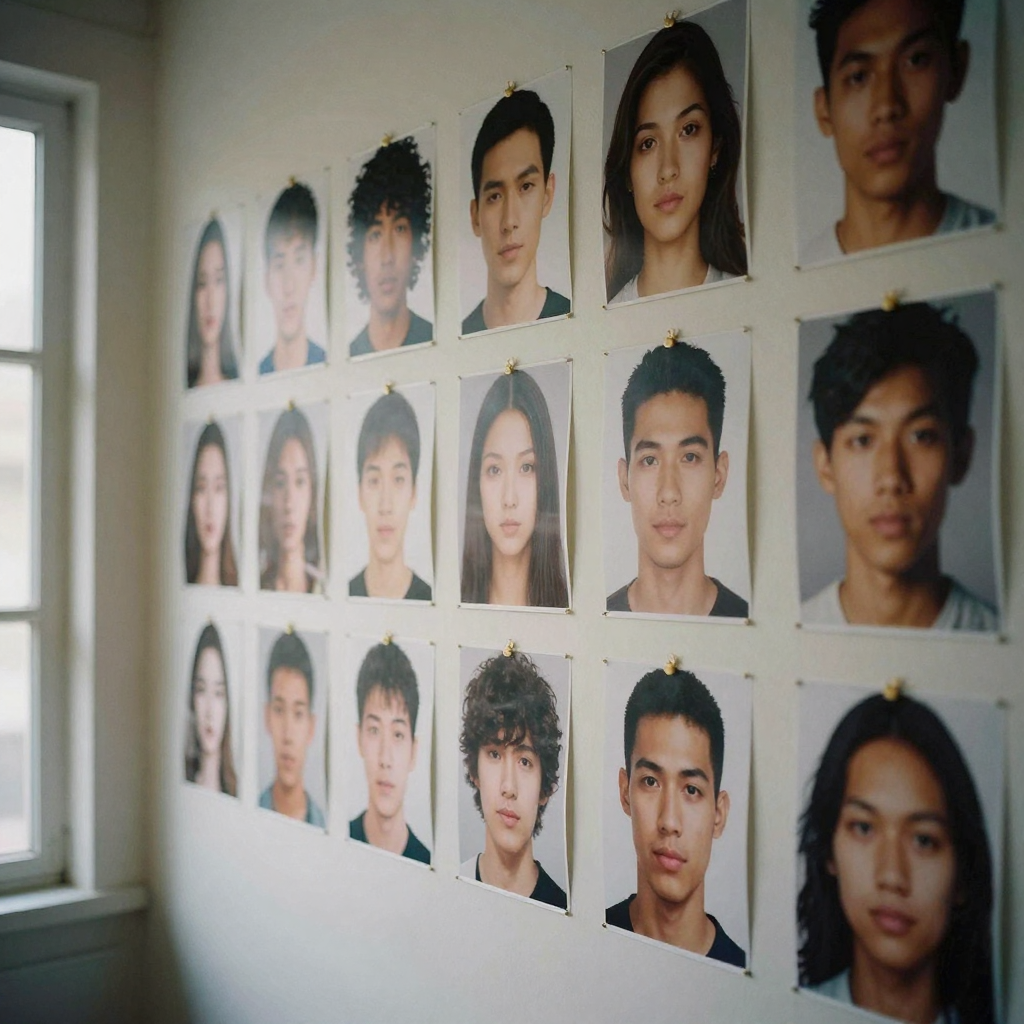
Step 1 — Choose and prepare the training set. Aim for 10–30 photos of a single face. The goal is coverage, not volume: front-on, three-quarter, and profile angles; indoor and outdoor light; neutral and smiling expressions; a couple of full-body frames so the model learns your proportions, not just your head. Avoid duplicates of the same pose, heavy beauty filters, and photos where other people share the frame.
Step 2 — Pick a quality tier and train. Open Train Your Model and start a train. Standard training runs 2,000 steps for 500 credits and typically finishes in about 15 minutes — the right starting point for most creators. If you need higher fidelity for brand or commercial work, High Quality training runs 4,000 steps for 600 credits in roughly 30 minutes, and Maximum Quality runs 10,000 steps for 1,300 credits in up to about 45 minutes. You get a notification the moment the model is ready.
Step 3 — Generate your first batch of stills. Head to LoRA Generate Photos (or the general /lora-generate tool), select your trained model, and write a prompt that describes the scene, outfit, lighting, and mood. Each generated image costs 10 credits. Generate a small spread first — three to six images across different scenes — so you can judge likeness before committing a large batch.
Step 4 — QA the batch and fix near-misses. Look for face drift: eyes slightly wrong, jaw softened, an expression that reads as "almost you." When an output is close but off, run Fix Face on that specific image (10 credits) instead of re-rolling the whole prompt. Fix Face repairs facial artifacts and pushes the likeness back to clearly the same person while preserving identity — it is faster and cheaper than regenerating.
Step 5 — Restyle, re-pose, and edit the winners. With a strong identity locked, use the rest of the suite to vary the output without losing the face: apply a reference look with style transfer, lock body language with pose control, or change an outfit or background with the inpaint editor. Each of these runs against the same trained identity, so the face carries through the edit.
Step 6 — Animate only after stills pass. If your goal is video or a talking avatar, animate the still images that already passed QA. Locking a clean, on-identity still first means the motion inherits a good face instead of amplifying a flawed one.
Step 7 — Organize what you own. Use My Trained Models to view training status, rename models, retrain, or delete. You can hold multiple trained models — one per person or per training configuration — and switch between them per generation.
6.Common use cases
- Creators who need daily posts — stay on-camera without living on-camera; fill Reels covers, carousels, and story stills that still look like you.
- Founders and product brands — keep a consistent human face on ads and product pages without booking UGC every week.
- Virtual influencer projects — design a character in Character Studio, then produce a consistent feed for entertainment or brand experiments.
- Personal brand and thought leadership — portraits and lifestyle shots that match your profiles without a studio day for every update.
- Agencies shipping client faces — lock a client's identity for always-on creative tests, faster than a reshoot cycle.
7.Who it's for
Personal Influencer is built for anyone who needs a recognizable face at content volume — not only literal "influencers."
- Solo creators who want to post daily across Reels, TikTok, and carousels without setting up a camera every time. Train once, then generate yourself in new outfits, cities, and scenarios on demand.
- Founders and small brands who need a consistent human spokesperson on ads, landing pages, and product pages without re-booking UGC for every campaign or seasonal refresh.
- Marketing and social agencies running several client faces at once. Each client gets a trained model, and creative tests iterate in minutes instead of waiting on a reshoot cycle.
- Coaches, consultants, and thought leaders who want portraits and lifestyle shots that match their LinkedIn and website without a studio day for every update.
- Virtual-influencer and entertainment projects that design a fictional face in Character Studio and produce a coherent feed for a persona that is not a real person.
- Fitness, lifestyle, and real-estate professionals who need on-brand imagery at volume and would otherwise be stuck in a constant production cycle.
If your work depends on people recognizing one face across many images, this suite is aimed at you.
8.The sub-tools, and when to reach for each
The suite is ten tools sharing one identity. Knowing which to open saves credits and time:
- Train Your Model — the starting point. Upload 10–30 photos and build the reusable identity.
- LoRA Generate Photos — your daily driver. Turn the trained identity into new scenes, outfits, and styles at 10 credits per image.
- Match a Style (style transfer) — apply the look, composition, or aesthetic of a reference image while keeping your face; adjustable strength controls how much reference vs. how much fresh generation.
- Edit Outfit or Background (inpaint) — mask a region and describe the replacement to change clothes, props, hair, or scene without touching the face.
- Lock a Pose (pose control) — upload a pose reference and generate your identity in that exact body position.
- Fix Near-Miss Faces (face enhance) — repair melted features, asymmetric eyes, or low-res faces on an almost-right output while preserving likeness.
- Instant Character — upload 1–5 photos and generate consistent images immediately, no full train. Modes: Turbo (25 credits), Balanced (30 credits), Quality (35 credits) per image.
- Character Studio — invent a fictional face from controls (gender, style, look) that stays consistent across future images — ideal for a brand ambassador who isn't a real person.
- Face Swap — place a trained face onto another shot or body with natural lighting and skin-tone blending.
- My Trained Models — rename, retrain, delete, and switch between the identities you own.
9.Comparison: one-shot generators vs Imagera identity
Pretty images are easy; a face people still recognize next week is the hard part. Competitor prices below are typical market ranges; Imagera figures are expressed in credits.
| Dimension | Typical one-shot AI generator | Traditional photoshoot | Imagera Personal Influencer |
|---|---|---|---|
| Face consistency | New face almost every prompt | Perfect, but one session only | Train once — same identity across every tool |
| Cost to start | Monthly seat, often $10–$30/mo | $500–$5,000+ per session | 500 credits for a standard train |
| Cost per new image | Included but a fresh face each time | Not applicable — reshoot required | 10 credits per generated image |
| Time to first result | Instant but inconsistent | Days (book, shoot, edit) | ~15 minutes to train, then seconds per image |
| Workflow | One trick per app or tab | Photographer + editor + studio | Train, generate, pose, edit, swap in one suite |
| Commercial use | Often unclear or restricted | Yes, per contract | Full commercial rights on paid generations |
The takeaway: a one-shot generator is cheap per image but expensive in wasted rerolls and lost recognition; a photoshoot buys perfect consistency for exactly one day. Personal Influencer trades a one-time train for repeatable, on-identity output at 10 credits an image.
10.Tips for best results
- More variety in the training set usually means a more stable likeness — diverse angles and lighting beat 30 near-identical selfies.
- Need a quick test? Try Instant Character (a few photos → consistent images, no full train). Use full training for maximum likeness across a large library.
- If a face drifts slightly, run Fix Face on the near-miss rather than re-rolling the whole prompt — it's faster and cheaper.
- Keep pose and outfit changes in the generate/edit tools; retraining is for new identities, not new scenes.
- Start on the Standard tier. 2,000 steps (500 credits) is enough to judge whether your photo set is strong. Only step up to High Quality (4,000 steps) or Maximum (10,000 steps) once you know the concept works — retraining on a stronger set beats overpaying on a weak one.
- Generate a small spread before a big batch. Three to six images across different scenes will reveal likeness problems for 30–60 credits, before you spend hundreds on a full campaign.
- Write specific prompts. Name the setting, lighting, outfit, and framing. Vague prompts drift; specific prompts hold the face and the scene.
- Fix, don't re-roll. A single near-miss is a Fix Face job (10 credits), not a reason to regenerate the whole prompt.
11.Common mistakes to avoid
- Training on 30 near-identical selfies. The model learns one angle and one light, then struggles with anything else. Spread your set across angles, lighting, and expressions.
- Using heavily filtered photos. Beauty filters bake in a face that isn't quite yours, so generations inherit the filter, not you. Train on clean, unfiltered shots.
- Uploading group photos. If the target face is small or shares the frame, training can blend features. Crop to the individual first.
- Jumping straight to Maximum Quality. Paying 1,300 credits to test a weak photo set wastes credits. Prove the set on Standard first.
- Retraining to change a scene. Retraining is for a genuinely new identity. To change outfit, background, pose, or style, use generate, inpaint, pose control, or style transfer against the model you already have.
- Skipping still QA before video. Animating a flawed still amplifies the flaw. Lock a clean, on-identity still first.
12.Examples
Daily-content creator. Maya trains her face on 24 photos (Standard, 500 credits, ~15 minutes). She generates a six-image test spread (60 credits), spots one near-miss, and runs Fix Face on it (10 credits). Happy with likeness, she generates a week of on-brand stills — coffee-shop, gym, city street — swapping outfits with the inpaint editor, all from one trained identity.
Product founder with a human face. A founder wants a consistent spokesperson across ad creative. They train once on High Quality (4,000 steps, 600 credits) for brand-grade fidelity, then generate the same face across seasonal campaigns at 10 credits per image — no repeat UGC bookings.
Virtual brand ambassador. A studio builds a fictional persona in Character Studio, locks the look, and produces a coherent feed for a character who doesn't exist in real life — consistent across every post, no reshoots, no talent to book.
13.Tool map
| Step | Path |
|---|---|
| Hub | /image/personal-influencer |
| Train | /image/personal-influencer/train |
| Generate photos | /image/personal-influencer/generate |
| Fix face | /image/personal-influencer/face-enhance |
| My models | /image/personal-influencer/my-models |
| LoRA generate | /lora-generate |
| LoRA training (general) | /lora-training |
| VIP video trainer | /lora-trainer |
14.Recommended pipeline
- Collect 10–30 consistent face photos.
- Train.
- Generate stills.
- Fix face on near-misses.
- Animate winners (video / talking avatar) only after still QA.
- Manage models in My Trained Models.
15.Rights & safety
Only train faces you have rights to use — your own or cleared talent. Disclose synthetic media when required. Commercial rights apply to paid generations per Imagera terms. Uploaded training photos are used only to build your model and are removed from Imagera's servers once training completes; your trained model stays private to your account. Treat a trained identity like any likeness you are responsible for — do not create content that misrepresents a real person or violates a platform's rules.
16.Pricing
Credits from $19.99. Training is not free — Imagera is credit-based, so you pay when you train and generate. Concretely: Standard training is 500 credits (2,000 steps, ~15 min), High Quality is 600 credits (4,000 steps, ~30 min), and Maximum Quality is 1,300 credits (10,000 steps, ~45 min). After training, each generated image is 10 credits, and Fix Face runs at 10 credits per image. Instant Character (no full train) runs 25 credits (Turbo), 30 (Balanced), or 35 (Quality) per image. Pro plans improve credit value if you create often. See how to train LoRA online.
17.Start here (product links)
- Personal Influencer hub
- Train Your Model
- LoRA Generate Photos
- Fix Face
- My Trained Models
- LoRA Generate
- LoRA Training
- LoRA Trainer (VIP video)
- Pricing
18.Bottom line
Personal Influencer is Imagera's identity system: train once on 10–30 photos, generate LoRA photos that keep the same face, fix near-miss faces, and manage the models you own — all in the browser with commercial rights on paid generations. Pay-first from $19.99. Use this guide to open every influencer sub-tool.
CTAs: Personal Influencer hub · Train Your Model · LoRA Generate Photos · Pricing