Generate with your own trained model.
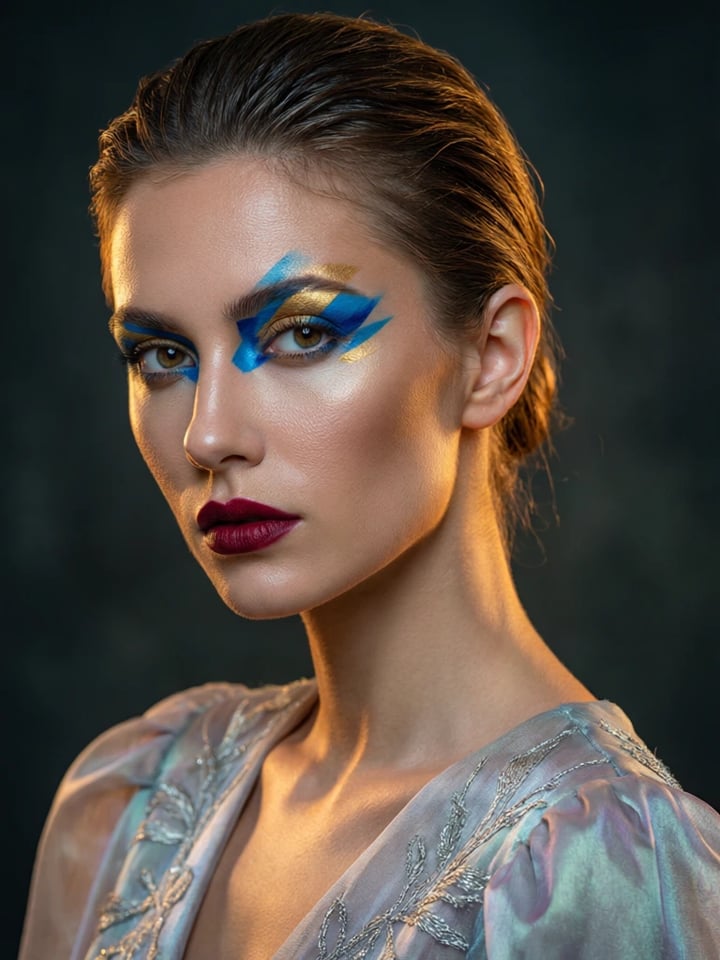
Create photorealistic images with your trained model in any scenario.
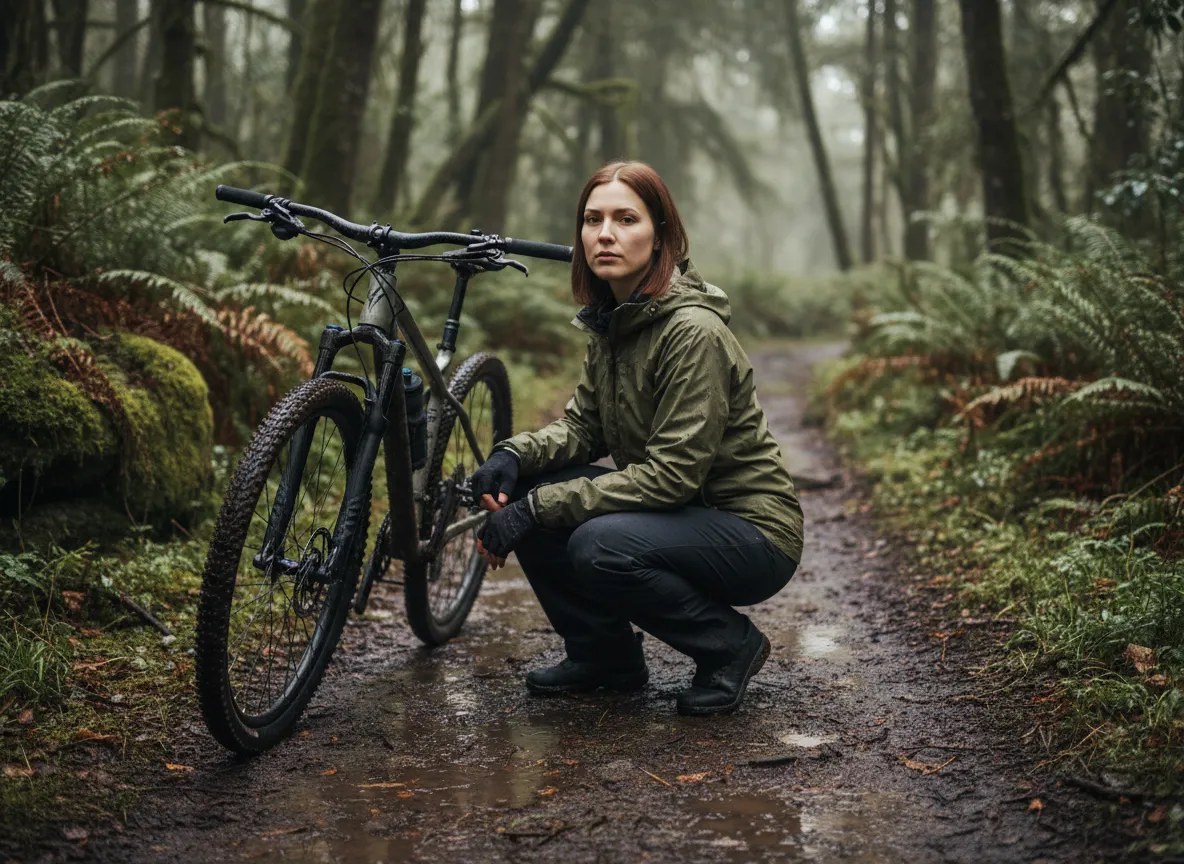
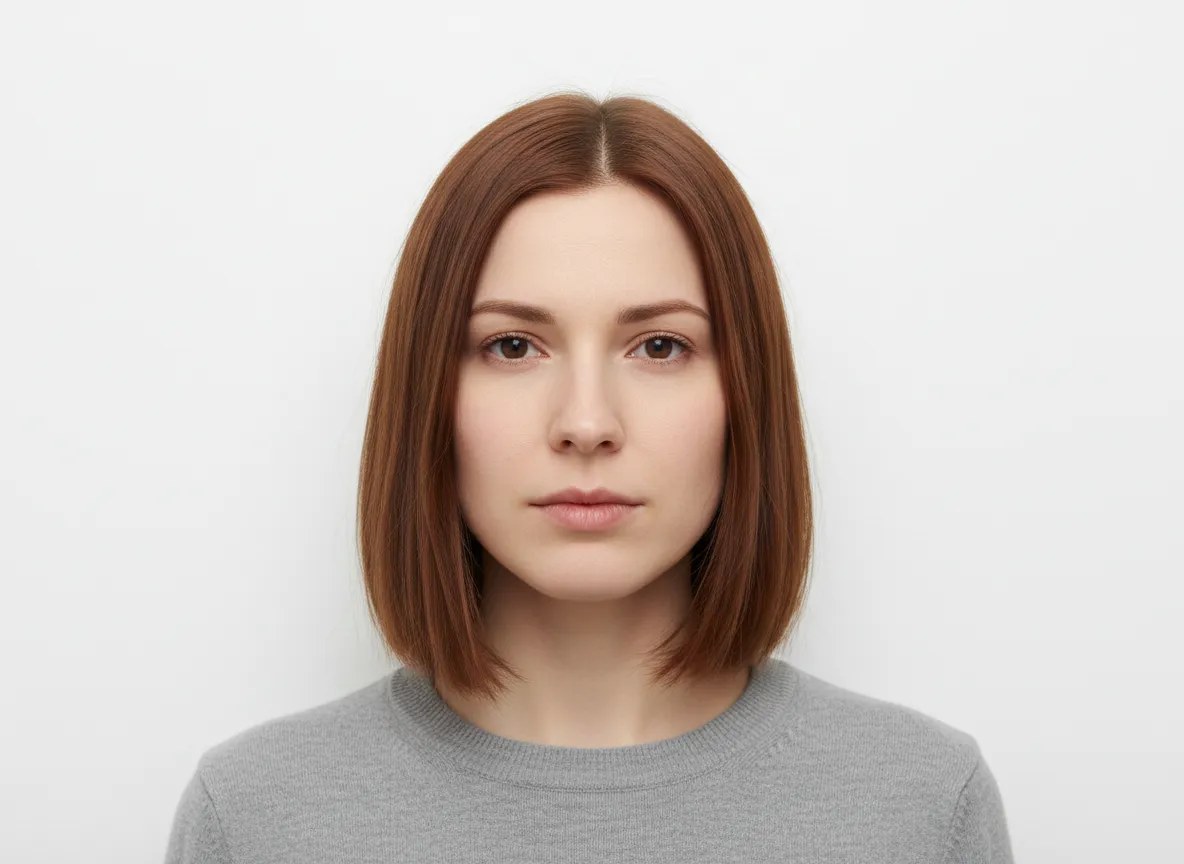 BeforeAfter
How do I generate images with my trained look?
Train a model once on 10–30 photos of a person, product or character, then open Generate, pick that model and describe the scene you want in plain language. Imagera renders a new photorealistic image with the same face, proportions and features every time — any outfit, location, lighting or camera angle. Each image costs from 25 credits, arrives in seconds, and carries full commercial rights.
- Credits
- From 25 per image with your trained model
- Training set
- 10–30 photos of one subject
- Rights
- Full commercial rights on every image
Updated August 12, 2026
Cite this page: https://imagera.ai/lora-generate
What one trained model gets you
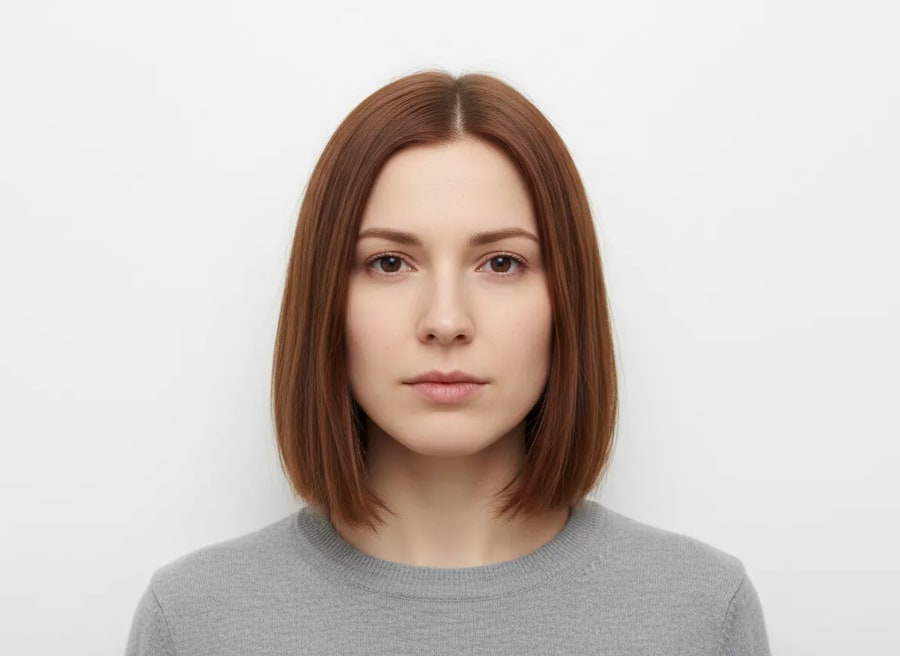
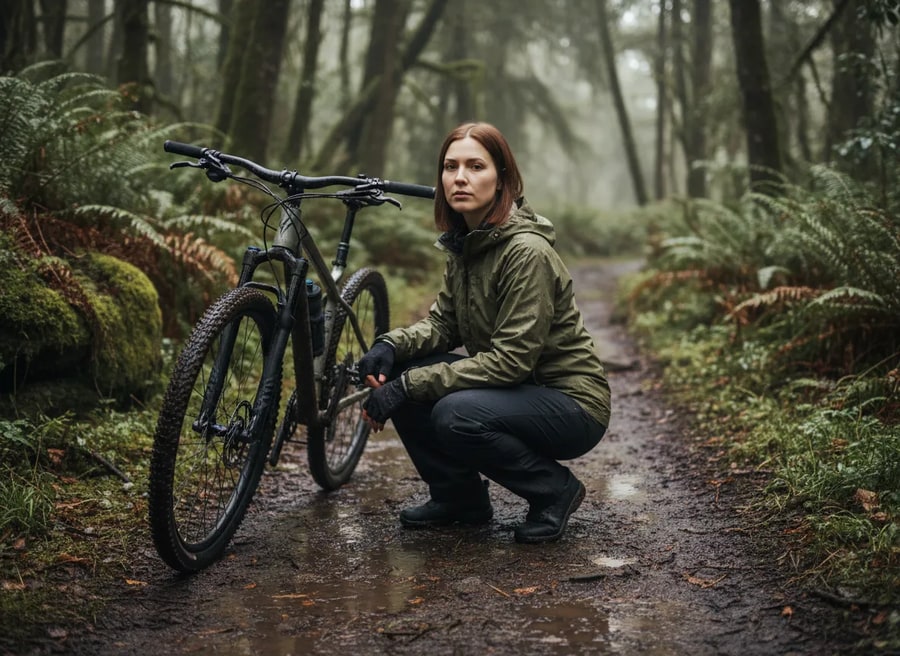
Consistent every time
Very. Because your model is trained on your real photos, your likeness stays consistent across every generation — unlike generic AI tools that produce a different-looking person each time.
Know more →Any scene on command
Yes. Describe exactly what you want in plain language — outfit, location, lighting, mood, camera angle — and Imagera renders it on-model. You can also use reference poses and styles for finer control.
Know more →Unlimited photoshoots
Most images generate in seconds. You can produce a full photoshoot — dozens of looks across different scenes — in the time it would take to set up a single real shot.
Know more →Far more than headshots
A trained model isn't a one-trick filter. It's a digital version of you — or your product, or your character — that you can place into any frame, any role, any world. Here's how far it actually goes.
Strike any pose. Capture any motion.
Mid-stride on a mountain trail, leaning into a turn on a motorbike, throwing a glance over the shoulder, arms raised at a festival. Describe the pose and body language and your model holds its likeness while the whole scene rearranges around it — the kind of dynamic, in-motion shots a real photographer needs a full crew and a perfect moment to catch.
Try it now →How LoRA generation works
From a sentence to a studio-grade image of you — in seconds, consistent every time.
Pick your model
Choose your trained model — your likeness is already locked in. No model yet? Train one first from a few photos.
Describe the scene
Type any outfit, city, lighting, camera angle or mood in plain language. Imagera renders it on-model in seconds — no prompt-engineering degree required.
Generate unlimited
Produce endless studio-grade images of yourself — consistent, commercial-ready, on demand. Pay only a small cost per image.
When does a trained model beat prompt-only AI?
Faceless & creator accounts
Post daily fashion, lifestyle, and lip-sync-ready content as one recognizable persona — without a camera, a studio, or ever showing up on set. Feed on-model renders straight into the talking-avatar and reel workflows.
Try it now →Discover more AI features
Pro LoRA Generator
For advanced users — bring your own LoRA or choose from 1,000+ community styles and characters.
Lipsync Studio
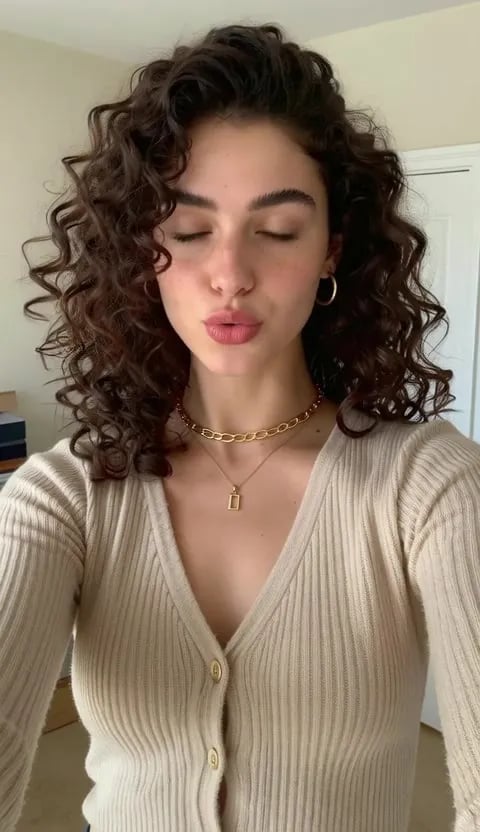
No camera, no shoot, no retakes — a photo and a voice note become a video of that person saying it, or a clip you already shot says something new.
AI Influencer Generator
Create a consistent virtual influencer — generate a face or train yours, then make photos and reels
LoRA Trainer
Train custom AI models on your own images
LoRA generation — frequently asked questions
What is LoRA image generation?
LoRA generation creates new images using a model trained on a specific person, character, or style. With Imagera, once you have trained your model you type a scene and get studio-grade images of yourself in any outfit, backdrop, or mood — and you look like you every single time.
Do I need to train a model first?
To generate on-model images of yourself, yes — train your model once from 10–30 photos. After that you can generate unlimited images instantly. You can also generate with built-in styles without your own model.
How consistent are the results?
Very. Because your model is trained on your real photos, your likeness stays consistent across every generation — unlike generic AI tools that produce a different-looking person each time.
What can I create?
Anything: professional headshots, fashion and lifestyle shots, travel scenes, product and brand photography, social content, dating-profile photos, and more. Describe the scene and Imagera produces it on-model in seconds.
How much does it cost to generate?
Generation is pay-per-image with no subscription — from 25 credits per image when you generate with your own trained model, plus 5 for each extra style you stack on top of it. Training your model is a separate one-time cost that depends on the engine you choose, so you pay for the model once and then only for the images you actually create.
Can I use the images commercially?
Yes. Images you generate come with full commercial rights — use them on social media, websites, ads, or any commercial project.
How fast is each image?
Most images generate in seconds. You can produce a full photoshoot — dozens of looks across different scenes — in the time it would take to set up a single real shot.
Can I control the pose, outfit, and background?
Yes. Describe exactly what you want in plain language — outfit, location, lighting, mood, camera angle — and Imagera renders it on-model. You can also use reference poses and styles for finer control.
Will every image really look like me?
Yes — that is the whole point of an on-model workflow. Your trained model anchors your identity so the same face, proportions, and features carry through every generation, no matter the scene.
Can I generate images of a character, not myself?
Absolutely. Train a model on any consistent subject — a fictional character, a brand ambassador, even a pet or product — then generate unlimited on-model images of it.
How many photos do I need to train my model?
10–30 clear photos is the sweet spot. Include a range of angles, expressions, and lighting so the model learns your true likeness rather than one specific look. Fewer than 10 works but is less consistent; more than 30 rarely improves results. Front-facing, well-lit shots with your face unobstructed train best.
What formats and resolutions can I download?
You download standard image files ready for social, web, print, and ads. For large-format or print use, run a generated image through the AI image upscaler to take it to 4K or higher without quality loss. Every download carries full commercial rights.
Can I put my trained self into a video?
Yes. Your trained identity is not limited to stills — it carries into motion so one character stays recognizable across an entire clip. Generate on-model images first, then animate them, or train on short clips so the model learns to move while holding its likeness.
Is generating on-model images private?
Your trained model lives in your own account and is used only for your generations. You control what you create with it, and every image you generate is yours to keep and use commercially. You can retrain or add new models at any time as your look or catalog changes.
How is this different from a face-swap or filter app?
Face-swap apps paste a face onto an existing photo, which often warps proportions and breaks under new angles or lighting. On-model generation builds an entire new image around your trained identity, so the face, body proportions, and features stay coherent in any scene, outfit, or pose you describe — not just the ones a template allows.
Learn more
Guides on what LoRA is, training one in the browser, and getting realistic results out of it.
GuideImage Generator
Use your trained LoRA models to generate images instantly
What is LoRA?
Complete guide to LoRA — how it works, why it matters, and how to use it
Train a LoRA Online
Step-by-step: train a custom LoRA model in your browser — no GPU required
Best LoRA Models for Realism
Curated list of face detail, skin texture, and lighting LoRAs for photorealism
Stable Diffusion Alternative
Train and use LoRA models without local setup — compare Imagera vs Stable Diffusion
Midjourney Alternative
Custom LoRA training vs Midjourney styles — compare personalization options
Browse All Articles
In-depth articles about LoRA training and AI model fine-tuning
Key takeaways
What is LoRA image generation?
LoRA generation creates new images using a model trained on a specific person, character, or style. With Imagera, once you have trained your model you type a scene and get studio-grade images of yourself in any outfit, backdrop, or mood — and you look like you every single time.
Will every image really look like me?
Yes — that is the whole point of an on-model workflow. Your trained model anchors your identity so the same face, proportions, and features carry through every generation, no matter the scene.
Can I use the images commercially?
Yes. Images you generate come with full commercial rights — use them on social media, websites, ads, or any commercial project.
On-model generation vs. the alternatives
| What you compare | On-model with Imagera | Generic prompt-only AI | Face-swap app |
|---|---|---|---|
| Same face every image | Yes — locked to your trained model | No — a different person each time | Partial — warps at new angles |
| New scenes & outfits on demand | Any scene from a sentence | Unpredictable identity drift | Limited to the photo you started from |
| Turnaround per look | Seconds | Seconds, but off-identity | Seconds, but only on an existing photo |
| Cost model | Train once, then pay per image | Per image, no consistency | Per edit or subscription |
| Commercial rights | Full rights on every output | Varies by tool | Varies by app |
Use responsibly
Train only faces you have the right to use. Results vary with photo quality and prompt. Commercial rights apply to paid generations per Imagera terms.
Your next photoshoot is one sentence away.
Pick your model, describe the scene, and generate unlimited on-brand images of yourself.
Start generating →