Everyone can prompt a face. You can train a concept.
Upload 10-30 photos and train a custom AI model of yourself in minutes.
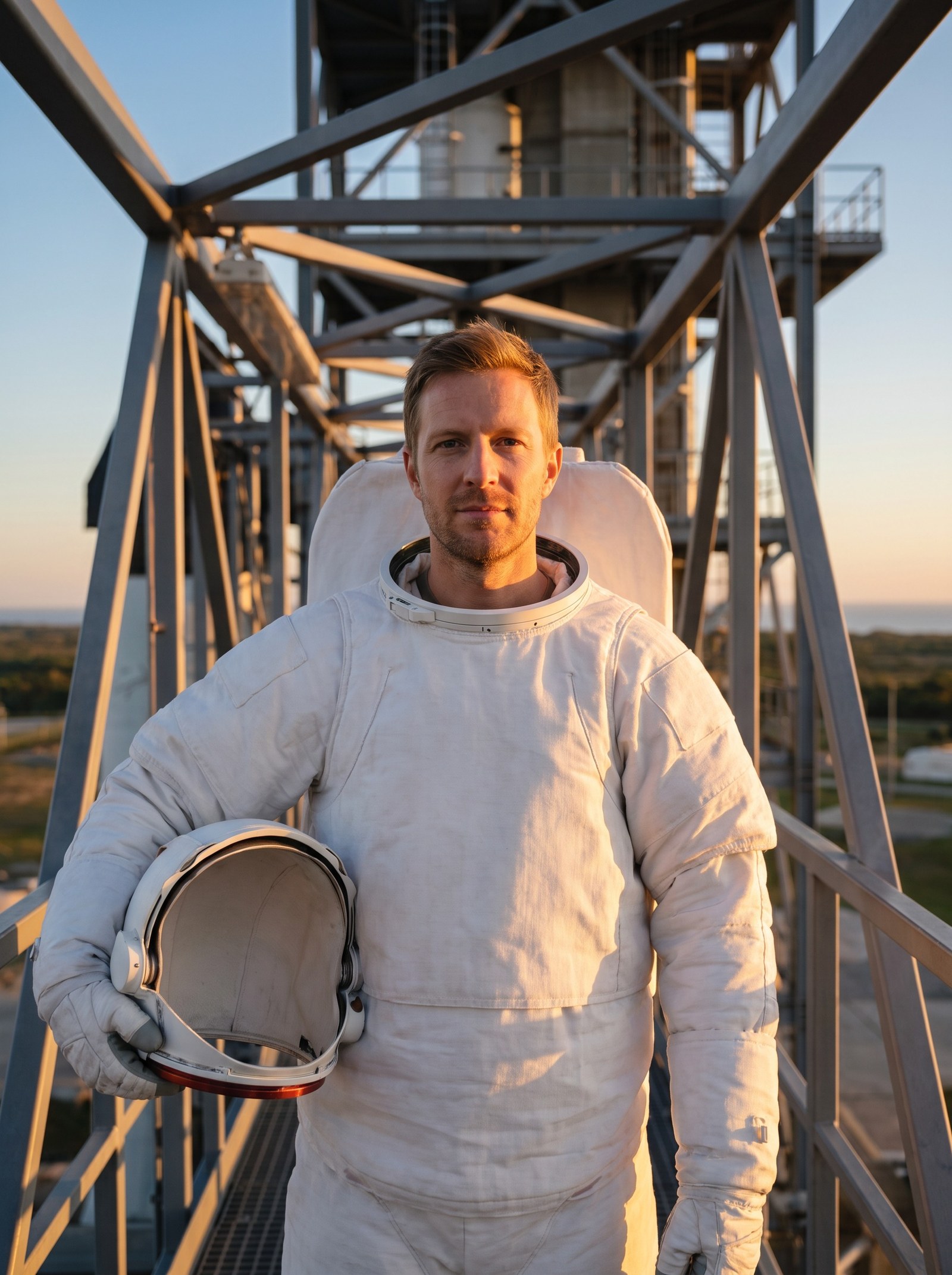
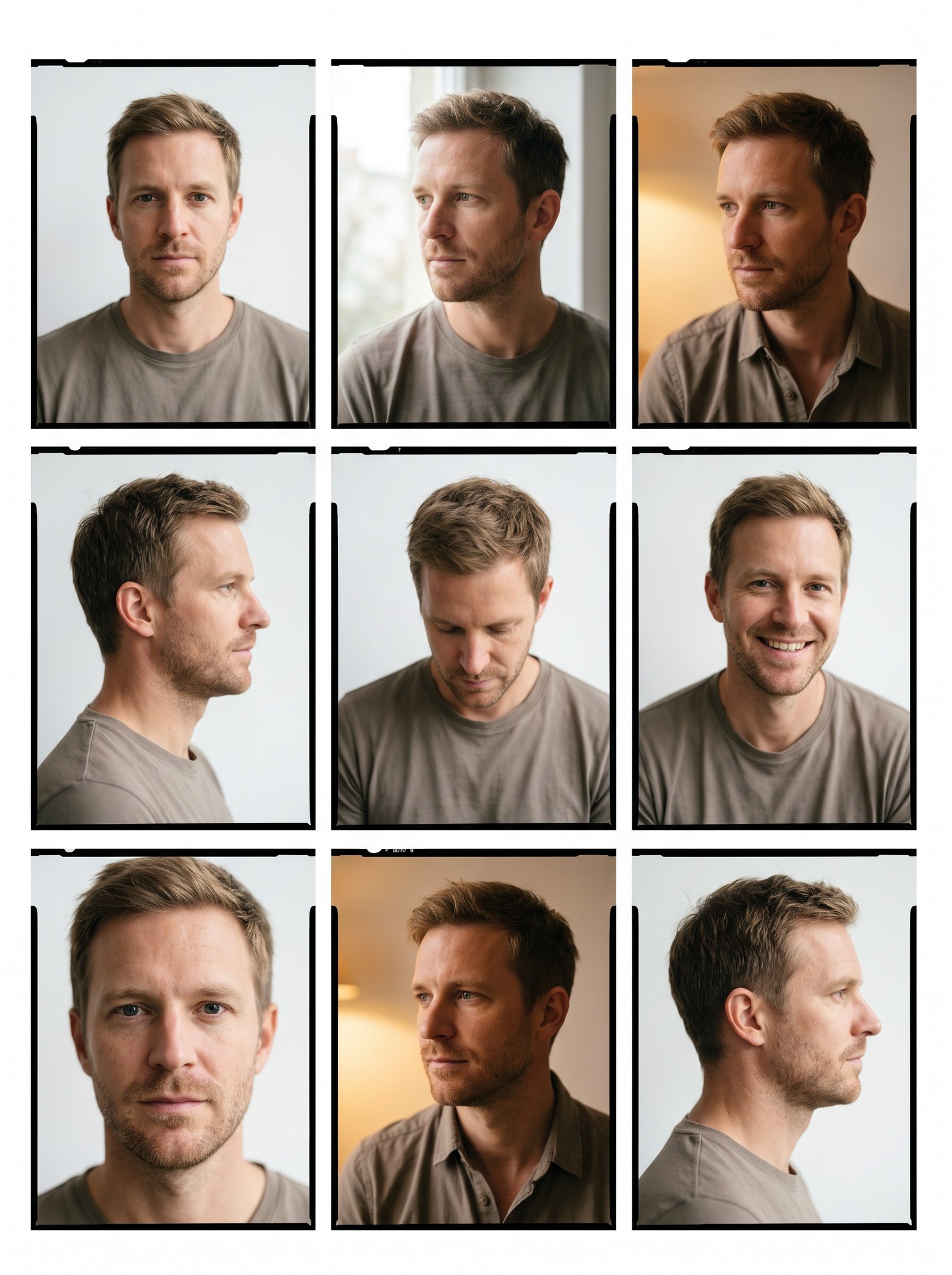 BeforeAfter
How do I train a custom face or look online?
LoRA training teaches Imagera one specific subject — a face, a product, a character or an art style — from your own photographs. Upload 10–30 clear shots of that subject, pick a quality level, and the run happens in the cloud: no GPU, no node graphs, no config files. Training costs from 655 credits per model, and the finished model stays in your account to generate with, retrain or delete whenever you want.
- Credits
- From 655 per trained model
- Training set
- 10–30 photos of one subject, up to 50
- Rights
- Full commercial rights on every image
Updated August 28, 2026
Cite this page: https://imagera.ai/lora-training
Why train with Imagera
No code, no node graphs
None. There are no node graphs, weight files, config files, or command lines. If you can upload photos, you can train a model. Everything runs in the cloud in your browser.
Know more →Your concepts, not its defaults
Yes. Train as many models as you like — yourself, a brand ambassador, a fictional character, a pet, or a product. Each is a separate one-time training. They all live in My Trained Models.
Know more →Private & yours
Yes. Your photos are used only to train your private model, which belongs to you. You can rename, retrain, or permanently delete it anytime from My Trained Models. Generated images come with full commercial rights.
Know more →What a trained model unlocks
Training isn't the goal — it's the key. Once your model exists, it becomes a digital double you can place into any role, scene, or product shot, for as long as you own it. A few of the things that key opens.
Consistency money cannot fake.
A real photoshoot gives you one look, one day, one mood. A trained model gives you the same face — same bone structure, same features, same presence — across a thousand images shot months apart. That consistency is what separates a believable personal brand from a feed of AI strangers who happen to share your name.
Try it now →Train a product, not just a person.
Your model need not be a face. Train it on a product, a mascot, or a brand ambassador, then generate an entire campaign — catalog-ready, and fast enough to test a launch in an afternoon.
Try it now →Your model is an asset, not a session.
It lives in your account. Rename it, retrain it with better photos, or delete it on demand.
Try it now →How LoRA training works
Three steps, zero technical knowledge. From a folder of photos to a model that knows your face.
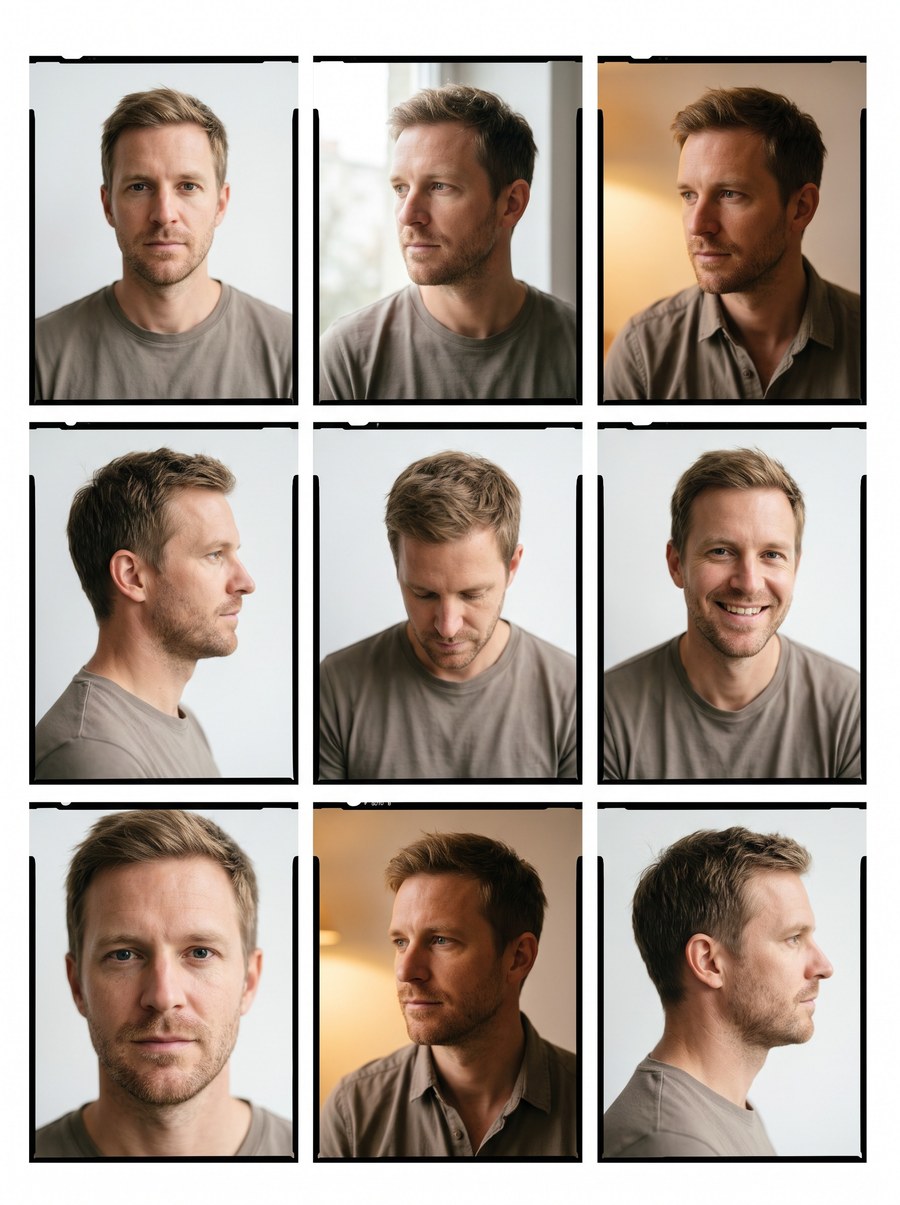
Add your photos
Upload 10–30 clear shots of one face or character. Mix close-ups, upper-body and full-body for the most flexible model. Drag, drop, done — no technical setup.
We train your model
Imagera learns your likeness privately in the cloud — facial structure, proportions, the little details that make you you.
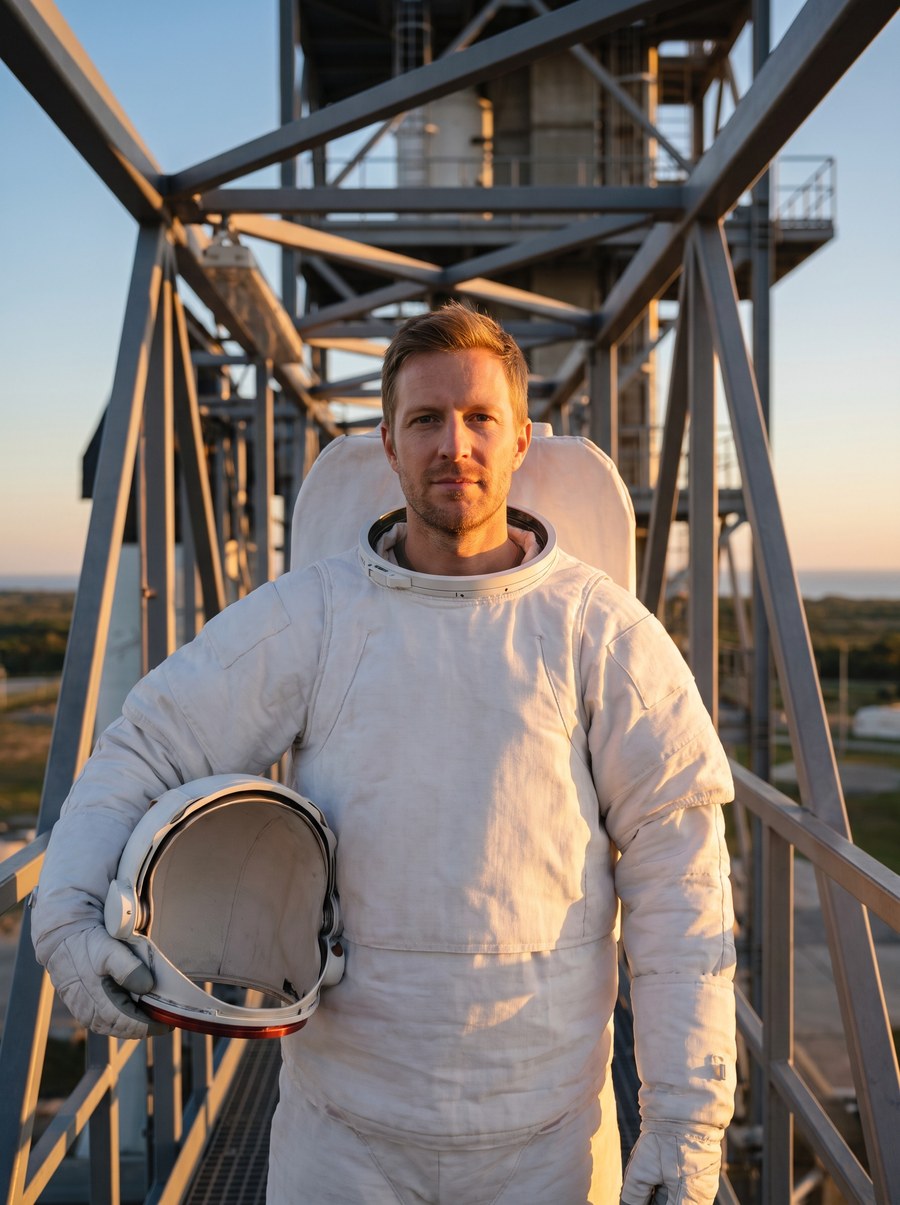
Generate forever
Your model lands in your studio — and the same identity powers every tool. New on-brand images in any style, outfit, or scene; restyle, inpaint, swap faces. Consistent every single time.
Who trains a model
Professional headshots
Studio-quality LinkedIn and team photos in any outfit and backdrop — no photographer, no booking.
Try it now →Brands & ambassadors
Train a face for your brand and generate endless campaign imagery that always looks identical.
Try it now →Artists & worldbuilders
Train original characters and keep them consistent across an entire series, comic, or storyboard.
Try it now →Discover more AI features
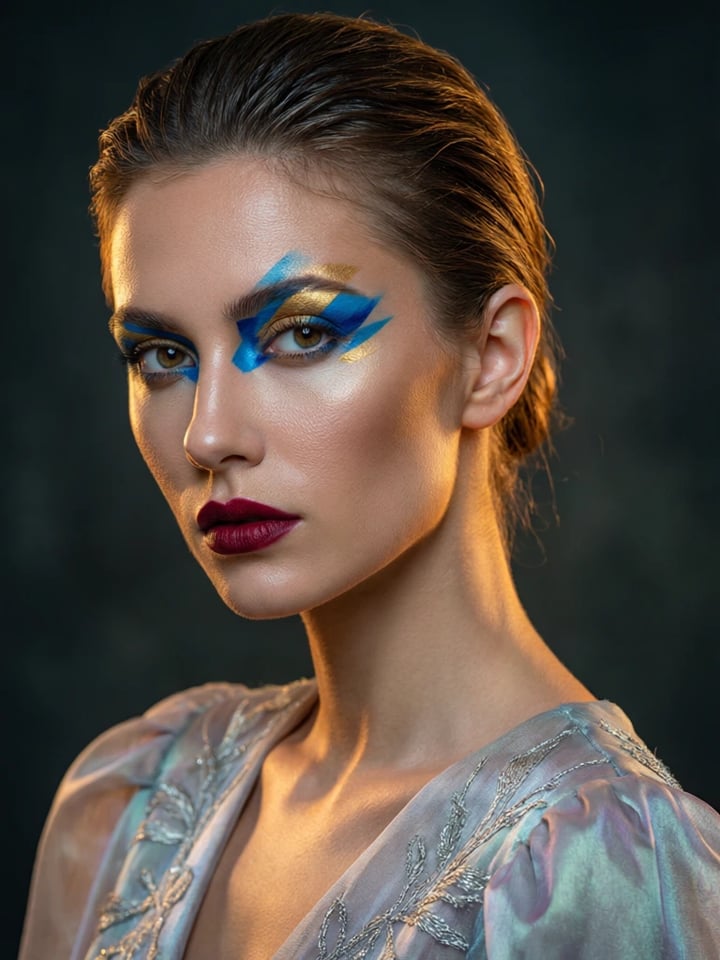
Pro LoRA Generator
For advanced users — bring your own LoRA or choose from 1,000+ community styles and characters.
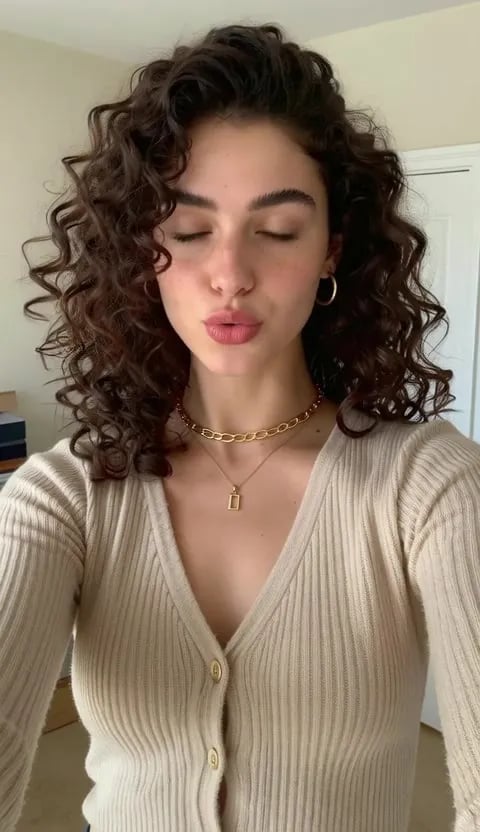
Lipsync Studio
No camera, no shoot, no retakes — a photo and a voice note become a video of that person saying it, or a clip you already shot says something new.
AI Influencer Generator
Create a consistent virtual influencer — generate a face or train yours, then make photos and reels
LoRA Trainer
Train custom AI models on your own images
LoRA training — frequently asked questions
What is LoRA training?
LoRA training teaches an AI to recognise a specific face, character, or style from a small set of example photos. With Imagera you upload 10–30 photos and we train a private custom model of you in minutes — no code, no setup, no node graphs. Afterward that same trained identity powers every tool: generate new images that always look like you, restyle, inpaint, swap faces, even bring your model into motion.
How do I train a LoRA online?
Upload 10–30 clear photos of one subject (varied angles, lighting and expressions work best), pick a quality level, and start. Imagera handles the entire training process in the cloud and your model is ready in about 20–30 minutes — then it appears in your studio, ready to generate.
How many photos do I need to train a model?
Between 10 and 30 photos of a single subject. More variety in angle, lighting and expression produces a sharper, more flexible model. You can retrain anytime with a better photo set.
How long does LoRA training take?
Usually about 20–30 minutes from upload to a finished, usable model. You can leave the page — the model appears in your studio automatically when it is ready.
How does training pricing work?
Training is a one-time flat fee per model — no subscription. Higher-quality options are available for sharper results. The real value is what one trained model unlocks: the same identity then powers every tool in the studio — generation, restyling, inpainting, face swap, even motion — so you build one asset and reuse it everywhere.
Do I need any technical skills?
None. There are no node graphs, weight files, config files, or command lines. If you can upload photos, you can train a model. Everything runs in the cloud in your browser.
Is my data private and secure?
Yes. Your photos are used only to train your private model, which belongs to you. You can rename, retrain, or permanently delete it anytime from My Trained Models. Generated images come with full commercial rights.
What photos work best for training?
Clear, well-lit photos of one subject with varied angles and expressions — some close-ups, some upper-body, a few full-body. Avoid heavy filters, sunglasses, group shots, and very dark or blurry images. 15–25 good photos beats 30 mediocre ones.
Can I train more than one model?
Yes. Train as many models as you like — yourself, a brand ambassador, a fictional character, a pet, or a product. Each is a separate one-time training. They all live in My Trained Models.
What can I do after training?
The same trained identity powers the whole studio: generate new on-model images in any style, outfit, pose or scene; apply style transfer; edit specific areas; control poses; swap and enhance faces; even bring your model into motion — all while your likeness stays perfectly consistent.
Learn more
What LoRA is, how a browser training run works without a GPU, and which trained models hold up as photorealistic.
GuideImage Generator
Use your trained LoRA models to generate images instantly
What is LoRA?
Complete guide to LoRA — how it works, why it matters, and how to use it
Train a LoRA Online
Step-by-step: train a custom LoRA model in your browser — no GPU required
Best LoRA Models for Realism
Curated list of face detail, skin texture, and lighting LoRAs for photorealism
Stable Diffusion Alternative
Train and use LoRA models without local setup — compare Imagera vs Stable Diffusion
Midjourney Alternative
Custom LoRA training vs Midjourney styles — compare personalization options
Browse All Articles
In-depth articles about LoRA training and AI model fine-tuning
Key takeaways
How many photos do I need to train a model?
Between 10 and 30 photos of a single subject. More variety in angle, lighting and expression produces a sharper, more flexible model. You can retrain anytime with a better photo set.
What can I do after training?
The same trained identity powers the whole studio: generate new on-model images in any style, outfit, pose or scene; apply style transfer; edit specific areas; control poses; swap and enhance faces; even bring your model into motion — all while your likeness stays perfectly consistent.
The old way vs. Imagera
| What matters | Imagera | DIY local training |
|---|---|---|
| Setup | Upload photos in your browser — nothing to install | Install tools, node graphs, config files |
| Hardware | Runs entirely in the cloud, on any device | A powerful local GPU on your own machine |
| Photos needed | 10–30 clear photos of one subject | Varies — often a large, manually cleaned set |
| Consistency | Same likeness in every image you generate | Inconsistent, different-looking results |
| Reuse | One identity powers generate, restyle, inpaint and face swap | Weight file you manage and load yourself |
| Cost model | From 655 credits per training, no subscription | Your own GPU time and electricity |
Use responsibly
Train only faces you have the right to use. Results vary with photo quality and prompt. Commercial rights apply to paid generations per Imagera terms.
Train it once. It is yours after that.
Upload your photos and start training. Then the same you powers every tool — new scenes, poses, styles, face swap. One identity across the whole studio.
Start LoRA training →