My Trained Models
Every model you have trained, on one wall — open one to generate with it, copy its trigger word, or delete it for good. The library itself runs nothing and costs nothing.
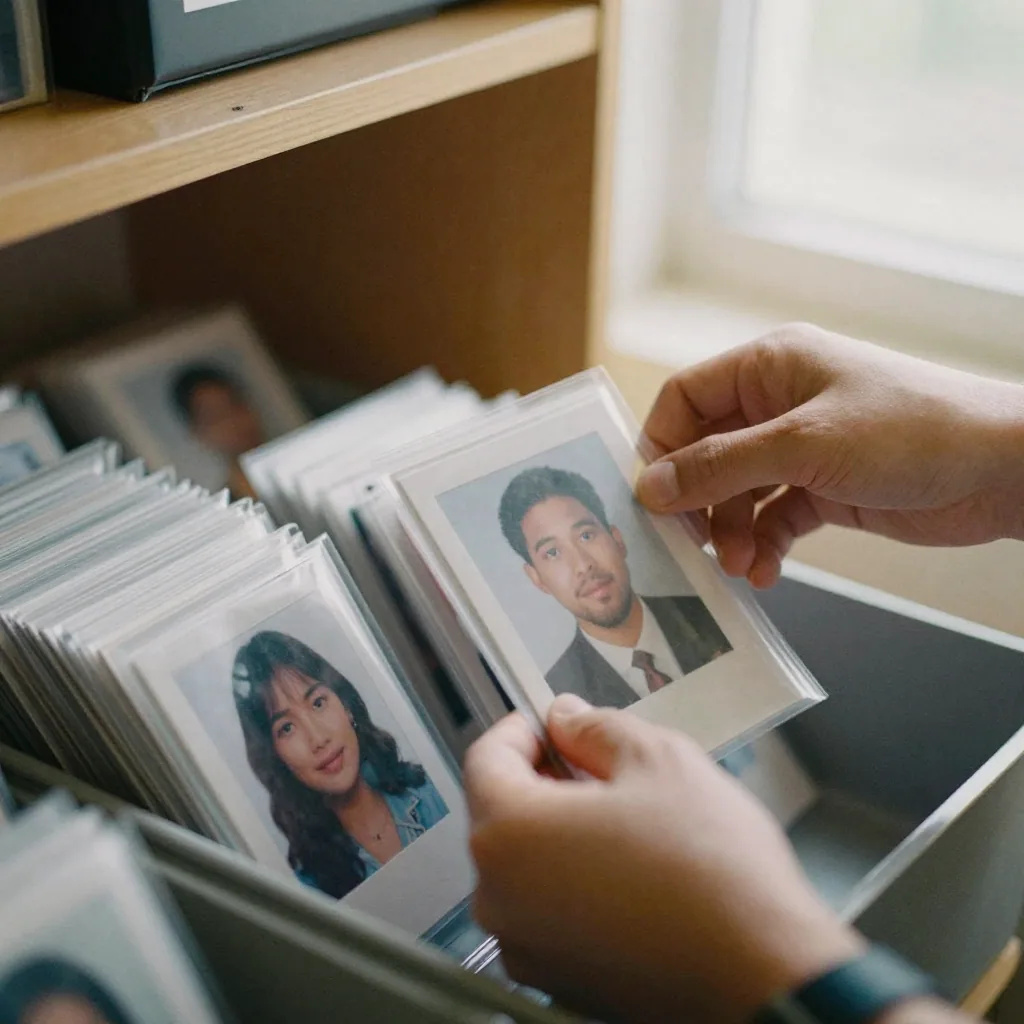
Where do I find the AI models I have already trained?
My Trained Models is the wall that lists them. Every model you have finished training appears there with its cover, its name, the engine it was trained for and its trigger word, newest first, alongside any shared sample models you can try. Opening one hands it straight to the studio that generates with it. The page itself generates nothing and spends no credits.
- What it does
- Lists the models you have trained — it runs no job
- Credits
- None on this page; a run is priced in the studio it opens
- Per model
- Open and generate, copy the trigger word, or delete
- How many
- No limit — models sit side by side, newest first
Updated October 10, 2026
Cite this page: https://imagera.ai/image/personal-influencer/my-models
 Illustration
What keeping a model library is for
A shelf, not a job history
My Trained Models is the control room for every AI model you have created inside Imagera's Personal Influencer suite. Once you finish training a model on a person or a specific configuration, it does not disappear into a list of anonymous jobs — it lands here as a named, reusable asset you can open, inspect, and put back to work whenever you need it. Think of it less like a training screen and more like a library shelf: each spine is a distinct identity you can pull down on demand.
Know more →Models are assets, not experiments
It is designed for creators, marketers, and small teams who treat AI identities as long-lived assets rather than throwaway experiments. The value shows up over weeks and months: instead of re-uploading photos and re-training every time you want a new shot, you return to a model you already trust and generate again in a few clicks.
Know more →Keep both when the goals differ
Running a parallel model is the answer when the goal is genuinely different rather than better. A separate stylized character, a distinct persona, or a configuration tuned for a specific look should live as its own asset instead of overwriting something that already works, because each model is independent and none interfere with each other. The simple test: if you might ever want both outputs, keep both models; if the new version is meant to supersede the old, retrain and eventually delete. Holding those three moves — reuse, retrain, parallel — clearly apart is what keeps a growing library intentional instead of cluttered.
Know more →What the wall actually shows you
Your finished models and the shared samples you can try, newest first, each one a click from the studio that generates with it.
What a tile shows, and the two things you can do to it
Each model arrives as a card: its own cover art where one exists, otherwise a cover drawn from what that model has generated, otherwise a plain monogram mark — plus the name it was trained under, the engine it belongs to, and its trigger word. A model that has not finished carries a status chip and cannot be opened, which is the interface refusing to let you spend credits on something incomplete. Shared sample models sit below your own under a Sample chip. From the card itself there are exactly two actions: copy the trigger word, and delete. Tapping the card anywhere else hands the model to the studio that generates with it, already attached. There is no rename here and no retrain button — a model carries the name it was given when its training run started.
Where the library fits in a repeatable loop
A trained model is most valuable when it becomes the fixed point in a routine rather than a one-off. In practice, the loop looks like this: open My Trained Models, confirm the identity you want shows a completed status, select it, and send it into generation for the batch you need — a set of posts, a run of thumbnails, a few profile variants. Because the model is already trained, that entire cycle is measured in clicks rather than a fresh setup, which is what lets a content schedule survive contact with a busy week. The library is the thing you return to, not the thing you rebuild.
Planning in batches instead of shot by shot
Treating the library as the entry point also changes how you plan. Rather than deciding shot by shot whether to train, you decide once per identity and then think in batches: this week from the founder model, next week a stylized set from a character model, an occasional refresh when you retrain with newer photos. The credits you spend land on generations from an asset you already own, so the meaningful investment stays where it belongs — at training time — and the recurring work becomes light, predictable, and easy to hand to a routine.
How to use a model you have already trained
Three steps. The expensive part already happened.
View your models
Open the wall and everything you have trained is there, newest first, each card carrying its cover, its name, its engine and its trigger word. Anything still training wears a status chip and stays inert until it finishes, so you can see at a glance what is ready to use.
Select Model
Choose a model to generate images or manage it.
Generate
Click generate to create new photos using the selected model.
When a model library earns its keep
Content that ships on a schedule
The clearest case is a personal brand that ships content on a schedule. A creator trains a model of themselves once, then comes back to My Trained Models every week to generate a new batch of photos for posts, thumbnails, and profiles — same face, same believable likeness, no re-training. The library is what makes that cadence sustainable, because the identity is always one click from a fresh generation instead of an afternoon of setup.
Several identities kept apart
Anyone running more than one persona — themselves plus a stylised character, or one model per client — needs the two never to blur into each other. Every model on this wall is its own record with its own name, its own engine and its own trigger word, and none of them influences another, so switching personas is a matter of opening a different card rather than remembering which prompt belonged to which look.
Coming back to a model months later
A frequent follow-up is whether returning to an old model means starting over. It does not. Because the training is already complete and stored, coming back later is just view, select, and generate — no re-uploading, no waiting on a new training run. That reusability is the whole reason the library exists, and it is what turns a single well-trained model into a source of consistent images you can draw on again and again.
Discover more AI features

Pro LoRA Generator
For advanced users — bring your own LoRA for a consistent style or character.

Lipsync Studio
No camera, no shoot, no retakes — a photo and a voice note become a video of that person saying it, or a clip you already shot says something new.
 Illustration
Creator program
Run an AI influencer account? Post what you make with your link and earn 30% of what each customer you refer pays for 12 months
AI Influencer Generator
Create a consistent virtual influencer — generate a face or train yours, then make photos and reels
LoRA Trainer
Train custom AI models on your own images
Frequently asked questions
Can I have multiple trained models?
Yes. Train as many models as you want. Each model represents a different person or training configuration.
Can I rename a model from this page?
No. A model keeps the name it was given when its training run started, and the wall has no rename control — the only two buttons on a card are copy-trigger-word and delete. If a name has stopped making sense, the practical move is to train the replacement under the name you want and delete the old one once the new model has proved itself. Nothing forces you to overwrite: both can sit on the wall while you compare them.
Does opening the library cost credits?
No. Listing your models, opening one, copying a trigger word and deleting a model all cost nothing — this page runs no job. Credits are spent when you actually generate, and the price for that is shown on the button in the studio the model opens into, because it depends on the engine and settings you choose there.
What happens when I delete a model?
It goes for good. The trained weights and the configuration file are removed from storage and the record is deleted, and there is no undo — the confirmation prompt says so before anything happens. Deleting a model that is still training also cancels that run and returns the credits it had reserved. Images you already generated from the model are unaffected; they live in your library, not in the model.
Why will one of my models not open?
Because it has not finished. Any model whose status is not complete renders with a status chip and cannot be selected, which is deliberate: generating against an unfinished model would spend credits on something that cannot produce the likeness yet. Refresh the wall to pick up the change once training has completed.
What are the sample models on the wall?
Shared models other people have made public, offered so you can see what a trained identity does before you spend a training run on one of your own. They appear under their own heading with a Sample chip, they open into the studio the same way your models do, and they cannot be deleted because they are not yours. Only samples the generate card can actually run are shown, so nothing on the wall is a dead end.
How does managing trained models in Imagera compare to the alternatives?
| Dimension | Imagera My Trained Models | Re-training every time | Prompt-only image tools |
|---|---|---|---|
| Reusing an identity | Trained models are saved as named assets; select and generate again anytime | You rebuild the model from scratch for each new batch | No persistent identity — you re-describe the look in every prompt |
| Time to a new photo | A few clicks: view, select, generate from a finished model | Waiting on a fresh training run before you can generate | Fast per image, but likeness drifts between generations |
| Identity consistency | Same trained model yields a repeatable, consistent likeness | New training can shift the look run to run | Hard to hold one face steady across many images |
| Managing multiple identities | Each model is separate, with its own name, engine and trigger word, and none affects another | Multiple identities mean repeated setup and easy mix-ups | No structured way to keep personas apart |
| Housekeeping | Copy a trigger word or delete a model you have finished with, from the same wall | Little organisation beyond a job history | Not applicable — nothing to store or curate |
| Cost pattern | Training is the one real spend; the library itself costs nothing and a generation is priced on the button in the studio a model opens into | You risk paying to train the same identity more than once | Credits per image with no reusable asset to show for it |
Train once, come back as often as you like
A finished model does not expire into a job history. It sits on the wall until you open it again — or until you decide to delete it.
Open your model library →