Professional product photography has always presented the same economic problem for e-commerce sellers: high costs that don't scale. A single product photography session with a professional photographer typically costs between $300 and $2,000, depending on complexity, location, and the number of SKUs. That price includes studio space rental, lighting equipment, prop sourcing, photographer fees, and post-production editing. For small e-commerce businesses with dozens or hundreds of products, these costs become prohibitive.
The situation gets worse when you need variations. Want the same product photographed against seasonal backgrounds for holiday promotions? That's another full shoot. Need to A/B test different lifestyle contexts to optimize conversion rates? More studio time, more expenses. The traditional product photography model forces sellers to choose between investing heavily in visual content or settling for basic white-background images that perform poorly on modern marketplaces.
AI background replacement technology changes this economic equation entirely. Instead of booking studio sessions and coordinating with photographers, sellers can now photograph products once on any clean surface, then generate unlimited lifestyle backgrounds through AI Background Studio. The cost drops from hundreds of dollars per image to a credit charge per background replacement, with turnaround times measured in seconds rather than weeks.
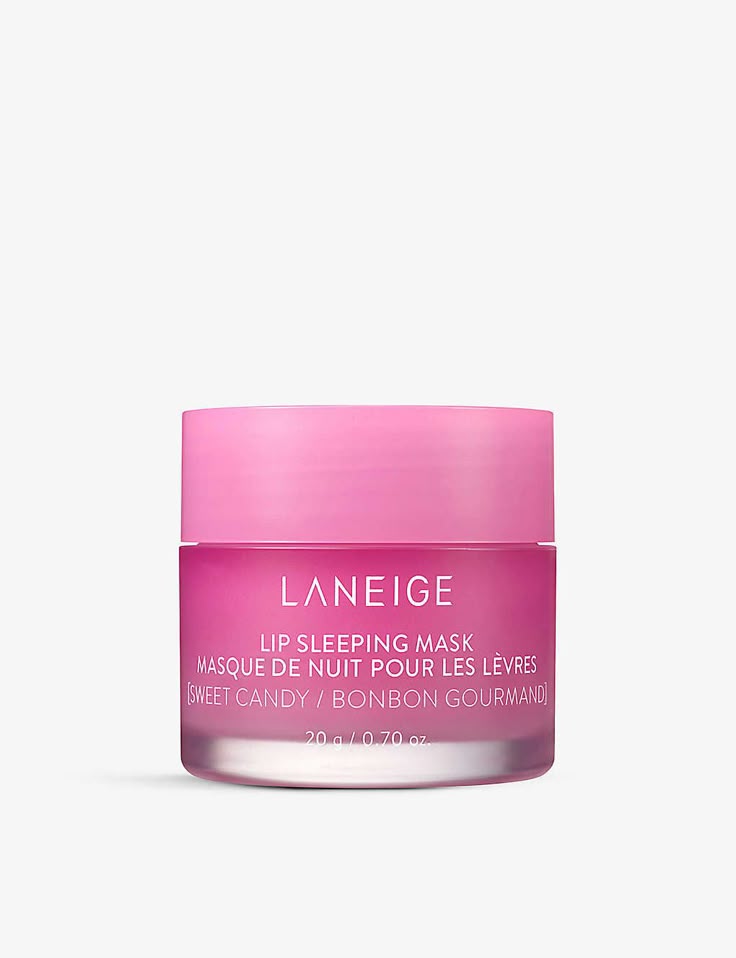
AI Background Changer for Product Photography: E-Commerce Guide is a practical Imagera workflow: start from a real source file, describe what should change, generate with credits shown up front, and review before you publish. This guide covers the steps, quality checks, and when to use related tools.
Quick answer: Yes, Imagera's AI background changer swaps or removes product photo backgrounds automatically, delivering clean, marketplace-ready shots in under 60 seconds without a studio, lightbox, or manual masking.
1.How does an AI background changer improve product photos for ecommerce?
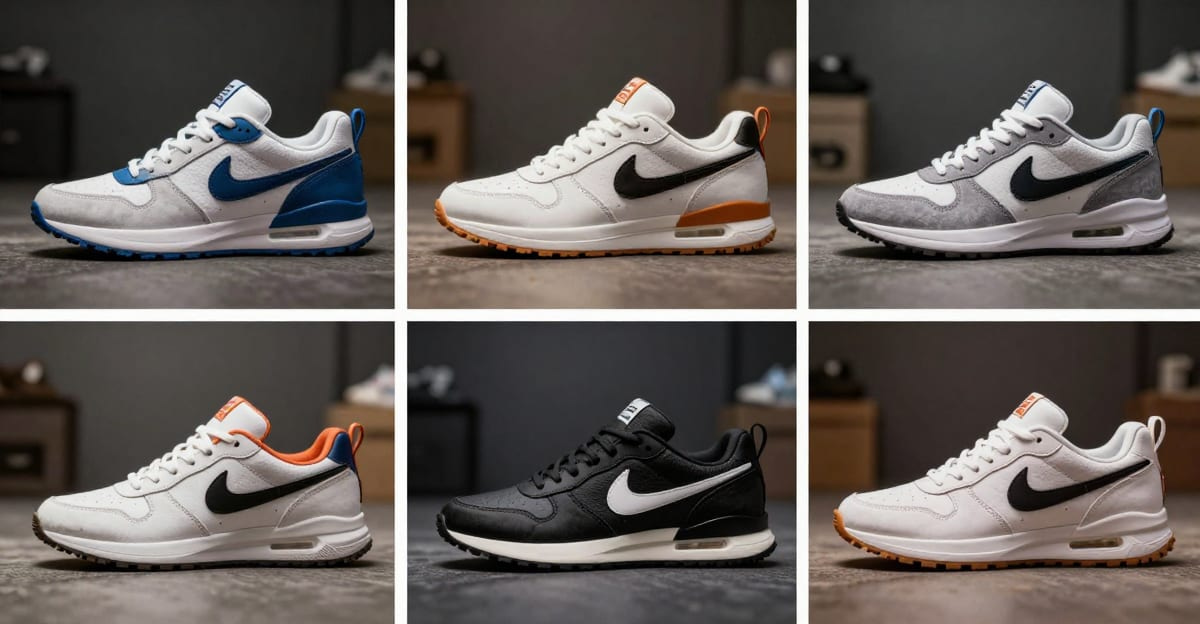
Imagera detects and cuts your product edges automatically, then drops in white, lifestyle, or branded backgrounds at up to 4K resolution. One upload can generate 5 or more background variations in under 60 seconds, so a 100+ SKU catalog that once took days of studio work ships the same afternoon, all from a single 2026 phone photo.
2.Are AI-generated product backgrounds good enough for Amazon and Shopify listings?
Yes. Imagera outputs pure-white backgrounds that meet Amazon's main-image standard, plus lifestyle scenes at 4K for secondary slots, keeping edges crisp with no visible halos. Clearer, more consistent product imagery helps shoppers judge what they're buying, and using the same clean background across 100+ listings gives your storefront a cohesive, trustworthy look while sparing you repeated studio shoots.
3.Why Product Backgrounds Matter for E-Commerce
The data on product photography performance is consistent across platforms: lifestyle images tend to convert better than white-background-only listings. Widely cited e-commerce optimization figures put the conversion uplift from lifestyle photography in the range of roughly 20-30% compared to white-background-only images. To be precise: these are reported averages compiled from vendor case studies and CRO write-ups, not a single controlled study — actual uplift varies by product category, price point, and audience, and individual results vary. Amazon's A+ Content guidance does explicitly encourage lifestyle images, and Shopify and Etsy merchants commonly report similar performance improvements.
The psychological mechanism is straightforward. White background images provide product information—dimensions, color, features—but they don't communicate context or use cases. A leather handbag on a white background is just a bag. The same handbag photographed on a marble countertop with morning light streaming through a window tells a different story: this is a luxury item for someone with refined taste who might use it during a morning coffee routine.
Marketplace algorithms reinforce this preference. Amazon's search ranking algorithm considers customer engagement metrics, including click-through rates and conversion rates. Listings with more engaging imagery rank higher in search results, creating a compounding advantage. The same pattern applies to Pinterest, Instagram Shopping, and Google Shopping ads—platforms where visual content directly impacts visibility and performance.
But creating lifestyle product photography traditionally requires significant resources for each variation. A skincare brand wanting to show their products in different contexts—bathroom counters, bedside tables, outdoor settings, holiday themes—would need separate photoshoots for each scenario. For a 50-SKU catalog across four seasonal themes, that's 200 lifestyle images at traditional photography rates. The math stops working for most sellers.
AI-generated backgrounds solve this scalability problem by decoupling the product photograph from the background context. Photograph each product once under good lighting conditions, then generate as many contextual backgrounds as needed through text descriptions. The same source image of a water bottle can appear on a gym bench, a hiking trail, an office desk, or a yoga mat—each variation created in seconds rather than requiring new photoshoots.
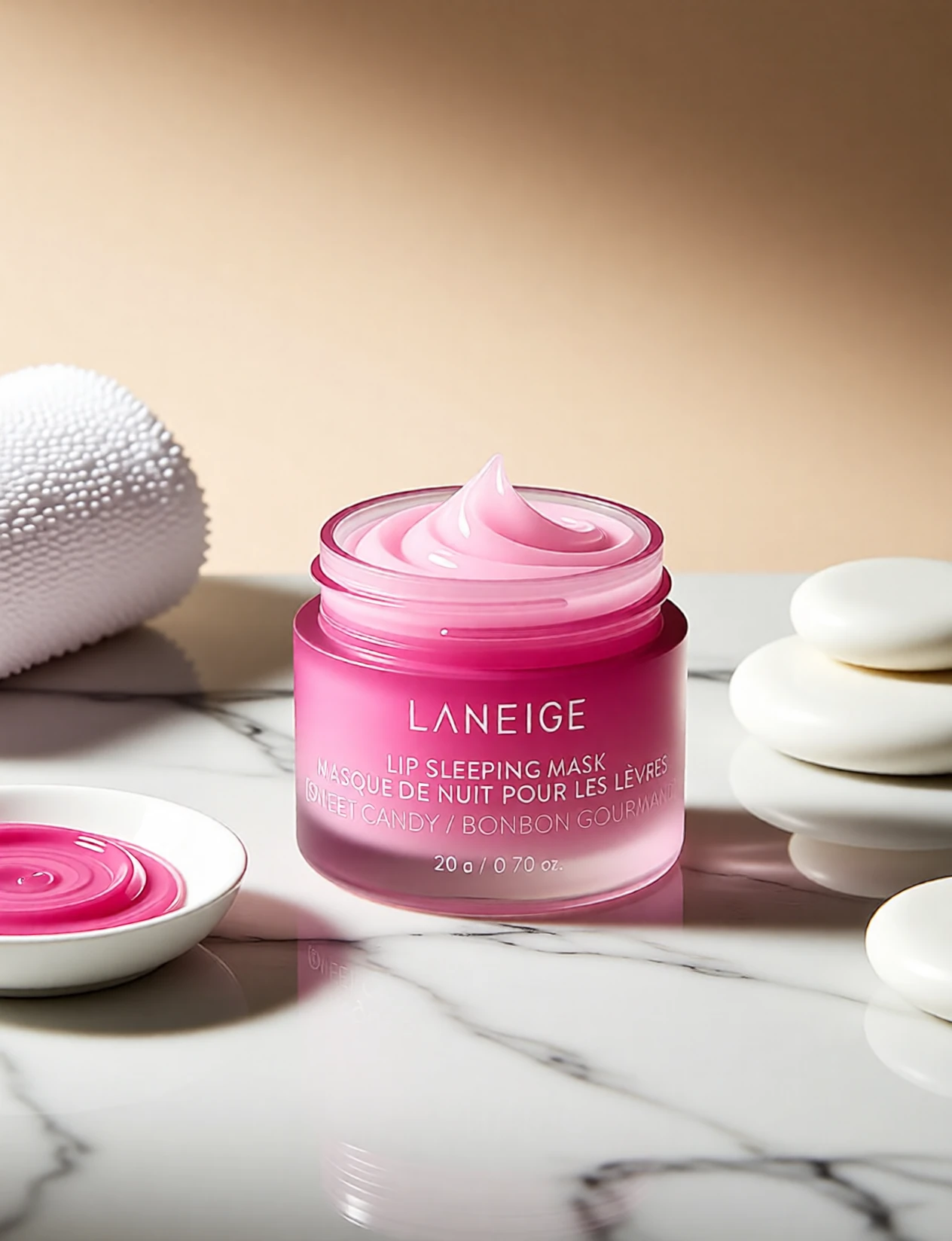
The flexibility extends to testing and optimization. Traditional photography locks you into specific background choices before you know what performs best. With AI background generation, you can create multiple variations, test them against each other through A/B testing, then scale production of the highest-converting contexts. This data-driven approach to product photography was previously available only to larger brands with substantial marketing budgets.
4.How AI Background Replacement Works for Products
The technical process of AI background replacement for product photography involves several steps, but the user experience is straightforward. Understanding what happens behind the scenes helps you prepare better source images and write more effective prompts for optimal results.
Start with photographing your product on any clean, neutral surface with good lighting. You don't need professional studio equipment—a smartphone camera works fine as long as the product is well-lit and the edges are clearly defined. Natural window light or even basic LED lighting produces sufficient quality. The key requirement is that the product should be clearly distinguishable from its background, with minimal shadows or complex reflections that would complicate edge detection.
Upload this source image to AI Background Studio. The AI system first performs background removal, isolating your product from its original context. This step uses segmentation algorithms that identify product boundaries based on edge detection, color contrast, and object recognition. The quality of this isolation directly affects the final result—products with clean edges and high contrast against their background isolate more cleanly.
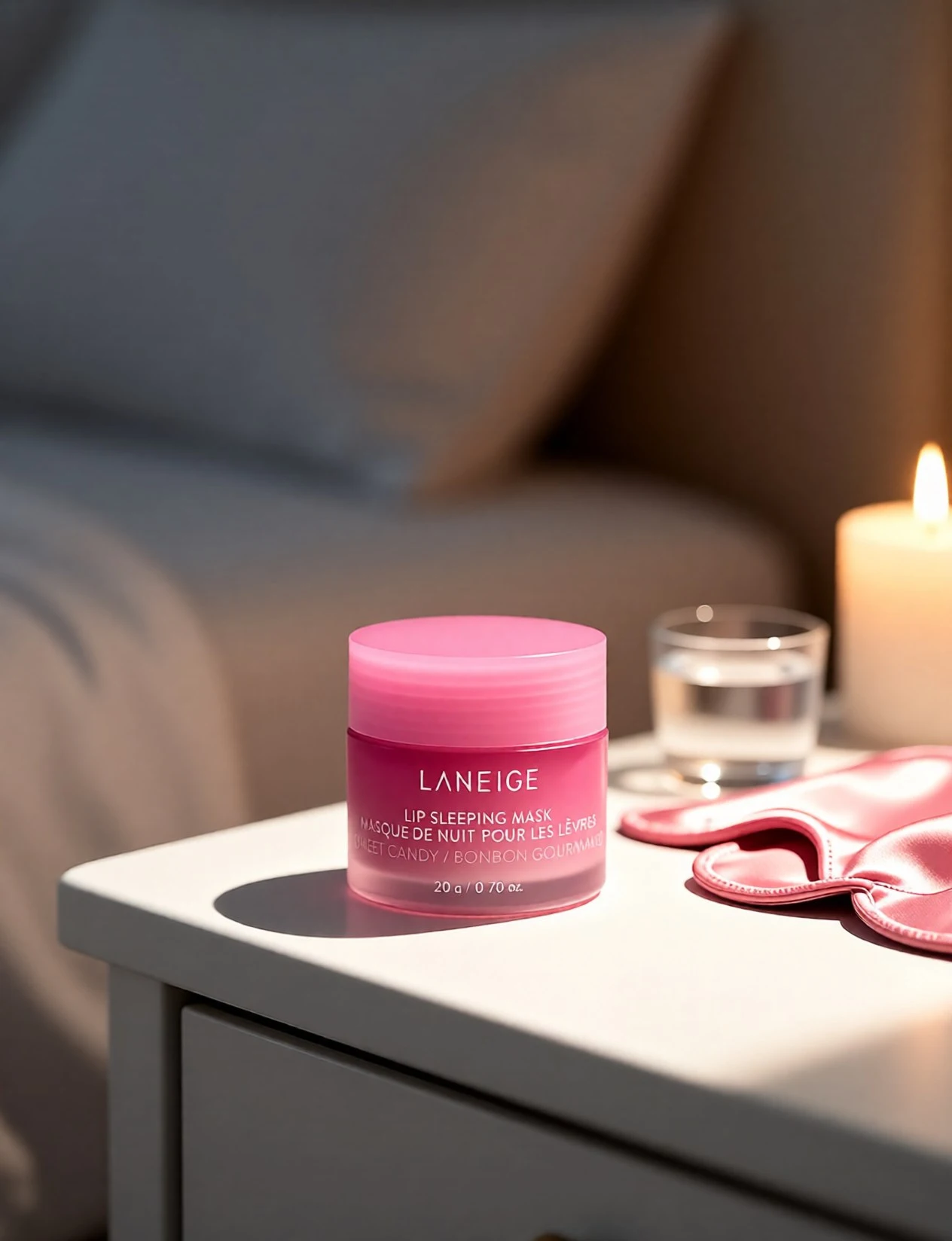
Next, you describe the desired background scene through a text prompt. This is where specificity matters. A prompt like "kitchen counter" gives the AI basic direction, but "marble kitchen counter with soft morning light from a window, minimal styling" provides much more useful guidance. The AI interprets this description and generates a photorealistic background scene that matches your specifications.
The final step involves compositing—placing your isolated product into the generated background with appropriate lighting adjustments. This is where AI background replacement differs from simple background removal. The system automatically adjusts lighting on your product to match the generated scene's illumination. If you specified morning window light, the AI adds subtle highlights and shadows to your product that align with that lighting direction. This automated lighting adjustment is what makes AI-generated product images look professionally photographed rather than obviously composited.
The entire process takes between 10-30 seconds depending on image resolution and prompt complexity. For batch processing multiple products, you can upload several source images and apply consistent prompt templates to maintain visual coherence across your catalog. The system charges 15 credits per background replacement, making it practical to generate multiple variations per product for testing purposes.
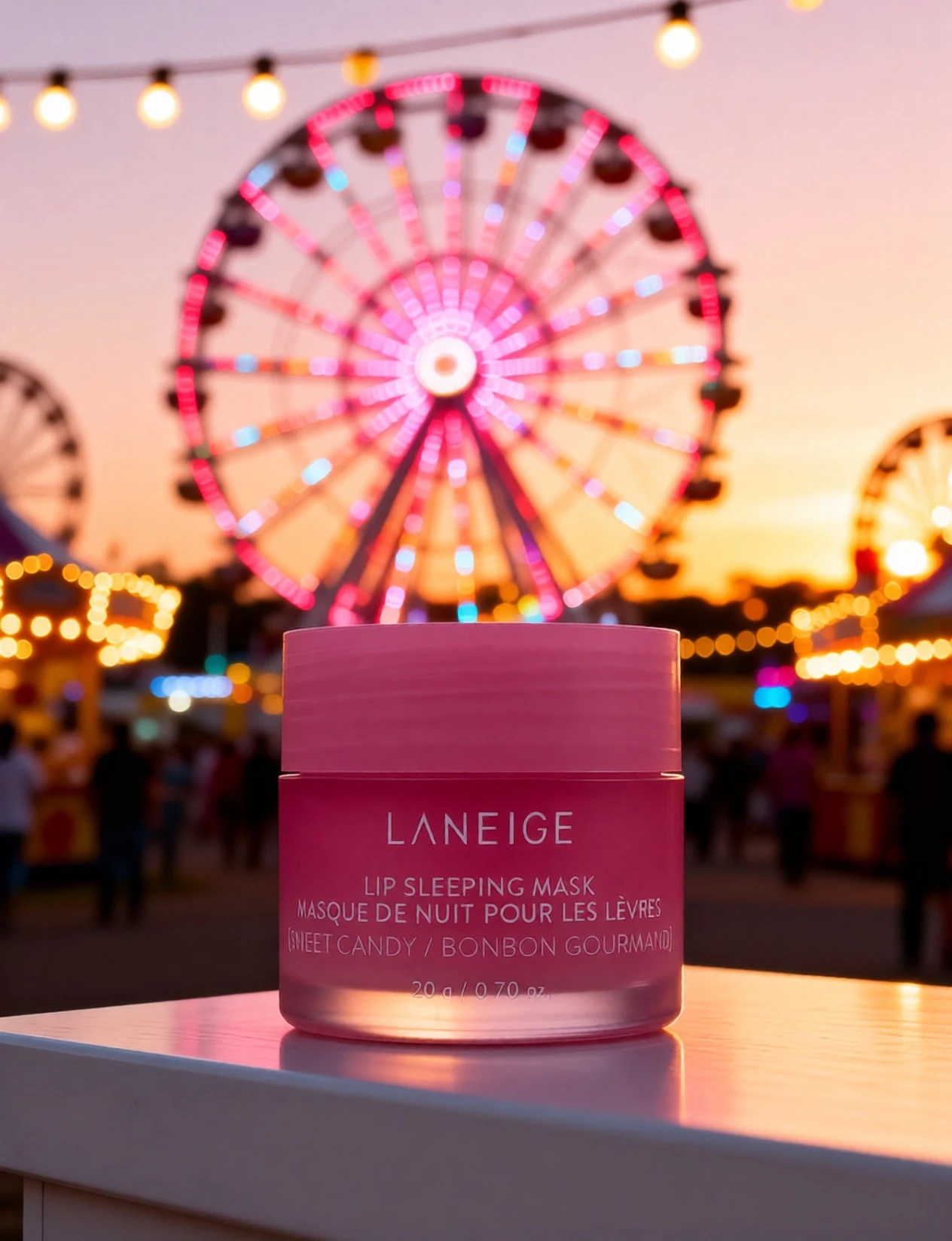
One technical consideration: the AI generates backgrounds at specific resolutions. If you need higher resolution for print catalogs or large displays, chain this process with AI Image Upscaler to scale up the final composite without quality loss. For standard e-commerce use on Shopify, Amazon, or Etsy, the default output resolution meets platform requirements without additional processing.
For sellers who don't have existing product photographs, AI Product Photography provides an alternative approach—generating complete product scenes from text descriptions rather than replacing backgrounds on existing images. That tool works better for concept visualization before physical products exist, while AI Background Studio focuses on enhancing real product photographs.
5.6 Product Photography Scenarios AI Handles
White-to-Lifestyle Conversion
The most common use case involves transforming standard white-background product photos into lifestyle contexts. Many sellers start with white backgrounds because they're easy to create and meet basic marketplace requirements. But once you have those foundational images, AI background replacement lets you create lifestyle variations without reshooting. A white-background photo of kitchen knives becomes a culinary scene on a wooden cutting board with fresh ingredients. The same electronics product on white background transforms into a modern desk setup with complementary accessories. This conversion strategy allows you to meet platform baseline requirements with white backgrounds while also providing the lifestyle imagery that drives higher conversion rates.
Seasonal and Holiday Variations
E-commerce selling follows seasonal patterns—holiday shopping seasons, summer promotions, back-to-school periods. Creating seasonal product imagery traditionally requires new photoshoots every few months. With AI background replacement, you photograph each product once, then generate seasonal variations by changing the background prompt. Your candle products appear against autumn leaves in October, holiday decorations in December, spring flowers in March. The product photograph stays identical, ensuring color accuracy and product representation remain consistent while the contextual background adapts to seasonal marketing needs. This approach dramatically reduces the cost of maintaining seasonal visual content across your catalog.
A/B Testing Product Contexts
Conversion rate optimization relies on testing. But testing product photography traditionally means either conducting multiple expensive photoshoots or accepting that you can't test visual variables. AI-generated backgrounds enable systematic A/B testing of product contexts. Does your yoga mat convert better when shown on a wooden studio floor, on a beach, or in a home living room? Generate all three variations from the same source image, run split tests on your product pages or ads, then scale production of whichever context performs best. This data-driven approach to product photography was previously impractical for most sellers due to production costs.
Social Media Content Production
Instagram, Pinterest, and TikTok Shop require consistent visual content production. Creating enough product images for daily social posts through traditional photography isn't feasible for most businesses. AI background replacement solves the content volume problem by letting you generate dozens of on-brand product images from a limited set of source photographs. Change backgrounds to match trending aesthetics, seasonal themes, or specific campaign messaging. A skincare brand can show their serums in bathroom settings, outdoor natural environments, minimalist aesthetics, or luxury spa contexts—all derived from the same core product photos. The volume of social-ready content you can produce increases dramatically.
Marketplace Compliance and Enhancement
Amazon requires white backgrounds for primary product images but allows lifestyle images in secondary slots. Other marketplaces have similar requirements—neutral backgrounds for search thumbnails, lifestyle context for detail pages. AI background replacement lets you serve both needs efficiently. Create compliant white-background images for primary positions, then generate lifestyle variations for secondary image slots that do the actual selling work. You maintain marketplace compliance while also providing the contextual imagery that influences purchase decisions. The same approach works across platforms—Etsy, eBay, Walmart Marketplace—each with slightly different image requirements that AI-generated variations can accommodate.
Catalog Consistency Across Product Lines
Large product catalogs face a consistency challenge. If you photograph products over several months or years, lighting conditions, styling choices, and photography quality vary. This inconsistency makes your catalog look unprofessional. AI background replacement provides a solution: photograph products under any conditions that clearly show the product, then apply consistent background templates across your entire catalog. Every product appears against the same marble counter, the same wooden surface, or the same minimalist background regardless of when or where you originally photographed it. This retroactive consistency improvement would be prohibitively expensive with traditional photography reshoots.
6.Cost Comparison: Traditional vs AI Product Photography
Understanding the true cost difference between traditional product photography and AI background replacement requires looking beyond per-image pricing to total workflow costs and scalability economics.
| Factor | Traditional Studio | AI Background Replacement |
|---|---|---|
| Per-image cost | $50-$200+ | Credits per image |
| Setup time | 1-3 hours | Minutes |
| Seasonal reshoot | Full reshoot needed | New prompt, same product |
| Equipment needed | Camera, lights, props, space | Browser + source photo |
| Turnaround | 1-2 weeks | Seconds |
| SKU scalability | Expensive per SKU | Same cost per image |
| Testing variations | Expensive | Minimal additional cost |
| Geographic limitations | Local photographer availability | Online, accessible globally |
The per-image cost difference is substantial but the scalability factor matters more. Traditional product photography has high fixed costs per session—studio rental, photographer time, equipment setup—which means the economics only work when photographing many products in a single session. For businesses adding new products incrementally or needing to reshoot individual items, those fixed costs get distributed across fewer images, pushing per-image costs higher.
AI background replacement has no fixed costs beyond the initial source photograph. Whether you generate one lifestyle background or fifty from the same source image, your marginal cost remains 15 credits per background. This makes small-batch production economical in ways traditional photography never could be.
The testing economics shift dramatically. In traditional photography, creating three different background variations for A/B testing means three separate setups, three times the props, three times the photographer's time. In AI background replacement, testing costs exactly the same as single-image production—45 credits total for three variations versus 15 credits for one. This pricing structure encourages experimentation and optimization rather than penalizing it.
Turnaround time translates to business agility. Traditional photography requires scheduling coordination, travel time, shooting time, and post-production editing—typically 1-2 weeks total before you have usable images. AI background replacement delivers results in seconds. For businesses that need to respond quickly to trends, launch products on tight timelines, or adjust visual content based on performance data, this time difference is often more valuable than the cost savings.
Imagera charges 15 credits per background replacement, with plans starting at $19.99/month and credit packs from 350 credits.
7.Best Practices for AI Product Backgrounds
Getting professional results from AI background replacement requires understanding what makes source images work well and how to write effective scene descriptions.
Source Photo Quality
Start with the highest resolution source images practical. While AI can work with smartphone photos, higher resolution provides more detail for the edge detection algorithms and produces sharper final composites. Ensure your product is well-lit from multiple angles to avoid harsh shadows that complicate background separation. The edges of your product should have clear definition against the background—this means avoiding situations where product color closely matches background color or where reflective surfaces create complex edge scenarios.
Clean the product and background before photographing. Dust, scratches, or background clutter that seems minor in the source image becomes more obvious once isolated and placed against a clean AI-generated background. Take the time to wipe down products, remove any packaging materials or price tags, and ensure the temporary background is clean and neutral. A few minutes of preparation substantially improves final output quality.
Prompt Specificity
Generic prompts like "kitchen" or "outdoor" give the AI minimal guidance, resulting in generic backgrounds that may not align with your brand aesthetic. Specific prompts produce better results: "modern minimalist kitchen with white marble countertop, soft natural light from the left, one small green plant in soft focus background." This level of detail helps the AI generate scenes that match your vision.
Include lighting direction and quality in your prompts. "Bright overhead fluorescent lighting" creates a different mood than "warm golden hour sunlight from window." The AI adjusts product lighting to match the scene lighting you describe, so specifying lighting characteristics helps create cohesive composites that look naturally photographed rather than artificially assembled.
Mention what you don't want through negative prompts. If you want clean, uncluttered backgrounds, specify "minimal styling, no excessive props" to avoid overly busy generated scenes. This is particularly important for product categories where visual clarity matters more than contextual richness.
Scene Relevance
Match backgrounds to product categories and brand positioning. Luxury products benefit from sophisticated settings—marble surfaces, elegant interiors, high-end materials. Outdoor gear looks appropriate in natural settings but would seem odd against luxury interior backgrounds. The AI can generate any scene you describe, but that doesn't mean every scene makes sense for every product. Consider where your target customer would realistically use or display the product.
Maintain consistency with your brand aesthetic. If your brand uses minimalist white backgrounds across marketing materials, generating busy, heavily styled product backgrounds creates visual dissonance. Use AI background replacement to enhance your existing aesthetic direction rather than introduce conflicting visual styles.
Catalog Consistency
Create and save prompt templates for different product categories or use cases. If you want all kitchen products to appear against the same style of marble counter with consistent lighting, save that specific prompt and reuse it. This template approach ensures visual coherence across your catalog even when generating backgrounds for products photographed at different times or under different conditions.
Document which prompts work best for different product types. Over time you'll discover that certain prompt formulations consistently produce better results for specific categories. Build a prompt library rather than writing new descriptions from scratch for each product.
Resolution and Chaining
For products that need high-resolution images for print catalogs, large displays, or detailed zoom functionality, generate the background replacement at standard resolution first, then upscale using AI Image Upscaler. This two-step approach often produces better results than attempting to generate high-resolution composites directly, and allows you to verify the composition works before investing in upscaling.
For complete scene generation where you need both product and background created together from text descriptions, consider AI Product Photography as an alternative approach. That tool works better for conceptual product visualization before physical products exist, while AI Background Studio excels at enhancing real product photographs.
Iteration and Refinement
Don't expect perfect results on the first attempt. Generate several variations with slightly different prompts, review them together, and identify what works. You might find that "marble counter" produces better results than "granite counter" for your specific products, or that specifying "soft window light" creates more appealing highlights than "bright overhead lighting." This iterative refinement process is economical with AI background replacement in ways it never was with traditional photography.
8.Common Mistakes to Avoid
Using Low-Resolution Source Images
The most frequent quality issue stems from starting with low-resolution or heavily compressed product photos. If your source image is blurry, pixelated, or compressed, those quality issues carry through to the final composite and often become more apparent against the clean AI-generated background. Always start with the highest quality product photograph available. If you only have low-resolution images, consider re-photographing the product before generating background replacements.
Unrealistic Scene Choices
The AI can generate any scene you describe, but not every scene makes sense for every product. Showing office electronics in outdoor wilderness settings or outdoor gear in formal corporate office environments creates cognitive dissonance that hurts rather than helps conversion rates. Choose backgrounds that align with realistic use contexts for your products. Ask where your target customer would actually use or display the item, then generate scenes matching those contexts.
This extends to physical plausibility. Avoid prompts that would create impossible or awkward scenarios—products floating in mid-air, size relationships that don't make sense, or combinations of elements that wouldn't naturally occur together. The AI might generate what you asked for, but the result won't look professionally photographed if the scene itself is implausible.
Inconsistent Backgrounds Across Product Lines
When selling related products—a skincare line, a cookware set, a clothing collection—visual consistency reinforces brand identity and makes your catalog look professionally produced. Generating completely different background styles for each product in a collection makes your store look disorganized. Develop background templates for product categories and apply them consistently. All skincare products might appear against bathroom marble, all cookware on wooden kitchen surfaces, all clothing in consistent studio settings.
This doesn't mean every product needs identical backgrounds, but there should be visual coherence within related product groups. Save your best-performing prompts as templates and reuse them systematically rather than improvising new background descriptions for every product.
Ignoring Platform-Specific Requirements
Different sales platforms have specific image requirements—dimensions, file sizes, background colors for primary images, number of allowed images per listing. Amazon requires white backgrounds for main images but allows lifestyle images in secondary positions. Etsy has different aspect ratio recommendations than Shopify. Instagram Shopping has different specs than Pinterest Product Pins.
Before generating backgrounds, check the requirements for each platform where you'll list products. Create images that meet those specs rather than generating backgrounds that require additional editing or resizing. This might mean creating multiple versions of the same product with different backgrounds optimized for different platforms—one version for Amazon compliance, another for Instagram visual appeal, another for Pinterest's preferred aspect ratios.
Not A/B Testing Different Backgrounds
One of the main advantages of AI background replacement is the ability to economically test different visual approaches. Yet many sellers generate a single background per product and move on. Create multiple background variations—different settings, lighting styles, or levels of contextual detail—then A/B test them to determine what actually drives higher conversion rates for your specific audience.
What works for one product category or target demographic may not work for another. The only way to know is to test. Since generating multiple backgrounds costs the same as generating one, there's no economic reason to skip this optimization step.
Neglecting Lighting Consistency
While the AI automatically adjusts product lighting to match generated backgrounds, extreme mismatches between source photo lighting and described background lighting can produce unnatural results. If your source product photo has harsh overhead lighting creating strong top-down shadows, but you describe a scene with soft side lighting, the AI does its best but the composite may not look entirely natural.
For best results, photograph products under soft, even lighting that works well across different background scenarios. Avoid extreme lighting in source photos—harsh overhead lights, strong directional spotlights, or very dark moody lighting—unless you specifically want that lighting style in all your final images.
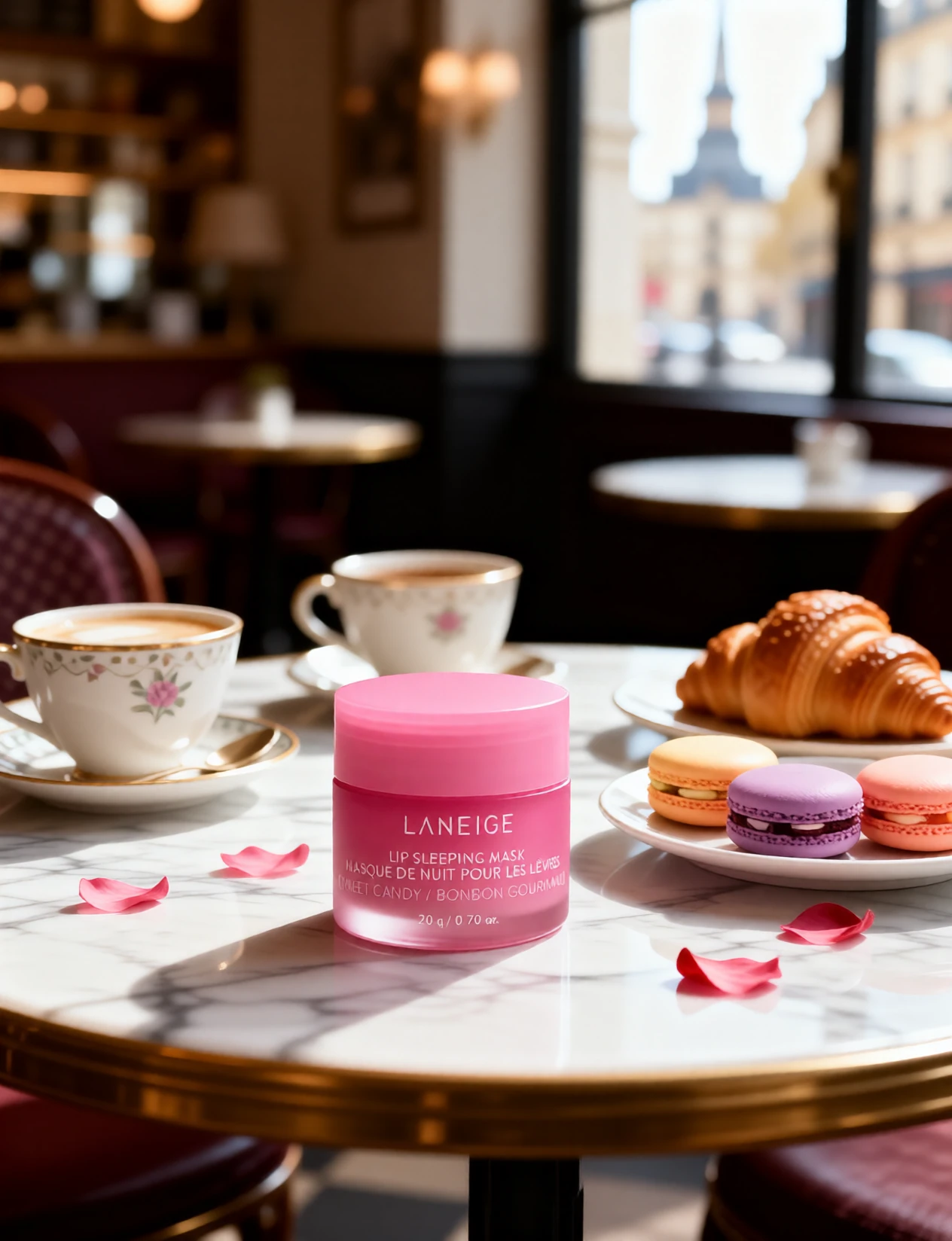
9.See it in action — real Imagera output
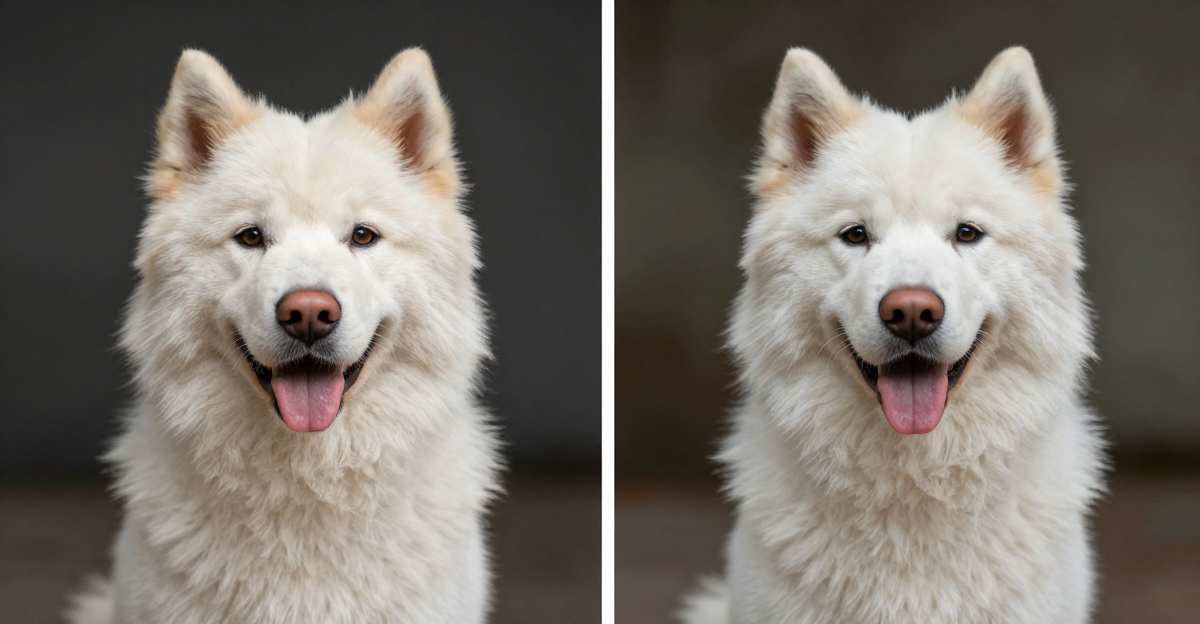
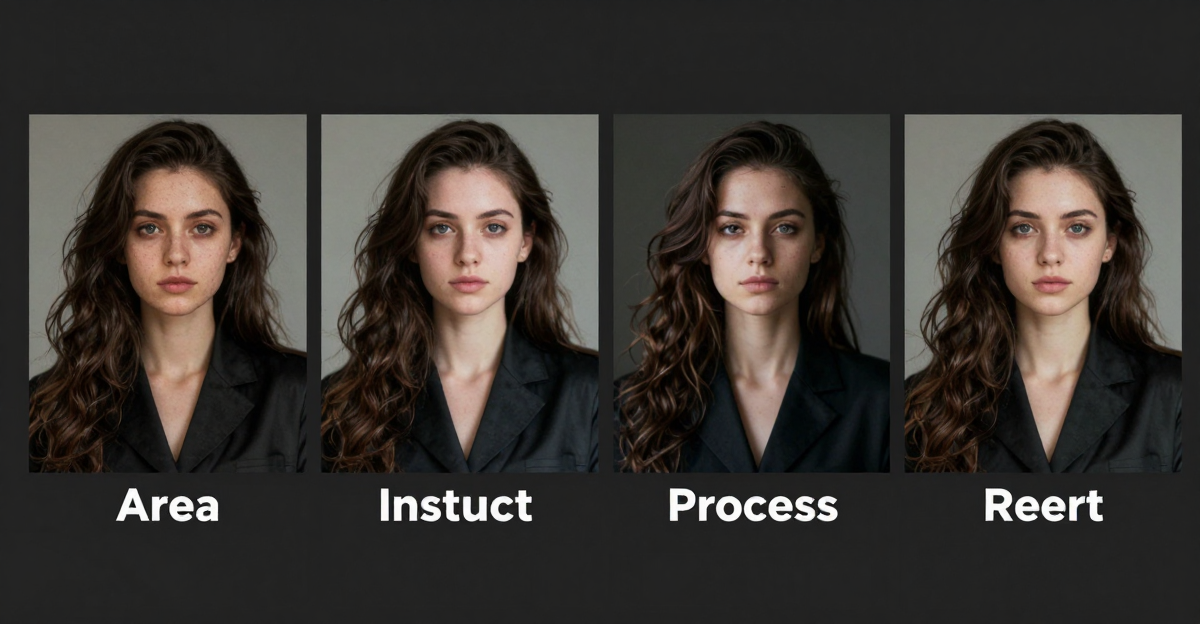
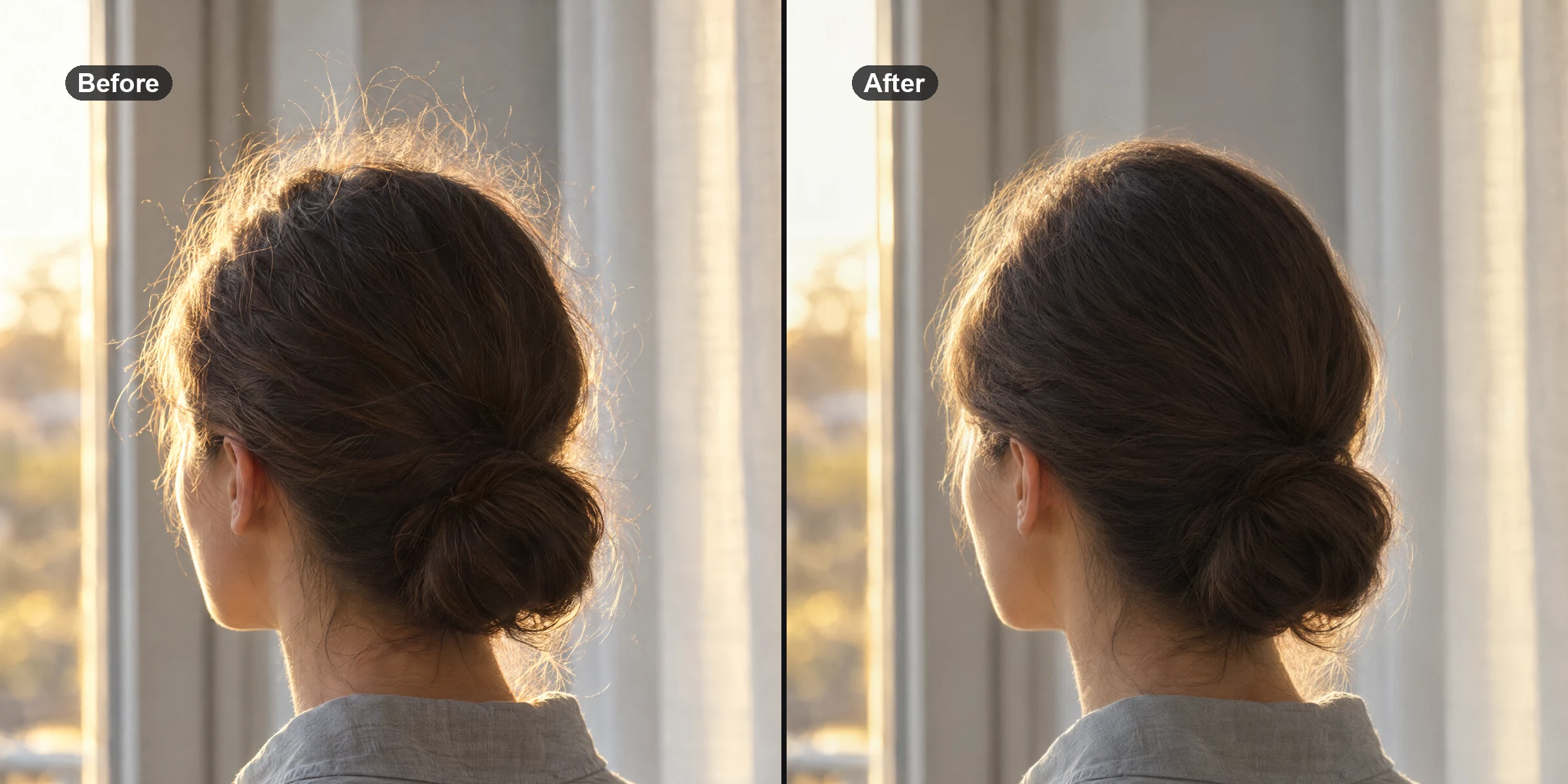
These are real, unedited results from the Imagera ai background studio — the exact tool this guide covers.