AI Angle Changer Online: New Perspectives, One Photo
Rotate portraits to show profile views, different angles, and head positions. AI reconstructs the unseen side with photorealistic accuracy.
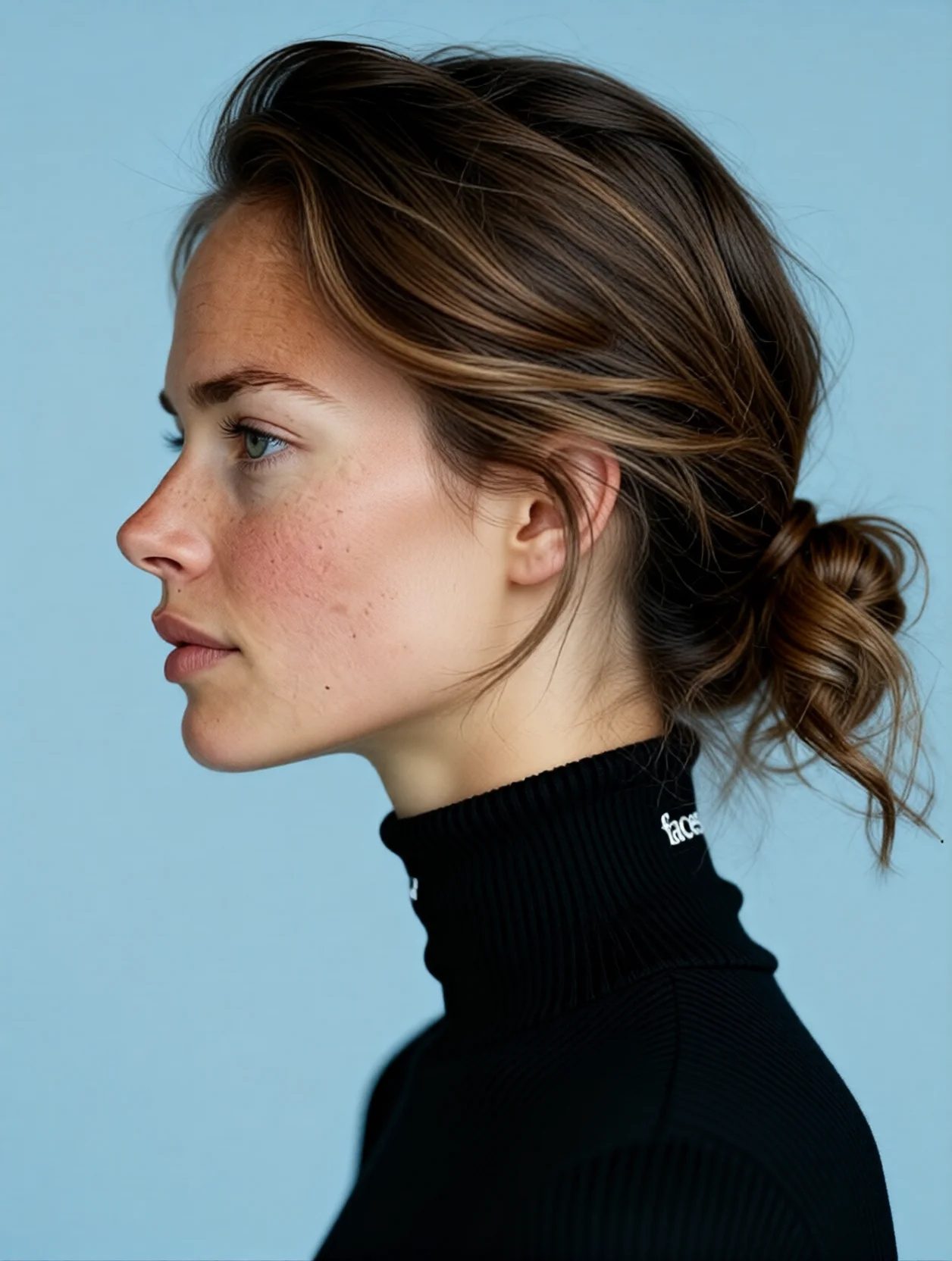
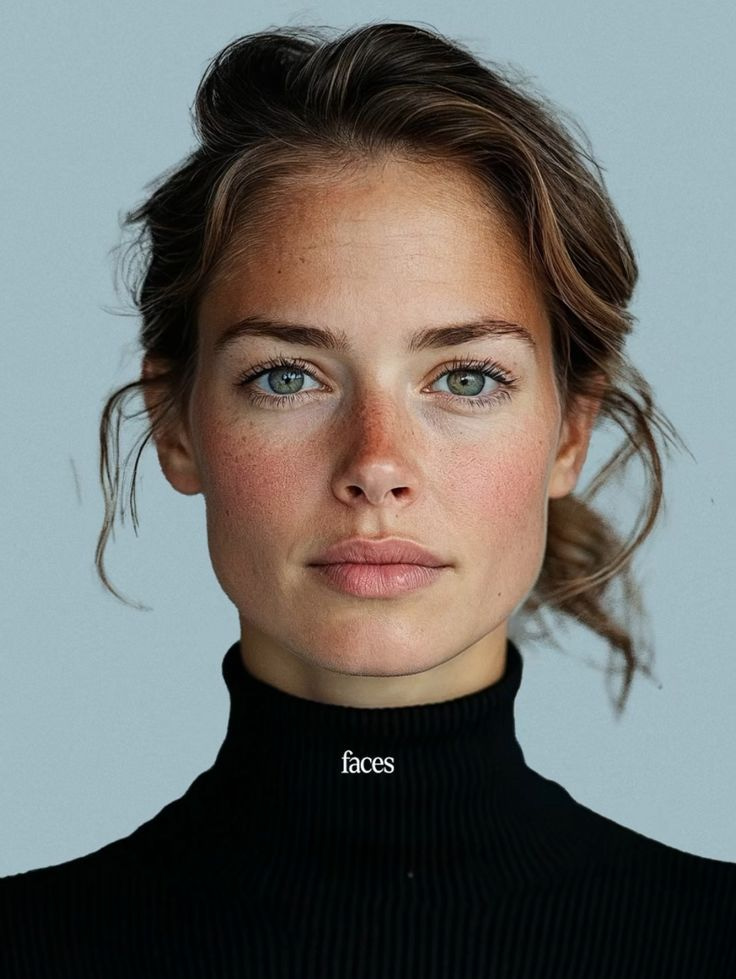 BeforeAfter
What is AI Angle Changer?
AI angle changer — rotate portraits to profile views and new perspectives with photorealistic accuracy. From 15 credits per image. Upload a single front-facing portrait and generate profile views, three-quarter angles, and tilted head positions. AI reconstructs the unseen side of the face with photorealistic accuracy.
- Credits
- 15 at 1K (default) · 20 at 2K
- Formats
- PNG, JPG, JPEG, WebP in · PNG or JPG out
- Model
- Imagera Typeset 3 (Edit)
Updated August 7, 2026
Cite this page: https://imagera.ai/image/angles
 Illustration
Why Imagera
Full Face Reconstruction
AI reconstructs the unseen side of a face — jawline, ear shape, nose profile — from a single front-facing photo.
Know more →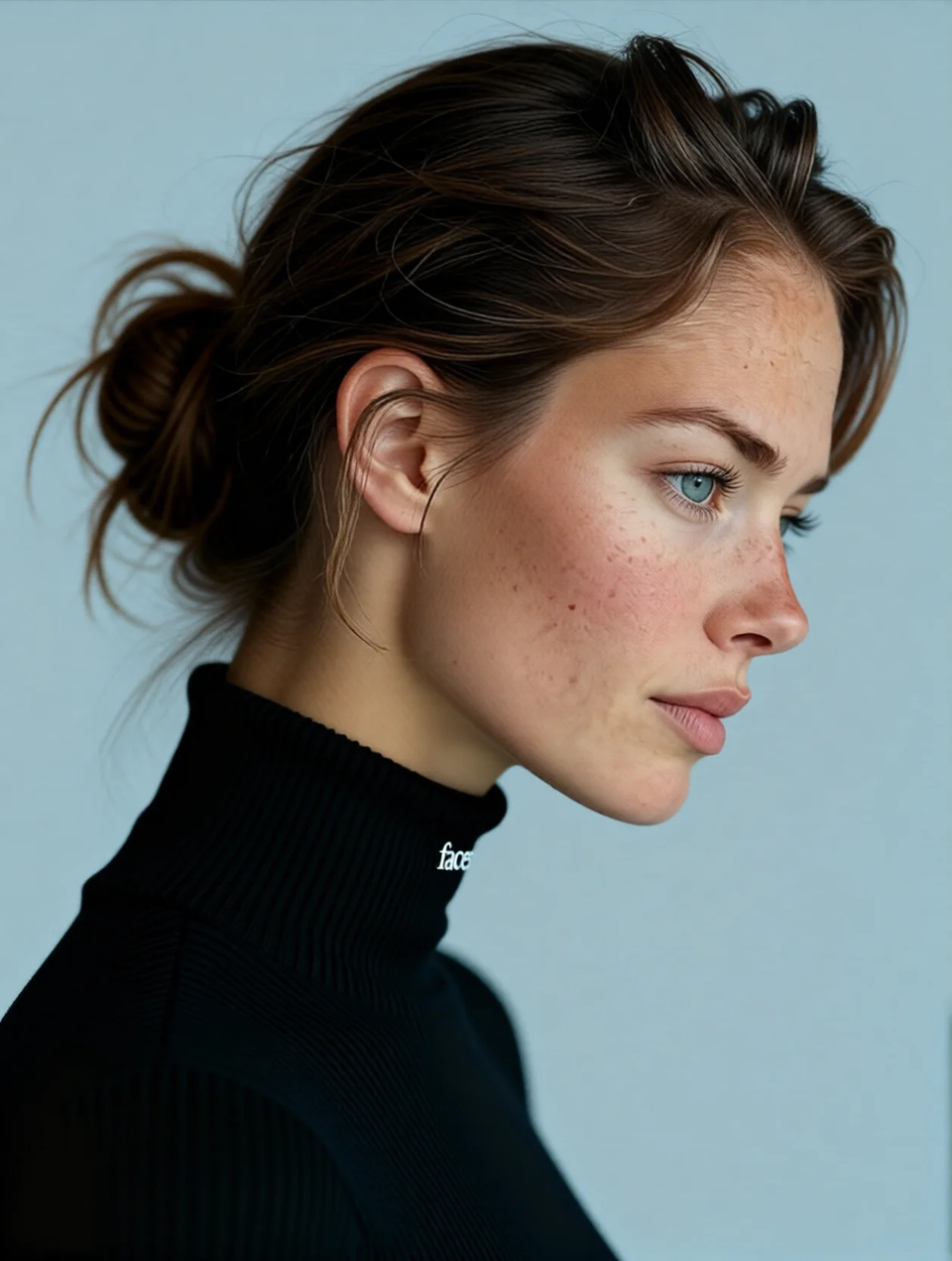
Feature-Accurate Rotation
Preserves freckles, skin texture, makeup, and hairstyling across the rotated angle for a consistent look.
Know more →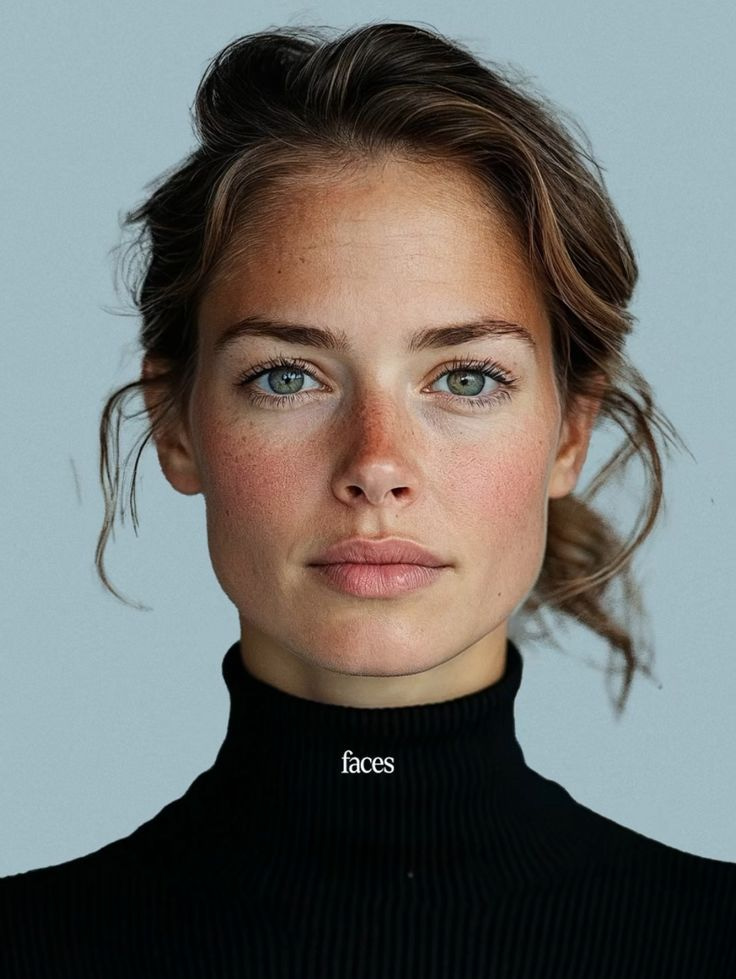
No Multi-Angle Shoot Needed
Generate profile and three-quarter views from one portrait. Skip expensive multi-angle photo sessions.
Know more →Rotating a portrait without a second photo
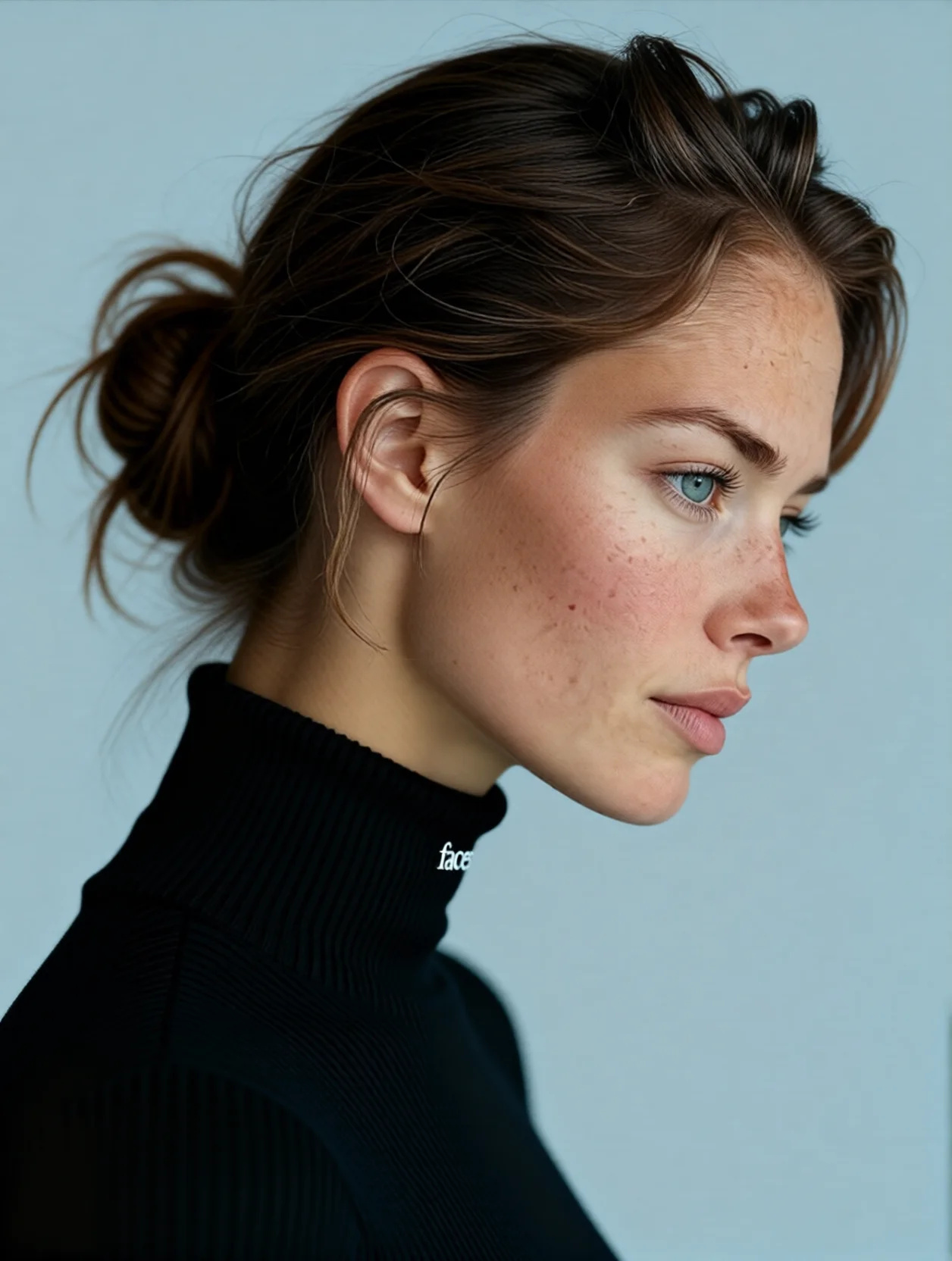
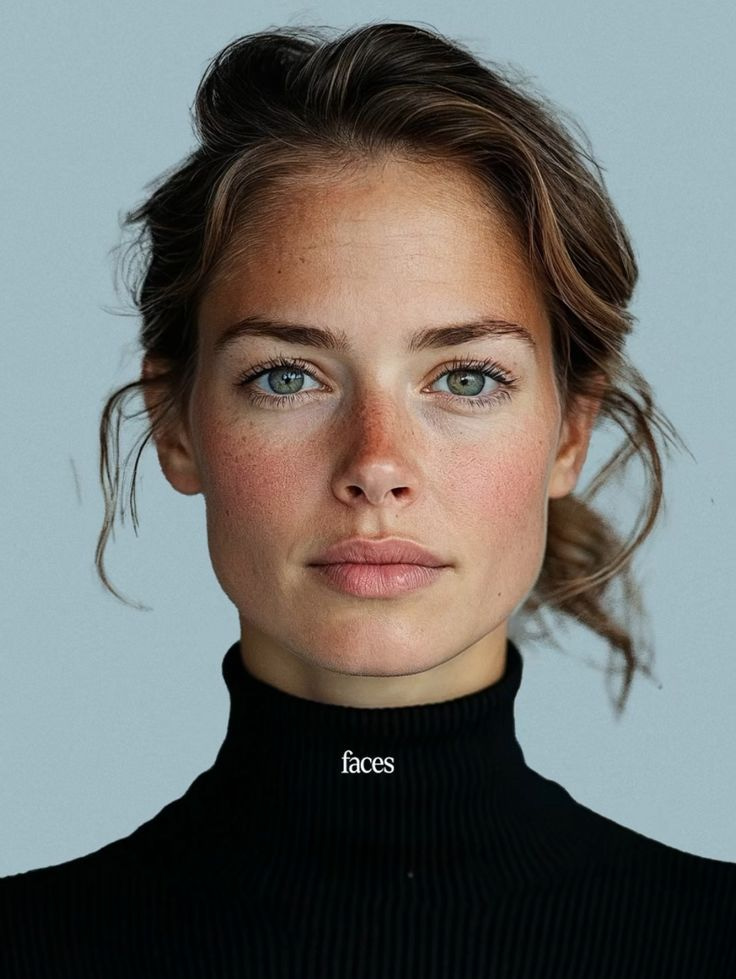
What happens when one front-facing photo becomes a profile, and how to get a clean result.
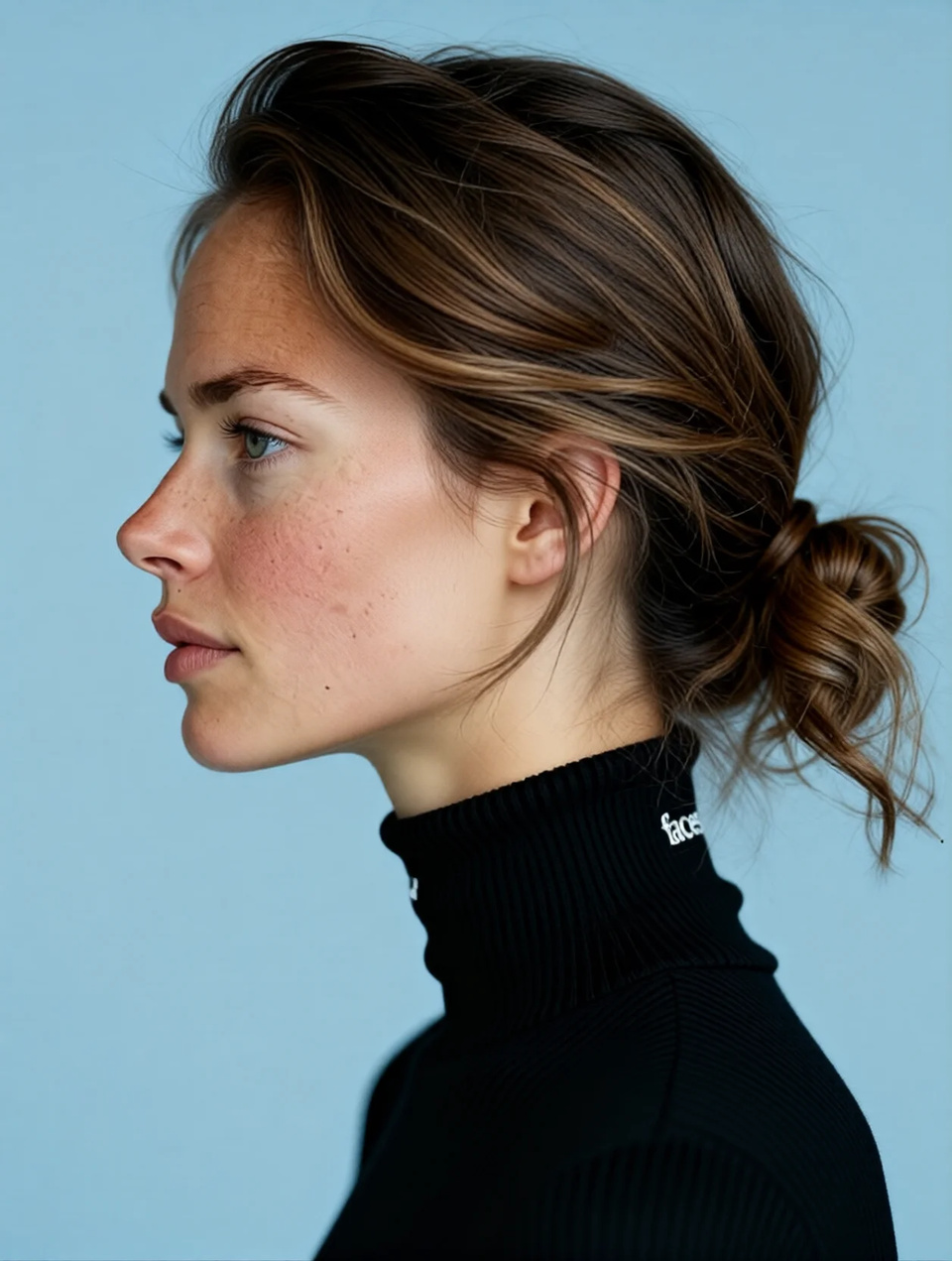
 BeforeAfter
Why a straight 90-degree turn is harder than a small tilt
Not every angle carries the same risk. A gentle head tilt or a shift from front-on to a light three-quarter view keeps most of the original face visible, so the AI has plenty of real reference to lean on and mostly needs to re-project detail it can already see. A full 90-degree side profile is the opposite: half the face that was on screen disappears, and half that was never photographed has to be invented from scratch. That is where reconstruction quality shows. Imagera handles the extreme case by treating the visible eye, brow ridge, and lip corner as fixed truth and building the far side to be symmetrical-but-natural — real faces are never perfectly mirror-symmetric, so a small amount of asymmetry is preserved rather than cloned pixel-for-pixel. Practically, if you need a clean side profile, start from a well-lit, straight-on portrait; the more square the source, the more the AI can trust its landmarks. Prompts matter here too. "Rotate to left profile" gives the AI a clear target. Adding constraints — "keep the freckles, the natural makeup, and the hair parting; tilt the chin down about thirty degrees" — narrows what the model is allowed to change and reduces drift in the features you care about. Vague prompts invite the AI to improvise; specific prompts keep it honest to the original person. This is why the studio ships with worked example prompts you can adapt rather than starting from a blank box. The result shown here came from one of them: "Rotate this person 90 degrees to show right side profile view, then tilt the head downward at a 30-degree angle. Maintain all facial features including freckles, eyes, natural makeup, and hair styling."
Try it now →Rotating a portrait without a second photo: what actually happens
A single front-facing photo only records one slice of a person's face. The camera captures the front planes — brow, cheeks, the bridge of the nose, the lips — but it never sees the far ear, the depth of the jawline, or how the hairline wraps around the back of the skull. When you ask Imagera's AI Angle Changer to turn that portrait into a profile or three-quarter view, the tool is not simply skewing pixels sideways. It is inferring the hidden geometry of a specific human head from the visible half, then re-rendering the whole face as it would appear from the new viewpoint. That inference — reconstructing what the lens never captured — is the hard part, and it is what separates a believable rotation from a smeared, stretched fake. Imagera reads facial landmarks first: the interpupillary distance, the angle of the nose relative to the cheekbones, the slope of the forehead, the width of the jaw at the gonial angle. From those anchors it builds an internal sense of the head's three-dimensional shape, the way a portrait sculptor blocks in a bust before carving detail. Only then does it decide what the ear cartilage, the far nostril, or the back of the neck should look like when the head turns. Because the reconstruction is driven by the subject's own proportions rather than a generic template, two different people rotated the same way still look like two different people — the AI does not flatten everyone toward an "average" face.
Lighting has to rotate with the face
A rotation that gets the geometry right but the light wrong still looks fake, and this is the failure mode most people underestimate. When a real head turns toward a window, the lit side and the shadowed side swap. The nose casts its shadow in a new direction, a catchlight slides across the eye, and the plane of the cheek that was flat and bright now falls into shade. If the tool kept the original lighting pinned to the original pixels while the face turned, the result would read as a mask — correctly shaped but lit from an impossible direction. Imagera treats the light source as part of the scene, not part of the pixels: as the head rotates, it re-solves where highlights and shadows should fall on the new surface. That is why a profile generated from a front-lit portrait shows a believable falloff along the jaw rather than an even wash, and why chin-up and chin-down variations pick up the right shadow under the brow or beneath the jaw. The practical takeaway is that a source photo with one clear, directional light gives the AI an obvious rule to follow; flat, shadowless lighting leaves the direction ambiguous and can make aggressive rotations look slightly plastic. Color temperature travels with the light as well. A warm, golden-hour portrait should stay warm through the rotation, with the shaded planes cooling only slightly the way skin does in real life. Imagera carries that temperature and the subtle subsurface warmth of skin — the faint red at the ears and the tip of the nose — into the reconstructed regions so the new angle reads as the same person photographed under the same conditions, not a paste-up lit by a different lamp. When you plan a set, keeping the lighting simple and consistent at capture pays off across every angle you later generate.
Where changing the angle beats reshooting
A traditional multi-angle portrait set means booking studio time, directing the subject to turn and hold, and hoping the lighting stays consistent as the face rotates into shadow. For a casting agency assembling comp cards, or an e-commerce team that needs the same model shown from several sides, that adds up fast in scheduling and cost. Changing the angle from one strong frame collapses that work: shoot once, then generate the profile, the three-quarter, and the tilt-down variations as separate edits. Each generation is priced in credits — from 15 credits per edit — so the usual workflow is to rough out several angles, pick the framing you like, then re-run that one prompt at the highest quality for the deliverable. There are limits worth stating plainly. The AI is reconstructing an angle, not reporting one — the far side of a face is a plausible inference from geometry, not a photograph of that side. For most creative, editorial, and marketing uses that is exactly what you want. For anything that must document a real person's appearance from a specific angle — identity verification, forensic work, medical records — a real photograph is the right tool, not a reconstruction. Every Imagera output ships with a full commercial license, so the angles you generate are yours to publish, but they are labelled as AI-generated views for good reason.
Getting a clean rotation on the first few credits
The single biggest lever on quality is the source frame. A portrait that is sharp, evenly lit, and roughly square to the camera gives the reconstruction engine dense, trustworthy landmarks; a soft, side-lit, or already-angled photo forces it to guess more, and guesses compound as the rotation grows. Keep the face unobstructed — hair sweeping across a cheek or a hand near the jaw hides the exact geometry the AI needs. When you write the prompt, name the features you want held constant so the model treats them as fixed rather than open to reinterpretation. And if a 90-degree profile comes out slightly off, step back to a 45-degree three-quarter view: it asks less of the reconstruction and often reads as more natural in a layout anyway. Follow those three habits — square source, unobstructed face, explicit prompt — and most rotations land within the first attempt or two, leaving the rest of your credits for exploring framing rather than fighting artifacts.
How to use AI Angle Changer
Upload, describe the angle, pick a size, download.
Upload Your Image
Upload the image you want to edit. Supports PNG, JPG, JPEG, and WebP formats.
Describe Your Edit
Type a natural language prompt describing what you want. For example: "Rotate the image 90 degrees to show left side profile view."
Choose Quality Mode
Pick your quality settings — edits start from 15 credits at 1K, or 20 credits at 2K when you need maximum detail.
Download Your Result
Preview the AI-edited image and download in high-quality format. Full commercial rights included.
Angle sets by profession
Portrait photographers
The right rotation depends entirely on what the image is for, and thinking in terms of a set rather than a single frame usually produces a more useful deliverable. A portrait photographer building a gallery wants variety without a second sitting: a straight-on hero shot, a soft three-quarter for warmth, and a clean profile for a graphic accent cover most walls.
Casting and modeling agencies
A casting or modeling agency assembling a comp card has a stricter recipe — front, left three-quarter, right three-quarter, and full profile — because those four views let a director read bone structure and symmetry at a glance, and generating them from one strong headshot keeps the whole card consistent in lighting and expression.
E-commerce and personal brands
An e-commerce or personal-brand team that needs the same face across a website, an about page, and a set of social avatars benefits from small, varied tilts that feel like different moments rather than one photo cropped four ways. Because each of these is just a different prompt against the same source, you can build the entire set in a single session and keep every frame recognizably the same person.
Discover more AI features
Seamless Head Swapper
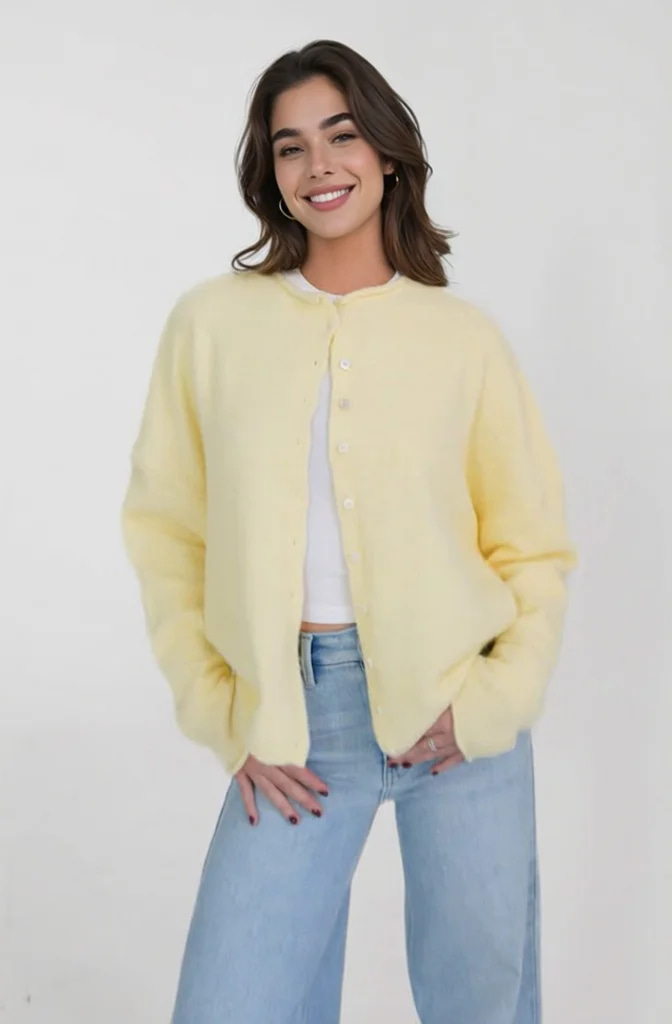
Swap head/face from one image onto another body. AI-powered seamless blending.
Smart Detail Enhancer
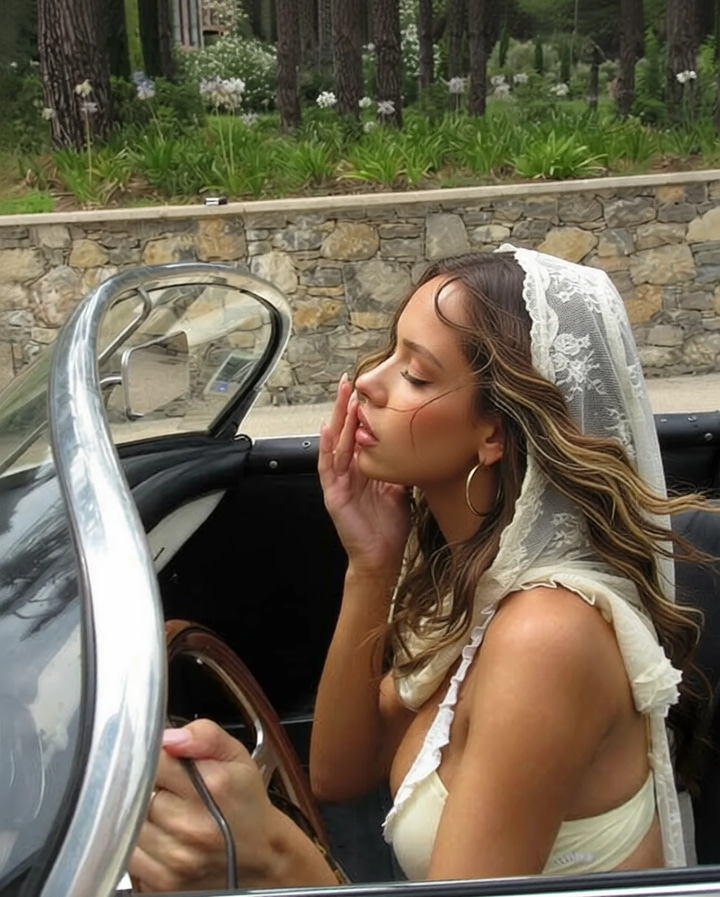
Remove flyaway hair and fix fine imperfections with surgical AI precision.
Luxury Background Changer
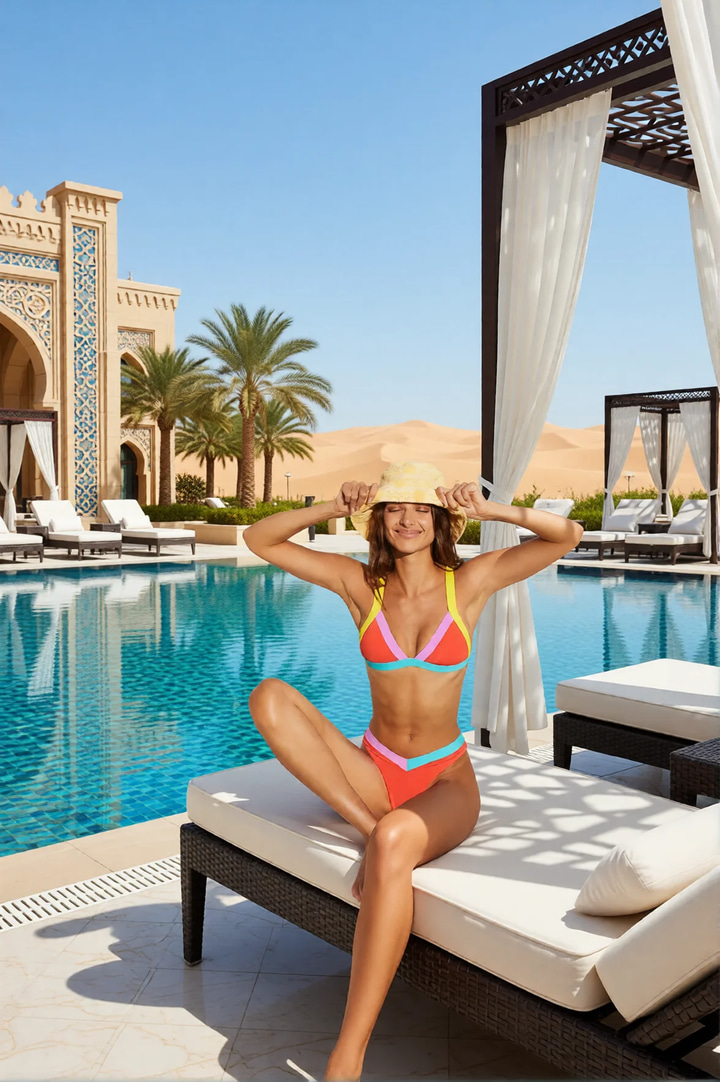
Replace any photo background with AI-generated luxury scenes.
Edit Image
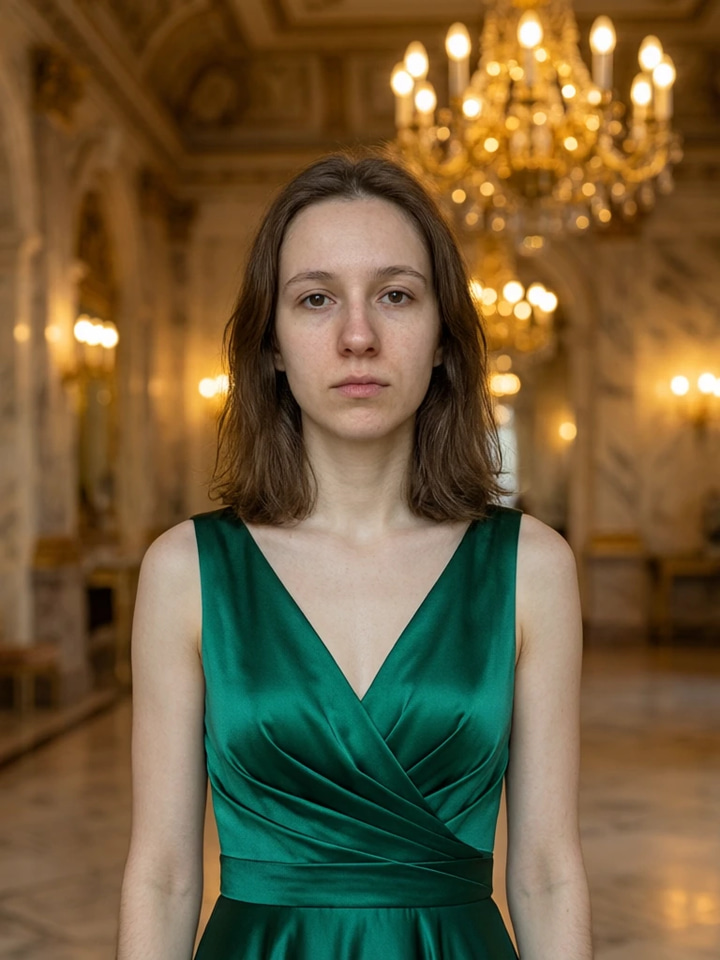
Edit images with Imagera Edit. Inpaint, modify, and transform any part of your image.
Frequently asked questions
How does AI Angle Changer work?
Upload a portrait and describe the angle you want. The AI reconstructs the unseen side of the face with photorealistic accuracy, generating a believable profile or rotated view.
Can it create a full profile from a front-facing photo?
Yes. AI Angle Changer can rotate a front-facing portrait to show left or right profile views. It reconstructs ear shape, jawline, nose structure, and hair from the unseen angle.
Does it preserve facial features accurately?
The AI maintains all visible facial features including freckles, skin texture, makeup, and hair styling. The reconstructed angle matches the original person as closely as possible.
What types of images work best?
Clear, well-lit portraits with visible facial features work best. The AI needs a good reference of the face to accurately reconstruct other angles.
Learn more
Guides on prompting image edits and building product and portrait sets.
 Use case
Train a Custom LoRA
Train your own subject or style model online — no GPU required
AI Image Prompts Guide
Write better prompts for accurate angle rotations
Photography Studio Overview
Explore all 7 AI photo editing tools
Edit Images with AI Text Prompts
Combine angle adjustment with inpainting and object editing
AI Background Changer for E-Commerce
Rotate product angles then swap backgrounds for e-commerce catalogs
DALL-E Alternative
Compare Imagera multi-angle editing vs DALL-E image manipulation
Key takeaways
What is AI Angle Changer?
Upload a single front-facing portrait and generate profile views, three-quarter angles, and tilted head positions. AI reconstructs the unseen side of the face with photorealistic accuracy.
How realistic are the rotated views?
AI preserves freckles, skin texture, makeup, and hairstyling across the rotated angle. It reconstructs jawline shape, ear details, and nose profile from facial geometry analysis.
Who uses AI Angle Changer?
Portrait photographers needing multi-angle sets, casting agencies building comp cards, and e-commerce brands creating product angle views. 15 credits at 1K, 20 credits at 2K.
Angle types and what to expect from each
| Angle view | Reconstruction load | Best source photo | Typical use |
|---|---|---|---|
| Slight tilt (0–20°) | Low — mostly re-projection | Any clear portrait | Adding variety to a headshot set |
| Three-quarter (45°) | Moderate — one cheek inferred | Even, soft lighting | Casting comp cards, social profiles |
| Full profile (90°) | High — half the face rebuilt | Straight-on, sharp features | Silhouettes, editorial layouts |
| Chin-down look | Moderate — forehead foreshortened | Neutral expression, forehead visible | Moody portraits, cover art |
| Chin-up look | Moderate — jaw underside inferred | Clear jawline, good neck light | Fashion, confident hero shots |
About these results
AI-generated angle views. Results are AI reconstructions, not actual photographs. 15 credits per edit at 1K.
Ready to try Angle Changer?
Rotate portraits to show profile views, different angles, and head positions. AI reconstructs the unseen side with photorealistic accuracy. From 15 credits per edit.
Try It Now →