Turn Any Photos into a Cinematic Reel
One tool for every reel — products, places, people, pets, travel and art. No filming, no editing. Describe your subject and vibe, pick a style, and get a vertical reel ready for TikTok and Reels.
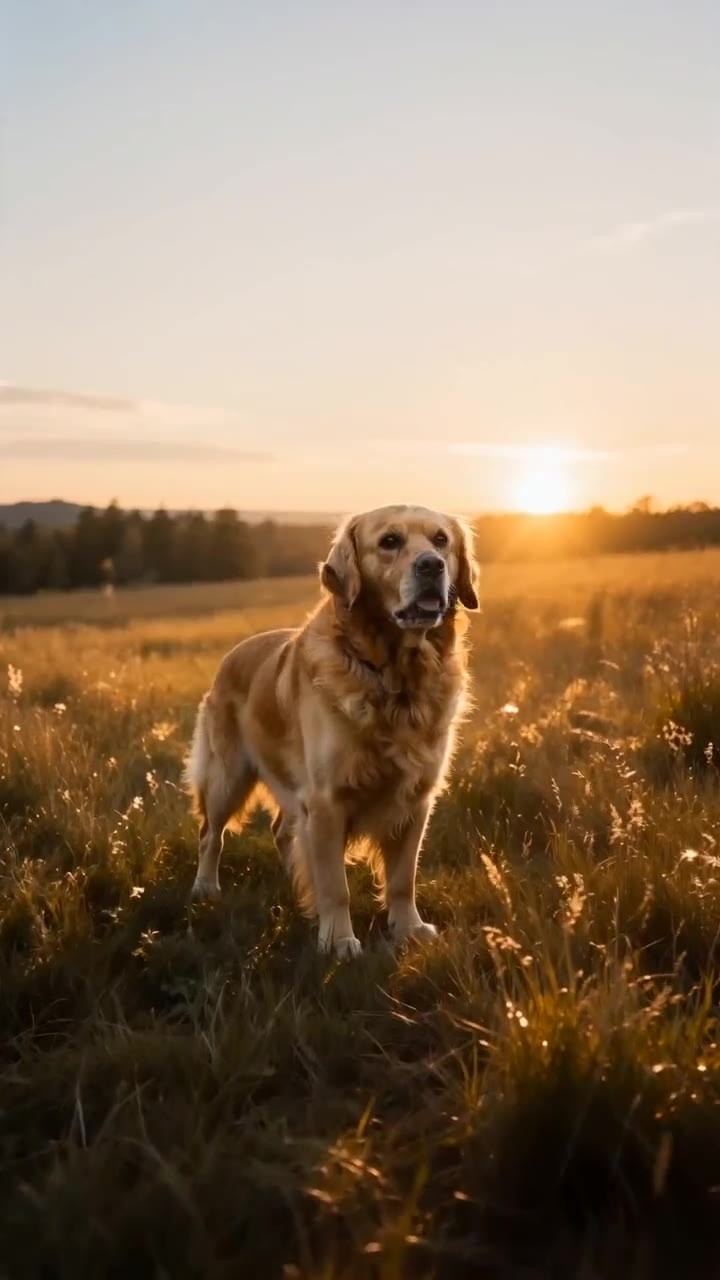
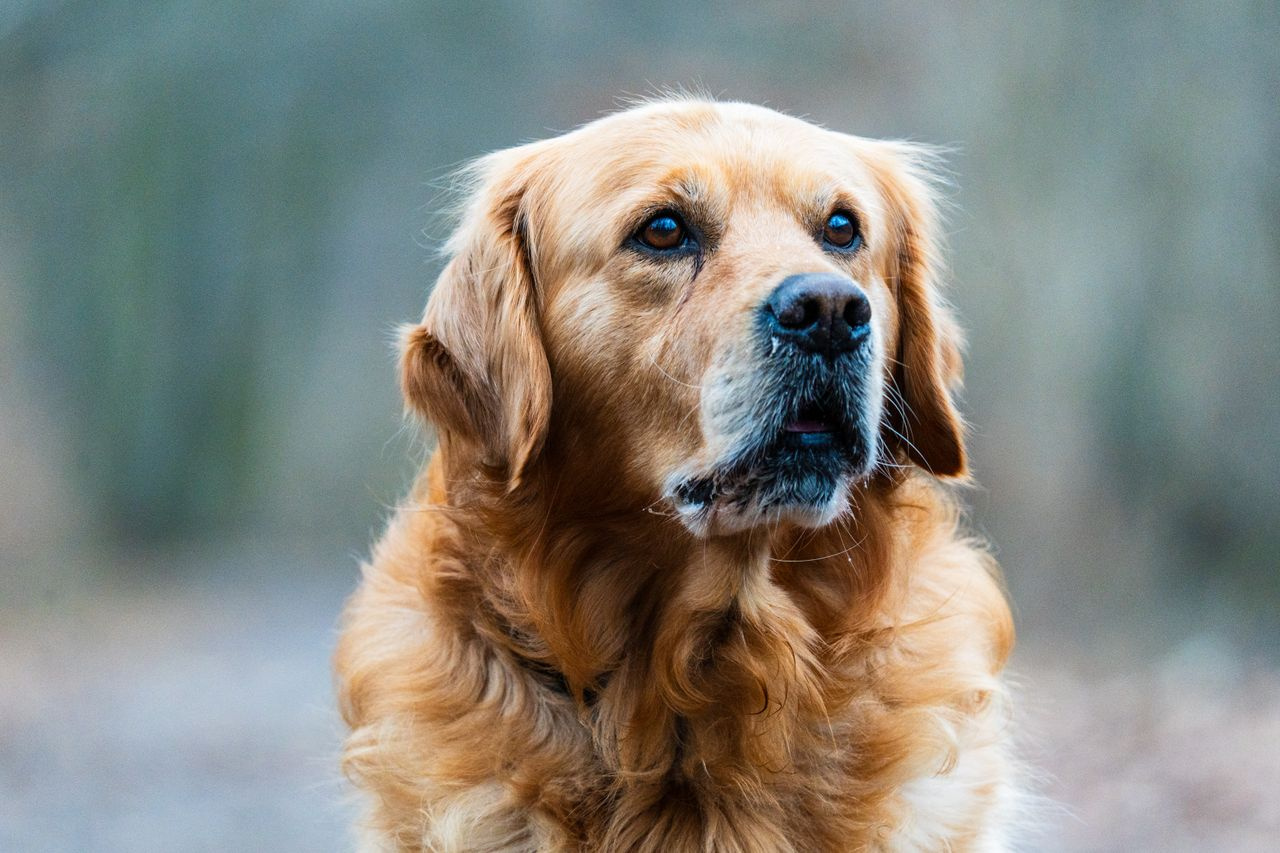 BeforeAfter
How do I turn any photos into cinematic reels?
Upload your photos to the Universal Reel Maker, describe what the subject is and how it should feel, then pick one of 6 camera styles or write your own brief. Imagera builds the camera motion around your stills — a reveal, an orbit, a push-in, a float — and returns a vertical 9:16 clip for TikTok, Reels and Shorts. No filming, no editing app, no timeline.
- Credits
- From 20 per reel
- Photos
- Up to 9
- Format
- 9:16, 16:9, 1:1
Updated September 4, 2026
Cite this page: https://imagera.ai/video/universal-reel-maker
What a still photo turns into
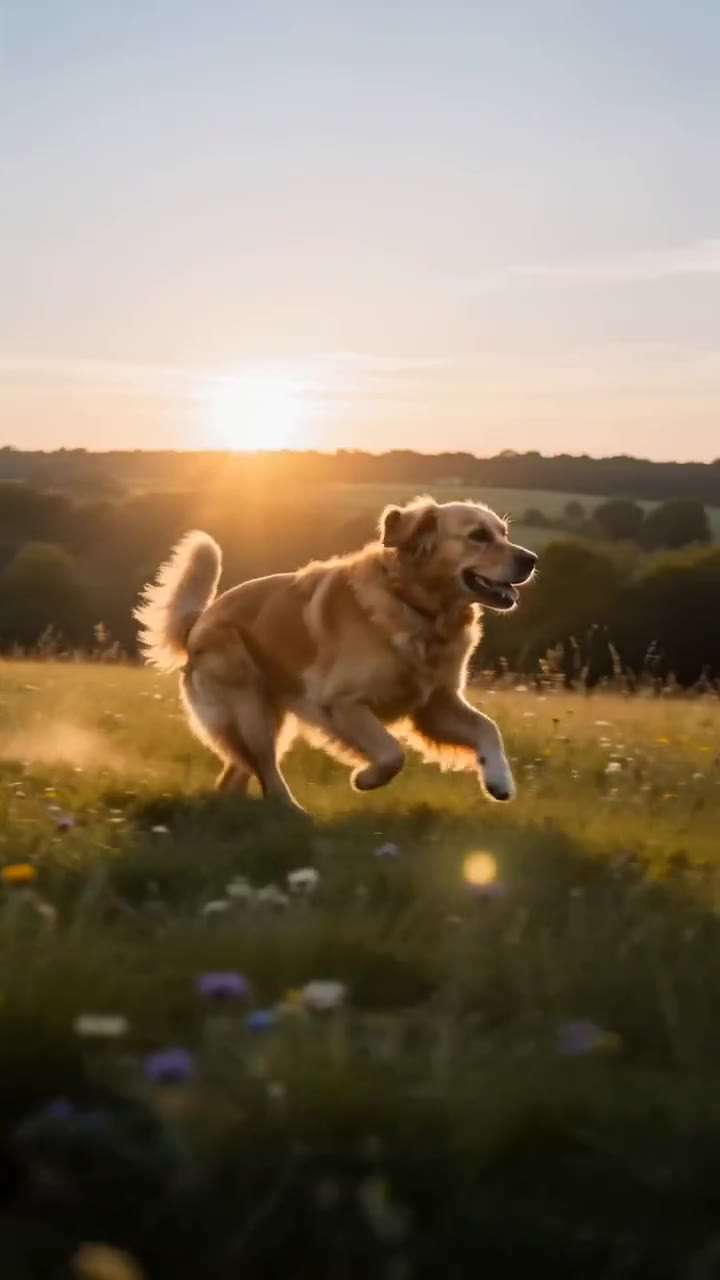
Your description drives the camera
A serum, a living room and a golden retriever all deserve very different treatment. Your description of the subject and the vibe drives the camera language, pacing and mood, so the reel feels made for what you are showing rather than generic. The style you pick moves the camera a different way, so one photograph can come back as several very different reels.
Know more →No filming, no editing app
No. The reel is generated entirely from still photos. No camera rig, no gimbal, no timeline editing. Imagera handles the motion, pacing and mood so you just upload, describe and post.
Know more →Vertical, and ready to post
Reels export in vertical 9:16 for TikTok, Reels and Shorts, plus 16:9 for landscape placements and 1:1 for square feeds, at up to 1080p. You choose a 5, 10 or 15-second duration depending on the engine you pick — shorter for a punchy hook, longer for a fuller reveal or montage.
Know more →Why a reel from photos beats booking a shoot
The motion is generated around pictures you already have, in the shape social actually wants.
Start from photos you already have
Short-form video rewards motion, but shooting motion is the expensive part. A proper video needs a camera in motion, stable framing, decent lighting and time on set — and then an editing pass to cut it into something postable. A photo, by contrast, is something almost everyone already has: a clean product shot, a room, a portrait, a favourite picture of a pet, a set of travel images. The Universal Reel Maker starts from those stills and builds the camera movement for you, so the reveal, the orbit or the push-in that would have needed a gimbal and a shoot is generated instead.
6 camera styles, plus your own brief
Hero Reveal is a slow, dramatic reveal of the subject; Smooth Orbit is a clean 360-style orbit around the subject; Dynamic Push is a punchy, energetic push-in; Dreamy Float is floating, ethereal motion; Slow Reveal is a gentle pan revealing the scene; Energy Montage is high-energy, punchy motion. Custom lets you describe the style, camera move and mood you want. These are camera moves rather than subject presets, so the same set applies to a product, a room, a pet or a painting. Photographs of real people are the one case where the engine matters: some engines decline realistic likenesses, so the picker flags the one tuned for faces — and the Human Reel Maker carries presets built for people.
Generation that always delivers
If a render fails or an engine declines your shots, the reel automatically re-renders on the next engine, so you never see the failure. You are charged once per reel however many engines it takes — retries and failovers are on us. And in the rare case nothing delivers, your credits come back automatically, with no support ticket and no waiting.
How to make a reel from photos
Three decisions: the photos, the description, the style.
Upload any photos
Add up to 9 shots of whatever you want to feature — a product, a room, a person, a pet, a painting, a place. That cap belongs to the engine rather than the tool: the studio opens on one that takes 9, and some engines take fewer.
Describe the subject & vibe
Say what it is and how it should feel — "cozy golden-hour tour", "high-energy launch cut", "dreamy travel montage". The line is optional, but it is what steers the camera language, the pacing and the mood.
Pick a style and generate
Hero Reveal, Smooth Orbit, Dynamic Push and more — or write your own camera brief. The reel renders in minutes in 9:16, 16:9 or 1:1, and the credit cost is on the button before you run anything.
When the universal tool is the right one
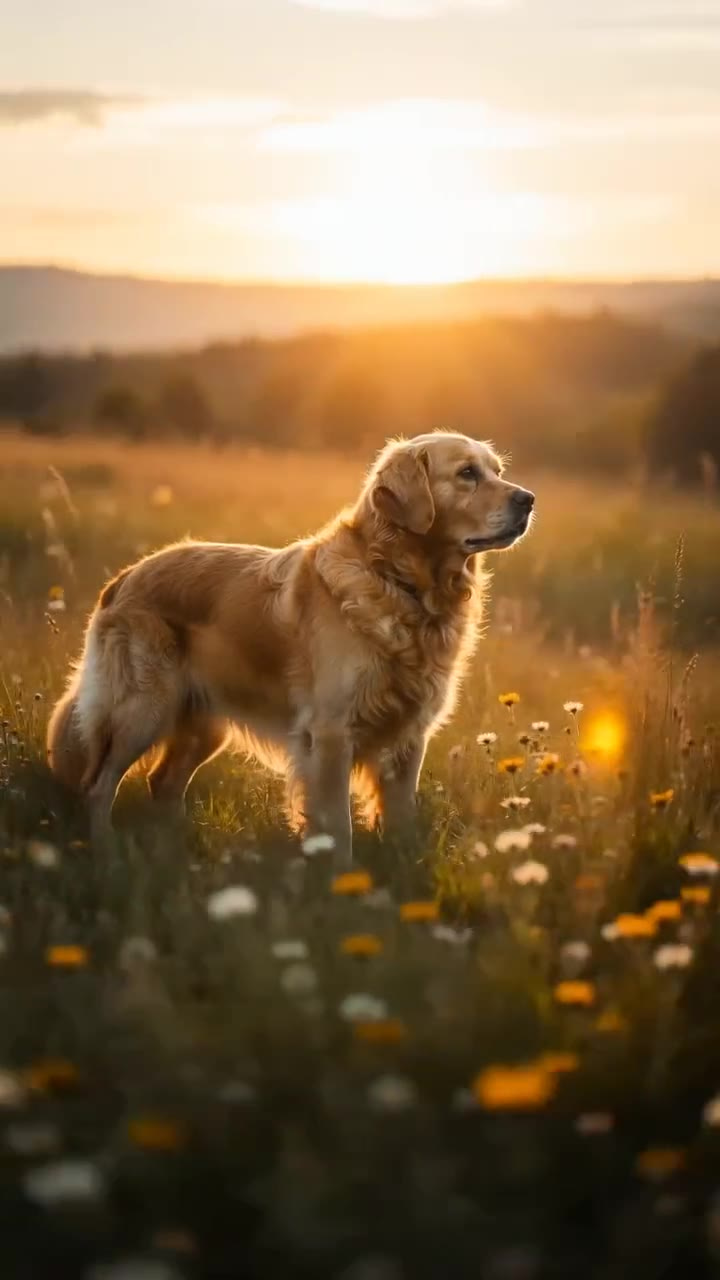
Pets & family
Make a favorite photo of a pet or a loved one move — a warm, shareable clip in a minute.
Try it now →Travel & memories
Stitch trip photos into a dreamy vertical montage worth posting — no editing app required.
Art & portfolios
Give a painting, illustration or design the gallery treatment with slow reveals and gentle motion.
Discover more AI features
Frequently asked questions
How do I turn photos into a video?
Upload up to 9 photos to the Universal Reel studio, describe the subject and the vibe you want, pick a style like Hero Reveal or Smooth Orbit, and generate. Imagera builds camera motion around your actual photos and delivers a vertical reel in a few minutes — no editing app or filming.
What kinds of photos work?
Almost anything — products, rooms, homes, people, pets, food, travel shots, artwork and portfolios. That is the whole idea: one tool for every reel. If you can photograph it, or you already have the image, you can turn it into a cinematic clip.
Do I need to film or edit anything?
No. The reel is generated entirely from still photos. No camera rig, no gimbal, no timeline editing. Imagera handles the motion, pacing and mood so you just upload, describe and post.
Why does it ask me to describe the subject?
A serum, a living room and a golden retriever all deserve very different treatment. Your description of the subject and the vibe drives the camera language, pacing and mood, so the reel feels made for what you are showing rather than generic.
What styles and formats are available?
Styles include Hero Reveal, Smooth Orbit, Dynamic Push, Dreamy Float, Slow Reveal and Energy Montage — plus a custom option — in 9:16, 16:9 or 1:1, at up to 1080p, with 5, 10 or 15-second durations depending on the engine you pick.
How much does a reel cost?
Pricing is per second in credits and shown on the generate button before you commit — from 20 credits for the shortest reel on the cheapest engine, rising with the engine, the length and the resolution you choose. Credits are pay-as-you-go, and commercial usage rights come with paid Imagera plans, per the commercial terms.
What happens if a generation fails?
Every reel is backed by a multi-engine failover pipeline. If an engine fails or declines a render, Imagera automatically re-renders on the next engine — you are charged once regardless of retries, and in the rare case every engine fails, your credits are refunded automatically.
When should I use the Universal Reel Maker instead of a specific reel tool?
Use the Universal Reel Maker when your subject does not fit one of the dedicated tools — a mix of photos, an unusual product, a pet, a piece of art, a travel set. When your subject is a match, the specialised tools are tuned for it: reach for the Product Reel Maker for ecommerce shots, the Real Estate Reel Maker for homes and rentals, the Car Reel Maker for vehicles, or the Human Reel Maker for people and creators. All of them share the same engine and delivery guarantee; the specific tools just carry subject-aware presets.
How many photos should I upload for the best reel?
You can upload up to 9 photos. A single strong hero shot is enough for a clean reveal or orbit, while several angles of the same subject give the reel more to move through and let styles like Energy Montage cut between shots. For a place or a travel set, more photos generally make a richer walkthrough; for a single product or portrait, one sharp, well-lit image is often the better choice.
Does the reel keep my actual photo, or does it invent a lookalike?
Your photos anchor every frame. The reel builds camera motion — reveals, orbits, push-ins and floats — around the exact image you uploaded, so what appears on screen is your subject, not a generated stand-in. That is why describing the subject and vibe matters: it drives how the camera moves and how the scene feels, while the photo itself stays the star.
What aspect ratios and durations can I export?
Reels export in vertical 9:16 for TikTok, Reels and Shorts, plus 16:9 for landscape placements and 1:1 for square feeds, at up to 1080p. You choose a 5, 10 or 15-second duration depending on the engine you pick — shorter for a punchy hook, longer for a fuller reveal or montage.
Which engine should I choose — Swift or Cinema?
The studio no longer lists engines under those two names — the picker now shows each engine with its own per-second credit price, its own length options and its own photo cap, and prints the total on the generate button before you commit. The practical approach is unchanged: prototype the subject-and-vibe brief on a cheap engine, from 20 credits for the shortest reel, and only spend the extra credits on a higher tier once the direction is right.
A reel from photos vs filming and editing one
| What matters | Imagera | Filming and editing it yourself |
|---|---|---|
| What you need to start | Photos you already have, and one line about the subject and the vibe | A camera in motion, stable framing, decent lighting and time on set |
| Turnaround | Minutes in the browser, then post | A shoot, then an editing pass to cut it into something postable |
| Cost | From 20 credits per reel, priced per second and shown before you run | Kit, location and the hours the edit takes |
| If it does not come out | It re-renders on the next engine automatically, you are charged once, and credits return if nothing delivers | Reshoot, or re-cut |
| Output shape | 9:16, 16:9, 1:1, vertical first | Whatever you shot, reframed by hand |
Any photo is one step from a reel
Upload the shots, describe the vibe, pick a style — and post the reel today.
Make my reel →