Quick answer: Imagera is the purpose-built Venice AI alternative for video and reels: instead of ~100 video credits a month (roughly one 5-second clip before a paywall), it offers pay-as-you-go credits, dedicated reel makers, and a multi-shot AI Director for creators who need real output in 2026.
1.Why do creators outgrow Venice AI for reels and switch to Imagera?
Venice's Pro tier bundles only ~100 video credits per month, and a single ~5-second clip burns roughly 80 of them, so you get about 1 clip before hitting a wall. Imagera instead treats video as the main job: its Smart AI Director plans 4-7 distinct shots per reel (establish, detail, payoff), spans 4 dedicated makers for products, cars, real estate, and people, and outputs shareable reels without filming.
2.Does Imagera protect your credits if a video generation fails?
Yes. Imagera runs multi-engine failover across 4 backends, and if all attempts fail you are refunded, so you never pay twice for one clip. With pay-as-you-go credits you fund only what you actually produce, versus a fixed ~100-credit monthly cap. Venice's video feature is best thought of as a credit-starved add-on rather than a production workflow, which is exactly the gap Imagera is built to close.
3.The Short Answer
Venice AI is a genuinely strong private AI workspace — and it deserves its reputation for zero-retention chat, uncensored image generation, and an all-in-one interface. But if you landed on this page, you have probably discovered what 2026 reviews keep noting: Venice's video feature is a credit-starved bolt-on, not a production workflow.
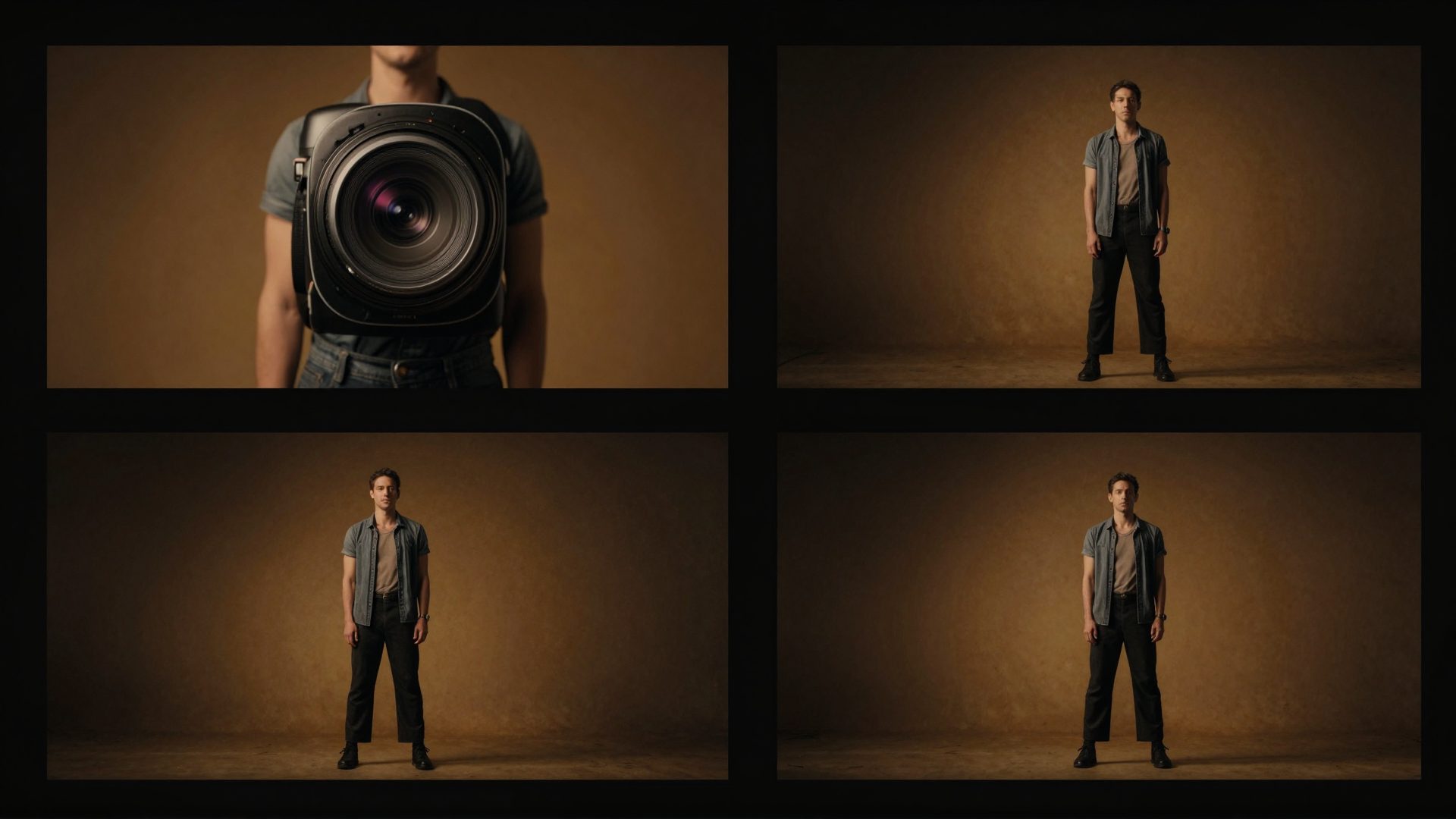
A real clip produced with Imagera — no filming required.
On Venice's Pro plan ($18/mo), you get 100 video credits per month. A single five-second clip costs roughly 80 of those. That is not a typo. One short clip — and you are done for the month unless you upgrade to the $68/mo Pro Plus tier or buy additional credits.
If what you actually need is to make reels, produce cinematic product videos, or turn photos into publishable content you can post this week, Venice was not designed for that job. This post explains where Venice genuinely excels, where its video limits become a real constraint, and what a purpose-built alternative looks like for creators who need video output at any real volume.
4.What Venice AI Does Well (and Why People Love It)
Before making any comparison, it is worth being straightforward about Venice's genuine strengths. These are not minor points — they are the reason Venice has a dedicated user base.

Privacy and data retention. Venice routes your prompts through decentralized GPUs and retains nothing server-side. If you are working on sensitive material — legal documents, personal creative writing, business strategy — that is a meaningful guarantee that most AI platforms cannot match.
Uncensored models. Venice offers models with significantly fewer content restrictions than mainstream platforms. They still ban illegal content, but they do not apply the aggressive over-moderation that frustrates many creators and writers. For fiction, roleplay, and creative work that larger platforms reflexively block, Venice's approach is a real differentiator.
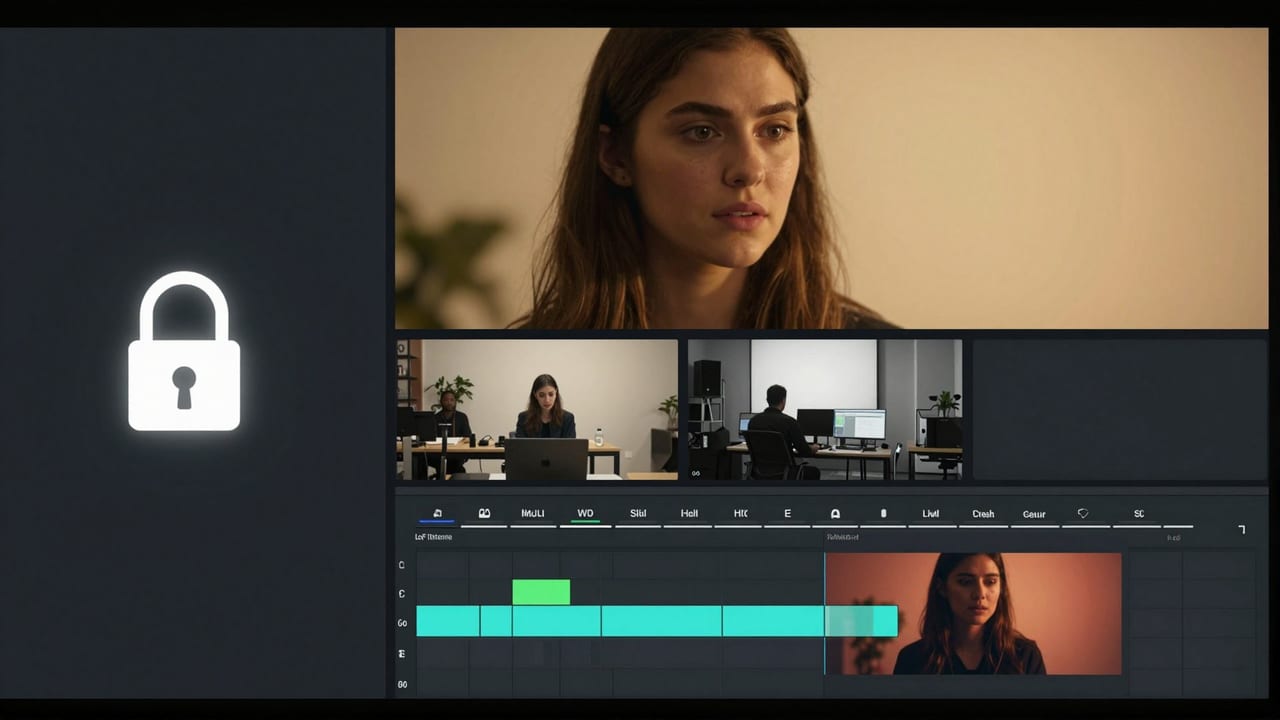
All-in-one private workspace. Text chat, code assistance, image generation, character creation, and a basic video timeline editor all live in one interface. For users who want a private creative environment without juggling multiple tools, that consolidation has genuine value.
Image generation volume. On Venice Pro, you can generate up to 1,000 images per day using models including Flux variants, Grok Imagine, and others. For high-volume personal or commercial image work where privacy matters, that is a strong proposition.
OpenAI-compatible API. Developers who want to build with private, uncensored model access can use Venice's API without rewriting their integration stack.
If your primary workflow is private text, code, or high-volume image generation, Venice is a well-designed tool for those jobs. This comparison is not about declaring a winner — it is about matching the right tool to your actual use case.
5.Where Venice AI Hits a Wall: The Video Credit Reality
Here is where the honest accounting becomes important.

Venice added video generation as part of its platform expansion, integrating models including Seedance 2.0 and Kling 3.0. The capabilities are real — these are legitimate video generation models. But the pricing structure tells you everything about how central video is to Venice's product thinking.
Venice Pro ($18/mo):
- 100 video credits per month
- One ~5-second clip costs roughly 80 credits
- That is effectively one short video before you exhaust your monthly allowance
Venice Pro Plus ($68/mo):
- 7,500 credits per month
- More workable, but at nearly four times the Pro price
Venice Max ($200/mo):
- 22,500 credits per month
- This is where serious video volume becomes possible — at $200/month
The Free tier includes no video at all.
This structure is not a flaw in Venice's design — it reflects what Venice is actually built for. Private chat and image generation are the core. Video is an additional capability that has been layered on, and the credit allocation reflects that priority.
For someone making occasional short clips as part of a broader private workspace workflow, 100 credits might be acceptable. For anyone who needs to produce marketing reels, product showcases, real estate walk-throughs, or social content on a regular basis, this structure becomes a recurring frustration.
Several independent 2026 reviews of Venice have noted this gap: the video feature exists, but the entry-level allowance is too small to support any meaningful production cadence. You are essentially paying the Pro price to try video once per month.
6.What "Purpose-Built for Video" Actually Looks Like
The meaningful difference between Venice's video offering and a dedicated production platform is not just about credit volume. It is about what the tool is designed to produce.

Venice generates individual video clips. You get a clip back. What you do with it — how you sequence it, how you structure a narrative, how you match camera movement to story beats — that is left entirely to you.
Imagera's AI video and reel tools approach this differently. The core distinction is what Imagera calls the Smart AI Director: when you request a reel, an AI planning layer first designs a multi-shot sequence — typically four to seven distinct shots — with varied camera movements and a clear narrative arc (an establishing wide shot, a mid-range detail shot, a close-up payoff, and so on). You are not getting one clip. You are getting a structured, sequenced piece of content that was designed to hold attention.
This distinction matters most when you are making content that needs to perform: a product launch reel, a real estate listing video, a professional headshot reel for LinkedIn, a car showcase for a dealership.
7.Imagera's Dedicated Reel Makers: Built for Specific Jobs
One of the structural differences between a general-purpose platform and a production-focused one is domain specificity. Imagera has dedicated reel makers for the workflows where cinematic output actually matters.

Product Reel Maker: Built for e-commerce and brand teams. Takes product photos and generates a multi-shot cinematic showcase — the kind of content that performs in paid social and on product pages.
Car Reel Maker: Designed specifically for automotive listings and dealership content. Generates the exterior and interior shot sequences that buyers expect when browsing online.
Real Estate Reel Maker: Turns listing photos into property walk-through videos. For agents producing content at volume across multiple listings, this is the difference between a manageable workflow and an expensive outsourcing bill.
Human Reel Maker: For creator content, personal brand, and professional profiles. Generates reels from photos of people with the routing designed to handle likeness accurately.
Universal Reel Maker: For subjects that do not fit a specific category — pets, food, fashion, events, anything else.
Each of these is a purpose-built workflow, not a generic video generator with a different label. The prompts, the shot sequencing logic, the model routing, and the output format are tuned for that specific production context.
8.Honest Comparison: Venice AI vs Imagera for Video
| Feature | Venice AI | Imagera |
|---|---|---|
| Primary purpose | Private AI workspace (chat, image, code) | Creative media production (video, reels, images, headshots) |
| Video on entry plan | ~1 five-second clip/mo (100 credits, Pro $18) | Pay-as-you-go credits; no forced subscription |
| Video on mid tier | 7,500 credits/mo ($68/mo Pro Plus) | Credits scale with what you produce |
| Reel sequencing | Single clip generation | Smart AI Director: 4-7 shot sequences with camera variety |
| Dedicated reel makers | None | Product, car, real estate, human, pet, universal |
| Image generation volume | Up to 1,000/day on Pro | Standard generation tools available |
| Privacy / no data retention | Core feature, zero server-side retention | Not a core differentiator |
| Uncensored models | Core feature | Not positioned here |
| Multi-engine video failover | Not applicable | Seedance → Veo 3.1 → HappyHorse → Kling, charged once |
| AI headshots | No dedicated tool | Professional headshots, LinkedIn headshots built in |
| OpenAI-compatible API | Yes | Not the focus |
| Best for | Private chat, high-volume image gen, uncensored creative writing | Video production, cinematic reels, publishable creative media |

This is a tools-for-different-jobs situation. If your workflow is primarily private text and image generation with occasional video curiosity, Venice Pro is a reasonable all-in-one subscription. If video and reels are your actual deliverable, a platform that treats them as a secondary credit feature will consistently frustrate you.
9.The Pay-As-You-Go Difference
One structural detail worth understanding: Imagera operates on a pay-as-you-go credit model alongside optional plans. You are not locked into a monthly subscription to generate a handful of videos. If you have a product launch this month that requires twenty reels, you buy the credits you need. If next month is quiet, you spend nothing.
Venice's structure works in reverse. You pay the subscription whether or not you hit your credit limits. On the Pro plan, most video-focused users will exhaust credits quickly and then face a choice between waiting for the month to reset or upgrading to a tier that costs nearly four times as much.
For intermittent or project-based video work, the pay-as-you-go model tends to be more honest about actual costs. Imagera's pricing page shows current credit packages directly.
10.What Happens When a Video Render Fails?
This is a practical question that most comparison articles skip. Video generation pipelines are complex, and individual model providers experience outages, policy blocks, and failures that have nothing to do with your content.
Imagera runs a multi-engine failover pipeline. If the primary rendering engine is unavailable or returns an error, the job automatically re-queues on the next engine in the chain: Seedance, then Veo 3.1, then HappyHorse, then Kling. You are charged once for the job. If all engines fail, the credits are refunded.
This is not a minor operational detail — it is the difference between a professional production tool and a consumer experiment. When you need output for a client deadline or a campaign launch, "try again tomorrow" is not a viable response.
11.Where Imagera Does Not Compete with Venice
To keep this comparison genuinely useful: if you need the features that make Venice distinctive, Imagera is not the replacement.
Imagera does not offer zero-retention private inference. It does not offer uncensored model access in the way Venice does. It is not an all-in-one workspace for private chat and code. If those features are why you use Venice, Imagera addresses a different set of needs.
The overlap is in image generation and video production, and even there the positioning is different. Venice's image generation is high-volume and private. Imagera's image tools — including the AI image generator, image upscaler, and smart detail enhancer — are oriented toward publishable output quality for creative and commercial use.
Some users will find both tools useful for different parts of their workflow. That is a reasonable conclusion.
12.Deeper guide (practical production)
13.Related tools on Imagera
14.The Bottom Line
Venice AI is a well-designed tool for what it is built to do: a private, uncensored all-in-one AI workspace with strong image generation and the kind of data practices that matter if you are working on sensitive material. If that describes your workflow, Venice is worth the subscription.
But if you are using Venice primarily because you want to make videos and reels — and you keep running into the 100-credit monthly wall — that frustration is structural, not a bug. Venice's video feature was added to a privacy and text platform; it was not designed as the core product.
If publishable video is your deliverable, Imagera's reel and video tools were built for that job specifically. You can explore the product reel maker, the real estate reel maker, or the universal reel maker to see what purpose-built cinematic production looks like in practice — and the pay-as-you-go model means you can try a project without committing to a monthly plan first.