If you are shopping for Venice AI alternatives in 2026, you are probably asking one of two different questions. The first: "I love Venice's private, uncensored workspace — are there similar tools?" The second: "I need Venice for video or creative production — is there something better built for that?" Those are genuinely different needs, and the honest answer is that no single tool wins everything.
This guide gives you a clear breakdown. Venice AI has real strengths worth acknowledging. But for creators who need cinematic video, reels, professional headshots, or polished publishable media, there are purpose-built alternatives that will serve you significantly better.
Quick answer: Imagera is an option for creators who want image, video, editing, and upscaling workflows in one account. Pick the task you need, start with a focused prompt or your own source image, and review the current credit quote before generating.
Which Venice AI alternative is best for creators who need both images and video?
One Imagera account gives you access to compatible image and video creation tasks alongside dedicated tools. Start with the workflow that matches the asset you need, then refine the prompt and supported settings. Each successful paid generation uses credits, so test a small set before producing a larger campaign.
Does switching from Venice AI to Imagera mean learning a whole new workflow?
Not really. Imagera keeps a single generate-then-refine loop across all 40+ tools, so one prompt style carries from images to 8K upscales to reels. Consolidating from several apps into one platform means less context-switching between windows and fewer subscriptions to manage. Onboarding runs in under 5 minutes, and credits never expire, so you migrate at your own pace.
What Venice AI Is Actually Good At (And Where It Falls Short)
Before comparing alternatives, it helps to understand what Venice AI is genuinely built for — and what it is not.
Venice's Real Strengths
Venice AI launched and grew on the strength of a clear proposition: private, uncensored AI in one place. Its key features are real and well-regarded:
- Zero server-side data retention. Prompts and outputs are not stored server-side or used for training. For sensitive professional or personal conversations, this matters.
- Decentralized GPU routing. Venice uses a distributed network rather than a single centralized data center.
- Uncensored models. Venice removes much of the corporate over-moderation that frustrates creators working on mature themes, fiction, or edgy marketing content — while still prohibiting illegal content.
- All-in-one workspace. Private chat, code, image generation, and character creation in one interface.
- High image volume. The Pro plan at $18/month includes up to 1,000 images per day — that is substantial for image-heavy workflows.
- OpenAI-compatible API. Developers can point existing integrations at Venice without rewriting code.
These are legitimate advantages, and if private chat or uncensored text is your primary need, Venice is one of the strongest options available.
Where Venice Falls Short for Creators
The gap shows up when you look at video and polished creative production output.
Venice's video feature arrived as a bolt-on, not a core product. At the $18/month Pro tier, you receive 100 video credits per month. A single five-second video costs approximately 80 credits. That means the entry Pro plan gets you roughly one short video per month before you need to buy additional credits or jump to the $68/month Pro Plus tier for 7,500 credits.
Several 2026 reviews of Venice note the same pattern: the video tooling — which includes Grok Imagine, Seedance 2.0, and Kling 3.0 — works, but the credit math makes regular video production expensive at the entry tier. And there is no dedicated workflow for multi-shot cinematic reels, product showcase sequences, or real-estate walkthroughs.
If you need video as a creative production workhorse, Venice was not designed for that job.
The Best Venice AI Alternatives in 2026
Imagera — For Creative Video, Reels, and Headshots
Best for: Marketers, product photographers, real-estate agents, content creators, and anyone who needs publication-ready video reels, headshots, or polished media output.
Not the best choice if: Privacy-first chat or uncensored text generation is your primary need — that is Venice's turf, and Imagera is not positioned there.
Imagera is a purpose-built creative media production studio. Where Venice treats video as a credit-limited add-on, Imagera treats cinematic reel production as a core product.
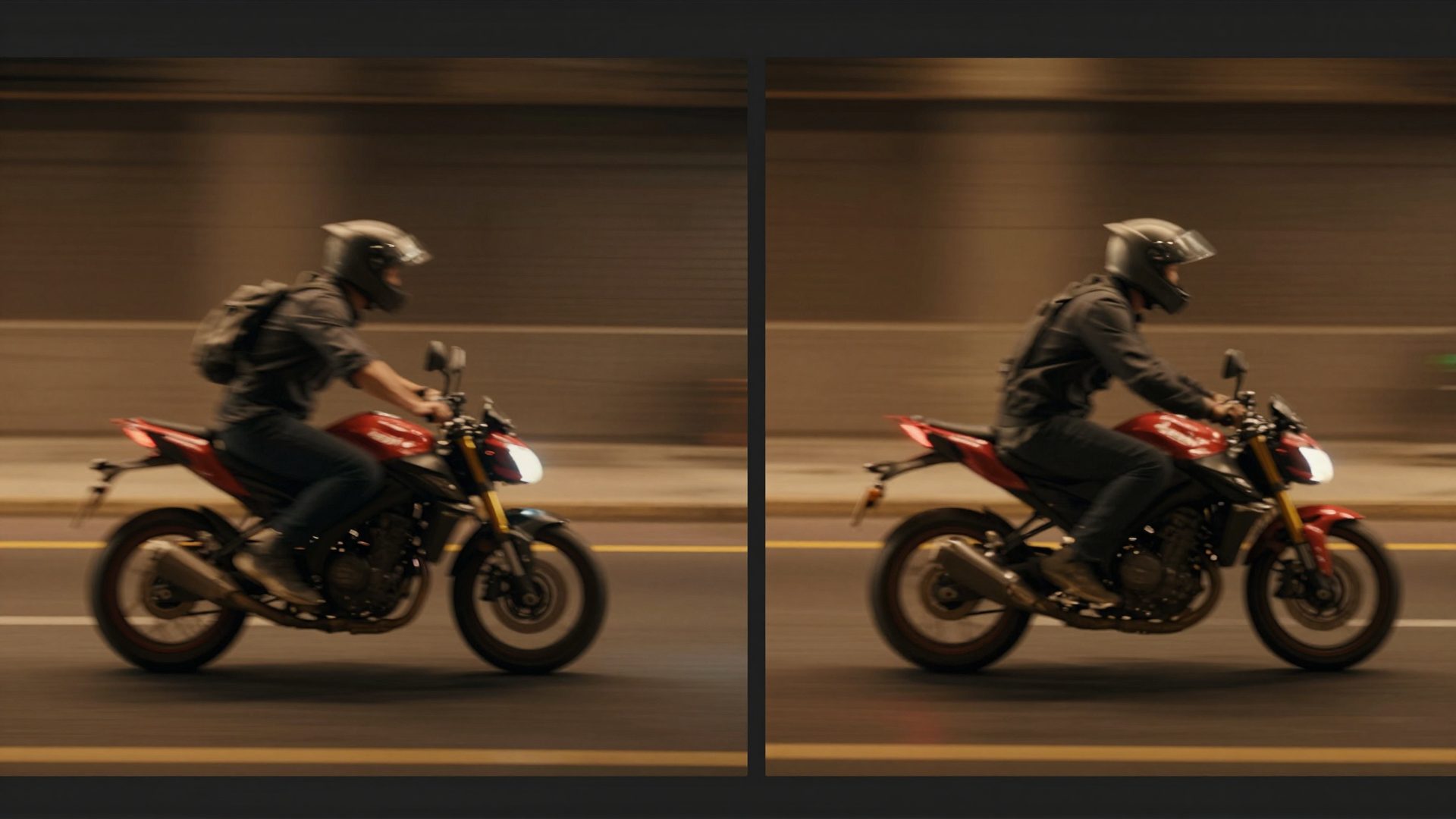
The key differentiator is the Smart AI Director. When you generate a reel on Imagera, you are not getting a single AI zoom effect looped for five seconds. The Director plans a 4-to-7 shot sequence — establishing shot, detail close-up, product reveal, payoff — with varied camera movements and scene transitions. The output is something you can actually publish in a marketing campaign or social feed.
Imagera offers dedicated reel makers for specific use cases:
- Product Reel Maker — for e-commerce and brand campaigns
- Car Reel Maker — automotive listings and dealership content
- Real Estate Reel Maker — property walkthroughs from still photos
- Human Reel Maker — people-forward content for personal brands
- Universal Reel Maker — flexible option for any subject
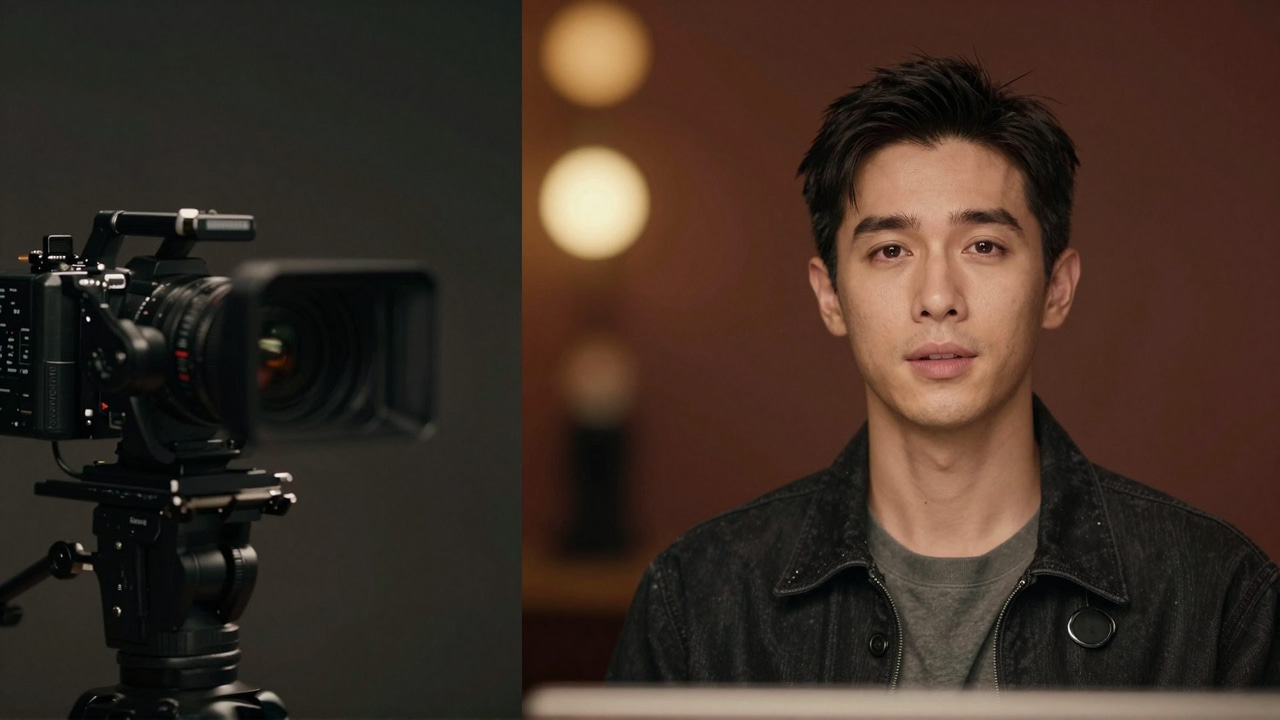
On the image side, Imagera covers professional AI headshots, LinkedIn headshots, and smart detail enhancement — output calibrated for professional use rather than general creative exploration.
The pricing model is also different: Imagera is pay-as-you-go credits plus optional plans, so you are not forced into a monthly subscription to produce a handful of videos. You buy what you need.
Reliability is built into the pipeline. Imagera's video generation routes through several video engines in a failover sequence. If one engine is blocked or fails on a particular job, the system re-renders on the next engine automatically, and you are charged once. If all engines fail, you receive an automatic refund. That kind of production reliability matters when you are on a deadline.
See the full video generator and pricing page for current credit rates.
Privacy-Focused Chat Alternatives (For Venice's Core Use Case)
If what you valued in Venice was the private, uncensored chat and text workspace — not the image or video features — then Imagera is not the right replacement. You are looking at a different category of tool entirely.
There are several privacy-focused AI assistants that compete directly with Venice on that turf: platforms built around local model hosting, end-to-end encrypted conversations, or decentralized inference. The category broadly includes tools that run models locally on your own hardware (eliminating server-side data concerns entirely), and browser-based interfaces that emphasize no-log policies for chat.
For that use case, look for tools that explicitly document their data handling, offer local-first or on-device inference, and match the model breadth you need. Venice remains one of the better-known options in this space — the alternatives in this category are worth researching on their own terms if private chat is your primary requirement.
General-Purpose AI Platforms (For All-in-One Workflows)
If you used Venice primarily as an all-in-one assistant — text, code, and some images in one tab — the obvious alternatives are the major general-purpose platforms: ChatGPT, Claude, Gemini, and similar. These offer strong text and code capabilities, increasingly capable image generation, and broad integrations. They are not private in the Venice sense (standard terms apply), but for creators who are not concerned about data retention policies, they cover a wide surface area.
None of them, however, offer the kind of purpose-built creative production workflow that Imagera provides for video, reels, and headshots.
Side-by-Side Comparison: Venice AI vs Imagera vs General Alternatives
| Feature | Venice AI | Imagera | General AI Platforms |
|---|---|---|---|
| Private / no-retention chat | Strong (core feature) | Not a focus | No |
| Uncensored models | Yes (key differentiator) | No | No |
| Image generation volume | Up to 1,000/day on Pro | Credit-based | Limited or variable |
| Video generation | Credit-based bolt-on (~1 short clip/mo on $18 plan) | Core product, multi-shot reels | Minimal or none |
| Cinematic multi-shot reels | No | Yes (Smart AI Director) | No |
| Professional headshots | No | Yes, purpose-built | No |
| Video engine failover | No | Yes (multi-engine pipeline) | No |
| Pricing model | Monthly subscription | Credits + optional plans | Monthly subscription |
| API compatibility | OpenAI-compatible | Not the focus | Varies |
| Best for | Private workspace, uncensored chat, high-volume images | Creative production: video, reels, headshots | General text + code |
How to Choose: Matching the Tool to the Job
The honest framework here is not "which tool is best" but "which tool is built for your job":
Choose Venice AI if:
- Your primary need is private, uncensored text or chat — for creative writing, research, sensitive professional work, or character roleplay.
- You need high-volume image generation (up to 1,000/day) at a fixed monthly price.
- You are a developer who wants an OpenAI-compatible private API.
- Occasional video is a nice-to-have, not a production requirement.
Choose Imagera if:
- You need to produce and publish video reels for products, real estate, people, or brands.
- You want professional headshots or LinkedIn photos from AI — output you would actually use professionally.
- You need a reliable video generator with automatic failover rather than a credit-starved experiment.
- You want pay-as-you-go flexibility rather than a monthly subscription for occasional video work.
- You are a marketer, product photographer, real-estate agent, or content creator focused on publishable output.
Choose a general-purpose platform if:
- You need broad coverage across text, code, and reasoning without specialized creative output.
- Privacy is not a key concern and you want the broadest model access.
A Note on Honesty in AI Tool Comparisons
Many "alternatives" articles pick a winner based on which product they are promoting and frame every other tool as inferior. That is not useful for anyone making a real decision.
Venice AI is a genuinely strong product for its intended audience. Its privacy architecture, uncensored model access, and image generation volume are real competitive advantages that many other tools do not match. If those features matter to you, Venice is worth using.
Imagera does not compete on privacy or uncensored text. It competes on creative production output — specifically the quality, reliability, and completeness of video reels, headshots, and enhanced images that are ready to publish. If that is what you need, the difference in workflow is substantial.
The professional headshot generator and image upscaler on Imagera, for example, are calibrated for professional-grade output — the kind you submit to a company directory or use in a pitch deck. That is a different design target than a general image model that also happens to generate portraits.
Similarly, the reel output from Imagera's AI Director — planned shot sequences with deliberate camera movement — is a different product category than a single video clip generated from a text prompt with a credit meter ticking down.
Related tools on Imagera
See it in action — real Imagera output
These are real, unedited results from the Imagera ai headshot — the exact tool this guide covers.


The Bottom Line
Venice AI is a well-built product for a specific audience — creators and professionals who prioritize private, uncensored AI workspaces and high-volume image generation. If that describes your primary use case, Venice is worth using and the alternatives in that category are worth exploring on their own terms.
If your work involves publishing video reels, producing professional headshots, or generating polished creative media output, the right tool is one built specifically for that production workflow.
Imagera's video generator, dedicated reel makers, and professional headshot tools are designed for that job. The credit-based pricing means you pay for what you produce rather than maintaining a subscription you may not use fully every month.
The best tool is the one that matches your actual workflow — not the one with the most impressive feature list on a comparison page.