Create standards-ready passport and ID photos
Free passport, visa & ID photos — auto-cropped to any country's exact size, background and file size, right on your device.
Imagera AI - AI content creation platform for generating images, cloning voices, creating avatars, and enhancing videos. Privacy Policy | Terms
Your team page is where buyers, investors, recruits and partners size up your company — and a roster where every headshot shares one background, lighting and crop signals an organization with standards. The trouble is that a traditional group shoot can't keep up with distributed hiring: every new office and new hire means finding, booking and waiting on another local photographer. Imagera turns each employee's selfies into an on-brand corporate headshot in a single shared preset, so your whole team matches without a group shoot — and new hires generate a coordinated portrait on day one. Consistent brand presentation can lift revenue by up to 33%, so a uniform team page is worth getting right.
| Need | Typical alternative | Imagera |
|---|---|---|
| Speed | Desktop installs, queues, or studio bookings | Browser studio — generate when you need it |
| Pricing | Annual seats you may not fully use | Credit-based — pay when you create |
| Workflow | One narrow tool, many tabs | Connected Imagera suite for the full job |
Use Imagera AI Headshot with role-specific guidance — upload selfies and get a professional portrait styled for your profession in minutes.
Professional AI headshot A professional AI headshot is a career-ready portrait generated from selfies with likeness preserved for LinkedIn, licensing, and CVs.
Use Imagera AI Headshot with role-specific guidance — upload selfies and get a professional portrait styled for your profession in minutes.
Before/after demo proof — then open the studio on your own file.
Professional lighting and framing in one pass. Ship LinkedIn-ready portraits today.
Plans start at $19.99/mo
AI corporate headshots turn each employee's selfies into on-brand team photos that share one background, lighting and crop — no group shoot needed. Everyone uploads their own photos from anywhere and the tool standardizes the look. Consistent brand presentation can raise revenue by up to 33% (Lucidpress), so a uniform team page pays off.
Each employee uploads their own selfies and you apply a single shared preset, so every portrait carries the same background, lighting and crop. The roster reads as one coordinated shoot rather than a patchwork of webcam grabs and old studio photos — the kind of visual consistency that tells an About-page visitor your company has its act together.
Distributed companies hire year-round, and a traditional shoot leaves the team page perpetually out of date between sessions. With Imagera, each new hire generates a matching headshot from their own photos on day one — no return visit, no mini-session, no waiting on a local photographer — so your directory and roster stay current as the team grows.
Every employee uploads a few selfies from wherever they are — home, a hotel, a satellite office — and generates their headshot in your company preset. There's no day when the whole team must be in one room and no photographer to fly between locations. The logistics and travel fees that make multi-office team shoots expensive simply disappear.
Putting employees' faces through any AI tool is a data-governance decision, so handle it like one. Facial data can fall under biometric-privacy laws — Illinois' BIPA regulates collecting a scan of face geometry and requires written notice and consent, with statutory damages of $1,000 per negligent and $5,000 per intentional violation (Facebook settled a BIPA face-tagging suit for $650 million). The EU's GDPR likewise treats biometric identification as a special category needing explicit consent. The safe pattern: get employee consent and have each person voluntarily upload their own photos. Imagera builds every headshot from that individual's own uploaded selfies and keeps their real likeness.
Illinois Biometric Information Privacy Act (BIPA), 740 ILCS 14Agree on a simple dress code so the whole set reads as one group. Business-professional is the safe default — a blazer or structured jacket over a solid mid-tone shirt or fine knit, with minimal logos and busy patterns that can shimmer at thumbnail size. Decide as a team whether to go full suit-and-tie (finance, law, consulting) or a smart-casual blazer (tech, agencies), then apply it consistently. Imagera's corporate presets apply coordinated business attire automatically, but neat, uncluttered clothing in each person's selfies gives the truest result.
For a cohesive team page, standardize on one background across everyone — a soft neutral grey, off-white or a muted brand-aligned colour reads as professional and keeps the focus on each face. A subtly blurred office tone can suit a single executive portrait, but a plain, uniform backdrop is far easier to match across dozens of employees in different cities and lighting conditions. Imagera generates the same studio background for every team member, so the roster looks like it came from a single shoot.
higher revenue from presenting a brand consistently across all touchpoints — the B2B case for one uniform team-headshot look (Lucidpress study of 200+ organizations) · source

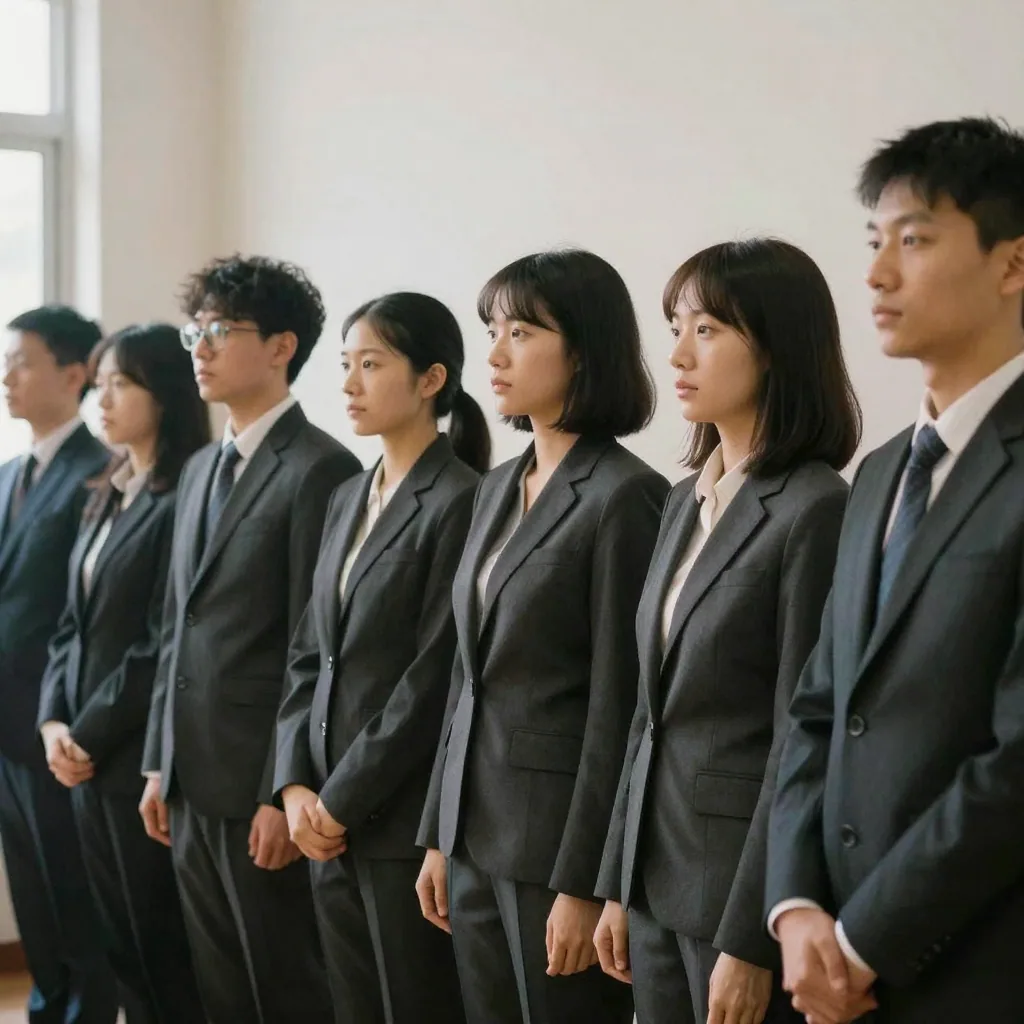
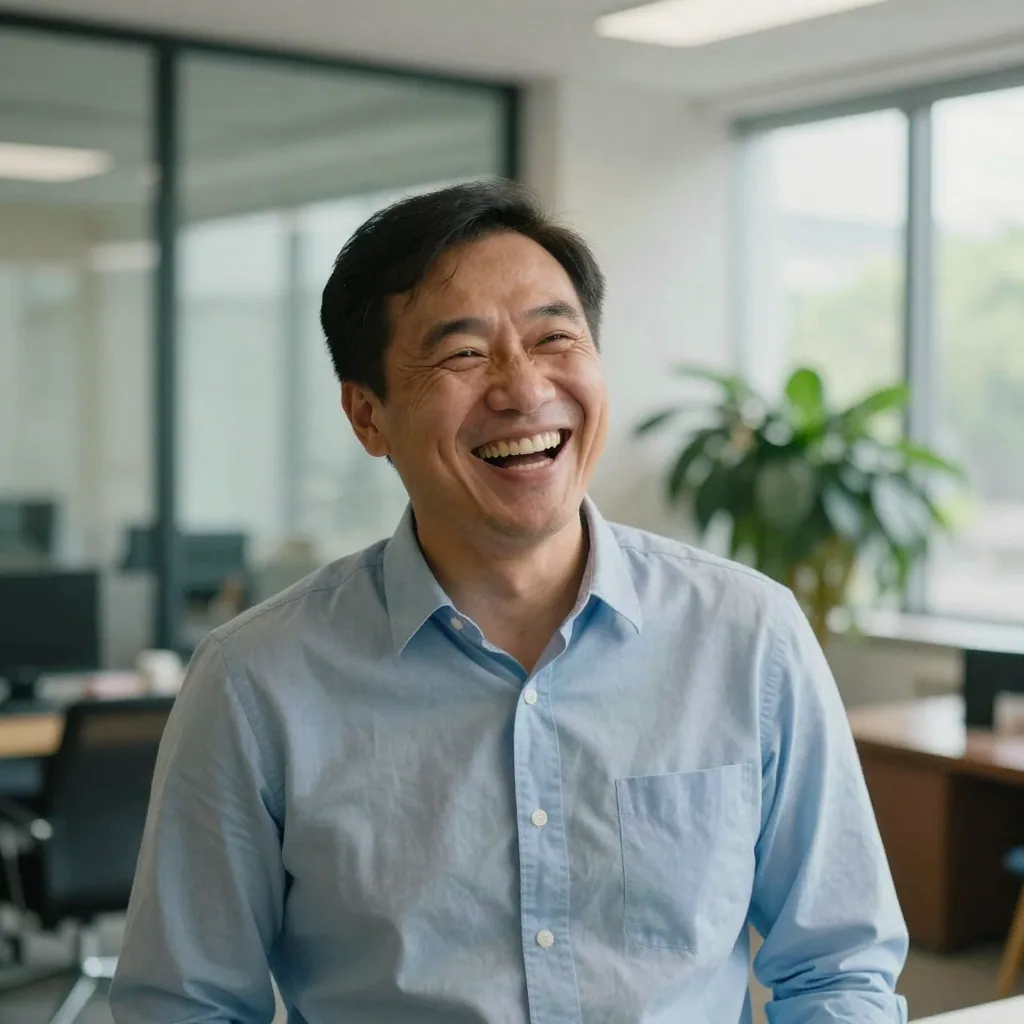
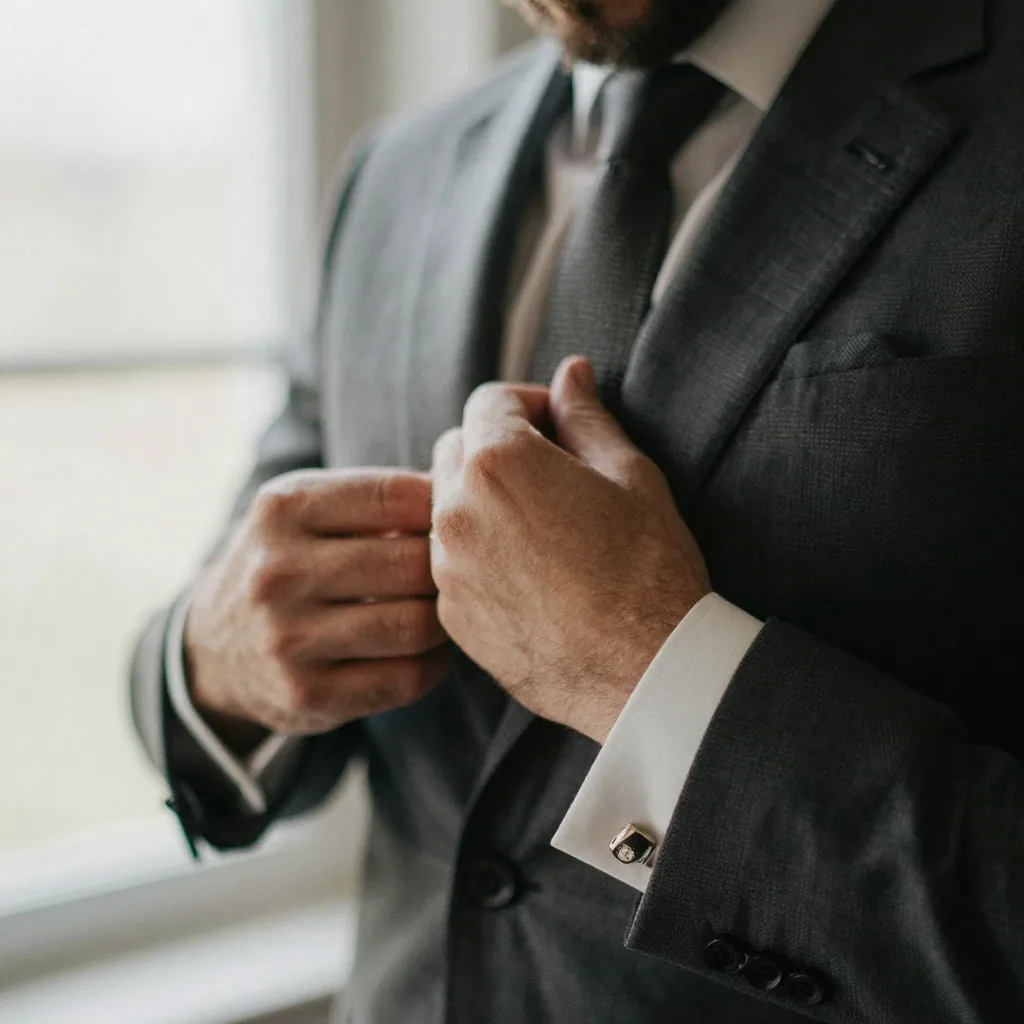

Each employee uploads their own selfies and your team applies one shared preset — the same background colour, lighting style and head-and-shoulders crop. Because the look is set by the tool rather than improvised on a shoot day, everyone matches regardless of city, camera or schedule. Consistent visuals matter: Lucidpress found presenting a brand consistently can raise revenue by up to 33%.
Yes — it's a core reason teams switch away from group shoots. When someone joins, they upload their selfies and generate a headshot in the same preset on day one, so your team page and employee directory stay current without booking a photographer back. Distributed companies hire continuously, and a rolling workflow keeps the About page from going stale between annual sessions.
Treat it as required. Facial data can fall under biometric-privacy laws like Illinois' BIPA, which mandates written notice and consent before collecting a scan of face geometry, with statutory damages of $1,000–$5,000 per violation; GDPR similarly needs explicit consent. The safe pattern has each employee voluntarily upload their own photos and opt in. Imagera builds every headshot from that person's own uploads.
Each person uploads a few selfies from wherever they are — home, a hotel, a satellite office — and generates a headshot in your shared company preset. There's no travel, no studio booking and no day when the whole team has to be in one place. That's why hybrid and fully-remote companies use it: the logistics that make group shoots expensive simply disappear.
Yes — you can standardize every portrait on one consistent background, including a clean brand-aligned colour or neutral studio tone, plus matching lighting and crop. Imagera won't fabricate a specific real office or invent a logo on the wall, but it gives the whole roster a uniform, on-brand backdrop so your team page reads as one coherent set instead of a patchwork of mismatched photos.
An established corporate photographer typically charges $150–$350 per employee, plus $150–$500 in travel and setup, and you pay again for new hires and reshoots. With Imagera, headshots run on credits — a fraction of a per-person sitting — and one upload yields several looks. For multi-office or remote teams, you also skip repeat travel to each location.
The headshots you generate are yours to deploy across the surfaces a B2B buyer sees you on: your About and Team pages, employee directory, LinkedIn profiles, sales and pitch decks, proposal bios and email signatures. Export at high resolution so a single portrait stays sharp from a tiny directory thumbnail to a full-width About-page banner, with no pixelation.
The practical pattern is: decide on one shared preset (background colour, lighting and crop) and a simple dress code, get written employee consent, then have each person voluntarily upload three or four of their own recent selfies and generate a headshot in that preset. Because the look is set by the tool rather than a shoot day, everyone matches regardless of city, camera or schedule, and there's no group booking to coordinate. New hires repeat the same steps on day one, so the process becomes a standard part of onboarding rather than an annual event.
Yes — a rolling, self-serve workflow is exactly where AI headshots beat a traditional shoot at scale. Each employee uploads their own photos and generates a portrait in your shared preset, so headcount doesn't create a scheduling bottleneck the way booking a photographer for hundreds of people across offices does. Costs run on Imagera credits per portrait rather than a per-person sitting plus travel, and consistency is set by the preset rather than by whichever photographer shot each location. Growing and multi-office companies use it precisely because it doesn't break down as the roster expands.
Turnover is one of the main reasons traditional team shoots go stale — a group photo is out of date the moment someone joins or leaves. With a self-serve preset, you simply remove a departed employee's headshot from the team page and add a matching one for their replacement, generated from that new person's own photos on day one. There's no need to reshoot the whole team to accommodate one change, so your About page and directory stay current continuously instead of drifting between annual sessions.
Yes — that's the core benefit over letting people upload whatever photo they have. You standardize a single background colour or neutral studio tone, one lighting style, one head-and-shoulders crop and an agreed dress code, and apply it to every portrait. Imagera won't fabricate a specific real office or invent a logo on the wall, but it gives the whole roster a uniform, on-brand backdrop and framing so the team page reads as one coherent set. Consistent presentation matters: Lucidpress found presenting a brand consistently can raise revenue by up to 33%.
You can, but it usually looks better not to. The value of standardizing is that every face shares the same background, lighting and crop; dropping a few older studio photos with different backdrops and lighting into that grid re-introduces the patchwork look you're trying to fix. If you're transitioning, the cleanest result comes from moving the whole roster to one shared preset so nothing stands out. Because generating a matching headshot takes minutes per person, converting the stragglers is quick rather than a barrier.
Yes — the same portrait that anchors your About page also works as a consistent avatar across LinkedIn, Slack, Microsoft Teams, Zoom profiles and email signatures, so an employee presents one recognizable face everywhere colleagues and clients see them. A tight, centred head-and-shoulders crop reads clearly even at the small circular sizes those tools render. Export the high-resolution file once and crop it to each surface; because it's built to your company preset, the whole team's avatars stay visually coordinated rather than a mix of webcam grabs and old photos.
Yes. Anyone your company features on its site — contractors, fractional executives, advisors, board members — can upload their own recent photos and generate a headshot in your shared preset, so a mixed roster of employees and non-employees still reads as one coordinated brand. Get the same voluntary consent you would from staff, since the biometric-privacy considerations apply to any individual's facial data. This is especially useful for advisory boards and networks spread across companies and geographies, where a single group shoot is effectively impossible.
Export the highest resolution and let each surface scale down — the same source file has to serve a full-width About-page banner and a tiny employee-directory thumbnail. Upscaling a small image to banner size is what makes team photos look soft and inconsistent. Imagera exports high-resolution headshots, so one file stays crisp from a large hero crop down to a small circular avatar in a directory, a Slack sidebar or a sales deck, keeping the whole roster sharp and uniform at every size a buyer or recruit encounters.
Last updated: June 2026 · Imagera formats real headshots from your own photos and preserves your likeness.
Use the primary CTA on this page to enter the tool.
Add your media or brief and set the options you need.
Create the result and export with commercial rights on paid plans.
Imagera AI Team
Unified AI creation platform
Complete your workflow
These pair with Studio Headshot Maker. Every tile says what the tool actually does — without leaving this page.
Create standards-ready passport and ID photos
Adjust pose and styling while keeping the same face
Prepare finished portraits for high-resolution delivery
AI upscaling to 1080p/2K/4K. Ultra-high resolution. Batch process up to 5 images.
Add freckles, pores, scars, tattoos. Remove blemishes. Fix plastic AI skin instantly.
Edit images with Imagera Edit. Inpaint, modify, and transform any part of your image.
Remove flyaway hair and fix fine imperfections with surgical AI precision.