Create standards-ready passport and ID photos
Free passport, visa & ID photos — auto-cropped to any country's exact size, background and file size, right on your device.
Imagera AI - AI content creation platform for generating images, cloning voices, creating avatars, and enhancing videos. Privacy Policy | Terms
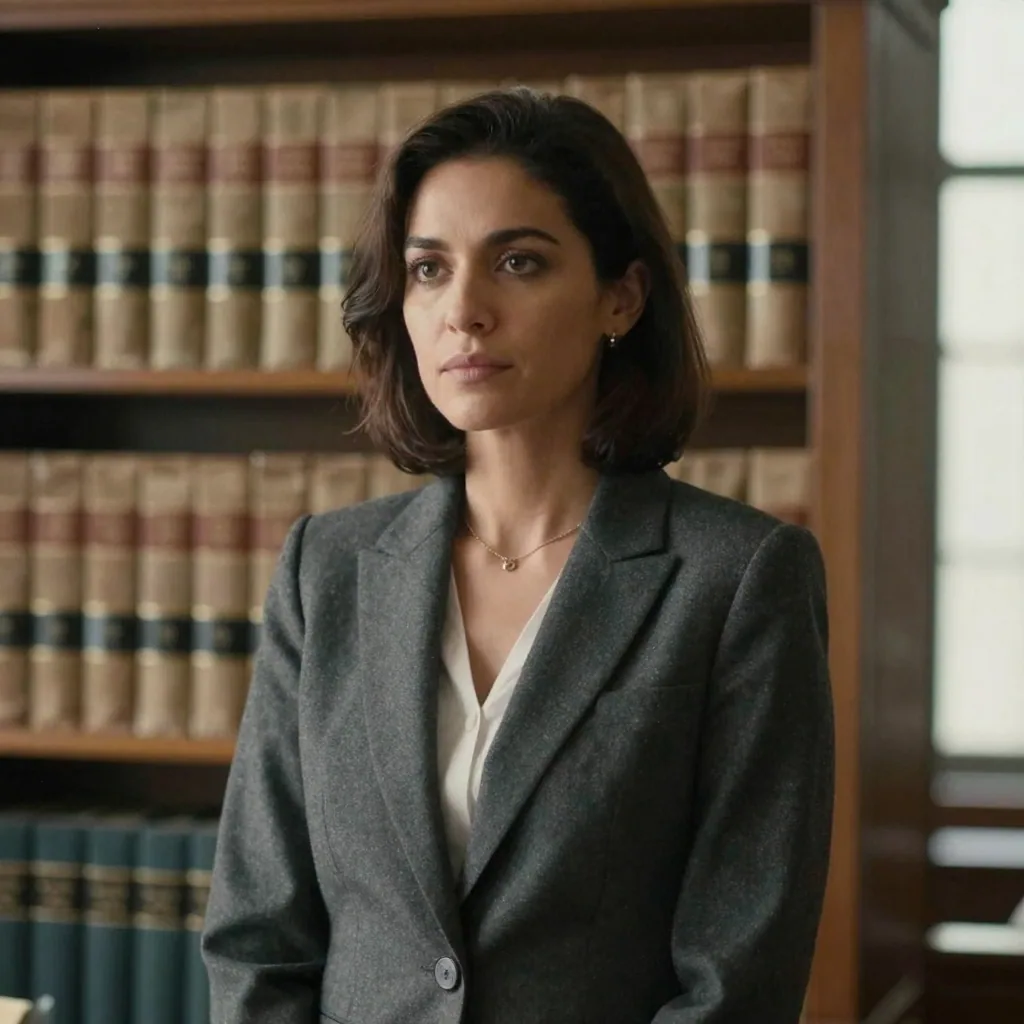
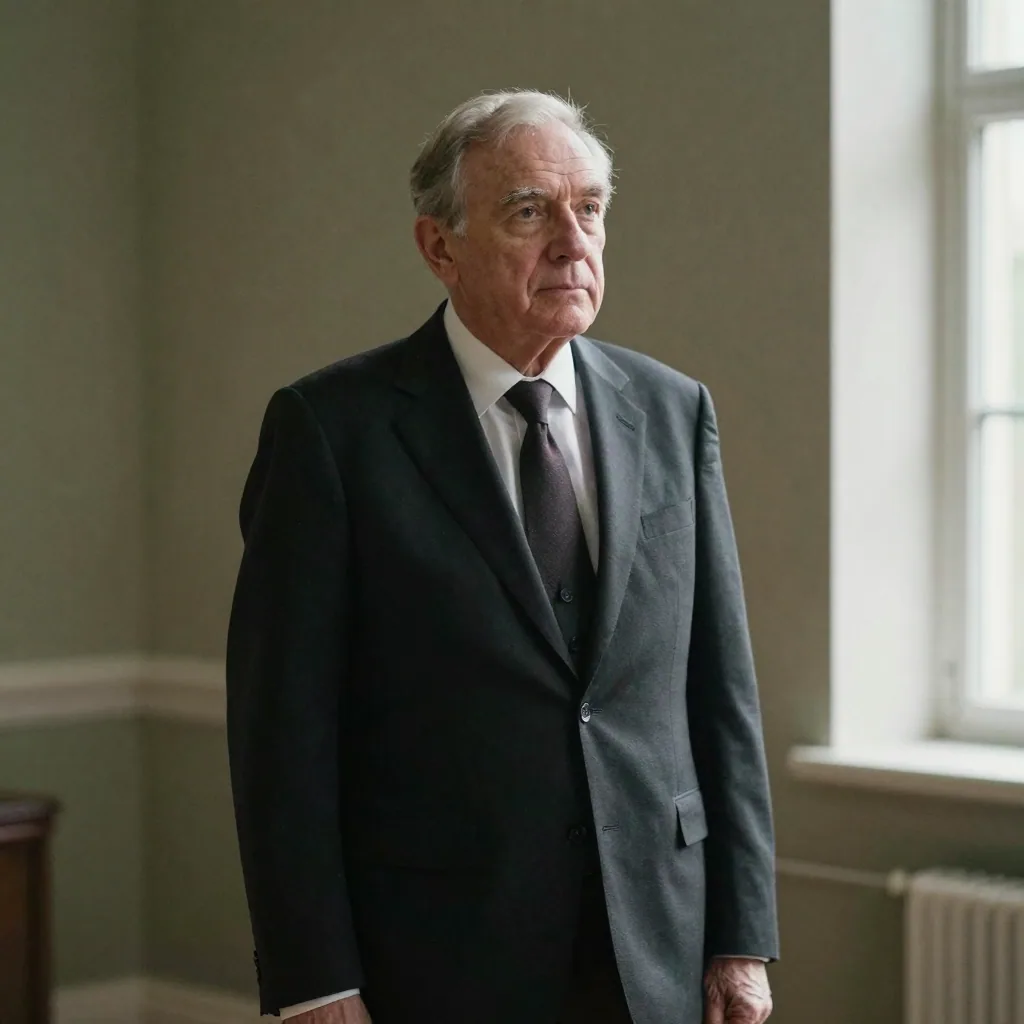
Your attorney bio is one of the most-visited pages on any firm website, and prospective clients form a credibility judgment from your photo before they read a single word. A lawyer headshot has to signal trust, authority and discretion — not personality. Imagera turns a few selfies into a conservative, firm-bio-ready portrait: a tailored dark suit, a clean neutral or softly-blurred-bookshelf backdrop, and a composed, confident expression. Your real likeness is preserved, so the result still looks unmistakably like you — which matters in a profession where your image is itself a regulated communication. Generate a polished portrait in minutes, and refresh it whenever you change firms or roles. The sections below cover the advertising and directory rules that apply to your photo, what to wear and which background reads as firm-consistent, how the cost compares to a legal photographer, and the questions attorneys ask most before updating a bio.
| Need | Typical alternative | Imagera |
|---|---|---|
| Speed | Desktop installs, queues, or studio bookings | Browser studio — generate when you need it |
| Pricing | Annual seats you may not fully use | Credit-based — pay when you create |
| Workflow | One narrow tool, many tabs | Connected Imagera suite for the full job |
Use Imagera AI Headshot with role-specific guidance — upload selfies and get a professional portrait styled for your profession in minutes.
Professional AI headshot A professional AI headshot is a career-ready portrait generated from selfies with likeness preserved for LinkedIn, licensing, and CVs.
Use Imagera AI Headshot with role-specific guidance — upload selfies and get a professional portrait styled for your profession in minutes.
Before/after demo proof — then open the studio on your own file.
Professional lighting and framing in one pass. Ship LinkedIn-ready portraits today.
Plans start at $19.99/mo
An AI lawyer headshot turns your selfies into a conservative, firm-bio-ready portrait — dark suit, neutral or softened-bookshelf backdrop, composed expression — while preserving your real likeness. It suits Martindale-Hubbell, Super Lawyers, LinkedIn and firm websites. Because ABA Model Rule 7.1 bars misleading communications about a lawyer, the photo must accurately depict you, which Imagera's likeness-preserving approach maintains. Upload a few selfies, pick a corporate look, and export a high-resolution portrait that matches across every directory and firm profile a client checks.
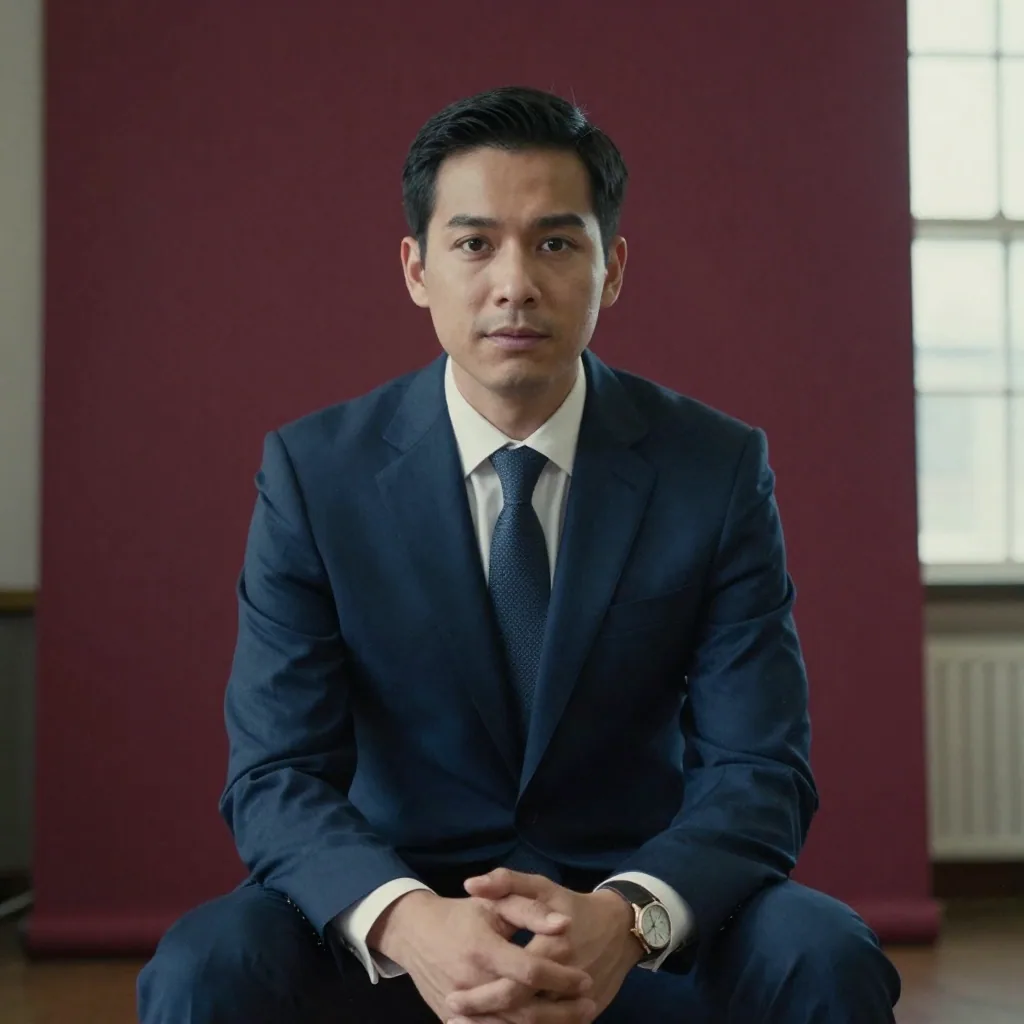
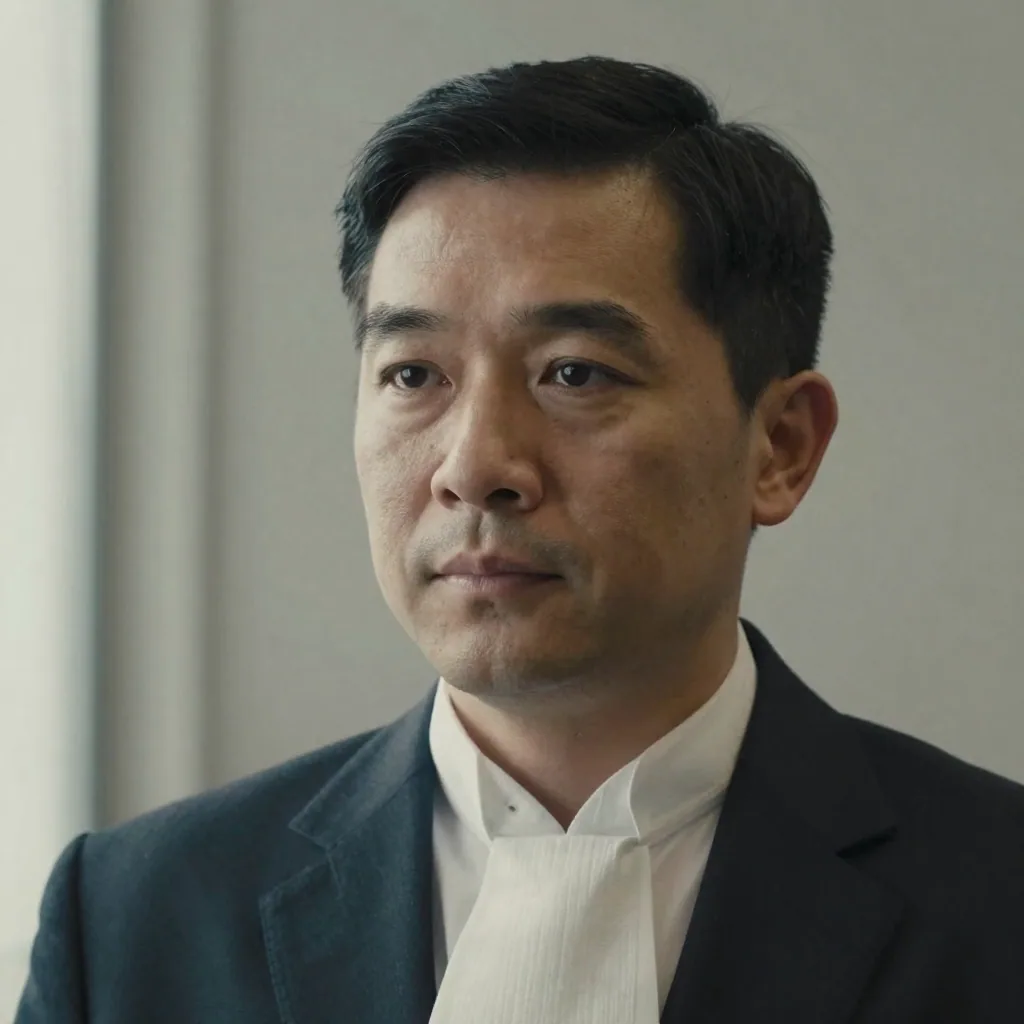
Legal headshots prioritize trust and authority over creativity. Imagera renders a tailored dark suit, a clean neutral backdrop and a composed expression — the formula partners expect — with no stylized filters that would look out of place on a directory or firm profile. Navy and charcoal read as the most trustworthy and authoritative on camera, and the framing stays a classic head-and-shoulders crop, so your bio photo looks deliberate and serious rather than casual.
ABA Model Rule 7.1 prohibits false or misleading communications about a lawyer. Imagera builds your portrait from your own selfies and preserves your real facial identity, so the headshot still truthfully depicts you while refining only the suit, lighting and setting. That matters more in law than almost any other field: your image is itself a regulated communication, so an accurate likeness isn't just flattering — it's the compliant choice.
Each attorney uploads their own photos and picks the same suit style and neutral backdrop, so an entire firm ends up with a matching, on-brand set for the team page and directory listings — without coordinating diaries across multiple offices. New associates generate a matching portrait on day one, so the firm's attorney roster stays current as people join, rather than drifting out of date between annual studio sessions.
LinkedIn permits AI tools to enhance or create a profile photo as long as it reflects your real likeness — the same standard applied to retouched studio photography. Legal directories such as Martindale-Hubbell, Super Lawyers and Avvo, along with firm websites and your state-bar profile, accept standard professional headshots. Crucially, ABA Model Rule 7.1 bars false or misleading communications about a lawyer, and most state bars adopt the same standard, so your headshot must accurately depict you. The regulators' concern with any photo is misrepresentation — a portrait that makes you look materially younger or different could mislead — not the tool used to make it. Because Imagera builds your headshot from your own selfies and preserves your real features rather than inventing a face, the result truthfully represents you and works across every platform where clients and peers research you.
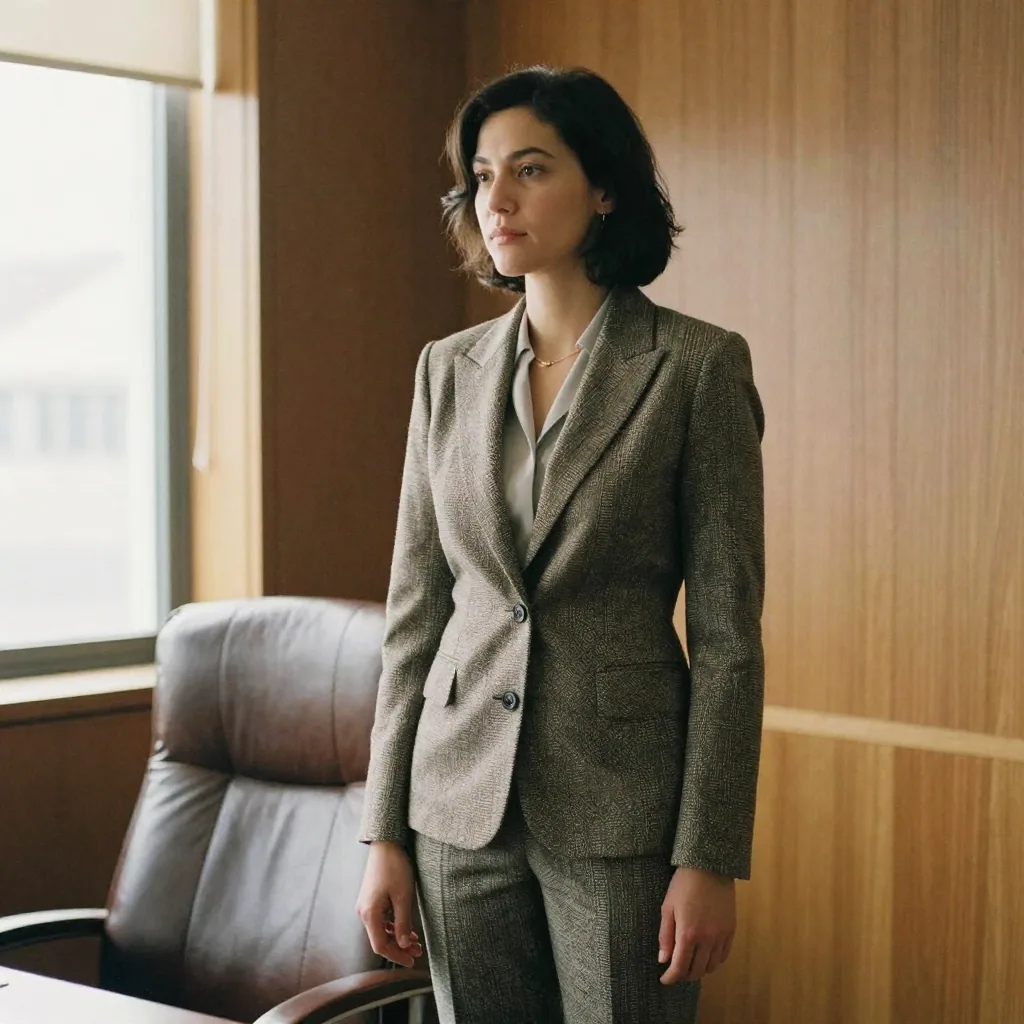
ABA Model Rule 7.1 — Communications Concerning a Lawyer's ServicesWear a well-tailored dark suit — navy or charcoal — over a light dress shirt, with a conservative tie for men or a structured blazer over a modest neckline for women. Navy reads as the most trustworthy and authoritative on camera; avoid bright colors, busy patterns that can cause moiré, and large logos that pull attention from your face. Keep accessories minimal and understated — the goal is that a client remembers your face and your competence, not your clothing. Imagera applies a clean, conservative dark-suit look automatically, but starting from neat, well-fitted attire in your selfies gives the truest, most polished result.
A clean, neutral background — light gray, soft white or deep charcoal — is the safest and most firm-consistent choice, and works across LinkedIn, Martindale-Hubbell, Super Lawyers and your firm site. A softly-blurred bookshelf or office can read as gravitas for an individual partner, but neutral backdrops are far easier to match across an entire practice. If your firm standardizes on one backdrop colour for its team page, a plain neutral is the simplest way to keep every attorney's portrait consistent regardless of city or office. Imagera generates both the plain-neutral and blurred-office options, so you can match a solo partner's gravitas or a whole firm's uniform look from the same upload.
of in-house counsel rely on attorney bios when researching and hiring outside counsel · source
Yes, provided it accurately depicts you. ABA Model Rule 7.1 prohibits false or misleading communications about a lawyer, and most state bars adopt the same standard. A headshot that invents a different face could mislead. Because Imagera builds your portrait from your own selfies and preserves your real likeness, the result still truthfully represents you — refining only the suit, lighting and backdrop.
That is the default. Legal headshots prioritize trust, authority and discretion over personality, so Imagera renders a tailored dark suit, a clean neutral backdrop and a composed, confident expression — the firm-bio formula partners expect. There are no creative filters or stylized effects that would read as out of place on a Martindale-Hubbell, Super Lawyers or firm-website profile.
Yes, and that consistency is hard to achieve with a traditional shoot across multiple offices. Each attorney uploads their own selfies and selects the same suit style and neutral backdrop, so the whole practice ends up with a matching, on-brand set for the team page and directory listings — without coordinating diaries, travel or a single studio booking.
A well-tailored dark suit — navy or charcoal — over a light dress shirt, with a conservative tie for men or a structured blazer over a modest neckline for women. Navy reads as the most trustworthy and authoritative on camera. Avoid bright colors, busy patterns that can cause moiré, and large logos that pull attention from your face.
A clean, neutral background — light gray, soft white or deep charcoal — is the safest and most firm-consistent choice, and it works across LinkedIn, Martindale-Hubbell, Super Lawyers and your firm site. A softly-blurred bookshelf or office can read as gravitas for an individual partner, but neutral backdrops are far easier to match across a whole practice.
Yes. Those directories display standard professional headshots on attorney profiles, and a clean, suited Imagera portrait on a neutral backdrop fits their conventions. Because the same image works on your firm website and LinkedIn too, you can keep one consistent, credible photo across every place clients and peers research you — which strengthens recognition and trust.
A composed, closed-mouth or lightly smiling expression usually works best for lawyers — it reads as approachable without undercutting authority. Litigators and senior partners often lean more serious, while family-law or plaintiff-side attorneys may prefer a warmer, friendlier look. Imagera's presets are tuned to a confident, credible expression appropriate for legal bios, and you can regenerate to compare.
Yes. A formal, conservative portrait suits law-school applications, clerkship and judicial-internship packets, and professional profiles where a photo is expected. The same dark-suit, neutral-backdrop look that works for a firm bio reads as polished and serious for early-career applications — and you can refresh it in minutes as you move from student to associate to partner.
Arguably more so. At a large firm, the brand carries some of the credibility; a solo or small-firm attorney is the brand, and the bio photo often does more of the trust work in a client's decision. A clean, conservative, well-lit portrait signals that you take your practice — and your clients — seriously. Imagera gives a solo practitioner the same firm-bio-grade headshot a large firm commissions, without the studio cost, so your website and directory profiles compete on presentation.
Match the expression to the practice area and the client. Litigators, corporate and appellate attorneys often lean toward a composed, confident, closed-mouth look that reads as authoritative under pressure. Family-law, estate-planning, personal-injury and plaintiff-side attorneys frequently do better with a slightly warmer, more approachable expression, because prospective clients are often in a stressful moment and want to feel understood. Imagera lets you generate both registers from one upload and choose the one that fits how you want clients to feel.
Yes, and you should. Using one consistent, credible portrait across your firm website, LinkedIn, Martindale-Hubbell, Super Lawyers, Avvo and your state-bar profile builds recognition and reinforces trust every place a client or referring attorney checks you out. Imagera exports at high resolution, so a single dark-suit, neutral-backdrop headshot crops cleanly to each platform's shape — square for LinkedIn, the aspect a directory expects, or a tighter crop for an email signature — without changing how you look.
Not if it honestly depicts you, which is the entire standard. ABA Model Rule 7.1 bars false or misleading communications about a lawyer, and the concern regulators have with any photo — AI or studio — is misrepresentation, not the tool used to make it. Because Imagera builds your portrait from your own selfies and preserves your real likeness rather than inventing a younger or different-looking face, the result truthfully represents you. Retouched studio photography is held to the same rule; an accurate likeness is what keeps you clear of it.
A professional attorney headshot session typically runs into the hundreds of dollars per person, and a firm-wide shoot adds a photographer's day rate plus the cost of coordinating diaries across offices — paid again for every new associate and every reshoot. With Imagera, each portrait runs on a few credits, one upload yields several looks, and new attorneys generate a matching headshot on day one. For a multi-office firm, you also skip repeat travel and scheduling entirely.
The default firm-bio formula is a dark suit, but not every attorney works in a suit-and-tie environment. In-house counsel, tech and startup lawyers, and some plaintiff-side practices lean business-casual, and a well-fitted blazer over a collared shirt without a tie can read as credible without looking stiff. The safe rule is to dress one notch more formal than your day-to-day and match the tone your clients expect. Imagera can render both the full-suit and blazer-over-collar looks, so you can pick the one that fits your practice.
In the US, UK, Canada and Australia, no — legal recruiters and firm hiring committees expect a text-only resume, and an unrequested photo can introduce bias and trip applicant-tracking systems. Keep your polished portrait on LinkedIn and your firm bio instead, where it's expected and works in your favour. In much of continental Europe, where a CV photo is still the norm, a conservative dark-suit headshot is appropriate. Imagera can produce both a LinkedIn headshot and a spec-ready CV photo from the same upload.
Three to four clear, recent photos give the truest result. Use front-facing shots in soft, even light where your whole face is visible, and skip sunglasses, hats, heavy filters and group photos. Because a lawyer headshot needs to look composed and credible, choose source selfies with a neutral or lightly-smiling expression rather than a candid laugh. If the first portrait isn't quite right, add a couple more varied photos and regenerate — it takes minutes, so it's easy to dial in the exact firm-bio look you want.
The professional-conduct rules don't require you to label a headshot as AI-assisted; what they require, under ABA Model Rule 7.1, is that your communications about your services aren't false or misleading. A retouched studio photo and an identity-preserving AI headshot are held to the same substantive standard: the image must honestly depict you. Because Imagera builds your portrait from your own selfies and keeps your real likeness, the result is a truthful representation, so there's nothing misleading to disclose. Where surveys suggest people prefer disclosure is in contexts like recruiting; on a firm bio, an accurate portrait of yourself is simply a professional photo.
Last updated: June 2026 · Imagera formats real headshots from your own photos and preserves your likeness.
Use the primary CTA on this page to enter the tool.
Add your media or brief and set the options you need.
Create the result and export with commercial rights on paid plans.
Imagera AI Team
Unified AI creation platform
Complete your workflow
These pair with Studio Headshot Maker. Every tile says what the tool actually does — without leaving this page.
Create standards-ready passport and ID photos
Adjust pose and styling while keeping the same face
Prepare finished portraits for high-resolution delivery
AI upscaling to 1080p/2K/4K. Ultra-high resolution. Batch process up to 5 images.
Add freckles, pores, scars, tattoos. Remove blemishes. Fix plastic AI skin instantly.
Edit images with Imagera Edit. Inpaint, modify, and transform any part of your image.
Remove flyaway hair and fix fine imperfections with surgical AI precision.