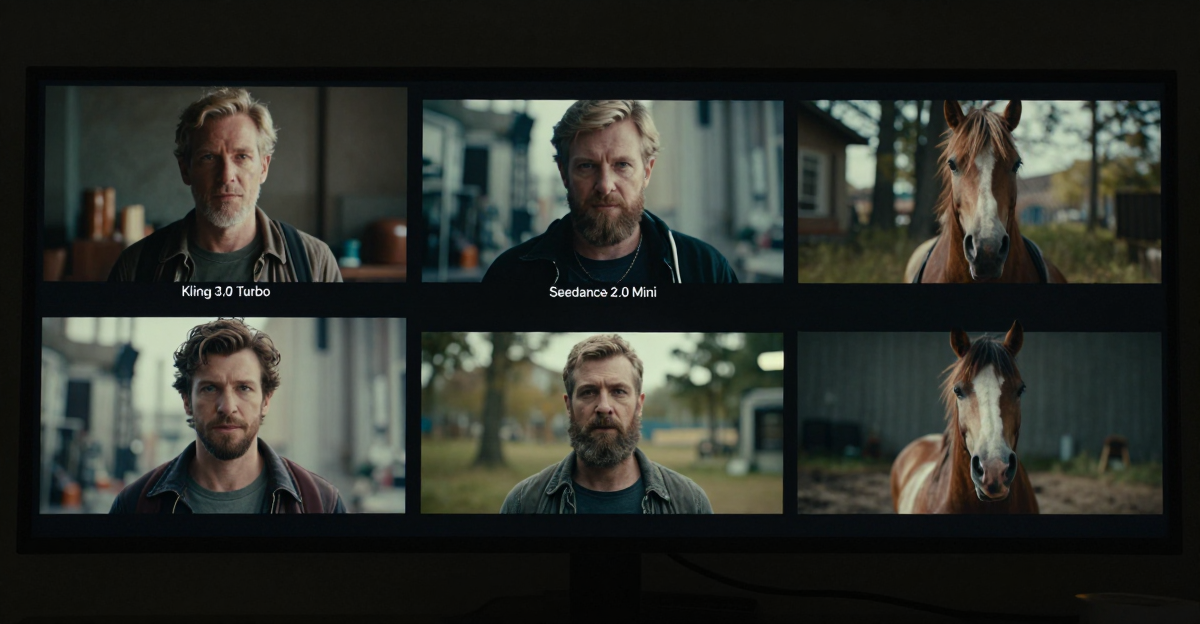
 You can complete this on Imagera without installing software: upload a real source file, describe the change, confirm credits up front, generate, and review before you publish. Kling Alternative 2026 — AI Video With Characters & Flexible Credits — this guide covers the steps, quality checks, and when to open related tools.
Kling became shorthand for character-driven AI video in 2025–2026. Searching a Kling alternative usually means one of:
- Access blocked / regional limits
- Credit burn too high for your volume
- Need owned character / LoRA identity beyond one model family
- Want product reels + image tools in the same place
- Prefer browser + flexible credits over a single-app lock-in
Product: Kling alternative · Video generator · Product reels
Real Imagera output: a short AI-generated video.
Quick answer: The best Kling alternative in 2026 is Imagera, a multi-model AI video suite that generates character-driven clips, product reels, and image edits from one flexible credit balance instead of locking you into a single model family.
1.Why choose a multi-model Kling alternative instead of one video model in 2026?
Different shots need different engines, so relying on a single model can be limiting. Imagera routes across 8+ video models, keeps one character consistent across every shot with train-once identity, and outputs up to 4K reels. Most clips finish in under a minute, and your credits work across 100+ image and video tools, not just one app.
2.Are flexible credits cheaper than single-app Kling subscriptions for creators?
For creators producing many clips a month, shared credits stretch further because one balance covers video, product reels, and image edits at once. Imagera pricing is measured in credits per clip, so you pay only for finished output. Single-model apps typically require a separate monthly plan for each tool, which multiplies cost across a multi-tool workflow, while one Imagera balance covers the whole pipeline.
3.Quick verdict
| Priority | Choose |
|---|---|
| Owned identity + multi-tool suite | Imagera |
| Pure Kling model experience only | Kling-native apps or Kling-forward aggregators |
| Lowest commitment test | Imagera $19.99 credit pack |
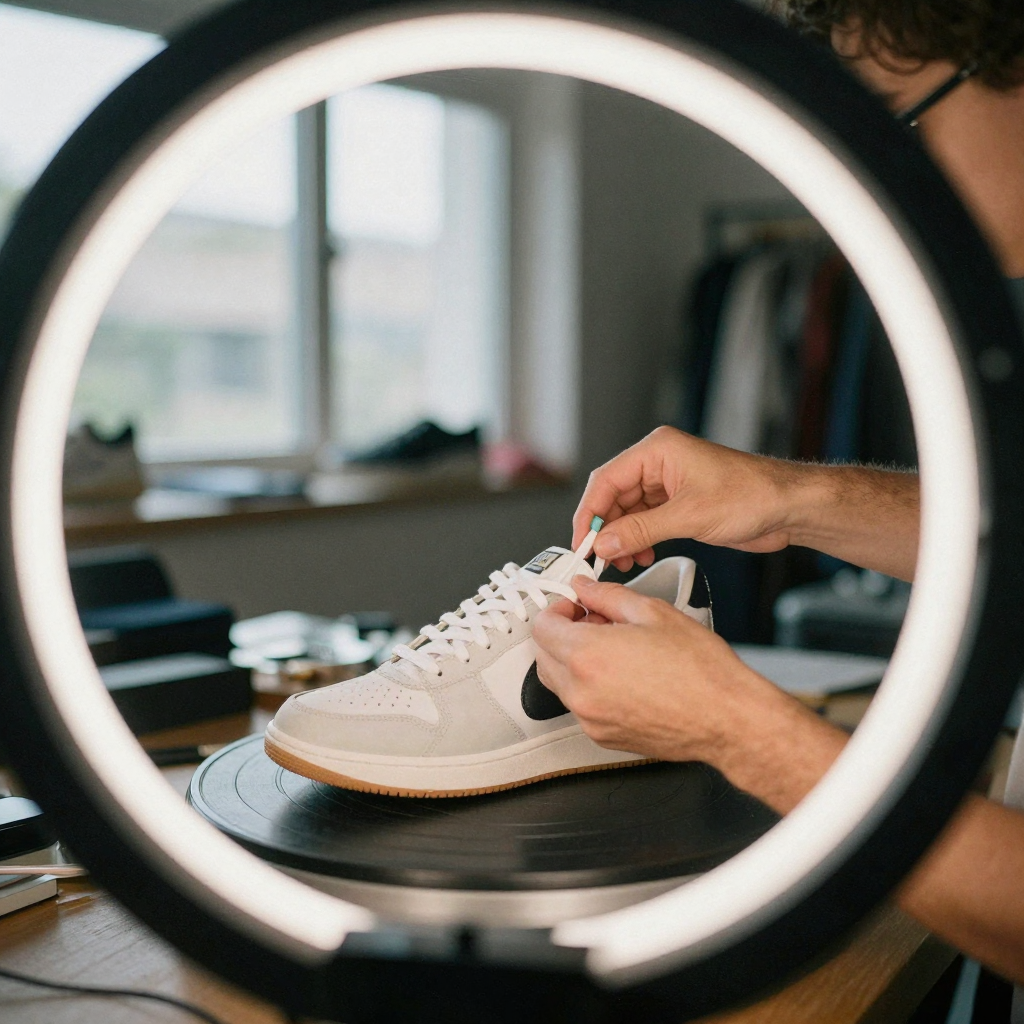
| Ecommerce photo → reel volume | Imagera product reels |
Answer-first capsule: Imagera is a practical Kling alternative when you need character-driven video plus train-once identity, product reels, and enhance tools. Stay Kling-native if you only want that model family’s look and already have access/pricing that works.
4.What Kling-class tools are great at
Public model comparisons and aggregator guides in 2026 commonly position Kling-class engines as strong for:
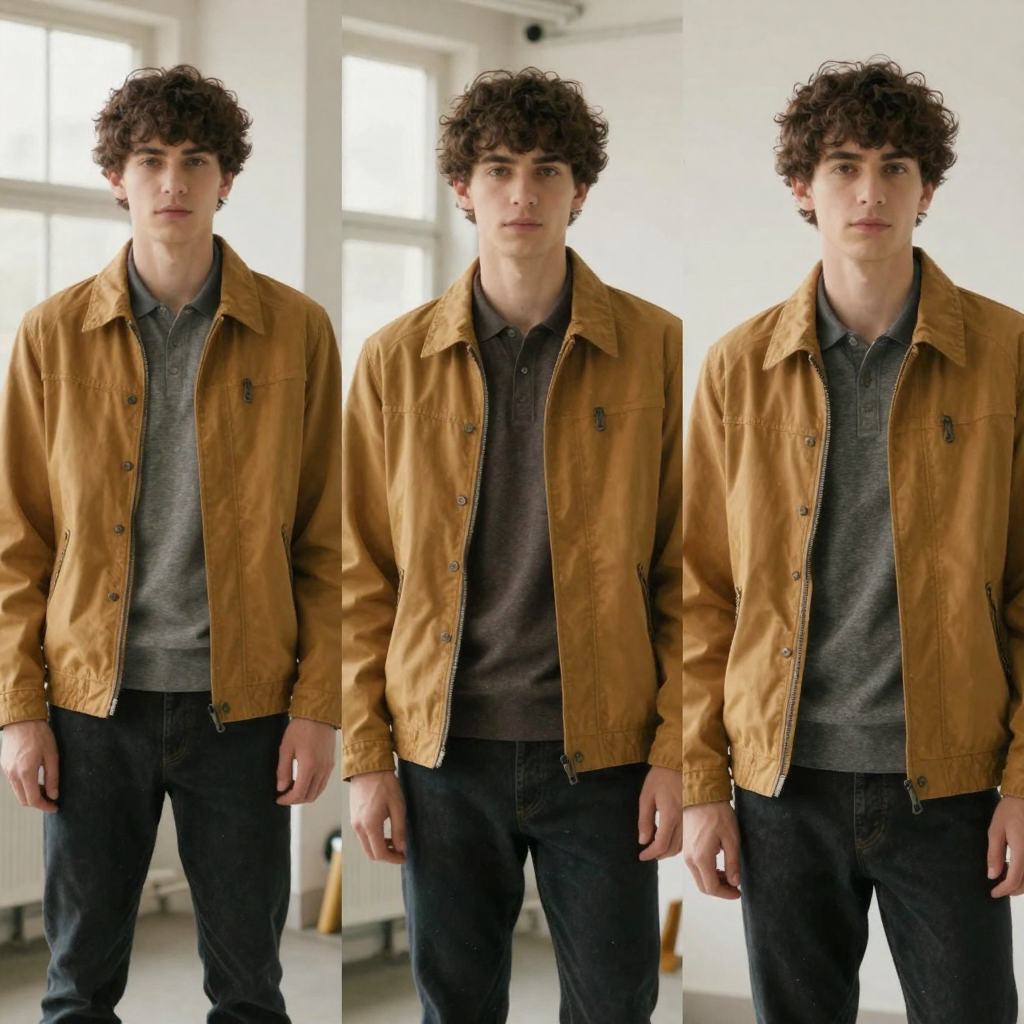
- Character-driven multi-shot storytelling
- Relatively efficient short-clip generation in some resellers
- Dialogue-oriented motion in newer versions
If that is all you need and access is stable, a Kling-native path can be rational. An “alternative” is not always a downgrade — it is a different production system.
5.Where Imagera is the better alternative
- Train-once characters — Personal Influencer and LoRA training
- Product ecommerce reels — product reel maker and best AI product video guide
- Multi-model portfolio — not forced into one motion style forever
- Flexible spend — packs from $19.99, Pro $19.99 (pricing)
- Enhance stack — video enhancer, upscalers for soft outputs
- Same wallet for stills — generate hero images, then animate
6.Comparison snapshot
| Kling-class apps / aggregators | Imagera | |
|---|---|---|
| Character motion focus | Excellent | Multi-path + train-once identity |
| Product reels | Often DIY | Purpose-built product reel flows |
| Image humanizer / detail | Usually external | In-suite image tools |
| Pricing style | App / region / reseller specific | Credits from $19.99 |
| Install | Varies | Browser online |
| Suite (voice, podcast, enhance) | Rarely full | Yes |

7.Pricing frame (honest)
Imagera public floor (SSOT): $19.99 entry credit pack; $19.99 Pro monthly. No free generation tier.

Kling app or aggregator pricing varies by region and plan — re-check live cards the day you buy. Decision metric = $ per published second at your target resolution, not homepage marketing.
8.Workflow: character short without single-model lock-in
- Lock a face with Personal Influencer or train LoRA online via LoRA training.
- Generate stills you like (angles, wardrobe, lighting).
- Animate via video generator or talking avatar if dialogue-first.
- For SKUs, switch to product reel maker.
- Enhance finals with video enhancer only when needed.

9.Who should switch vs stay
9.1Switch toward Imagera when:
- You need SKU reels + character posts in one tool
- Credits on a pure Kling path are unpredictable
- You want owned identity you can reuse across months
- Your laptop is not a GPU workstation and you want cloud generation
9.2Stay Kling-class when:
- A client brand guide mandates a specific Kling look
- You only ship character shorts and never need ecommerce reels
- Your current plan’s per-second cost already wins a bake-off
10.Operator evidence (GSC)
GSC (2026-06-15–07-14): /kling-alternative ~438 impressions, 2 clicks. Early ranking. This blog + alternative-first product meta are the correct growth move — not free-tool SEO.
Related: Kling 3 Turbo vs Seedance · Seedance alternative · Higgsfield alternative · Runway alternative
11.How do you migrate a project from Kling to a multi-model suite?
Migration is mostly about porting identity, not re-generating everything. Export your best character stills, rebuild the face as a train-once identity, then re-run only the shots you still need. Keep your finished Kling clips — a multi-model suite is additive, so you can extend a series without re-shooting the frames you already like.
The practical sequence looks like this. First, gather your strongest reference stills from the existing series — the frames where the character's face, wardrobe, and lighting are most consistent. Feed those into Personal Influencer or train an identity via LoRA training so the face carries across future generations without re-describing it in every prompt. Second, list the shots that actually need to be remade versus the ones you can reuse as-is; most series only need a handful of new angles or a fresh product cut, not a full rebuild. Third, generate short two-to-four-second tests before committing credits to ten-second finals, so a motion or identity issue surfaces cheaply. Finally, run finals through video enhancer only when a specific clip needs it. The whole point of switching is that you stop paying to regenerate work you already own — you extend it. Budget the migration as a one-time identity-setup cost, then measure ongoing spend the same way you measure any tool: dollars of credits per published second.
12.What should you check before committing to any Kling alternative?
Run the same prompts through both your current Kling path and the alternative, then score the outputs on identity consistency, motion artifacts, and cost per published second. The tool that keeps a face stable across ten generations and survives mobile compression wins — internet demo reels are curated and tell you little about your own brand scenes.
The pre-commitment table below turns that into a decision you can defend to a team. Score each row 1–5 for both options and total the columns; do not let a single flashy sample override a consistently higher total.
| Check | What to test | Why it decides |
|---|---|---|
| Identity lock | Same face/product across 10 clips | Drift forces costly re-generation |
| Motion realism | Hands, mouth, edges on a phone screen | Artifacts only show after compression |
| Cost per second | Credits × price ÷ finished seconds | The only cost metric that matters |
| Suite coverage | Do you still pay elsewhere for stills, enhance, reels? | Hidden "suite tax" changes the math |
| Access & rights | Regional availability, commercial terms | A cheaper clip you can't use legally costs more |
Test with your scenes, not the vendor's showcase. A model that looks marginally better in an isolated demo but drifts identity across a real 30-day calendar will cost more in wasted credits than a slightly plainer model that stays locked. Imagera's public floor is a $19.99 credit pack with $19.99 Pro monthly and no free generation tier, so plug real credit costs into the cost-per-second row rather than homepage headline numbers.
13.Related tools on Imagera
14.Bottom line
A Kling alternative should not be “worse Kling.” It should be production flexibility. Imagera: characters + reels + multi-model video on credits from $19.99.
Start creating — Kling alternative · Video generator · Pricing
15.Scenario playbooks
15.1Creator with a recurring character
You post daily with the same face. Pure Kling access is fine until identity drifts or credits spike. Imagera’s answer is train-once identity via Personal Influencer or LoRA training, then multi-path video via video generator.
15.2Ecommerce brand that also wants character ads
Most “Kling alternative” articles ignore SKUs. If half your calendar is product motion, open product reel maker first, not a pure character model page.
15.3Team blocked by regional access
When an app is geo-limited, the alternative is whatever ships clips legally and reliably for your market. Browser SaaS with clear pricing often wins operations reviews even if a single model looks slightly better in a vacuum.
16.Evaluation rubric (score 1–5 each)
| Criterion | Question |
|---|---|
| Identity lock | Same face across 10 generations? |
| Motion naturalness | Hands/face artifacts on mobile? |
| Cost/second | Credits × price / duration |
| Suite need | Do you buy enhance/image elsewhere? |
| Reliability | Failures, queues, regional blocks |
| Rights | Commercial terms clear? |
Run the rubric on Kling-native and Imagera with the same prompts. Keep the winner; ignore Twitter aesthetics.
17.Production tips that cut credit waste
- Lock stills before animating.
- Generate short tests (2–4s) before 10s+ finals.
- Upscale only finals in video enhancer.
- Reuse identity instead of re-describing the character every prompt.
- Separate “exploration budget” from “publish budget” in credits.
18.Related commercial reading
- Runway alternative
- Higgsfield alternative
- Seedance 2.0 alternative
- Best AI influencer generator
- Best AI product video generator
- How to train LoRA online
19.Objections
“I just want Kling.”
Then use Kling-native or a reseller. This page is for people who need production flexibility.
“Is multi-model always better?”
No. Multi-model helps when shots differ. Single-model helps when a brand look is locked.
“Free Kling alternative?”
Free tools rarely include commercial rights at quality. Imagera is pay-first from pricing.
20.Deep dive: how to evaluate any Kling alternative in 2026
Search intent for “Kling alternative” is commercial. Buyers are past “what is AI video.” They want a shortlist, pricing clarity, and a migration path. Use this checklist every time — including when evaluating Imagera:
- Job fit — Does the tool ship the artifact you publish weekly?
- Identity — Can you keep a face/product consistent for 30 days?
- Cost math — Price ÷ usable seconds (or reels) after failures.
- Suite tax — How many extra tools do you still need to pay for?
- Ops — Browser vs install, team seats, regional access.
- Rights — Commercial use and disclosure requirements.
- Support — Failures, queues, and refund/credit policies.
Primary product links for this article:
- https://imagera.ai/video/video-generator
- https://imagera.ai/video/product-reel-maker
- https://imagera.ai/lora-training
- https://imagera.ai/image/personal-influencer
- https://imagera.ai/kling-alternative
- https://imagera.ai/pricing
21.Mistakes that waste credits (and how to avoid them)
Mistake 1: Animating bad stills.
Fix lighting and crop first with image tools, then animate.
Mistake 2: 10-second tests when 3 seconds would do.
Explore short, finalize long.
Mistake 3: Upscaling everything.
Only enhance approved finals via video enhancer paths.
Mistake 4: Ignoring platform compression.
Always preview on a phone after export.
Mistake 5: Chasing free forever.
Free tools train you to accept watermarks and weak rights. Imagera is pay-first: buy credits, then create.
22.Glossary for buyers
- Talking avatar — Face image driven by audio for speech-looking motion.
- Lip sync — Mouth motion aligned to phonemes/audio.
- Product reel — Short vertical video of a SKU from stills.
- LoRA / train-once — Lightweight identity adaptation for consistency.
- Credit pack — Prepaid usage units across tools.
- Pay-first — No free unlimited generation; purchase before create.
23.Extended FAQ
23.1Will Imagera look exactly like Kling?
Not always. Different engines have different motion priors. Judge on your brand scenes, not internet samples.
23.2Can I import a character I already like?
Use train-once / influencer workflows with your still set, then generate new motion.
23.3What resolution should I target for TikTok?
Generate at the highest practical quality you can afford, then export 9:16. Over-upscaling soft sources wastes credits.
24.Closing recommendation
If your bake-off shows Imagera is close enough on quality and better on suite economics, standardize on the money pages linked above. If a competitor uniquely wins a mandatory feature, keep that tool for that job only — hybrid stacks are fine when deliberate.
Re-run this evaluation every quarter as models and pricing change.
25.Tools and next steps
| Goal | Open |
|---|---|
| Image edits & pose | Imagera Image Editor · Identity Editor |
| Headshots | AI Headshot |
| Product / person reels | Product Reel Maker · Human Reel Maker |
| Talking photo | Avatar Generator · Talking Avatar |
| Pricing | Pricing |
How to ship: upload a master file → write a clear instruction → confirm credits → generate → review on phone → export winners only.