Kling AI Alternative
LoRA Video & Data Privacy
Kling AI produces impressive video but stores your data on Chinese servers (Kuaishou). Imagera gives you AI video generation with LoRA customization, data privacy on US/EU infrastructure, and built-in lip sync and dubbing — from 15 credits per 5-second clip, no subscription.
What is Kling AI Alternative?
Kling AI Alternative Imagera AI is a Kling AI alternative offering AI-powered image and video generation with photorealistic output, LoRA model support, and pay-per-use credits: credit packs from $39.99, plans from $19.99/mo. Unlike Kling AI, Imagera provides 20+ specialized AI tools including image generation, video creation, voice cloning, and avatar animation in one platform.
Compare Kling AI vs Imagera AI features, pricing, and capabilities below.
By the numbers
- Imagera: chain up to 3 LoRAs — Midjourney v7: 0 LoRA support
- Imagera: pay-per-use from 15 credits/image — Midjourney v7: $10-60/month subscription
- Imagera: 50+ AI tools (image, video, voice, music, avatars) — Midjourney: images only
- Imagera: browser-based, no Discord required — Midjourney: Discord-only workflow
- Imagera: 16K output, no watermark, commercial license on every image
Source: Imagera platform specifications · Updated
Imagera AI vs Kling AI: Professional Comparison
See why professionals choose Imagera AI over Kling AI for business use
Imagera AI vs Kling AI: Feature-by-Feature Spec Table
Quick-scan comparison of what each platform includes for Kling AI users evaluating a switch.
| Feature | Imagera AI | Kling | Winner |
|---|---|---|---|
| Video Quality & Length | Good quality short-form clips | Excellent quality, up to 3 minutes with Kling 1.6 Pro | Kling |
| Data Privacy | US/EU cloud infrastructure — data deleted after processing | Data processed and stored on Chinese servers (Kuaishou/ByteDance-adjacent) | Imagera AI |
| LoRA Model Support | Chain up to 4 LoRAs — built-in style library, your own uploads or links, LoRAs you train | No LoRA support — prompt-based generation only | Imagera AI |
| Pricing Model | Pay-per-use from 15 credits per 5s video — buy credits when needed | Free tier + $7.99-29.99/month subscription (Standard to Pro) | Imagera AI |
| Motion Quality | Good motion with camera controls, suitable for most commercial uses | Advanced motion — one of the best for human movement and physics | Kling |
| Lip Sync / Talking Head | Full lip sync tool with V2V re-lip mode for dubbing | Lip sync available in Kling 1.5+ with face reference | Tie |
| Real Camera Mode | Built-in real camera noise + skin detailing for authentic camera characteristics | Not available — standard AI-generated output | Imagera AI |
| Other AI Tools Included | 25+ tools: image gen, upscaler, voice, music, podcast, lip sync, avatar | Primarily video generation, some image generation, limited tool suite | Imagera AI |
| English-First Interface | Fully English interface designed for Western users | Translated interface — some features and documentation still in Chinese | Imagera AI |
| Video Credit Cost (per 5s clip) | 15 credits (light SD) to 70 credits (full HD) — you pick the quality tier before you spend | Kling credits vary by model tier; Std/Pro plans meter each generation against a monthly allowance | Imagera AI |
| Image-to-Video With LoRA | Image-to-video that accepts your trained LoRA so the same character carries across clips | Image-to-video is prompt- and reference-driven only — no LoRA identity lock | Imagera AI |
| Credits That Never Expire | Buy credits once; unused credits stay in your balance with no monthly reset | Subscription credits refresh (and typically lapse) every billing cycle | Imagera AI |
| Draft vs Final Quality Control | Light 4-step drafts (from 15 credits) for framing, then full 8-step HD (up to 70 credits) for keepers | Generation quality tied to your model tier; every render draws the same monthly allowance | Imagera AI |
| Voice, Music & Podcast Tools | AI voice recreation, music generation, and podcast tools share the same credit balance | Video-centric — audio production means adding separate tools or subscriptions | Imagera AI |
| Reel Makers for Verticals | Dedicated product, real-estate, car and human reel makers turn photos into vertical clips | General text- and image-to-video; no vertical-specific reel templates | Imagera AI |
| Custom LoRA Training | Train your own LoRA on a person, product or style in the browser — no local GPU | No user LoRA training — you work within Kling's built-in model behavior | Imagera AI |
True Cost Analysis: Quality vs Price
Why Imagera AI delivers better value for professional applications
Light Use (5 videos/month)
Medium Use (20 videos/month)
Heavy Use (50+ videos/month, HD)
Occasional Use (5 videos/year)
Draft-Heavy Workflow (mostly light SD tests)
Multi-Tool Month (video + image + voice + music)
When Does Kling AI Make More Sense?
Kling AI is better if you need the longest AI video generation available (up to 3 minutes), want a free tier for experimentation, prioritize motion quality for human subjects, or don't have data privacy concerns about Chinese server infrastructure. Kling's video quality and length capabilities are genuinely impressive, and its motion physics for human subjects remain among the best in the category. If your work is one long hero clip per project and you are comfortable with a monthly subscription, Kling can be the right pick. Imagera takes the lead when you need identity-consistent characters across many short clips, want to keep experimentation cheap by drafting in a light quality tier before spending full credits, care about US/EU data processing for corporate or client work, or want video, image, voice and music to run from one credit balance instead of several tools. Many teams keep both: Kling for the occasional long cinematic shot, Imagera for volume production, LoRA-styled series, dubbing existing footage, and everything beyond raw video generation.
Why Professionals Choose Imagera AI Over Kling AI
The critical advantages that make Imagera AI the superior choice for business
Data Privacy — US/EU Servers
Kling AI is built by Kuaishou (Chinese company). Your uploads, prompts, and generated content are processed on Chinese servers subject to Chinese data laws. Imagera uses US/EU cloud infrastructure — files deleted after processing.
LoRA Styles on Every Clip
Imagera runs up to 4 LoRAs per clip — from its built-in style library, your own uploads or links, or LoRAs you train — for custom characters, brand styles, and niche aesthetics. Kling has no LoRA support — you rely on prompting alone.
No Monthly Subscription
While Kling has a free tier, serious use requires $7.99-29.99/month. Imagera lets you buy credits when needed — from 15 credits per 5-second video with no recurring charges.
25+ AI Tools in One Platform
Your credits work across video, image generation, upscaling, AI voice recreation, music, podcasts, lip sync, avatars, and more. Kling focuses primarily on video.
Real Camera Mode for Believable Footage
Pure AI video often looks too clean — flat lighting, no grain, that unmistakable synthetic sheen. Imagera's Real Camera mode layers authentic sensor noise and skin detailing onto generated clips so they read as if shot on a real lens. Kling outputs standard AI-generated frames with no equivalent camera-emulation pass, so its clips are harder to blend into real-world social or ad footage.
Pick Your Quality Tier Per Clip
Every LoRA video generation lets you choose a light 4-step draft (from 15 credits per 5-second SD clip) or a full 8-step render (up to 70 credits per 5-second HD clip). That means you can iterate on framing and prompts cheaply, then only spend full-quality credits on the takes you keep. Kling meters generations against a fixed monthly allowance, so experimentation eats the same budget as finals.
Lip Sync + Dubbing for Existing Footage
Beyond generating clips, Imagera can re-lip footage you already have. Image Lip Sync animates a still photo to spoken audio, and Video Lip Sync Fix (V2V) re-syncs mouth movements on existing video for clean dubs into another language. Kling 1.5+ offers lip sync on its own generations, but does not re-lip arbitrary uploaded footage the way Imagera's dubbing workflow does.
Reel Makers Built for Real Verticals
Imagera ships purpose-built reel makers for the jobs creators actually sell: product reels from flat-lay photos, real-estate reels from listing shots, car walkaround reels, and human reels. Each turns still images into vertical, social-ready clips with motion and pacing tuned for that niche. Kling is a general text- and image-to-video engine with no vertical-specific reel templates, so producing the same output means building each shot manually.
Train a Custom LoRA Without a GPU
Imagera lets you train your own LoRA on a specific face, product, or art style directly in the browser — no local GPU, no ComfyUI, no Python. Once trained, that LoRA plugs into image and image-to-video generations so your brand look stays identical across a whole campaign. Kling gives you its built-in model behavior with no user LoRA training, so bespoke, repeatable visual identity is something only the LoRA-based workflow provides.
See what Imagera actually produces
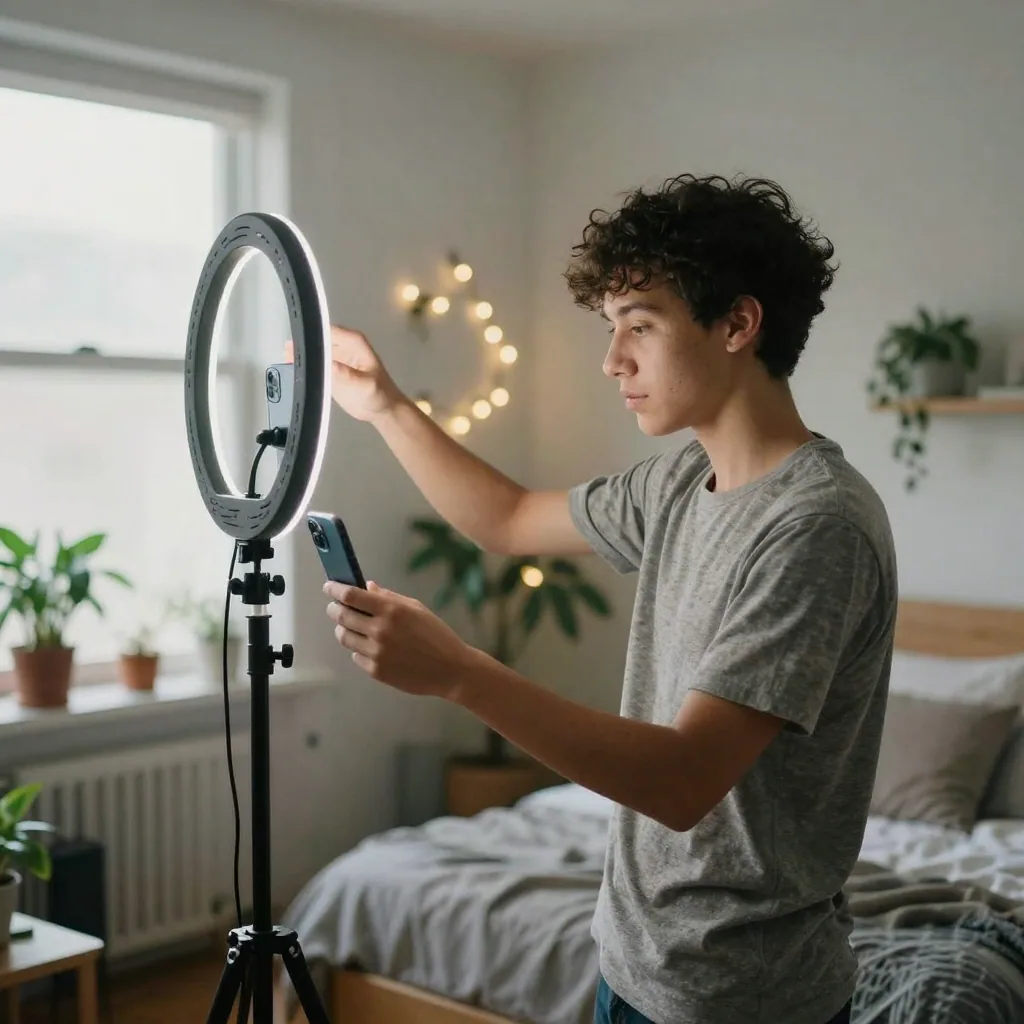
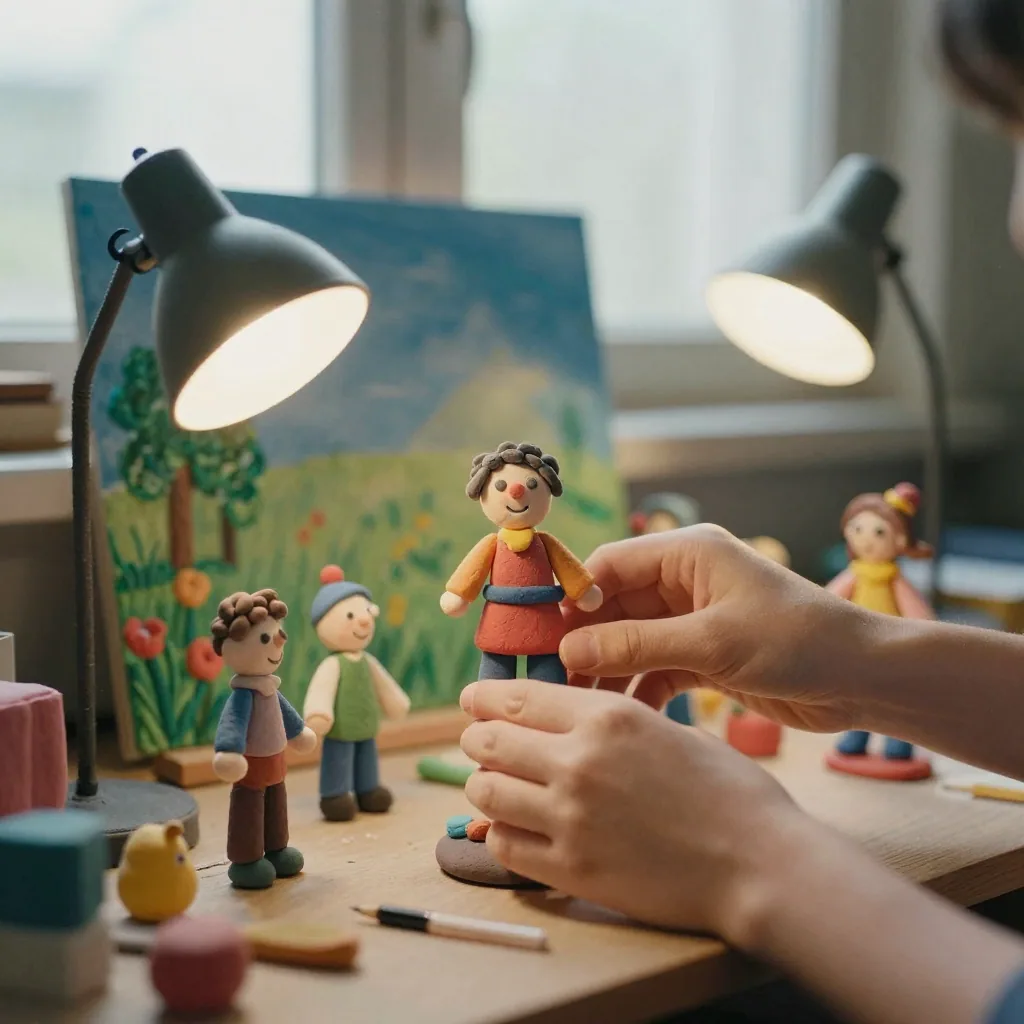
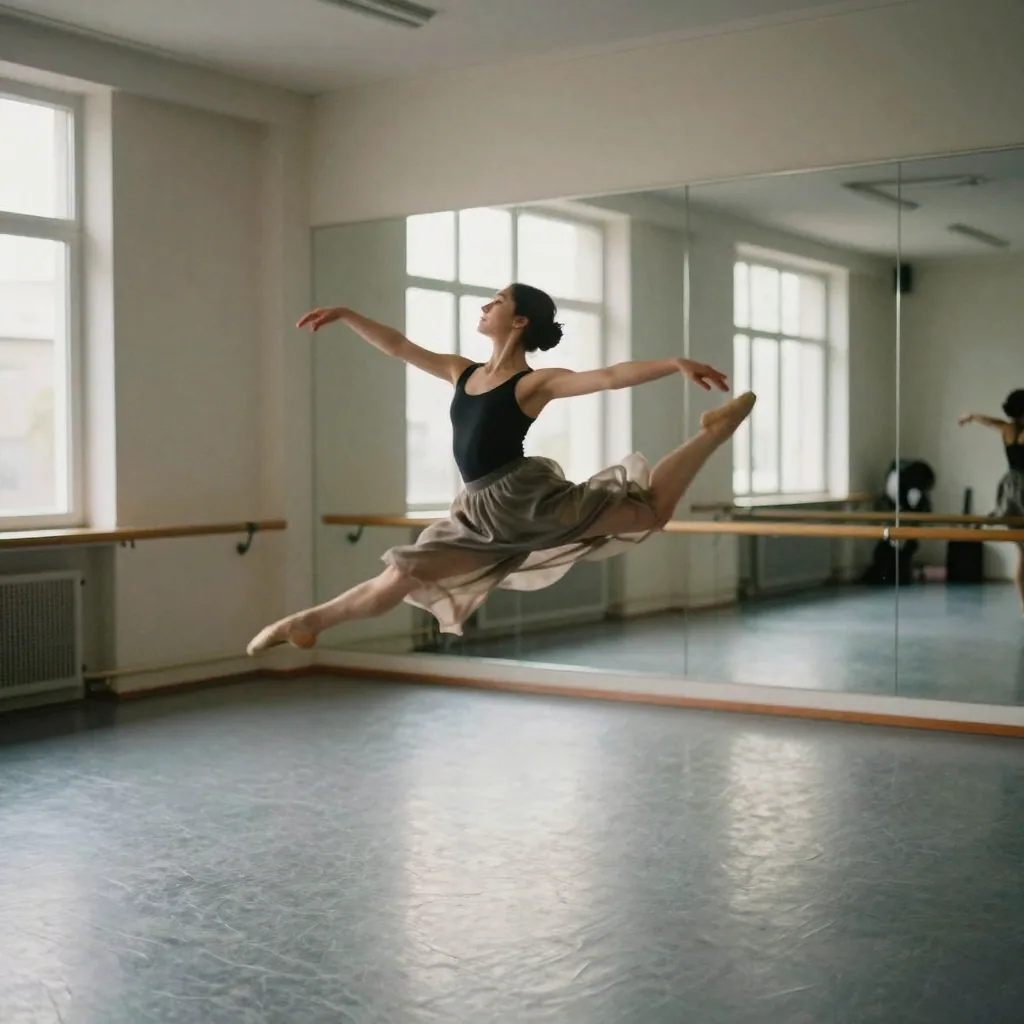
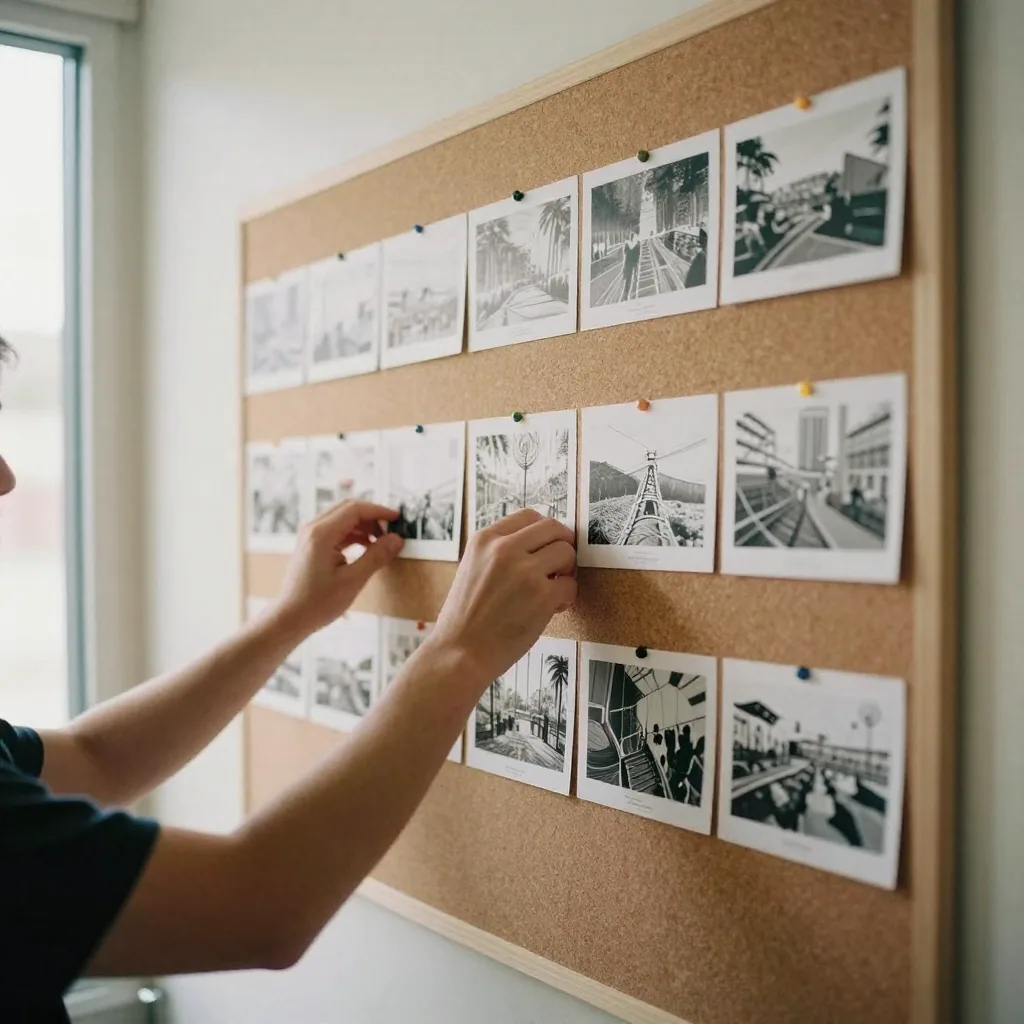
Real output from the Imagera tool that replaces Kling AI — generated in the browser, no install or GPU.
Output
See it in action
Examples of the kind of visuals creators make with Imagera.

Imagera AI vs Kling AI FAQ
Common questions about choosing Imagera AI over Kling AI
Ready for AI Video with Data Privacy?
Generate videos with LoRA styles, Real Camera mode, and US/EU data processing. Pay per clip from 15 credits — no subscription, no Chinese servers.