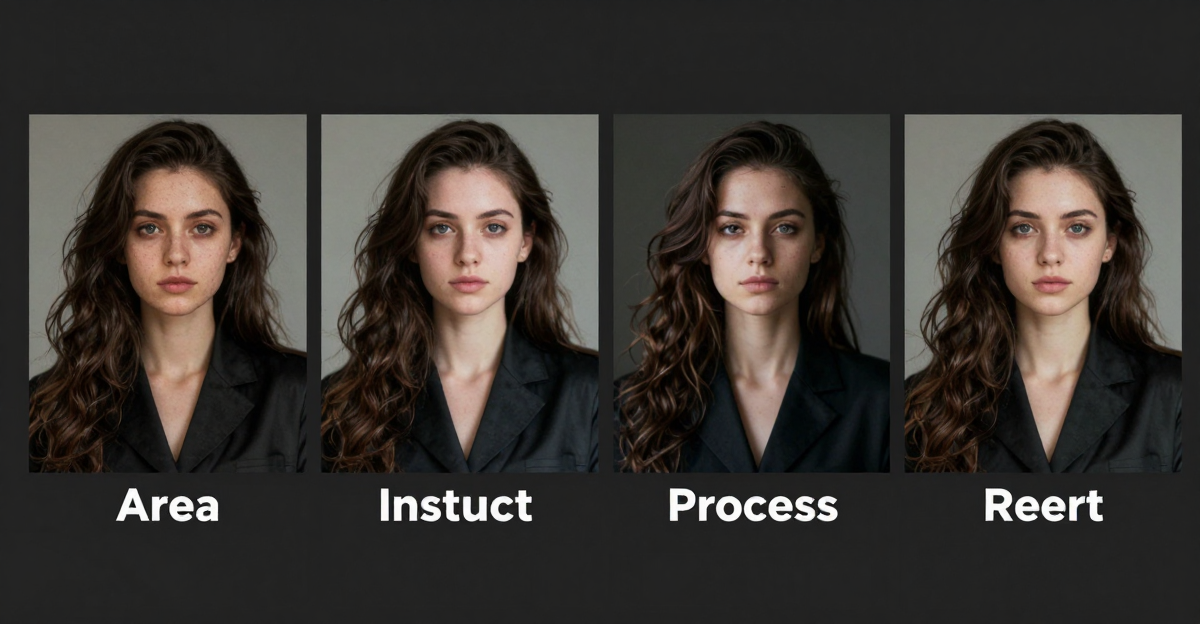
Imagera Image Editor is a multi-engine photo studio: Sama by Imagera (Identity Editor) for same-face pose changes, Fast Edit for deadline cleanup, and Smart Edit for complex multi-image briefs. One browser UI. One credit wallet. Pay when you generate — packs from $19.99.
If you only remember one rule: pick the engine by the failure you cannot afford. Face drift? Identity. Messy backdrop under a deadline? Fast. Multi-reference campaign brief? Smart.
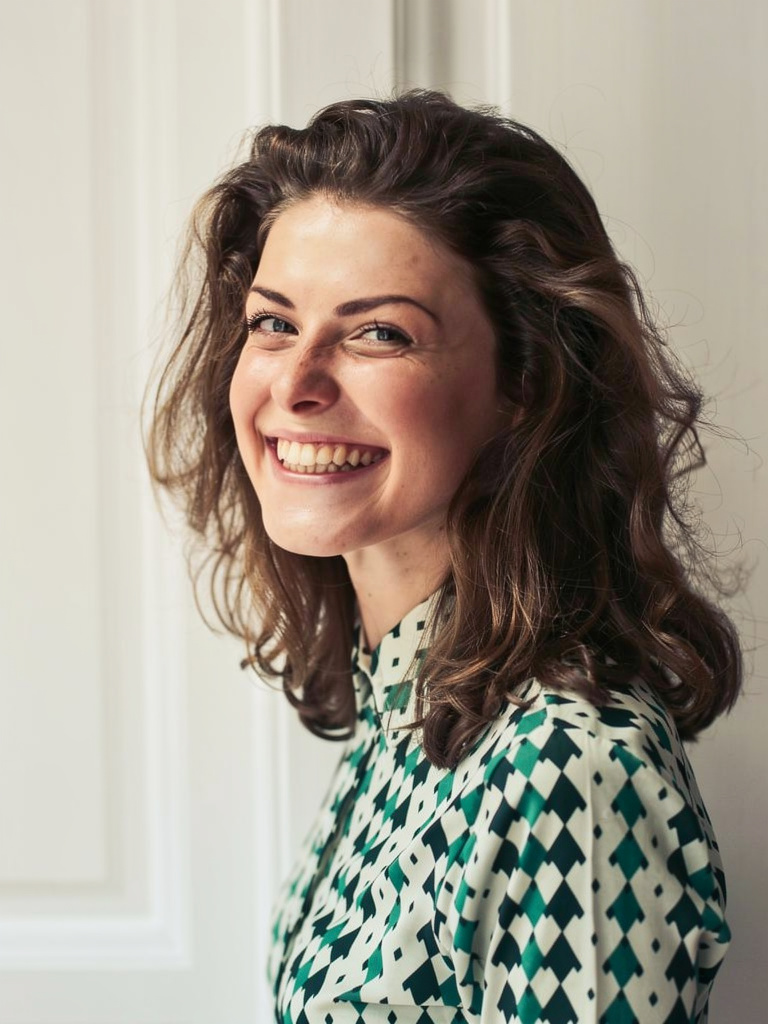
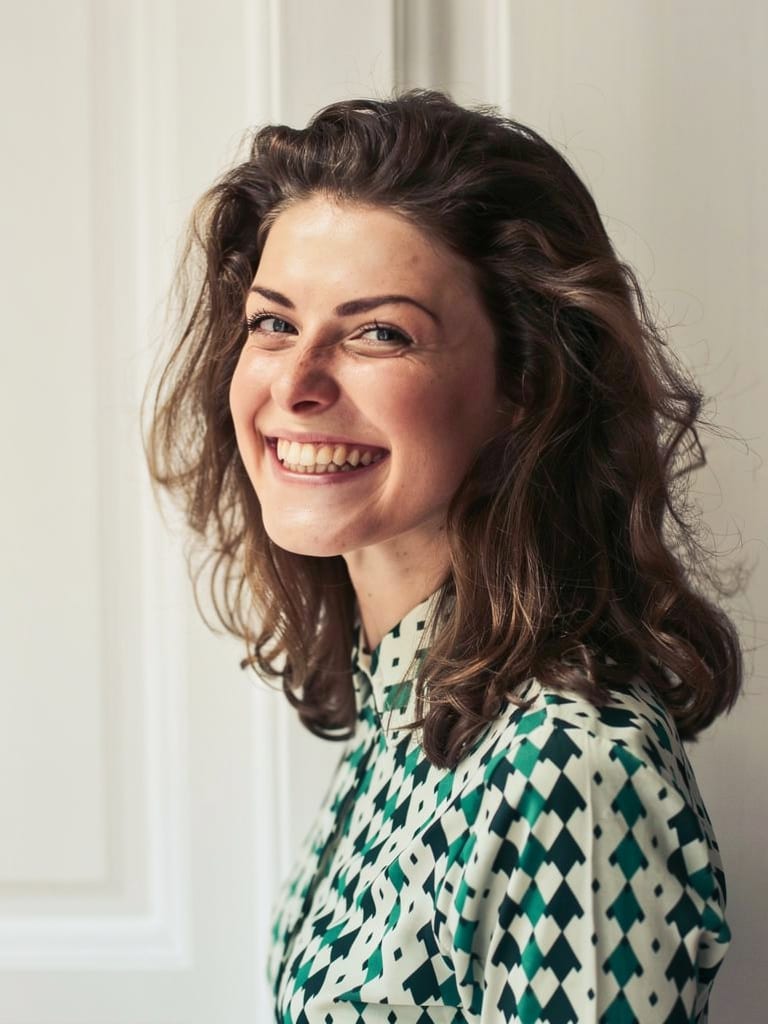
Quick answer: Imagera's image editor unifies three modes in one studio: identity-locked edits that keep a face consistent, fast one-tap fixes, and smart prompt-driven edits, so you never juggle separate tools or exports.
1.How does Imagera keep a person's face consistent across edits?
Imagera's identity mode locks a single reference face across every edit, so one portrait can drive many variations without drift. It holds likeness through outfit, background, and lighting changes, upscales results to 4K, and typically returns each edit in under 60 seconds, all inside one studio rather than three disconnected apps.
2.Why choose one studio over three separate editing tools in 2026?
Switching between three apps means repeated re-uploads, re-exports, and quality loss at each hop. Imagera's single studio runs identity, fast, and smart edits on one canvas, keeping everything in place and outputting up to 8K. Fewer tool switches mean a smoother, faster creative workflow with less room for error, and your face reference, prompts, and edits stay together from first draft to final export.
3.Where to open each product
| Failure mode | Engine | Open |
|---|---|---|
| Face must stay on a new pose | Identity Editor | /image/imagera-identity-editor |
| Background, clutter, color now | Fast Edit | /image/popular-ai-image-editor/studio?model=kie-nano-banana-edit |
| Multi-image campaign brief | Smart Edit | /image/popular-ai-image-editor/studio?model=kie-gpt-image-2-edit |
| Full hub | Imagera Image Editor | /image/popular-ai-image-editor |
| Pricing | Credits from $19.99 | /pricing |
4.What Imagera Image Editor actually does
Imagera Image Editor is a browser-based photo studio that groups three edit engines under a single interface and a single credit wallet. You do not install anything, you do not learn a layers panel, and you do not juggle three separate apps. You upload a photo, describe the change in plain English, confirm the credit cost the studio shows you, and generate.
The three engines exist because photo problems are not one problem. Sama by Imagera — the Identity Editor — is built so pose, position, and camera angle can change while the subject stays recognizably the same person. Fast Edit is a one-sentence cleanup engine for backgrounds, clutter, and color when the deadline is the constraint. Smart Edit is the campaign engine for multi-reference briefs, text and lighting instructions, and composite-style work where "close enough" is not acceptable.
All three share the same wallet, the same upload-describe-generate flow, and the same dual-speed routing (Normal and Ultra Fast). What changes between them is the kind of instruction each is tuned to follow and the kind of failure each is designed to avoid. That is the entire point of naming them separately: you route the job by failure mode instead of pressing one vague "improve" button and hoping.
Identity preservation on Sama by Imagera is a design goal, not a mathematical guarantee — extreme edits and low-quality inputs can still drift. That is why the workflow in this guide always ends with a human review step before you publish. Honest tools tell you where the edge is; this one shows you the credit cost before you spend and asks you to look before you ship.
5.Why one multi-engine studio beats five tabs
Creators and teams do not have one photo problem. They have three:
- Likeness — the person must still be the person
- Speed — the meeting is in ten minutes
- Complexity — the brief has three references and a client note
Generic editors collapse those into one vague "improve" button. Improve often means face drift, slow iteration, or inability to follow multi-image instructions. Imagera names three products so you pick by failure mode — not by hype.
There is also a practical, unglamorous reason: billing. Running pose fixes in one subscription, background cleanup in a second, and campaign composites in a third means three invoices, three logins, and three different notions of what a "credit" or a "generation" costs. Imagera Image Editor puts all three on one credit meter, so an agency can point at a single line item and say "that is what image editing cost this month." For a freelancer, it means the credits you bought for a headshot fix are the same credits that clean a backdrop an hour later.
6.Engine 1 — Sama by Imagera (Identity Editor · Best for people)
Job: Change pose, position, or angle while identity is preserved.
- Product: Imagera Identity Editor
- Studio: /image/popular-ai-image-editor/studio?model=kie-flux-2-pro-edit
- Guides: Best AI pose editor · Pose tutorial
Sell line: Wrong angle? Stiff shoulders? Reposition them — same face.
Use when: LinkedIn poses, influencer variants, catalog people shots, ad talent consistency.
Prompt habit: pose geometry + "same face / same person" + light constraints. Never "make them hotter."
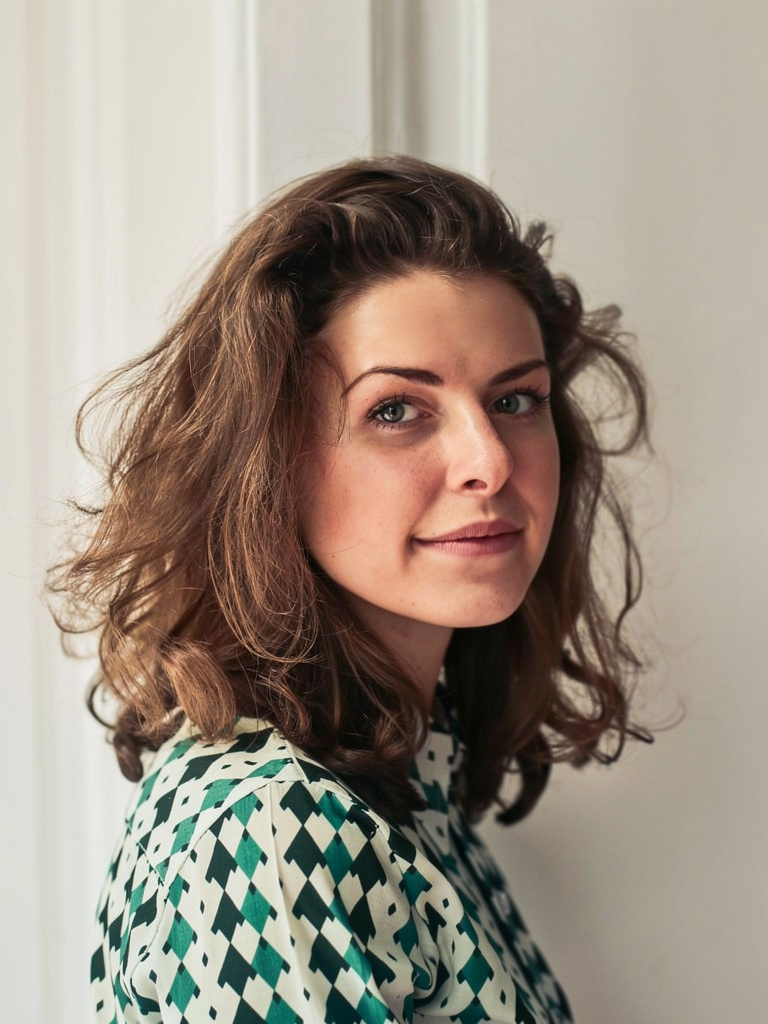
Sama by Imagera is the flagship because it solves the failure everyone else quietly commits: the "improve" that returns a stranger. It keeps your subject's own face and repositions the body or the camera relationship. That distinction matters legally and creatively — it is not a face-swap workflow, and it is not "make a new person." It is "same person, better frame."
Live samples:
|  |
6.1Identity Editor workflow
- Open Sama by Imagera (Identity Editor)
- Upload one clear subject — front-facing or three-quarter, decent light
- Write pose + identity lock + optional light
- Choose Normal or Ultra Fast
- Review eyes, jaw, hair, hands
- Export; Fast Edit only if background still needs work
6.2Strong vs weak prompts
Strong: "Turn 20° toward camera, relaxed shoulders, same face, soft office light." Weak: "Make them more attractive and confident."
Beauty language invents strangers. Geometry keeps clients. The strong prompt gives the engine a measurable instruction (an angle, a body-language change, a lighting note) plus an explicit identity lock. The weak prompt is a wish — and wishes are exactly where face drift creeps in, because the model has to guess what "more attractive" means and often answers by changing the face.
7.Engine 2 — Imagera Fast Edit
Job: One-sentence cleanup when speed wins and likeness is already locked (or not the bottleneck).
Sell line: Backgrounds, clutter, color — done before the meeting starts.
Use when:
- Swap a messy room for a clean backdrop
- Remove litter, cables, or minor distractions
- Quick color / lighting cleanup after a pose is approved
Do not use first when: the only problem is face drift on a pose change — start on Identity Editor.
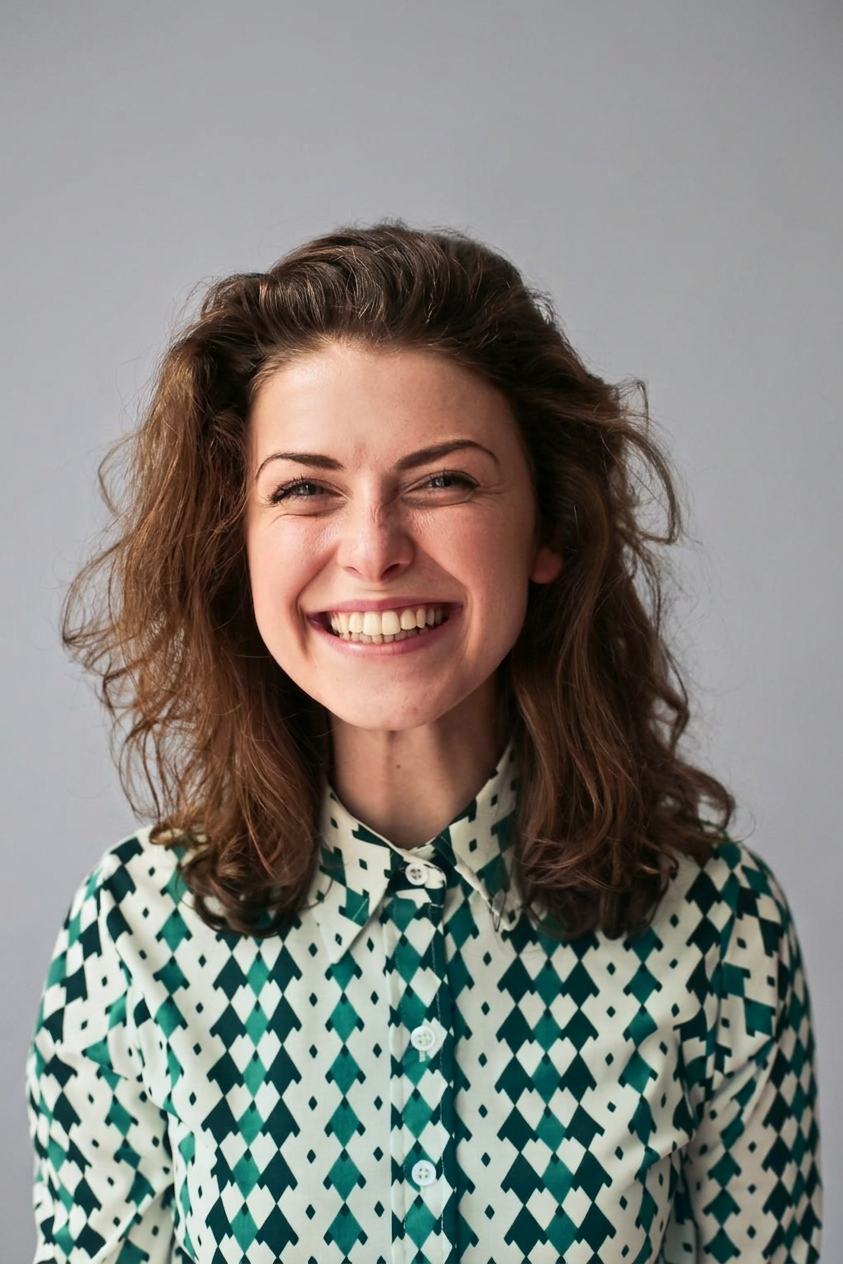
Fast Edit is the engine you reach for when the instruction fits in one sentence and the clock is the enemy. It is the natural second step after Sama by Imagera locks a pose: once the person is right, Fast Edit handles the room behind them. Because it is tuned for short, literal cleanup verbs, it is the wrong first choice for a face-critical repositioning job — it can shift a face that a pure identity engine would have protected.
Samples:
 |  |
8.Engine 3 — Imagera Smart Edit
Job: Campaign-ready control for complex, multi-image instructions.
Sell line: When "close enough" loses the client.
Use when:
- Multi-reference briefs (product + model + mood)
- Text / lighting / composite-style instructions
- Agency work where the prompt is a paragraph
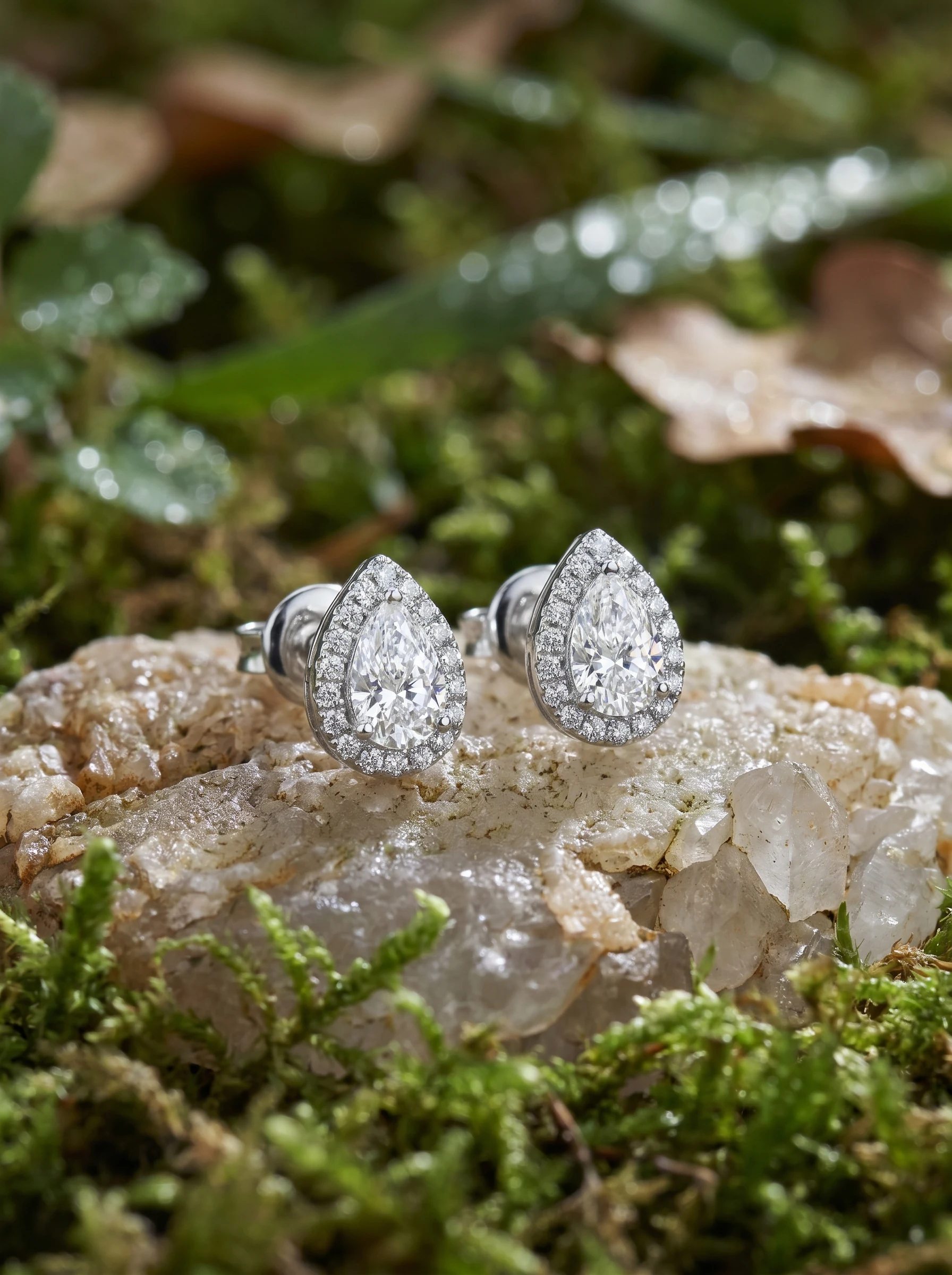
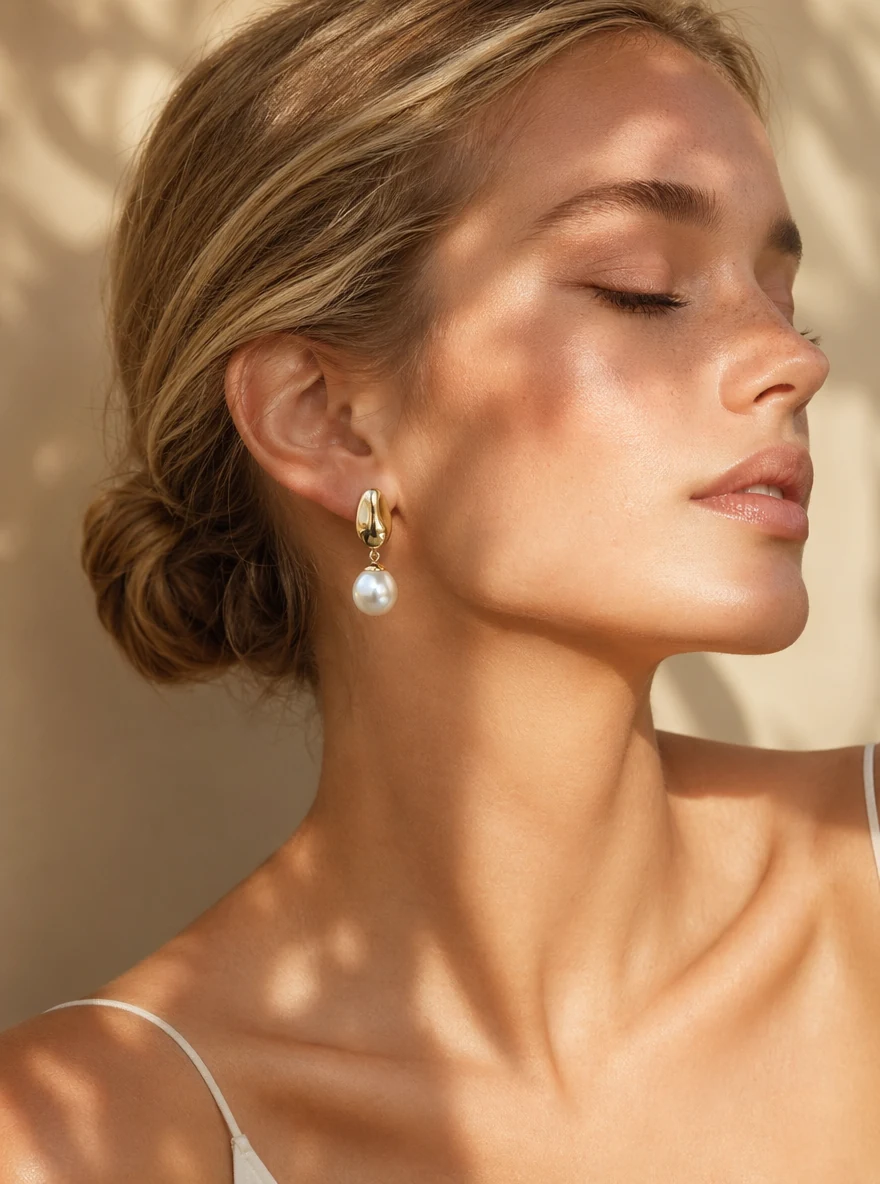
Smart Edit is the engine for the brief that reads like a paragraph, not a sentence. When you have a product reference, a model reference, and a mood note that all have to coexist in one frame, Smart Edit is built to hold that many instructions at once. It is deliberate overkill for a one-line background fix — reach for Fast Edit there — but it is the right tool when the client note is three sentences long and every one of them is load-bearing.
Samples:
 |  |
9.Step-by-step: your first identity-safe edit
Here is the concrete sequence for the most common job — a stiff people photo you need to reframe without changing who it is.
- Open the product. Start from Imagera Identity Editor or the hub. The studio loads with Sama by Imagera selected.
- Upload the master file. Use the highest-quality original you have — a front-facing or three-quarter shot with even light. Do not upload a social-media re-compress; compression artifacts become "model issues" that are really input issues.
- Crop to one person if needed. A group photo is a poor likeness input. If the subject is one person, crop so the engine has a single, clear face to preserve.
- Write a geometric instruction plus an identity lock. Example: "turn slightly toward camera, shoulders relaxed, same face, same person, soft studio light." Name the change and name the constraint.
- Pick Normal or Ultra Fast. Normal is the standard route; Ultra Fast is the priority route for when time is the constraint. Both draw on the same credit wallet.
- Confirm the credit cost. The studio shows the live credit cost before you generate. Trust that meter — do not quote credits from memory.
- Generate one test. Run a single generation before any batch of ten.
- Review likeness first. Check eyes, jaw, hairline, and hands on a phone-size preview. If the face reads as a different person, the edit failed regardless of how good the pose looks.
- Hand off to Fast Edit only if the backdrop still needs work. Do not rewrite a winning identity prompt to fix a background — switch engines.
- Upscale the winner. Send only the approved frame to Upscale Any Image.
10.Decision tree
Is the person the product? YES → Is pose / angle wrong? YES → Identity Editor NO → Is the brief multi-image / complex? YES → Smart Edit NO → Fast Edit (cleanup) NO → Fast Edit or Smart Edit by brief complexity
Hybrid that works in production:
- Identity Editor locks pose + face
- Fast Edit cleans background
- Upscale only the winner
11.Dual speed on every engine
| Mode | Role |
|---|---|
| Normal | Standard processing route |
| Ultra Fast | Priority route when time is the constraint |
Same credit wallet. Live cost in studio before generate. Supported engines can use same-family backup routing if the primary path fails.
The practical takeaway: speed is a routing choice, not a quality gamble. Normal and Ultra Fast pull from the same wallet, and the studio prices each before you run so you can decide whether the deadline is worth the priority route on that specific job. When you are exploring, Normal is the sane default; when a client is waiting on a call, Ultra Fast earns its place.
12.Full production workflow
- Open Imagera Image Editor.
- Pick engine by failure mode.
- Upload master file (not a social re-compress).
- Write a specific instruction: change + lock.
- Confirm credits.
- Generate one test before a batch.
- Review likeness first when people are in frame.
- Upscale winners: Upscale Any Image.
- Track credits per published asset.
13.Common use cases — who it's for
Imagera Image Editor is built for people who ship images on a schedule and cannot afford a reshoot every time a frame is slightly wrong.
- Creators and influencers. One shoot day should yield a week of posts. Sama by Imagera gives you multiple poses and angles from a single strong face photo — without your audience asking "who is that?" Fast Edit then swaps backdrops so the same person appears in varied contexts.
- Professionals and teams. LinkedIn and about-page photos are often stiff. Identity Editor relaxes posture and adjusts framing without booking another studio hour, and the whole team can pull from one shared credit wallet.
- Ecommerce and catalog. When talent likeness has to stay consistent across a catalog, you cannot have a "better" render quietly change the model's face. Identity Editor keeps the person; Smart Edit handles multi-reference packaging briefs.
- Ad and agency work. Variant angles for A/B tests, campaign packaging with product plus model plus mood references, and client notes that read like paragraphs — Smart Edit exists for exactly this, and Fast Edit handles the quick cleanup passes in between.
- Founders and solo operators. No Photoshop, no studio day, no monthly desktop subscription. Fix one hero shot, pay for the credits you used, and get back to the business.
14.Real-world playbooks
14.1Founder LinkedIn fix
Identity Editor for open posture → Fast Edit if backdrop is noisy → square crop → publish.
14.2Ecommerce model angle
Identity Editor for second angle of approved talent → reject face drift → optional upscale.
14.3Agency campaign brief
Smart Edit with multi-image references → human review of logos and hands → deliver contact sheet.
14.4Creator weekly content
One shoot day → Identity Editor for three poses → Fast Edit variants for backgrounds → schedule.
15.Comparison: Imagera Image Editor vs generic AI editors and desktop tools
Honest framing — competitor prices are their published plan prices; Imagera's column is expressed in credits because our per-image cost is shown live in the studio and one dollar figure would misprice it across plans.
| Dimension | Generic one-button AI editor | Desktop editor (Photoshop-class) | Imagera Image Editor |
|---|---|---|---|
| People / likeness | Face drifts on "improve" | Manual, skill-dependent | Sama by Imagera keeps the same face by design |
| Learning curve | Low but imprecise | High (layers, masks, tools) | Plain-English instructions |
| Multi-image brief | Usually unsupported | Possible but slow/manual | Smart Edit handles multi-reference briefs |
| Billing model | Often flat monthly | ~$20+/mo subscription (industry-typical) | Pay when you generate, in credits |
| Speed control | None | Manual | Normal + Ultra Fast routes |
| Commercial rights | Varies | Yes | Yes on paid Imagera plans |
The point is not that one tool wins every row. It is that the failure modes differ, and Imagera lets you route each job to the engine whose failure you can live with.
16.Tips for best results
- Start with the master file. Compression from social platforms shows up as "AI weirdness" that is really lost detail. Upload the original.
- Write geometry, not adjectives, for people. "Turn 20° toward camera" beats "look more confident" every time.
- Always add an identity lock when a person is in frame: "same face, same person."
- Keep lighting language conservative if the original light is already good — you rarely need to relight a decent shot.
- Prefer smaller pose deltas when the source is a tight headshot; big swings from little source information invite drift.
- Run one test before a batch. A single generation tells you whether the prompt and input are right before you spend on ten.
- Switch engines instead of over-prompting. If a winning identity edit just needs a cleaner backdrop, move to Fast Edit rather than rewriting the prompt.
- Review on a phone-size preview. Most of your audience sees the image small; check it small.
17.Common mistakes to avoid
| Mistake | Fix |
|---|---|
| Using Fast Edit for face-critical pose | Switch to Identity Editor |
| Beauty language in prompts | Pose geometry + same face |
| Animating or shipping without review | Checklist every time |
| Quoting fixed credits from memory | Trust live studio cost |
| Group photo as likeness input | Crop to one person |
| Uploading a social re-compress | Use the original master file |
| Over-editing a good original | Make the smallest change that solves the problem |
18.Quality control checklist
- Right engine for the failure mode
- Master input quality
- Identity lock language when people matter
- Credits confirmed
- Phone-size review
- Logo / text legibility
- Hands acceptable
- Rights / disclosure considered
19.Pricing honesty
- Credit packs from $19.99
- Pro from $19.99/mo
- Pay when you generate
- Commercial rights on paid plans
- Free on-device utilities only under /free
Trust the in-studio meter. Pricing.
20.Who this hub is for
- Agencies that need one billing line for pose + cleanup + campaign edits
- Creators who reshoot less
- Ecommerce teams that must keep model likeness consistent
- Founders fixing stiff headshots without a studio day
21.Who should use something else
| Need | Path |
|---|---|
| Train a reusable character for months of content | Personal Influencer |
| Multi-model text-to-image exploration | Popular AI Image Generator |
| Free no-upload utilities | /free |
| Replace one face with another | Face / head swap tools — not Identity Editor |
22.Common mistakes
| Mistake | Fix |
|---|---|
| Using Fast Edit for face-critical pose | Switch to Identity Editor |
| Beauty language in prompts | Pose geometry + same face |
| Animating or shipping without review | Checklist every time |
| Quoting fixed credits from memory | Trust live studio cost |
| Group photo as likeness input | Crop to one person |
23.Studio tips that save credits
- Run one cheap test before a batch of ten.
- Prefer smaller pose deltas when the source is a tight headshot.
- Keep lighting language conservative if the original light is already good.
- Do not rewrite a winning Identity prompt just to fix a backdrop — switch to Fast Edit.
- Log failures with input notes (bad light causes more "model issues" than teams admit).
- Cap exploration credits weekly so experimentation stays intentional.
24.Building a team prompt library
Share a living doc with columns: use case, source type, engine, prompt, speed, pass/fail, failure note. After twenty entries, patterns emerge and juniors stop relearning the same face-drift mistakes.
A good prompt library also captures why a prompt failed, not just that it did. "Face drifted" is less useful than "face drifted — source was a 480px social crop, no identity lock in prompt." The second note teaches the input rule and the prompt rule at once. Over a quarter, this doc becomes your fastest onboarding asset: a new team member can read the pass column and reproduce your best results without spending credits to rediscover them.
25.Identity, Fast, and Smart — extended comparison
| Dimension | Identity Editor | Fast Edit | Smart Edit |
|---|---|---|---|
| Best for | People likeness | Speed cleanup | Complex briefs |
| Risk if misused | Slow for pure bg work | Face drift on pose jobs | Overkill for one-line fixes |
| Prompt style | Geometry + lock | Short cleanup verbs | Multi-part campaign language |
| Typical next step | Fast Edit bg | Upscale | Human review + upscale |
26.When to leave the Image Editor hub
- Long-term character consistency across months → Personal Influencer
- Pure text-to-image exploration → Popular AI Image Generator
- Free private utilities → /free
- Video motion from stills → Product Reel Maker or Human Reel Maker
27.Examples: end-to-end scenarios
27.1End-to-end example: agency delivery in one afternoon
- Client sends stiff hero still.
- Identity Editor: open posture, same face.
- Fast Edit: cleaner backdrop.
- Smart Edit only if multi-reference packaging is required.
- Human review of logo and hands.
- Upscale winner.
- Deliver contact sheet with rejected options labeled.
That is the multi-engine studio used as a system — not a random model picker.
27.2End-to-end example: a creator's weekly batch
A creator shoots twenty frames on Monday and needs a week of posts. They pick the three strongest face shots and run each through Sama by Imagera for a fresh pose — a three-quarter turn, an over-the-shoulder, a straight-on. Each generation is reviewed at phone size for likeness before it counts as a keeper. The winners then go through Fast Edit to vary the backdrop so the same person appears in three different settings. Nothing is upscaled until it is approved, so no credits are wasted refining a frame that will not ship. By Tuesday the week's content is scheduled, and the credit meter shows exactly what the batch cost.
27.3End-to-end example: an ecommerce angle fix
A store has approved talent but needs a second angle for the product page. Uploading the approved shot to Identity Editor, the operator writes "rotate to three-quarter view, same face, same person, keep studio lighting." The first test returns a slightly drifted jawline, so it is rejected on review — the input was a tight crop, so the operator re-uploads a wider master and reruns. The second result holds the likeness, gets a quick Fast Edit color match to the rest of the catalog, and is upscaled for the product grid. Total spend is visible and small, and the model still looks like the same person across every SKU.
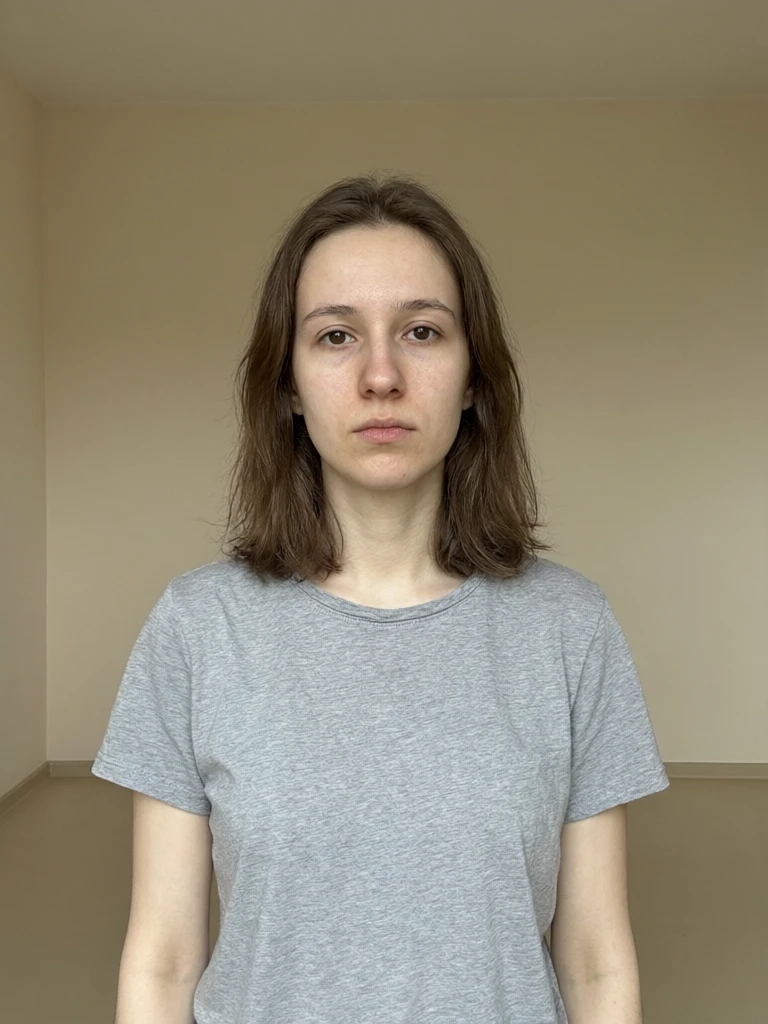
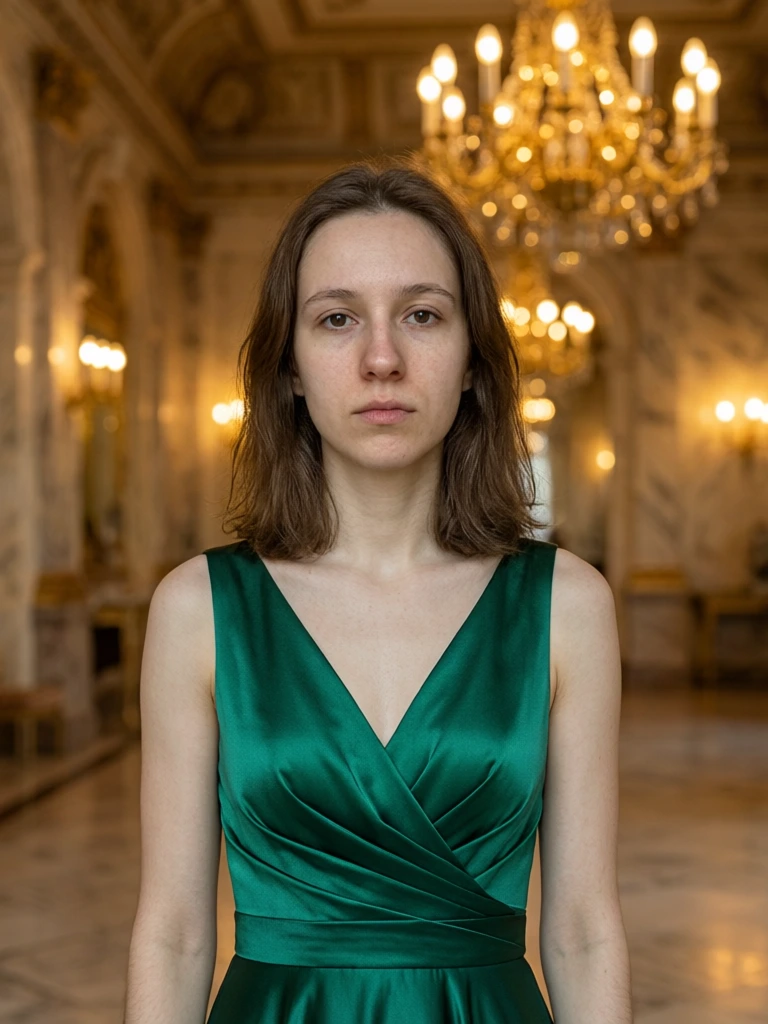
28.See it in action — real Imagera output
These are real, unedited results from the Imagera edit image — the exact tool this guide covers.
29.Bottom line
Pick the engine that matches the failure you cannot afford. For people, that is almost always Identity Editor. For volume cleanup, Fast Edit. For complex briefs, Smart Edit. One hub. One wallet. Ship.
Next steps: Image Editor hub · Identity Editor · Best AI pose editor · Pricing
30.Quick start (high-intent)
- Open the matching Imagera product from the links in this post.
- Upload a high-quality master.
- Describe the change in plain English.
- Confirm credits shown in studio.
- Review, then publish only winners.
Pricing · All tools · Image Editor · Product Reel Maker · AI Headshot