1.TL;DR
Quick answer: An AI head swap replaces the entire head, keeping the original hair, hairline, and jaw together, so faces sit naturally on new bodies. Imagera runs the whole swap online in a browser, with no download, with processing time depending on the selected engine and source images.
2.How is an AI head swap different from a face swap?
A face swap only remaps the inner face, so it clips at the hairline and often leaves mismatched hairstyles fighting for the same head. A head swap moves the whole head, hair included, which fixes the most common giveaways: edge halos, a wrong hairline, and a floating chin. Check the selected engine's output settings and review the completed image at full size.
3.Can I keep the original hair when swapping heads online?
Yes. Keeping the hair is the entire point: Imagera transplants the full head as one unit, so hair, ears, and jaw stay attached to the same face. You can run variations before picking a result; each generation uses the credit amount shown in the studio. Mismatched hair and lighting are usually the clearest tells in a poor swap, which is exactly what a full-head approach removes.
An AI head swap replaces the entire head — hair, jawline, head angle and identity — onto a target body, while a face swap only re-skins the eyes-nose-mouth region and leaves the original photo's hair and head shape in place. If a face swap handed you the wrong hairstyle, a head that tilts the wrong way, or skin that doesn't match the neck, you actually wanted a head swap. Imagera's AI head swap takes a target photo and a head reference. Choose an Imagera engine and review its credit quote before starting. The instructions ask it to preserve the target body, clothing and background while replacing the head and matching lighting and skin tone.
4.You ran a face swap and the hair was wrong
You uploaded the photo, picked the face, hit go — and the result was almost right and completely wrong at the same time. The new face sat inside the old haircut. The head was angled three-quarters to the left while the donor face looked straight ahead, so the eyes pointed off into nowhere. The skin tone of the face didn't match the neck below it. And along the top there was a faint seam — the line where two photos were stitched together.
That mismatch is not a bug in your prompt. It is the fundamental limit of face swapping. A face swap is a re-skin: it lifts the central facial mask — brows, eyes, nose, mouth, the front of the cheeks — and pastes it over the target's existing features. Everything outside that oval (hair, ears, jaw outline, head tilt) still belongs to the original photo. When the two heads don't share the same hairstyle and the same angle, you see the join. Search the same frustration and you find people typing it almost word for word — "ai head swap not face swap" — because they want the head moved, not the features re-painted.
This guide is the fix. By the end you'll know three things: the exact difference between a head swap and a face swap (and which one your project actually needs), how a head-swap pipeline keeps hair, head angle and skin tone consistent, and how to swap a whole head onto another body online. We'll keep the selling to the buttons and the facts in the prose.
5.What is an AI head swap?
An AI head swap is an image-editing operation that transplants the whole head of a person from one photo onto the body and scene of another photo, then blends the result so it reads as a single photograph. Where a face swap treats the head as a fixed frame and only swaps the features inside it, a head swap treats the head as the unit being moved — so the donor's hairstyle, ear shape, jawline and overall head silhouette travel with the face. People searching for a full head swap ai or a headswap tool are describing exactly this: the whole head, not a feature paste.
Independent reviewers describe the split bluntly: most tools that advertise "head swap" are really doing face swaps, "replacing the eyes, nose, and mouth area while leaving the original hair and jawline untouched," whereas a true head swap "should replace the entire head region and blend naturally with the body" (Peerlist, 2026). The practical tell is the hair. As that same review puts it, the giveaway is whether the output keeps the original hair. If the output kept the target photo's hair, it was a face swap.
5.1Why does the head-vs-face distinction matter for a project?
For a catalog or portrait project, agree on which details should change before generating. Specify the identity, hairstyle and head outline you want to transfer, and the clothing, pose and background you need to retain. Use those requirements to review each result.
6.What is the difference between a head swap and a face swap?
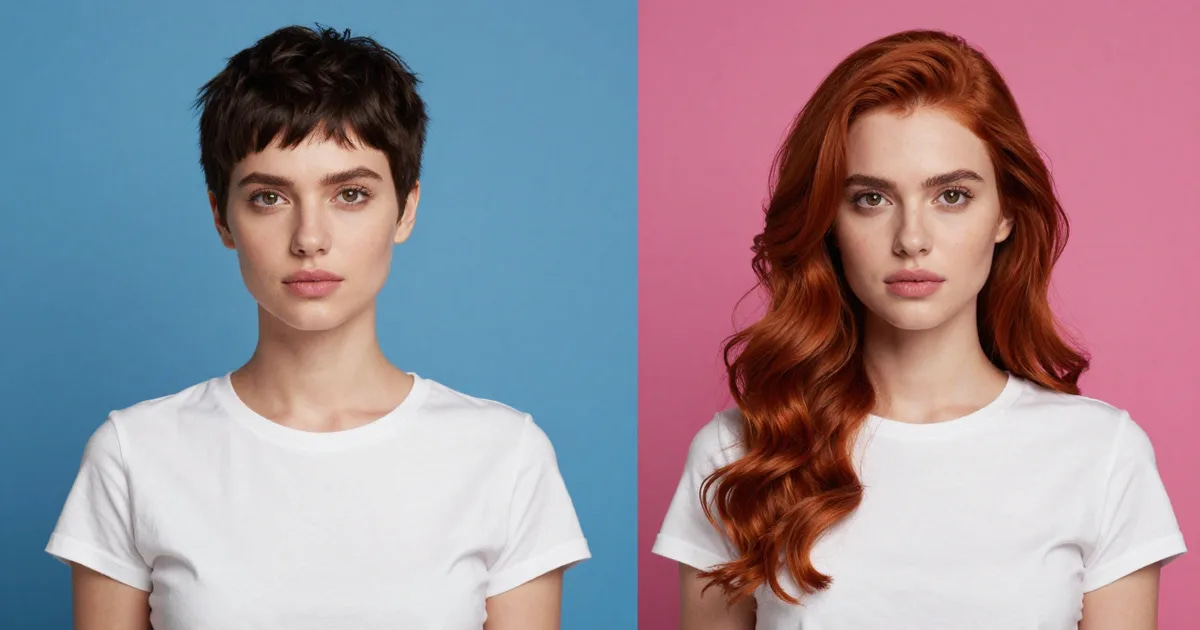
Use this in one line: keep the target's hair → face swap; bring the donor's hair → head swap. It's the cleanest decision rule there is, and it answers the most common version of the question — head cut & face swap ai — that people type when a face-only swap left the wrong head behind.
A face swap re-skins the central features and keeps everything around them. A head swap moves the head shape, the hairline, the ears, the jaw and the angle. If you only need a different face inside an existing haircut and pose, the face swap is the lighter, faster job. If you need that person's actual hairstyle and head — for example, putting a specific model onto a catalog body — you need the head swap. The infographic below maps what each operation actually moves.
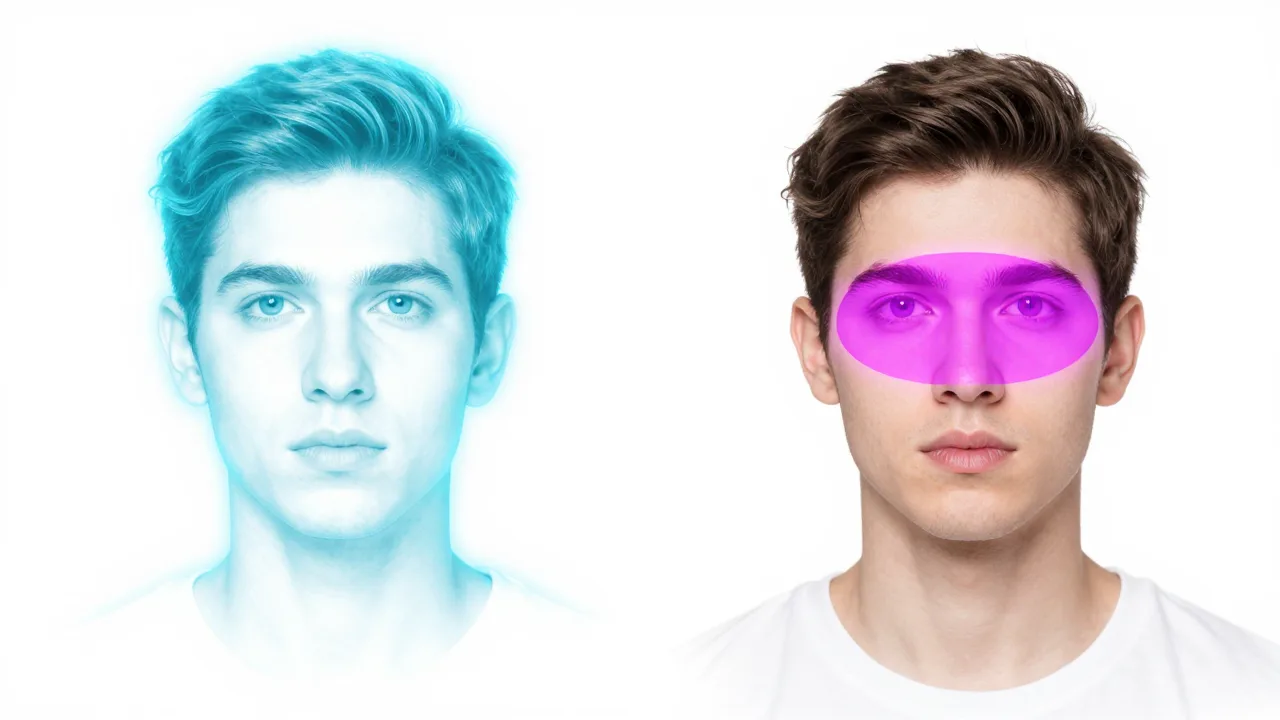
The reason this matters commercially is that the SERP is full of tools that say "head swap" but only do face swaps. Mage.space's 2026 ranked listicle, for instance, is face-swap-only and never separates head swap as a category — yet it still uses the head-swap pain words, describing a "visible seam at the hairline and jaw" (Mage.space, 2026). When the category itself is blurred, the only honest way to choose is to ask what has to move: features, or the whole head.
7.Does AI head swap keep the hair?
Yes — and for most people this is the whole point. In a head swap the donor's hair travels with the head, so the hairstyle you picked in the face image is the hairstyle in the result. This is exactly the ai head swap with hair promise that competing tools lead with: ZenCreator markets "Head Swap with Hair" and Vidnoz advertises replacing the head "while maintaining the original hairstyle" (Vidnoz, 2026). It's also the single most reliable way to tell a head swap from a face swap, because — to repeat the reviewer's tell — the giveaway is whether the output keeps the original hair.
That's the difference a face swap structurally cannot deliver. A face swap leaves the target photo's hair in place, so if you swap a long-haired donor into a short-haired target, you still get short hair. If you specifically want to keep your hairstyle — your curls, your fringe, your color — the head swap is the operation that brings it along. When you pick the face image, you are also picking the hair, so choose the reference that already shows the hairstyle you want in the final frame.
8.How do I swap a head onto another body online?
Imagera's head swap is a two-image workflow: you supply the scene (the body) and the identity (the face), and the AI handles alignment, scaling, color grading and edge blending. It runs in the browser, so you can swap a head onto a body from a laptop, tablet or phone, paying in credits. Here's the full process.
8.1Step 1 — Choose the body image (the target scene)
Pick the photo whose body, pose, clothing and background you want to keep. This is the canvas. The head from this photo will be replaced, so its current haircut and head angle don't matter for the output — but its lighting does, because the swapped head has to obey the same light. For the cleanest result, choose a body image where the head is reasonably upright and unobstructed. Imagera accepts PNG, JPG, JPEG and WebP up to 10MB per image, so a normal phone photo is fine. If your body shot is low-resolution or damaged, repair it first so the AI has clean lighting cues to match against.
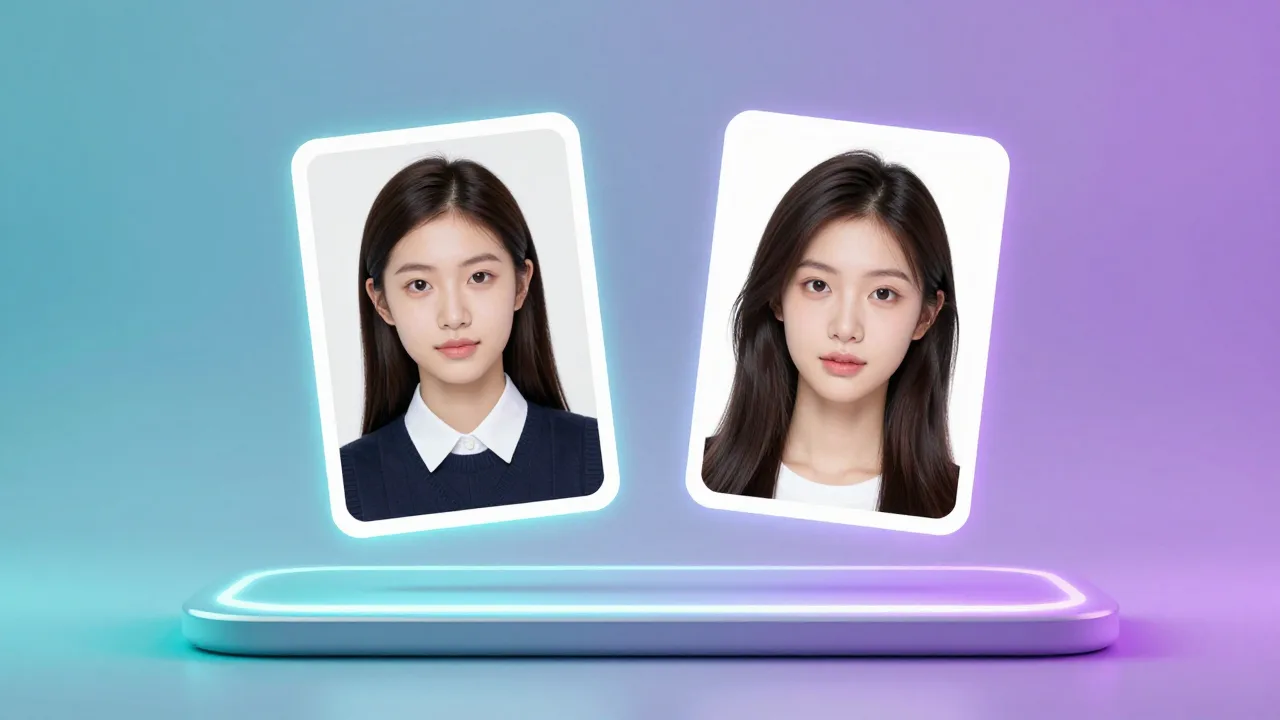
- The body image controls pose, outfit, background and overall scene lighting.
- Its existing head and hair will be replaced, not preserved — that is the head-swap difference.
- Keep the head region clear; occlusions (hands, props) are the single biggest cause of a broken swap (more on that below).
8.2Step 2 — Choose the face-and-hair image (the identity)
This is the person you want in the final image. Because Imagera is doing a head swap rather than a face-only paste, the donor's hair and head shape come along — so choose a face image with the hairstyle you want in the result. This is the photo head swap with hair step in practice. A front-to-three-quarter angle that roughly matches the body's head angle gives the AI the least work, and leaves less orientation correction for the edit. Higher-resolution face images preserve more detail in the final blend, so a sharp, evenly lit portrait beats a cropped thumbnail. Avoid heavy shadows across the face and sunglasses, which hide the eye direction the angle stage needs to reconcile.
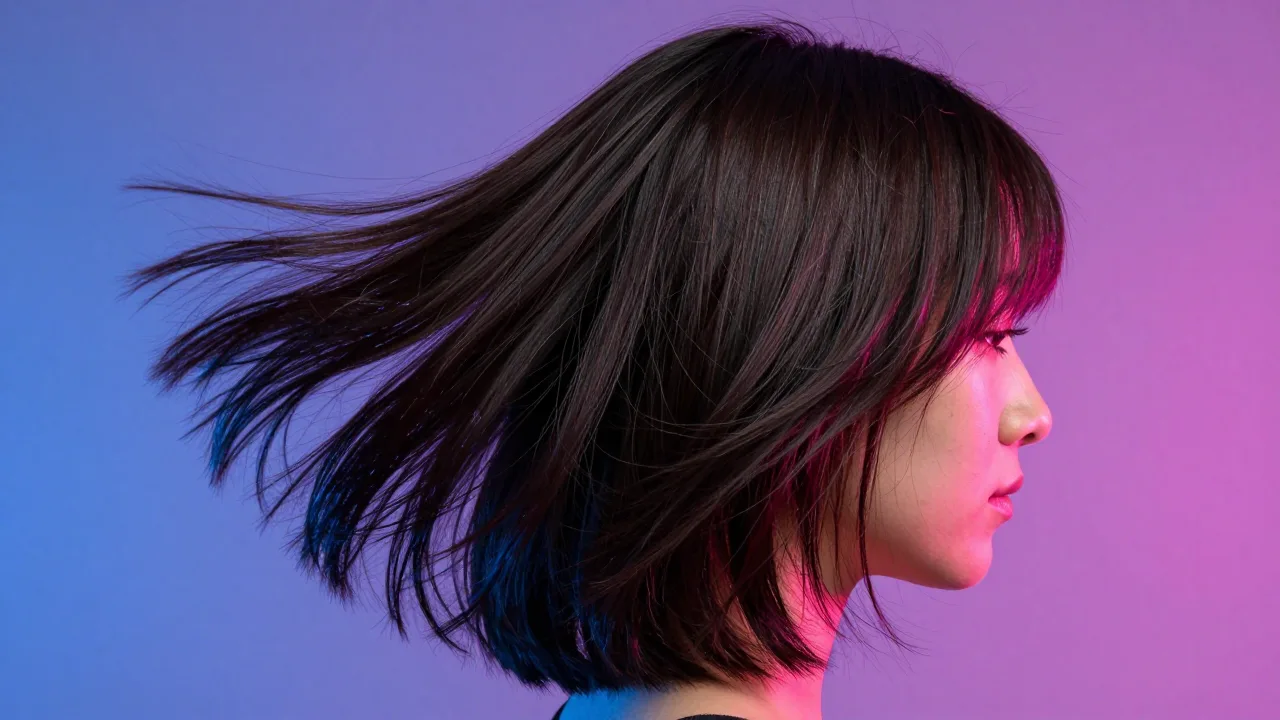
- The face image supplies identity and hairstyle — pick the hair you want to keep.
- Roughly matching the head angle of the two photos reduces correction load.
- A sharp, well-lit face reference yields crisper eyes, skin texture and hairline.
8.3Step 3 — Review the credit quote, run and check the result
With both images in, choose an Imagera engine and review the displayed credit cost. You can add instructions about hairstyle, lighting or other details before starting. Once processing completes, review the hairline seam, neck-to-jaw transition and eye direction at full size. If the angle was extreme, use a reference closer to the target's head tilt. Results vary with the engine and source images; do not approve a client deliverable until you have checked it.
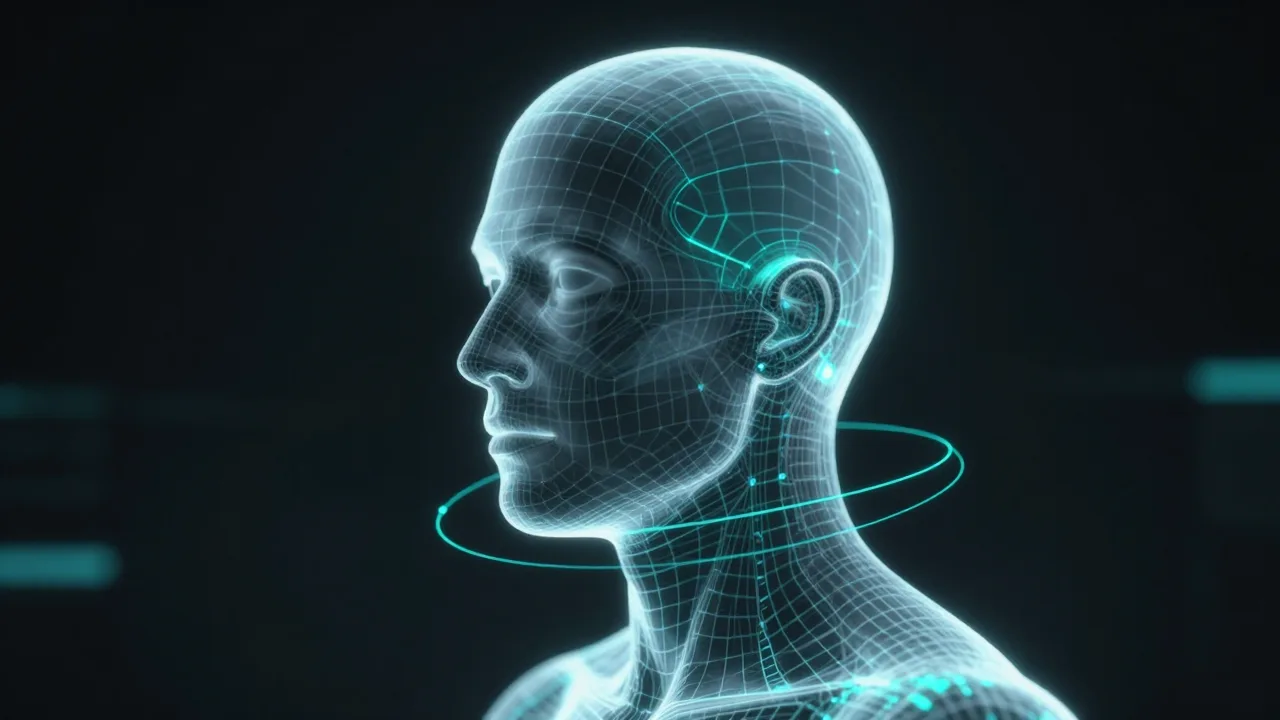
- Review the quote before running; additional variations are separate generations.
- Check the hairline, the neck seam and eye direction as your quality gates.
- Results carry full commercial rights and arrive as high-quality PNG files.
Try it now → Open the AI Head Swap tool. Paid credits are required; review the studio quote before generating.
9.Why does my head swap look pasted on or floating?
This is the complaint that shows up everywhere — and it's almost never about identity. Across community-facing tool pages the universal gripe is the integration seam: a "visible seam at the hairline and jaw," a "waxy seam at the hairline," or a head that looks pasted or floating because the neck skin tone and the lighting don't match (Mage.space, 2026). If you've searched why does my head swap look pasted, this is the answer.
The floating look comes from a skin-tone mismatch across the neck seam: the swapped region sits at a different color temperature than the body, so it reads pinker or grayer than the skin beneath it. Basic face swappers have weak or no color matching, so the join shows. Use source photos with similar lighting and ask the editor to match skin tone and blend the neck and hairline edges. Inspect those areas in the completed output.
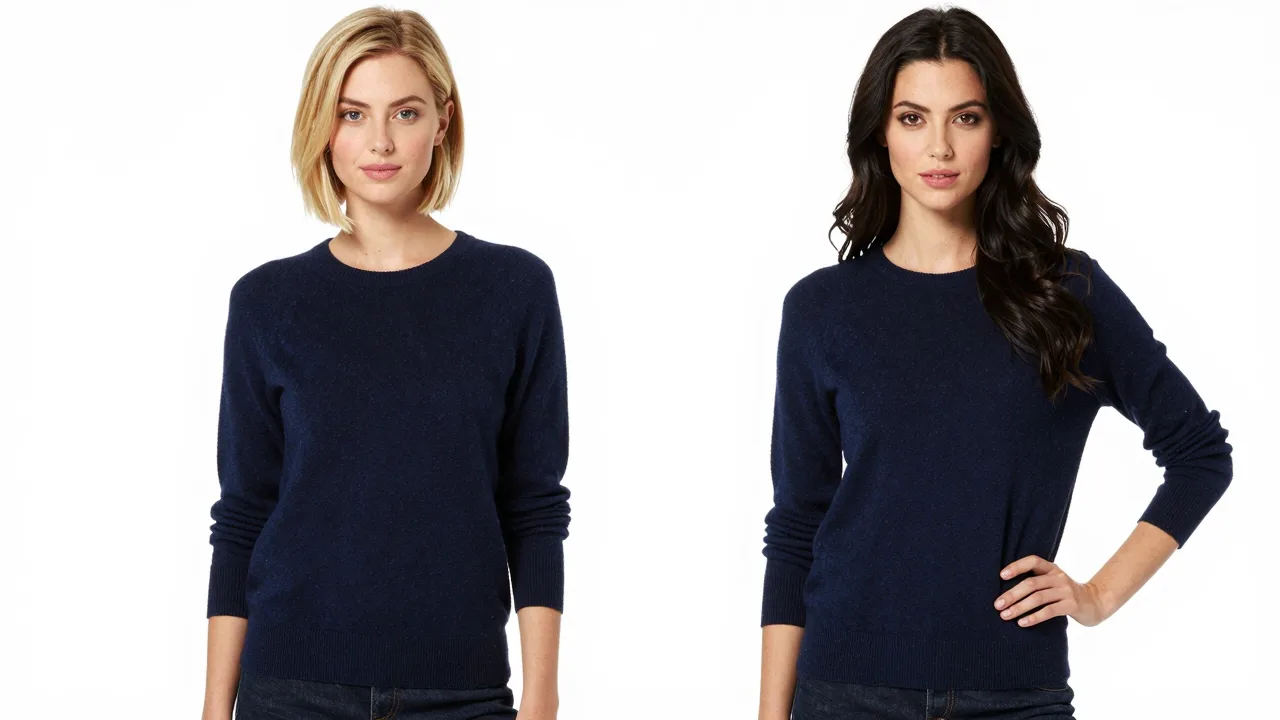
If you still see a seam after a clean run, the cause is usually upstream: two source photos shot under very different lighting. Pick a body and a face lit from roughly the same direction and the blend has far less to reconcile.
10.How do I pick a clean source photo (and avoid the #1 mistake)?
The biggest failure in any head swap isn't the model — it's the source image. In a real head-swap request thread, the person describing the job kept it plain: they just wanted "the head into the other photo," and the thing breaking it was an occlusion — "the L hand is still over the head" (Photoshop Gurus Forum). A hand, a microphone, a hat brim or a strand of someone else's hair crossing the head region is the number-one thing that makes a swap fail, because the AI has to invent whatever the object was hiding.
Use this checklist when you choose either image:
- No occlusions over the head. Hands, props, hats and overlapping people across the head or hairline are the top failure cause. Pick a frame where the head is fully visible.
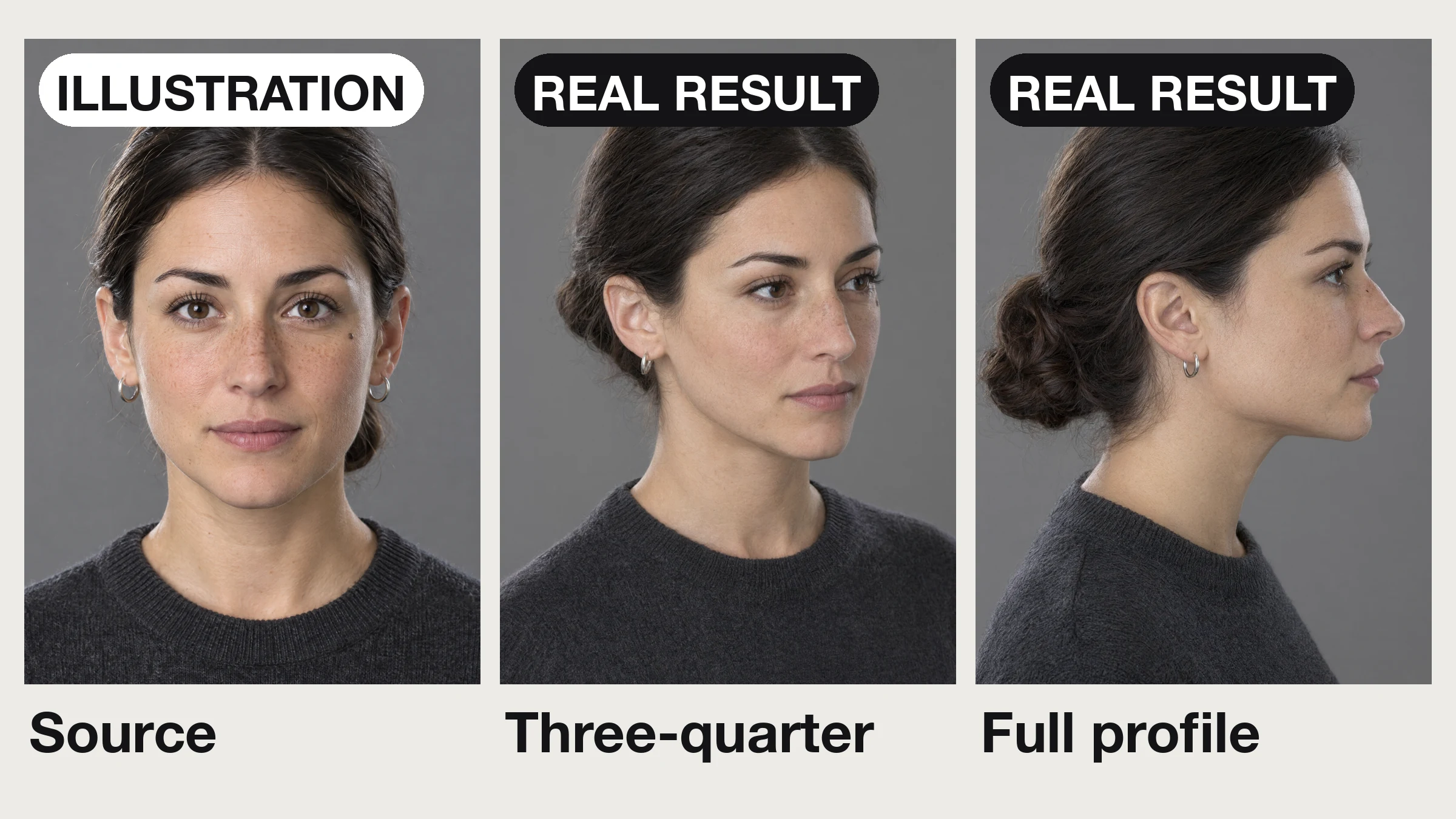
- Mind the angle. Choose a donor photo with a similar head tilt to reduce the amount of reconstruction. Extreme profile-to-front mismatches are the hardest case.
- Even lighting, no harsh shadows. Deep shadow across half the face hides the detail the skin-tone stage needs to match.
- Sharp and reasonably high resolution. A crisp portrait yields a crisp hairline; a soft thumbnail yields a soft, mushy blend. If a source is damaged or low-res, restore old photos first so the lighting cues are clean.
- Open eyes, no sunglasses. The angle stage reconciles gaze direction; hidden eyes make that guesswork.
Get the source right and most "bad AI" complaints disappear before you ever press run.
11.What do you choose before running the swap?
Open the Imagera Head Swap studio, upload the two references and choose an Imagera engine. The studio exposes the controls supported by that engine, including optional instructions for the edit, and shows the credit quote before you start.
For catalog or portrait work, start with one representative pair before committing to a larger set. Check hair, skin tone, head size and the neck seam against your project requirements. An acceptable result on one pair is not a guarantee for every source photo.
12.What resolution and output quality do you get?
Output settings depend on the selected engine. Review those settings in the studio before generating, then inspect the downloaded image at the size you intend to deliver. A larger output alone does not establish that facial details, text or hair edges are correct.
Head Swap uses a flat per-image credit charge determined by the engine. It is not billed using 1MP, 2MP and 3MP pricing tiers. The studio displays the current quote before you run. Compare existing plans and credit packs when budgeting a catalog, portrait set or client project.
13.How do you review hair, angle and skin tone?
Hair and head shape. Use a reference that clearly shows the hairstyle you want. State any hairstyle requirements in the optional instructions. Compare the output with that reference, including the hairline, ears and jaw.
Angle. Compare the head tilt and eye direction with the body pose. Choose references with similar angles when possible. Large differences can require the model to reconstruct details that are not visible in the source.
Skin tone and lighting. Compare the face with the neck and any other visible skin. Check shadows, highlights and color temperature. A visible join is a reason to revise the input or instructions and evaluate another result.
13.1What should you check before approving a head swap?
| Check | What to inspect | Next step if it fails |
|---|---|---|
| Identity and hair | Compare with the reference at full size | Use a clearer reference or clarify the instructions |
| Head angle | Check gaze and head tilt against the body | Choose a reference with a closer pose |
| Skin and neck seam | Inspect lighting, color and edges | Match source lighting and revise the blend instructions |
| Delivery size | Inspect the actual downloaded dimensions | Choose suitable output settings or a separate upscale |
| Project budget | Review the selected engine's credit quote | Budget for the number of generations you intend to run |
14.Head swap vs face swap tools: choosing for a paid project
Choose based on the part of the image that needs to change. A head swap is appropriate when the head shape and hairstyle are part of the requested edit. A face-focused edit may be enough when the existing hair and head outline should remain.
For a client project, compare tools with the same consented source pair and the same delivery requirements. Inspect the downloaded output rather than relying on a sample thumbnail. Verify current usage terms and the price shown before processing. This guide does not promise a fixed processing time, identical output across engines or a specific number of attempts to reach an approved result.
Working with video? This walkthrough covers the still-image Head Swap studio. Read AI face swap video online — no download for the separate video workflow.
15.Real-world use cases
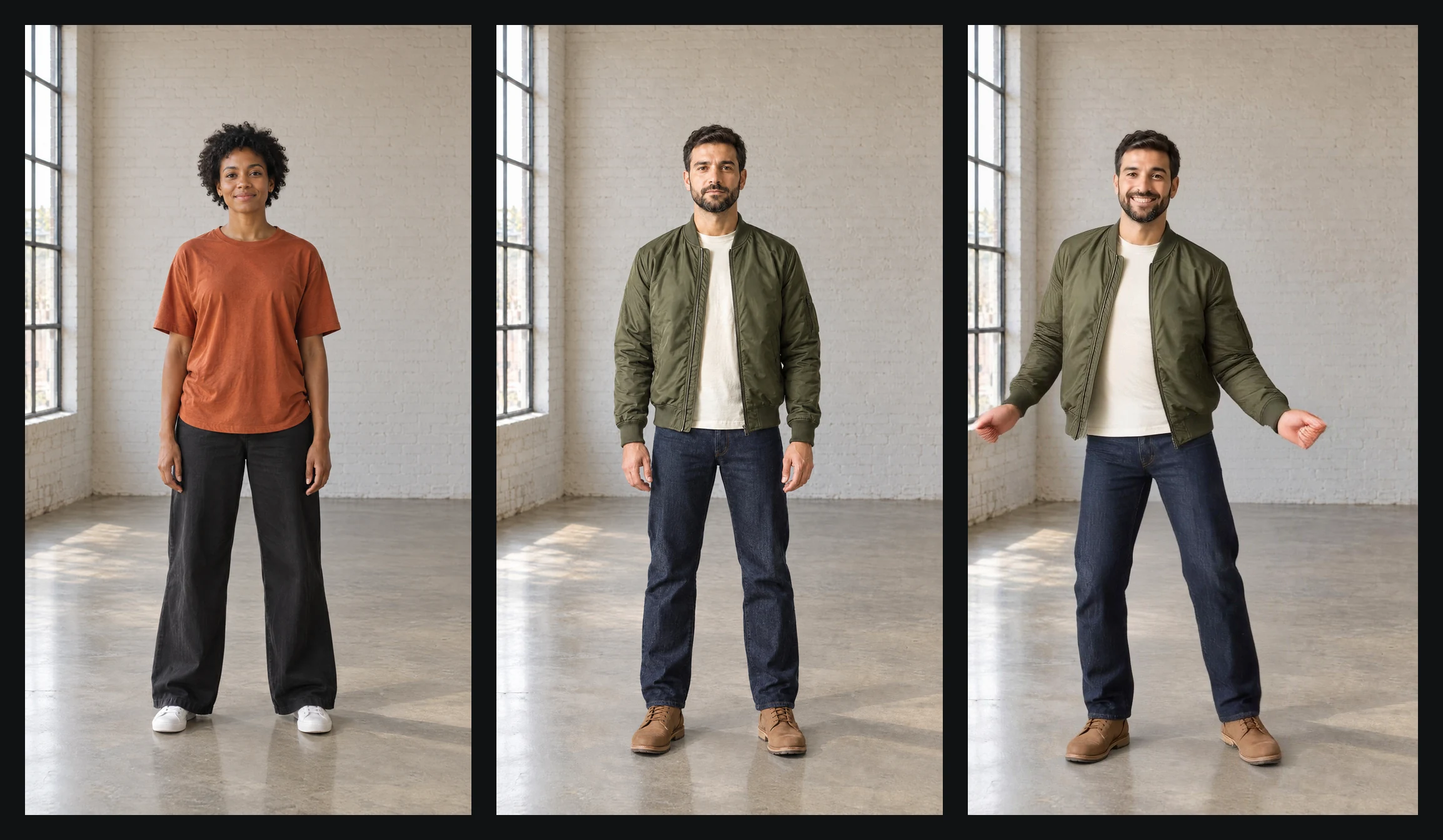
E-commerce catalog consistency. Challenge: a fashion brand reshoots the same garment on different models for different markets. Solution: shoot the garment once on a body, then head-swap for ecommerce model photos — bringing the appropriate consented model, hair and all, onto each shot. Result: one body shoot serves multiple model identities, subject to review of each edited result. Commercial rights are included on every Imagera swap.
Corporate headshot standardization. Challenge: a company's team page mixes selfies and studio shots at clashing angles. Solution: place each consenting employee's head onto a consistent body/background template; use references with similar poses for corporate headshot consistency. Result: a uniform team grid without flying everyone to one studio.
Creative compositing and portfolio work. Challenge: an artist wants a subject's full head — distinctive hair included — placed into a generated scene. Solution: a head swap brings the hairstyle and head shape into the composite, where a face swap would leave the generated head's hair. Result: a believable composite with the intended identity intact, delivered as a high-quality PNG.
Period and family photo restoration composites. Challenge: a faded group photo is missing one person, who exists only in a separate damaged print. Solution: restore both sources, then head-swap the missing person onto a matching pose. Result: a coherent restored image — best paired with photo restoration on the source files first so lighting and grain line up.
16.Review examples before starting your project
Open the AI Head Swap page to compare its source photos and output examples. In the studio, use the Body slot for the target scene and the Face slot for the person you want to swap in. Review the selected engine and credit quote before generating your own result.
17.Related resources
- AI Head Swap tool — the two-image studio described throughout.
- Step-by-step: how to swap heads in photos — matching angle, light and skin tone, then checking the seams.
- AI face swap video online — no download (2026) — the video counterpart to this still-image guide.
- Edit an image with AI — natural-language compositing and multi-image edits.
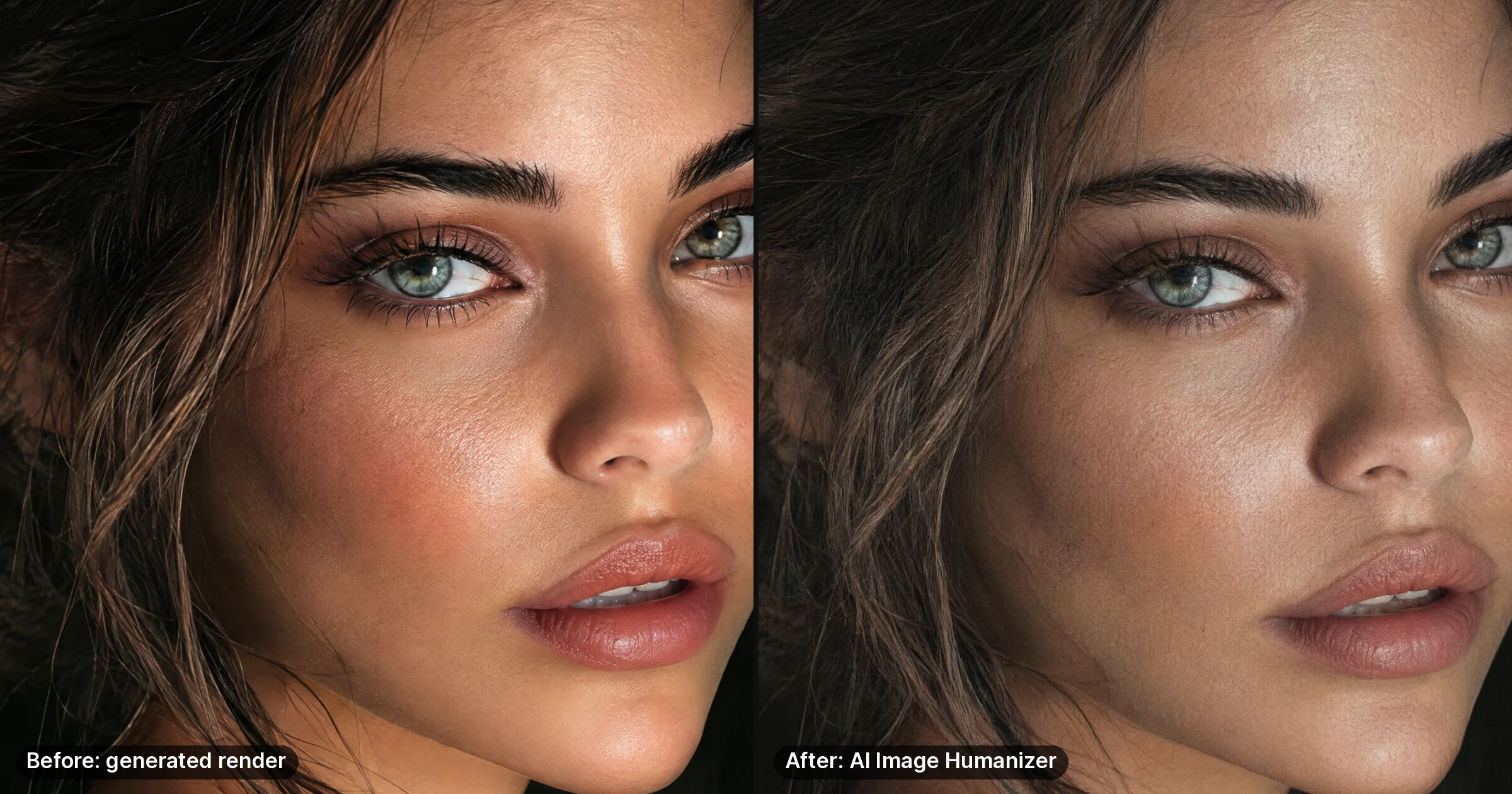
- AI image humanizer — add authentic camera characteristics to AI-edited photos.
- Restore old photos before swapping — repair and upscale damaged source photos first.
- Credit plans and add-ons — credit tiers and pay-per-use options.
Ready to fix the wrong-hair problem for good? Open the AI Head Swap tool and run your first two-image swap. Paid credits are required; review the studio quote before generating.