AI Camera Noise Generator Make AI Images Look Real
Add authentic camera noise and film grain. Achieve photorealistic quality.
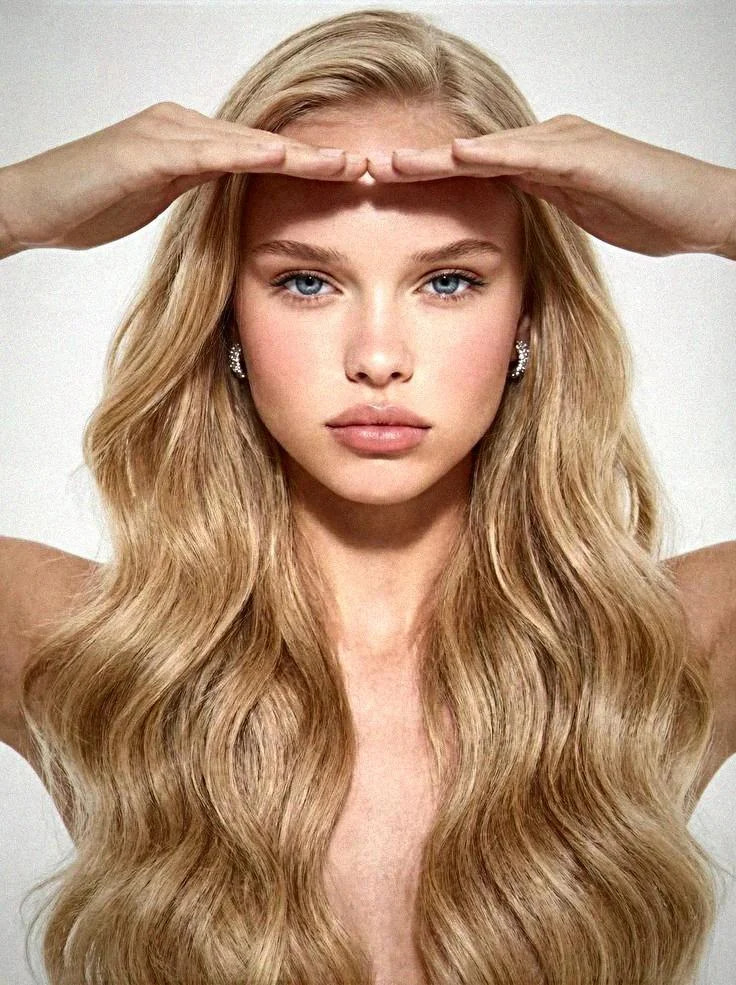
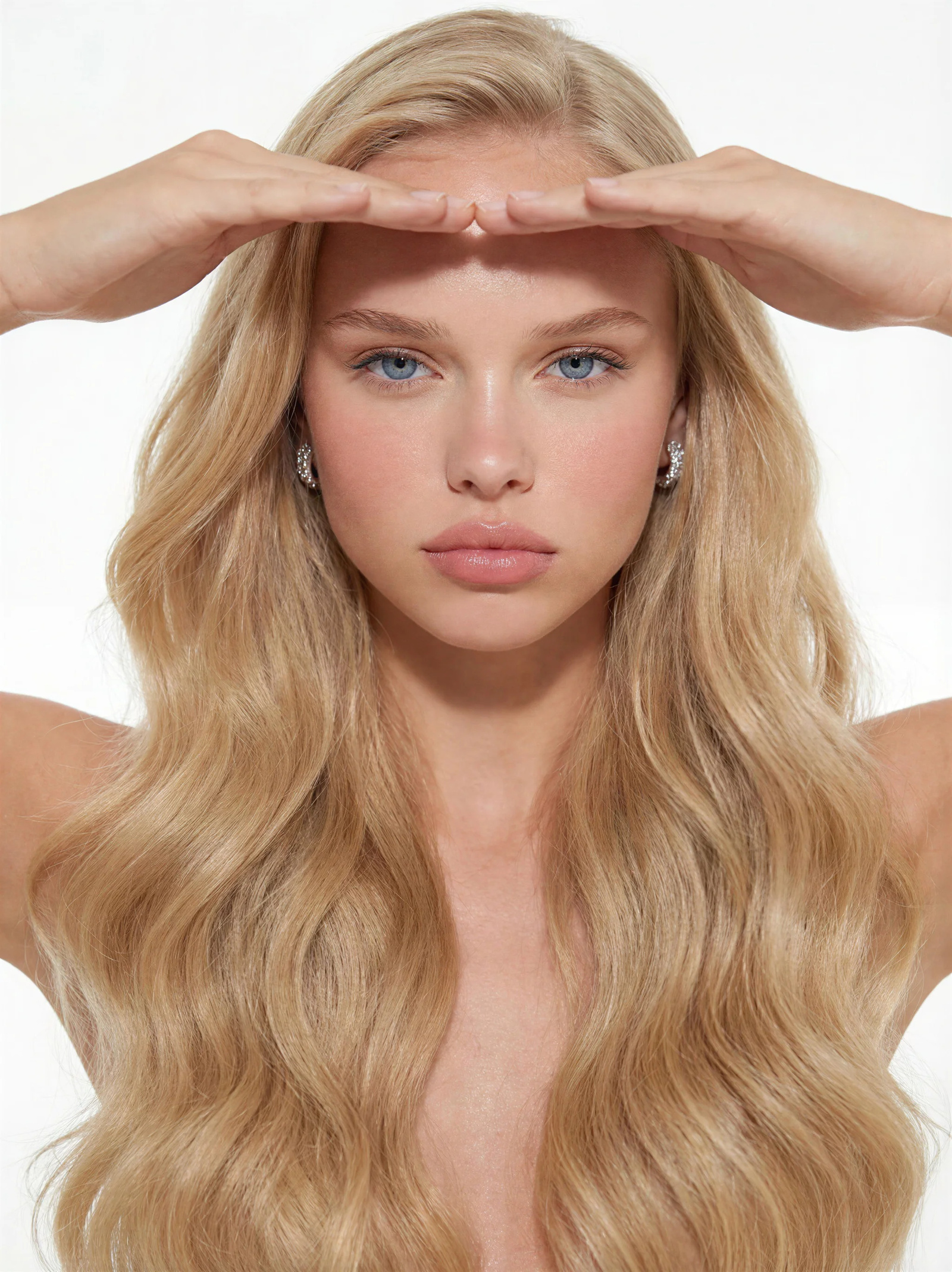 BeforeAfter
What is an AI camera noise generator?
An AI camera noise generator adds the sensor noise and film grain a real camera records, so a generated image stops reading as computer-clean. Imagera applies noise that varies with luminance, colour channel and exposure — embedded in the image structure rather than stamped on top as an overlay — in one click, with no prompt and no sliders: 20 credits per image, or 15 for the lighter grain-only pass.
- Credits
- 20 per image · 15 grain-only
- Formats
- PNG, JPG, JPEG, WEBP
- Per run
- One image, no prompt
Updated September 4, 2026
Cite this page: https://imagera.ai/image/real-camera-noise
What the camera pass adds
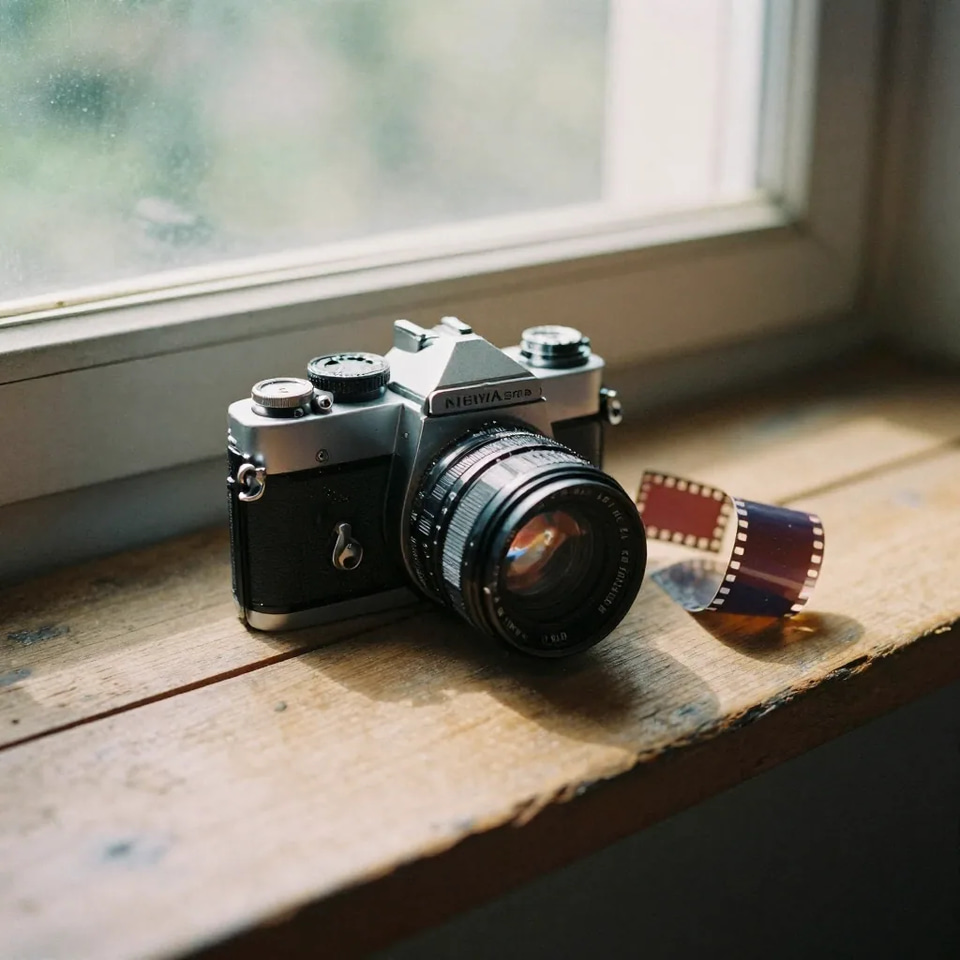
Real Camera Sensor Patterns
Add authentic noise that matches Canon, Sony, Fuji, and other camera sensors — not generic grain overlays
Know more →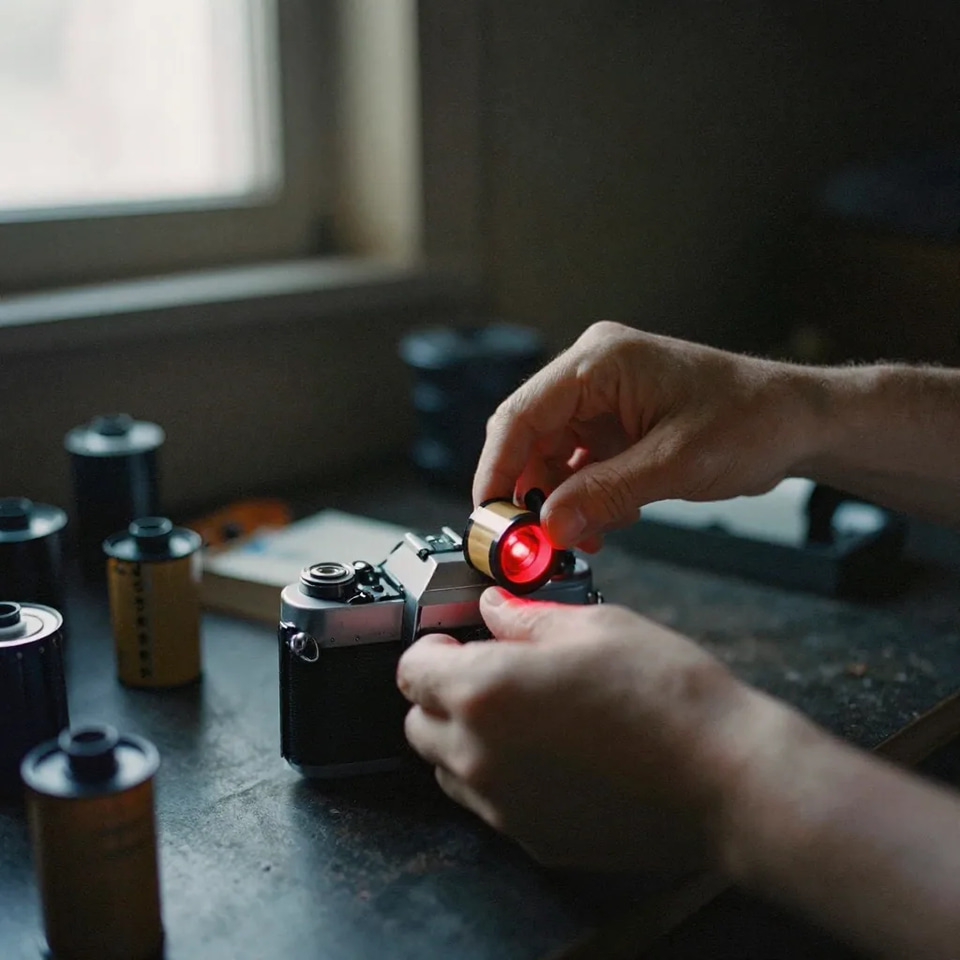
Authentic Film Grain
Grain that is embedded in the image structure — not stamped on top. Matches real film stock behavior
Know more →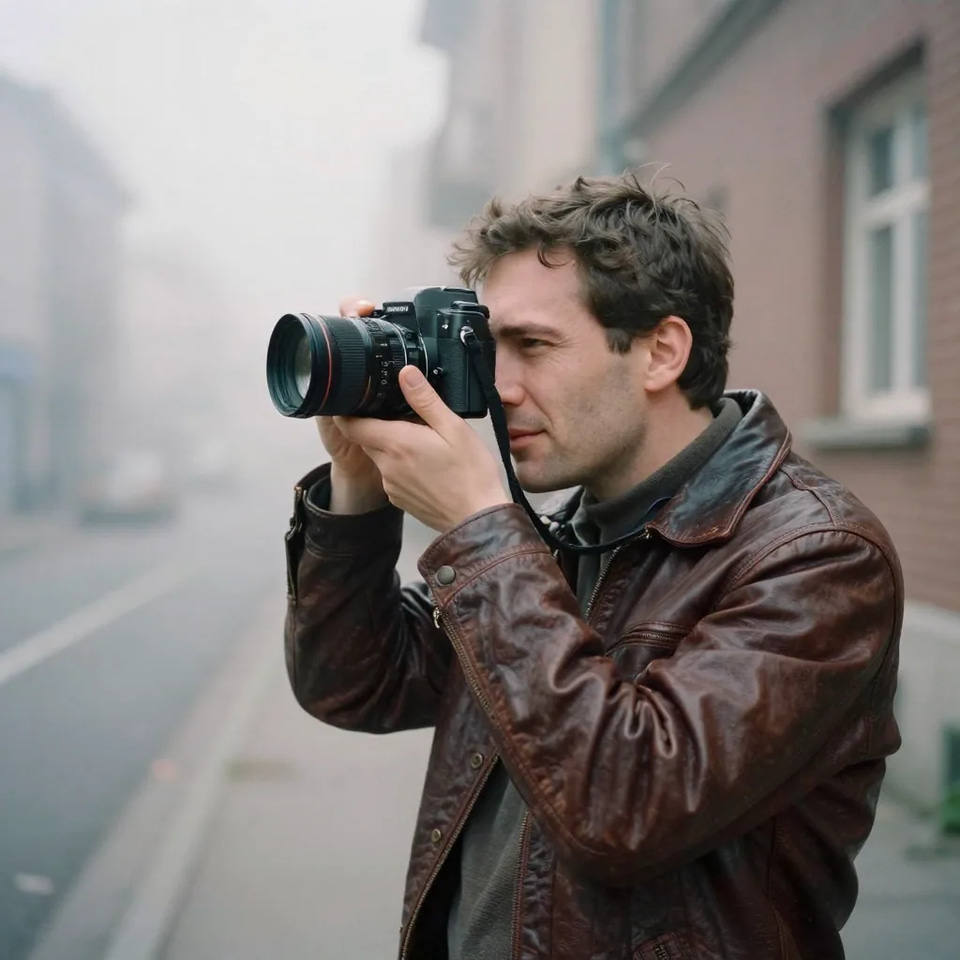
One-Click Processing
No sliders, no adjustments. Upload your AI image and get camera-realistic output instantly
Know more →Why this beats a film grain overlay
Noise that behaves like a sensor, applied in one click, priced per image rather than per year.
Sensor-Level Noise, Not Grain Overlays
Generic overlays stamp a flat texture on top. Imagera applies noise that varies by luminance, color channel, and exposure — exactly how real camera sensors (Canon, Sony, Fuji) capture light. The result has the warmth and character of genuine photography. Noise varies by luminance, color channel, and exposure — like real sensors. Because the pattern is generated per pixel and per channel, the shadows in your frame carry more visible grain than the highlights do — the distribution a real exposure produces, and the one thing a single flat texture layer cannot reproduce no matter how carefully you set its opacity.
Try it now →One-Click — No Settings, No Skill Required
Desktop photo AI apps require adjusting sliders for ISO, grain size, and opacity. Luminar Neo needs manual "Authenticity Engine" tuning. Imagera is one-click: upload an image, get a camera-realistic result. Zero learning curve. Upload → auto-process → download. No sliders, no prompts, no adjustments.. The studio reads the image itself and composes the instruction from what is actually in it, which is why there is no text box to fill in and nothing to learn before the first run — and why the result is the same whether the file came off a phone, a camera, or another generator.
Try it now →Works as Standalone or Add-On
Use Real Camera Noise as a standalone tool for any AI image, or toggle it as a +10 credit add-on during image generation. Build camera-realistic quality into your workflow from the start. Compatible with all major AI image generators. That matters when the texture is part of the look rather than a fix applied afterwards: switch the add-on on while you generate and every image lands camera-real, or run the standalone pass over a set you already have and bring an existing batch up to the same finish.
Try it now →How to add camera noise to an AI image
Three steps, and not one of them is a slider.
Upload the AI image
Upload the AI-generated image you want to give camera texture. PNG, JPG, JPEG and WebP all work, and the largest version you have gives the best result — texture is a pixel-level effect, so a downscaled copy has less to work with.
Run the pass — one click
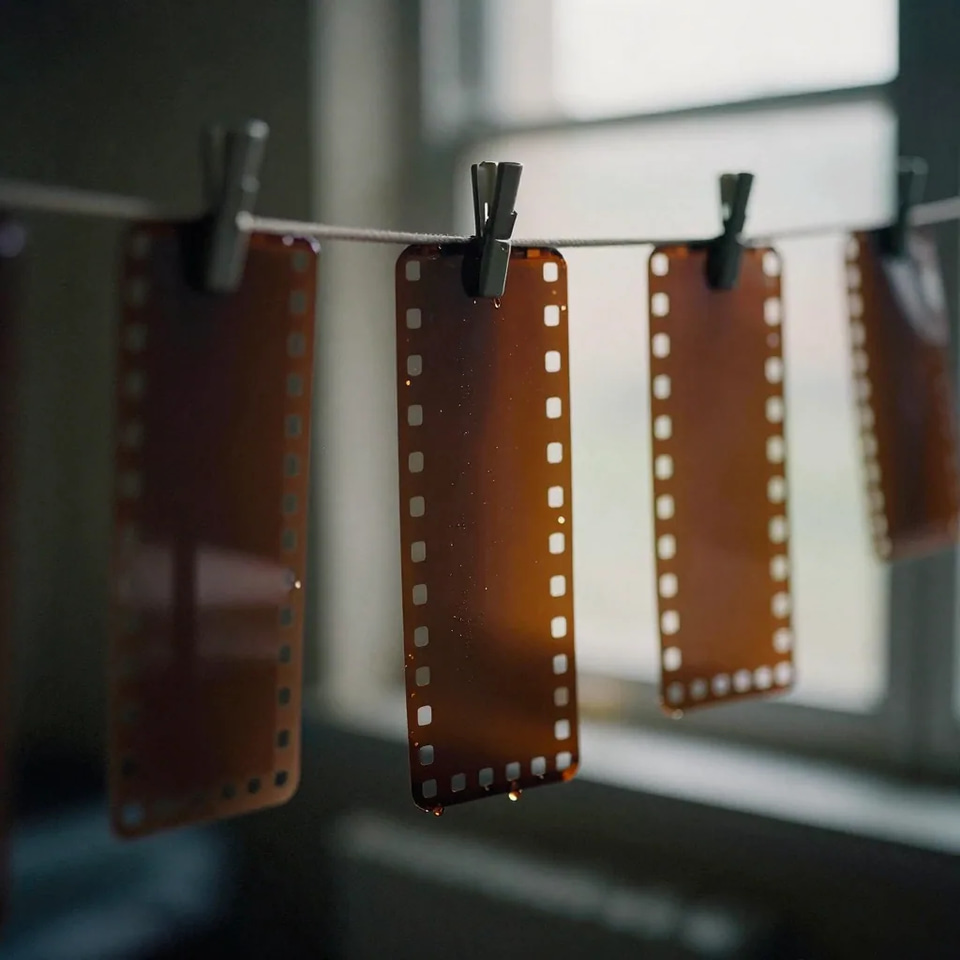
No prompt, no sliders, no adjustments. The studio analyses the image and applies the camera noise profile that fits it: 20 credits per image, or 15 credits for the lighter grain-only pass when all you want is texture.
Download and use it
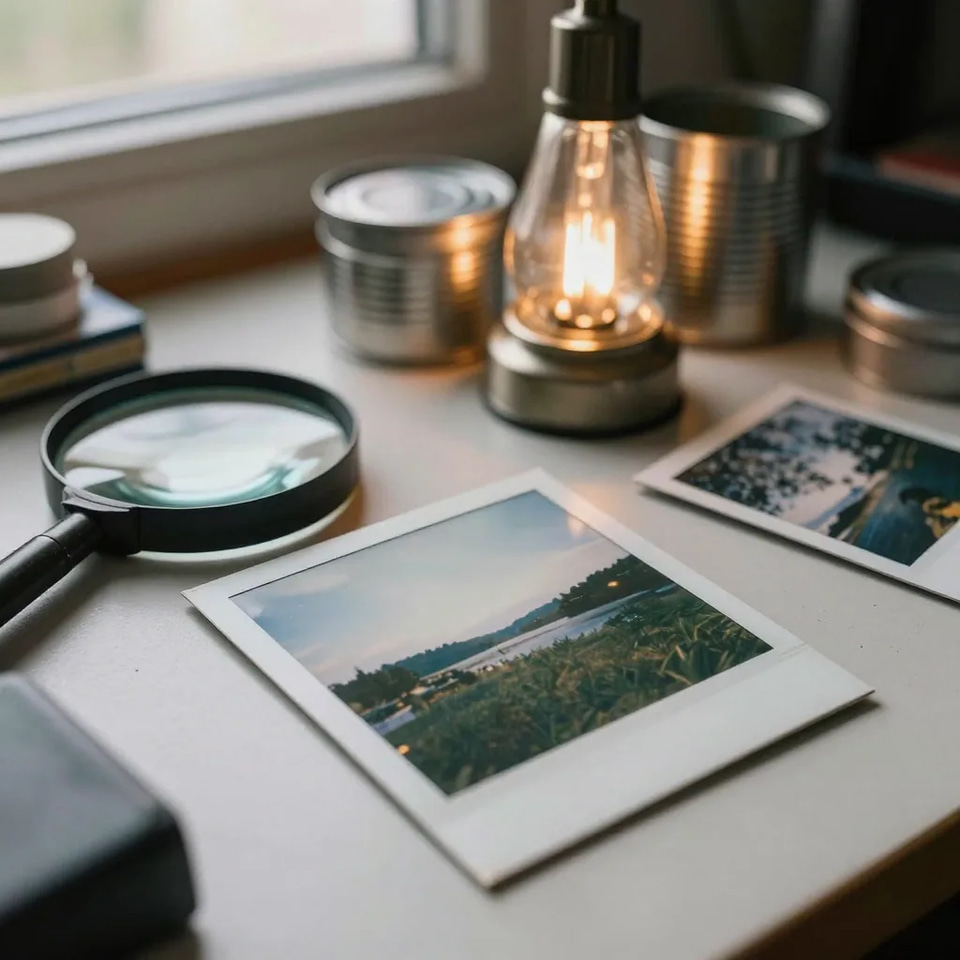
Download the result with the noise embedded in the image structure rather than stamped on top. Full commercial rights are included, so it can go straight into client work, a catalog, an edit, or a campaign.
Who reaches for camera noise
Photography & Mixed Portfolios
Photographers mixing AI-enhanced images with camera-shot originals need visual consistency. Real Camera Noise matches AI outputs to your camera's noise profile so the entire portfolio looks cohesive. What that looks like: Match AI outputs to real camera noise characteristics · Maintain visual consistency across mixed portfolios · Deliver cohesive sets where every image has camera-authentic texture.
Try it now →E-Commerce & Product Photography
Product images generated or enhanced with AI can look overly polished. Adding camera-authentic texture creates the natural, trustworthy look that converts browsers into buyers. What that looks like: Add authentic camera texture to AI-generated product shots · Match noise profile across entire product catalog · Create lifestyle images that feel naturally photographed.
Try it now →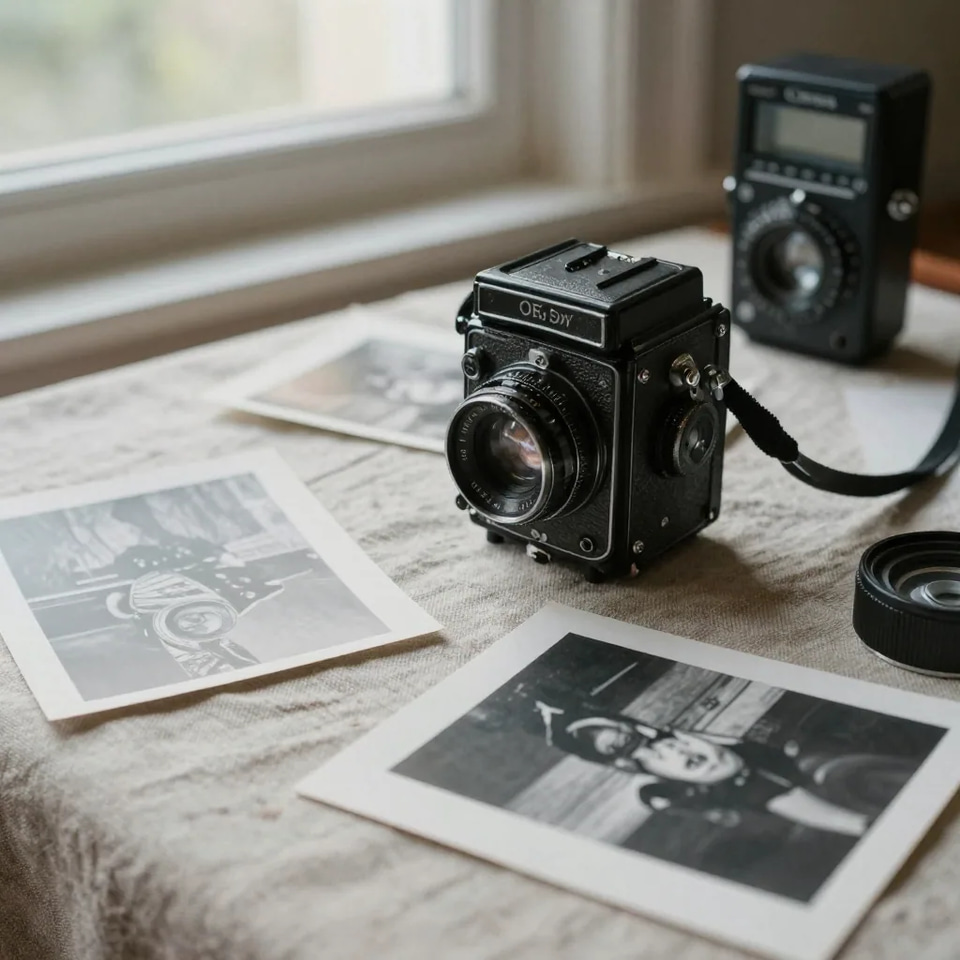
Film & Visual Effects
AI-generated VFX elements need to match live-action footage grain for seamless compositing. Real Camera Noise automates the grain-matching process for AI-generated assets. What that looks like: Automatically apply grain matching live-action footage characteristics · Process AI VFX elements before compositing into scenes · Maintain visual consistency between real and generated frames.
Try it now →Discover more AI features
Seamless Head Swapper
Swap head/face from one image onto another body. AI-powered seamless blending.
Pro LoRA Generator
For advanced users — bring your own LoRA for a consistent style or character.
Print-Ready 16K Upscaler
Too small to print? Enlarge a photo to 4K, 8K or 16K (15,360 px on the long edge).
Edit Image
Edit images with Imagera Edit. Inpaint, modify, and transform any part of your image.
Make AI Images Look Real
The Real Camera showcase — see photorealistic results with authentic sensor noise and grain
AI Image Humanizer
Make AI images look natural and photorealistic — pass as real.
Frequently asked questions
What is Imagera Real Camera Noise?
Imagera Real Camera Noise is a browser-based tool that adds authentic camera sensor noise and film grain to AI-generated images. It gives AI images the warmth, texture, and character of real photography. Upload an image, one-click processing, 20 credits per image — no prompts or adjustments needed.
Why add camera noise to AI images?
AI-generated images are unnaturally smooth — they lack the subtle grain, tonal variation, and micro-texture that real cameras naturally produce. Adding authentic camera noise improves visual quality, creates emotional warmth, and brings the analog aesthetic that audiences connect with.
How is this different from adding a film grain overlay?
Generic film grain overlays stamp a flat texture on top. Imagera applies sensor-level noise patterns that match how real cameras (Canon, Sony, Fuji) actually capture light. The noise varies by luminance, color channel, and exposure — embedded in the image structure, just like real sensor noise. The result looks and feels like genuine photography.
How much does Real Camera Noise cost?
Real Camera Noise costs 20 credits per image — 100 shots is 2,000 credits. The lighter grain-only pass is 15 credits if all you want is texture. It is also available as a +10 credit add-on when you generate images with other tools. Credit packs start at $39.99 and never expire, and monthly plans bundle credits at a better rate if you shoot regularly.
Why is film grain trending in 2026?
The photography industry is experiencing a deliberate shift away from overly polished images. According to PetaPixel, Fstoppers, and DIYPhotography, "authenticity is the new luxury" in 2026. Audiences crave imperfections — grain, softness, muted tones — because they create images that feel timeless and emotionally honest, not manufactured.
Do I need to enter a prompt?
No. Real Camera Noise is a one-click tool. Upload your image and the AI processes it automatically. There are no sliders, prompts, or adjustments needed. The tool analyzes your image and applies the appropriate camera noise profile.
What image formats are supported?
We support PNG, JPG, JPEG, and WebP formats. Upload images up to 10MB each. The processed output maintains the original resolution with authentic camera noise applied throughout.
How does this compare to desktop photo AI apps?
Desktop photo AI apps can cost hundreds per year and is primarily designed for noise removal. Their grain features adds generic texture as an afterthought. Imagera is purpose-built for adding authentic camera sensor characteristics to AI images — giving them the warmth and texture of real photography, at just 20 credits per image.
Can I use this with images from other AI generators?
Yes. Upload any AI-generated image — from any AI image generator. The tool works with any input image and applies realistic camera noise patterns regardless of the source.
Is this useful for photographers and filmmakers?
Yes. Photographers use it to match AI-enhanced images with their camera-shot originals, maintaining visual consistency across mixed portfolios. Filmmakers add authentic grain to AI-generated VFX elements to blend them naturally with live-action footage. It bridges the visual gap between digital and analog.
How does this help with social media engagement?
Camera noise gives AI images the grain and tonal texture of real photography, so they feel captured, not computed. Content creators use it to keep AI images consistent with the analog look of their feed. We do not publish an engagement figure: results depend on your audience, so compare a few posts with and without grain.
Can I use processed images commercially?
Yes. All images processed with Imagera come with full commercial rights. Use them for marketing, social media, client work, stock photography, e-commerce, print media, and any business purpose.
Learn more
Guides on film grain, analog texture, and making AI images read as photographs.
Use caseAI Image Upscaler — 4K, 8K & 16K
Enlarge and sharpen your result to 16K after finishing — neural upscaling, no quality loss
 Use case
AI Image Humanizer
Make any AI image look like a real camera photo in one pass
GuideReal Camera Mode Guide
Add authentic camera characteristics to AI images
How to Make AI Images Look Real
The six camera tells that make AI images look fake, and how to fix each one
AI Image Detector Comparison
Which AI detectors flag AI images — and how real camera noise adds photo-authentic texture
AI Image Prompts Guide
Create better AI images to enhance with camera texture
Midjourney Alternative
Generate photorealistic images with camera noise — compare Imagera vs Midjourney
Stable Diffusion Alternative
Add camera texture to Stable Diffusion-style images without local setup
Best LoRA Models for Realism
Combine camera noise with the best LoRA models for maximum photorealism
Browse All Articles
In-depth articles about AI image realism and detection avoidance
Key takeaways
What is Imagera Real Camera Noise?
Imagera Real Camera Noise is a browser-based tool that adds authentic camera sensor noise and film grain to AI-generated images. It gives AI images the warmth, texture, and character of real photography. Upload an image, one-click processing, 20 credits per image — no prompts or adjustments needed.
Why add camera noise to AI images?
AI-generated images are unnaturally smooth — they lack the subtle grain, tonal variation, and micro-texture that real cameras naturally produce. Adding authentic camera noise improves visual quality, creates emotional warmth, and brings the analog aesthetic that audiences connect with.
How is this different from adding a film grain overlay?
Generic film grain overlays stamp a flat texture on top. Imagera applies sensor-level noise patterns that match how real cameras (Canon, Sony, Fuji) actually capture light. The noise varies by luminance, color channel, and exposure — embedded in the image structure, just like real sensor noise. The result looks and feels like genuine photography.
Camera noise vs a film grain overlay
| What matters | Imagera camera noise | A film grain overlay |
|---|---|---|
| How the grain is made | Noise that varies by luminance, colour channel and exposure | One flat texture blended over the finished image |
| Where it sits | Embedded in the image structure | Stamped on top as a separate layer |
| Setup | One click — no prompt, no sliders | Manual grain size, opacity and blend mode per image |
| Where it runs | In the browser, on any device | A desktop editor or plugin |
| Cost | 20 credits per image · 15 grain-only · +10 as an add-on | A texture pack, then your own time on every image |
Give the image its grain back
Open the studio with the camera pass already selected. Credits show on the button before you run.
Add camera noise →