Skip to main contentImagera AI vs Suno — Best Alternative Comparison
AI Music — No Subscription

Suno Alternative
Pay Per Song, Not Per Month

Suno charges $8/month whether you create music or not. Imagera gives you AI music generation plus 25+ other AI tools with pay-per-use credits — a track runs 20 credits, and every song you make is yours to download. No subscription lock-in. See the full Suno vs Imagera breakdown.

Pay-Per-Use
25+ AI Tools
No Subscription

What is Suno Alternative?

Suno Alternative Imagera AI is a Suno alternative offering AI-powered image and video generation with photorealistic output, LoRA model support, and pay-per-use pricing starting at $19.99 for 150 credits. Unlike Suno, Imagera provides 20+ specialized AI tools including image generation, video creation, voice cloning, and avatar animation in one platform.

Compare Suno vs Imagera AI features, pricing, and capabilities below.

By the numbers

  • Imagera: pay-per-use music generation — Suno v5: $10-30/month subscription
  • Imagera: 50+ tools (music, voice, image, video, avatars) — Suno: music only
  • Imagera: one platform replaces 6+ subscriptions — Suno is music-only
  • Imagera: vocals + instrumentals + custom lyrics — competitive with Suno quality
  • Commercial licensing included on all Imagera music outputs

Source: Imagera platform specifications · Updated August 2026

Imagera AI vs Suno: Professional Comparison

See why professionals choose Imagera AI over Suno for business use

Pricing Model
Imagera:20 credits per song — buy credits when needed, no subscription
Suno:$8/month (Basic) or $24/month (Pro) subscription
Imagera AI
AI Music Model
Imagera:High-quality music generation with vocals and instrumentals
Suno:Industry-leading music AI (v5) — more refined output
Suno
Genre Range
Imagera:Wide variety — pop, rock, hip-hop, electronic, classical, jazz
Suno:Extensive genre support — similar range with style tags
Tie
Custom Lyrics & Vocals
Imagera:Yes — provide lyrics or generate with AI vocals
Suno:Yes — write lyrics or use AI-generated, AI vocals included
Tie
Free Tier Available
Imagera:No free tier — you buy credits before you generate
Suno:Yes — free plan with daily credits (limited songs)
Suno
Community & Sharing
Imagera:Download and use anywhere — no built-in community
Suno:Built-in community, sharing, trending songs, discovery feed
Suno
Other AI Tools Included
Imagera:25+ tools: image gen, video gen, lip sync, voice, podcast, upscaler
Suno:Music generation only — dedicated platform
Imagera AI
Subscription Required
Imagera:No — buy credits when you need them, no monthly commitment
Suno:Yes — $8-24/month subscription (or free with limits)
Imagera AI
Commercial Rights
Imagera:Commercial use allowed with paid credits
Suno:Commercial rights on Pro plan ($24/mo) only
Imagera AI
Extend, Cover & Persona Tools
Imagera:Yes — extend a track, make a cover, or lock a reusable voice persona
Suno:Yes — extend, cover, and persona features built in
Tie
Vocal / Instrumental Stem Separation
Imagera:Yes — split any track into vocal and instrumental stems (separate credit action)
Suno:Yes — stem splitting available on paid plans
Tie
Turn a Song Into a Music Video
Imagera:Yes — generate a music video from a finished track, same credit balance
Suno:Yes — music video generation from tracks
Tie
Credits Expiry
Imagera:Credits stay on your balance until you spend them — no monthly reset
Suno:Subscription/daily credits reset — unused music allowance is lost
Imagera AI
From Song to Full Video Pipeline
Imagera:Music → music video → talking-avatar host → upscale, one platform
Suno:Music (plus in-app music video) — no image, avatar, or upscale tools
Imagera AI
No App or Install
Imagera:Runs fully in the browser — no download, no GPU, no app account gate
Suno:Browser and app — free tier gated behind daily limits
Tie
Reusable Voice Persona
Imagera:Lock a voice persona so a series of tracks sounds like one artist
Suno:Personas supported — build and reuse a consistent voice
Tie

Imagera AI vs Suno: Feature-by-Feature Spec Table

Quick-scan comparison of what each platform includes for Suno users evaluating a switch.

Feature comparison between Imagera AI and Suno
FeatureImagera AISunoWinner
Pricing Model20 credits per song — buy credits when needed, no subscription$8/month (Basic) or $24/month (Pro) subscriptionImagera AI
AI Music ModelHigh-quality music generation with vocals and instrumentalsIndustry-leading music AI (v5) — more refined outputSuno
Genre RangeWide variety — pop, rock, hip-hop, electronic, classical, jazzExtensive genre support — similar range with style tagsTie
Custom Lyrics & VocalsYes — provide lyrics or generate with AI vocalsYes — write lyrics or use AI-generated, AI vocals includedTie
Free Tier AvailableNo free tier — you buy credits before you generateYes — free plan with daily credits (limited songs)Suno
Community & SharingDownload and use anywhere — no built-in communityBuilt-in community, sharing, trending songs, discovery feedSuno
Other AI Tools Included25+ tools: image gen, video gen, lip sync, voice, podcast, upscalerMusic generation only — dedicated platformImagera AI
Subscription RequiredNo — buy credits when you need them, no monthly commitmentYes — $8-24/month subscription (or free with limits)Imagera AI
Commercial RightsCommercial use allowed with paid creditsCommercial rights on Pro plan ($24/mo) onlyImagera AI
Extend, Cover & Persona ToolsYes — extend a track, make a cover, or lock a reusable voice personaYes — extend, cover, and persona features built inTie
Vocal / Instrumental Stem SeparationYes — split any track into vocal and instrumental stems (separate credit action)Yes — stem splitting available on paid plansTie
Turn a Song Into a Music VideoYes — generate a music video from a finished track, same credit balanceYes — music video generation from tracksTie
Credits ExpiryCredits stay on your balance until you spend them — no monthly resetSubscription/daily credits reset — unused music allowance is lostImagera AI
From Song to Full Video PipelineMusic → music video → talking-avatar host → upscale, one platformMusic (plus in-app music video) — no image, avatar, or upscale toolsImagera AI
No App or InstallRuns fully in the browser — no download, no GPU, no app account gateBrowser and app — free tier gated behind daily limitsTie
Reusable Voice PersonaLock a voice persona so a series of tracks sounds like one artistPersonas supported — build and reuse a consistent voiceTie

True Cost Analysis: Quality vs Price

Why Imagera AI delivers better value for professional applications

5 Songs per Month

Imagera AI
100 credits from a one-time pack
Competitor
$8/month (Basic) — subscription continues even if unused
No wasted months on Imagera — credits are only spent when you generate

50+ Songs per Month (Heavy User)

Imagera AI
20 credits per song (pay-as-you-go)
Competitor
$24/month (Pro) — unlimited generations
Suno Pro is cheaper at this volume if used consistently

Occasional Use (2-3 songs/year)

Imagera AI
40-60 credits total for the year — unused credits never expire
Competitor
$96/year (Basic) or $0 (free tier with ads/limits)
No recurring charge on Imagera; Suno's free tier works for casual use

Music + Other AI Tools

Imagera AI
Credits work across music, video, image, voice, podcast, upscale
Competitor
Music only — need separate tools for video, images, voice
Imagera offers 25+ tools with one credit balance

One Song + Its Music Video

Imagera AI
Generate the track, then a music video from it, all from the same balance
Competitor
Music video is in-app but tied to your monthly plan tier
Imagera bundles song, video, and upscale in one pay-per-use flow

YouTube Channel Background Music

Imagera AI
Buy a credit pack, generate a batch of tracks, download every one
Competitor
Free tier limits daily songs; commercial use needs a paid plan
No download caps or per-video licensing checks on Imagera

When Does Suno Make More Sense?

If you create music frequently (daily or weekly), want the most refined AI music model available, need community features for discovery and sharing, or want a free tier to try first, Suno is excellent. Suno raised $125M and their dedicated focus on music shows in output quality and in the depth of their sharing and discovery feed. Imagera is the better fit when your music work is bursty rather than constant — a batch of tracks for a client, seasonal content, or a one-off project — because credits sit on your balance until you spend them and never reset at the end of a month. Imagera also wins when the song is only step one: you can turn a finished track into a music video, add a talking-avatar host for a lyric or explainer video, and upscale the visuals, all from the same credit balance instead of stitching together separate subscriptions for music, video, and images.

Why Professionals Choose Imagera AI Over Suno

The critical advantages that make Imagera AI the superior choice for business

No Monthly Subscription

Suno requires $8-24/month. Imagera lets you buy credits when you need them — pay only when creating music. Perfect for occasional creators, YouTube background music, or one-off projects.

Zero recurring charges

25+ AI Tools in One Platform

Your Imagera credits work across music generation, AI video, talking avatars, image generation, AI voice recreation, podcast creation, and upscaling. Suno only does music.

One credit balance, all tools

Better for Sporadic Needs

Create 2-3 songs for a client project, then nothing for months? Suno charges $96-288/year regardless. On Imagera those songs cost 20 credits each, and the rest of your pack stays on your balance. No wasted subscription months.

Pay only when you create

Commercial Rights Included

Imagera includes commercial usage rights with paid credits. Suno requires the $24/month Pro plan for commercial rights. If you create music for clients or monetized content, Imagera is 3x cheaper.

Commercial use from $19.99

A Full Song-Editing Suite, Not Just Generate

Beyond first-take generation, Imagera lets you extend a track that ended too soon, make a cover in a new style, add vocals to an instrumental or an instrumental to an acapella, split any song into vocal and instrumental stems, and lock a reusable voice persona so a series of tracks sounds like the same artist. Each is a discrete pay-per-use action — you only spend on the edits you actually run.

Extend, cover, stems & persona built in

From Song to Finished Video in One Place

A track is often just the start. On Imagera you can turn a finished song into a music video, drop it under an AI talking-avatar host for a lyric or explainer clip, generate matching cover art with the image generator, and upscale the result — all on the same credit balance. Suno makes the music; you would need separate subscriptions for the video, images, and voiceover that turn it into a publish-ready piece.

Music, video, avatar & art on one balance

See what Imagera actually produces

Real output from the Imagera tool that replaces Suno — generated in the browser, no install or GPU.

Outputs

Generated music 1

Generated music 2

See it in action

Examples of the kind of visuals creators make with Imagera.

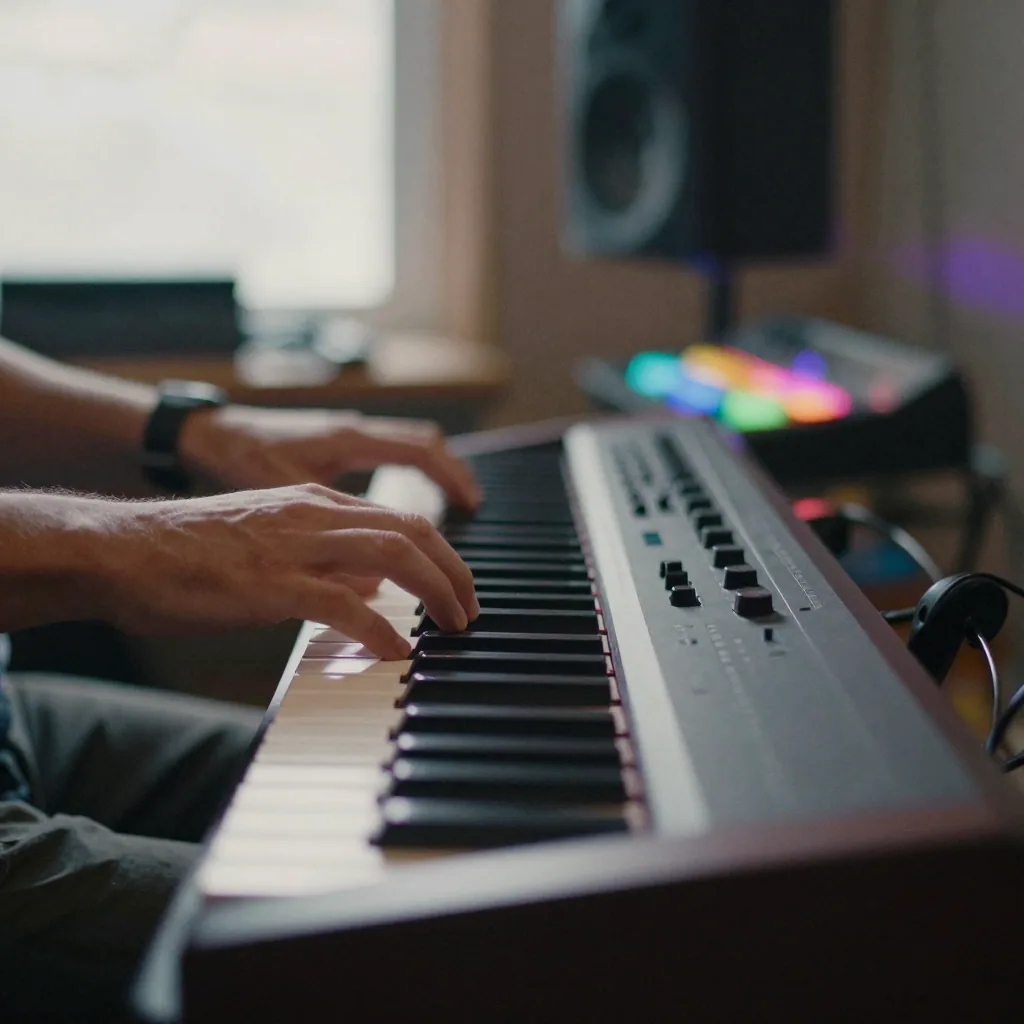
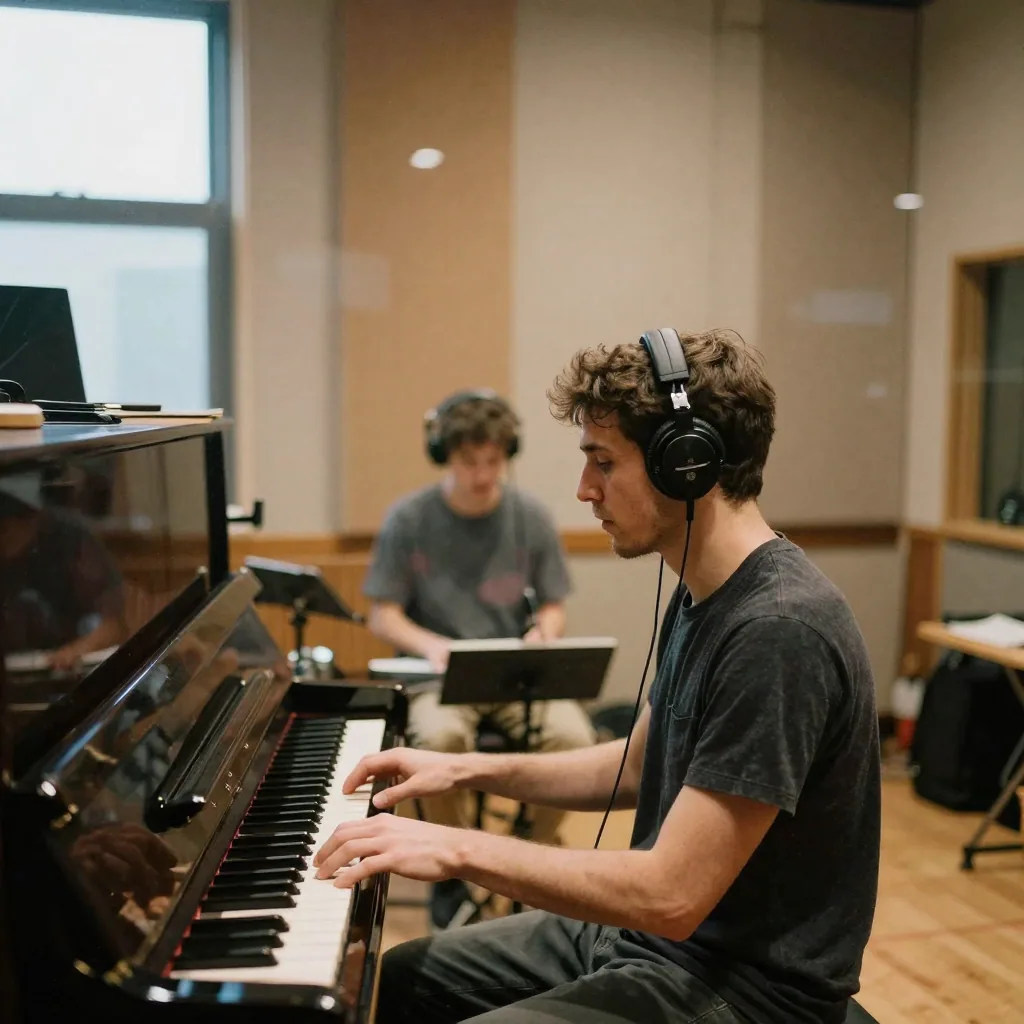
hands playing a synthesizer keyboard in a dim music studio with colorful ambient lightinga musician playing an acoustic guitar in a sunlit room, warm golden tones, intimate moodA singer-songwriter in a home studio strumming an acoustic guitar into a foam-shielded microphone, eyes closed, warm lamp glow and hanging sClose-up of a hand adjusting sliders on an analog mixing console in a dim studio, faders lit by the amber glow of channel indicatorsA drummer mid-strike in a rehearsal space, sticks blurred over a cymbal, dust motes in a shaft of window light across the kitTwo musicians recording in a booth through glass, one at an upright piano and one holding headphones, warm acoustic panels lining the walls

When Suno is genuinely the better choice

Any honest Suno comparison has to start by saying what Suno does well, because a lot of it is hard to beat. Suno is a music-first company with a large team, serious funding, and a product that has been iterated on release after release. That focus shows up in the output: coherent song structure, vocals that hold a melody without drifting, and a genre-tag system that lets you dial in a very specific style. If your entire job is generating music, a dedicated tool built by people who think about nothing but music every day has a real advantage.

Suno is also the better pick if you create music constantly. When you are making tracks every day or every week, a flat monthly subscription is usually cheaper than paying per generation, and Suno's higher tiers are built for exactly that kind of volume. The math flips in their favor once you cross a certain number of songs per month, and if you are a working musician or a producer running dozens of ideas past yourself daily, that predictable monthly cost is easier to plan around than a fluctuating credit spend.

Then there is the community. Suno has a built-in feed where songs get shared, remixed, and discovered, and for some creators that social layer is the whole point — it is where feedback and momentum come from. It also offers a free tier, which is genuinely useful for anyone who just wants to try AI music with no commitment before deciding whether it fits their workflow. If discovery, a large listener community, or trying-before-buying matter to you, Suno is the stronger platform and we would not pretend otherwise.

Where Imagera fits better for AI music generation

Imagera earns its place in a different situation: when your music work is bursty rather than constant. If you make a batch of tracks for a client, produce seasonal content, or tackle one-off projects with long gaps in between, paying a monthly subscription that runs whether you use it or not stops making sense. Imagera is pay-per-use — you buy credits, spend them when you actually generate, and the rest sit on your balance until you need them. There is no month where you paid for a service you never opened.

The second advantage is scope. A finished song is often step one, not the finish line. On Imagera the same credit balance that generates your track also turns it into a music video, drops it under a talking-avatar host for a lyric or explainer clip, produces matching cover art through the image generator, and upscales the final visuals. Instead of paying for a music subscription plus a video tool plus an image tool plus a voice tool, one balance covers the whole content pipeline. For creators shipping a complete piece rather than just an audio file, that consolidation is the point.

Imagera also carries a real editing suite around generation rather than treating generate-and-done as the whole experience. You can extend a track that ended too soon, make a cover in a new style, add vocals to an instrumental or an instrumental under an acapella, split any song into vocal and instrumental stems, and lock a reusable voice persona so a series of tracks sounds like one artist. Each is a discrete pay-per-use action, so you iterate on a single song without paying for a plan tier you only need occasionally.

How to switch from Suno to Imagera

Switching is low-friction because neither platform is exclusive and there is no lock-in to unwind. Start by downloading the songs you want to keep from Suno while you still have access to them — your finished audio files are yours, so pull down the tracks that matter and store them locally or in your own cloud. There is no project format to convert; an MP3 or WAV plays anywhere, so your existing catalog transfers cleanly as plain audio.

Next, recreate a project on Imagera to get a feel for the workflow. Take a song you already made on Suno and try rebuilding something similar: paste in the same lyrics or write new ones, describe the genre and mood in a style prompt, and generate. You will not get a byte-identical copy — AI music is generative, so a fresh generation is a new take, not a clone — but you will quickly see how prompts and style descriptions map between the two tools. Treat the first few generations as calibration rather than final output.

Be clear-eyed about what does and does not transfer. Your downloaded audio transfers, and your creative direction — lyrics, style notes, reference descriptions — transfers as text you can reuse. What does not transfer is anything platform-internal: Suno's project history, its style-tag presets, community stats, and any in-app remix chains stay on Suno. Once you are comfortable, buy a credit pack sized to your project, and remember you can keep using both platforms side by side. Plenty of creators generate on whichever tool fits the moment and switch freely.

What creators actually make with Imagera

The most common use case is background and theme music for video. YouTubers, short-form creators, and podcasters generate tracks to sit under their content — intros, outros, transitions, and ambient beds — and because commercial use is included with paid credits, that music is cleared for monetized channels and client work without a separate licensing step. A creator can generate a batch of tracks in one sitting and download every one, then reuse them across a whole content series.

Indie game developers and app makers use it for soundtracks and stingers, where you need original music that fits a specific mood but do not have a composer on the team. Marketers and small agencies generate custom jingles and ad beds. Songwriters and hobbyists use the vocal generation to hear their lyrics performed, then use the extend and cover tools to develop an idea further — trying the same song as a lo-fi version, a rock version, or a stripped-back acoustic take.

Because Imagera is more than music, the output types stack. Someone will generate a song, turn it into a music video, add an avatar host to explain the release, and produce cover art — all from one balance — ending up with a publish-ready package instead of a lone audio file. Others use only the stem-splitting to pull clean instrumentals for karaoke or voiceover beds. The range of what people make widens because the surrounding video, image, and voice tools sit right next to the music generator rather than in separate subscriptions.

Pricing in plain terms

Imagera is pay-per-use and priced in credits, not a monthly fee. You buy a credit pack, and each generation spends a portion of that balance — a standard music generation runs a few credits per track, and editing actions like extending or covering a song are priced separately and only charged when you actually run them. The important part for planning is that credits do not expire on a monthly cycle: whatever you do not spend stays on your balance until you use it, so a slow month costs you nothing extra.

That structure is what makes Imagera attractive for irregular work. If you generate a burst of tracks for a project and then go quiet for a while, you are not paying through the quiet stretch — you paid once for the credits and the unused ones are still there when you come back. There is no recurring charge to remember to cancel, and no wasted months on a subscription you forgot you had.

Suno, by contrast, uses a subscription model with a free tier and paid monthly plans, which is a fair and common approach and works well for people who create constantly. We are not going to quote exact Suno prices here because they change and you should check their current pricing directly. The general trade-off is straightforward: a subscription rewards steady, high-volume use, while pay-per-use credits reward bursty, occasional, or multi-tool use. Pick the pricing model that matches how often you actually make music, not how often you imagine you might.

Frequently asked before switching

Is Imagera's music quality as good as Suno's? For most content-creation needs — background music, podcast beds, social clips, indie game audio — Imagera produces quality that does the job well. Suno, with its dedicated music focus, tends to have an edge on the most refined vocal coherence and fine genre tagging. If squeezing out the absolute best AI vocal is your priority, Suno leads; if you need solid, usable, commercially cleared music across a workflow, Imagera holds up.

Do I lose my existing songs if I switch? No. Download your finished tracks from Suno and they are yours to keep and use anywhere — plain audio files are not tied to either platform. You do lose access to Suno's internal project history and community features when you stop using it, so grab anything you want before you go.

Can I use both platforms at once? Yes, and many people do. There is no exclusivity. A common pattern is to use Suno's free tier or subscription for high-volume music work and reach for Imagera when a project is bursty or when you also need video, images, avatars, or voiceover on the same balance. Switching between them costs nothing.

Can I use the music commercially? On Imagera, tracks generated with paid credits include a commercial license, so they work in monetized videos, client projects, games, and ads. Suno grants commercial rights on its paid tier. Check the current terms on whichever platform you use, but on Imagera commercial clearance comes with the paid credits rather than a separate upgrade.

What happens when my credits run out? You top up whenever you want, and nothing you already made disappears. There is no monthly reset that wipes an unused allowance and no cap on downloading the tracks you already generated — the songs you made with earlier credits stay yours to download and use in full.

Imagera AI vs Suno FAQ

Common questions about choosing Imagera AI over Suno

Ready to Create AI Music Without a Subscription?

Generate songs with AI vocals and instrumentals. Pay only when you create — 20 credits a song, no monthly commitment, commercial rights included.

0% AI Detection
Professional Quality
Full Commercial Rights