Restore a Loved One's Photo Repaired & Print-Ready in Minutes
Repair scratches, fading & blur. Print-ready in minutes.
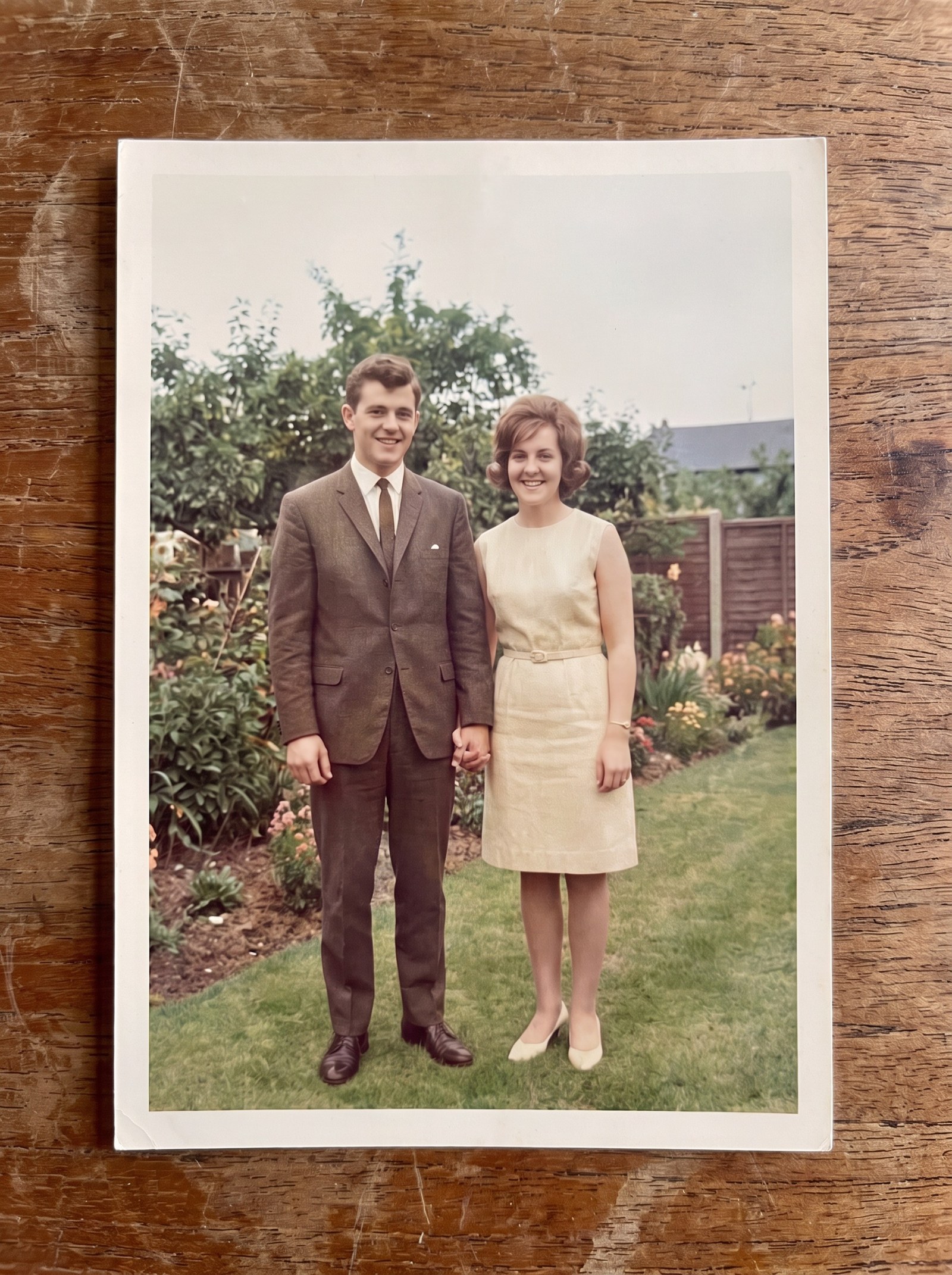
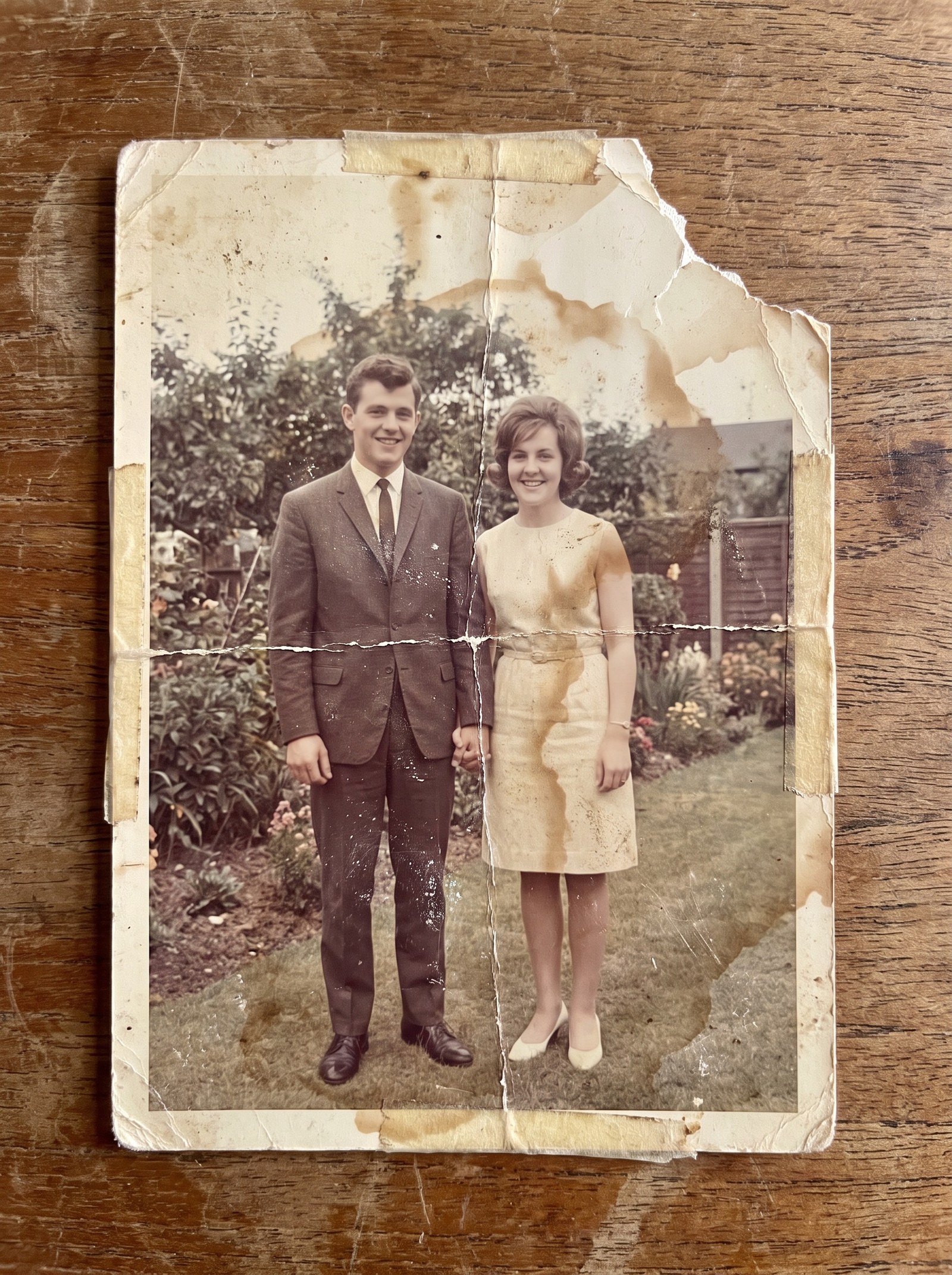 BeforeAfter
How does AI photo restoration work?
AI photo restoration repairs a damaged photograph by removing scratches, creases, stains and fading, then rebuilding detail that time destroyed. A dedicated face pass sharpens blurred or low-resolution faces while keeping the person’s real features, so the result still looks like them. Upscaling then enlarges the repaired photo so it prints crisply at 300 DPI.
- Credits
- From 15 per photo
- 300 DPI, up to 8K
- Batch
- Up to 10 photos
Updated September 4, 2026
Cite this page: https://imagera.ai/image/restore-old-photos
What the restoration pass actually does
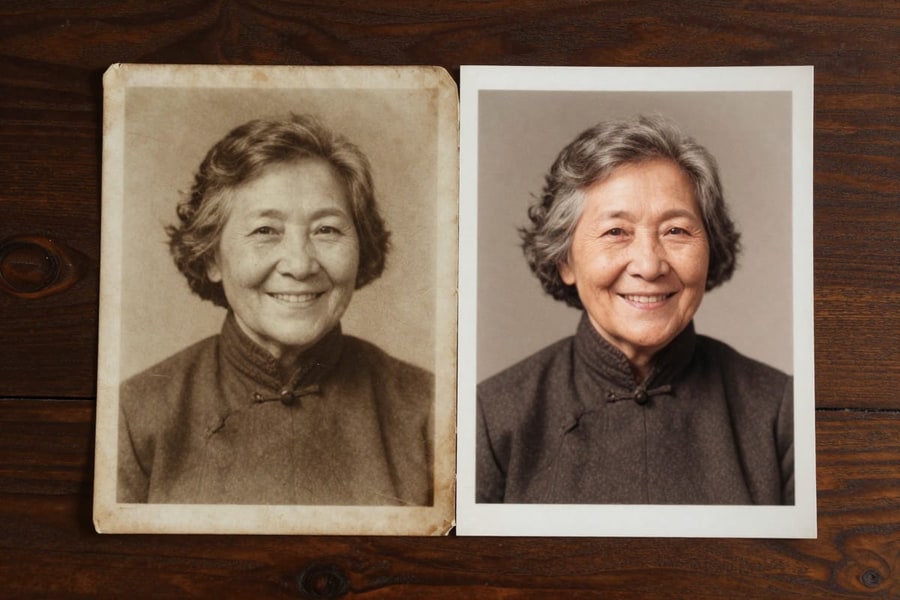
Face Restoration That Keeps Identity
Faces are the heart of a family photo. The face restoration pass sharpens blurred, faded, or low-resolution faces while preserving the person's actual features — so the result still looks like them.
Know more →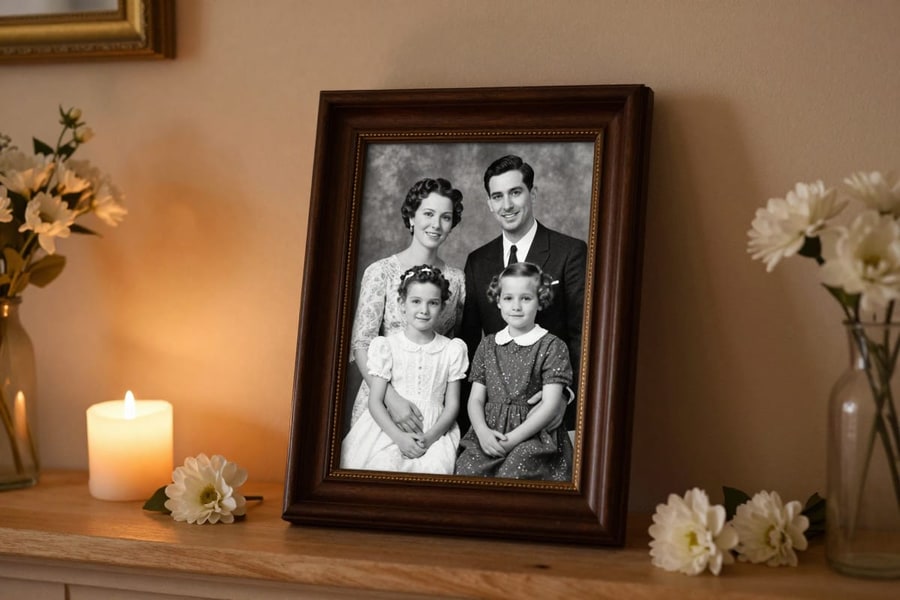
Repairs Scratches, Fading & Blur
Neural enhancement reconstructs detail lost to time: surface scratches, faded contrast, soft focus, and grain from old film stocks or low-quality scans.
Know more →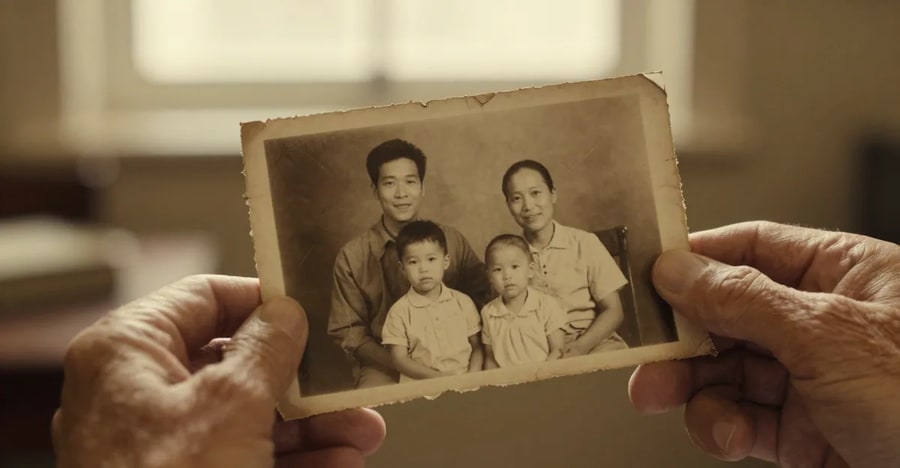
Upscaled for Real Printing
Old scans are usually too small to print. Upscale to 2K, 4K, or 8K so an 8×10″, A4, or even 16×20″ print comes out crisp at 300 DPI — ready for any photo lab.
Know more →Why this beats a two-week retouching quote
Minutes in the browser, priced per photo, with your relative still looking like themselves.
Minutes, Not a Two-Week Turnaround
Manual restoration services quote days to weeks per photo — time you may not have before a service or celebration. Here the restore-and-upscale workflow runs in minutes, in your browser, whenever you need it. Cloud GPU processing — no queue with a human retoucher.
Try it now →Pay Per Photo, Only for Results
A typical full restore is about 35 credits — compared to the $30–90 per photo that manual restoration services typically charge. And if a generation fails, credits come back automatically. Credit-based pricing with automatic refunds on failed generations.
Try it now →A Dedicated Face Pass, Not a Generic Filter
One-tap "enhance" filters sharpen everything equally and often distort faces. The dedicated face restoration pass treats faces as the priority — identity-preserving reconstruction first, then whole-image enhancement. Separate face restoration and detail-enhancement pipelines.
Try it now →How to restore an old photo
No scanner needed — a phone photo of the print is enough.
Photograph or scan the original
No scanner needed — lay the print flat in bright, even light and photograph it straight on. JPG, PNG and WebP all work. Fill the frame with the photo and avoid glare across the surface.
Restore the faces
The face pass rebuilds blurred, faded or low-resolution faces while keeping the person’s true features — from 15 credits per photo. Identity is preserved; it does not invent a different person.
Upscale and print
Enlarge the restored photo to 2K–8K so it prints crisply at 300 DPI, then download and take it to any print shop — from 15 credits per photo.
When people reach for this
Memorial & Funeral Services
Turn the one photo you have of a loved one into a clear, dignified portrait for the order of service, a display board, or a framed remembrance. Service this week? Restoration runs in minutes — upload, restore, and send the file straight to a same-day print shop.
Try it now →Anniversary & Milestone Gifts
Restore a wedding photo for a 50th anniversary, a childhood portrait for a milestone birthday, or grandparents' first photo together — then print and frame it. A restored print is a gift that gets kept. Most photos are ready to print the same day you upload them.
Try it now →Family Archive Projects
Digitize and restore the family album before the originals fade further. Batch processing makes whole-album projects practical, not overwhelming. Restore up to 10 photos per batch — an album side becomes an afternoon project.
Try it now →Discover more AI features
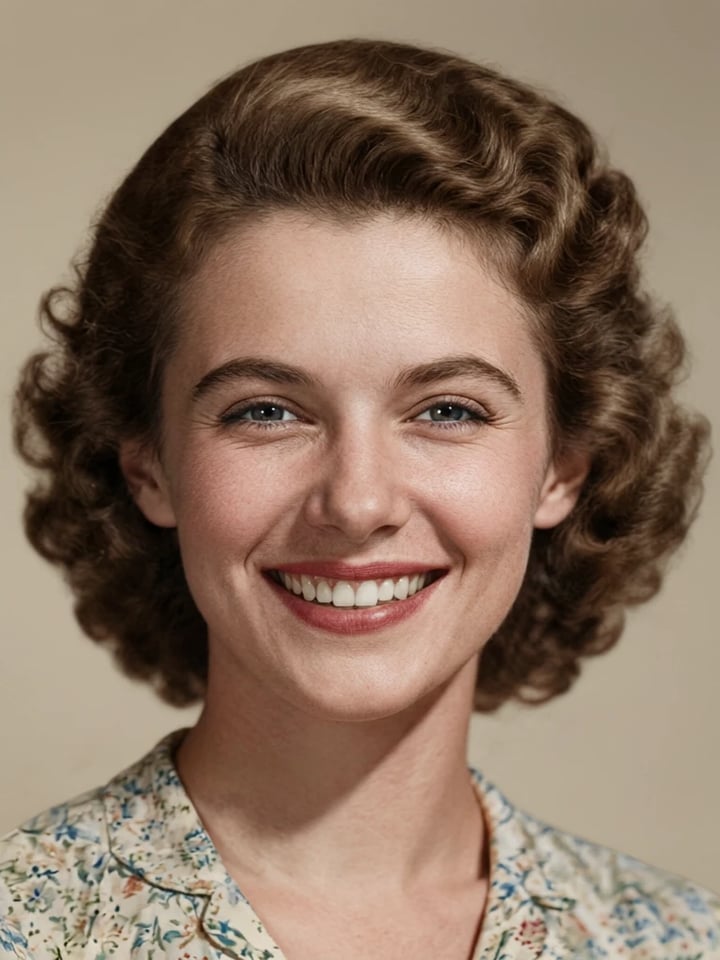
HD Photo Restorer
Repair scratches, fading & blur. Print-ready in minutes.
Print-Ready 16K Upscaler
Too small to print? Enlarge a photo to 4K, 8K or 16K (15,360 px on the long edge).
Lipsync Studio
No camera, no shoot, no retakes — a photo and a voice note become a video of that person saying it, or a clip you already shot says something new.
4K Video Enhancer
240p trash to 4K cinema. Every pixel rebuilt. Netflix-grade output.
AI Image Humanizer
Make AI images look natural and photorealistic — pass as real.
Frequently asked questions
How does AI photo restoration work?
You upload a scan or phone photo of the original print. AI enhancement models reconstruct detail lost to age — sharpening faces, lifting faded contrast, and reducing scratches and grain — then an upscaling pass enlarges the result so it prints cleanly. The whole process runs in your browser and takes minutes per photo.
Can I restore a photo in time for a funeral or memorial service?
Yes. Unlike traditional restoration services that quote days or weeks, processing here takes minutes per photo. Upload the best copy you have, run the face restoration and upscale passes, download the print-ready file, and send it to a local same-day print shop. Many families do the entire workflow in under an hour.
What kinds of damage can be fixed?
AI restoration handles fading, low resolution, blur, soft focus, film grain, surface scratches, and compression artifacts very well. Severe physical damage — large torn-away areas or heavy stains covering a face — may not fully recover, because the information is physically gone. If a result does not meet the quality bar and the generation fails, credits are refunded automatically.
How much does it cost to restore an old photo?
Pricing is pay-per-photo with credits. A fast face restoration pass is 15 credits, a high-quality face detailer pass is 15 credits, and a print-ready upscale runs 15–40 credits depending on output size. A typical full restore — face pass plus 4K upscale — is about 35 credits. No subscription lock-in for restoration work you only need once.
What happens if a restoration fails?
You only pay for results. If a generation fails, the credits for that run are refunded automatically — you are never charged for output you did not receive.
How do I fix an old photo for printing?
Two steps: restore, then upscale. First run the face restoration pass so faces are sharp. Then upscale to the print size you need — 2K covers small frames, 4K covers crisp 8×10″ and A4 prints at 300 DPI, and 8K covers 16×20″ and poster sizes. Download the file and print at any photo lab or home printer.
Will the restored photo still look like the same person?
Yes — that is the entire point of the face restoration pass. It is built to sharpen and de-age damage while preserving the person's actual bone structure, expression, and features. For memorial photos this matters deeply, and it is why a dedicated face pass beats generic sharpening filters.
Do I need a scanner?
No. A phone photo of the original print works well: lay the photo flat in bright, even daylight, avoid glare and shadows, fill the frame, and hold the phone parallel to the photo. Upload that JPG or PNG directly.
Can I restore a whole family album?
Yes. Batch processing accepts up to 10 photos per upscale run, so you can work through an album quickly. Many families digitize everything first, then restore the most important photos one by one and batch-upscale the rest.
Are my family photos kept private?
Yes. Uploaded and restored photos live in your private account vault, visible only to you. You can download or delete them at any time, and you own full rights to every restored image — print them anywhere, share them with family, or use them in memorial programs.
Can old black-and-white photos be colorized too?
Restoration keeps the original tones — most families prefer the authentic black-and-white or sepia look for memorial and archive photos. If you do want color, the Edit Image studio can apply colorization as a separate step after restoring.
Learn more
Guides on scanning, printing, and getting the most out of a damaged original.
Use caseRestore Old Photos for Printing
Repair scratches, tears and fading on old photos, then print-ready upscale
AI Image Prompts Guide
Create better source images for upscaling
Topaz Alternative Online
Upscale photos and video in the browser and pay per file in credits, compared with Topaz
Topaz Gigapixel in 2026: Subscription vs Browser
What the Gigapixel desktop app still does well, and where browser upscaling does the same job
Increase Image Resolution
How to increase image resolution without losing quality
Midjourney Alternative
Generate high-resolution images with Imagera — compare vs Midjourney
Stable Diffusion Alternative
Upscale Stable Diffusion outputs without local GPU — compare Imagera
Browse All Guides
Step-by-step tutorials for every Imagera AI tool
Key takeaways
How does AI photo restoration work?
You upload a scan or phone photo of the original print. AI enhancement models reconstruct detail lost to age — sharpening faces, lifting faded contrast, and reducing scratches and grain — then an upscaling pass enlarges the result so it prints cleanly. The whole process runs in your browser and takes minutes per photo.
Can I restore a photo in time for a funeral or memorial service?
Yes. Unlike traditional restoration services that quote days or weeks, processing here takes minutes per photo. Upload the best copy you have, run the face restoration and upscale passes, download the print-ready file, and send it to a local same-day print shop. Many families do the entire workflow in under an hour.
What kinds of damage can be fixed?
AI restoration handles fading, low resolution, blur, soft focus, film grain, surface scratches, and compression artifacts very well. Severe physical damage — large torn-away areas or heavy stains covering a face — may not fully recover, because the information is physically gone. If a result does not meet the quality bar and the generation fails, credits are refunded automatically.
AI restoration vs a manual retoucher
| What matters | Imagera | Manual retouching service |
|---|---|---|
| Turnaround | Minutes, in the browser | Days to weeks per photo |
| Cost per photo | About 35 credits for a full restore | Typically $30–90 per photo |
| If the result is wrong | Credits return automatically on a failed run | Another revision round, and another wait |
| Whole albums | Batch up to 10 photos at once | Priced and queued one photo at a time |
Bring the photo back
Open the studio with the restorer already selected. Credits show on the button before you run.
Restore this photo →