Multi-engine AI music studio
Original tracks for video, ads, and podcasts. Sample multiple engines under one credit balance — no stock-library hunt, no desktop install.
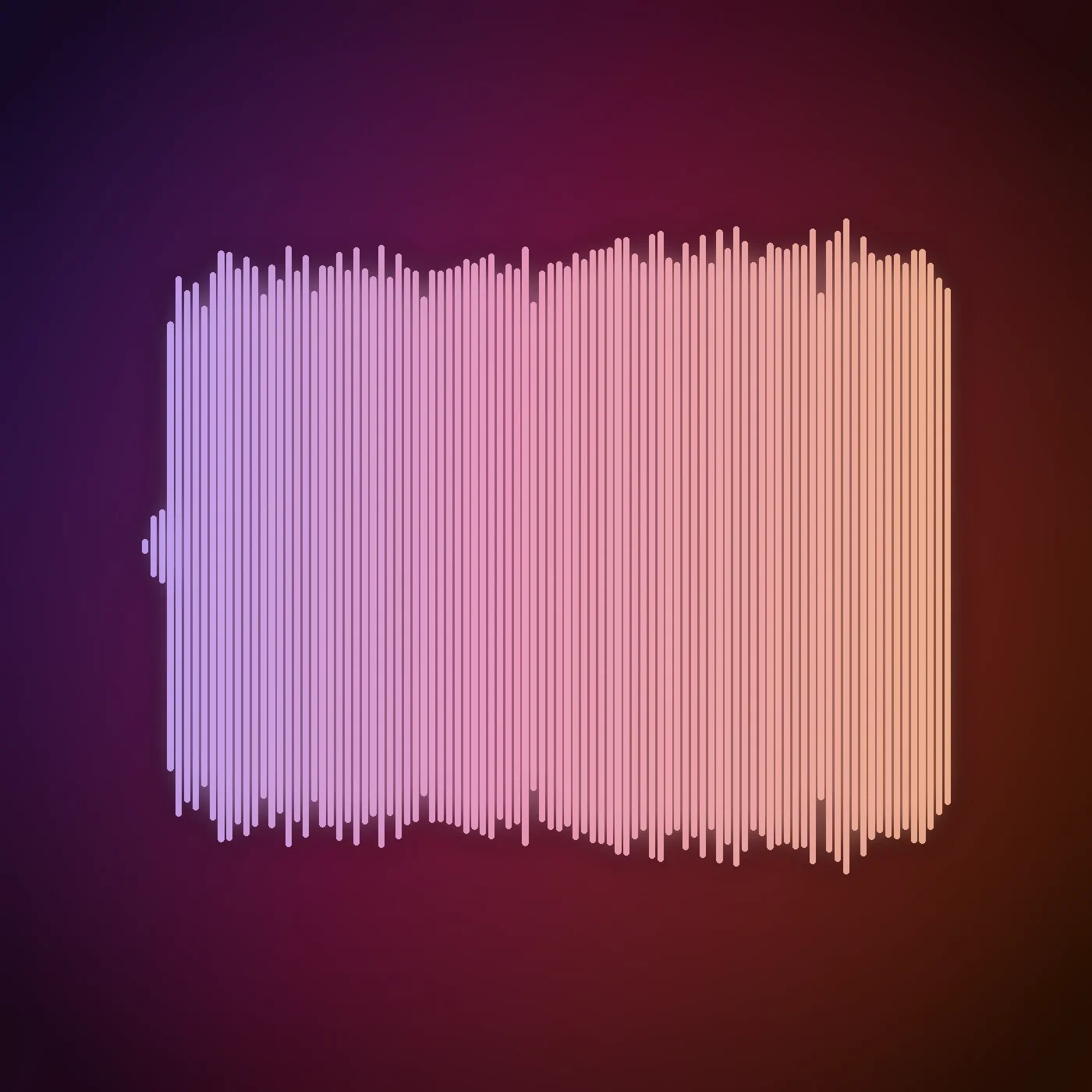
Hear what comes back
The waveform above is drawn from this file's own audio, not chosen to illustrate it.
Generating more than one take and keeping the better is the normal way to work here.
What is the multi-engine music studio?
Imagera’s multi-engine music studio creates original tracks for video and ads in the browser — compare engines under one credit balance without stock-library stress. 5 engines share one wallet: one writes songs from your lyrics and a reference, one scores from a written brief alone, one writes a soundtrack against a video you upload. A track starts at 15 credits, and you pay only when you generate.
- Credits
- From 15 credits per track
- Engines
- 5 in one studio, one credit balance
- Longest take
- 10 minutes on the Vocal Music Engine
- Output
- An audio file you can play in the browser and download
Updated September 4, 2026
Cite this page: https://imagera.ai/audio/popular-ai-music-generator
The five engines, and what each one is for
Full Song Engine
15 credits a track. A produced track with vocals and arrangement, built to follow a song you already have. Write the words, hand it the reference, and it matches the vibe. Takes a required reference song of 15–360 seconds (up to 50MB), a lyric sheet up to 600 characters, 3 export formats.
Know more →Cinematic Score
15 credits a track. Prompt-only scoring for trailers, intros and product films. Its provider states the model was trained on licensed material, which is why it is the conservative pick when a track has to clear a legal review. Takes a written brief up to 2000 characters, a negative prompt, a seed for repeatable takes.
Know more →Vocal Music Engine
80 credits a track. The long-form engine, and the only one in the studio with an instrumental-only switch — so it covers both the song and the bed that has to sit under a voiceover. Takes a written brief up to 1000 characters, a length you set, 3s to 10 minutes, an instrumental-only switch, 12 export formats.
Know more →Instrumental Engine
25 credits a track. Sound design and instrumental beds from a written brief. No vocals to fight your narration, and the cheapest long take in the studio. Takes a written brief up to 1000 characters, a length you set, 5s to 3 minutes, a seed for repeatable takes.
Know more →SFX / Ambience Engine
15 credits a track. The different shape: hand it a clip instead of a brief and it writes score, foley and ambience against what happens on screen, then hands the video back with the audio in it. Takes a required source video, a written brief up to 1000 characters, a length you set, 1s to 30 seconds, a negative prompt, a seed for repeatable takes.
Know more →From a written brief to a track in your edit
The right track is rarely obvious from a prompt alone, which is why the studio lets you run the same brief on more than one engine and keep the take that lands.
What is a multi-engine AI music generator?
Most AI music tools ship a single model, so the sound you get is the sound that model happens to be good at. A multi-engine studio puts several distinct music engines behind one interface and one credit balance, so you can generate the same brief on more than one engine and keep the take that lands. One engine might nail a vocal song while another produces a cleaner instrumental bed or a licensed-safe score — and you do not need a separate subscription for each. Being able to compare engines side by side turns music selection into a quick A/B instead of a guess.
Try it now →How do I go from a prompt to a track in my video?
Start with a specific brief. Naming the genre, mood, tempo and a reference style gives the engine far more to work with than "make it cool" — "driving lo-fi hip hop, mellow, late-night, 80 BPM" produces a usable bed on the first pass. Set the duration before you generate so the track matches your clip length, and remember it moves the price: the credit figure on the button follows the slider. For songs, structure the lyrics with [Verse], [Chorus] and [Bridge] tags and wrap instrumental sections with ## markers so the arrangement follows a real song shape rather than a wall of text. When you want the soundtrack to hug an existing edit, hand the SFX / Ambience Engine your video and it times score, foley and ambience to what happens on screen, then muxes the audio back into the clip.
Try it now →Which engine should I reach for?
Match the engine to the track. Full Song Engine is the one that sings from your own words, and it needs a reference song to copy the style from. Cinematic Score scores from a written brief alone. Vocal Music Engine is the long-form option and carries the studio's only instrumental-only switch, so it can go either way. Instrumental Engine writes beds and loops and has no vocal path at all, which makes it the simplest pick for music under narration. SFX / Ambience Engine is the different shape: it reads a clip you upload rather than a description. All five share one credit balance, so trying two on the same brief costs you two generations, not two plans.
Try it now →Can I use AI-generated music commercially?
On paid Imagera plans you can use outputs in client work, ads, and social content, subject to Imagera commercial terms. Because the tracks are generated from your prompt rather than pulled from a shared catalog, you are not shipping the same loop a hundred other channels already use — which is the usual problem with stock libraries. Free-tier limits may apply, so check the plan page before you ship a paid campaign. If clearing a legal review is the priority, Cinematic Score is the conservative pick: its provider states the model was trained exclusively on licensed material. That is the provider's account of its own training data rather than something Imagera can verify for you, so treat it as a reason to prefer that engine, not as a warranty.
Try it now →How do I prompt for a specific genre or mood?
The engines respond to detail, so trade vague adjectives for concrete musical direction. "Driving lo-fi hip hop, mellow, late-night, dusty vinyl texture, 80 BPM, instrumental" gives a usable study bed; "building cinematic score, warm strings into a confident synth swell, momentum, hopeful, 90 seconds" gives a product-launch cue; "punchy upbeat pop, bright synths, four-on-the-floor, catchy 8-second hook" gives a paid-social hook worth generating a few times. Name the genre, the tempo, the instrumentation and a reference feel, and the first take lands far closer than a one-word brief.
Try it now →How it works
Open the music studio
Enter from the primary CTA on this page.
Describe the track
Mood, genre, or use-case — then generate on an engine.
Download and place
Export and drop into your video, ad, or podcast.
What you can make
Original songs with vocals
Write lyrics with [Verse] and [Chorus] section tags, mark the instrumental parts with ## markers, and hand the engine the reference song it needs to lock the style — get back a produced track with vocals.
Try it now →Instrumental beds and loops
Describe the mood, genre, and instruments in a prompt. The Instrumental Engine has no vocal path at all, and the Vocal Music Engine has an instrumental-only switch if you want its longer takes without a voice. Ideal for background music under a voiceover.
Try it now →Video soundtracks
Upload a clip and generate a soundtrack synced to what happens on screen — ambience, foley, and score timed to the motion, muxed back into the video.
Try it now →Cinematic score and cues
Prompt for tension, warmth, or momentum to score trailers, intros, and product films with music that fits the cut instead of a stock loop.
Try it now →Jingles and ad music
Short, on-brand hooks for paid social and spots — generate a few variations under one credit balance and pick the take that lands.
Try it now →Podcast intros and transitions
Repeatable intro stings and segment transitions that keep every episode sounding consistent and on-brand.
Try it now →Discover more AI features

Frequently asked questions
What is the Popular AI Music Generator?
An Imagera studio with multiple music engines so you can create background tracks, songs, and cues without stock-library limits or separate subscriptions.
Can I use the music commercially?
Yes. On paid Imagera plans you can use outputs in client work, ads, and social — subject to Imagera commercial terms. Free-tier limits may apply; check the plan page before shipping a campaign.
Do I need music theory or a DAW?
No. Describe the vibe, generate, then download and drop into your video editor.
How is this different from Music Factory?
This hub focuses on multi-engine generation side by side. Music Factory adds extend, vocals, stems, and full production workflows.
One credit balance?
Yes — engines in this studio share your Imagera credits.
Does it work on mobile?
Yes. Browser-based on phone and desktop.
Can I generate songs with vocals and lyrics?
Yes. One engine is built for songs — type your lyrics with [Verse], [Chorus] and [Bridge] section tags and mark instrumental sections with ## markers. It also needs a reference song to copy the style from, and that upload is required rather than optional: 15–360 seconds, up to 50MB. You get back a produced track with vocals and backing.
Can I make an instrumental track with no vocals?
Yes, two ways. The Instrumental Engine writes instrumental beds from a mood, genre and instrument brief and has no vocal path at all, which makes it the simplest choice for music under a voiceover. The Vocal Music Engine takes the same kind of brief and adds an "Instrumental only" switch in Advanced, which is the one control in the studio that explicitly keeps vocals out of a track that could otherwise sing.
Can I add a soundtrack to a video I already have?
Yes. One engine takes a video upload and generates a soundtrack synced to what happens on screen — ambience, foley and score timed to the motion — then returns the video with the audio baked in.
What audio formats can I export?
It depends on the engine. Two of them publish a format picker in Advanced — one offers MP3 alongside higher-fidelity FLAC and raw PCM, and the long-form engine offers a wider list of MP3, PCM and Opus variants at different sample rates. The other three return their own default format. Set the format and the length before you generate.
How long can a track be?
You set the length before generating, with a duration control on the engines that support it. Make a short loop or a longer bed, then generate again if you need a different length.
Which engine should I use for a song with vocals versus a background bed?
For a produced song with vocals, use the Full Song engine with structured lyrics — [Verse] and [Chorus] tags — plus the reference song it requires for the style. For a background bed under narration, the Instrumental Engine writes instrumental beds by default, and the Vocal Music Engine has the "Instrumental only" switch if you want its longer takes without vocals. For scoring an existing clip, the SFX / Ambience engine reads your video and times music to the motion.
Can I match a track to a reference song I already like?
Yes — that is what the Full Song engine is for. It runs from a reference song rather than alongside one: the upload is required, and the provider's window is 15–360 seconds, up to 50MB. Pair the reference with a lyric sheet and section tags to keep the structure on track, then generate a few takes and pick the one that lands closest to your reference.
How do credits work across the different engines?
Every engine in this studio draws from a single Imagera credit balance — there is no separate subscription per engine. Tracks start at 15 credits, and on the three engines with a Duration control the price follows that slider: the credit figure on the button updates as you move it, before you commit. You pay only when you generate and a failed run is not charged, so you can compare a few engines on the same brief without committing to a plan for each.
What is the difference between this studio and Music Factory?
This hub is built for multi-engine generation — sampling several engines side by side under one credit balance to find the best track fast. Music Factory is the full production workflow: extend a track, add or isolate vocals, split stems, and build a finished song. Start here to generate options, then move to Music Factory when you want to produce and refine one of them.
Key takeaways
What is it?
A multi-engine AI music studio for video, ads, and podcasts.
Pricing?
One Imagera credit balance — pay when you generate.
Commercial use?
Yes on paid plans, per commercial terms.
Imagera vs stock music libraries
| What changes | Imagera multi-engine studio | Stock libraries |
|---|---|---|
| Where the track comes from | Original tracks from a prompt | Same tracks everyone else uses |
| What you subscribe to | Compare engines under one credit balance | Subscription for one catalog |
| Commercial rights | Commercial rights on paid Imagera plans | Limited commercial tiers |
Rights and credits
Yes. On paid Imagera plans you can use outputs in client work, ads, and social — subject to Imagera commercial terms. Free-tier limits may apply; check the plan page before shipping a campaign.
The Full Song Engine starts from a reference song you upload — use only audio you have the rights to supply.
Open the studio and generate a take
A track starts at 15 credits, and the number is on the button before you commit.
Open the music studio →