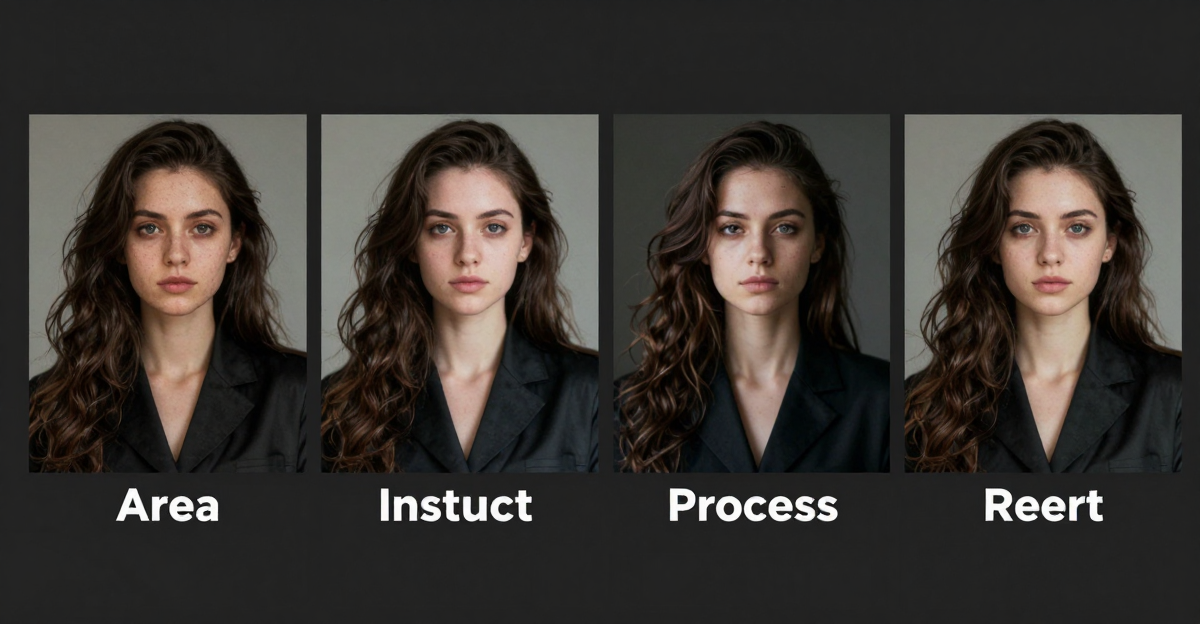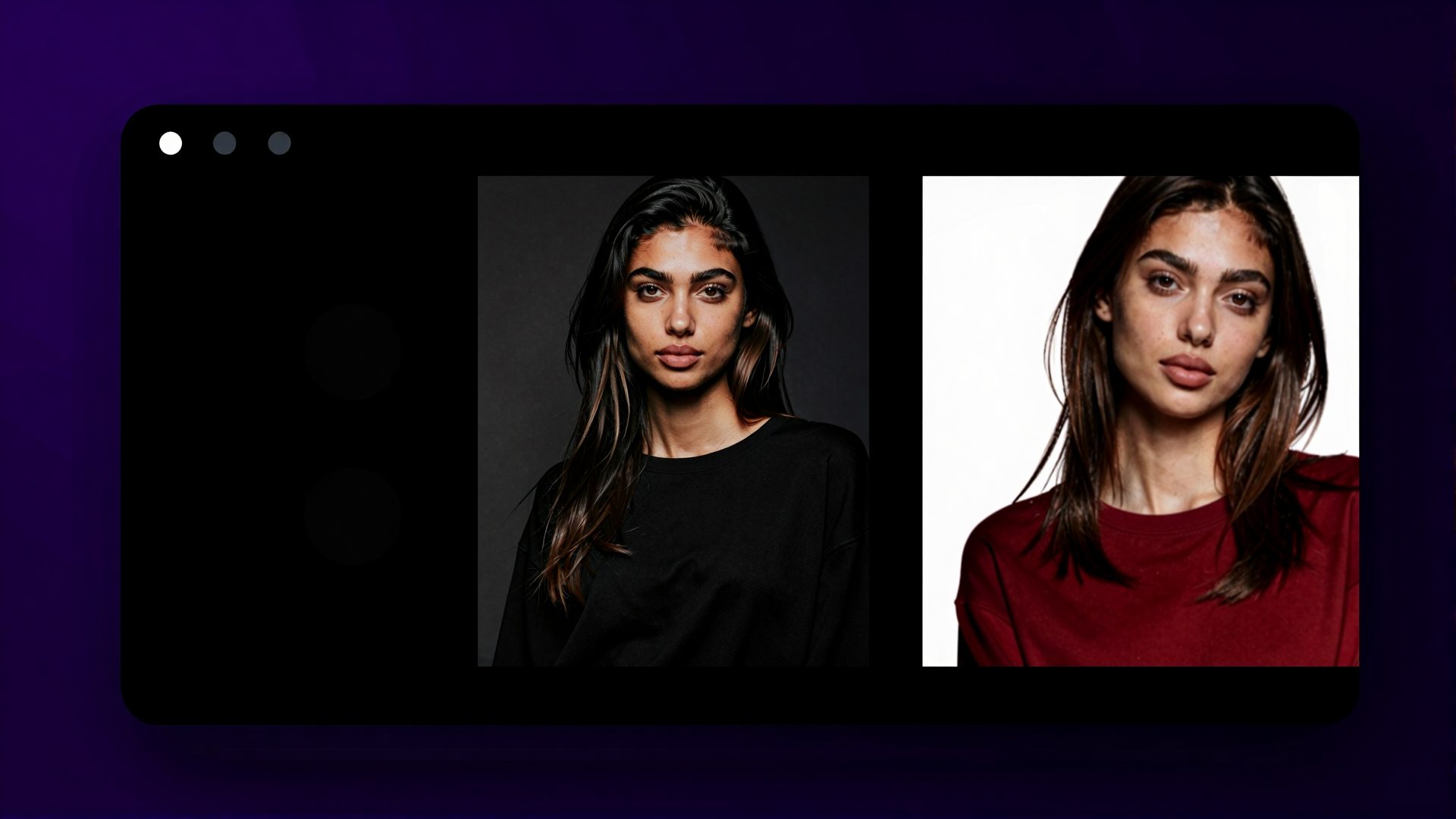
AI style transfer turns photographs into artwork — watercolor paintings, oil portraits, ink sketches, impressionist landscapes, and dozens of other artistic styles. Instead of applying a simple filter, AI re-renders the entire image through a learned artistic model.
This guide covers how to use Imagera's style transfer tools for watercolor and other artistic transformations, with settings and tips for each style.
1.How AI Artistic Style Transfer Works
Traditional photo filters overlay a color palette or texture on top of your image. The underlying structure — edges, shapes, composition — stays the same.
AI style transfer is fundamentally different. The model analyzes your photo's content (faces, objects, backgrounds), then reconstructs the image using the visual language of the target art style. Lines get redrawn. Shadows get repainted. Textures change at a structural level.
The result looks like an artist actually painted your scene, not like someone ran it through an Instagram filter.
1.1LoRA Models: The Key to Authentic Styles
LoRA (Low-Rank Adaptation) models are lightweight style adapters trained on specific artistic datasets. Through Imagera's CivitAI integration, you have access to 10,000+ LoRA models covering:
- Watercolor and gouache
- Oil painting (various periods and artists)
- Ink and brush painting
- Impressionism, expressionism, art nouveau
- Anime and manga styles
- Photography styles (film grain, vintage, cinematic)
- Abstract and contemporary art
Each LoRA carries precise visual training — color palettes, brushwork patterns, lighting conventions, compositional tendencies. Combining multiple LoRAs produces hybrid styles unique to your creative vision.
2.Watercolor Style Transfer
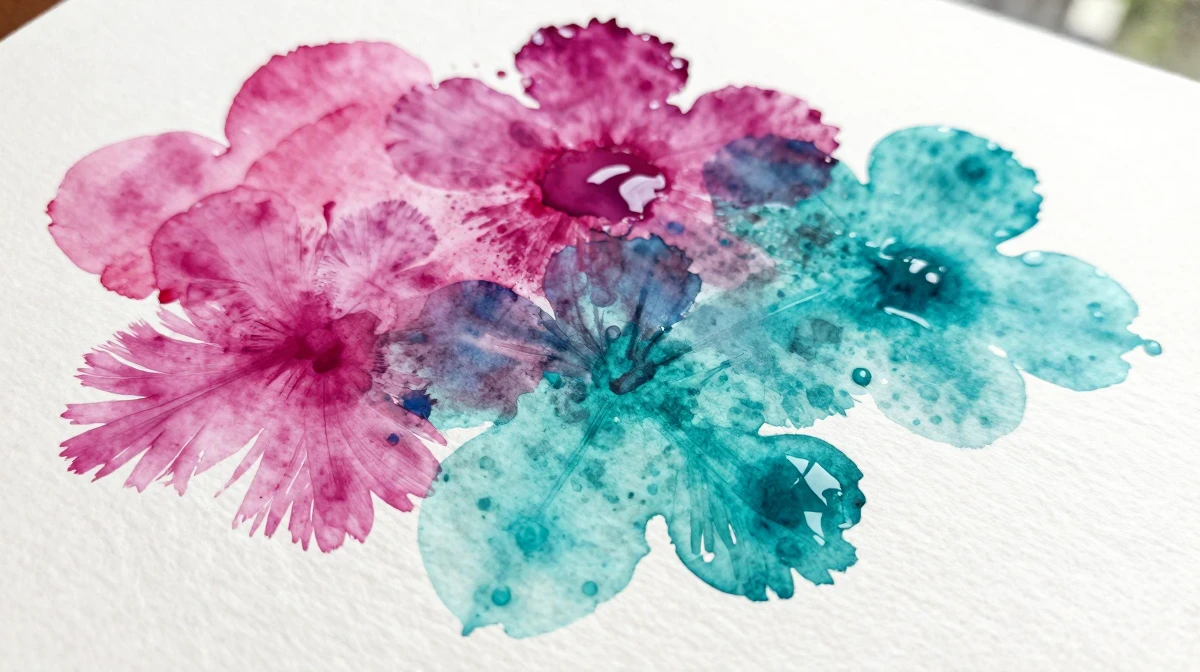
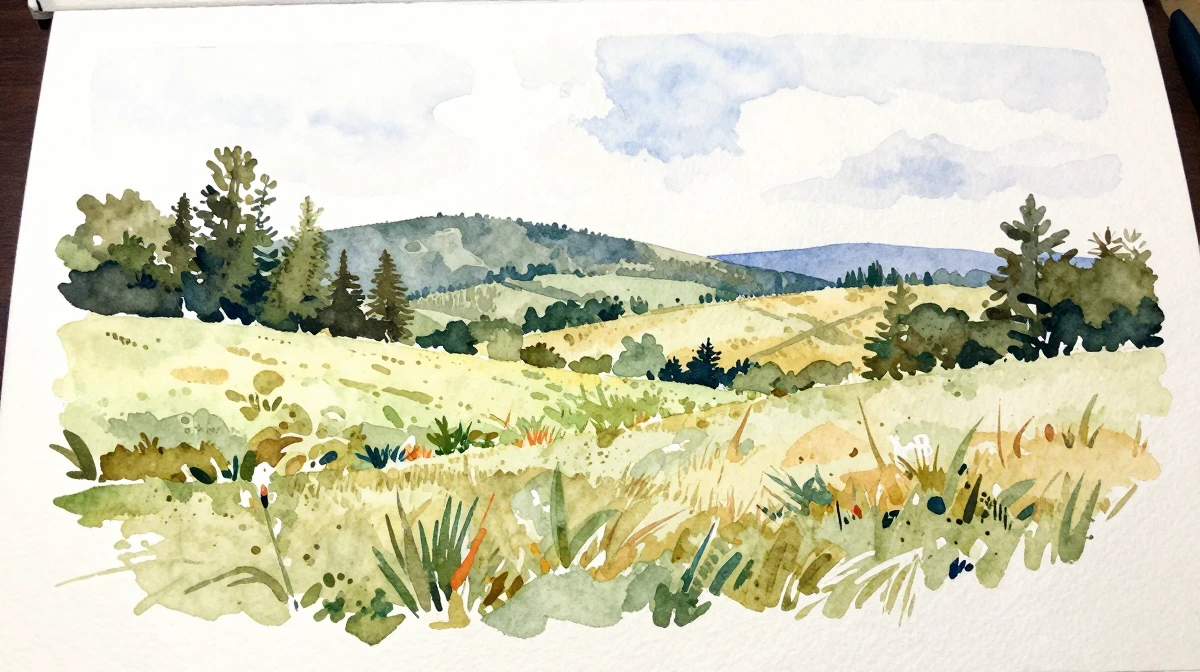
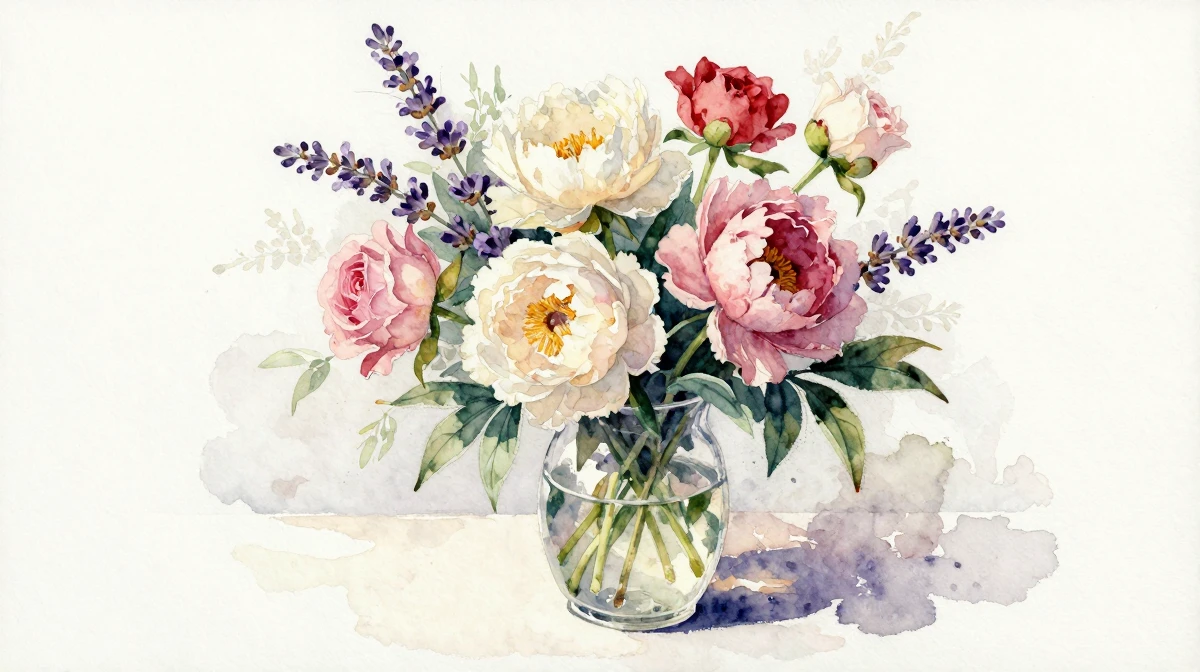
Watercolor is the most popular style transfer request. The soft edges, translucent color layers, and organic unpredictability of watercolor create images that feel warm and artistic.
2.1Settings for Watercolor
- LoRA: Search "watercolor" in the library — dozens of variants available
- LoRA Strength: 0.6-0.8 for authentic watercolor feel
- Denoising Strength: 0.5-0.7 (Image-to-Image mode)
- Prompt additions: "watercolor painting, soft edges, translucent washes, paper texture, wet-on-wet technique"
- Negative prompt: "photorealistic, sharp edges, digital art, smooth gradient"
2.2Best Source Photos for Watercolor
- Landscapes with natural lighting
- Portraits with soft, diffused light
- Floral and botanical subjects
- Architecture with interesting silhouettes
2.3Watercolor Variants
- Loose watercolor: Higher denoising (0.7+), abstract quality
- Botanical illustration: Lower denoising (0.4-0.5), precise detail
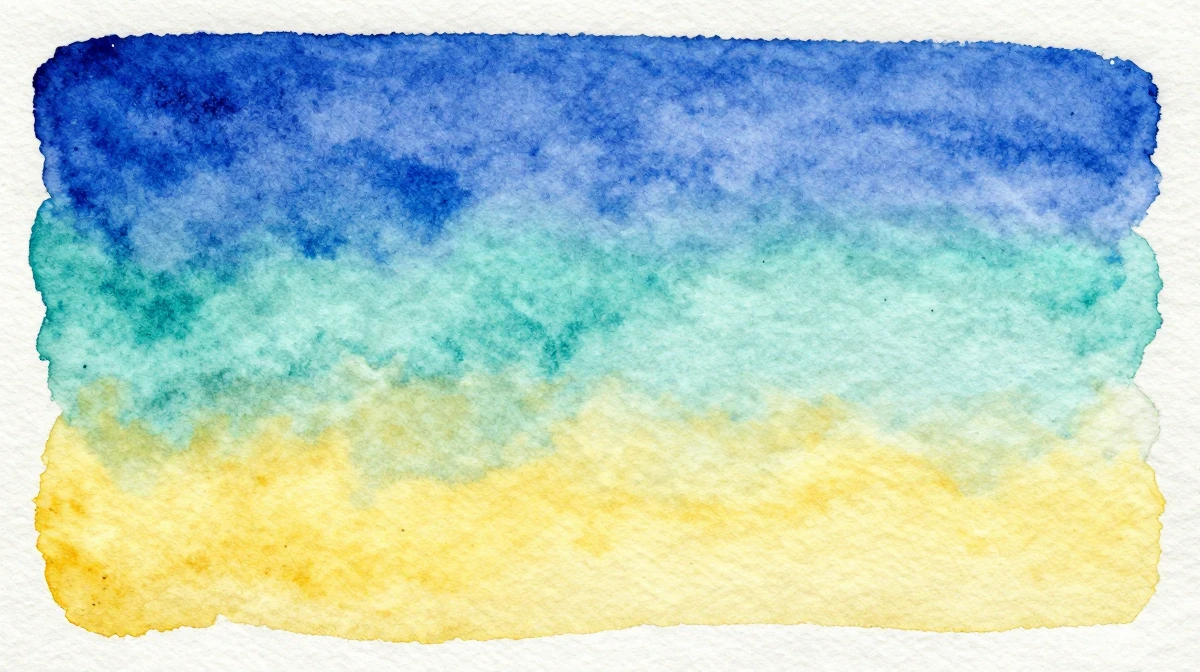
- Wet-on-wet: Blurred edges, flowing colors, dreamy atmosphere
- Pen and wash: Combine with ink LoRA for defined outlines with watercolor fills
3.Oil Painting Style Transfer
Oil painting style transfer produces rich, textured results with visible brushwork and deep color saturation.
3.1Settings for Oil Painting
- LoRA: Search "oil painting" or specific artists/periods
- LoRA Strength: 0.7-0.9 for pronounced oil texture
- Denoising Strength: 0.6-0.8
- Prompt additions: "oil painting on canvas, visible brushstrokes, impasto technique, rich color palette, gallery quality"
- Resolution: Generate at highest available — oil painting style benefits from detail
3.2Oil Painting Variants
- Classical realism: Low denoising, high detail preservation
- Impressionist: Higher denoising, emphasis on light and color
- Modern expressionist: Strong denoising, bold distortion
- Palette knife: Thick texture, dramatic impasto
4.Ink and Line Art Transfer
For minimalist artistic output, ink styles reduce images to essential forms.
4.1Settings for Ink Art
- LoRA: Search "ink drawing", "sumi-e", "pen sketch"
- LoRA Strength: 0.7-1.0
- Denoising Strength: 0.6-0.8
- Prompt additions: "black ink drawing, fine line work, cross-hatching, white paper background"
4.2Ink Variants
- Sumi-e (Japanese ink wash): Flowing brushwork, minimalist
- Technical illustration: Precise cross-hatching, architectural detail
- Comic/manga: Bold outlines, screentone shading
- Calligraphic: Expressive brushwork, varying line weight
5.Combining Multiple Styles
Imagera supports LoRA chaining — applying up to 4 LoRA models simultaneously with individual strength controls. This creates style combinations that don't exist in traditional art:
- Watercolor + Ghibli: Anime characters with authentic watercolor texture
- Oil painting + Art Nouveau: Rich textures with decorative compositional elements
- Ink + Watercolor: Defined outlines with color washes (pen and ink style)
- Vintage photography + Oil painting: Nostalgic photos with painterly brushwork
5.1How to Chain LoRAs
- Select your primary style LoRA (strongest influence)
- Add secondary LoRA at lower strength
- Balance strengths so total influence doesn't exceed ~1.5 combined
- Generate and adjust based on results
6.Style Transfer for Different Use Cases
6.1Print-on-Demand Products
Transform photos into artistic prints for canvas, posters, phone cases, and merchandise. Watercolor and oil painting styles sell particularly well on platforms like Etsy and Redbubble.
Workflow: Source photo → Style transfer → Upscale to 4K+ → Upload to POD platform
6.2Social Media Content
Create a distinctive visual brand by consistently styling photos in the same artistic manner. Instagram feeds with a cohesive watercolor or illustration style outperform generic photo feeds.
6.3Wedding and Event Photos
Transform event photography into artistic keepsakes. Watercolor versions of wedding photos, family portraits, and travel memories make meaningful gifts.
6.4Real Estate Marketing
Convert property photos into watercolor or illustration-style artwork for listings, brochures, and social media. The artistic treatment makes properties feel aspirational and memorable.
6.5Children's Book Illustration
Generate consistent illustration styles for children's content. Watercolor, gouache, and soft illustration LoRAs produce pages that look professionally illustrated.
7.Technical Guide: Advanced Settings
7.1Resolution and Upscaling Pipeline
For commercial-quality output:
- Generate at 1024x1024 with style transfer
- Run through Imagera's image upscaler at 4x
- Output: 4096x4096 at print resolution (300+ DPI at 13.6 inches)
7.2Batch Processing for Consistency
When creating a series of styled images:
- Save your LoRA configuration and prompt
- Process all images with identical settings
- Adjust individual images only if needed
- This ensures visual consistency across a collection
7.3Seed Control
Using the same seed number with the same settings reproduces identical results. This is useful for:
- A/B testing different style strengths
- Creating variations of the same composition
- Debugging unexpected results
8.Pricing
Style transfer uses standard image generation credits:
| Plan | Credits/Month | Styled Images (~3 credits) | Price |
|---|---|---|---|
| Starter | 100 | ~33 images | $4.99/mo |
| Pro | 500 | ~166 images | $19.99/mo |
| Business | 1,500 | ~500 images | $49.99/mo |
| Ultra Max | 6,500 | ~2,166 images | $199.99/mo |
LoRA models are included at no extra cost. Access the full CivitAI library with any plan.
9.Common Questions
9.1What is the difference between a filter and AI style transfer?
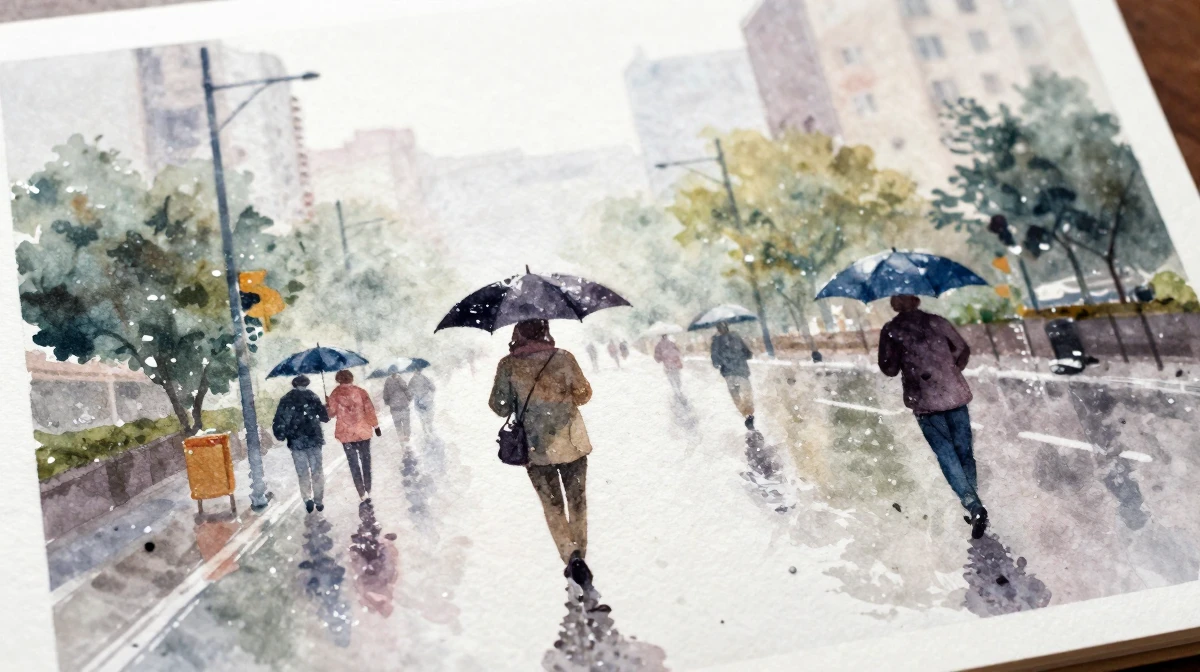
Filters apply static color/texture overlays. AI style transfer reconstructs the image — redrawing lines, reshading, retexturing — through a learned artistic model. The structural difference produces dramatically more authentic results.
9.2Can I create my own custom art style?
Yes. Imagera's LoRA trainer lets you train a custom LoRA on your own reference images. Upload 10-20 examples of your target style, train for 15-30 minutes, and use the resulting LoRA for unlimited generations.
9.3Do I keep commercial rights to styled images?
Yes. All images generated with Imagera include full commercial rights. Use them for products, marketing, resale, or any other commercial purpose.
9.4How do I make style transfer look more natural?
Use moderate denoising strength (0.5-0.6) to preserve source photo structure while applying style. High denoising creates dramatic artistic interpretations but may lose recognizable details.
10.Start Transforming Photos into Art
Upload a photo, choose an art style, and transform it in under 30 seconds.
Try AI Style Transfer — 10,000+ artistic styles, starting from $4.99/month.
Related: Ghibli Style Transfer Guide | How to Use LoRA Models | AI Image Generation Guide