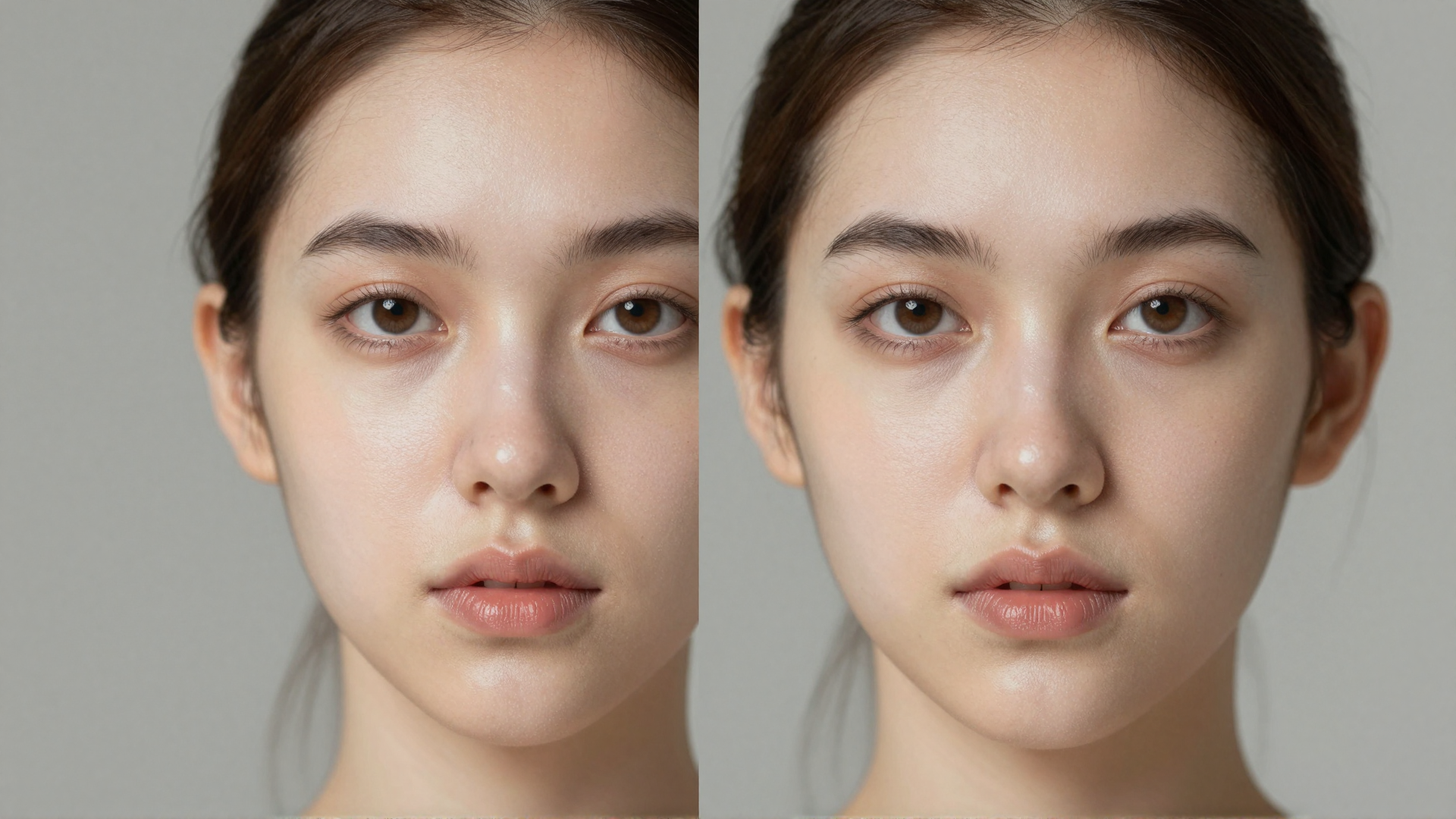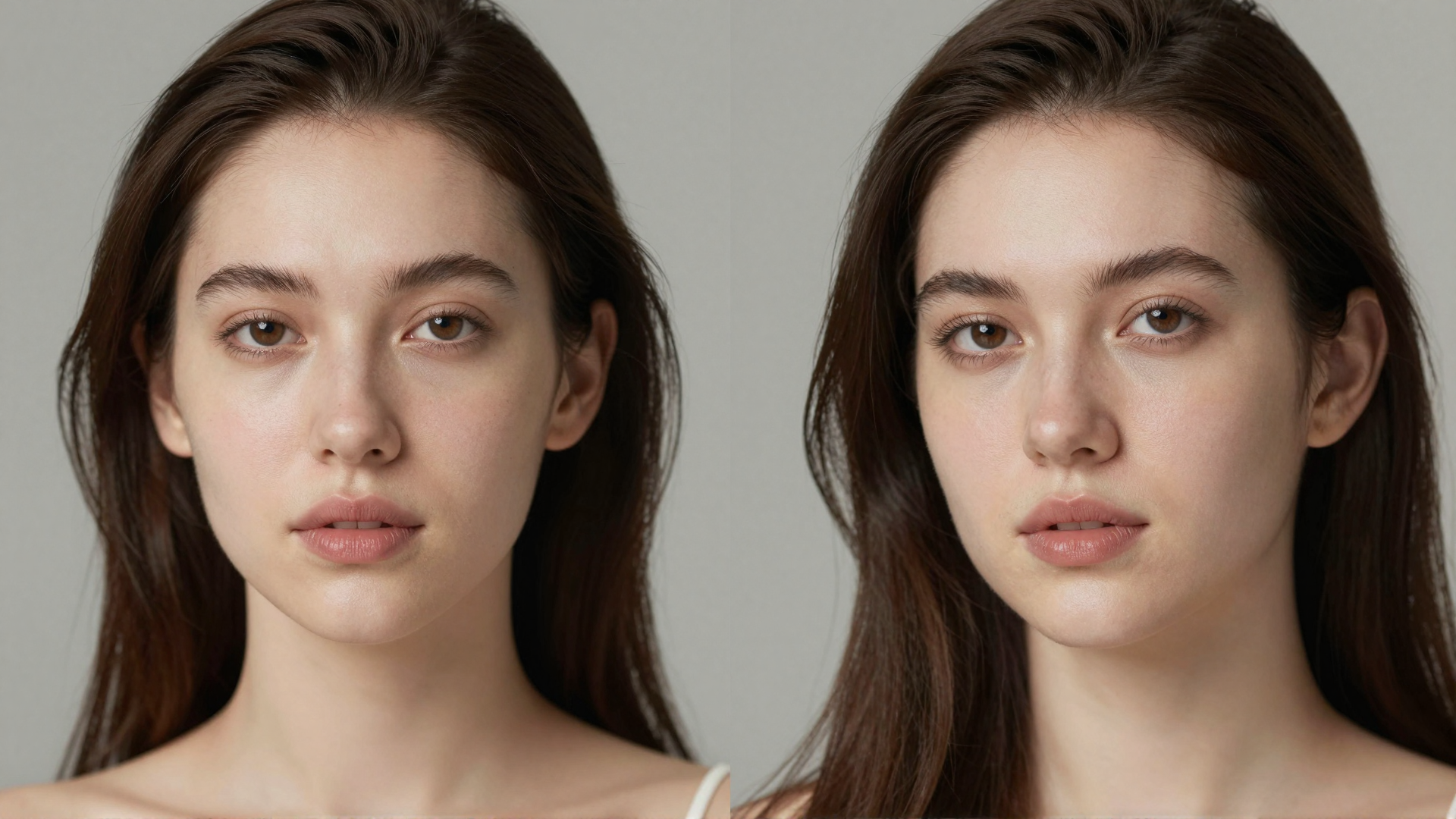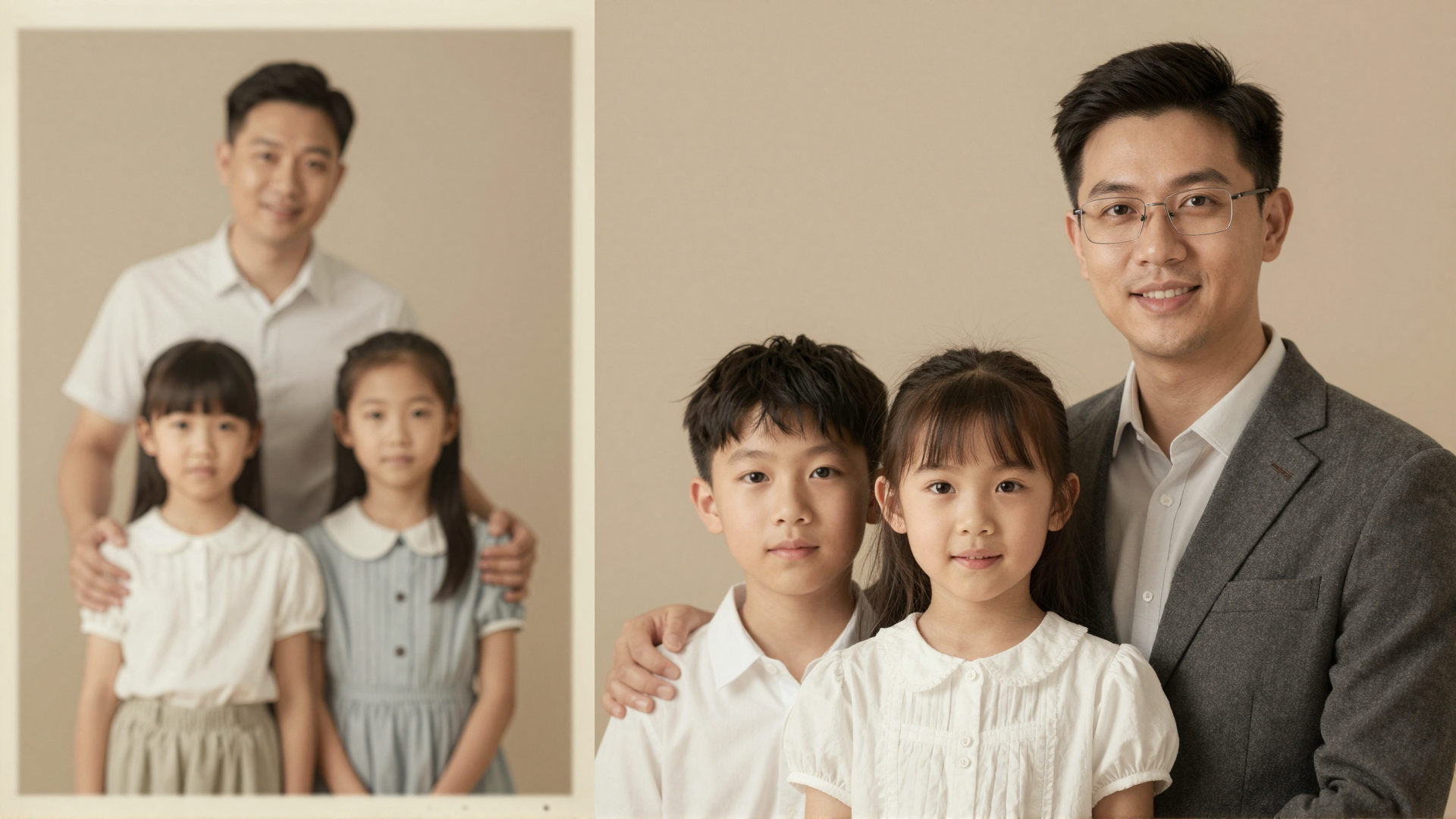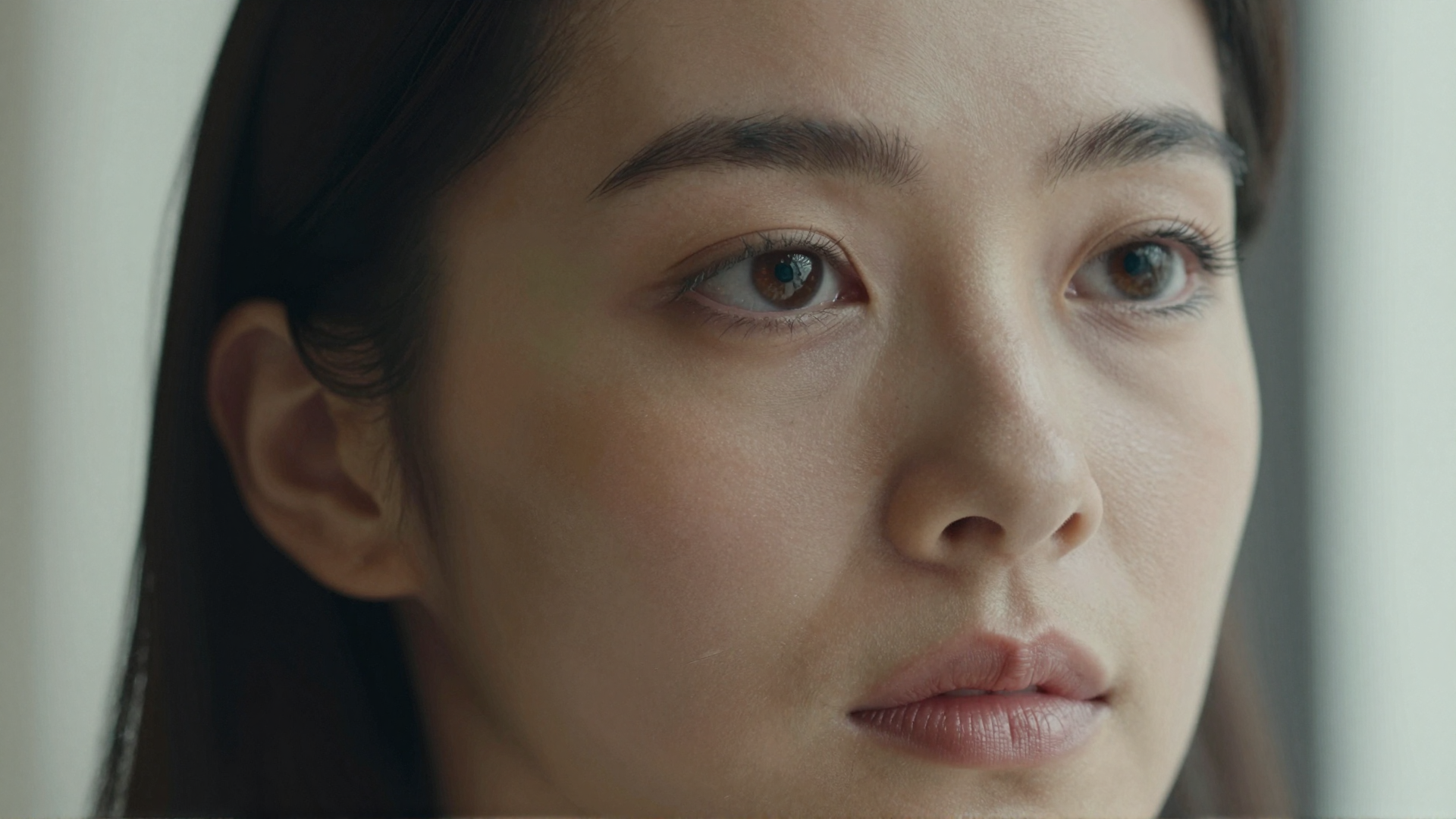
If you searched for an Undetectable AI alternative, there is a good chance you had an AI-generated image in front of you and wanted it to look like a real photograph — natural skin, believable grain, the small imperfections a camera leaves behind. That is a reasonable expectation given the brand name. But Undetectable AI is, at its core, a text company. Its flagship products humanize AI writing so it reads as human, and its image tool is a detector that tells you whether a picture is AI-generated. Neither of those jobs edits an image to make it look real.
This article is an honest comparison for people who specifically want to make AI images pass as authentically photographed. We map Undetectable AI's actual 2026 offering — text humanizer, subscription pricing, and an AI image detector — against Imagera's AI Image Humanizer, which adds camera-real texture, grain, and micro-detail to AI images. We will cover where Undetectable AI genuinely wins (it owns the text-humanizing category and bundles a text suite Imagera does not touch), where Imagera wins for image realism, how the pricing models differ, and the honest limits of the technology on both sides.
1.Why People Look for an Undetectable AI Alternative
Three concrete, honest reasons come up repeatedly.
1. It is a text product, not an image editor. The name suggests broad "make anything undetectable" powers, but Undetectable AI's paid plans are measured in words. Its image feature is an AI Image Detector: upload a picture, get a confidence score on whether it was AI-generated. That is useful if you are checking authenticity, but it does nothing to change or improve an image. People who want to make an AI image look real are shopping in the wrong aisle and eventually go looking for an image-first tool.
2. Subscription lock-in with expiring word credits. Undetectable AI runs on monthly or annual subscriptions tied to a word allowance. As of 2026, entry pricing is around $9.99/month for roughly 10,000 words, scaling to $19 and $31/month for larger allocations, with annual billing cutting the effective monthly rate but requiring a full year upfront. Word credits typically do not roll over month to month — an unused balance generally resets. If your work is occasional or image-centric, paying a recurring fee for a text word bucket you may not use is a poor fit.
3. Single-purpose scope. Undetectable AI is deep in one lane. For text humanizing, that focus is a strength. But if you also need to upscale, sharpen skin, fix a background, or process a video, you would be assembling several unrelated subscriptions. Many people prefer one image/video account that handles the whole finishing pipeline.
2.Imagera vs Undetectable AI: Feature Comparison
| Feature | Undetectable AI | Imagera |
|---|---|---|
| Primary focus | AI text humanizing + AI text/image detection | AI image & video finishing (realism, skin, upscale) |
| Image capability | AI image detector — reports if a picture is AI | AI Image Humanizer + Skin Detailer — makes AI images read as real photos |
| Does it edit images? | No, detection only (confidence score) | Yes, adds grain, texture, micro-detail; upscales; edits |
| Pricing model | Subscription, word-based allowance | Pay-per-use credits, no subscription |
| Entry cost (as of 2026) | ~$9.99/mo monthly, or ~$5/mo billed annually ($60/yr) | Starts at $4.99, one-time credit pack |
| Credit expiry | Word credits typically reset monthly | Credits do not expire |
| Watermark on output | N/A (no image output) | No watermark on output |
| Platform | Browser-based | Browser-based, any device, no install or GPU |
| Bundle/scope | Text suite (humanizer, detectors, writing tools) | Image/video bundle (humanizer, skin, upscale, detail, background, video) |
| Best for | Making AI text pass detectors; checking if an image is AI | Making AI images look authentically photographed |
A quick note on the table: the two products barely overlap. Undetectable AI's image tool answers "is this AI?" while Imagera answers "how do I make this AI image look real?" They are opposite jobs. If you need both — text humanizing and image realism — you would run both tools, and that is a legitimate outcome rather than a knock on either.
3.Where Undetectable AI Wins
Being balanced matters, so here is where Undetectable AI is the better choice.
- It owns the text-humanizing category. For rewriting AI-generated writing so it reads as human and reduces flags from text detectors, Undetectable AI is a mature, well-known product with years of tuning. Imagera does not touch text at all.
- A genuine text suite. Beyond the humanizer, it bundles AI text detection, paraphrasing, and writing utilities aimed at writers, students, and content teams. If your workflow is writing-first, that breadth is valuable.
- A capable AI image detector. Its detector supports major generators — Midjourney, DALL·E, Stable Diffusion, Canva AI — accepts JPG, PNG, and PDF up to 10MB, and reports that images are deleted after analysis. If your goal is to check authenticity rather than produce realistic images, this is a solid fit. Imagera does not sell a standalone detector; for that use case you would consult a checker instead (we compare several in our guide to AI image checker tools).
- Low annual entry. The annual plan's effective monthly rate is inexpensive for heavy text users who will actually consume the word allowance every month.
- A small no-cost trial. A limited trial (around 250 words) lets you sample the text humanizer before committing.
4.Where Imagera Wins
- Purpose-built for image realism. The AI Image Humanizer is designed to add the physical cues real cameras leave behind — sensor noise, film-like grain, subtle lens character, and natural micro-detail — so an AI image reads as photographed rather than rendered.
- A real bundle, not one trick. One Imagera account also includes Skin Detailer for realistic pores and texture, an Image Upscaler and Extreme Detailer for resolution and fine detail, background and edit tools, and video enhancement. Undetectable AI's image side is a single detector.
- Pay-per-use, no subscription. Imagera uses credits that start at $4.99 and do not expire. You are never locked into a recurring word plan, and unused credits do not evaporate at the end of a month.
- No watermark on output. Finished images come out clean, ready for portfolios, listings, or client work.
- Runs anywhere in the browser. No app install, no download, no local GPU. It works on a laptop or a phone.
5.Pricing Compared
The two pricing models are structurally different, so a head-to-head "cheaper" verdict depends on your usage.
Undetectable AI is a subscription measured in words. As of 2026, plans run roughly $9.99/month (about 10,000 words), $19/month (about 20,000 words), and $31/month (about 35,000 words), with annual billing dropping the effective monthly rate to around $5, $9.50, and $15.75 respectively — but charged as a full year upfront. Word allowances generally do not roll over. For a heavy, consistent text workload, the annual tier is economical. For image work, none of these plans apply, because the paid product is text.
Imagera is pay-per-use. A credit pack starts at $4.99, credits do not expire, and there is no recurring charge. You spend credits per operation — a humanizer pass, a skin-detail pass, an upscale — and stop whenever you like. The break-even reasoning is simple: if you process images occasionally or in bursts, pay-per-use avoids paying monthly for capacity you will not touch. If you are a daily high-volume text user, a subscription word plan (Undetectable AI's model) will serve that specific need better. They are optimized for different jobs.
One honesty note: Imagera has no no-cost tier. It is a premium, pay-as-you-go tool, so the entry cost is the $4.99 pack rather than a trial.
6.How the Imagera AI Image Humanizer Works (Step by Step)
- Open the AI Image Humanizer at
in any browser — no install required.imagera.ai/image/ai-image-humanizer - Upload the AI-generated image you want to make look photographed (a portrait, product shot, or scene).
- Choose a realism strength. Lighter settings preserve the original look while adding subtle texture; stronger settings introduce more pronounced grain and micro-detail for a fully camera-real feel.
- Run the humanizer. Imagera adds sensor-style noise, natural imperfections, and fine texture that AI renders usually lack.
- For portraits, pass the result through Skin Detailer to add believable pores and skin texture instead of the over-smooth "plastic" look.
- Review the before/after and adjust strength if the effect is too strong or too subtle.
- Download the finished image — no watermark, ready to use.
Because it is credit-based, you only pay for the passes you run, and your remaining credits stay in your account for next time.
7.Common Use Cases
7.1Making AI portraits look photographed
AI portraits often fail the "realism" test because skin is too smooth and detail is too uniform. Running the humanizer plus Skin Detailer reintroduces the texture, grain, and micro-variation a real camera captures, which is the single biggest tell most people notice.
7.2Product and listing images
Marketplaces and clients expect photographed-looking product shots. Adding realistic lens character and noise helps AI-generated product images sit naturally alongside real photography without looking rendered.
7.3Cleaning up upscaled or edited images
After an upscale or edit, images can look artificially clean. A light humanizer pass restores natural texture so the enhancement does not read as synthetic, pairing well with Imagera's Image Upscaler and Extreme Detailer.
7.4Checking authenticity first
If your actual question is "is this image AI?" rather than "make this look real," a detector is the right tool — Undetectable AI's image detector or the options in our AI image checker tools roundup. Detection and humanizing are different jobs, and it is worth being clear about which one you need.

8.What AI Image Humanizing Can and Cannot Do
Honesty about limits matters more than hype.
What it can do: add convincing camera-real cues — grain, sensor noise, lens character, and fine texture — that make many AI images read as photographs to a casual viewer, and reintroduce skin and surface detail that AI generators tend to flatten. For portraits and product images, this closes the most common realism gaps.
What it cannot do: it cannot guarantee that any image will pass every AI detector, and no honest tool should promise that. Detection models change constantly, and results vary by image, generator, and detector. It also cannot fix a fundamentally broken image — wrong anatomy, warped hands, impossible reflections, or geometry errors are structural problems that texture does not repair; those need re-generation or manual editing. Finally, humanizing improves perceived realism; it does not create provenance or make a synthetic image into a genuine document. Treat it as a finishing step for believable-looking imagery, not as a compliance or authenticity guarantee.
9.Bottom Line
Undetectable AI is a strong, category-defining product — for text. If your job is rewriting AI writing so it reads as human, or checking whether an image is AI-generated, it is a sensible choice, and its subscription plus its image detector are built exactly for that. There is no reason to pretend otherwise.
But if you landed here wanting to make an AI image look authentically photographed, that is a different task, and a text humanizer with an image detector will not do it. Imagera's AI Image Humanizer is purpose-built for image realism, bundled with Skin Detailer, upscaling, detail, background, and video tools in one browser-based account — pay-per-use, credits that do not expire, and no watermark. Start with the tool that matches the job you actually have.
Ready to make your AI images read as real photos? Try the Imagera AI Image Humanizer.
Related: AI Image Checker Tools 2026 · Imagera Skin Detailer