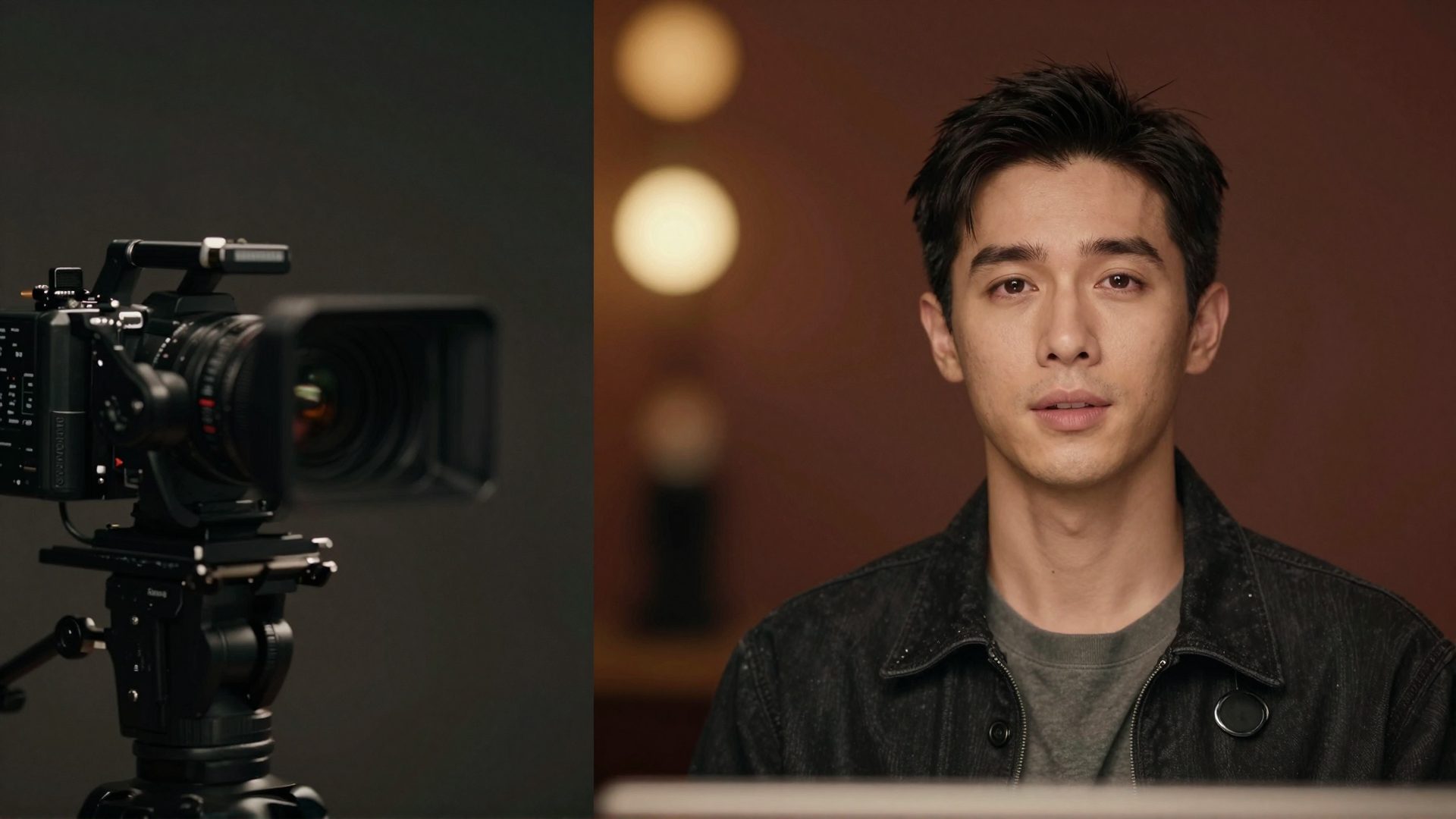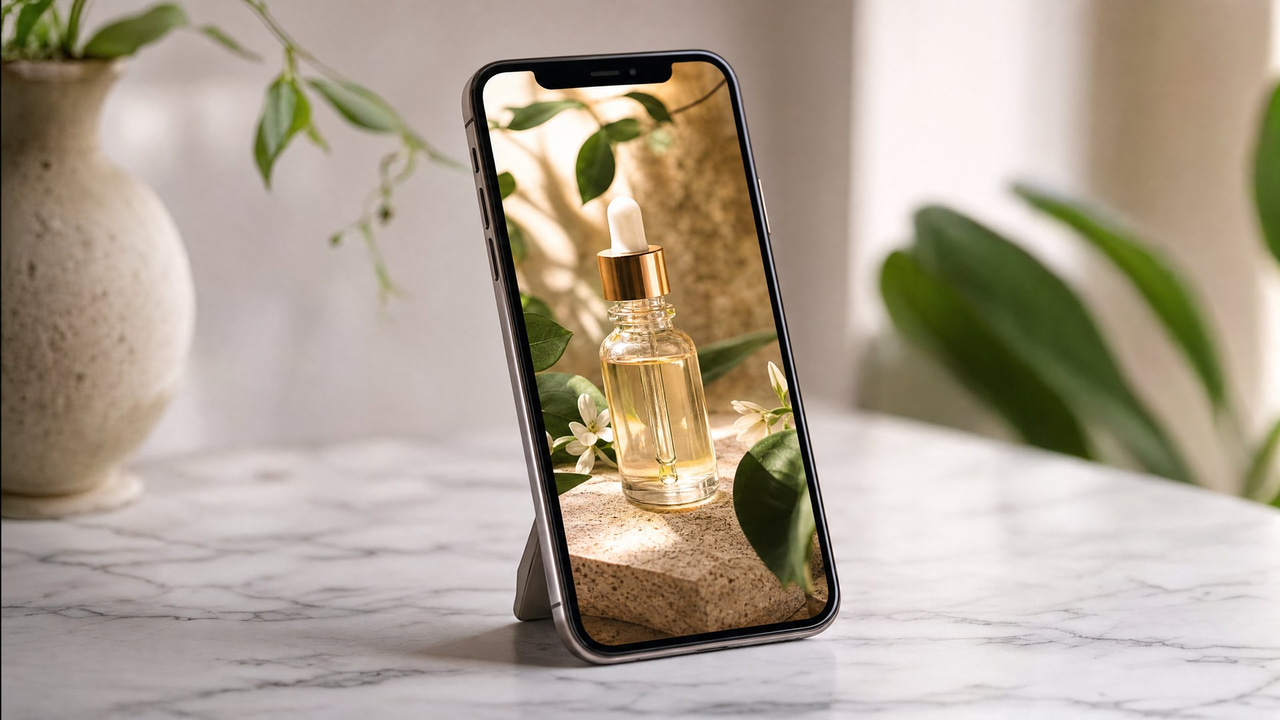
An AI UGC video generator is software that transforms static product images into creator-style, short-form video content automatically — no camera crew, no influencer contracts, no editing suite required. Feed it a product photo and within minutes you have a natural-looking reel ready for TikTok, Instagram, or a paid ad campaign.
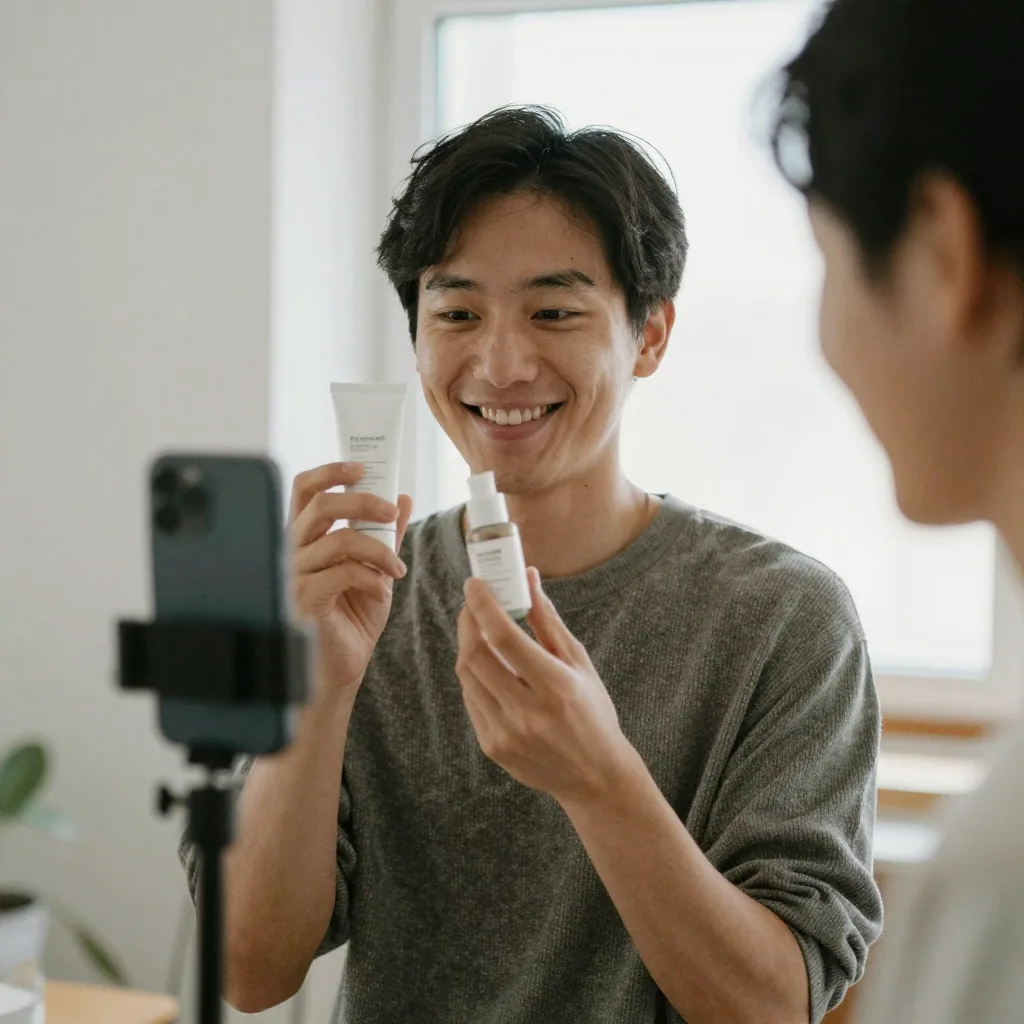
Quick answer: An AI UGC video generator turns a single product photo into authentic, creator-style vertical reels in under 60 seconds, so brands can ship dozens of scroll-stopping ads without hiring creators, shooting footage, or booking studio time.
How does an AI UGC video generator turn one product photo into a reel?
With Imagera you upload 1 product image, pick a style, and the engine generates a 9:16 vertical clip in under 60 seconds. It choreographs camera motion, adds a lifelike creator or hands-in-frame demo, and renders up to 4K. In a single sitting you can produce a batch of ad variants and test different hooks across platforms like TikTok, Reels, and Shorts.
Why do AI UGC reels convert better than polished studio ads?
Native, imperfect UGC-style video tends to read as genuine, so it stops the scroll where glossy commercials often get skipped. With Imagera you can spin up many raw-feeling variants for the credits of a single traditional shoot, then let your own performance data pick the winners. Short, authentic vertical video is where most creators and brands are focusing their reels today, and generating it from one photo lets you iterate fast without a camera or crew.
What Is an AI UGC Video Generator and How Does It Work?
An AI UGC video generator uses machine-learning models to animate product visuals, add motion, and compose short video sequences that feel like they were filmed by a real content creator. The process typically starts with one or more product images. The AI analyzes the subject, applies realistic motion and depth cues, selects pacing and transitions suited to short-form platforms, and renders a finished video clip.
Unlike traditional video production — which requires lighting rigs, camera operators, talent, and post-production — an AI UGC video generator collapses the entire pipeline into a single upload-and-generate workflow. The output is designed to match the casual, authentic aesthetic that audiences on social platforms associate with real creator content, rather than the slick, over-produced look of a TV commercial.
The term "UGC" — user-generated content — describes the honest, phone-shot look that dominates modern social feeds. A UGC-style reel doesn't try to look like a broadcast ad. It looks like something a person made in their kitchen or on their desk, which is precisely why it earns attention. An AI UGC video generator recreates that texture on demand: the slightly imperfect framing, the handheld drift, the pacing that matches how people actually watch. What separates a genuinely useful generator from a novelty is whether the motion stays anchored to your real product.

On Imagera's Product Reel Maker, the reel is built around the exact item in your photos — so the product on screen is the product you sell, not a lookalike the model invented.
Why Do Product Brands Actually Need UGC-Style Video Right Now?
UGC-style content outperforms polished brand video on virtually every social platform because it feels trustworthy and human. Consumers scroll past obvious ads but stop for content that looks like a friend's honest recommendation. For ecommerce brands, that scroll-stopping quality translates directly into click-through rates, add-to-cart events, and purchases.
The challenge has always been volume and cost. Authentic UGC requires recruiting creators, briefing them, waiting for deliverables, and managing usage rights — a process that can stretch weeks and cost hundreds of dollars per video. An AI UGC video generator removes those bottlenecks entirely. You can produce dozens of product video variants in the time it once took to onboard a single creator, which means more creative testing, more platform coverage, and a faster feedback loop on what actually converts.
There's also a structural shift in where product discovery happens. A growing share of shoppers now find products on TikTok, Instagram Reels, and YouTube Shorts before they ever visit a website. A product-page or listing with a short video reliably holds attention longer than one with photos alone. If every SKU in your catalog needs video to compete — and increasingly it does — then filming each one individually is not a realistic option for most teams. That is the specific gap an AI UGC video generator fills: catalog-scale video coverage at a per-clip cost measured in minutes and credits rather than shooting days and creator fees.
How Is AI-Generated UGC Video Different From Traditional Product Video?
Traditional product video is shot in a controlled environment: a studio, a set, or a curated lifestyle location. The result is visually perfect but often feels distant and corporate — exactly the opposite of what drives engagement on TikTok or Instagram Reels.
AI UGC video is engineered to feel the opposite. The motion is natural rather than mechanical. The framing mimics handheld shooting. The pacing matches the rhythm of short-form content that real creators produce. None of this requires a camera to ever be pointed at your product. The AI derives all of that texture from your existing product photography, which means your investment in quality product images pays dividends beyond the static listing — it becomes the raw material for a full video content library.
This is also why product photography quality matters so much when working with an AI UGC video generator. A clean, well-lit image with good subject separation gives the AI more to work with and produces a noticeably more professional result than a low-resolution or cluttered photo.
There's a deeper difference in economics and iteration speed. Traditional production locks you into whatever you shot: if the angle doesn't land, you reshoot. An AI generator lets you regenerate the same product in a different style — a slow premium orbit for a skincare jar, a punchy macro-cut sequence for sneakers — in the time it takes to change a preference. That turns video from a fixed, expensive asset into a flexible, testable one. You can produce three or four variants of the same product, run them against each other, and keep the winner.
What Should You Look for in an AI UGC Video Generator?
Not all AI video tools are built for product marketing. When evaluating options, prioritize these capabilities:
Realistic motion on product subjects. The AI should animate your product naturally — subtle rotation, depth shifts, environmental movement — without making it look like a slideshow with Ken Burns effects slapped on.
Social-format output. You need vertical 9:16 for Reels and TikTok, square 1:1 for feed posts, and potentially 16:9 for YouTube Shorts and listing slots. A good generator handles all three without manual cropping.
Speed and batch capability. If you're running a catalog with dozens of SKUs, you need a tool that can process multiple products efficiently, not one that requires manual configuration for each video.
No technical learning curve. Your marketing team should be able to operate it without a video editor on staff. The best tools require only a product image and a few preferences to produce a finished result.
Output quality suitable for paid ads. The video needs to hold up at full resolution on a phone screen and look natural enough to run as a paid placement without triggering the "this looks fake" response in viewers.
Style control that fits the product. A candle, a drone, and a serum call for very different treatments. Look for a tool that lets you steer the mood and camera language rather than forcing every product through one generic template.
Clear, predictable pricing and usage rights. You should know what a clip costs before you generate it, and you should be able to run the result as a paid ad. Imagera's Product Reel Maker prices per second in credits — shown on the generate button before you commit — and includes full commercial usage rights on every reel.
How Do You Turn Product Photos Into UGC-Style Reels With Imagera?
This is exactly the workflow Imagera's Product Reel Maker was built for. Upload your product image — whether it's a packshot on white, a lifestyle flat lay, or a detailed close-up — and Imagera's AI handles everything from there. You can add up to nine photos for a single reel: front, back, packaging, texture close-ups, and in-use moments, each labeled so the AI understands what it's looking at.
The tool analyzes the product's shape, texture, and lighting, then generates fluid, natural motion that makes the product feel alive on screen. It builds camera language around your description of the product and the vibe you want, renders the clip in the correct aspect ratio for your chosen platform, and delivers a finished video you can post immediately or hand to your media buyer for a paid campaign.
There's no timeline to drag clips across, no keyframes to set, no color grading panel to navigate. If you can upload a JPEG, you can produce a professional product reel. For brands running regular product launches or managing large SKU catalogs, that means going from new product to live video content in the same afternoon — a timeline that was simply not possible with traditional production.
Step-by-Step: Making a Product Reel From Photos
The practical workflow looks like this:
- Prepare your product images. Clean background, good lighting, sharp focus. The better the input, the better the output. Gather up to nine shots that show the product from different angles — front, back, packaging, and any texture or in-use details worth highlighting.
- Upload to Imagera's Product Reel Maker and label each photo. Tell the tool what each shot is ("front", "packaging", "in hand"). Those labels help the AI understand the product and choose which angles to feature.
- Describe the product and the vibe. Because products vary so much, the description matters. Something like "warm minimalist morning" or "high-energy gym launch" steers the motion, pacing, and mood so the reel feels made for your brand.
- Pick a style. Choose a camera treatment that fits the product — Hero Orbit, Turntable, Macro Details, or Lifestyle Context, among others. Set your aspect ratio (9:16, 16:9, or 1:1) and duration.
- Generate and review. The reel renders in minutes at up to 1080p. Review the output, adjust your description or style, and regenerate if you want a different take.
- Download and deploy. Post organically, schedule through your social tool, load directly into your ad manager, or attach it to a Shopify, Etsy, or Amazon listing.
What Styles Are Available?
Imagera's Product Reel Maker offers several camera treatments so each product gets a look that suits it rather than a one-size-fits-all animation. The core styles include:
- Hero Orbit — the product front and center with a slow, premium camera orbit.
- Turntable — a clean 360 spin on a seamless studio background.
- Macro Details — extreme close-ups of texture, material, and craftsmanship.
- Lifestyle Context — the product in real life: hands, homes, everyday moments.
- Dramatic Reveal — a slow push-in as the product emerges from shadow.
- Floating Rotate — the product floats and slowly rotates on a seamless background.
- Top-Down Flat-Lay — an overhead pan across a styled flat-lay of the product and props.
There's also a custom option where your own description drives the camera language entirely. Formats span 9:16 for Reels and TikTok, 1:1 for feed posts, and 16:9 for listing slots and Shorts, at up to 1080p, with durations of 5, 10, or 15 seconds depending on the engine you choose.
Common Use Cases: Who Product Reels Are For
An AI UGC video generator earns its place across a range of teams and scenarios:
- Amazon listing videos. Add a video to your Amazon product page from photos you already shot — no studio session. Generate in 16:9 or 1:1 for the listing slot and 9:16 for Amazon Posts and social.
- TikTok and Reels ads. Scroll-stopping vertical product video for organic posts and paid creatives alike, ready to load straight into your ad manager.
- Shopify and Etsy product pages. Product-page video lifts conversion. Generate one for every SKU without filming any of them.
- Product launches. Tease and launch with cinematic motion built from your render or photo set, days before you'd have footage from a shoot.
- Kickstarter and pre-orders. Make a crowdfunding page feel real with hero orbits and macro detail shots when you don't yet have production budget.
- Handmade and small-batch sellers. Give handmade goods the premium-brand video treatment straight from phone photos.
- Marketers and agencies. Ship ads and social assets without waiting on a production team, and scale client work without adding headcount for every asset.
If your product can be photographed, it can become a reel — which makes this useful for solo founders, in-house marketing teams, and agencies managing many brands at once.
Comparison: AI Product Reels vs. Traditional UGC and Editing Software
The honest way to evaluate an AI UGC video generator is against the two things it usually replaces: hiring creators for authentic UGC, and buying desktop video software to edit footage yourself. Each has real trade-offs.
| Approach | Typical cost | Time to first video | Best for |
|---|---|---|---|
| Hire a UGC creator | Often $100–$500+ per video (competitor pricing) | Days to weeks (briefing, filming, revisions) | Detailed testimonials, complex demos, human trust |
| Desktop editing software | Recurring seat license whether used or not (competitor pricing) | Hours to days, plus a learning curve | Custom edits when you already have footage |
| Imagera Product Reel Maker | Per-second in credits, pay-as-you-go, shown before you generate | Minutes, from photos only | Catalog-scale product video, fast creative testing |
The takeaway isn't that AI replaces every option. A nuanced testimonial or a hands-on tutorial still benefits from a real person on camera. But for product showcases, launches, and catalog-wide coverage — where the job is to make an item look appealing and moving — AI-generated reels deliver speed and volume that neither creator sourcing nor manual editing can match. Because Imagera charges in credits on a pay-as-you-go basis rather than a fixed annual seat, cost scales with what you actually make.
Tips for Best Results
A few habits consistently produce better reels:
- Start with your best photography. Sharp focus, clean background, and even lighting give the AI more to work with. Blurry or cluttered source images produce weaker motion.
- Use multiple angles. Uploading front, back, and detail shots — up to nine — lets the tool build richer motion than a single photo can support.
- Write a specific description. "High-energy gym launch, punchy cuts" gives the AI far more to steer with than "make it look nice." The product-and-vibe description is what makes the reel feel made for your brand.
- Match the style to the product. A skincare jar reads well with a slow premium orbit; sneakers pop with macro-detail cuts. Don't force every SKU through the same treatment.
- Generate a few variants and test them. Because regenerating is fast, produce two or three takes and run them against each other before committing ad spend.
- Pick the right format up front. Choose 9:16 for Reels and TikTok, 1:1 for feed posts, and 16:9 for listing slots so you're not cropping later.
Common Mistakes to Avoid
- Uploading low-resolution or cluttered photos. The output can only be as good as the input. Fix the source image first.
- Skipping the description. A vague or empty product description leaves the motion generic. This field is doing real work — treat it like a brief.
- Using the wrong aspect ratio for the platform. A 16:9 clip cropped into a 9:16 slot loses the product. Generate in the format you'll actually post.
- Expecting AI reels to replace every kind of content. They excel at product showcases, not detailed human testimonials. Use them where they're strongest.
- Misrepresenting the product. As with any listing asset, make sure the video accurately represents what you're selling, per marketplace and platform policies.
Examples: What a Product Reel Looks Like in Practice
Consider a skincare brand launching a new serum. Instead of booking a studio and a creator, the team shoots the bottle on a phone against a clean surface, uploads the front, cap, and texture close-up, and describes it as "calm minimalist morning, soft light." A Hero Orbit style produces a slow, premium turn that makes the glass and label catch the light — ready for the product page and a paid Reels test the same day.
Or picture a sneaker drop. The seller uploads angled shots of the shoe, describes "streetwear energy, fast cuts," and picks Macro Details. The reel delivers tight close-ups of the stitching, sole, and material, cut with motion that fits a hype launch — the kind of clip that stops a scroll on TikTok.
A handmade-candle maker with no production budget can do the same: a few phone photos, a "cozy artisan" description, and a Lifestyle Context style yields a reel that gives a small-batch product the polish of a bigger brand. In each case the finished video is built from the seller's own photos and description, so the product on screen is the real one — no reshoot, no editor, no studio.
Is AI UGC Video Actually Good Enough for Paid Ads and Serious Campaigns?
Yes — and this is where the technology has made the most dramatic leap in the past year. Early AI video tools produced obvious artifacts: unnatural warping, flickering edges, motion that looked more like a glitch than a camera move. Current AI UGC video generators, including Imagera, produce output that holds up to the scrutiny of a paid social placement.
The practical test is simple: does the video make a viewer pause and engage, or does it immediately read as computer-generated and get dismissed? For product-focused content — where the goal is to showcase what an item looks like, how it moves, and why someone should want it — AI-generated reels consistently pass that test when the source imagery is solid.
Media buyers running split tests between traditional UGC and AI-generated product reels regularly find that the AI variants perform competitively, particularly in the early stages of a campaign when the goal is rapid creative iteration to identify winning angles. AI UGC video is not a replacement for every type of creator content — a detailed testimonial or a complex tutorial still benefits from a real human on camera — but for product showcases, launch announcements, and catalog-wide video coverage, it is a genuinely production-ready solution.
What Results Can You Realistically Expect From AI Product Reels?
Set realistic expectations: AI UGC video is a force multiplier for product marketing, not a magic conversion switch. What it reliably delivers is speed, volume, and consistency. You can produce more creative variants, test more angles, and cover more platforms than your budget would allow with traditional production.
The brands that see the strongest results treat AI-generated product reels as the foundation of their content calendar — a reliable, fast, cost-effective baseline — and layer in human creator content for campaigns where authentic storytelling or specific audience trust is the primary objective. Used that way, an AI UGC video generator like Imagera's Product Reel Maker becomes one of the highest-leverage tools in a modern product marketing stack: low effort in, high volume out, and quality that holds up where it counts.
Start with your best-performing product image, run it through the generator, and you'll have a clear sense within one session whether AI UGC video belongs in your workflow. For most ecommerce and DTC brands, it does.
See it in action — real Imagera output
These are real, unedited results from the Imagera video generator — the exact tool this guide covers.