AI Video Dubbing Software Translate and dub your videos into any language, in minutes
Translate a clip into another language. Same faces, same footage, new voice — billed per minute.

 BeforeAfter
What is AI video dubbing software?
AI video dubbing software translates the speech in a video and replaces it with a voice track in the target language, leaving the picture untouched. In Imagera Multilingual Dubber you upload a clip, choose one of 32 languages, and get the same footage back speaking the new language in the original speakers’ voices. Billed per minute of source, rounded up.
- Credits
- From 80 per minute of source
- Formats
- MP4, MOV or WebM · up to 100 MB
- Clip length
- Up to 10 minutes per run
Updated September 4, 2026
Cite this page: https://imagera.ai/video/ai-video-dubbing
What makes a dubbed voice sound believable
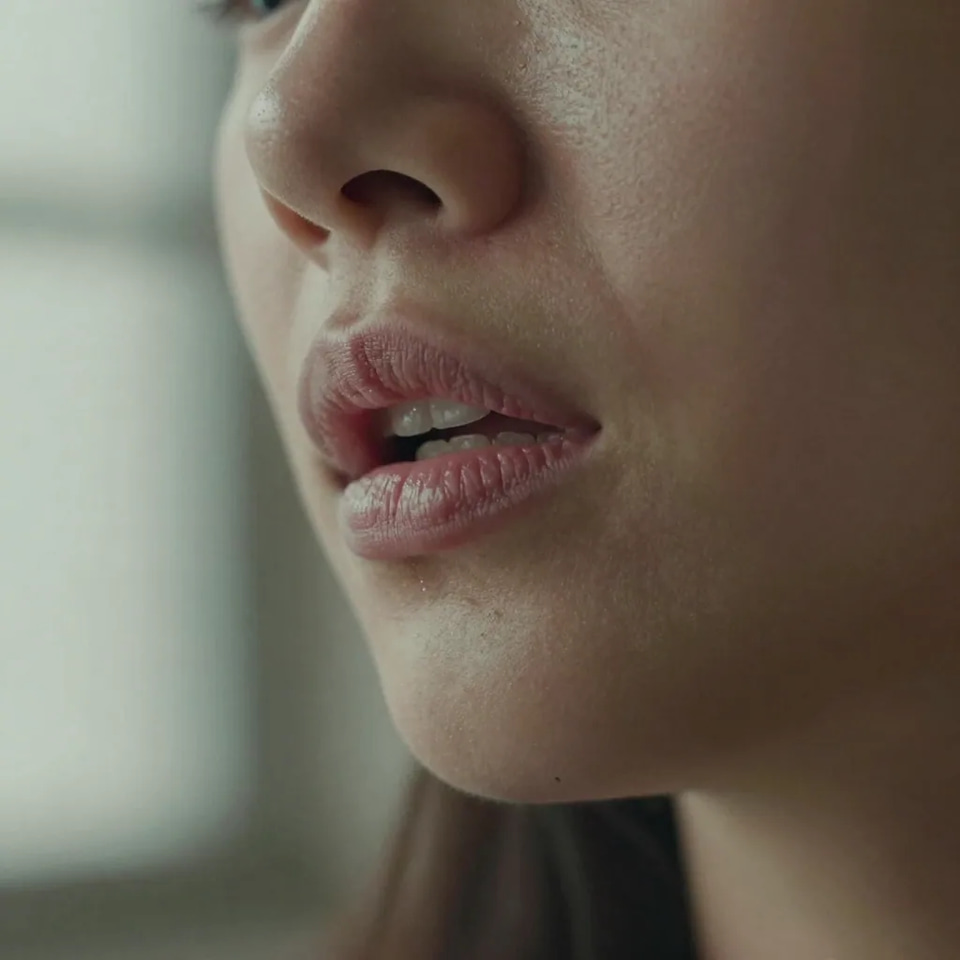
Natural delivery
A lifelike read with real rhythm and emphasis, not a flat text-to-speech monotone that loses viewers halfway through.
Know more →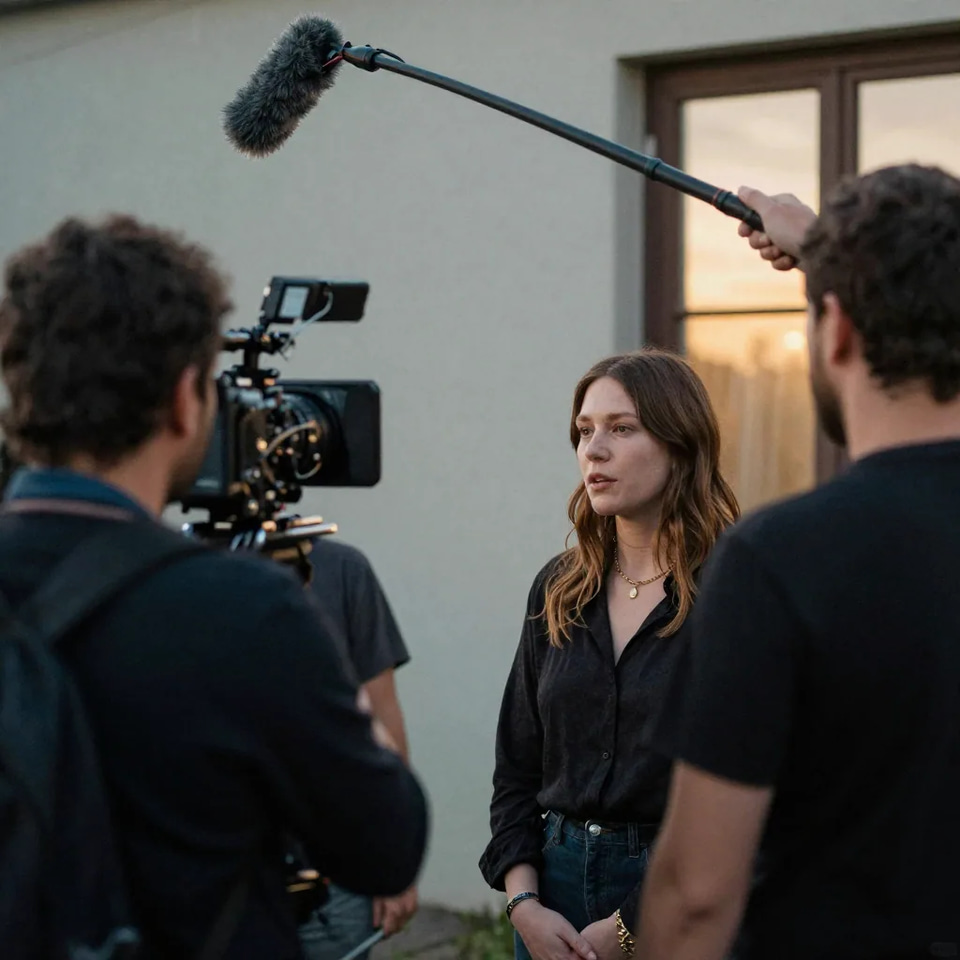
Timed to the footage
The new-language voice follows the timing of the original speech, so it lines up with the video instead of drifting ahead or lagging.
Know more →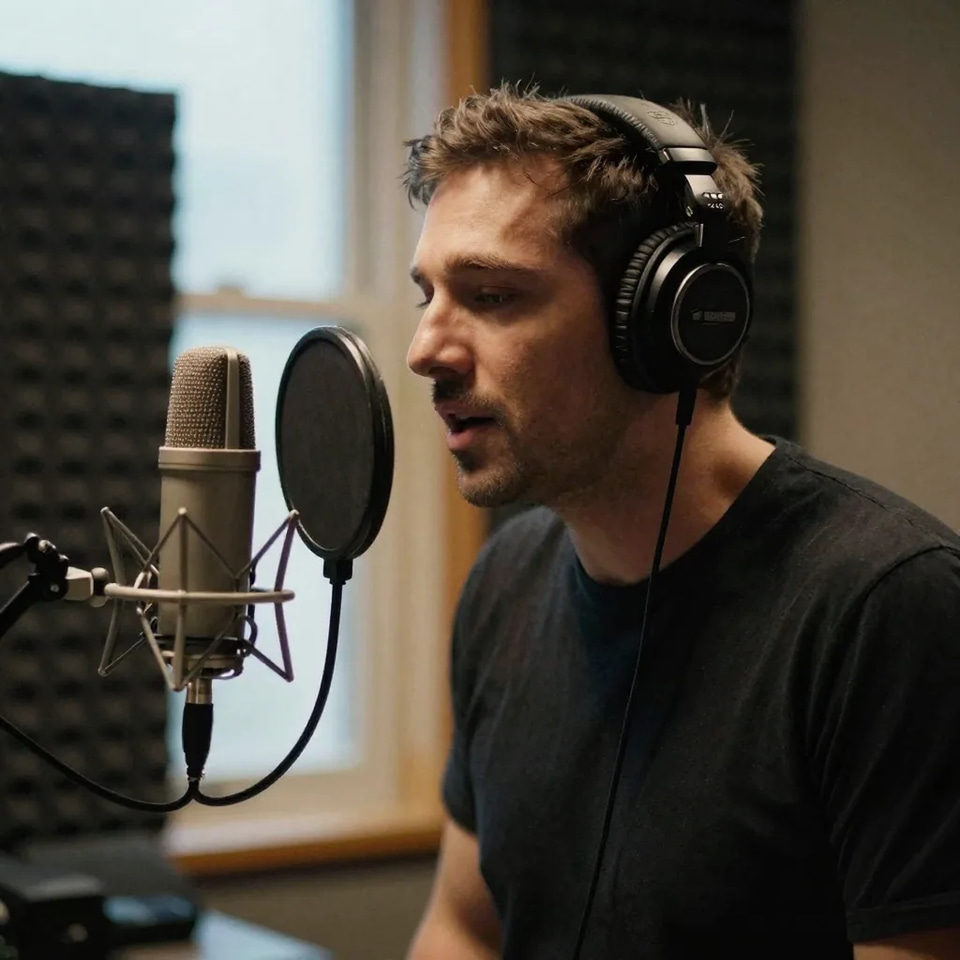
Preview before export
Check the pacing and voice against your video first, then export only once the localised version sounds the way you want.
Know more →Why dubbing beats shooting a new video per market
Keep the footage exactly as it is and replace only the spoken track. The cost of adding a market drops from a fresh production to a few clicks.
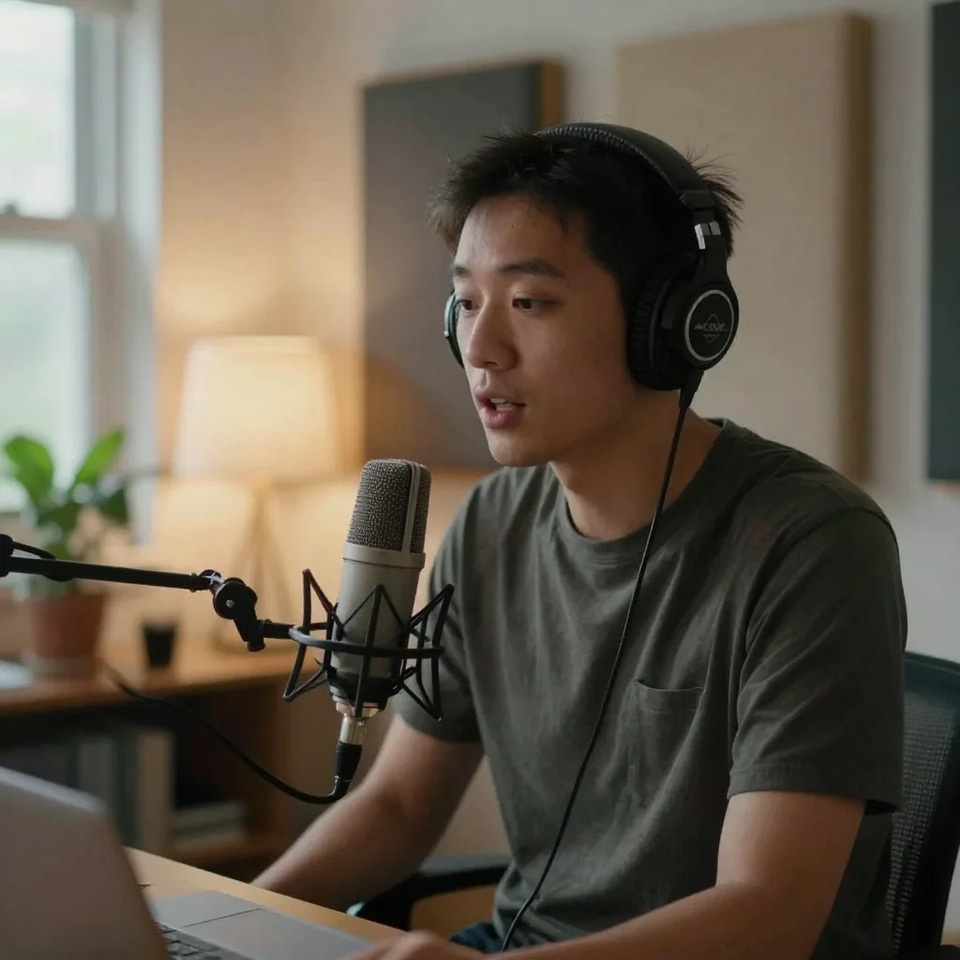
The original voices, speaking a new language
Imagera Multilingual Dubber keeps the original voices and translates what they say, so a campaign or a course still sounds like the same people whether a viewer watches it in one market or another. Cheap dubbing gives itself away with a flat, robotic read that ignores where a sentence should rise, pause or land. The translated track here is generated with the rhythm, emphasis and pacing a real speaker would use, and timed to the original speech, so a localised version feels professional rather than obviously machine-made.
Try it now →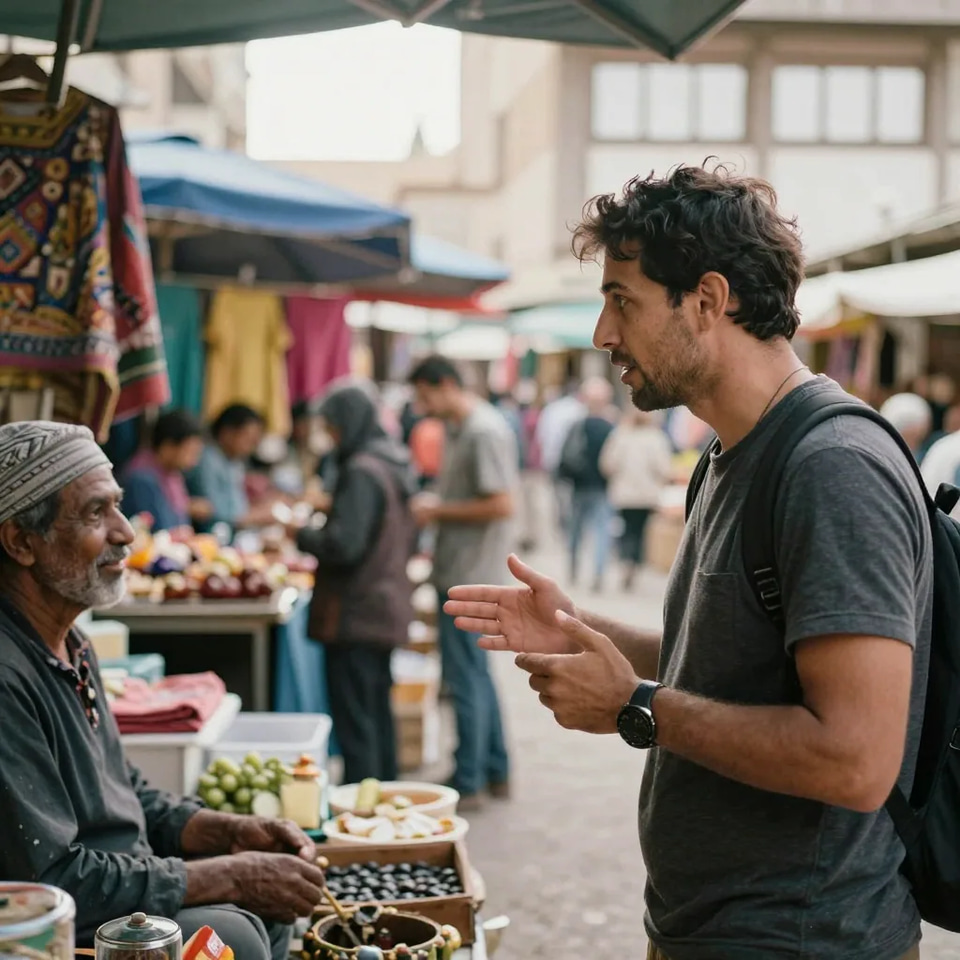
One source video, a version for every market
A video you have already made carries all the expensive parts — the concept, the shoot, the edit, the on-screen presenter. The only thing stopping it from working in another market is the language of the spoken audio. Upload it once, pick your first target language and export. To reach the next market you set up a new dub of the same source video in a different language rather than re-shooting or re-editing, so one campaign video, course lesson or product demo becomes a native-sounding version for every region you sell in.
Try it now →
Dubbing holds attention where subtitles lose it
Subtitles keep the original spoken language and ask viewers to read a translation while they watch; dubbing replaces the spoken audio so viewers hear the content in their own language and can watch hands-free. For marketing, courses and social content that usually holds attention longer, because most people would rather listen than read a caption over your footage. Adding a language means picking one and regenerating, not re-timing a separate caption track for every market you publish in.
Try it now →How to dub a video into another language
No re-shoot, no recording session, no appearing on camera again — start from the video you already have.
Drop in the clip
Upload the video you want dubbed. Imagera reads the spoken audio and prepares it for translation. MP4, MOV or WebM, up to 10 minutes and 100 MB.
Pick the language
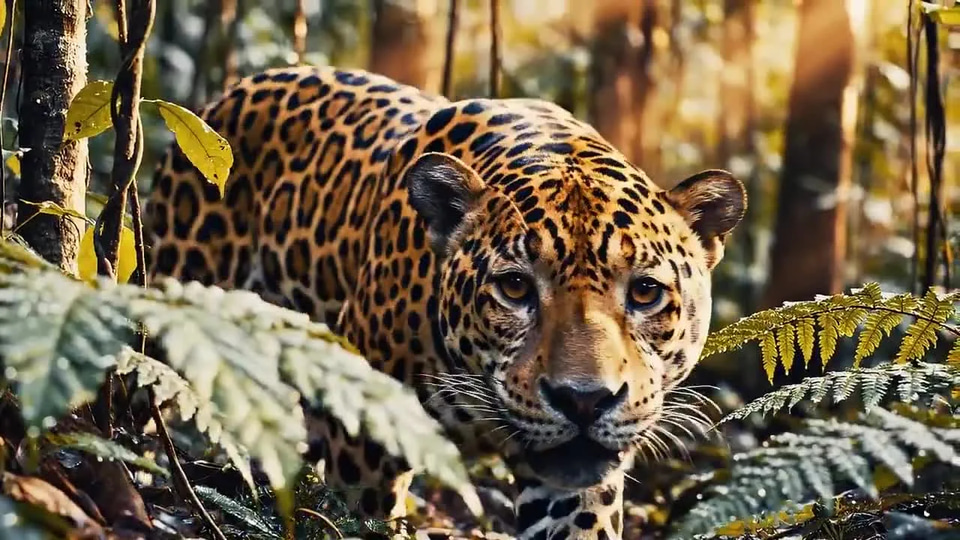
Choose the language the clip should speak. Source language is detected unless you set it. 32 languages to choose from, and you can set how many people speak if auto-detection misses on a short or noisy clip.
Dub and export
Imagera returns the same footage with a translated voice track. Export from your library, ready to publish. Billed per minute of source, rounded up — from 80 credits. The original file is untouched.
One video, every market
Marketing & ad videos
Localise a single campaign video into every market you sell in — same footage, native-sounding voiceover for each language.
Try it now →Courses & training
Dub your lessons and onboarding videos so learners in other countries follow along in their own language.
Try it now →YouTube & social creators
Reach a global audience by publishing dubbed versions of your videos instead of relying on subtitles alone.
Try it now →Discover more AI features
Lipsync Studio
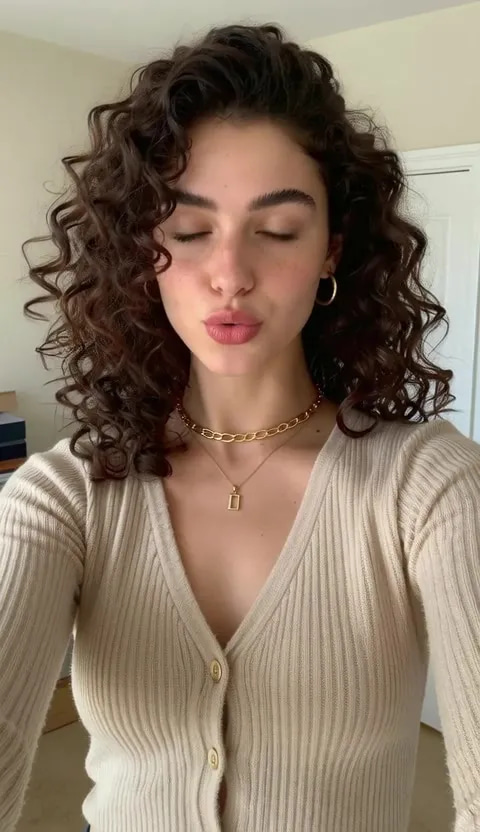
No camera, no shoot, no retakes — a photo and a voice note become a video of that person saying it, or a clip you already shot says something new.
Magic Video Editor
Transform existing footage with prompt-driven restyling, character consistency and precise scene edits.
Voice Studio
Translate a voice track on its own, with no picture
5-Engine Voice Studio
Five Imagera voice engines in one studio for natural narration, character voices and multilingual speech.
Frequently asked questions
What is AI video dubbing software?
AI video dubbing software translates the spoken audio in your video into another language and replaces it with a natural-sounding voice track, so your video can be understood by viewers who speak a different language — without hiring voice actors or booking a recording studio.
How does Imagera dub a video into another language?
Drop the clip in Imagera Multilingual Dubber, pick the language it should speak, and generate. Speech is translated, the original voices are kept, and the same footage comes back with the new track. For a full mouth re-cut onto a new track, take the result to Lipsync Studio.
Which languages can I dub my videos into?
Imagera supports dubbing into a wide range of the most in-demand languages for global marketing, education and social content. You pick the target language when you set up your dub, and you can produce a separate dubbed version for each market you care about.
Do I need to re-shoot or re-record anything?
No. You start from the video you already have. Imagera works from your existing footage and original audio, so there is no re-shoot, no new recording session and no need to appear on camera again.
Is the dubbed voice natural-sounding?
Yes — the goal is a lifelike, natural voiceover rather than a robotic read. Imagera generates the translated track to sound like a real speaker, so dubbed videos feel professional and are comfortable to watch all the way through.
Can I dub marketing, course and social videos?
Yes. Imagera is built for real business use — ad and campaign videos, online courses and training, YouTube and short-form social content, product demos and explainers. One upload can become localised versions for several markets.
How long does it take to dub a video?
Minutes, in most cases, rather than the days a traditional dubbing studio needs. You upload, pick the language, generate, and export — with no scheduling or back-and-forth with voice talent.
How much does AI video dubbing cost?
Dubbing runs on Imagera credits, so you only pay for the videos you actually dub — far cheaper than commissioning a studio or freelance voice actor per language. You can top up credits as you go and produce multiple language versions from a single source video.
Who owns the dubbed videos I create?
You do. The dubbed videos you generate are yours to publish and use for your channels, campaigns, courses and marketing.
What happens to the videos I upload?
Your uploads are used to produce your dubbed videos and are tied to your account. We do not sell your videos or use them to advertise to other people.
What is the difference between AI dubbing and adding subtitles?
Subtitles keep the original spoken language and add on-screen text a viewer has to read; dubbing replaces the spoken audio with a new voice track in the target language, so viewers hear the content in their own language and can watch hands-free. Dubbing usually holds attention longer for marketing, courses and social content, because most people would rather listen than read a translation while watching.
Can I keep one voice consistent across every language version?
Yes. Imagera Multilingual Dubber keeps the original voices and translates what they say, so a campaign or course still sounds like the same people whether a viewer watches it in one market or another.
Does the dubbed audio stay in time with the video?
Yes. The dubbed voice track is generated to follow the timing of the original speech, so the new-language voiceover lines up with what is happening on screen rather than drifting ahead or lagging behind. You preview the result before you export, so you can check the pacing against your footage.
Is AI dubbing cheaper than hiring a voice actor per language?
It is dramatically less work and cost. A traditional studio route means briefing, casting and booking a voice actor, scheduling a recording session and paying again for every extra language and every revision. With Imagera you pay in credits per dubbed video, add another language in a few clicks, and regenerate any time without booking a new session — so scaling to several markets does not multiply your bill the way freelance or studio dubbing does.
Can I dub short-form vertical videos, not just widescreen ones?
Yes. Dubbing works on the audio of whatever video you upload, whatever its shape — vertical Reels and Shorts, square social posts or widescreen course and marketing videos. If you also cut long recordings into vertical clips first, you can dub each clip into the languages of the markets you post in.
Key takeaways
What is AI video dubbing software?
AI video dubbing software translates the spoken audio in your video into another language and replaces it with a natural-sounding voice track, so your video can be understood by viewers who speak a different language — without hiring voice actors or booking a recording studio.
How does Imagera dub a video into another language?
Drop the clip in Imagera Multilingual Dubber, pick the language it should speak, and generate. Speech is translated, the original voices are kept, and the same footage comes back with the new track. For a full mouth re-cut onto a new track, take the result to Lipsync Studio.
Which languages can I dub my videos into?
Imagera supports dubbing into a wide range of the most in-demand languages for global marketing, education and social content. You pick the target language when you set up your dub, and you can produce a separate dubbed version for each market you care about.
Imagera vs a dubbing studio
| What matters | Imagera | Studio / voice actor |
|---|---|---|
| Turnaround | Minutes, from your browser | Days to brief, cast and record voice talent |
| New languages | Add another language in a few clicks | Re-hire and re-book per language |
| Revisions | Regenerate any time | Pay for another recording session |
| Scale | One video → many localised versions | Linear cost for every extra market |
| Setup | Nothing to install — works in the browser | Booth, mics, engineer and scheduling |
Take your video global today
Upload your video, pick a language, and export a naturally dubbed version — in minutes. Credits show on the button before you run.
Dub my video →