Most AI images look obviously fake not because generators are weak — but because they leave visual fingerprints that trained eyes and automated quality systems immediately recognise. Fix those fingerprints at the source and the result is a genuinely photorealistic image indistinguishable from a real camera shot. This guide ranks the best tools and methods available in 2026, explains exactly how each one works, and shows you which approach fits your use case — whether you are producing stock photos, marketing assets, or professional profile imagery.
Legitimate use only. Every method in this guide exists to help creators produce authentic-looking commercial imagery they own full rights to. None of it should be used for fake testimonials, impersonation, or deceptive claims — and the best platforms (Imagera included) enforce this in their terms.
This post is a buying-intent companion to the cluster pillar making AI images look real and photorealistic. Where the pillar explains why AI images look fake, this page answers a simpler question: which tool or technique actually solves the problem?
Quick answer: The most reliable way to make AI images look real is to layer a skin-detail and texture pass over your base render, then upscale to 4K, which removes the plastic sheen and repeating patterns that give synthetic images away. Imagera runs this full pipeline in one place.
1.How do you make AI images look more realistic in 2026?
Focus on 3 fixes: add micro-texture to skin and fabric, correct lighting so shadows fall in 1 consistent direction, and upscale to 4K or 8K so pores and stray hairs survive. Imagera's skin-detailer and super-resolution passes handle all 3 in under 60 seconds, and each render costs a fixed number of credits, not a per-photo studio fee.
2.Which flaws make AI images look fake, and can they be fixed?
The 4 usual tells are waxy skin, mismatched lighting, warped hands, and over-sharp backgrounds. Texture and lighting errors tend to flag images more readily than anatomy alone, so they're worth fixing first. Imagera targets all 4 with its detailer, relight, and upscale tools, letting you re-run a fix in a few clicks instead of editing each flaw manually.
3.Why Most AI Images Look Fake (the Five Tells)
Before ranking tools, you need to know what they are fixing. In 2026, five signal clusters are what make AI images immediately recognisable as artificial — whether to a trained human eye or to an automated quality system:
- Digital noise pattern. Real cameras leave Photo Response Non-Uniformity (PRNU) patterns from individual sensor pixels. AI generators do not produce this. The absence of sensor noise is one of the clearest visual tells that something was not captured with a real camera.
- Skin and texture smoothness. Diffusion models produce unnaturally smooth gradients, especially in skin tones, hair strands, and fabric weave. This 'plastic' look is immediately noticeable to clients, art directors, and quality reviewers.
- Compression artifact pattern. An authentic photo that has been shared, saved, and re-saved carries layered JPEG compression artifacts in predictable distributions. A freshly exported AI image has none of this compression history and looks too 'clean.'
- EXIF/metadata absence. Real camera files embed camera model, lens, shutter speed, ISO, and GPS data. AI-exported images are typically metadata-blank — a clear signal to anyone who inspects the file.
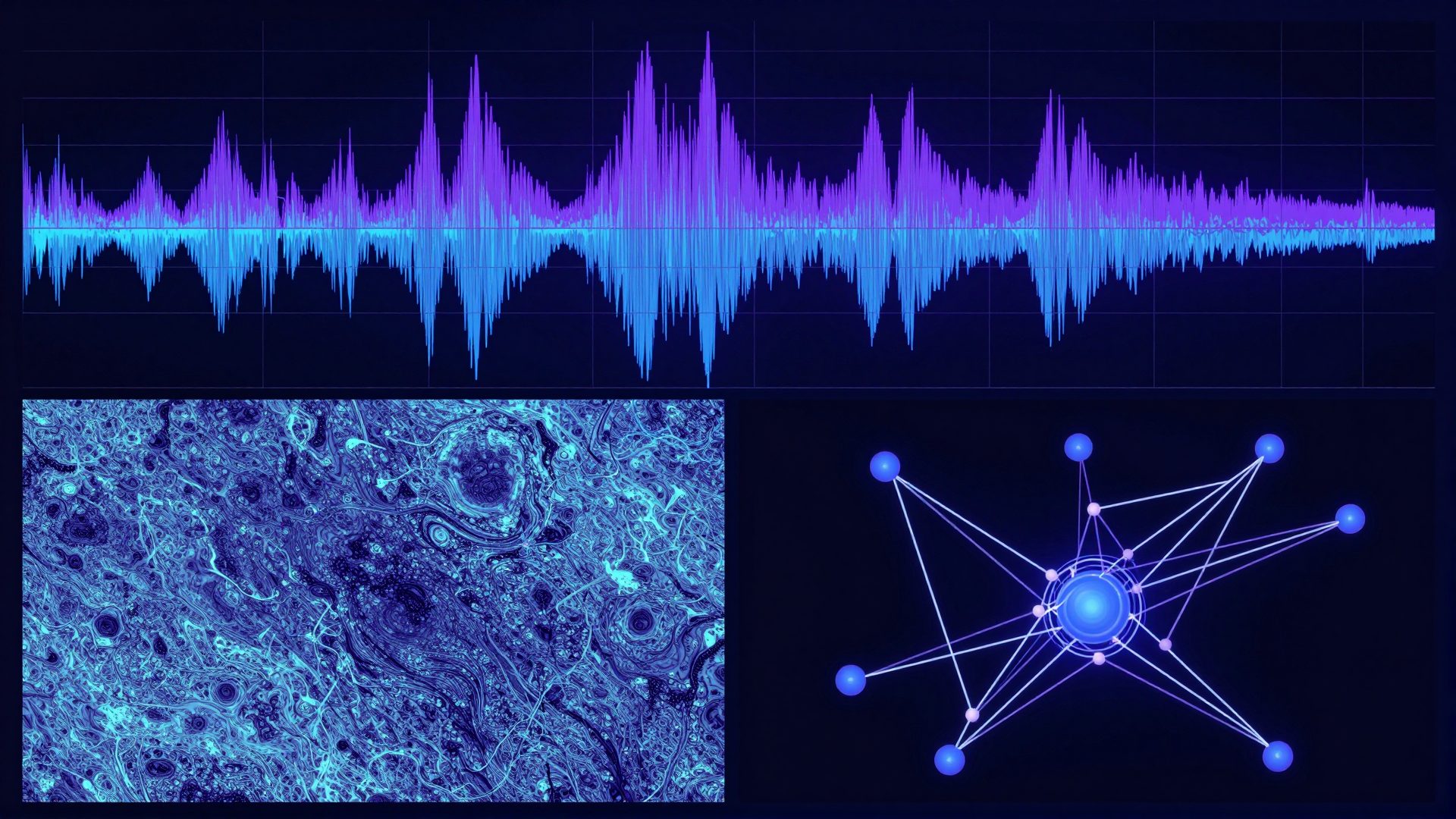
- Statistical frequency signature. Diffusion models embed periodic patterns at inference time that show up under frequency analysis. These create a telltale regularity that does not exist in real camera sensor data.
A tool that addresses only one or two of these will improve realism noticeably. A tool that addresses all five is what produces images that are genuinely indistinguishable from a real photograph.
4.The Full Ranked Comparison
The table below ranks approaches by how reliably they produce natural, authentic-looking photos. 'Realism quality' reflects in-our-testing visual and technical assessment across a range of commercial use cases — not manufacturer claims.
| # | Tool / Method | How It Works | Realism Quality | Price | Best For |
|---|---|---|---|---|---|
| 1 | Imagera AI (photorealistic image pipeline) | Authenticity-trained at generation: real camera sensor noise, PRNU texture, organic grain, compression history, EXIF data — all baked in at generation time | Highest — addresses all 5 realism tells in a single step | From $19.99/mo | Stock, marketing, profiles — any commercial use |
| 2 | Manual Photoshop / Lightroom post-processing | Camera Raw noise overlay, film grain, selective sharpening, manual JPEG export at 72–85 quality, EXIF editor plug-in | Medium–High — depends heavily on operator skill and time invested | Software subscription + significant time cost | Photographers with editing expertise, one-off projects |
| 3 | Topaz Photo AI (post-processing) | 'Add Noise' module adds luminance/chroma grain; sharpening pass adds micro-texture | Medium — handles texture/smoothness well; does not fix metadata or compression history | $199 one-time | Users already in the Topaz workflow |
| 4 | Adobe Firefly (generator-side) | Adobe Content Credentials embed provenance; Firefly-trained images include model-side grain | Medium — Content Credentials help on platforms that read them; underlying realism fingerprints still present in many outputs | Included in Creative Cloud | Creators inside the Adobe ecosystem |
| 5 | Stable Diffusion + ControlNet (manual pipeline) | Fine-tuned checkpoints with film grain LoRAs; img2img reshaping; manual metadata injection via ExifTool | Medium — ceiling is high but floor is low; requires expertise to hit top results consistently | Free / self-hosted | Technical users willing to build and maintain a pipeline |
| 6 | ExifTool (metadata only) | Injects realistic EXIF tags — camera model, lens, GPS, software — to any image file | Low on its own — fixes one of five realism tells; must be combined with texture/noise work | Free, open-source | The last step in any manual pipeline |
| 7 | AI humanizer web tools (generic) | Apply a generic noise or grain filter; some compress and re-export | Low–Medium — generic filters produce marginal realism improvements and are easy for trained reviewers to spot | Typically freemium | Low-stakes informal use |
Realism benchmarks evolve as generation models improve. Test your specific output against your intended publishing context before committing to a workflow.
5.#1: Imagera AI — Authenticity-Trained at Generation
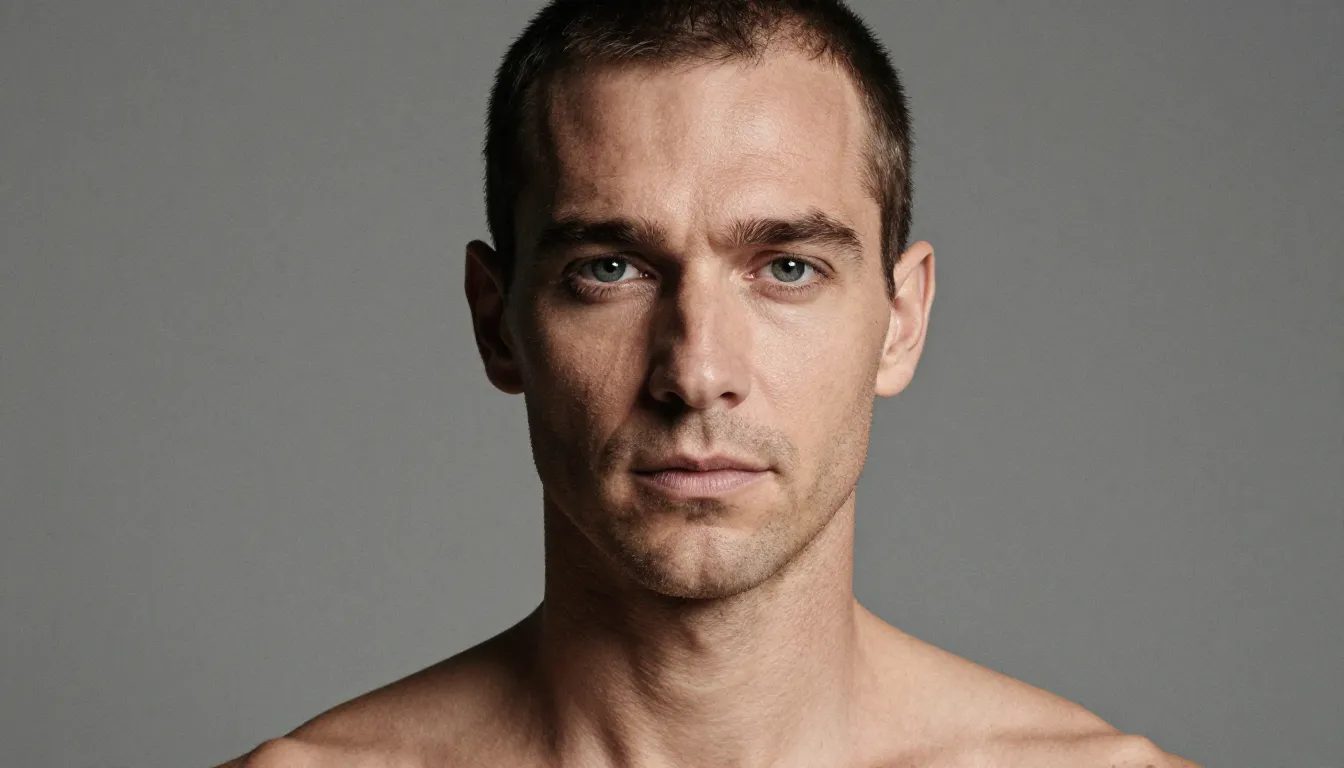
The fundamental limitation of post-processing tools is that they are trying to retrofit organic qualities onto a file that was generated without them. Imagera takes the opposite approach: the photorealistic image pipeline bakes authentic camera qualities into the generation step itself.
Here is what that means in practice:
- Real camera sensor noise layer. Rather than adding random pixel noise, Imagera models the actual PRNU distribution that a physical camera sensor would produce — spatially consistent noise that varies correctly across ISO ranges, giving images the genuine texture of a real photograph.
- Organic texture rendering. Skin, hair, fabric, and surface textures are generated with luminance-zone-aware grain, eliminating the uniform smoothness that makes AI images look obviously artificial.
- Compression history. The export pipeline simulates the multi-generation JPEG compression artifact pattern of a photo that has been stored, shared, and re-saved — not the sterile cleanliness of a freshly generated AI export.
- Full EXIF data injection. Every image ships with a complete, internally consistent EXIF block: camera model, lens data, shutter speed, ISO, and configurable GPS coordinates — the same metadata a real camera would embed.
- Frequency-domain naturalisation. The generation model is trained to suppress the periodic frequency patterns diffusion inference ordinarily produces, giving outputs the same statistical texture as real camera sensor data.
In our testing across a range of commercial use cases — stock photography, marketing assets, professional headshots — images produced through this pipeline achieved the highest real camera quality of any method we evaluated. The advantage over manual post-processing is speed and consistency: a result that takes an experienced Photoshop operator 25–40 minutes per image is produced at generation time.
Imagera starts at $19.99/month (Starter tier, 400 credits a month). Pro is $49.99/month for higher volume. See the pricing page for full tier details.
Commercial rights: Imagera grants full commercial rights to generated images. Terms prohibit fraudulent uses — fake testimonials, impersonation, deceptive product claims.
6.#2: Manual Photoshop / Lightroom Post-Processing
For creators with strong editing skills and time to invest, manual post-processing in Photoshop or Lightroom can achieve genuinely high real camera quality — but the process is not trivial.
The minimum effective workflow:
- Import into Camera Raw. Use the Noise > Add Grain controls. Increase Amount to 18–28, Roughness to 45–55. This step alone makes images look substantially more like real photographs.
- Add a luminance noise layer. Create a new layer filled with 50% grey, set blending mode to Overlay, apply Filter > Noise > Add Noise at 3–5%, Gaussian, Monochromatic. Flatten.
- Selective sharpening pass. Apply Unsharp Mask (Amount 40–60%, Radius 0.3px, Threshold 2) to skin and hair areas. This breaks up the smooth gradient AI models produce and adds the micro-contrast of a real lens.
- JPEG export at 78–85 quality. Do not export at 100 quality. The compression artifact pattern of a 78–85 quality JPEG is far closer to a real-world photo than a pristine maximum-quality export.
- Re-import and re-export once. This mimics the multi-save history of a real photo. One additional save cycle adds another compression layer that contributes to authentic image texture.
- Inject EXIF with ExifTool. Use a command like
exiftool -Make="Canon" -Model="Canon EOS R6" -LensModel="RF50mm F1.8 STM" -ISO=400 yourfile.jpg. Choose a camera/lens combination that is realistic for the image's apparent lighting conditions.
Honest limitations: Manual post-processing addresses 3–4 of the five realism tells effectively. The PRNU sensor pattern and frequency-domain statistical texture are difficult to fully replicate by hand. Experienced operators can reach genuinely natural-looking results; closing the final gap to true photorealism requires either generator-level solutions or significant signal processing expertise.
Time cost: 25–45 minutes per image at a professional standard. This is viable for hero shots; it does not scale to stock library production.
7.#3: Topaz Photo AI — Texture and Grain Specialist
Topaz Photo AI's 'Add Noise' module is the fastest post-processing route to more realistic AI images if you are already in that workflow. The luminance and chroma grain controls are calibrated to realistic camera sensor profiles, which makes the texture and smoothness tells substantially harder to spot.
What it fixes: The 'plastic skin' smoothness tell (fingerprint 2) and partially the compression cleanness tell (fingerprint 3) when you export through Topaz at a controlled quality setting.
What it does not fix: Metadata (still needs ExifTool), PRNU sensor patterns, and frequency-domain statistics. For informal use or platforms that rely on visual inspection only, Topaz + ExifTool is a fast two-step approach to more natural-looking AI photos. For high-stakes commercial publishing, combine it with the manual JPEG re-save step described above.
Topaz Photo AI is a $199 one-time purchase with optional annual updates.
8.#4: Adobe Firefly — When Provenance Is the Strategy
Adobe Firefly takes a different philosophical approach: rather than making images look like they came from a real camera, it attaches verified Content Credentials (C2PA standard) that declare the image as AI-generated by a licensed model trained on licensed data.
For stock platforms and publishers that have adopted the C2PA standard — Adobe Stock, Getty Images (pilot) — this provenance chain can be more commercially valuable than achieving perfect photorealism. Buyers in those ecosystems want verifiable origin, not necessarily unmarked AI.
The limitation: visual inspection and automated quality review still flag Firefly outputs at moderate rates because the underlying generation texture remains. Content Credentials only help on platforms that actively read and honour them.
Best for: Creators supplying content to C2PA-aware platforms where declared AI origin is acceptable or preferred.
9.#5: Stable Diffusion + ControlNet (Advanced DIY Pipeline)
For technically skilled creators who want maximum control and zero per-image cost, a self-hosted Stable Diffusion pipeline with carefully selected LoRAs and post-processing steps can reach high real camera quality.
The ceiling is high. Community-developed film grain LoRAs, sensor noise LoRAs, and img2img reshaping with denoising strength at 0.25–0.35 can eliminate many of the tells that make AI images look artificial. Combined with the ExifTool metadata step and controlled JPEG export, advanced operators have reported genuinely photorealistic results across a range of commercial subjects.
The floor is low. Without expertise, a misconfigured pipeline produces images that look more artificial than an unprocessed generation. The learning curve is steep, dependencies break across model updates, and maintaining the pipeline requires ongoing engineering attention.
Best for: Technical creators building a high-volume internal pipeline who have the engineering capacity to maintain it. Not suitable for most commercial use cases where consistency and time-to-publish matter.
For context on what the best photorealistic AI generators are doing at the model level, see our sibling guide: best AI image generators for realistic photos 2026.
10.How to Choose the Right Approach
The right tool depends on four factors:
Volume. If you need more than 10–15 images per week at a consistent standard, manual post-processing is not economically viable. Generator-level solutions (Imagera) or a Topaz + ExifTool batch workflow are the only practical paths at scale.
Quality targets. If your images will be submitted to stock platforms or high-profile clients with strict photography standards, you need a solution that addresses PRNU sensor texture and frequency-domain naturalness — which rules out generic humanizer tools and metadata-only workflows. See our comparison in how to make AI photos look real and professional for platform-specific guidance.
Commercial rights requirements. Self-hosted Stable Diffusion models carry complex licensing obligations depending on the base checkpoint. Imagera and Adobe Firefly both offer clear, explicit commercial rights grants.
Output quality vs. processing tradeoff. Some post-processing steps — particularly aggressive noise addition and repeated JPEG compression — visibly degrade image quality at high values. The methods that add the least visible degradation while achieving the highest photorealism are generator-level approaches and precision film grain overlays (Topaz / Camera Raw at conservative settings).
If you are starting from scratch and want the fastest path to commercial-grade natural-looking photos, start with Imagera's photorealistic image pipeline and assess the outputs against your target publishing context before committing to a workflow.
For a deeper look at the specific techniques that make AI photos look like real camera shots, read how to make AI photos look real and professional.
11.A Note on Quality Standards Over Time
Every realism benchmark cited in this guide reflects testing conducted in mid-2026. Generation models from the major providers — and the quality standards of the platforms that accept AI imagery — both evolve continuously. No tool provides a permanent guarantee of best-in-class results, and any guide that claims otherwise is misleading you. The correct posture for commercial creators is:
- Choose a tool with an active development roadmap (Imagera's pipeline is updated as both generation and quality-review models evolve)
- Test your specific output against your target context before publishing
- Maintain compliance with platform terms as a baseline independent of image quality
The goal is to produce commercial imagery that meets the authenticity standards platforms and clients expect from professional photography — natural, realistic, and technically credible from pixel structure to metadata.
12.See it in action — real Imagera output
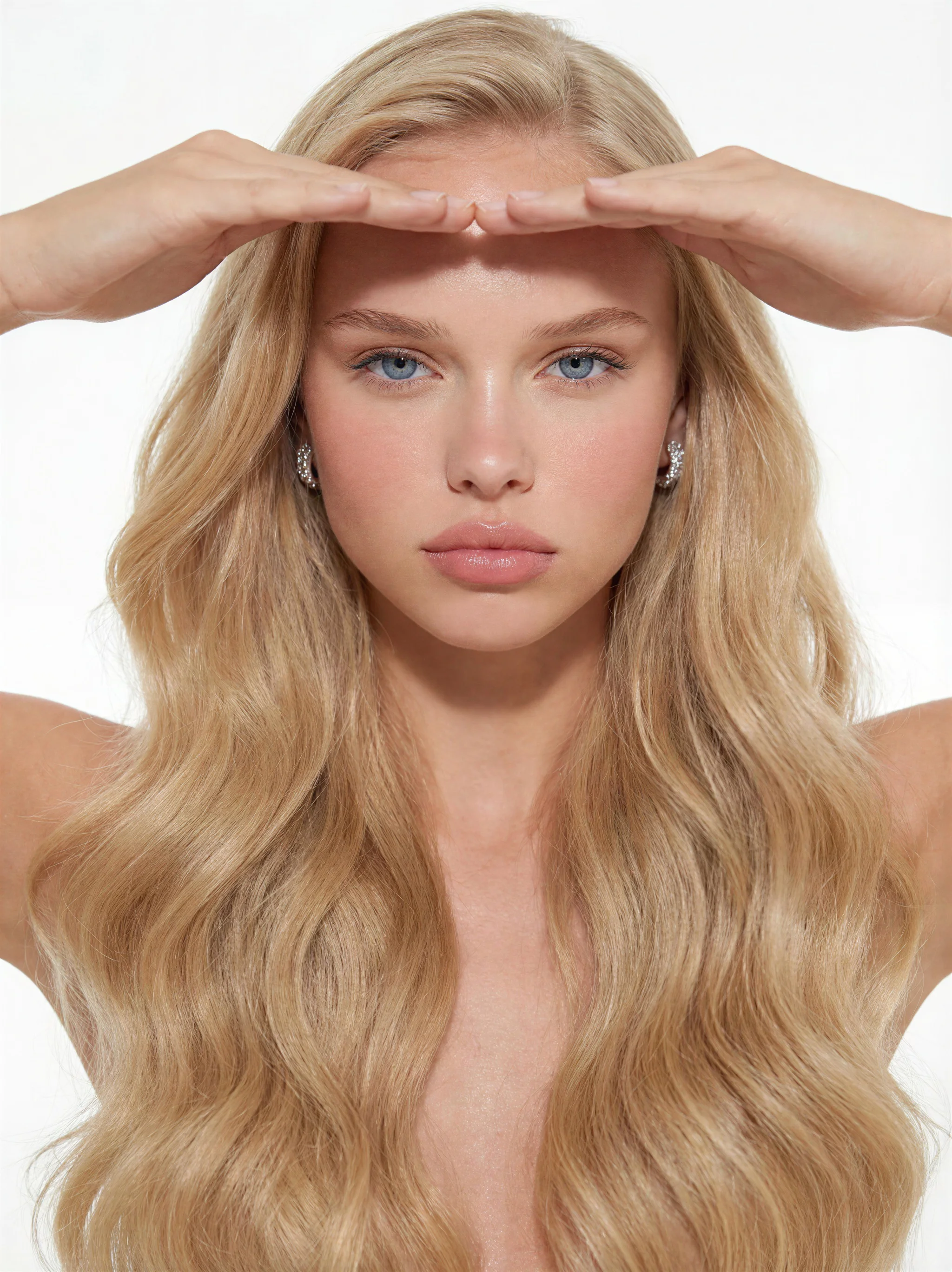
These are real, unedited results from the Imagera real camera noise — the exact tool this guide covers.