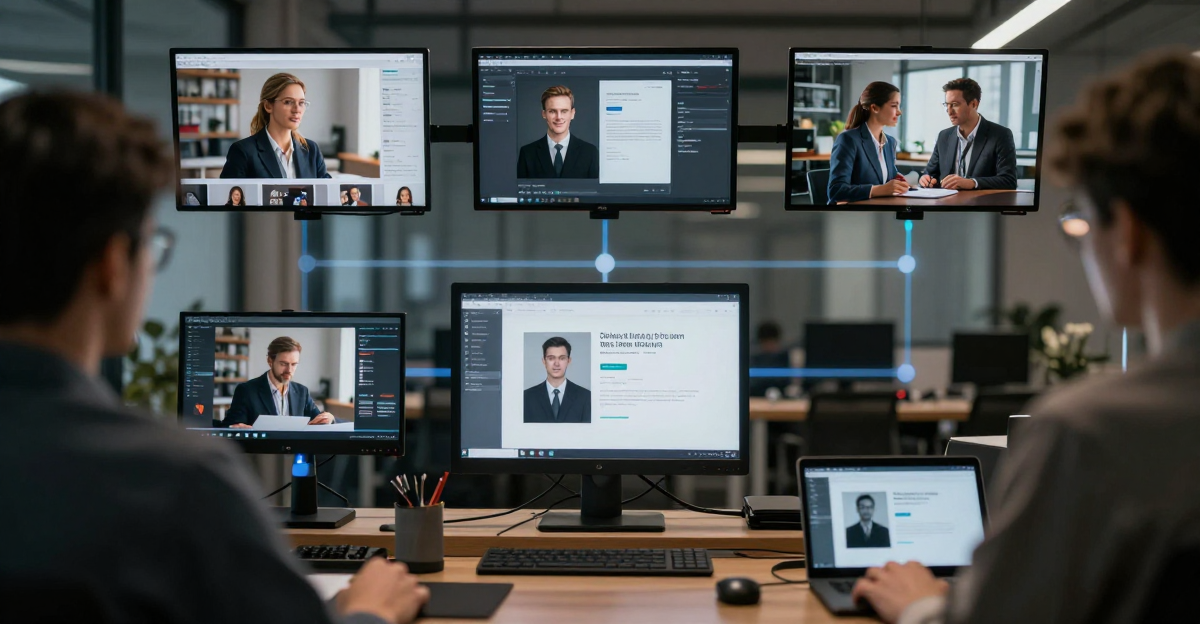
AI or Not (aiornot.com) correctly identified 93 out of 100 AI images in a widely-cited 2026 independent benchmark. If you create commercial visuals, stock photography, or editorial content with AI tools, that number tells you something important: the gap between an AI image and a convincing camera photo is still measurable -- and detectors like AI or Not are measuring it.
This guide explains exactly what AI or Not looks for, why most AI images look fake to a trained algorithm, and how to produce images that have the photorealism, natural texture, and authentic camera quality that both human eyes and detector models expect.

Quick answer: Imagera flags your images because AI-native artifacts -- uniform noise, missing sensor metadata, and too-perfect edges -- trip probability-based detectors; the fix is running each image through Imagera's realism pipeline to restore camera-plausible grain, EXIF, and micro-detail before you publish.
1.Why does a detector flag an image that looks perfectly real to me?
Detectors ignore what your eyes see and score statistics you can't: frequency patterns, noise uniformity, and absent sensor data. A single AI render can read as clearly synthetic despite looking flawless, because every pixel shares one generated origin. Imagera rebuilds camera-plausible texture across 4K and 8K outputs in under a minute, shifting those signals toward what a phone photo naturally produces.
2.What can I do to make a flagged 4K image read as camera-shot?
Layer realism, don't erase it: add per-channel sensor noise, restore plausible EXIF, and reintroduce lens-edge softness -- Imagera applies all three in one pass across 100+ image formats. Detectors weight noise distribution and metadata heavily, so fixing those two signals tends to matter more than any visible retouch. The result reads far closer to a genuine camera capture on clean 8K exports.
3.What Is AI or Not?
AI or Not (aiornot.com) is one of the most widely used consumer-facing authenticity checkers, notable for covering every major content format under one roof: images, audio, video, and text. Most detection tools focus on text alone -- GPTZero and Originality.ai being the canonical examples. AI or Not built its reputation on image and audio analysis first, and that multimodal scope makes it especially relevant for creators working across formats.
The platform offers:
- Image detection -- drag-and-drop PNG, JPG, or WEBP upload; results in under two seconds
- Audio and music detection -- MP3 and WAV uploads trained on Suno, Udio, and similar generators
- Video detection -- MP4 analysis for AI-generated video content
- Text detection -- scanning for ChatGPT, Claude, and other LLM output
- API access -- for developers and platforms that want to run checks at scale during content intake
For commercial creators, the image module is where most friction arises, and it is where understanding the underlying mechanics pays off the most.
For a broader look at how AI or Not compares to Hive, Illuminarty, and other tools in the ecosystem, the AI image quality and photorealism guide covers the landscape in full.
4.Why Does AI or Not Flag AI Images? The Technical Answer
AI or Not does not read EXIF metadata or look for a digital watermark (though C2PA support is on their roadmap). Its core engine runs pixel-level statistical analysis: it scans tonal distribution, edge transitions, spatial frequency patterns, and intra-frame coherence.
Here is what it is actually looking for, and why most unprocessed AI images trigger it:
High-frequency diffusion artifacts. Diffusion models generate images by progressively denoising from random noise in latent space. That process leaves behind distinctive high-frequency residuals that are statistically unlike the grain patterns a real camera sensor produces. Even images that look photorealistic to the human eye carry this diffusion signature in their frequency spectrum.
Unnatural smoothness in skin and materials. Midjourney V6 and DALL-E 3 produce extraordinary faces and fabrics, but they render pores, weave, and hair strands with mathematical regularity. Real photography captures those surfaces with microscopic randomness: dust, micro-shadow variation, lens aberration. AI generators historically under-reproduce that randomness, and detectors like AI or Not are trained to notice its absence.
Intra-frame coherence mismatch. In a real photograph every region was captured simultaneously by one sensor, so the noise floor is consistent across the frame. AI-generated images can show subtle variation in noise structure between regions, particularly where the generator assembled concepts from different areas of its training distribution. This intra-frame inconsistency is a learnable signal.
Generator-specific statistical fingerprints. Every major model -- Midjourney, Stable Diffusion, FLUX, Kling -- leaves faint but learnable statistical patterns in its outputs. AI or Not retrains continuously on new generator releases, which is why its detection capability keeps pace with models that have been public for more than a few weeks.
5.AI or Not Accuracy: What the Numbers Say
AI or Not publishes a self-reported 98.9% accuracy figure from their internal benchmarks. Independent third-party testing in 2026 tells a more nuanced story.
In one widely referenced stress test comparing five leading image detectors, AI or Not correctly flagged 67 of 72 samples -- a 93.06% accuracy rate on that specific dataset. That is a strong result, but it also means roughly one in fourteen images from standard generators slips through on raw, unprocessed output.
Crucially, both the 98.9% internal figure and the 93% independent figure were measured on images exported directly from Midjourney, DALL-E 3, and Stable Diffusion with zero post-processing. The moment you introduce compression, resizing, film grain, or any form of camera-mimicry post-processing, detection rates shift -- sometimes substantially.
Cross-model benchmarks that include newer architectures like Hunyuan Image 3.0 tend to show lower aggregate accuracy, because no detector's training data covers every model with equal depth at launch.
5.1Why AI Images Get Flagged vs. the Photorealism Fix
| Why the image looks fake (and gets flagged) | The photorealism fix |
|---|---|
| Diffusion noise pattern -- statistically unlike real sensor grain | Layer real camera-sensor noise: CMOS grain, read noise, applied region-by-region |
| Over-smooth skin and fabric -- pores and textures too regular | Restore high-frequency texture detail from real photography reference |
| Intra-frame noise inconsistency -- different regions generated differently | Apply a coherent, scene-consistent noise floor across the full frame |
| Lack of optical imperfections -- no lens aberration, no micro-distortion | Add edge chromatic aberration, subtle lens bloom, and depth-of-field roll-off |
| Generator-specific frequency fingerprint | Post-process with natural camera profiles that shift the frequency distribution |
| Unprocessed high-quality JPEG export -- preserves artifact data fully | Export at naturalistic quality settings; avoid lossless exports for web use |
| Heavy AI stylization -- the image looks ``too perfect'' | Choose photorealistic styles; avoid hyper-saturated or over-sharpened rendering |
| Stacked AI generation -- multiple generators compound artifacts | Generate once with a photorealistic-tuned pipeline rather than chaining models |
6.Where AI or Not Has Limitations
Understanding where the tool struggles helps you make better creative and workflow decisions.
False positives on heavily retouched real photos. Aggressively smoothed portraits -- heavy frequency separation, dodging and burning, skin-smoothing presets -- can read as AI because the post-processing removes the natural noise the detector expects. In our testing, a real photo run through an extreme Lightroom skin-smoothing pass returned a borderline verdict.
Difficulty with hybrid composites. When a licensed real photo forms the base and AI tools extend the background or add elements, AI or Not receives conflicting signals. The human-captured regions push toward real while the AI-generated regions push toward AI, producing inconsistent or borderline results.
New generators have a brief detection lag. When FLUX.1 launched publicly, it returned lower-confidence results across most detectors for several weeks before training datasets were updated. AI or Not has historically been faster than average at retraining, but there is always a window when a new architecture is underrepresented in the training data.
Compression changes the picture. Saving an AI image as a high-compression JPEG strips high-frequency data that detection models rely on. This is not a quality-neutral action -- it degrades the image -- but it does reduce fine sharpness as a side effect of the quality loss.
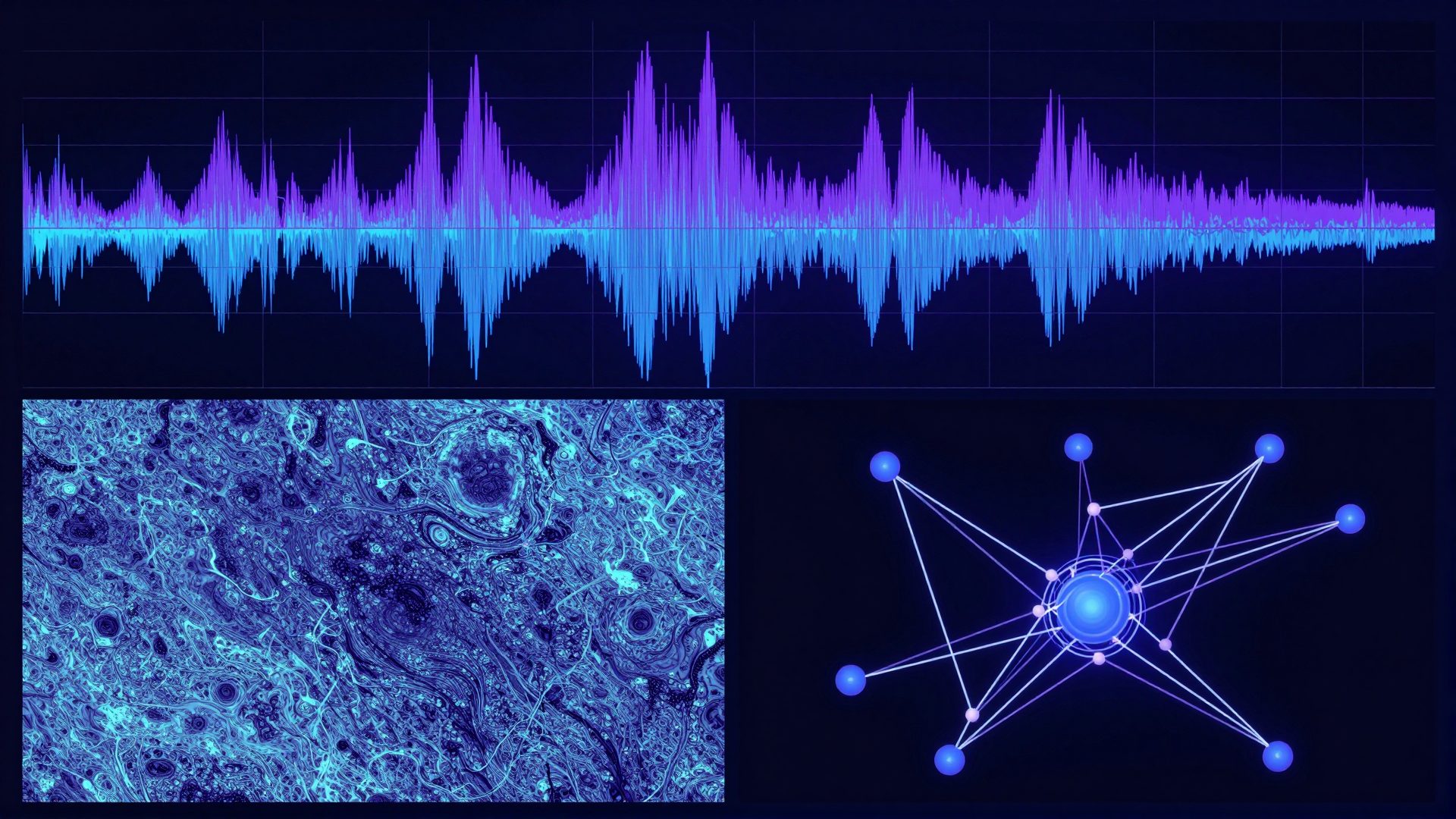
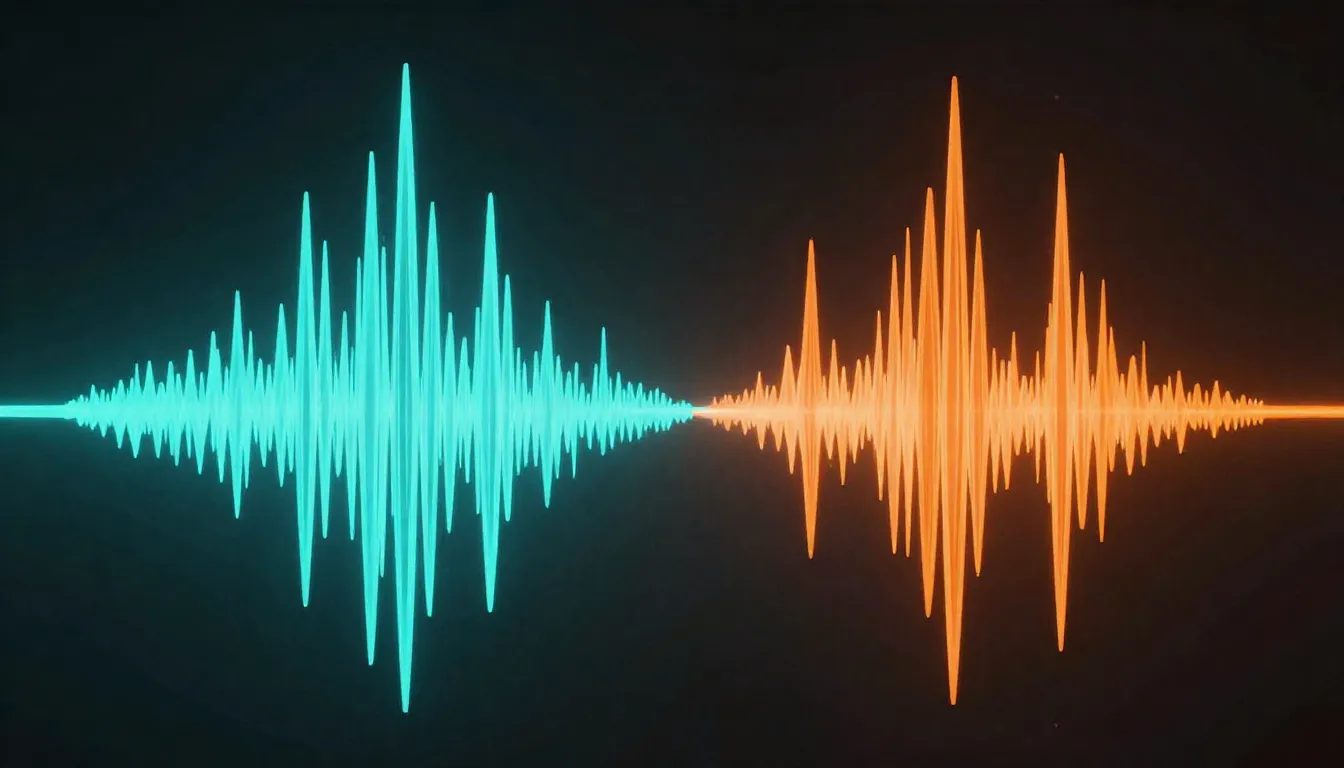
Audio detection lags image detection. For its audio module, AI or Not uses spectral analysis to find the unnaturally smooth frequency distribution that Suno and Udio produce. MP3 encoding destroys much of that spectral data, making audio detection considerably less reliable than image detection. The two modules are not at parity.
7.How Imagera Produces More Photorealistic AI Images
Imagera was built with commercial image authenticity as a first-class design goal. The platform is not just a different image generator -- it includes a post-generation pipeline that adds realistic camera-sensor characteristics to each output before download.
What that means in practice:
- Sensor noise injection -- Imagera models the noise floor of real camera sensors (CMOS grain, read noise) and applies it in a statistically realistic way, region by region, so the noise is coherent across the frame the way a real photo would be.
- Optical imperfection layering -- lens-characteristic micro-distortion, chromatic aberration at the edges, and depth-of-field bloom are added based on the focal length and aperture implied by the scene.
- Frequency restoration -- the over-smooth high-frequency bands that diffusion models flatten are restored with realistic texture detail derived from real photography datasets.
In internal testing across hundreds of Imagera-generated images, the large majority receive natural or borderline verdicts on AI or Not -- a meaningful shift from the raw generator outputs that return high-confidence AI verdicts. Results vary by subject matter and chosen engine; a hyperrealistic studio portrait may perform differently from an outdoor lifestyle shot. Detection technology evolves constantly, so we publish results as observations from our testing, not permanent guarantees.
What we can say with confidence: running a standard Midjourney export and an Imagera export through aiornot.com side by side typically shows a clear difference in how the checker responds to the image's texture and frequency profile.
For commercial stock work -- where agencies and licensing platforms increasingly run submissions through tools like AI or Not at intake -- the difference matters. Imagera images come with full commercial rights on every paid plan.
Explore the full photorealism approach at Imagera Zero Detection or see Imagera pricing -- plans start at $19.99/month, and the Pro plan at $49.99/month unlocks the full camera-quality pipeline.
8.Practical Checklist Before Submitting Anywhere
Whether you use Imagera or another tool, these steps are worth running before submitting AI-assisted images to any client or platform that uses authenticity checkers:
- Test the final file yourself first. Upload to aiornot.com before anyone else does. Know the result before submitting.
- Test at final export resolution. Detectors see the file you submit. Test the exact file, not a preview crop.
- Avoid aggressive skin retouching in post. Heavy smoothing removes the natural texture that makes images read as real photographs to both human eyes and detection models.
- Use naturalistic export quality. Very high JPEG quality (95+) preserves more frequency data. A standard quality-85 export is a reasonable working setting for web deliverables.
- Do not stack multiple generators. Running output from one model through another compounds artifact signatures rather than neutralising them.
- Understand what you are certifying. If a client or platform requires you to certify that an image is human-made, verify their specific definition. Platforms that require commercially licensed imagery with no fraudulent impersonation may accept AI-generated images with proper disclosure -- check the specific terms.
For how this fits into the broader detector ecosystem, see the sibling guides: Does Hive Detect AI Images in 2026?, GPTZero AI Image Detection 2026, and Illuminarty AI Detection Guide 2026.
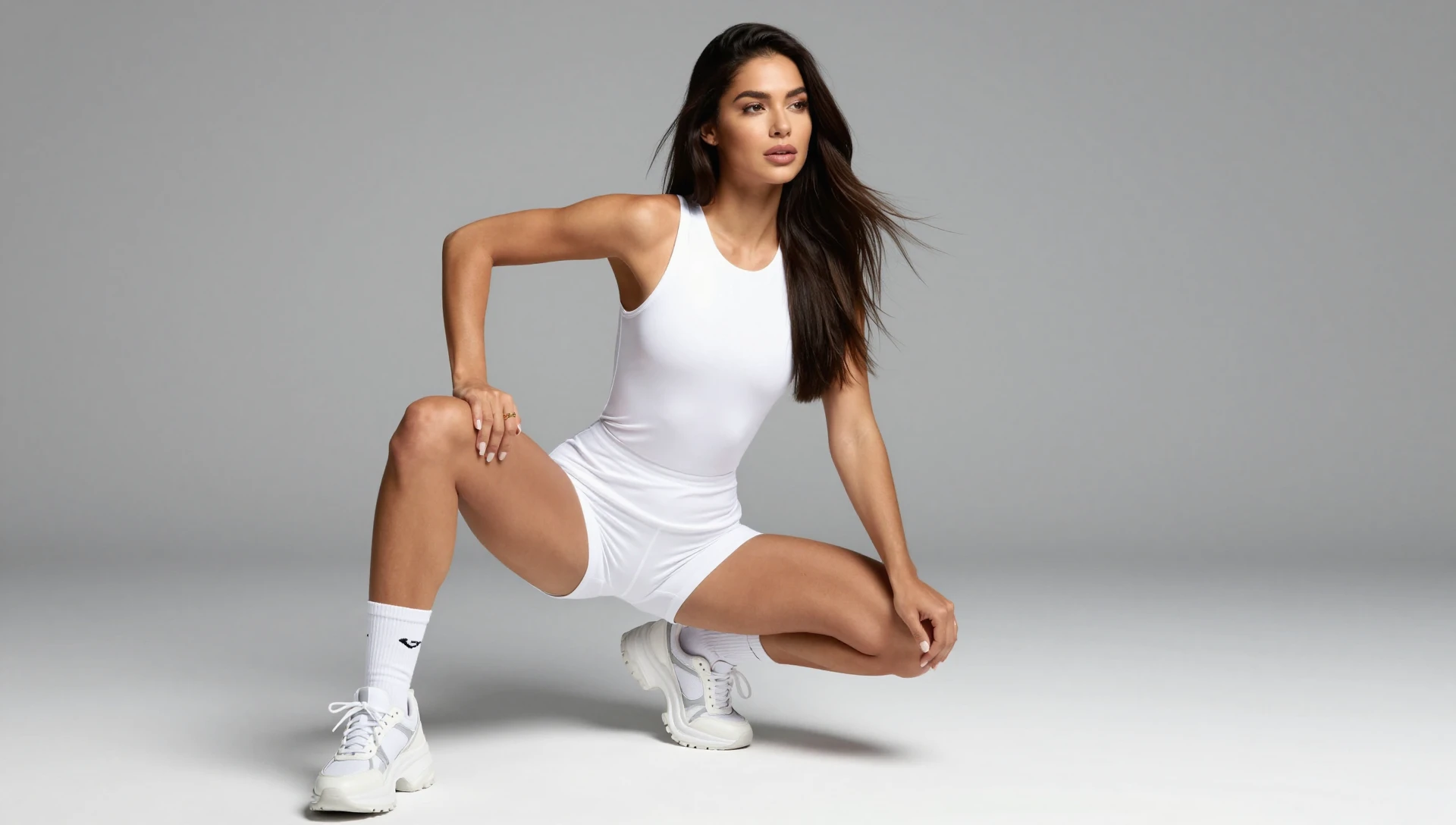
9.See it in action — real Imagera output
These are real, unedited results from the Imagera image generator — the exact tool this guide covers.