Why AI Images Look Fake: The Tells That Give Them Away (2026)
You generate an AI image, look at it carefully, and it seems fine. Then a client, a stock platform, or a trained eye spots it instantly as artificial. What are they actually seeing that you are not?
This is one of the most common frustrations for creators using AI tools commercially. The image looks convincing enough to your eye, but it does not hold up as a real photograph. The reason is not mysterious: the image carries specific, measurable quality problems that mark it as machine-generated rather than camera-captured. None of these problems are random. Each has a clear cause and a targeted fix.
This post breaks down every major tell that makes AI images look fake in 2026, explains exactly why each one registers as artificial, and gives you the fix for each. For a step-by-step walkthrough once you understand the problems, see the companion guide on how to make AI photos look real.
Quick answer: AI images get flagged because they leave consistent visual and metadata tells, such as garbled fine detail, impossible lighting, and missing sensor noise, that both human reviewers and automated detectors learn to spot.
1.What are the most common tells that make AI images look fake?
The most common tells are malformed hands and teeth, mismatched shadows, blurred or warped backgrounds, plastic-smooth skin, and garbled text on signs. Even at 4K or 8K, extra fingers and jumbled letters can slip through. Imagera's pipeline targets these in under a minute, adding realistic sensor-grain and correcting geometry errors before export.
2.Why do AI detectors still flag images that look perfect to humans?
Detectors read signals the eye misses: absent EXIF sensor data, unnaturally uniform noise, and frequency patterns left behind by the upscaling model. Much of a classifier's confidence comes from these invisible statistical fingerprints rather than obvious artifacts, which is why an image can look flawless yet still get flagged. Imagera counters this by rebuilding authentic 4K camera-noise profiles and running realism checks on every export, so the fine detail holds up under both human and automated review.
3.The Core Problem: Why AI Images Do Not Look Like Camera Photographs
Human perception is wired to focus on faces, emotional expression, and compositional coherence. We are not calibrated to notice statistical noise distribution, spectral frequency patterns, or metadata consistency -- but professional image reviewers, stock platform screening tools, and trained quality analysts are.
In 2026, images that read as artificially generated typically fail on one or more of four quality dimensions:
- Pixel-level texture -- skin, fabric, and surface materials that do not match how real-world physics renders them through a lens
- Noise and grain structure -- the absence of the optical noise pattern every real camera sensor produces
- Frequency-domain signature -- a spectral artifact introduced by the VAE encoder-decoder process that all diffusion models use
- Metadata and provenance -- missing or implausible camera EXIF fields, or cryptographically signed AI provenance markers
An image that looks fine to a casual viewer can still fail on any of these four dimensions. The sections below cover each specific tell and what to do about it.
4.The 8 Tells That Make AI Images Look Fake -- and How to Fix Each
| Tell | Why It Looks Artificial | The Fix |
|---|---|---|
| Too-clean noise / no grain | Real sensor noise follows predictable ISO-based distributions. AI images are noise-free or carry uniform synthetic grain that does not match any camera profile. | Add realistic grain in post at the correct distribution for the simulated sensor |
| Plastic / over-smoothed skin | AI training data skews toward heavily retouched beauty images. Output skin lacks pores, fine lines, and color variation. | Apply skin texture enhancement that adds pore detail and micro-variation |
| Perfect bilateral symmetry | Human faces and natural scenes have slight asymmetry. AI models often generate near-perfectly mirrored faces, a statistical impossibility in real photography. | Introduce deliberate minor asymmetry; use a refinement pass that adds natural micro-imperfections |
| Lighting inconsistencies | Shadows do not match the implied light source; catch-lights are symmetric or duplicated; subsurface skin scattering is missing. | Manual shadow correction or a lighting-aware refinement pass |
| Warped hands and malformed text | High-complexity regions that diffusion architectures consistently garble. Specific to the training process, not fixable at the prompt level alone. | Regenerate or inpaint hands and text separately; use a model with explicit hand and text training |
| Missing or anomalous EXIF | Real photos carry camera make, ISO, aperture, shutter speed, and lens data. AI files omit these or populate them with implausible values. | Restore plausible camera EXIF fields and strip AI software identifiers |
| Diffusion frequency fingerprint | Diffusion models process images through a VAE encoder-decoder, introducing a spectral pattern absent from real photographs. | Frequency-aware post-processing that disrupts the spectral signature without degrading visible quality |
| C2PA / SynthID provenance markers | Midjourney, Adobe Firefly, and Google Imagen 3 embed cryptographically signed Content Credentials or invisible watermarks in outputs by default. | Use a generator that does not embed C2PA by default, or a downstream workflow that does not propagate the manifest |
5.Tell 1: Too-Clean Noise
Real digital photographs are inherently noisy. Camera sensors -- especially at higher ISO settings -- introduce Photo Response Non-Uniformity (PRNU), a unique noise signature tied to the specific sensor. AI models generate images from latent noise that bears no resemblance to optical sensor noise. The result is either a completely grain-free image or, if the model adds stylistic grain, grain that is statistically uniform rather than spatially varied.
Photographic grain varies by luminosity zone: denser and coarser in shadows, finer in midtones, nearly absent in highlights. AI-generated grain tends to be uniform across all tonal ranges, which is a pattern that does not occur in real camera output at any ISO setting.
The fix: Add photographic grain that varies by luminosity zone using the distribution profile of a real camera sensor. Imagera's detail enhancement layer adds exactly this kind of spatially non-uniform grain as part of its realism pass.
6.Tell 2: Plastic Skin Texture
This is one of the most reliable quality failures in AI portrait output. AI image generators are trained on curated image libraries that skew heavily toward professionally retouched portraits. The models learn to reproduce the look of perfected skin rather than real skin, resulting in surfaces that are too smooth, too even in tone, and devoid of the micro-texture that characterizes actual human skin.
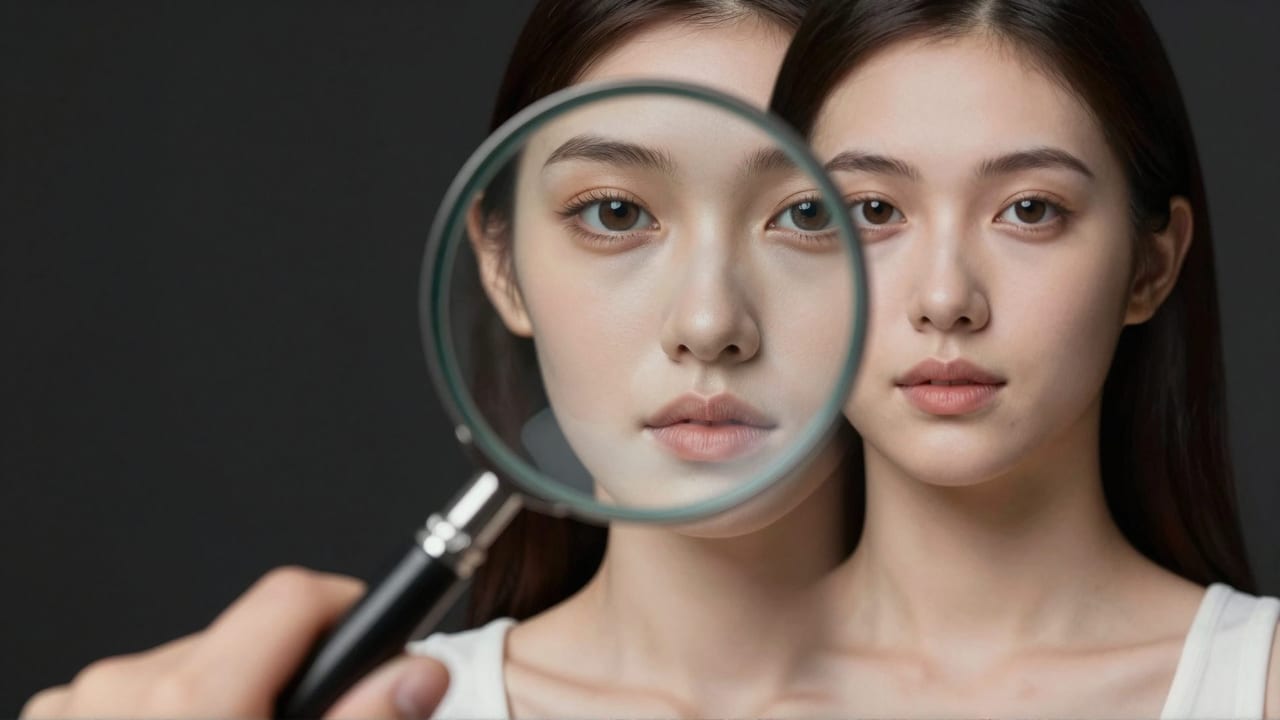
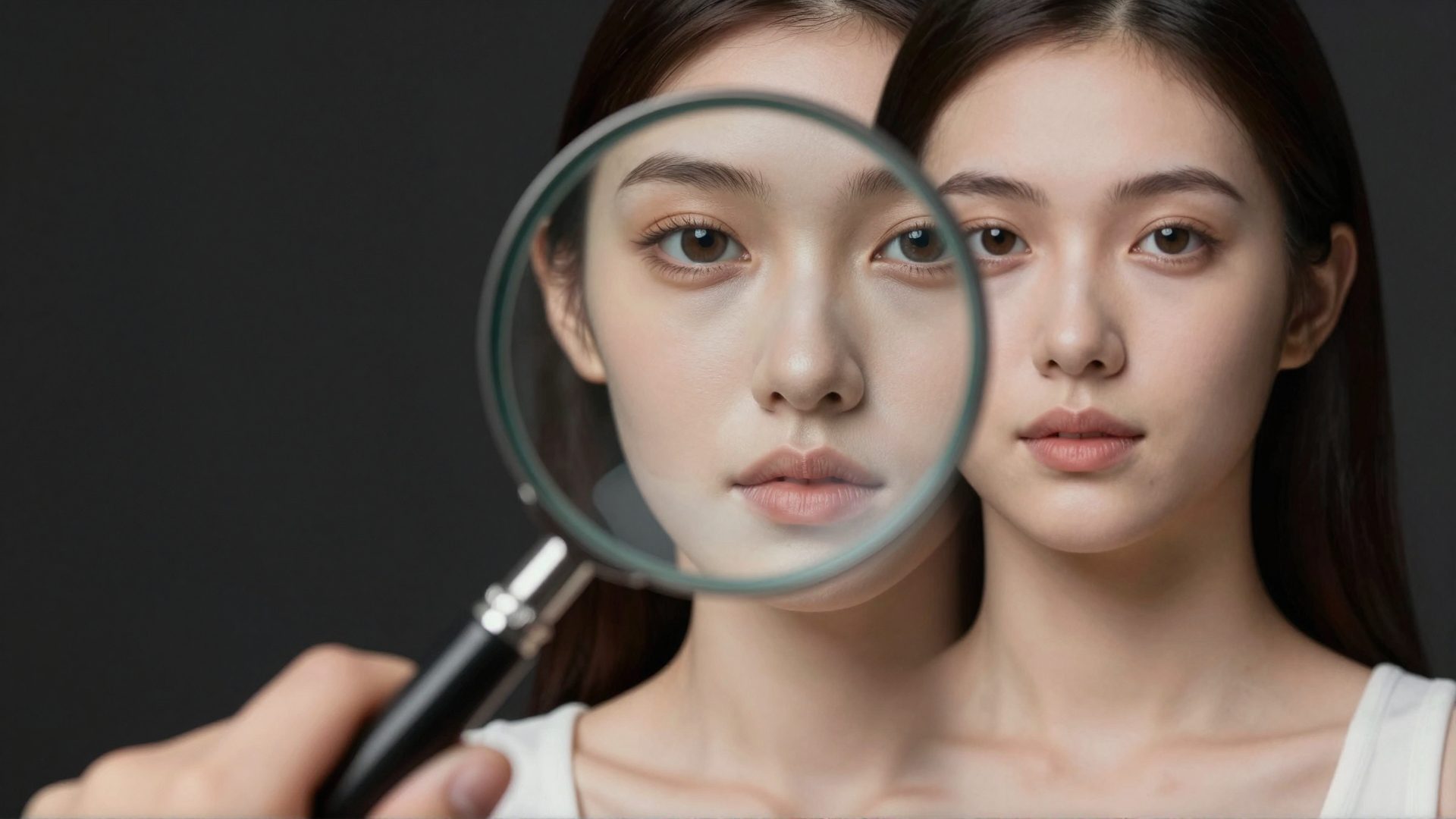
Real skin has pores with varying depth, fine hairs that catch light at shallow angles, color variation from subcutaneous vasculature, and subtle translucency from subsurface scattering. AI-generated skin approximates a painted surface. This is the single most common reason a portrait image reads as artificial rather than photographic, and it is immediately visible to any trained eye.
The fix: Apply a skin texture enhancement pass that introduces pore-scale detail and micro-color variation. This is the highest-impact fix for portrait images. Imagera's Imagera quality workflow prioritizes skin texture restoration as step one.
7.Tell 3: Perfect Symmetry and Unnatural Geometry
Nature does not produce perfect symmetry. Human faces have asymmetric features -- one eye slightly higher, a nose that tilts fractionally, a jawline that differs side to side. Most natural scenes contain random asymmetries from light angle, object placement, and depth perspective. AI models, especially those trained on curated composition data, have a tendency toward unnaturally balanced compositions and bilaterally symmetric faces.
This is not just a minor aesthetic issue. Perfect facial symmetry at the level many AI models produce is a statistical improbability in real photography. Anyone reviewing images with a quality-focused eye -- stock photo screeners, art directors, forensic reviewers -- will register it as a tell, even if they cannot articulate why.
The fix: Introduce deliberate minor asymmetry at the composition level. For portraits, a slight crop offset, a minor rotation, or a refinement pass that adds natural micro-imperfections to facial features will break the symmetry pattern and push the image toward photographic realism.
8.Tell 4: The Diffusion Frequency Fingerprint
This is the most technically sophisticated quality failure and the hardest to address without the right tools. Diffusion models generate images by running latent noise through a VAE (Variational Autoencoder) encoder-decoder process. This process introduces a consistent, subtle spectral signature in the high-frequency tail of the image power spectrum -- researchers have termed this "spectral tail uplift."
The pattern appears across diffusion-generated and VAE-reconstructed images, while real photographs processed through the same analysis pipeline do not show the same tail behavior. This frequency artifact is a genuine quality difference between AI-generated and camera-captured images, not a subjective judgment. Recent academic work (February 2026, arXiv:2602.00192) confirms that many quality-analysis tools rely heavily on these global frequency artifacts, and that the artifacts persist even after inpainting edits because the VAE reconstruction affects the entire image rather than just the edited region.
The fix: Frequency-aware post-processing that disrupts the spectral tail pattern without degrading visible quality. This is a more specialized operation than adding grain or fixing skin texture, and it requires tooling that operates at the pixel distribution level rather than the visual layer.
9.Tell 5: Missing or Implausible Camera EXIF Metadata
When a real camera captures an image, it writes a standardized block of EXIF metadata: camera make and model, lens focal length, aperture, shutter speed, ISO, GPS coordinates (if enabled), and software version. AI generators typically output images with empty EXIF blocks, or populate them with generic or implausible values -- for example, a focal length of 0mm, or a software field that reads "Midjourney v6."
For any use case where images need to hold up as professional photographic work -- stock libraries, editorial submissions, commercial portfolios -- missing or obviously artificial EXIF data is an immediate quality failure. Stock platforms and professional buyers increasingly check metadata as a baseline quality signal.
The fix: Strip AI software identifiers from the EXIF block and populate camera-plausible fields (make, model, lens, ISO, aperture) consistent with the image's apparent technical characteristics. This is a fast, targeted fix that addresses the metadata quality layer completely.
10.Tell 6: C2PA and SynthID -- The One Tell You Cannot Alter After Generation
Since late 2024, major generators including Adobe Firefly, Google Imagen 3, and Midjourney have begun embedding Content Credentials -- cryptographically signed provenance metadata following the C2PA standard -- in outputs by default. When these credentials are present, anyone with a C2PA-compatible viewer can verify the image's AI origin with certainty, because the creator's tool signed it at generation time.
Google's SynthID applies a similar but visual approach: an imperceptible watermark embedded in the pixel values of the image that survives resizing, compression, and cropping. Unlike EXIF, neither C2PA manifests nor SynthID watermarks can be altered after the fact. The provenance is baked in at generation.
The practical implication: If you need images that do not carry signed AI provenance for legitimate professional use cases (stock submission, editorial licensing), you need to generate with tools that offer a no-embed option, or use a downstream processing step that does not propagate the manifest. Stable Diffusion-based generators and many open-weight models do not embed C2PA by default.
11.How Different Quality Analysis Tools Weight These Tells
Not every quality analysis tool or professional reviewer weights all eight tells equally. Understanding the emphasis helps you prioritize fixes for your specific use case.
- Hive Moderation -- CNN-based classifier; strong at frequency fingerprints and skin texture; highest overall accuracy at roughly 89% across standard generators in current benchmarks
- Illuminarty -- Heatmap-based segmentation; surfaces the exact regions that look artificial; strong at hand anomalies and background edge artifacts; useful for diagnosing which tells are present
- AI or Not -- Generalist classifier with fast inference; more sensitive to metadata anomalies and obvious spatial artifacts than to subtle frequency fingerprints
- Stock platform screeners -- Typically combine metadata checks with classifier-based review; skin texture and symmetry are common failure points for portrait submissions
For any image that consistently reads as artificial, fixing a single tell is rarely enough. The most durable approach addresses at least the noise layer, skin texture, EXIF fields, and frequency fingerprint simultaneously.
See the full comparison in how AI image quality analysis works.
12.A Diagnostic Workflow: How to Figure Out Why Your Image Looks Fake
When an image reads as obviously AI-generated, treat it as a diagnosis problem rather than a black box.
- Start with a heatmap tool like Illuminarty -- it shows you exactly which regions look artificial, telling you whether you have a spatial artifact (hand, text, background edge) or a global signal (noise, frequency fingerprint)
- Check the EXIF block -- any free EXIF reader shows what the file contains; if you see AI software identifiers or empty fields, that is a fast fix
- Assess the skin at 100% zoom -- look for unnaturally smooth or repetitively textured surfaces; if it looks like painted porcelain, the skin tell is active
- Apply targeted fixes in order -- skin texture first, then noise grain, then EXIF, then frequency processing
- Review across multiple quality lenses -- what reads as professional-grade to one screener may still fail another; test the output against the standard for your specific use case
For a step-by-step guide on making the fixes after diagnosis, see the companion post on how to make AI images look authentic.
Imagera's enhancement tools cover steps 3 and 4 in a single pass, starting from Plans at $19.99/month. If you generate commercially and need consistently natural, authentic-looking output, the Pro plan at $19.99/month includes the full detail pipeline with frequency-aware processing.
For a full end-to-end walkthrough including which settings to use for each generator output, see the guide on make AI photos look real.
13.See it in action — real Imagera output
These are real, unedited results from the Imagera image generator — the exact tool this guide covers.