Quick answer: Yes. In 2026 you can train a FLUX or Qwen LoRA entirely online with Imagera using only your browser and 10-30 reference photos, with no local GPU, no CUDA setup, and no downloads.
1.How many images do you need to train a good FLUX or Qwen LoRA online?
For a reliable subject or style LoRA, upload 15-30 varied, high-quality photos: roughly 10 minimum for a face, and 20-30 for a broader style. Aim for at least 3-4 different angles, 2-3 lighting setups, and 1024px or larger source images. Piling on more than 100 photos rarely helps and can overfit, hurting output at 4K.
2.Why train a LoRA online instead of on your own GPU?
A capable local run often needs 16-24GB of VRAM and a multi-hour CUDA setup that many machines never finish. Imagera runs the full pipeline on managed cloud hardware, so a single LoRA can finish in roughly 10-30 minutes with zero driver headaches, and you pay in credits per training job rather than buying a card. GPU availability and environment setup are the two headaches that stop most people from training LoRAs at home, and an online workflow removes both.
3.Train a FLUX or Qwen LoRA Online, No GPU Required
TL;DR: You can train a LoRA online with no GPU in 15-45 minutes from 10-50 images — no CUDA drivers, no Python, no hand-captioning — using the Imagera LoRA Trainer. Cloud GPUs do the compute, auto-captioning handles dataset prep, and your finished model is usable instantly across Imagera and downloadable as a .safetensors file for ComfyUI or Automatic1111. Non-VIP runs start at 500 credits, and unlike single-engine online LoRA trainers, Imagera trains video LoRAs too (WAN 2.2, LTX-2.3) and lets you chain up to 4 styles in one generation.
You opened a FLUX LoRA tutorial, got three paragraphs in, and hit the wall everyone hits: "install Python 3.10, set up a venv, clone ai-toolkit or FluxGym, configure your H100, write a config.yaml, caption every image by hand." If you searched automatic1111 train lora or how to train a lora 2026 and landed on a Kohya guide, the advice becomes "rent an H100 and learn the command line" — which is not the answer a photographer, brand designer, or storyteller wants to hear.
The frustrating part is that the training itself is the easy bit. The barrier is entirely setup: environments, drivers, caption files, directory structures, trigger words, and a 12GB-to-80GB VRAM tax most people simply cannot pay. That is the friction this guide removes. By the end you will know exactly how to train a FLUX LoRA online (or Qwen, or a video LoRA) in a browser tab, which engine to pick for faces versus product shots versus motion, how many images and steps you actually need, and what it really costs versus owning a GPU.
Here are the four things to take away up front: (1) browser-based LoRA training online skips the entire setup tax — you upload images and click train; (2) FLUX and Qwen are different engines with different sweet spots, and picking right matters more than tuning hyperparameters; (3) the community-vetted dataset and step numbers (20-25 images, ~1,750-2,000 steps) are pre-baked into Imagera's smart defaults so you do not have to guess; (4) Imagera is the rare online LoRA trainer in 2026 that does both image and video LoRAs, supports LoRA chaining, and lets you download a real .safetensors file — so a single trained model is the start of a stack, not the finish line.

4.Do You Need a GPU to Train a LoRA in 2026?
Short answer: to train locally, yes — and that is exactly the barrier the train lora without gpu approach removes. Every DIY guide (Stable Diffusion Art, FluxGym, Kohya, Ostris AI Toolkit, RunPod) opens with a hardware requirement that quietly disqualifies most readers. Here is the 2026 VRAM reality, drawn from current community guides:
- FLUX dev local training: a GPU with at least 12GB VRAM, and realistically 16-24GB for comfortable runs.
- Qwen Image LoRA: community trainers report ~32GB VRAM (FlyMyAI / kombitz).
- FLUX.2 Dev local: around 80GB VRAM — H100 territory, far beyond any consumer card.
On top of VRAM, there is a time tax: locally, a FLUX run takes roughly 2.5-3 hours on an RTX 4090 and 4-5 hours on an RTX 3080, per community benchmarks. The HuggingFace team trains a FLUX.2 Klein LoRA in under 60 minutes (HuggingFace) — but only on rented enterprise hardware.
That is the whole case for cloud LoRA training, no Python required: the compute lives in the cloud, you never touch CUDA, and you skip both the VRAM wall and the multi-hour wait on a machine running hot on your desk.
5.What Is a FLUX/Qwen LoRA and Why Does It Matter?
A LoRA (Low-Rank Adaptation) is a small adapter that fine-tunes a large image model on your specific subject, style, or concept — without retraining the whole model. Instead of touching billions of parameters, LoRA trains a low-rank matrix that nudges the base model toward your face, your product, or your art style. The result is a lightweight file that "teaches" FLUX or Qwen something it never saw in its training data.
FLUX (by Black Forest Labs) is the workhorse for photorealistic portraits and brand imagery — lora training face work and likeness capture are its strength. Qwen Image (Alibaba's model) is documented inside Imagera as ranking #5 on the AI image arena for text-to-image quality, and it excels at text rendering inside images, complex compositions, and editing. The two are not interchangeable: choosing the right base model is the single biggest lever on output quality, ahead of any hyperparameter you could tweak.
Why it matters right now, in 2026:
- Prompt-only models drift. Type "the same woman" across ten generations and you get ten different women. A trained LoRA locks identity so your subject is consistent across unlimited outputs — the core reason custom lora training exists.
- The economics flipped. Owning a capable card is $1,000+ of hardware; renting an H100 is per-second billing on top of a learning curve. Browser training amortizes that across users — Imagera's non-VIP path quotes a 500-credit base for a standard run.
- Video LoRA arrived. Training is no longer image-only. Imagera trains LoRAs on the WAN 2.2 and LTX-2.3 video engines, so your subject keeps the same identity in motion, frame to frame — a capability most online trainers do not offer at all.
6.FLUX vs FLUX.2 vs Qwen Image: Which Engine Should You Train in 2026?
This is the question stale 2025 tutorials cannot answer, and it is where flux 2 lora training 2026 searches are heading. The 2026 split is real, and the deciding factor is usually likeness/character consistency versus text-and-composition — with the local hardware wall as the tiebreaker for why you train in the cloud at all.
| You want to train… | Pick this engine | Why | Local VRAM wall (the reason to use cloud) |
|---|---|---|---|
| A face, person, or brand likeness | FLUX | Strongest photoreal identity capture; the default for portraits | ~12-24GB |
| Text-in-image, editing, complex scenes | Qwen Image | Best prompt adherence and fine text rendering | ~32GB |
| Fast iteration / quick test runs | Z-Image Turbo | Imagera's fastest image trainer (~8 min) | High |
| A subject in motion (video) | LTX-2.3 Character or WAN 2.2 Video | Keeps identity frame to frame | Very high |
| Cutting-edge FLUX.2 quality | FLUX.2 (Dev/Klein) where available | Newest Black Forest Labs line | ~80GB (Dev) |
A 2026 nuance creators keep asking about: LoKr vs LoRA for character consistency. Per the MindStudio FLUX.2 Dev guide, LoKr "reaches usable likeness faster on small character datasets" — useful to know if you are training a single person from 15-25 images. The practical point stands either way: on Imagera you choose the engine, and the trainer adapts every default to it, so you are not hand-tuning rank and alpha to chase consistency.
Imagera's grounded engine lineup is Z-Image Turbo, FLUX, Qwen Image, WAN 2.2 (image and video), Qwen Edit, and LTX-2.3 (Character and Motion). If the FLUX.2 line is what you are after, the same browser workflow applies the moment a trainer is available — the method below does not change.
7.How to Train a FLUX or Qwen LoRA Online
The whole flow runs in the Imagera LoRA Trainer. No installs, no terminal. Here is the exact sequence.
7.1Step 1 — Upload 10-50 Reference Images
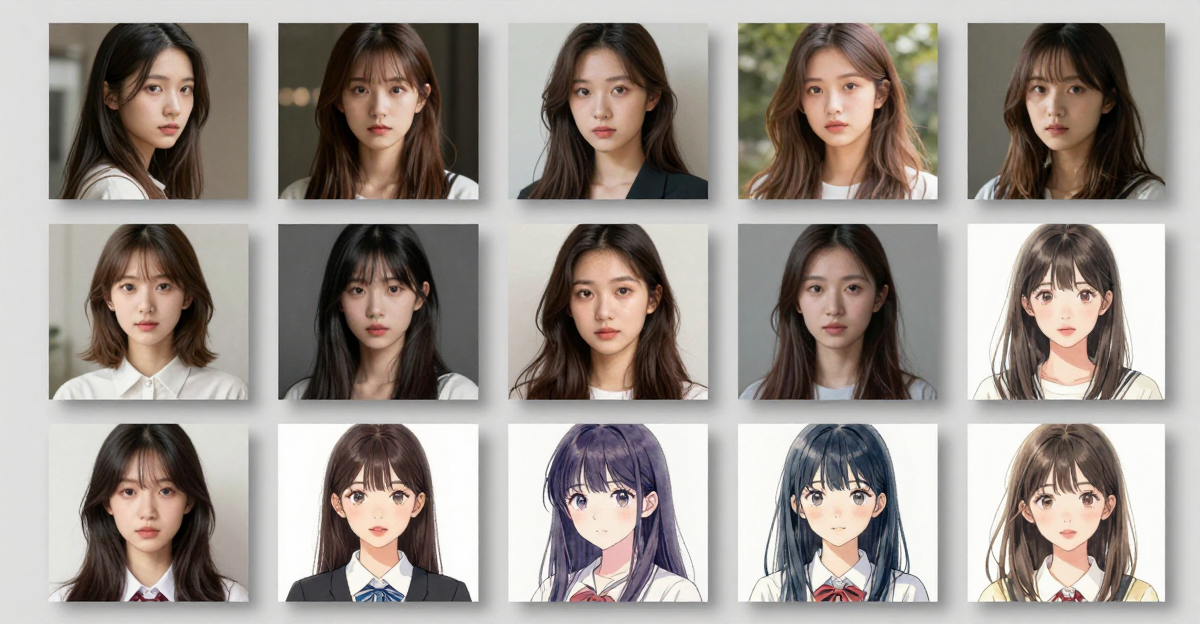
Drag and drop your dataset into the trainer. For a person or specific subject, 10 images is the recommended minimum; 20-50 diverse shots (different angles, lighting, backgrounds) produce a more flexible model. Imagera accepts JPG, PNG, and WebP, then automatically resizes, crops, and — critically — auto-captions every image. Manual captioning is the single biggest reason people abandon LoRA training; here the pipeline writes captions and tunes resolution for the style you chose, so you never open a text editor.
The quality of your dataset matters more than the count. Ten sharp, varied photos beat fifty near-duplicate selfies. For a product, shoot it on a clean background from multiple angles. For an art style, pick pieces that share the visual signature you want reproduced — not your entire portfolio. Imagera processes your images in isolated cloud environments and deletes them after training completes, and trained models are never shared publicly or used to train other models.
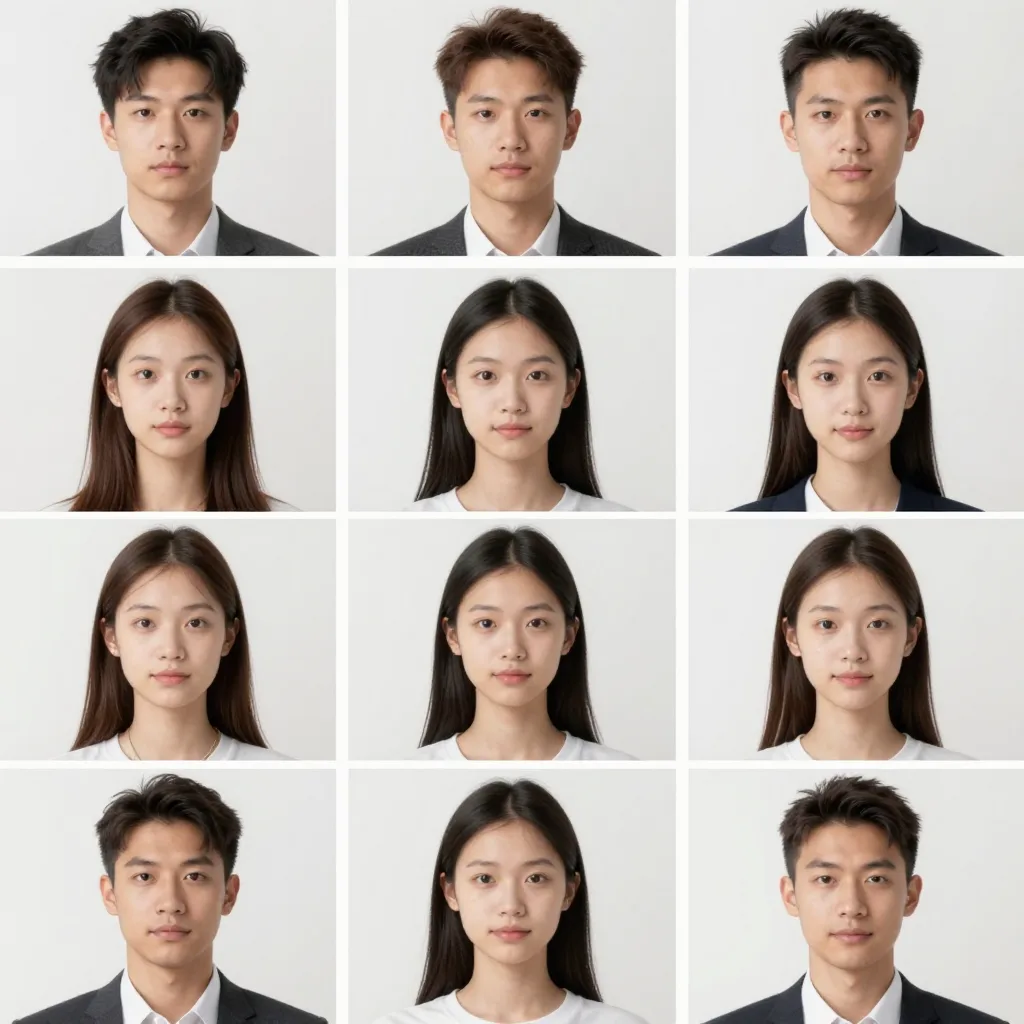
- Minimum 10 images; 20-50 for faces and styles
- JPG, PNG, WebP — auto-resized and auto-captioned
- Variety (angle, light, context) beats volume
- Images processed in isolated environments and deleted after training
7.2Step 2 — Pick Your Engine: FLUX, Qwen, or Video
This is where Imagera differs from single-engine tools. You choose the base model that fits your goal, and the trainer adapts every default to it. FLUX defaults to 28 inference steps; Z-Image Turbo to 8; the system never makes you guess. For likeness and brand photography, choose FLUX. For text-in-image, editing, and complex scenes, choose Qwen Image. To put your subject into motion, choose a video engine (LTX-2.3 Character or WAN 2.2 Video) and upload short clips instead of stills.
Each engine assigns a trigger word or trigger phrase — the token you type at generation time to summon your trained subject. This is not cosmetic: in Imagera's configuration FLUX uses a trigger_word, while Qwen Image and the video engines use a trigger_phrase, reflecting how each model resolves your subject token. Beginners can leave every other parameter on its smart default. Advanced users can override learning rate, training steps, LoRA rank, network alpha, batch size, and resolution.
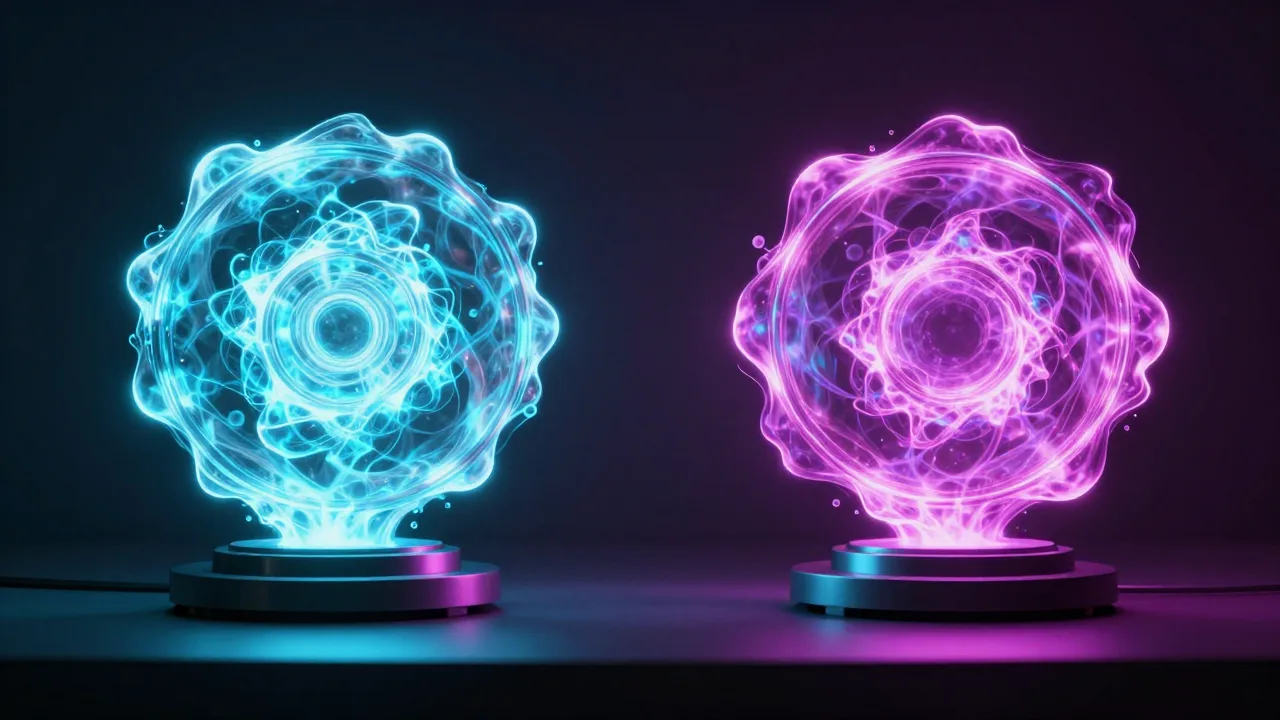
- FLUX → photorealistic faces, portraits, brand imagery
- Qwen Image → text rendering, editing, complex composition
- Video engines (LTX-2.3 / WAN 2.2) → consistent subject in motion
- Smart defaults per engine; full parameter control for advanced users
7.3Step 3 — Train, Then Use Instantly or Download the File
Click train. Cloud GPUs handle the compute, and a typical job finishes in 15-45 minutes depending on dataset size and step count — the video engines run longer (LTX-2.3 Character is ~25 min, WAN 2.2 Video ~30 min). You watch progress in the training queue in real time — no overnight waits, no machine running hot on your desk. When it completes, your model is live across Imagera immediately, and a Download button gives you the trained .safetensors weights to keep.
From there it is yours two ways. In-app, select it in the Image Generator and generate on-model images in any scene, or, in the LoRA Generate studio, stack it with other styles. Out of app, the downloaded .safetensors drops into a local ComfyUI, Automatic1111, Forge, or InvokeAI models/Lora folder like any other LoRA. That dual path — instant in-app and a portable file — is what frustrated download trained lora safetensors comfyui searchers are actually looking for, and it is why you can run several training jobs in an afternoon instead of babysitting one machine overnight.

- Cloud-GPU training, 15-45 minutes typical (video engines longer)
- Real-time progress in the training queue
- Model hot-loaded into your account and downloadable as
.safetensors - Usable instantly in image generation, editing, and LoRA chaining
"The barrier to LoRA training was never the math — it was the environment. Drivers, captions, config files, a 32GB or 80GB VRAM wall. We moved every bit of that into the cloud so a creator's first decision is which engine to pick, not which Python version to install." — Imagera engineering team
8.How Do You Caption Images for a FLUX LoRA? (And Why You Won't Here)
If you have read any r/FluxAI captioning thread, you know the dread. The community-recommended workflow is to "caption with WD14 and an LLM in natural language so you feed both the CLIP and T5 text encoders," then "describe each image without describing the style, and tie the style to a unique trigger token like txcl." It works — and it is exactly the kind of fiddly, multi-tool, hand-edited busywork that makes people quit before their first run finishes (captioning notes citing r/FluxAI).
Here is the honest version: captioning is the single biggest abandonment point in LoRA training, and most "online" trainers still hand it back to you. Imagera's pipeline auto-captions every image you upload — no WD14 install, no LLM prompt-writing, no per-image text files to edit, and no manual trigger-token bookkeeping (the engine assigns and tracks the trigger_word/trigger_phrase for you). If you are an advanced user who wants control, you still can; but the default removes the friction that the flux lora captioning trigger word searches are circling around.
9.How Many Images and Training Steps Do You Actually Need?
The community numbers are remarkably consistent, and people search for them constantly. The vetted how many images to train a flux lora consensus from r/FluxAI and Stable Diffusion Art:
- Images: ~10-20 for a single face, 20-25 as the all-round sweet spot, up to ~50 for a flexible style. More is not better past that point.
- Steps: 500 minimum, with ~1,750-2,000 steps cited as the sweet spot for a clean character LoRA. Push too far and you hit the classic lora training overtrained failure — a rigid, "burned" likeness that ignores your prompt.
Imagera's grounded per-engine defaults are built around this. The image trainers (FLUX, Qwen, WAN 2.2 Image) ship with a 1,000-step training default, a 500-step minimum, and a 4,000-step maximum, with dataset guidance of 15-30 images per run — i.e. the community sweet spot, pre-set, so you do not guess and you do not overtrain. (Note: the non-VIP credit-billing path floors billed steps at 2,000 and caps at 40,000 — separate from the per-engine training defaults above.) If you genuinely want to dial steps up or down, the advanced panel lets you, but the safe answer for most subjects is: leave the default alone.
10.Cloud Credits vs Owning a GPU: The Honest 2026 Math
If you are searching for the best cloud platform for training custom lora models, you are really asking one question: is paying per run cheaper than owning hardware? Here is the unspun comparison.
| Path | What you pay | What you also pay (hidden) | When it wins |
|---|---|---|---|
| Imagera (cloud, no GPU) | From 500 credits per non-VIP run | Nothing else — no hardware, no setup time | You want zero setup, multiple engines, and a file you can keep |
| Own a consumer GPU | $1,000+ card (12-24GB) | Can't train Qwen (~32GB) or FLUX.2 Dev (~80GB); 2.5-5h per run | You train constantly and already own a 4090-class card |
| Rent an H100 | Per-second cloud billing | CLI/Python setup, driver config, you manage the box | You're a developer comfortable on the command line |
| Developer API (fal/Replicate) | ~$0.002-0.008 per step | You write the integration; single-engine; no in-app use | You're wiring an API and only need one engine |
Two honest trade-offs. First, raw developer APIs can be cheaper per run if you already have the tooling — Imagera's value is removing setup, adding engines (image and video), giving you the file, and integrating the result, not undercutting an API on per-step price. Second, owning a GPU only pencils out if you train often and never need the engines your card cannot fit. For most creators, the 12GB/32GB/80GB VRAM wall is the deciding fact — and it is the exact pain the do you need a gpu to train a lora question is really about.
11.How Does Imagera Compare to Other Online LoRA Trainers?
Most LoRA trainers are either developer APIs (you bring the code) or single-engine, image-only tools. Here is how the real online lora trainer 2026 options stack up. All competitor figures are sourced from each vendor's own pages and should be re-checked before relying on them, as third-party pricing changes often.
| Tool | 2026 price per training | Max scope | Unique feature | When to choose Imagera |
|---|---|---|---|---|
| Imagera LoRA Trainer | From 500 credits (non-VIP) | FLUX, Qwen, WAN, LTX — image and video | Trains video LoRAs + chains up to 4 styles; instant in-app + .safetensors download | You want zero setup, multiple engines, and video LoRA in one place |
| fal.ai FLUX/Qwen Trainer | ~$0.002-0.008/step | FLUX or Qwen, image | Latest engines via API | You're a developer wiring an API for one engine |
| Replicate (ostris flux-dev) | ~$1.85 per ~1,000-step run | FLUX only, image | Per-second H100 billing | You're comfortable with the CLI and want raw FLUX |
| Civitai On-Site Trainer | From ~500 Buzz (more for FLUX/video) | SD, SDXL, FLUX, Qwen — image | Public model marketplace | You want training private to your account, not a public listing |
| BasedLabs / loraai.io | Per-vendor | FLUX or Qwen (separate flows), image | Simple single-engine UI | You need image and video, or chaining, in one tool |
The genuine gap the SERP leaves open: none of the top-ranking pages cover image and video LoRA in one browser tool with chaining. DIY guides assume you own a 12GB+ GPU; single-engine SaaS does FLUX or Qwen; developer APIs make you build. That image-plus-video-plus-chaining combination is Imagera's grounded differentiator — and it is why the train video lora wan 2.2 lora and sdxl lora training online crowds both end up here.
Ready to train your first model? Open the Imagera LoRA Trainer and upload your photos. Credits included on signup.
12.Under the Hood: FLUX vs Qwen Training Mechanics
The reason engine choice beats hyperparameter tuning comes down to how each base model learns. LoRA training injects low-rank matrices into the attention layers of the base transformer. FLUX and Qwen have different architectures, so the same dataset trains differently on each — and Imagera tunes the per-step cost, step defaults, and caption field to match.
Imagera's pricing is derived from a single config knob, not hardcoded. For VIP runs on a connected account, the fee scales with the model and step count via the formula credits = ceil5(costPerStep × steps × markup ÷ USD_per_credit). The non-VIP credit-only path is simpler: a 500-credit base at the 2,000-step floor, plus 100 credits per additional 1,000-step block, with steps clamped to a 40,000-step cap. That floor-and-block model is why a standard run lands at 500 credits regardless of which engine you pick.
| Engine | Default steps | Caption field | Best for | Trade-off |
|---|---|---|---|---|
| FLUX | 28 inference (training 1,000 default) | Trigger word | Likeness, portraits | Slower base inference than turbo models |
| Qwen Image | 28 inference (training 1,000 default) | Trigger phrase | Text, editing, composition | Larger model footprint |
| Z-Image Turbo | 8 inference (training 1,000 default) | Default caption | Fast iteration, no-LoRA generation | Less identity fidelity than FLUX |
| WAN 2.2 Image | 27 inference (training 1,000 default) | Trigger phrase | Cinematic, high-detail look | Longer than FLUX |
| LTX-2.3 / WAN 2.2 Video | 27-30 inference (1,000-1,500 default) | Trigger phrase | Consistent subject in motion | Longer training, video clips needed |
The practical takeaway: FLUX's trigger word and Qwen's trigger phrase are not interchangeable — they map to different fields in the training request (trigger_word versus trigger_phrase) and reflect how each model resolves your subject token. Use the trigger you were given at training time, and lean on smart defaults unless you have a specific reason to change rank or learning rate.
13.Real-World Use Cases
Personal brand, no repeat photoshoots. Challenge: A creator needed fresh on-brand portraits weekly but could not book a studio every time. Solution: They trained a FLUX LoRA on 25 photos of themselves. Result: Consistent portraits in any outfit, setting, or lighting, generated on demand — the same face every time, no drift.
E-commerce catalog at scale. Challenge: A store had hundreds of SKUs needing lifestyle shots and new angles. Solution: They trained a Qwen LoRA per product line on existing product photography. Result: New angles and seasonal variations generated without physical reshoots, scaled across the catalog.
A character that stays consistent — in video. Challenge: A storyteller needed one character to look identical across scenes and move naturally. Solution: They trained an LTX-2.3 Character video LoRA on reference clips, then chained it with a style LoRA. Result: The same identity, frame to frame, in cinematic motion — something prompt-only video tools cannot hold.
A signature look that is hard to clone. Challenge: An artist wanted a reproducible aesthetic that competitors could not reproduce with a single prompt. Solution: In LoRA Generate, they chained their trained style LoRA with up to three more from Imagera's 100,000+ CivitAI catalog. Result: A layered "recipe" of stacked LoRAs producing a distinct visual signature that is difficult to copy with one prompt.
Train more models without buying hardware. Challenge: A small studio wanted several models but could not justify a GPU purchase. Solution: They ran successive 500-credit training jobs. Result: A library of private, account-bound models — each one downloadable as a .safetensors file — for far less than a single H100 card.
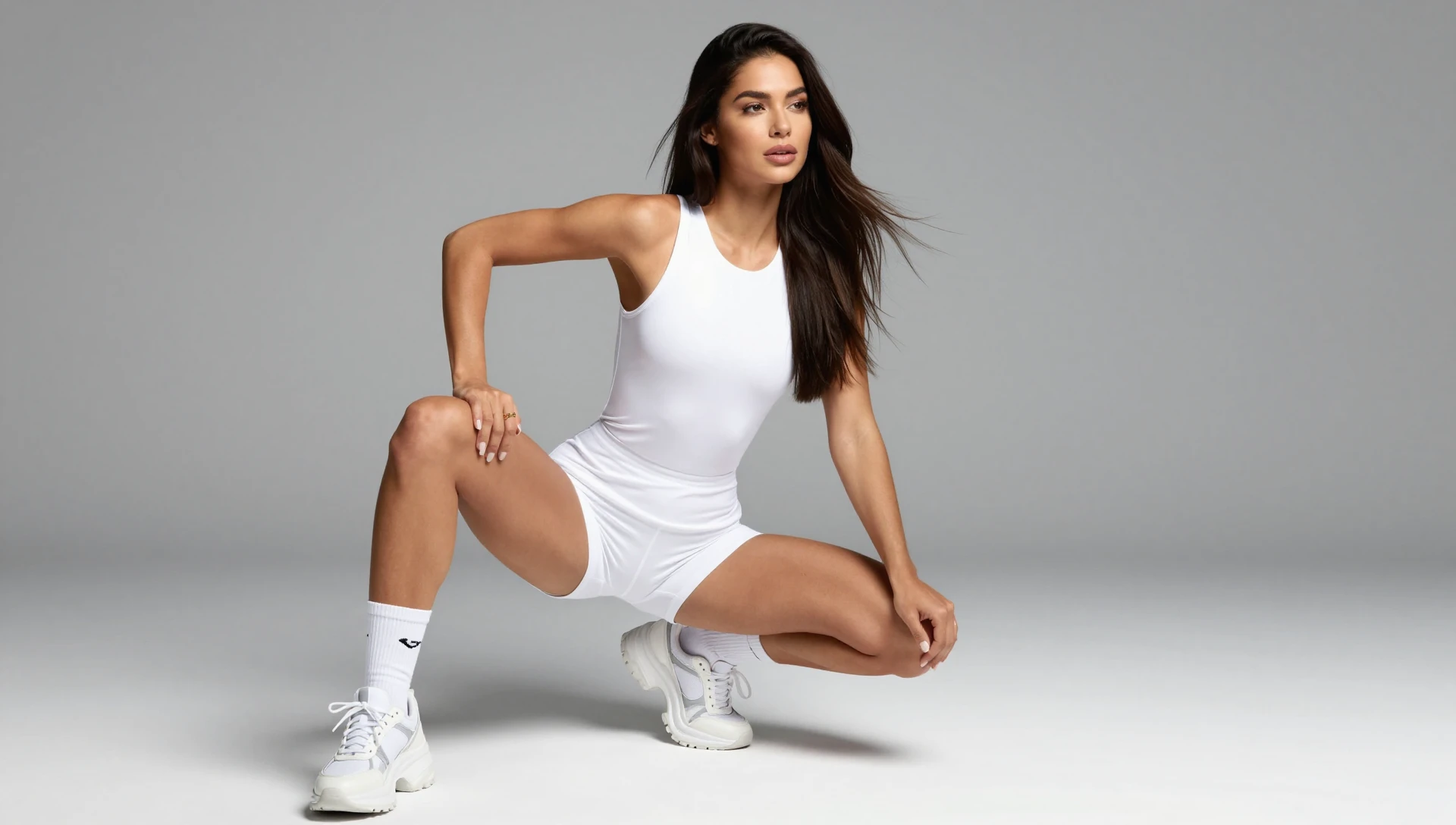
14.See it in action — real Imagera output
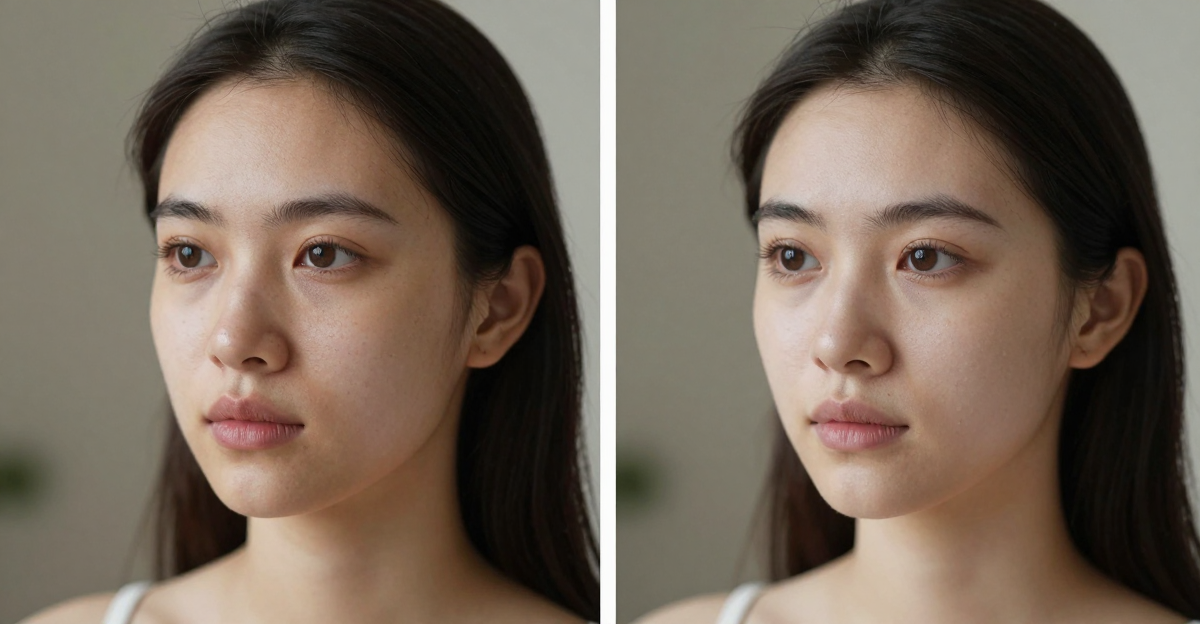
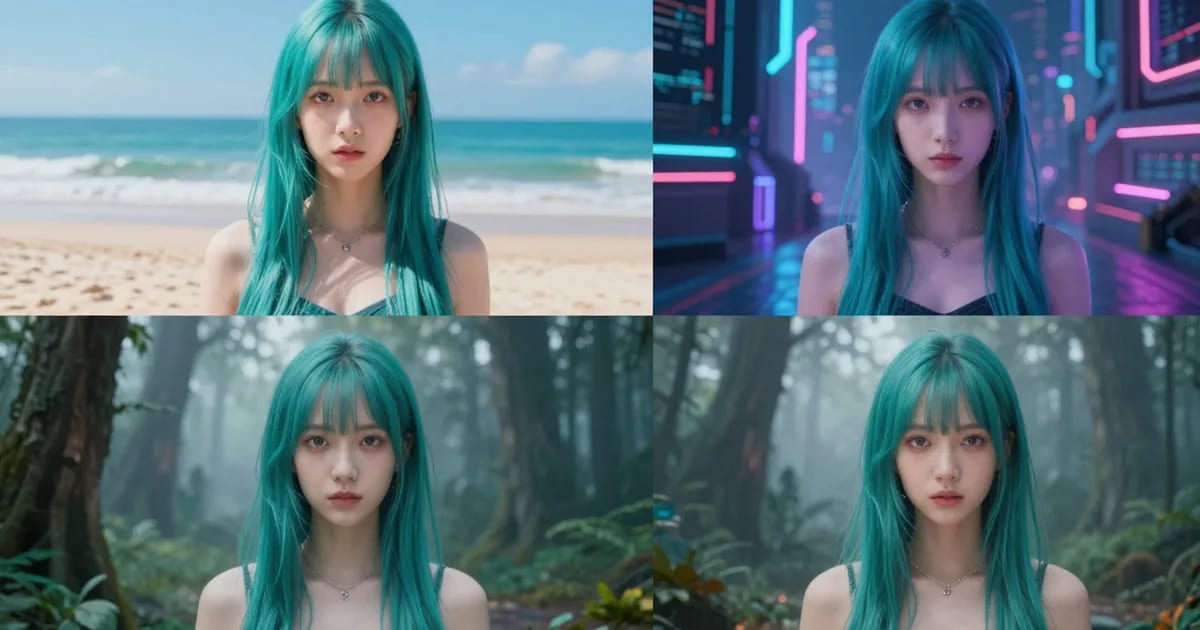
These are real, unedited results from the Imagera lora trainer — the exact tool this guide covers.

15.Related Resources
- How to Train a LoRA Model Online, No GPU (2026) — the general step-by-step companion to this engine-specific deep-dive
- Create Cinematic AI Video With a LoRA Online — the motion-focused workflow for video LoRAs
- Imagera LoRA Trainer — train your FLUX, Qwen, or video LoRA in the browser
- LoRA Generate studio — generate and chain with your trained models
- Best Cinematic WAN 2.2 Video LoRAs (2026) — motion and style LoRAs to chain with your trained subject
- Best LoRA Models for Realistic AI Images (2026) — curated styles to chain with your own
Train your first FLUX or Qwen LoRA today. Open the Imagera LoRA Trainer, upload 10-50 photos, and have a working custom model in under an hour — no GPU, no Python, no captioning, with the trained .safetensors yours to keep.