AI Clothes Remover
Replace or restyle outfits in photos while keeping the person, pose, and lighting.
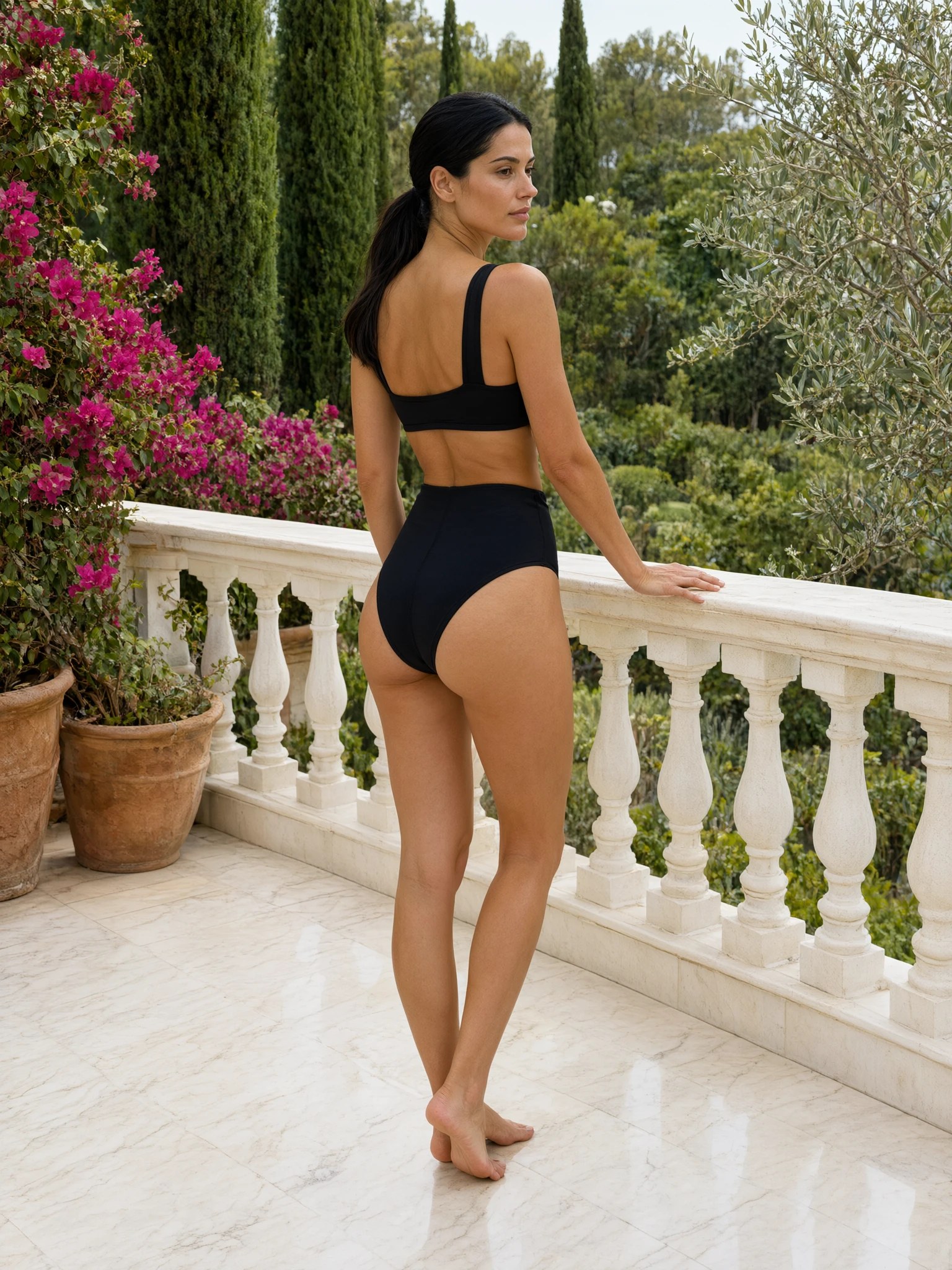
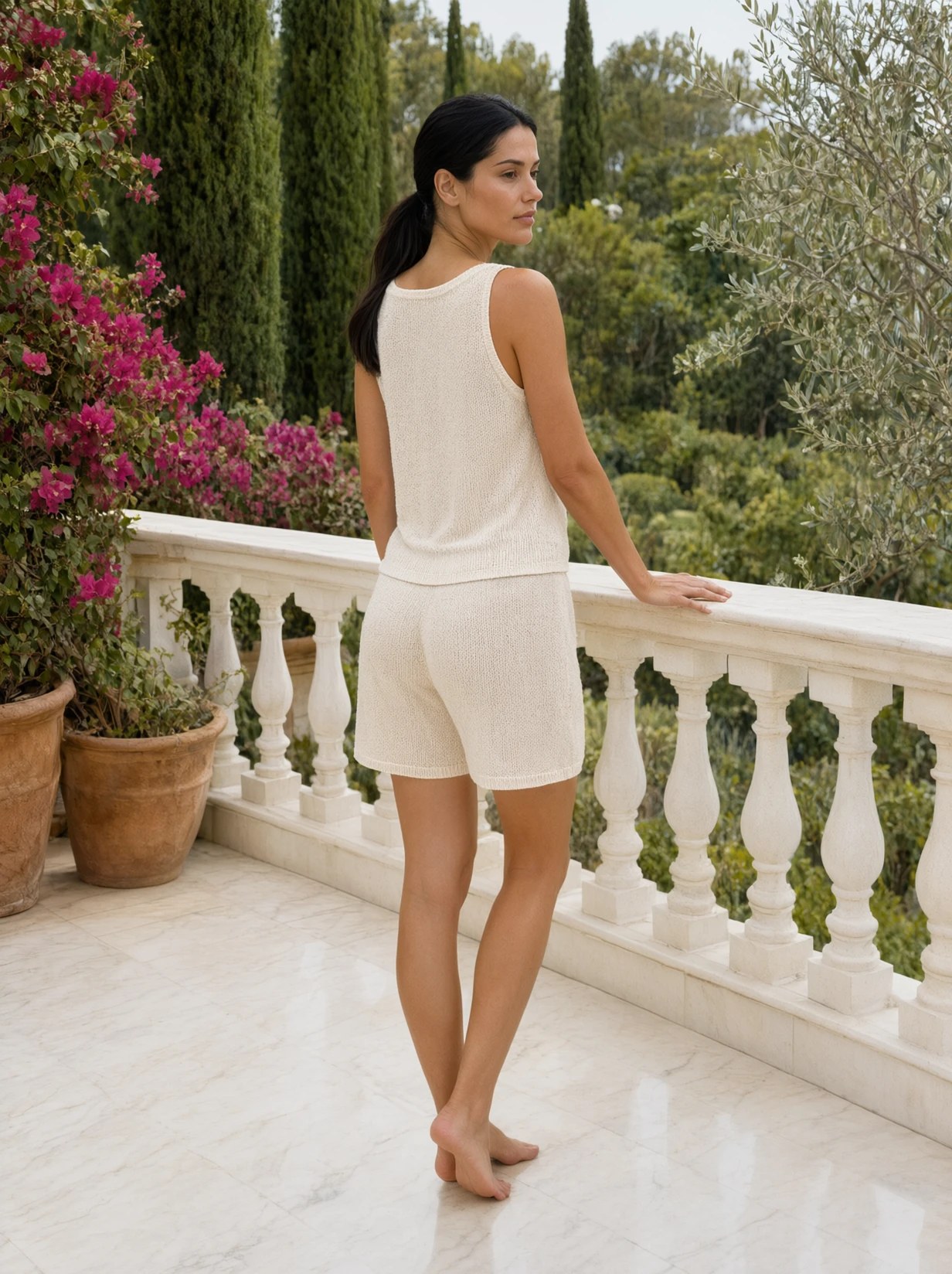 BeforeAfter
What is an AI clothes remover?
An AI clothes remover is a photo editor that replaces or restyles clothing in an image while keeping the person, pose, and lighting. On Imagera you upload a photo, describe the new outfit, and generate a catalog-ready edit in the browser. It is a fashion tool, not a nudify bot. Digitally undressing photos of real people is prohibited.
- Credits
- From 10 per edit
- Files
- JPEG, PNG, WEBP
- Use
- Fashion and catalog only
Updated September 3, 2026
Cite this page: https://imagera.ai/image/ai-clothes-remover
Create natural outfit swaps
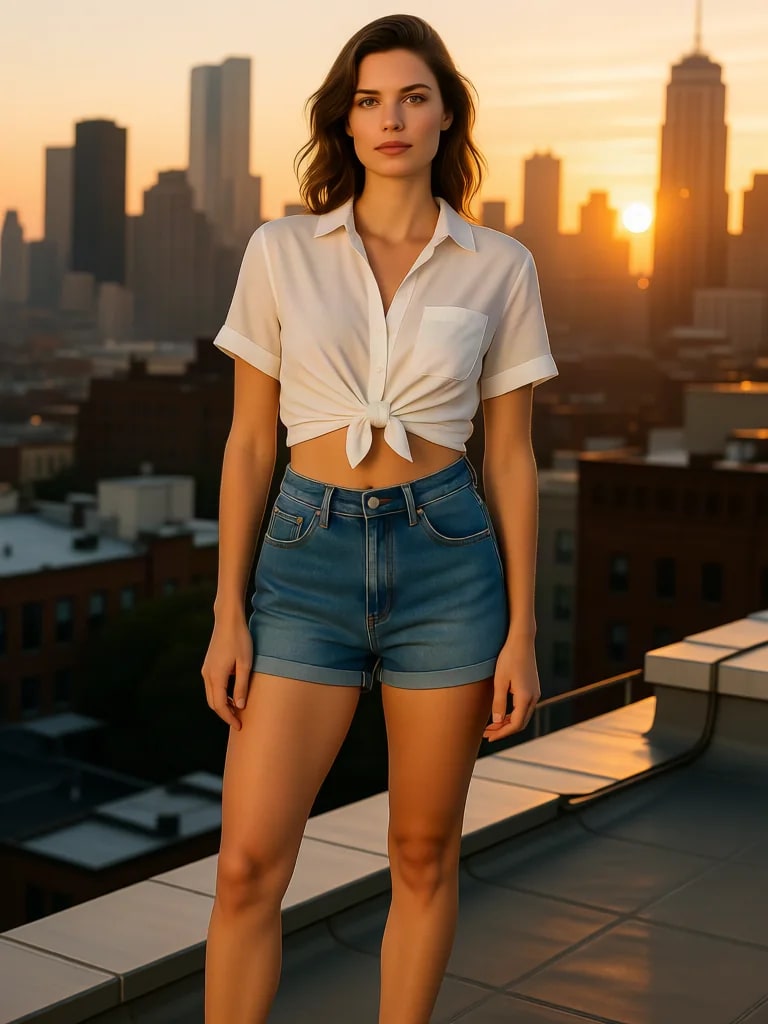
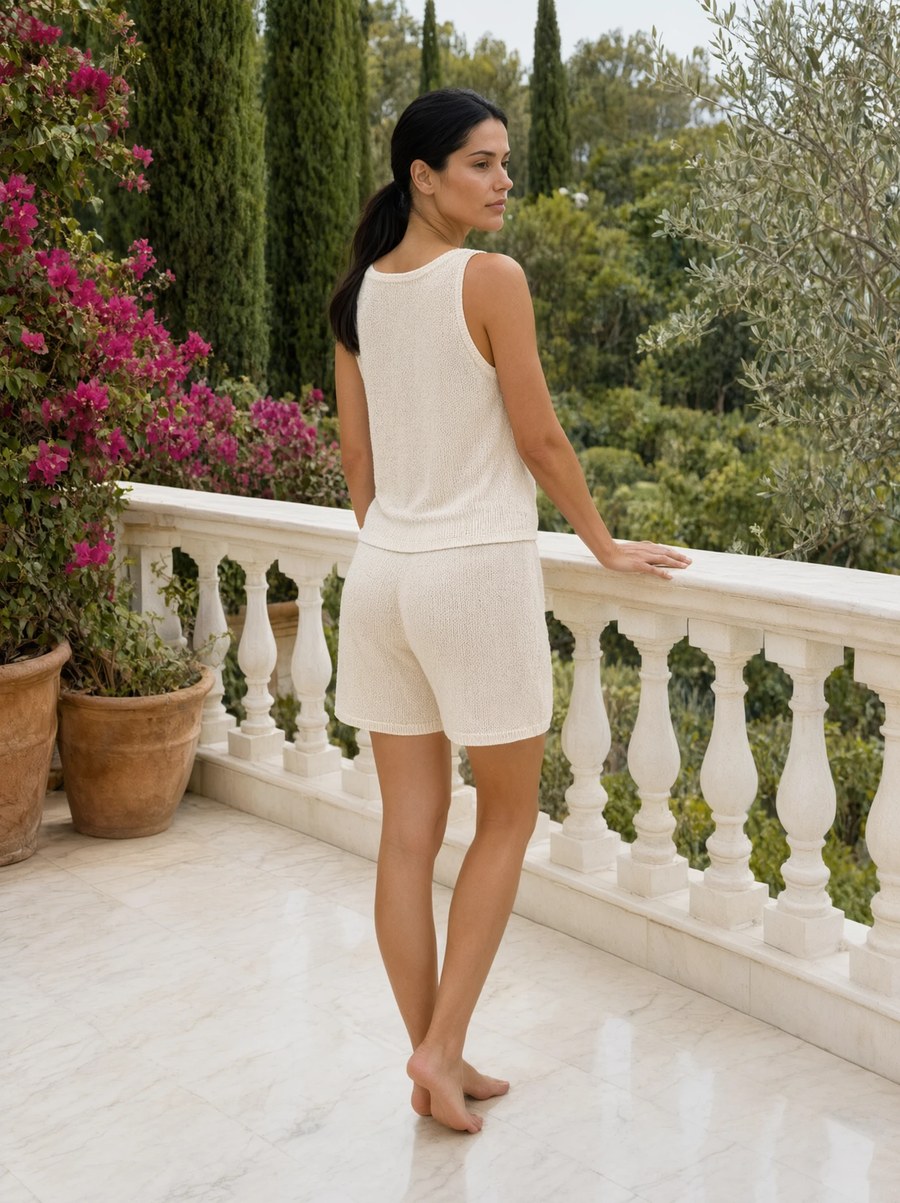
Replace the outfit, keep the person
The AI reads how cloth sits on this body — folds, drape, seams — then paints a new garment into that pose. Proportions and posture stay put so the result still looks like the same shoot.
Know more →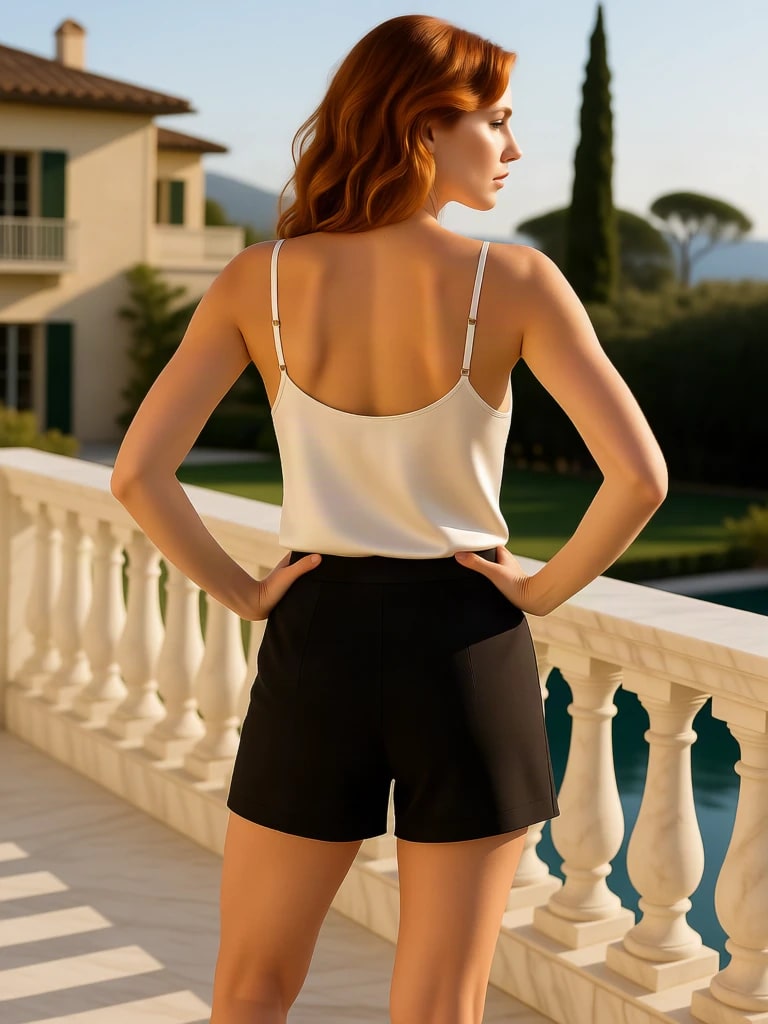
Prompt-based wardrobe control
Name the piece, the fabric, and the colour. A linen summer set, a charcoal suit, a mesh-panel activewear kit — the brief is a stylist note, not a layer stack.
Know more →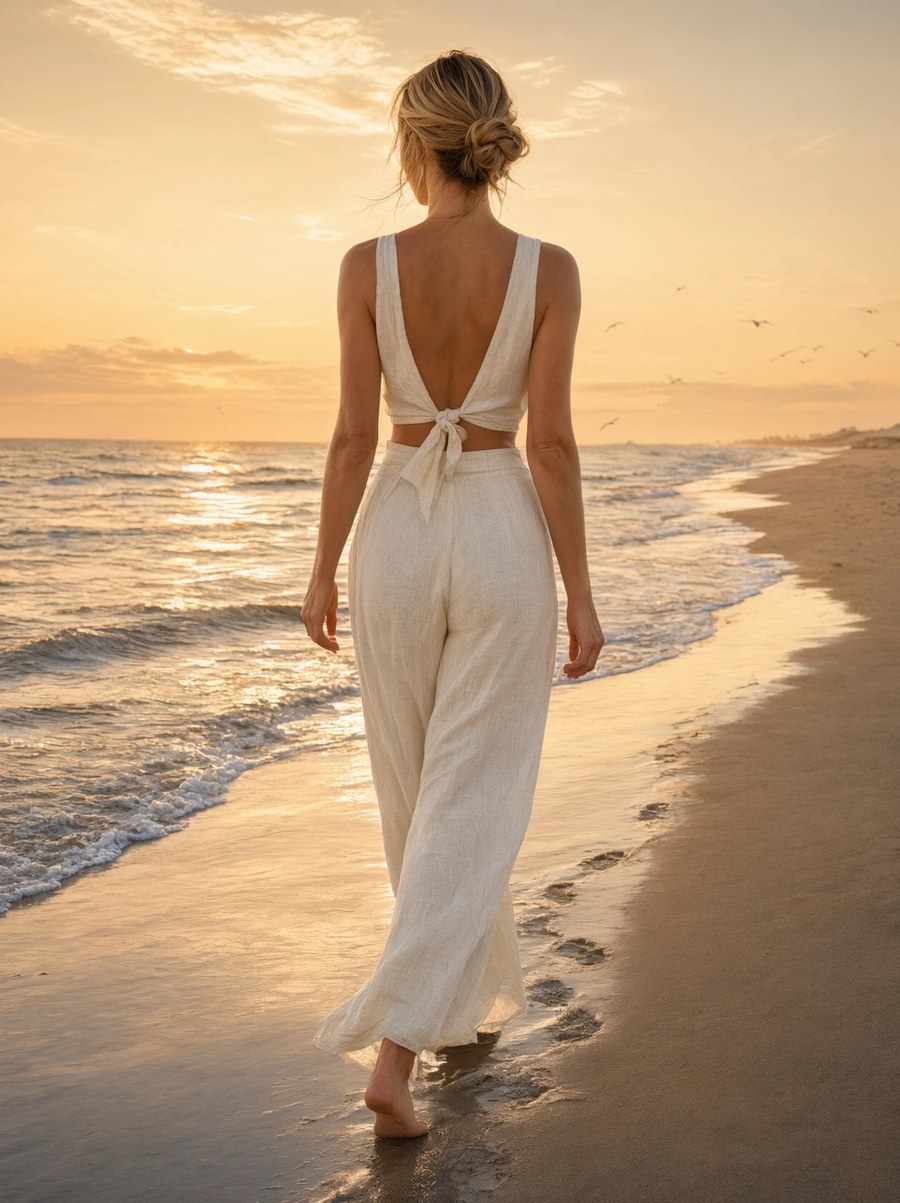
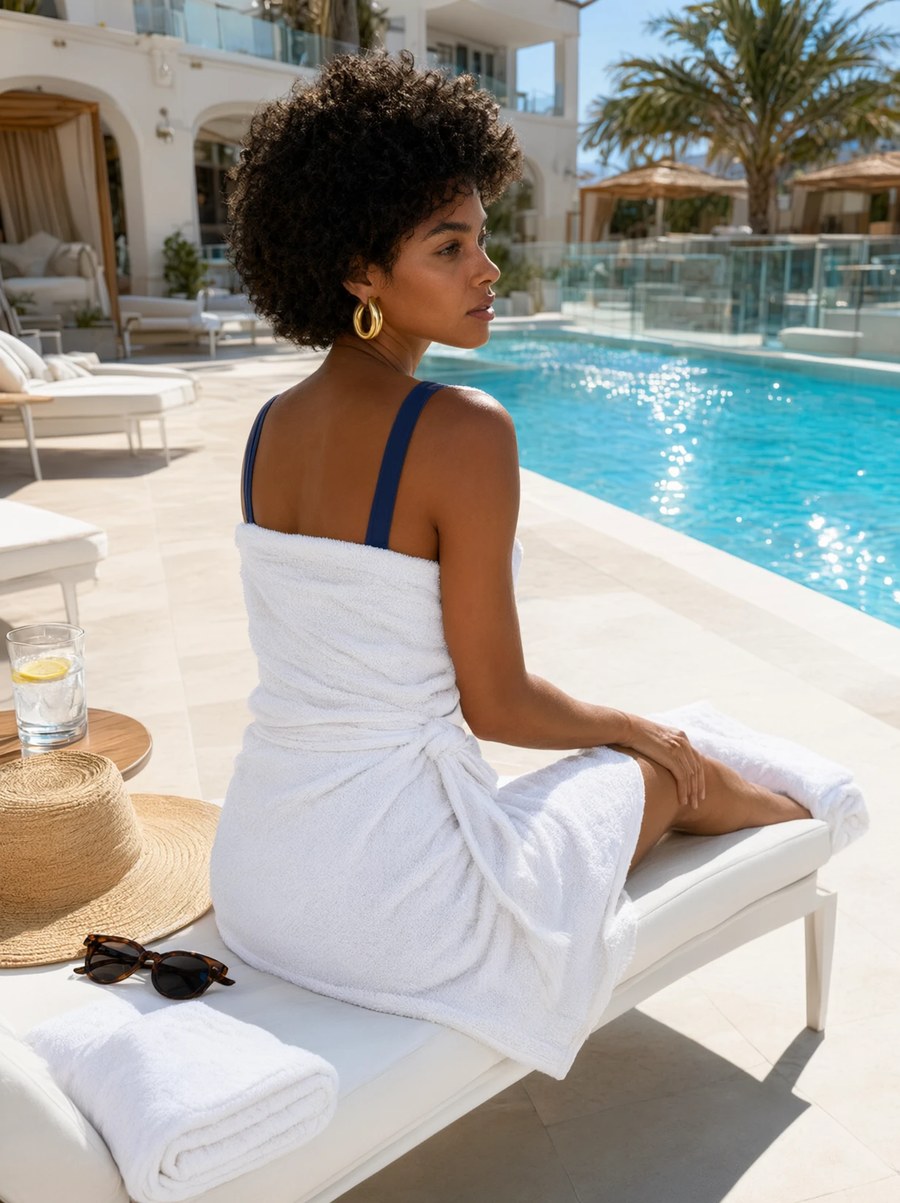
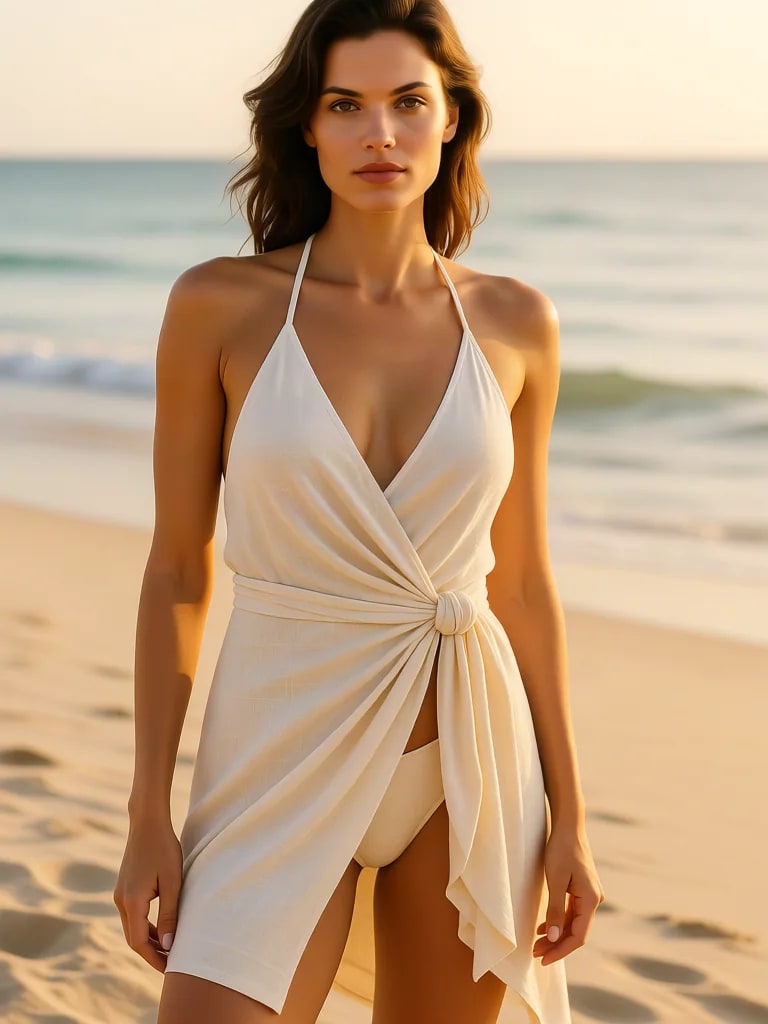
Lighting and texture that match the photo
New clothes pick up the existing light: daylight, studio strobe, or a dim interior. Denim stays matte, silk keeps a sheen, leather holds its highlights instead of looking pasted on.
Know more →Key features of AI Clothes Remover
From ecommerce catalogs to social looks — same person, new wardrobe.
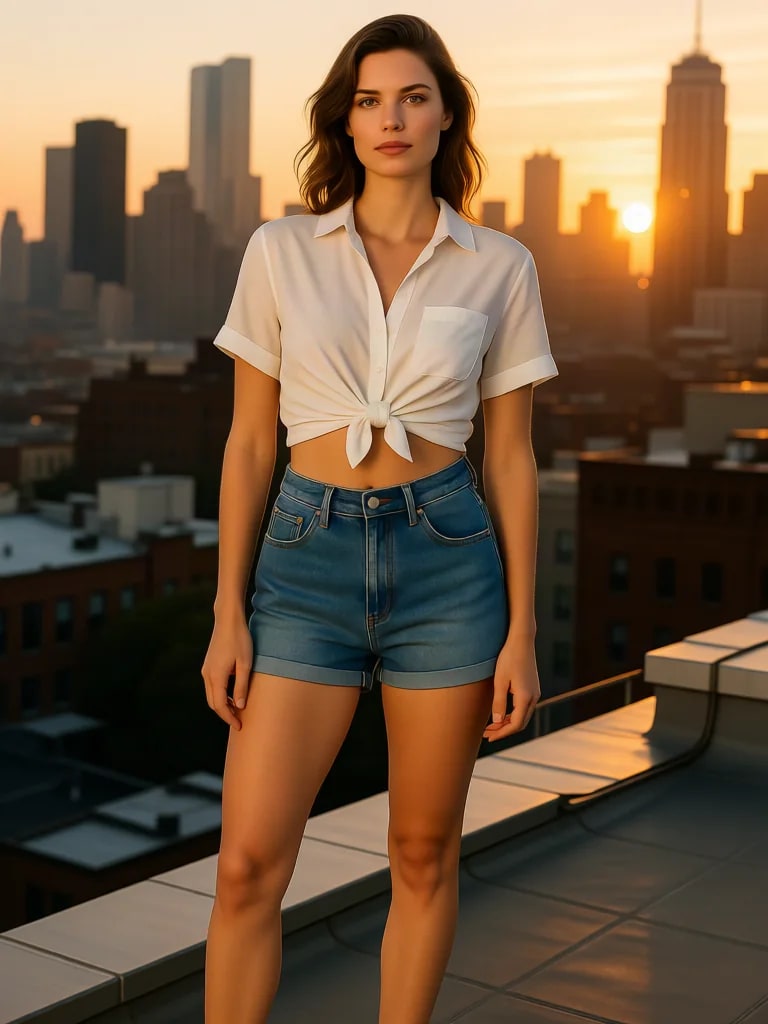 BeforeAfter
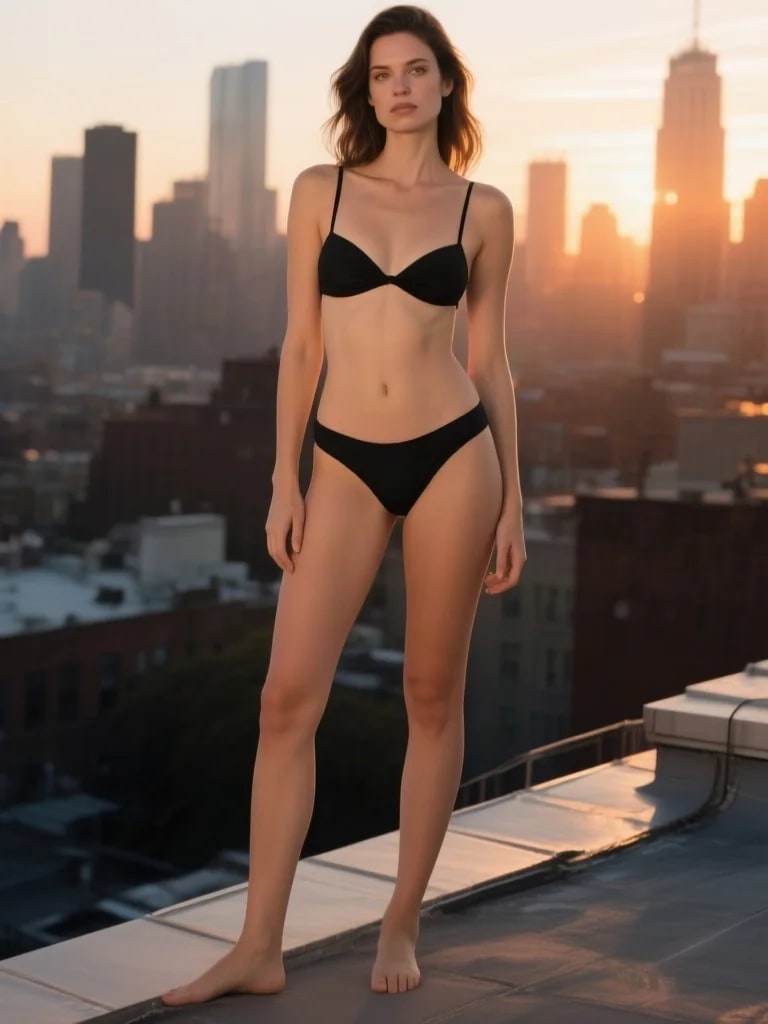
Rooftop: tied shirt and denim to swim
Same talent, same skyline, same hour. The brief moves from a tied poplin shirt and high-waist denim to a swim two-piece, and the city behind her never shifts. Front-on, which is where a wardrobe edit is hardest to fake.
Try it now →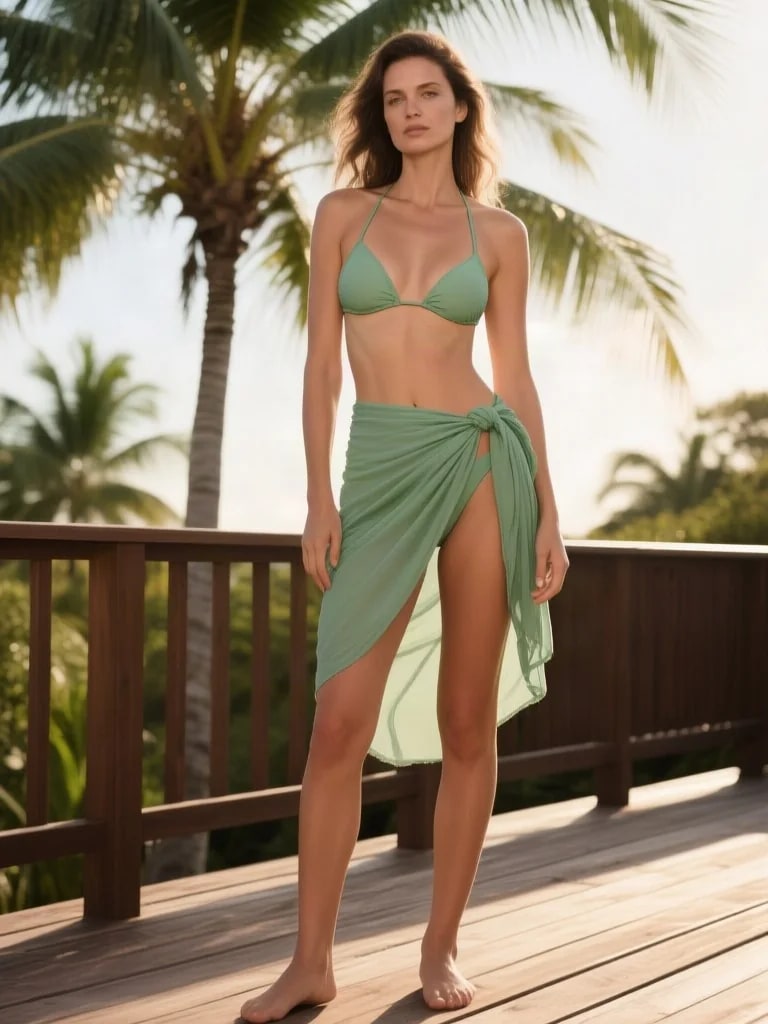
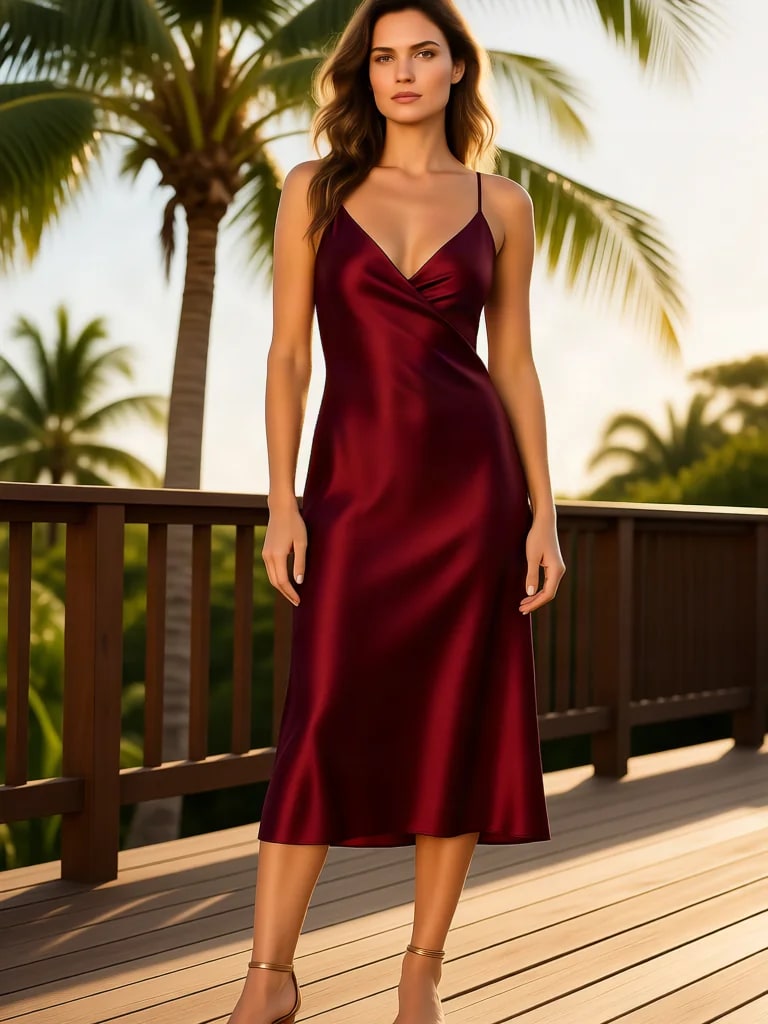 BeforeAfter
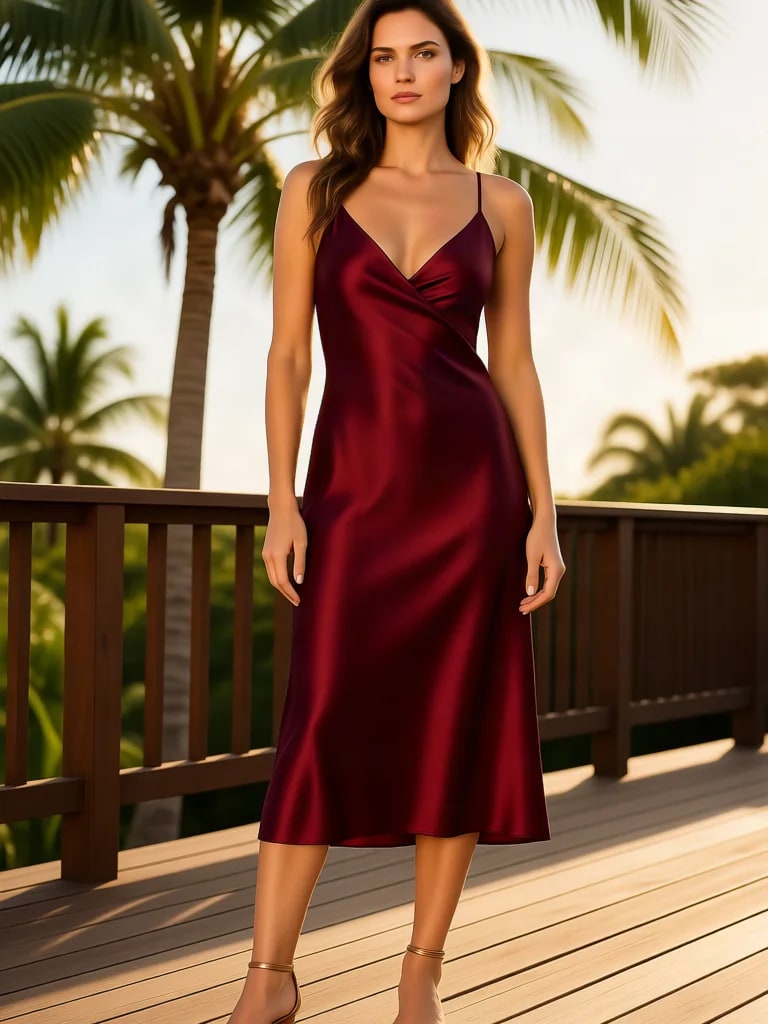
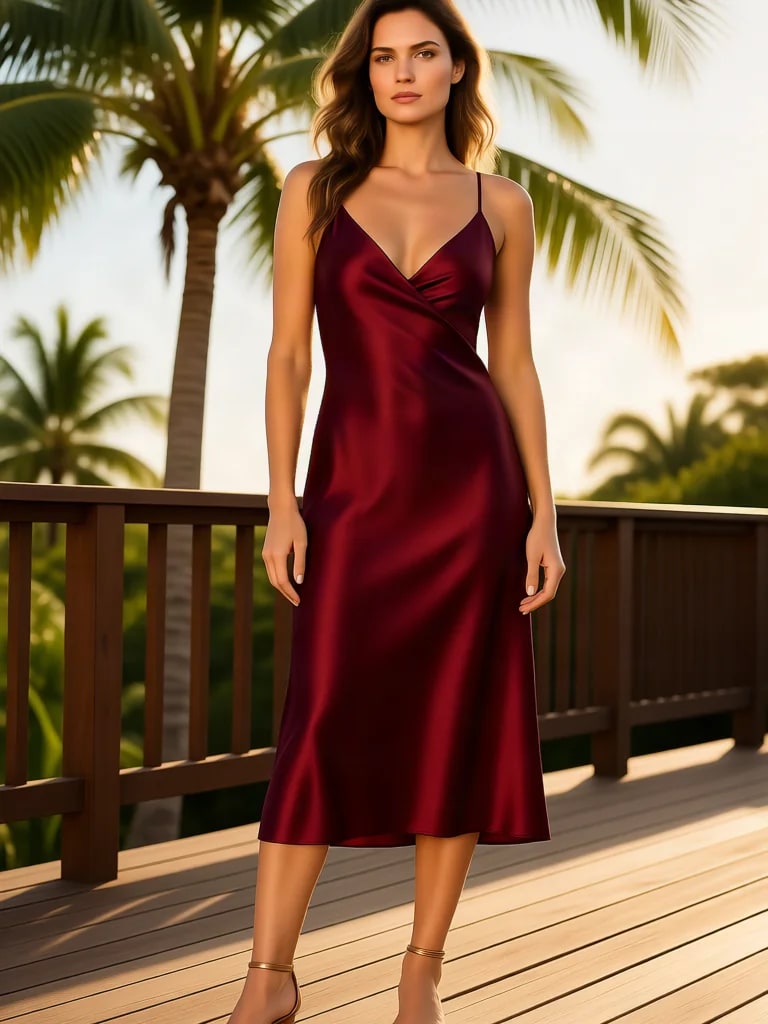
Deck: evening satin to day swim
One deck, one face, two dayparts. A merlot satin midi becomes a sage two-piece and sarong — the campaign trick of stretching a single location across day and night without booking a second call sheet.
Try it now →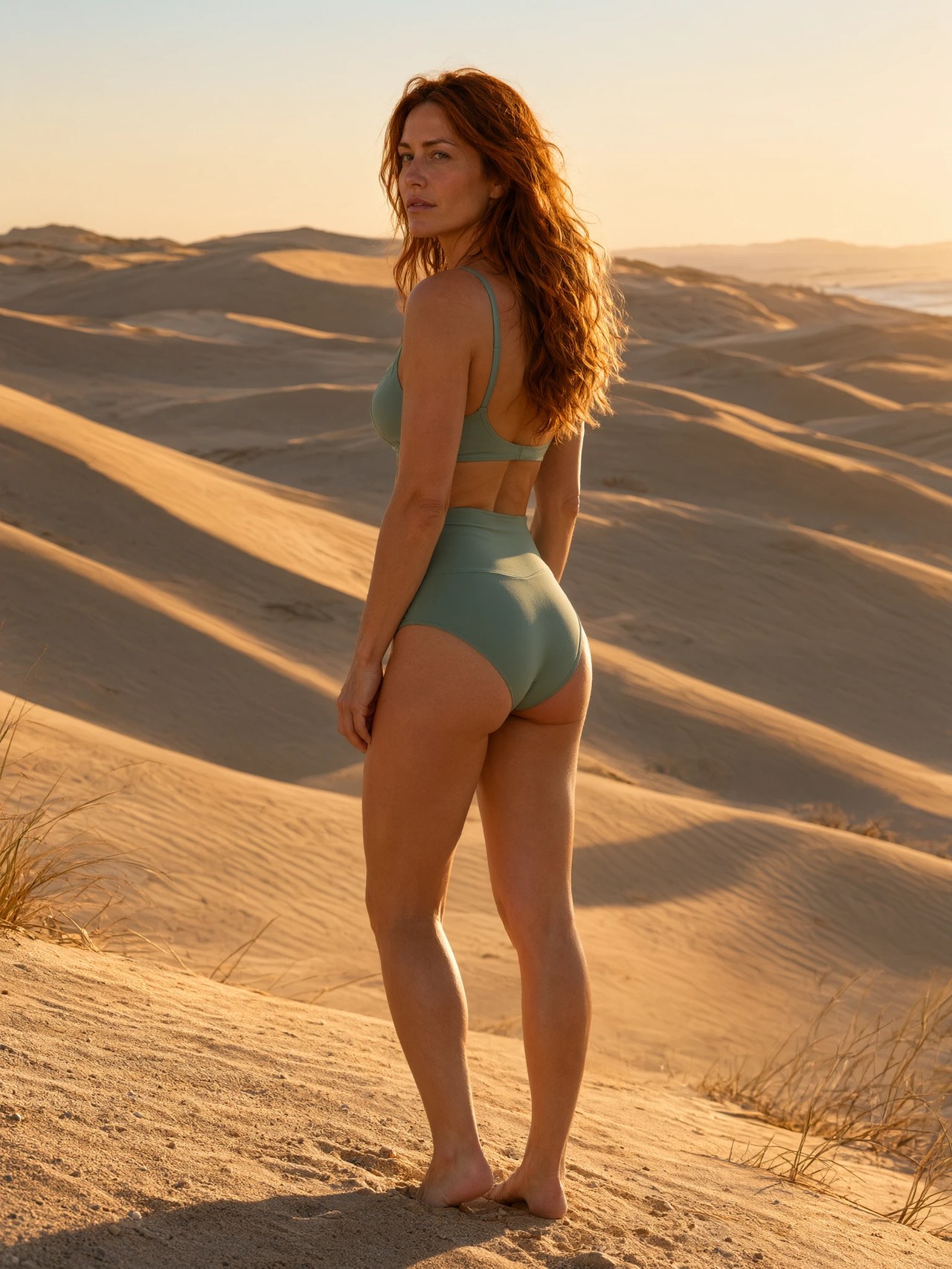
 BeforeAfter
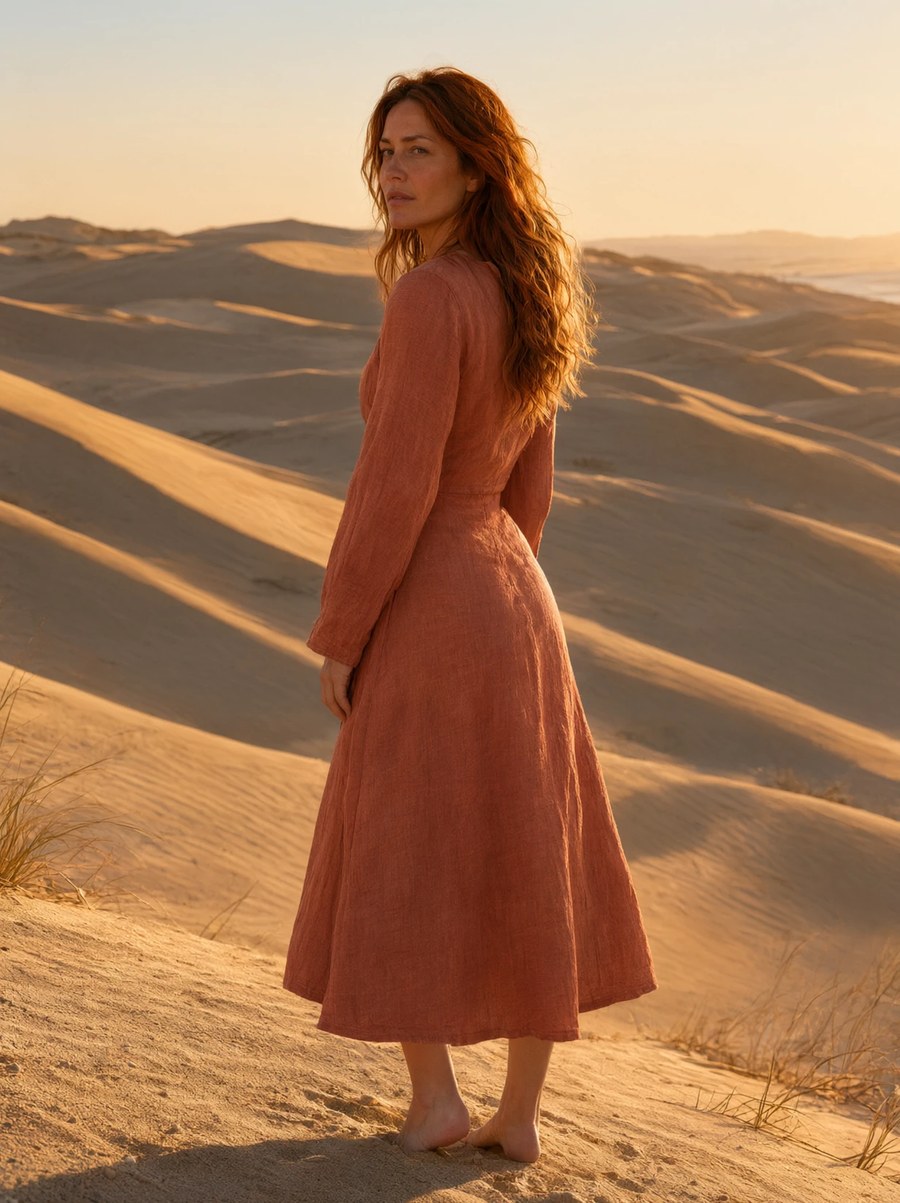
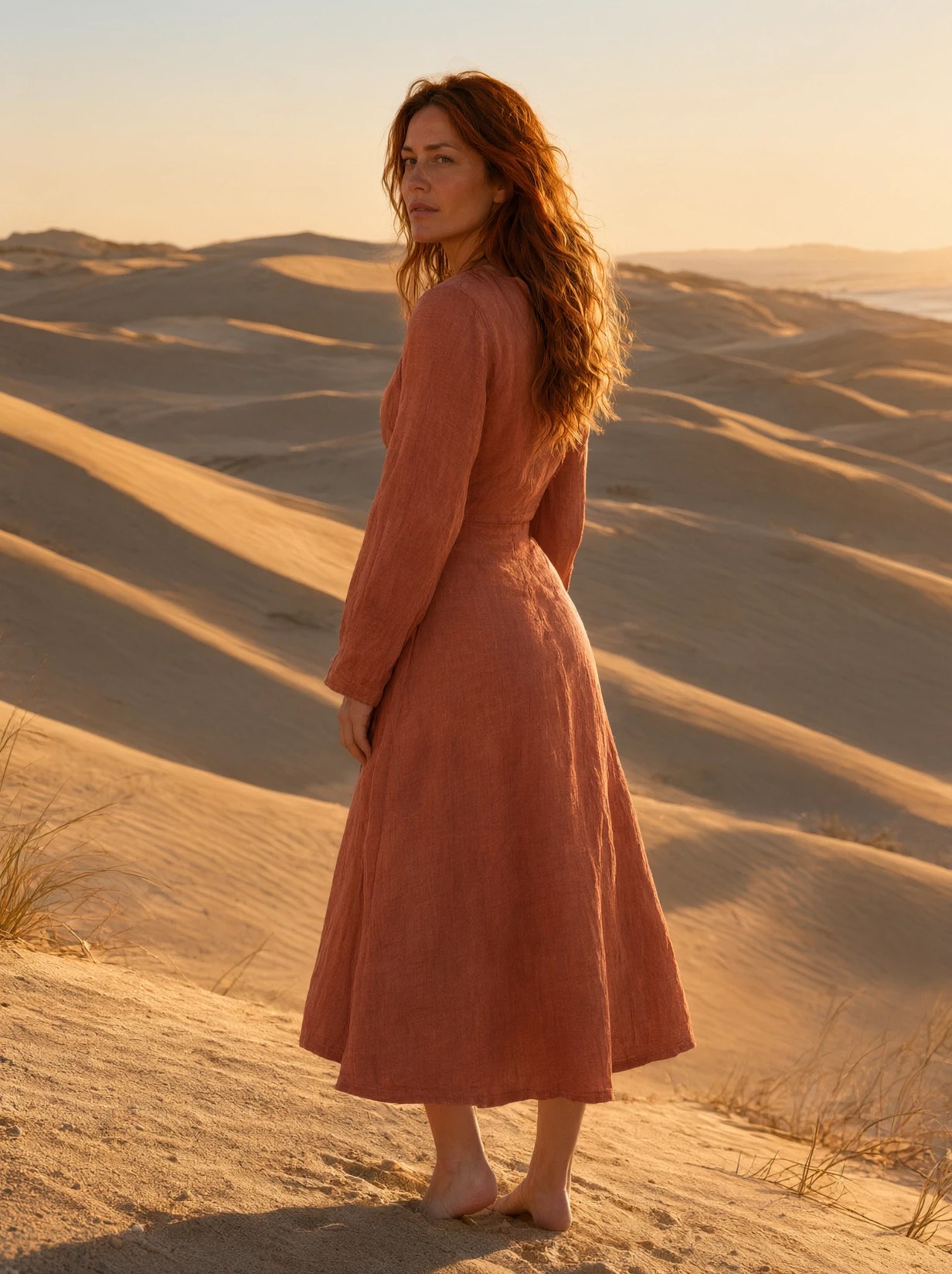
Dunes: rust linen midi to swim
Golden-hour dunes, rear three-quarter. A rust linen midi becomes a sage two-piece on the same slope — hair, identity, and the hour stay locked while the garment changes.
Try it now →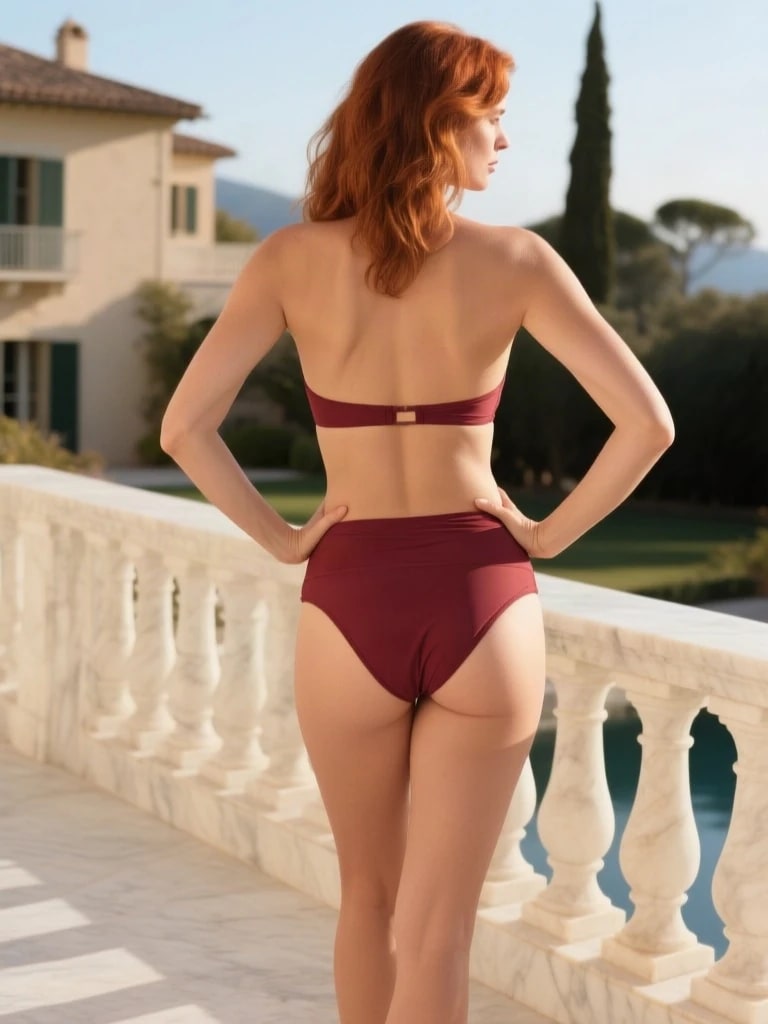
 BeforeAfter
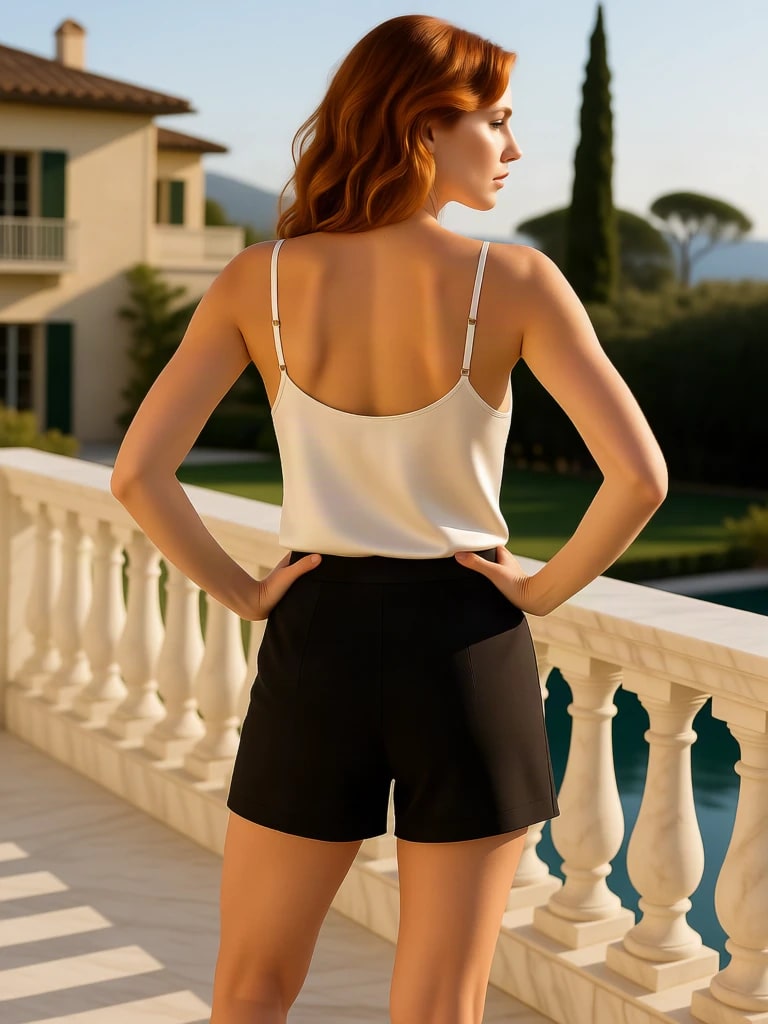
Villa: silk cami and tailored shorts to swim
Side-rear, hands on hips. The edit takes an ivory silk cami and black tailored shorts to swim on the same stance — a different fabric weight on the same body, in the same afternoon.
Try it now →How to use the AI Clothes Remover
Change outfits in a photo in a few steps.
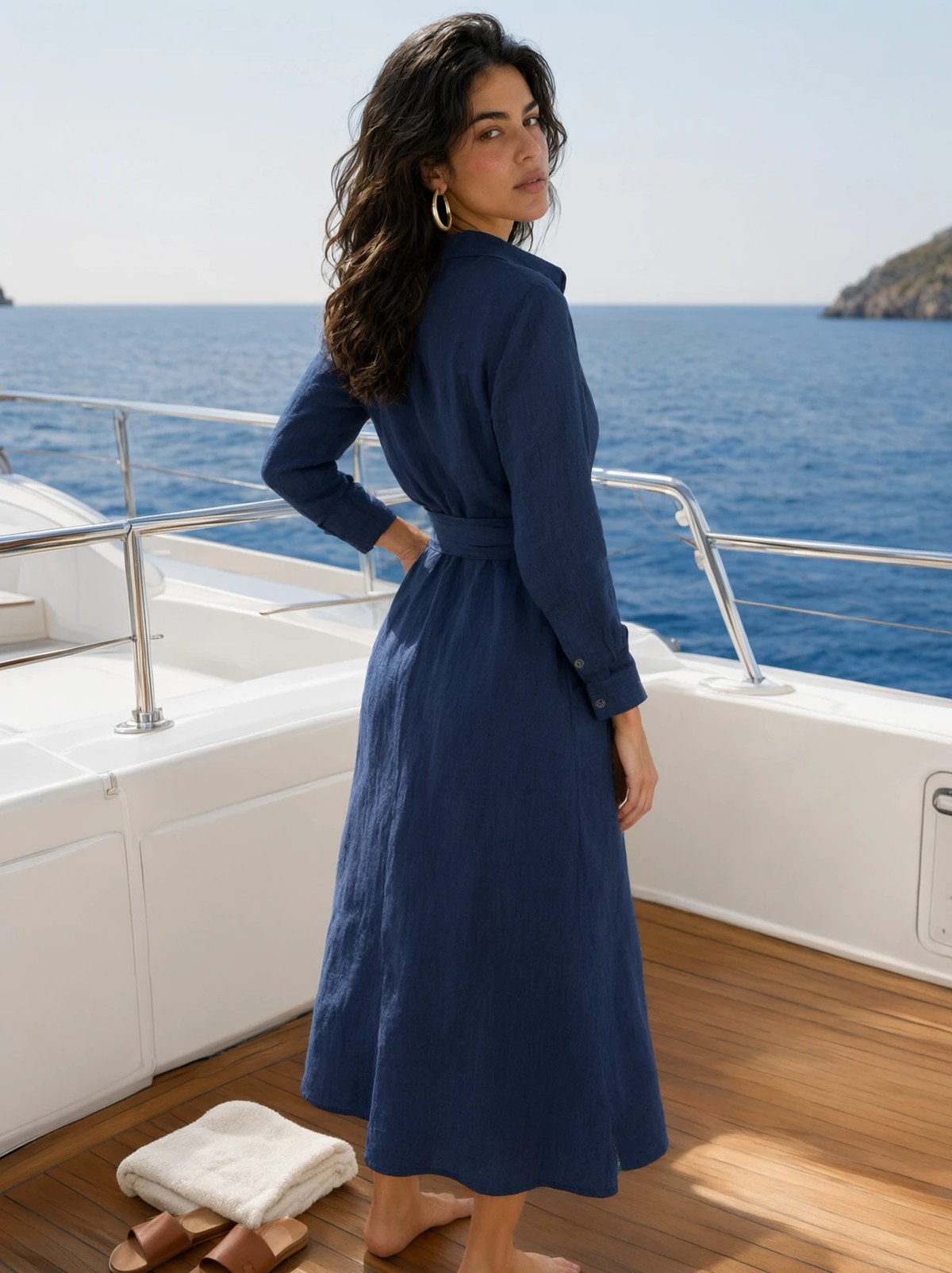
Upload the photo
Drop in a clear, well-lit photo where the outfit is visible. JPG, PNG, and WebP all work. A sharp full- or three-quarter-body frame gives the cleanest result.
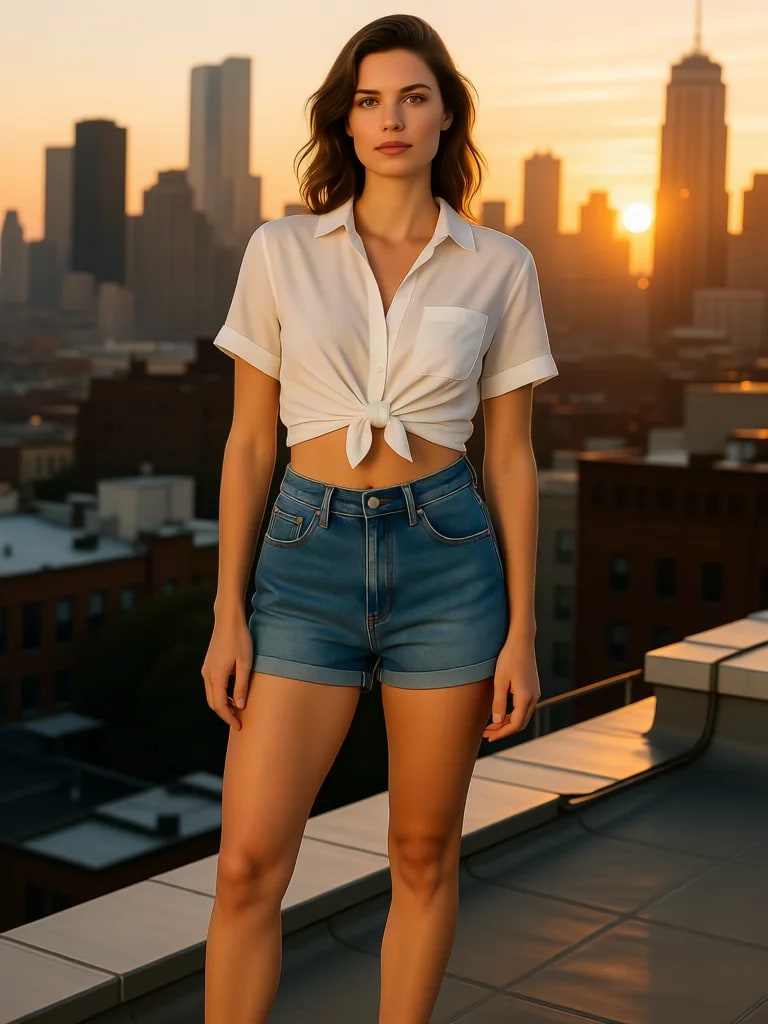
Describe the new outfit
Say what should replace the current clothes — fabric, colour, fit, and era. “Black tailored blazer over a white shirt” lands better than a vague “change the clothes.”
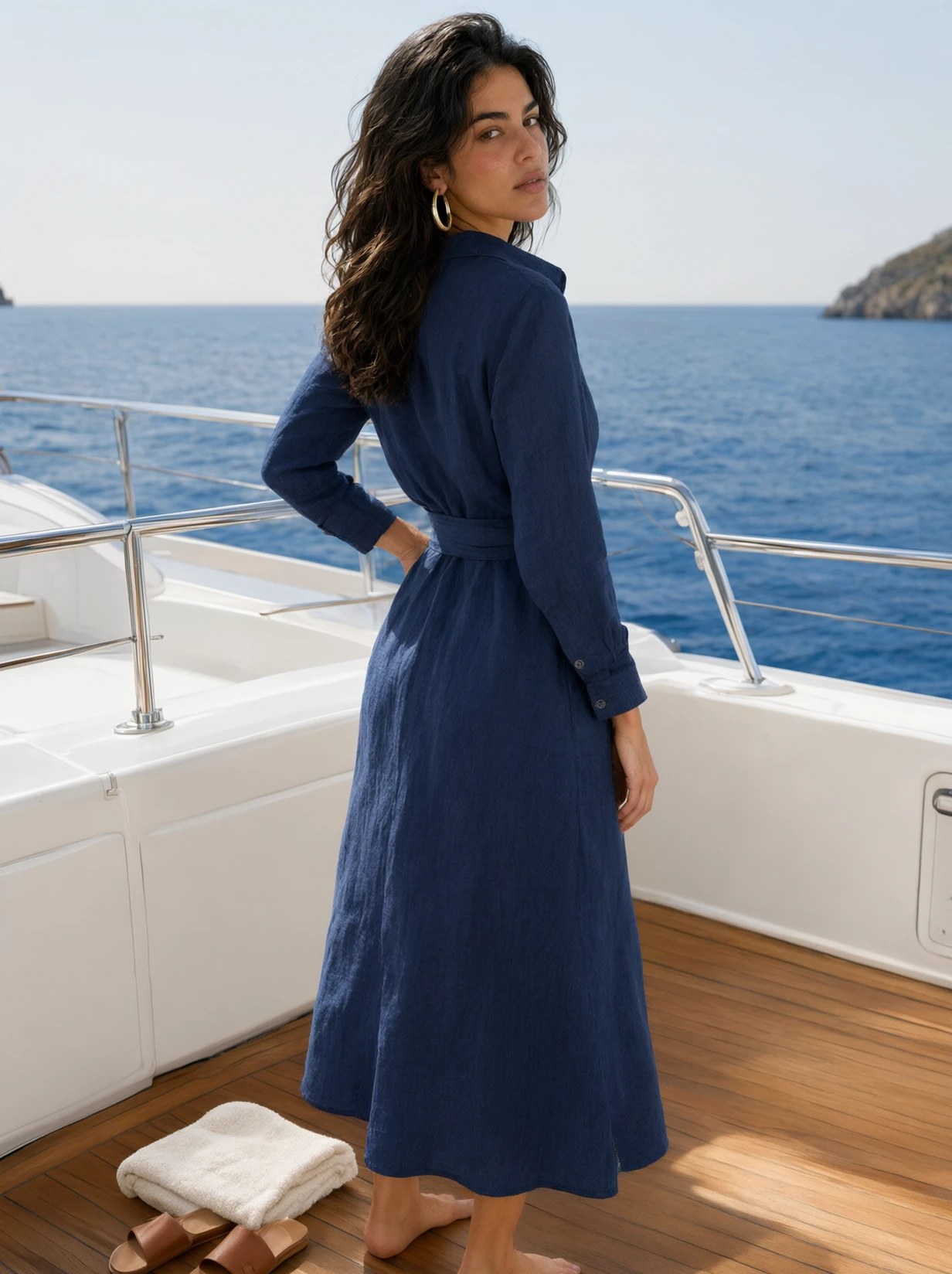
Generate and refine
Preview the edit, then iterate. Tighten the prompt, restyle one piece, or keep the winner and generate the next colourway from the same source photo.
Built for creative and catalog work
Fashion & ecommerce catalogs
Shoot the garment once, then generate the rest of the range — new colours, fabrics, and silhouettes on the same model, pose, and light, ready for a product grid.
Try it now →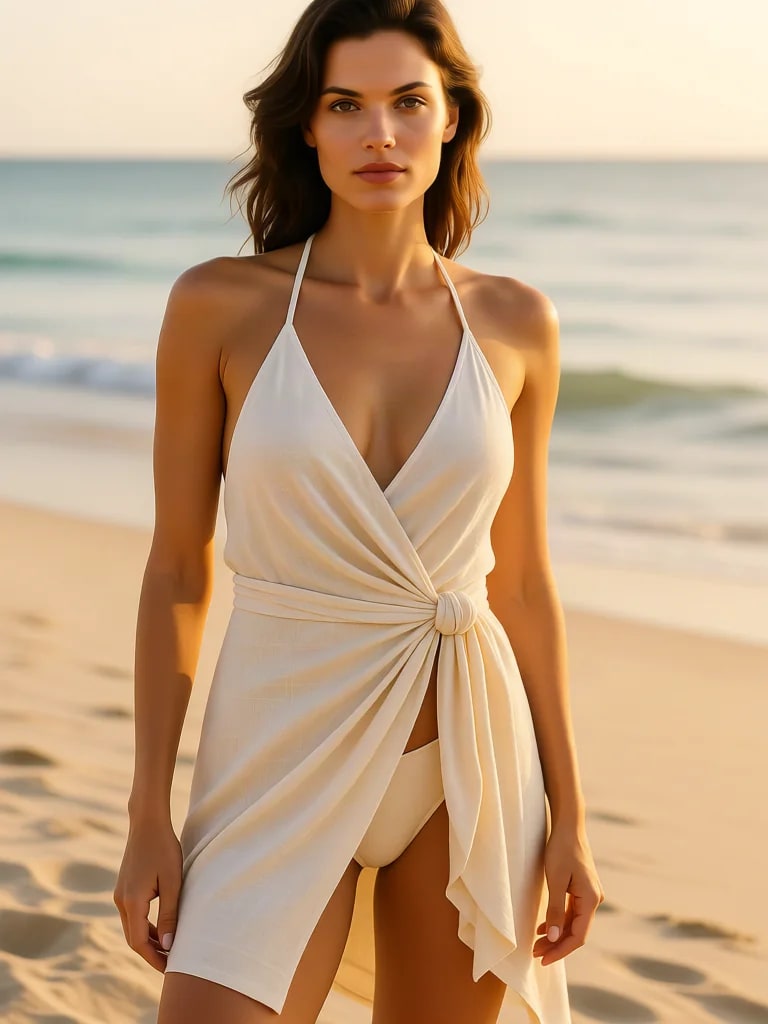
Campaign and social creatives
Adapt one hero photo into several campaign looks. Formal for LinkedIn, casual for Reels, seasonal for a drop — without booking another studio day.
Try it now →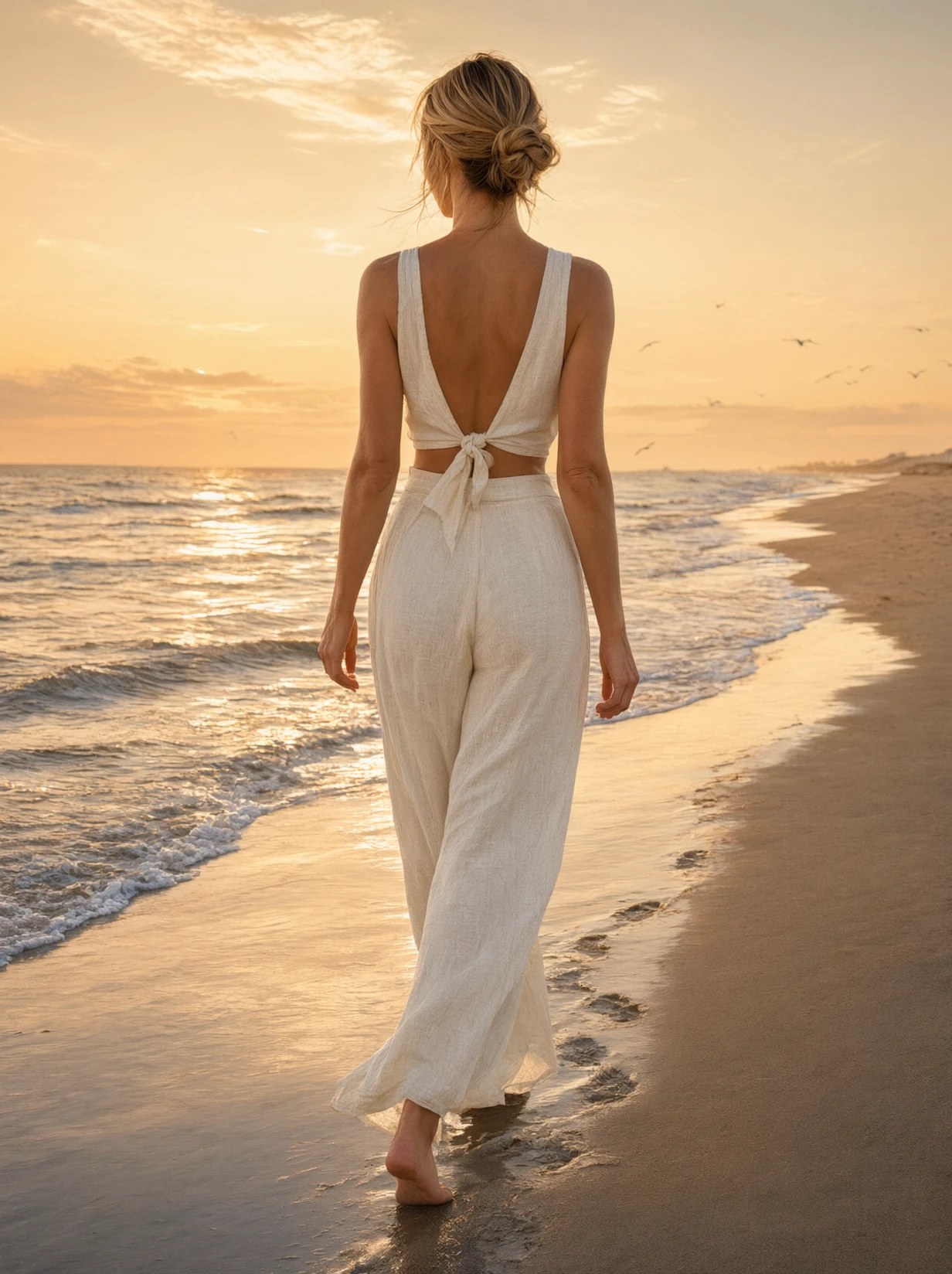
Personal styling & look tests
Try a jacket, a dress, or a full outfit on a photo you already have before you buy, pack, or shoot. See the look in context, not on a white ghost mannequin.
Try it now →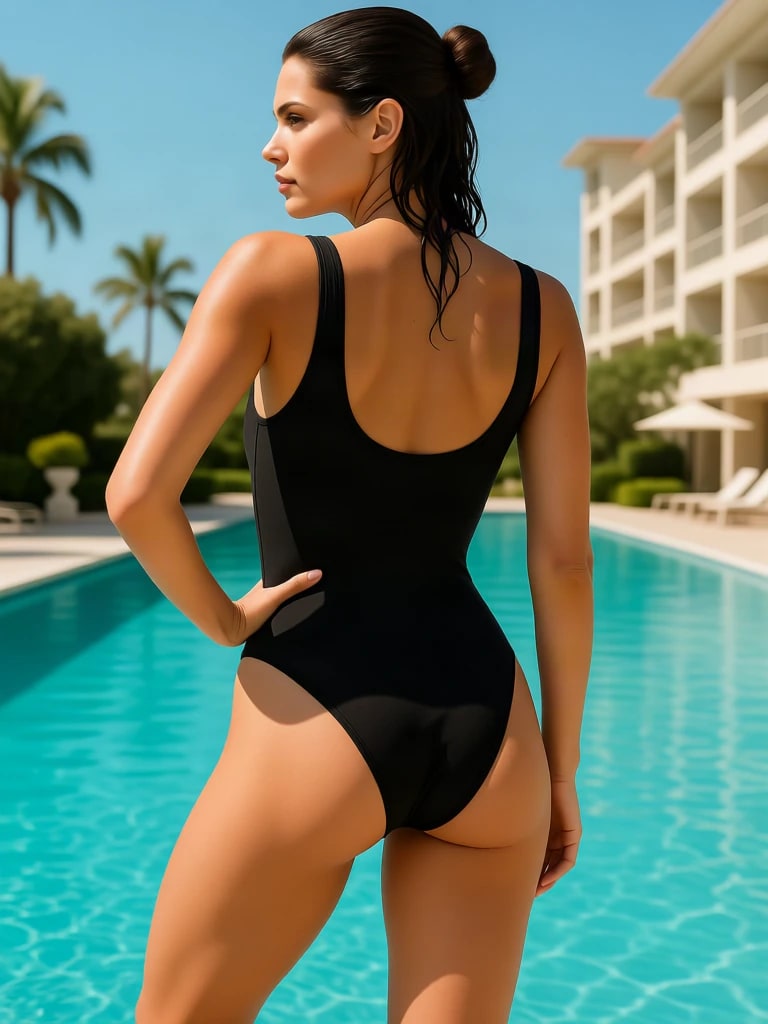
Photo retouching & wardrobe fixes
Replace a wrinkled shirt, an off-brief colour, or a logo you cannot clear. Keep the person and the room; change only the clothes that are in the way.
Try it now →Discover more AI features
Instant Outfit Changer
Recolor outfits and create look book variations from a single photo.

Luxury Background Changer
Replace any photo background with AI-generated luxury scenes.

Pro Product Shot Maker
Create professional product photography scenes from a single image.
Edit Image
Edit images with Imagera Edit. Inpaint, modify, and transform any part of your image.
Frequently asked questions
What is an AI clothes remover?
An AI clothes remover is a photo editor that replaces or restyles the clothing in an image while keeping the person, pose, and lighting. On Imagera you upload a photo, describe the new outfit, and generate a catalog-ready edit in the browser. It is a fashion tool, not a nudify bot.
How do I change clothes in a photo with AI?
Upload a clear photo, describe the new outfit in plain language — fabric, colour, fit — and generate. Face, pose, and lighting stay locked. Outfit edits start at 10 credits, shown on the button before you run.
Is AI clothes remover the same as an AI clothes changer?
In practice, yes. People search both phrases for the same job: edit the clothing in a photo. “Remover” and “changer” both mean taking the current outfit off the brief and putting a new one on — a jacket for a dress, black for pink, streetwear for tailoring. Imagera handles both in one studio: replace a piece, restyle the whole look, or generate a colourway range from a single shot.
Is AI clothes remover safe and legal?
Used for fashion, catalogs, campaigns, and creative work on photos you have the right to edit, yes. Imagera’s terms prohibit nudifying or digitally undressing photos of real people, and prohibit non-consensual intimate imagery. You must own or have permission to edit the photo you upload, and you must not use the tool to create sexualised images of anyone without their documented consent. That is a legal line, not a style preference.
What is the best AI clothes remover?
The best tool is the one that keeps identity and pose locked while the garment actually behaves like cloth. Imagera is built for that: you describe the new outfit in plain language, the model and lighting stay put, and the edit is part of a broader image suite (backgrounds, angles, look-book colourways, upscaling) instead of a one-trick bot. Quality still depends on a clear source photo — no editor invents a sharp garment from a blurry phone snap.
Is there a free AI clothes remover?
Imagera is a paid, credit-based studio, not a free toy demo. Outfit edits start at 10 credits on the default engine, shown on the generate button before you commit. Failed runs are not charged. There is no free cloud credit grant on signup — you generate from a plan or a credit pack. That is the honest version of “free AI clothes remover”: you can evaluate the result on your own photo, and you pay for the edits you keep.
Is there an AI clothes remover bot for Telegram or TikTok?
A lot of “clothes remover bot” searches point at unverified Telegram or TikTok bots with poor quality and worse privacy. Imagera is a full web studio: you upload in the browser, you preview before you export, and the photo stays tied to your account. No bot install, no third-party chat scraping your image. If you need a clothes changer, use the web tool — not a random bot in a messaging app.
Can AI remove clothes from any photo?
It works best on clear photos where the person and the garment are fully visible — even light, sharp edges, a readable silhouette. Heavy occlusion, extreme motion blur, or tiny subjects in a crowd give weaker results. For fashion and catalog work, a standard model shot or a well-lit phone photo is enough. The tool replaces and restyles outfits; it is not a tool for stripping a photo to nudity.
What image formats does the AI clothes remover support?
JPG, JPEG, PNG, and WebP. Those cover phone photos, studio exports, and ecommerce listings. Upload the highest-resolution original you have; a compressed social-media download has already thrown away the fabric detail the editor needs.
Will the AI keep the model’s face and pose the same?
Yes — that is the point of an outfit edit versus generating a new person. Face, body proportions, posture, hands, and hairstyle stay with the source frame. Only the clothing (and, if you ask, coordinated backdrop tone) changes. If a pass drifts, tighten the prompt: name the garment and add “keep the face, pose, and hairstyle exactly as they are.”
How do I write a prompt that actually changes the outfit?
Brief it like a stylist. Name the garment, the fabric, the colour, and the fit, and say what to keep. Example: “Replace the pink activewear with a black tailored suit, matte wool, sharp lapels; keep the model, pose, and lighting; cool grey seamless backdrop.” Vague lines like “make it different clothes” give unpredictable output. Run a first pass, then iterate on one variable — fabric, colour, or silhouette — at a time.
How much does an AI clothes remover edit cost?
Each finished outfit edit is 10 credits on the default engine, charged when the image completes. A five-look grid is five runs at that rate. Credits come from a plan or a pack and do not expire. You see the cost on the button before you generate.
Who owns the outfit edits I generate?
You do, on paid Imagera plans, per the commercial terms. Catalog shots, campaign frames, and social posts you create from your own photos are yours to publish. You still need the right to use the source photo — a stolen celebrity still is not yours to restyle and sell.
Can I change a bikini or swimsuit in a photo?
Yes — swimwear is clothing. You can restyle a cover-up to a bikini, a two-piece to a one-piece, or a sundress to swimwear on the same person and pose. That is a fashion edit. Stripping the photo to nudity is not supported and is prohibited for photos of real people.
What photos should I not upload?
Do not upload photos of anyone under 18, or anyone who looks under 18. Do not upload intimate images of real people without their documented consent. Do not upload photos you do not have the right to edit. Those uses are blocked in the terms and, for non-consensual intimate imagery, may be a crime — in Canada that includes Criminal Code section 162.1.
Learn more
Guides, look-book workflows, and the rest of the image suite.
Use caseAI Look Book
Colourway ranges from one garment shot
Edit Images with AI Text Prompts
Change outfits, colours, and styles using text prompts
AI Image Editor Online
Edit fashion photos with text commands
AI Image Prompts Guide
Write prompts that actually change the garment
AI Angle Changer & Look Book
New camera angles and outfit looks from one fashion photo
All Tools
The rest of the image suite after the outfit lands
Key takeaways
What does this tool actually do?
It replaces or restyles the outfit in a photo you already have — new colour, new garment, or a full wardrobe change — while the person, pose, and lighting stay locked.
How do I start?
Open Sandbox from the primary button — Imagera Typeset 3 is already selected — upload a clear photo where the clothes are visible, and describe the outfit you want in plain language.
Is this a nudify tool?
No. This is a fashion and catalog clothes changer. Digitally undressing photos of real people is prohibited.
AI clothes remover vs a reshoot
| What matters | Imagera | Reshoot / manual retouch |
|---|---|---|
| What you start from | One photo you already have | A new shoot, or a layer-by-layer Photoshop rebuild |
| What stays locked | Face, pose, body, lighting, and room | Often drifts when the whole frame is regenerated |
| How you brief it | Plain language: fabric, colour, fit | Masks, clone stamps, and garment 3D — or a reshoot |
| Turnaround | Minutes, in the browser | Hours of retouching or a booked studio day |
| Cost to add a look | Credits per finished edit, shown on the button | Studio day-rate, or another freelancer round |
What “remove clothes” means on this page
Search traffic for “AI clothes remover” is mixed. Some people want a fashion clothes changer. Some people want a nudify bot. Imagera ships the first job and refuses the second. Digitally undressing photos of real people is prohibited in the terms.
Create without limits
Open the studio with this tool already selected. Credits show on the button before you run.
Change clothes now →