Create · Film Trailer
Make a Film Trailer
The promise of a film that does not exist yet.
- Steps
- 3
- Asks for
- 3 inputs
- Examples
- 2 clips
House takes
Example clips
Film Trailer
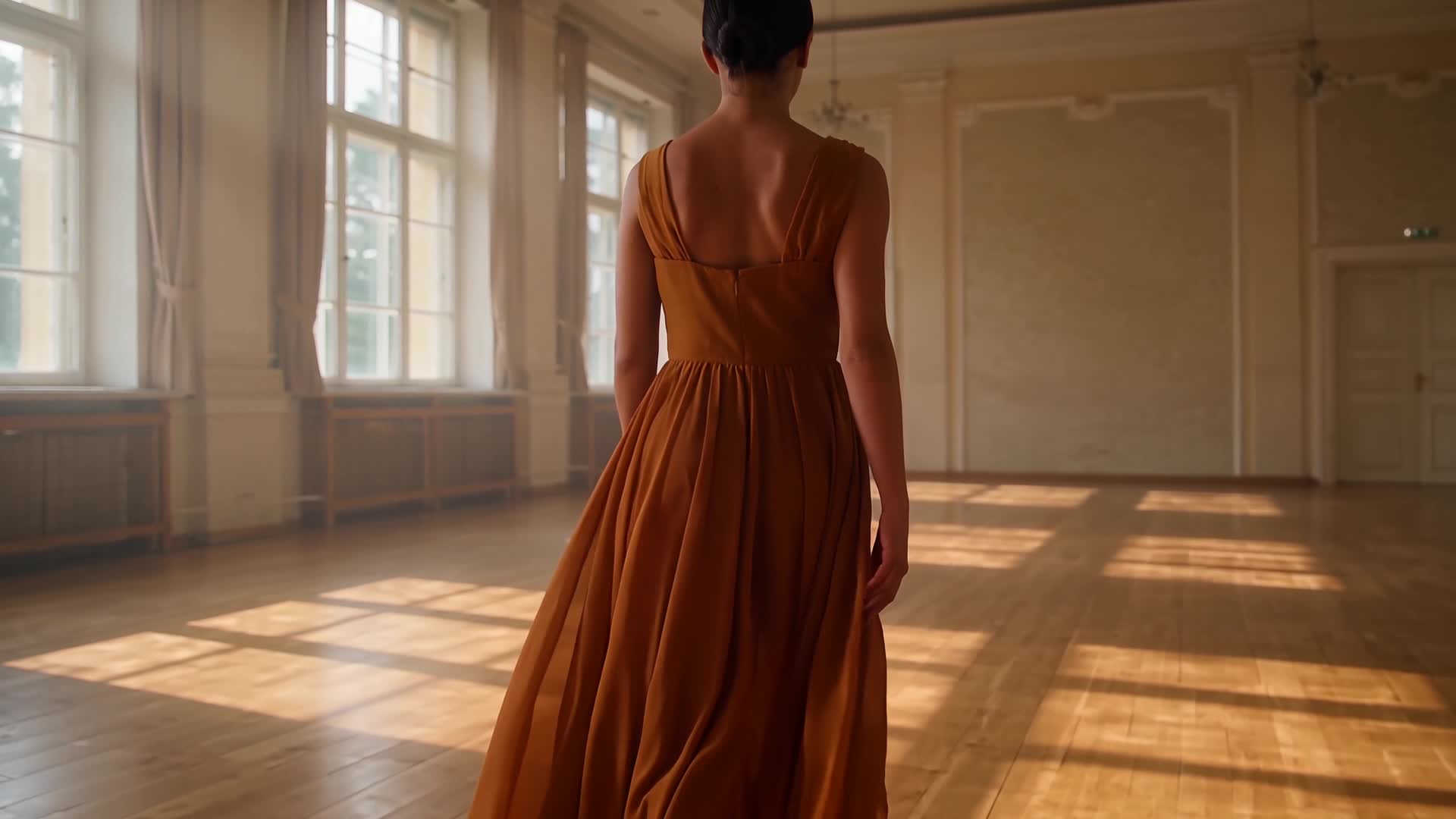
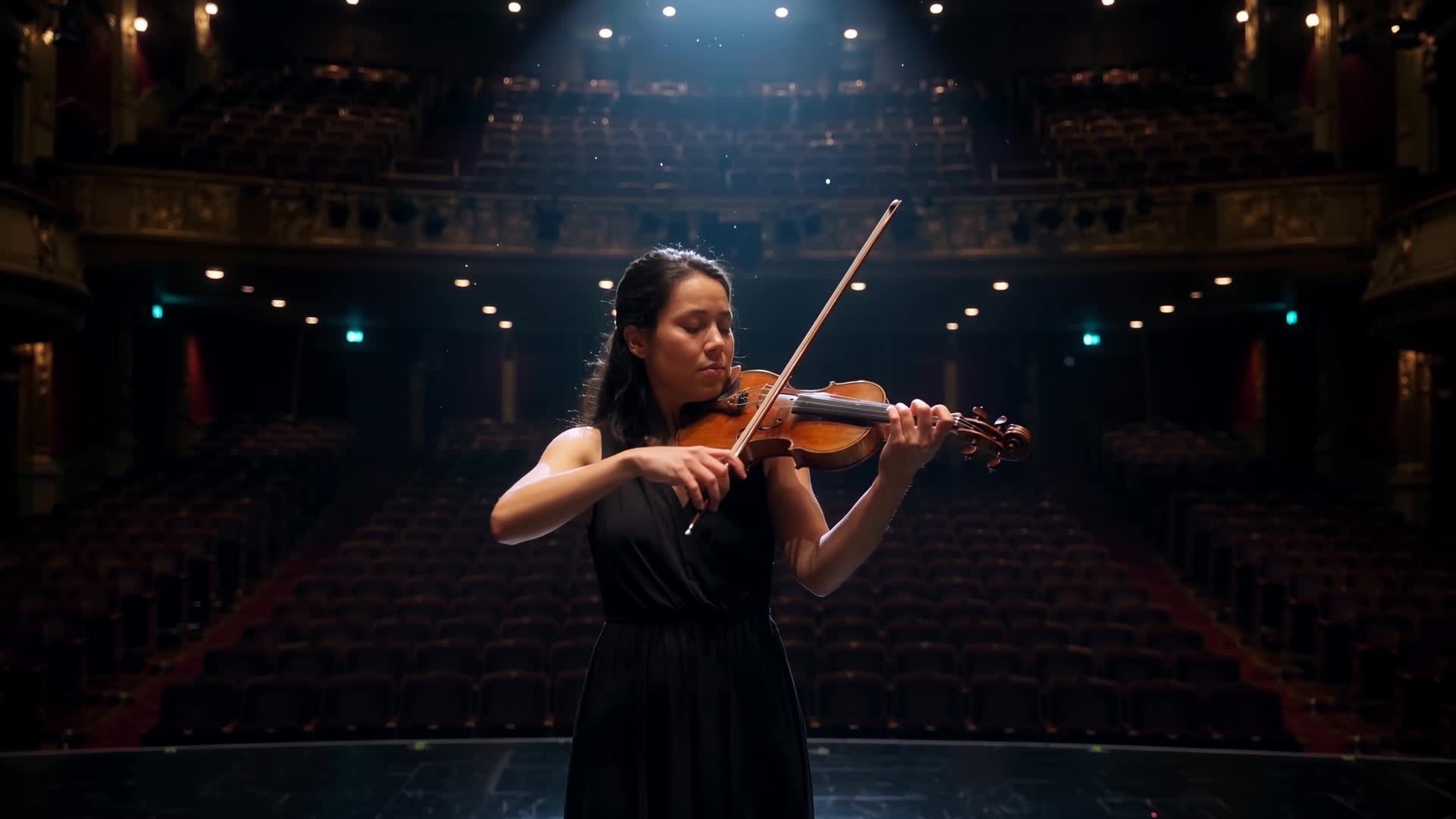
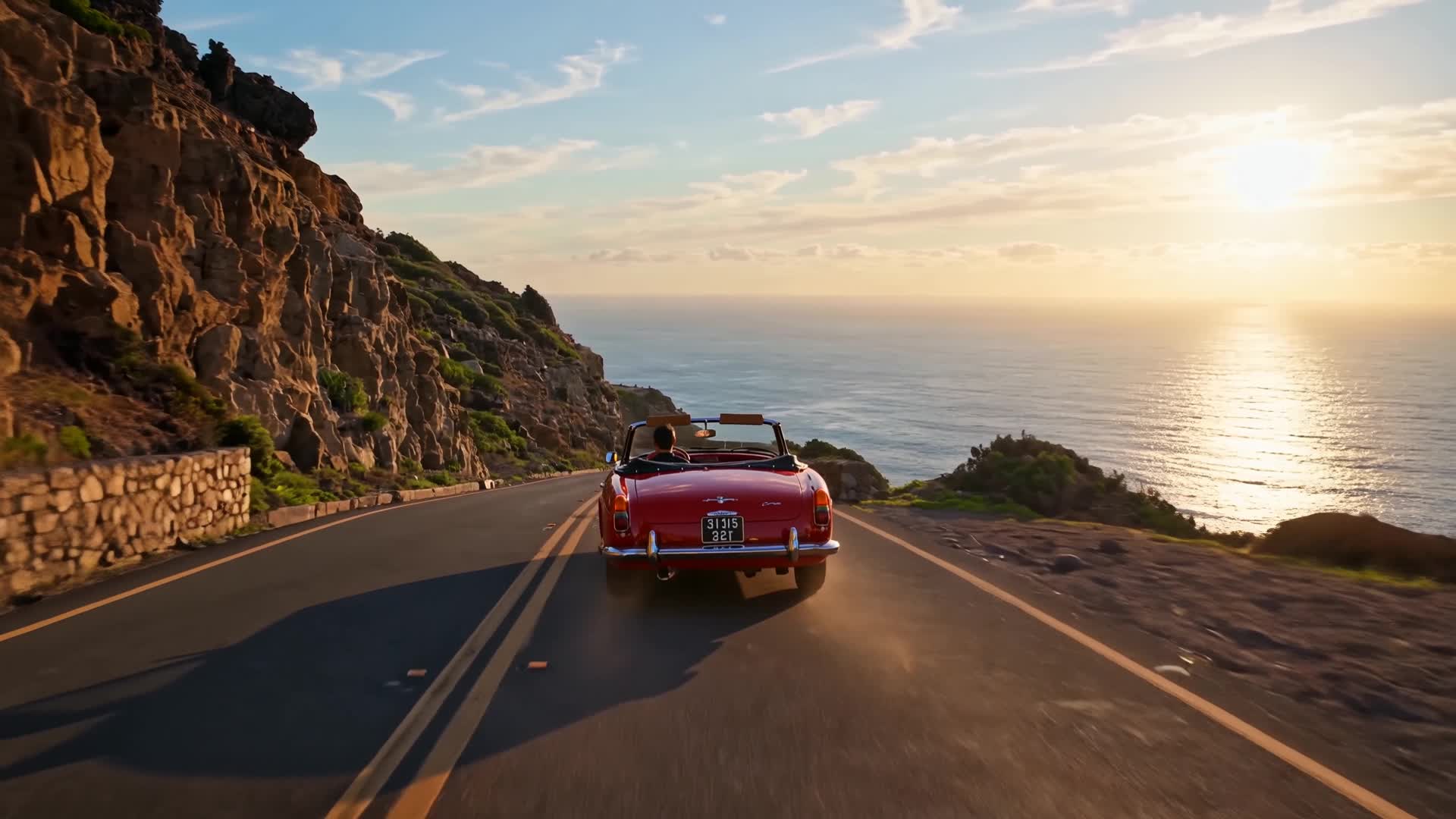
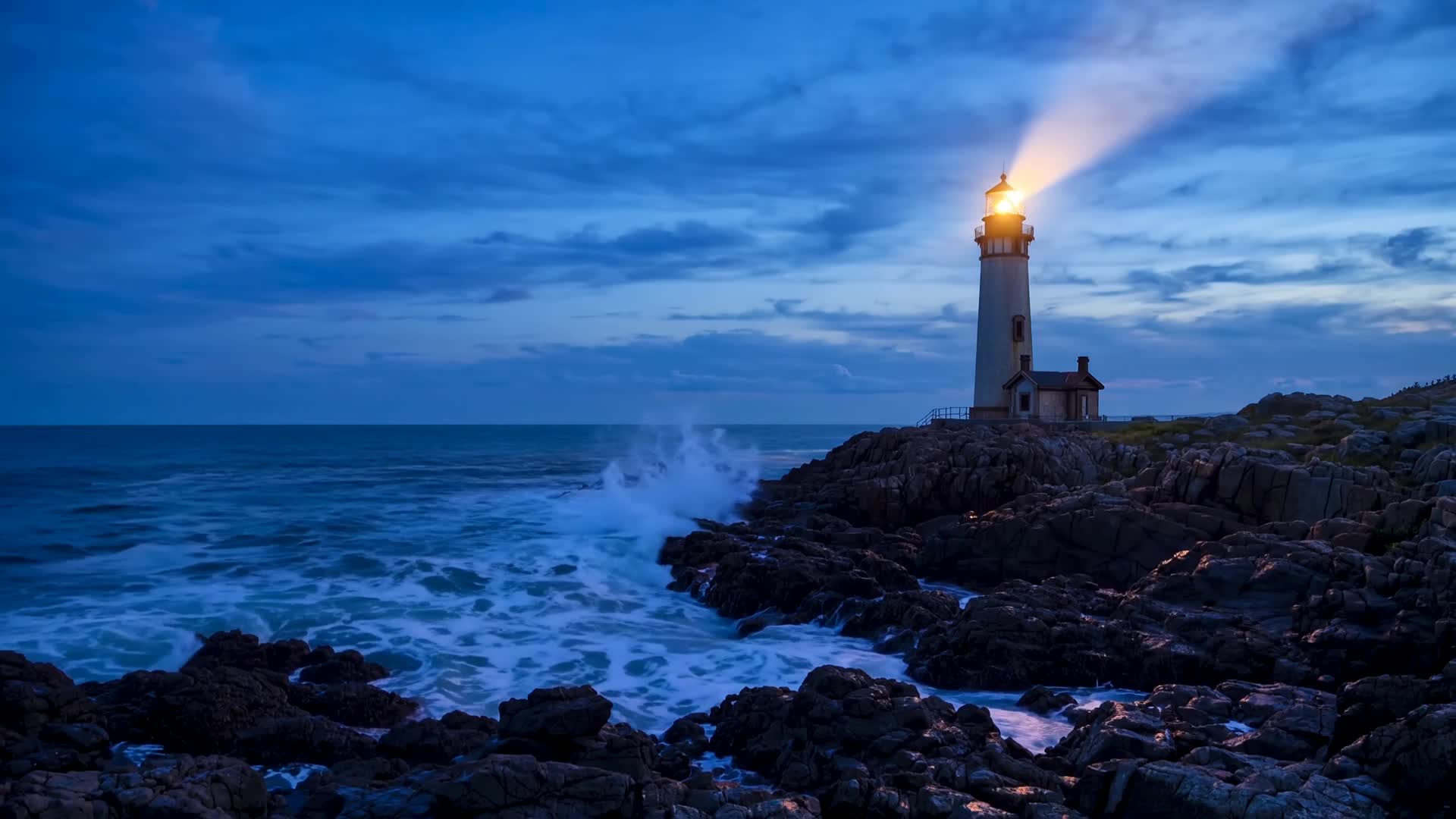
A fantasy sequence: a close-up of a pair of eyes, a robed swordsman in a storm, a glowing vortex in the clouds
How it is built
The pipeline
- Read the brief.Staccato shots, rising score, a title card. Do not resolve the plot.
- Key frames.Still frames for the beats — one image per shot, consistent faces and light.
- Direct the film.Animate the frames into a finished piece with camera, sound and pacing.
What it is for
An AI film trailer maker for the promise of a film that does not exist yet: a pitch, a book, a game world. Describe the world, the characters and the one image to end on. The brief asks for staccato shots, a rising score and a title card, and never resolves the plot.
Inputs
What it asks for
- Neededthe story, in your own words
- Optionalthe look
- Neededhow long it should run
How to make it
- Step 1
Describe the world
Give the world, two or three characters, the title and the final image. Leave the ending out; the trailer is written to stop before it. Pick one sound for the last image, like the oars under the empty throne in the example below.
- Step 2
Pick the look and length
Cinematic is the preselected look; the others are Custom, Experimental, Monochrome, Animated and Artistic. Set the running time between 15 and 60 seconds (it starts at 30); it goes into the brief as the length to plan shots for. The reference box on the form takes photos, clips and audio up to what Imagera Warlord Pro accepts, preloaded in Sandbox by Direct, not carried to Canvas, so for Canvas describe the characters and the world instead.
- Step 3
Direct it in Sandbox
Press “Direct my trailer”: Sandbox opens Imagera Warlord Pro in Reference to video and uploads your photos into its reference slots. It needs at least one photo; with none attached, you get Imagera Warlord Pro in Text to video instead. One clip per run; prompt polish may rewrite the brief unless you switch it off.
- Step 4
Or run it step by step in Canvas
Open in Canvas adds two nodes, Key frames and Direct the film, each priced before it runs, so one can be re-run alone. Direct the film animates the Key frames still. The video node is set to 8 seconds and picks its engine until you choose one. Check the title lettering on the Key frames still before you spend credits on Direct the film.
Example brief
On the Create page this brief loads from the “Create a Viking film trailer” chip under the preview.
Create a Viking film trailer
A longship in black water. A woman in wet wool holds a torch. A hall burns behind her. Title: The Unburied. End on an empty throne and the sound of oars.
Look: Cinematic
Length: 30 seconds
Questions
Can I set the title card?
Name the title in the brief, as the example does with The Unburied, and keep it to two or three words. Check the lettering in every take; if it comes out wrong, set the final title in your editor.
Can I use my own music?
Not from this form: its reference box takes images only, and the score is described in the brief. To use your own track, lay it under the cut in your editor.
How long can the trailer be?
15–60 seconds on the form, starting at 30. Each run renders one clip, so at the Canvas node's 8-second setting a 30-second trailer is about 4 clips, joined in your editor. Short clips suit the staccato cutting; give the title card its own.
What does it cost?
Credits per run, priced on the Sandbox button and on each Canvas node before you run. No paid generation costs less than 15 credits, so both nodes together cost at least 30 credits.
More templates
Other canvases