Create · Micro Drama
Make a Micro Drama
One scene. A whole feeling.
- Steps
- 3
- Asks for
- 3 inputs
- Examples
- 2 clips
House takes
Example clips
Micro Drama
A bearded man in a dark coat delivers a line in a rain-lit doorway at night
How it is built
The pipeline
- Read the brief.One location, two people, one turn. Hold faces. End on the turn.
- Key frames.Still frames for the beats — one image per shot, consistent faces and light.
- Direct the film.Animate the frames into a finished piece with camera, sound and pacing.
What it is for
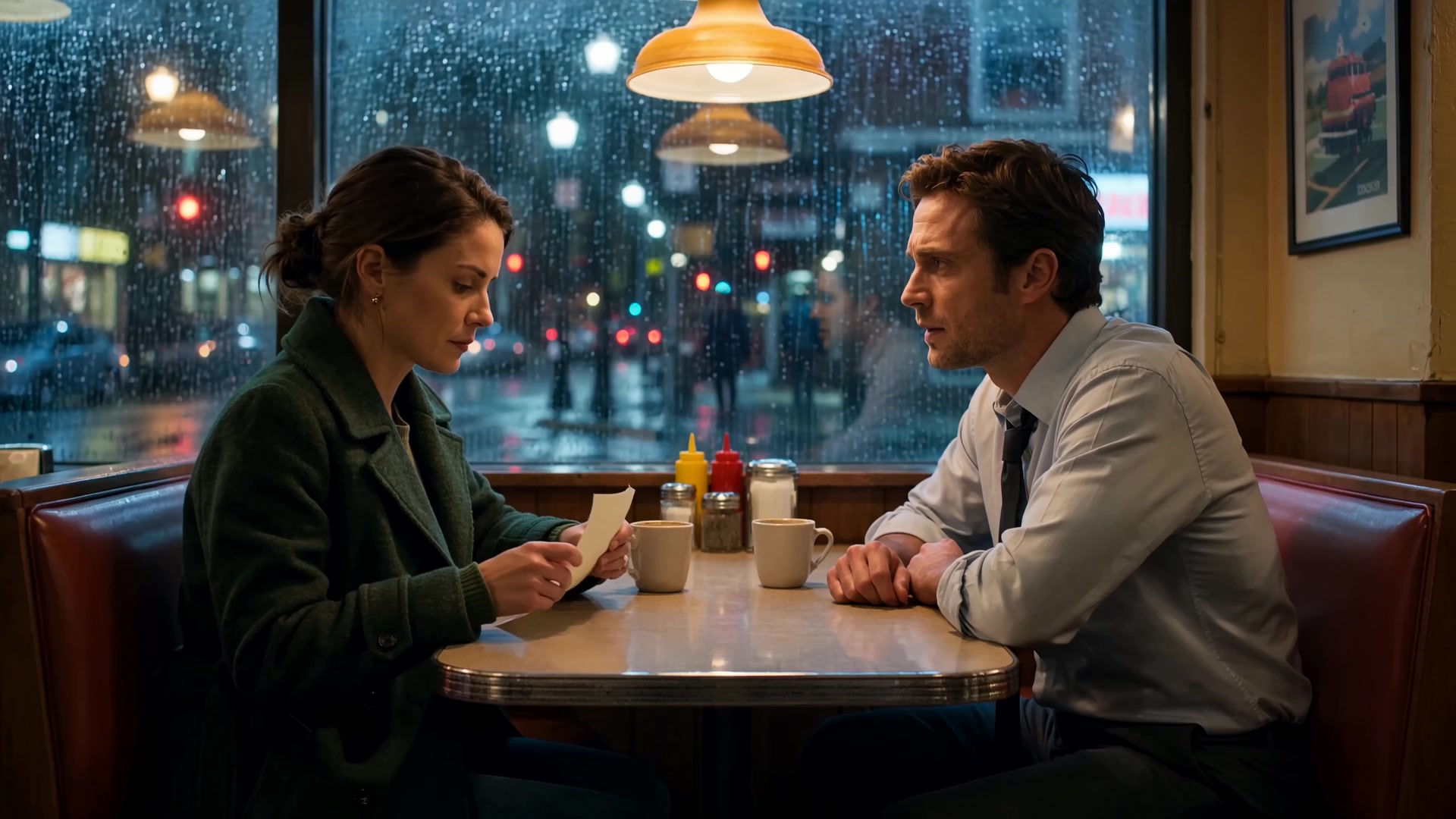
An AI micro drama maker for one scene with a turn: one location, two people, one change between them. Write the scene with the turn in it. The brief asks the engine to hold on faces, let silence work and end on the turn rather than an explanation, at the look and running time you set.
Inputs
What it asks for
- Neededthe story, in your own words
- Optionalthe look
- Neededhow long it should run
How to make it
- Step 1
Write the scene
Place two people in one location and write the moment something shifts between them. Keep dialogue short; a look or a pause can carry the turn better than a line. Say what each of them wants in that moment, and let one of them fail to get it.
- Step 2
Pick the look and length
Cinematic is the preselected look; the others are Custom, Experimental, Monochrome, Animated and Artistic. Set the running time between 15 and 60 seconds (it starts at 45); it goes into the brief as the length to plan shots for. The reference box on the form takes photos, clips and audio up to what Imagera Warlord Pro accepts, preloaded in Sandbox by Direct, not carried to Canvas, so for Canvas describe both faces and the room in the scene.
- Step 3
Direct it in Sandbox
Press “Direct my micro drama”: Sandbox opens Imagera Warlord Pro in Reference to video and uploads your photos into its reference slots. It needs at least one photo; with none attached, you get Imagera Warlord Pro in Text to video instead. One clip per run; prompt polish may rewrite the brief unless you switch it off.
- Step 4
Or run it step by step in Canvas
Open in Canvas adds two nodes, Key frames and Direct the film, each priced before it runs, so one can be re-run alone. Direct the film animates the Key frames still. The video node is set to 8 seconds and picks its engine until you choose one. Check both faces on the Key frames still before you run Direct the film; the turn depends on reading them.
Example brief
On the Create page this brief loads from the “Keys at the door” chip under the preview.
Keys at the door
Hands fumble a brass key in a dim stairwell. The lock turns. Inside, a coat that should not be on the chair. They do not go in.
Look: Cinematic
Length: 30 seconds
Questions
How many characters can it have?
It is written for two. A third person in a clip this short makes the turn harder to read. Name the two by role, such as the tenant and the landlord, so every brief keeps them apart.
Can I choose the ending?
Yes. Put the turn in your story; the brief asks for the scene to end there, with no explaining afterwards.
How long can the scene be?
15–60 seconds on the form, starting at 45. Each run renders one clip, so at the Canvas node's 8-second setting a 45-second scene is about 6 clips, joined in your editor. Give the turn a clip of its own, so it is never cut in half.
What does it cost?
Credits per run, priced on the Sandbox button and on each Canvas node before you run. No paid generation costs less than 15 credits, so both nodes together cost at least 30 credits.
More templates
Other canvases